
Moody Cinematic Rain Window Portrait
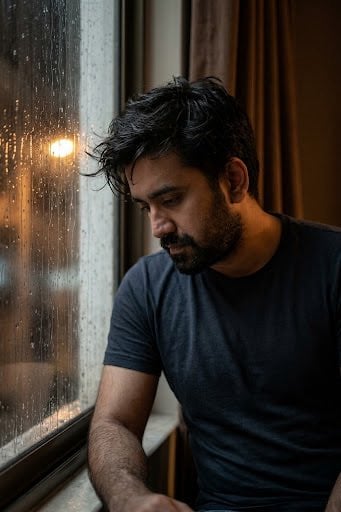
A cinematic and detailed prompt for creating a melancholic portrait of an athletic male figure seated by a rain-streaked window, featuring warm low-key lighting and intimate atmosphere.
- Prompt included
- Model and format preset
- Free template
The prompt behind this image
Copy the exact prompt behind Moody Cinematic Rain Window Portrait, or open it in the studio and make it yours.
A moody intimate cinematic portrait of a {argument name="subject" default="young athletic male figure"} seated close beside a large rain-streaked window, head bowed slightly downward and turned to the side, gaze cast downward with a quiet, contemplative, and melancholic expression — lost in thought while watching the rain. His hair is dark, thick, and naturally tousled with volume, slightly damp and windswept, falling loosely across his forehead. Light stubble covers his jaw and chin. He wears a {argument name="clothing" default="plain fitted dark charcoal-navy crew-neck t-shirt"}, the fabric hugging his athletic build naturally with visible arm and shoulder muscle definition. A dark belt is barely visible at the waist. He sits close to the window, one arm resting near the windowsill. The window glass beside him is heavily streaked with rain — vertical rivulets and droplets running down the surface in dense, realistic detail, slightly distorting the dim outdoor view beyond, with a soft warm out-of-focus light source (a streetlamp or porch light) glowing faintly through the wet glass on the left side of the frame. The room behind him is dark and softly furnished — {argument name="background details" default="blurred warm brown curtains or fabric"} visible in the background, barely lit. The lighting is low-key and warm — a soft warm ambient glow from the window light source gently illuminates the side of his face, neck, and shoulder, while the rest of the frame remains in deep warm-toned shadow. Color palette: deep warm brown and charcoal tones, soft warm amber window glow, dark navy shirt, muted low-key shadow. Photography style: intimate moody lifestyle portrait, rain window atmosphere, 50mm lens, shallow depth of field with window glass and background softly blurred, photorealistic, 8K. Use the provided face reference image for all facial details — bone structure, eyes, brow, nose, jawline, stubble, and skin tone should be taken entirely from the reference photo. Apply only the downward contemplative gaze, tousled hair, and warm low-key window lighting on top of the reference face.
How to use Moody Cinematic Rain Window Portrait in 3 steps
- 1Upload ImagePNG, JPG or paste
Add your photo
Upload the photo the template builds on. The prompt, model and format are already set.
- 2…a portrait of your subject in softgolden-hour light, 85mm…
Personalize
Edit the subject and creative details for your destination.
- 3Generate
Generate
Press Generate — your image is created in PicX Studio, so you can compare it with the original and refine one variable at a time.
More like this
Templates with the same subject, style or setup. Open one to see its prompt.
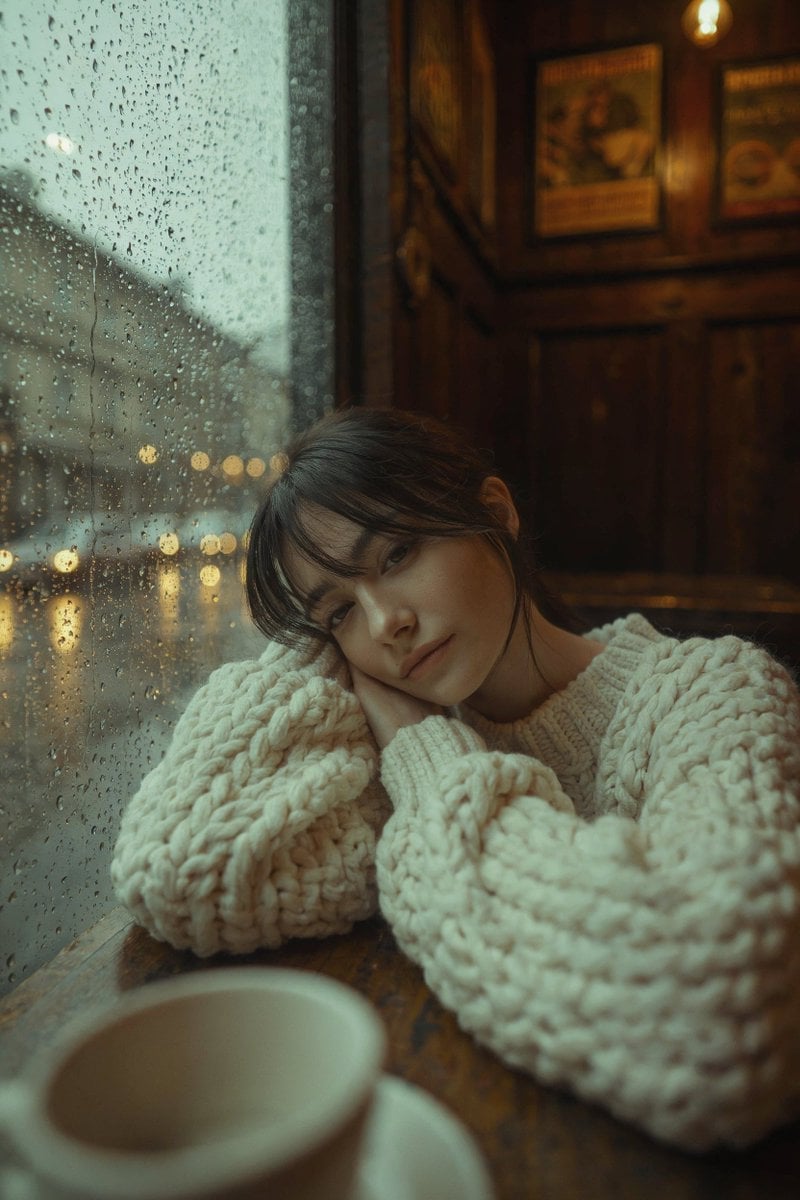
Rainy Café Window Moody Portrait
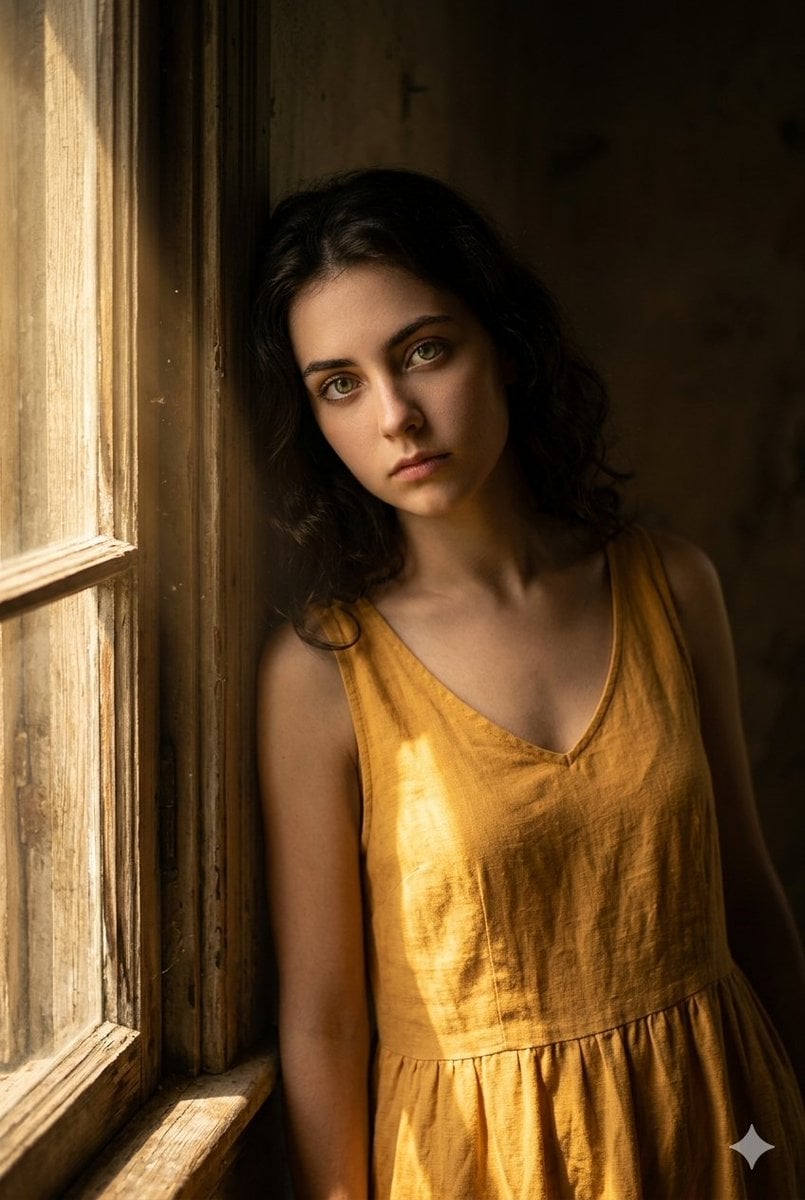
Moody Rustic Window Portrait

Found Photograph: Us, 1970

Meet Me When It Rains

80s Couple Studio Portrait

80s Bollywood Star

80s Golden Hour Cinema

Me in 1985

1985 Studio Portrait

Hyper-Realistic Minecraft POV Portrait

Rooftop Fisheye — Cat-Ear Balaclava at Golden Hour
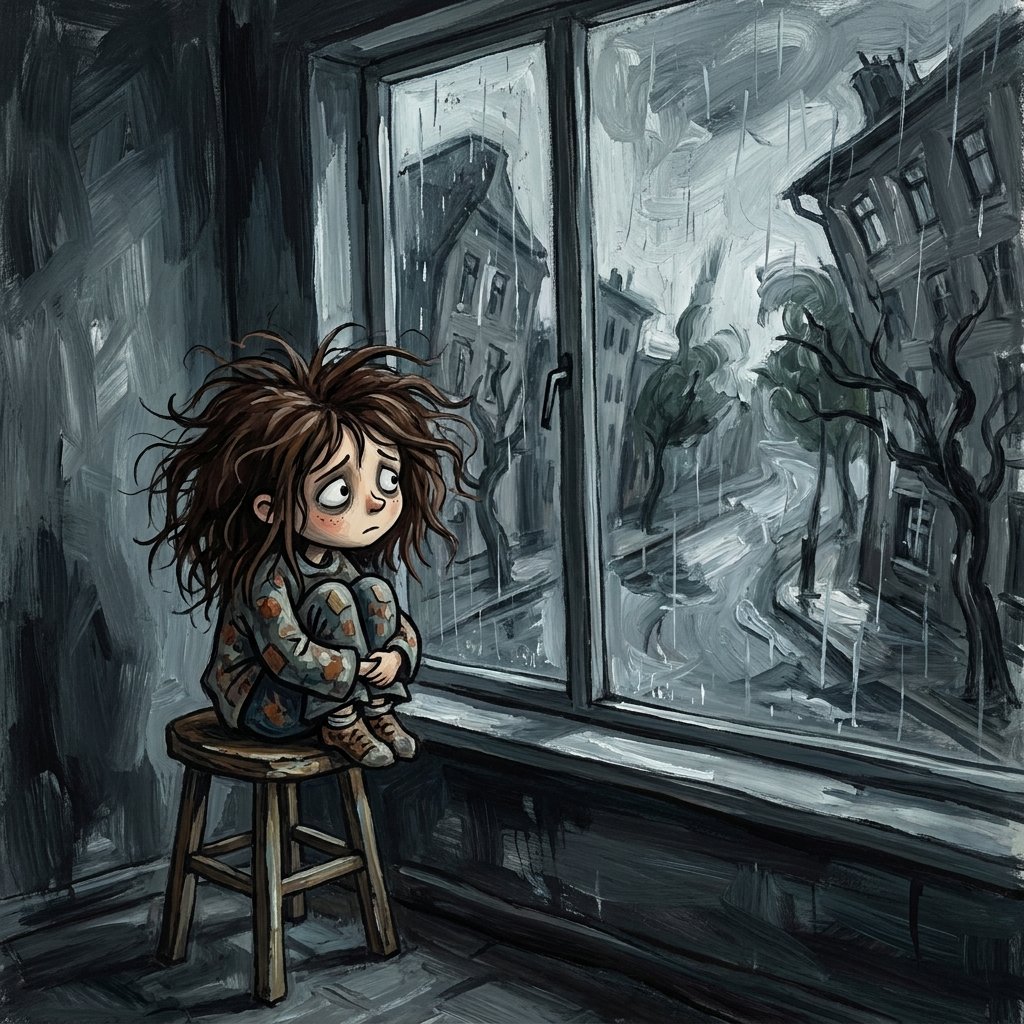
Sad Child by Rainy Window
Make it yours
Moody Cinematic Rain Window Portrait works as-is. These are the safest ways to change it without losing the look.
Change one field
Copy a single group, rewrite it, and generate again so you can see what that field is doing.
Keep the frame, change the subject
Hold the composition and light of Moody Cinematic Rain Window Portrait, then swap wardrobe, props or the person for a new take.
| If the result… | Why | Fix |
|---|---|---|
| The result drifts from the preview | Too many fields changed at once. | Reuse Moody Cinematic Rain Window Portrait as-is first, then change one group — subject, light, or setting. |
| The model over-stylizes the scene | The prose prompt leaves finish and camera underspecified. | Add one camera or lighting sentence and stay on Nano Banana 2. |
More Nano Banana 2 templates
Other prompts made for Nano Banana 2.

Photorealistic Leaf Shaped Like a Dragon

K-Pop Idol Portrait Grid for Rapid Selection

Poetic Rain Forest Portrait During Golden Hour

Urban Street Portrait with Cartoon Inner Self Duo

Candid Nighttime Photo with Cat Prompt

High-Concept 3D Diorama Generation Prompt

Cinematic Futuristic Studio Portrait Template

Skincare Editorial Photography Collage Prompt

Hyper-Realistic Commercial Product Photography (Splash Effect)

Hyper-Realistic Nightclub Portrait Prompt
More image prompts
Fresh picks from across the catalog.

Cute Doodle Japanese Café Dessert Photo
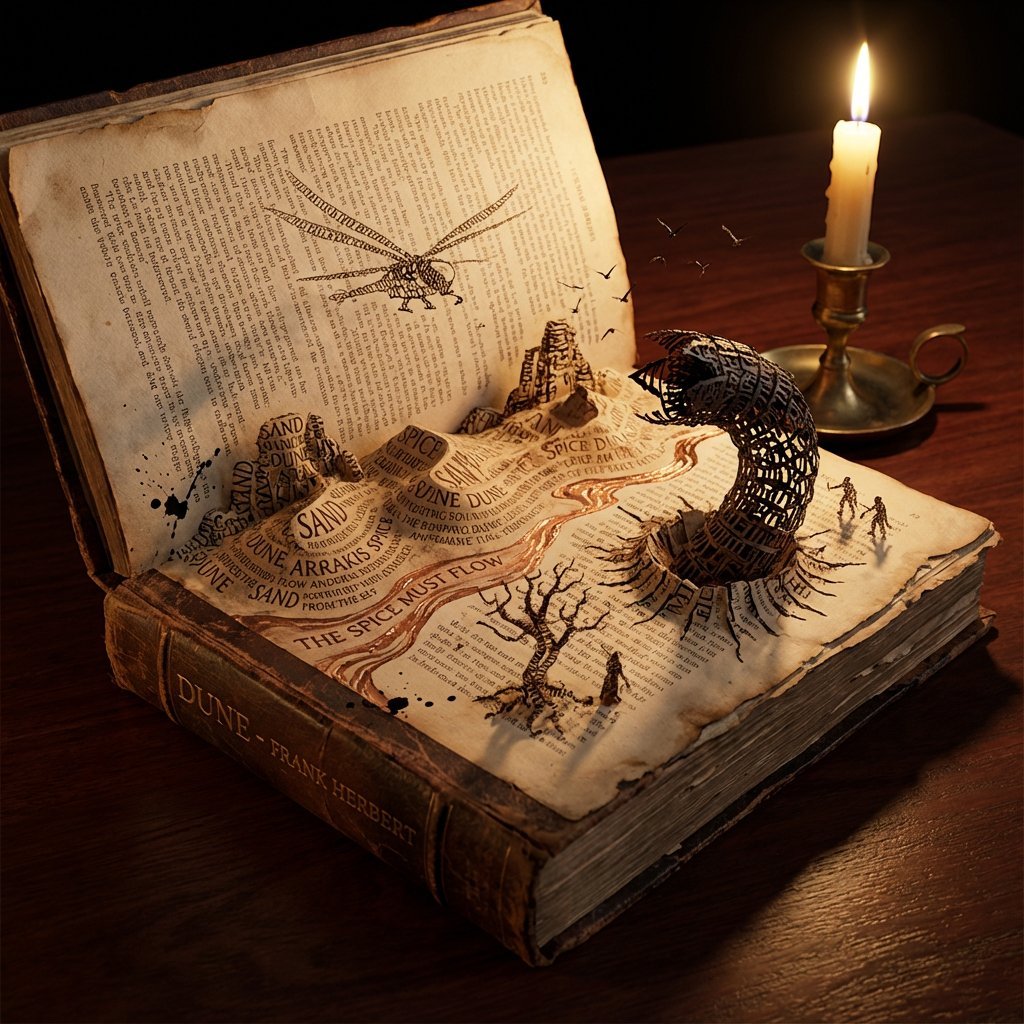
Storybook Typography Diorama Prompt (Dune)
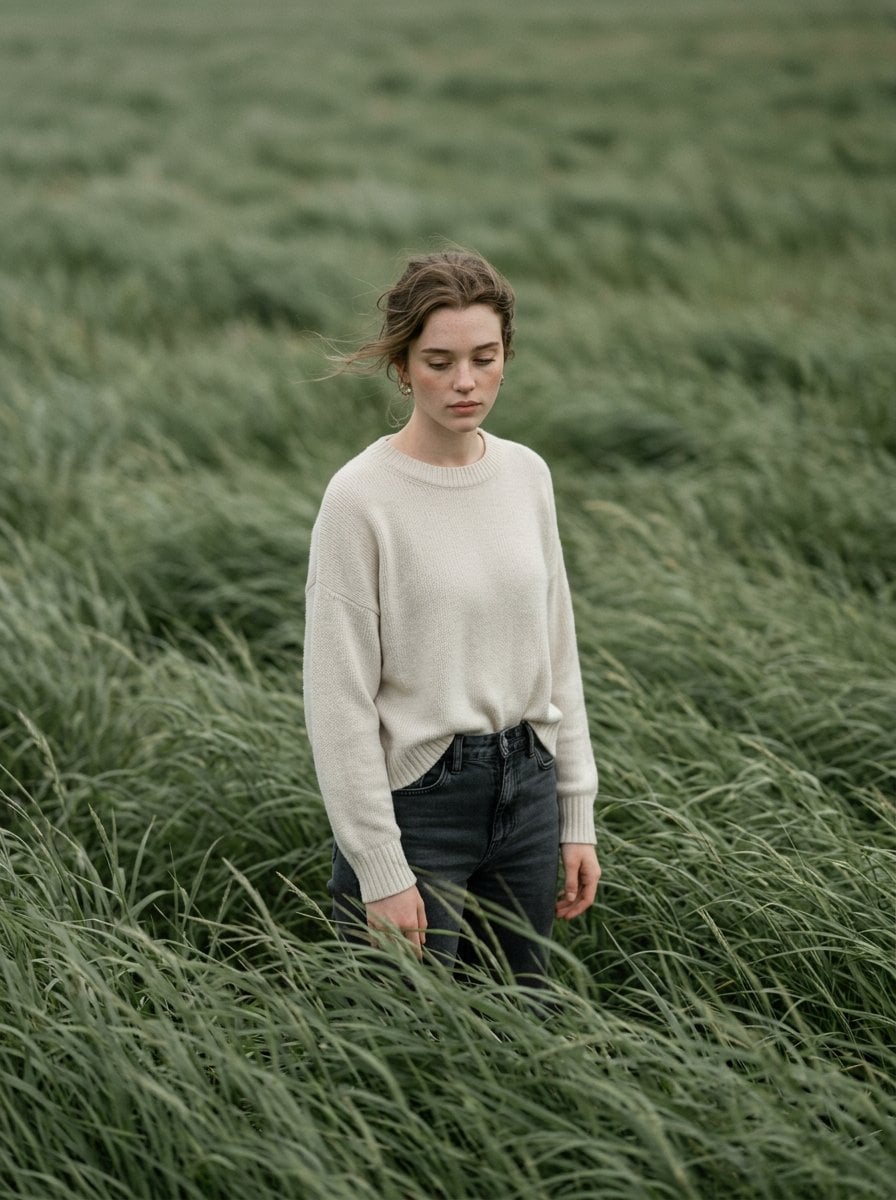
Cinematic Portrait in Sage-Green Grass Field
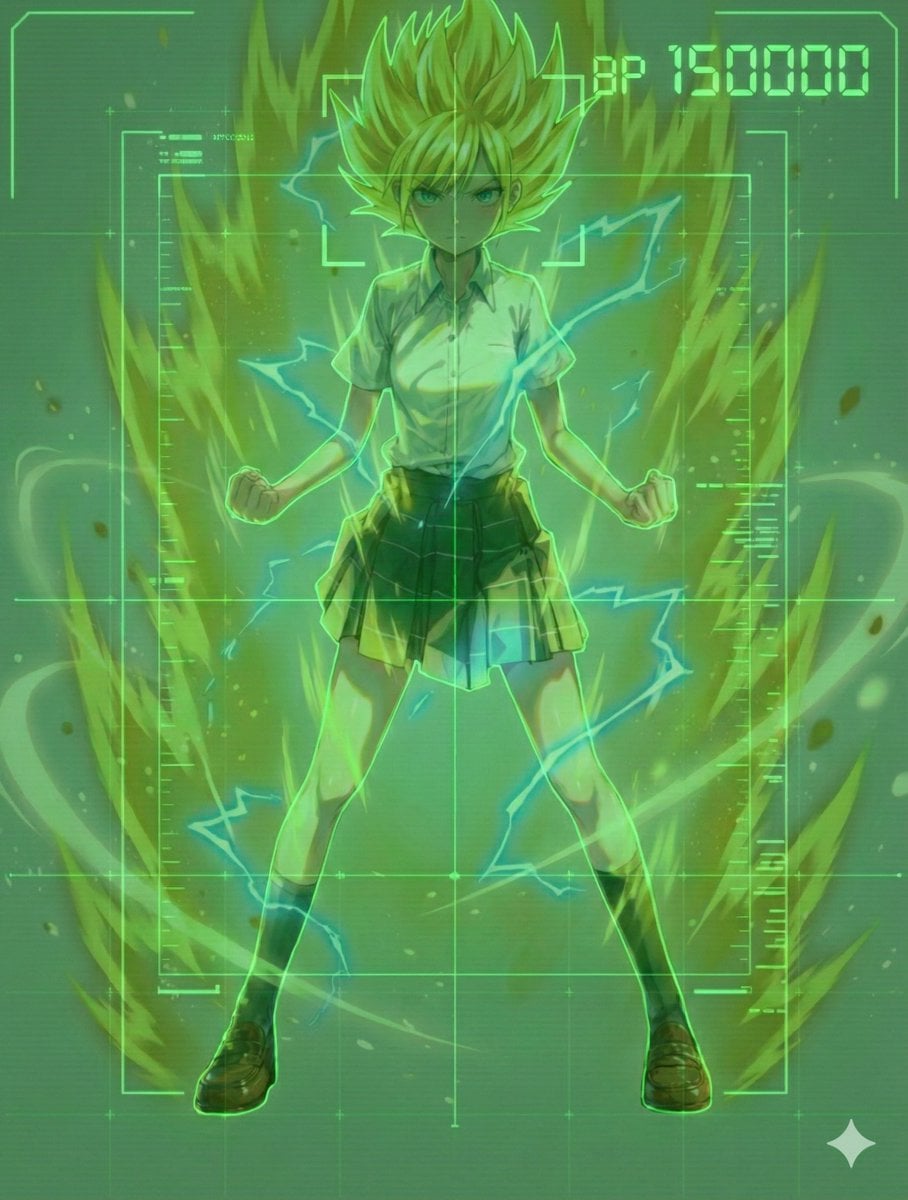
Scouter Prompt (Combat Power Analysis) - Summary

Steampunk Shih Tzu Airship Pilot
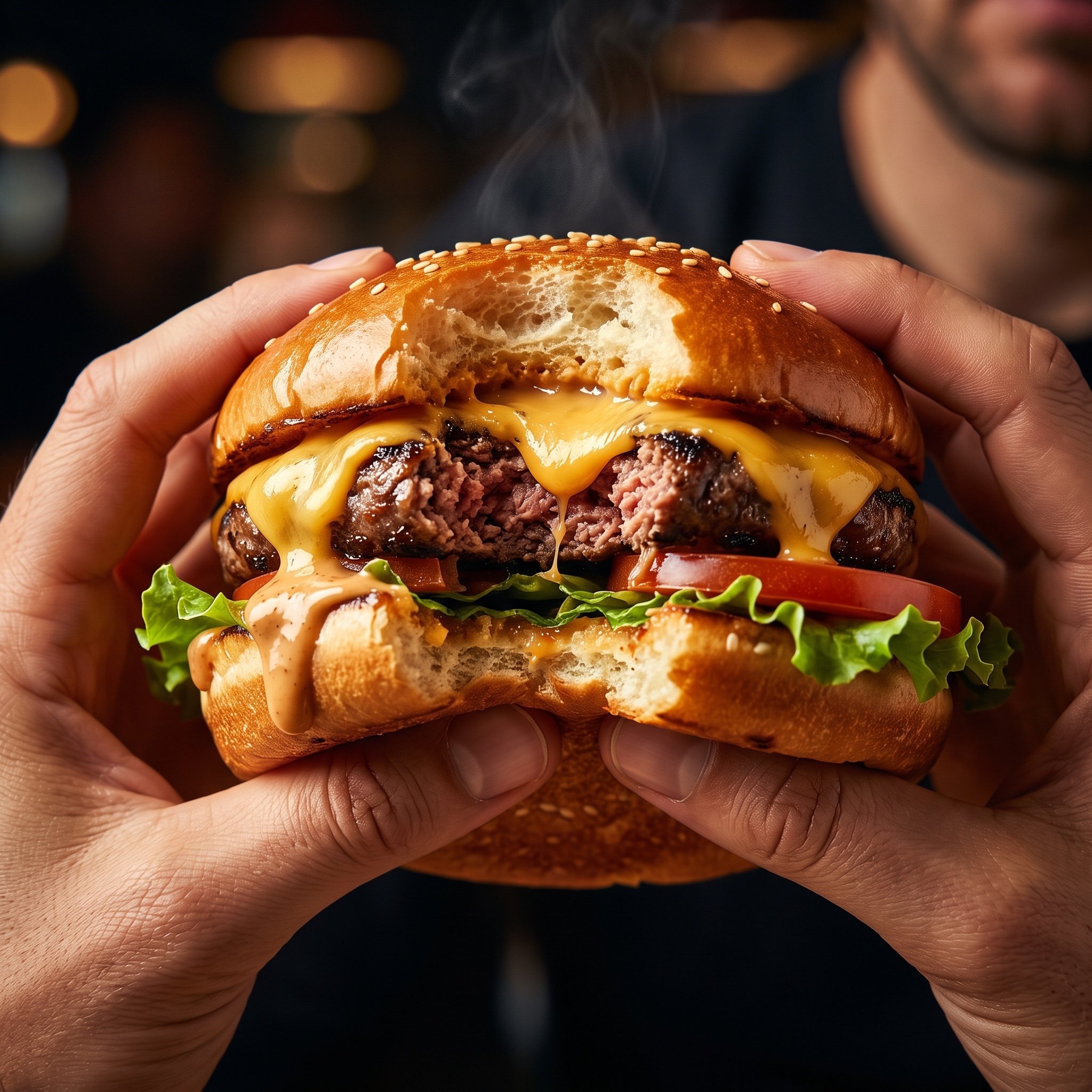
Hyper-Realistic Cinematic Food Action Shot of a Gourmet Burger Mid-Bite

Layered Paper-Cut Illustration
Seedance 2.0 on Runway - Heather Cooper

Cinematic Jungle Warrior Handshake
Professional Korean Office Portrait
Browse template categories
Moody Cinematic Rain Window Portrait questions
How do I use the Moody Cinematic Rain Window Portrait template?
Add your photo if the template asks for one, edit the prompt if you like — the template's model and format are already selected — and press Generate. Your version opens in PicX Studio.
Can I customize the Moody Cinematic Rain Window Portrait template?
Yes. You can change the subject, setting, lighting, mood, format, and available model controls before creating your image.
Is the Moody Cinematic Rain Window Portrait template free?
Opening and editing this template is free. Generating uses credits, shown on the Generate button when you are signed in.
Which AI model should I use?
Start with Nano Banana 2, which is the model associated with this template. You can compare another compatible model for a different finish.
Looking for something else? Browse all templates.

Your photo, any look
Thousands of ready templates for every top image and video model, from one credit balance.