How do I use the Fashion Editorial Grid Portrait template?
Edit the prompt in the box under the preview — the template's model and format are already selected — and press Generate. Your version appears right on this page.
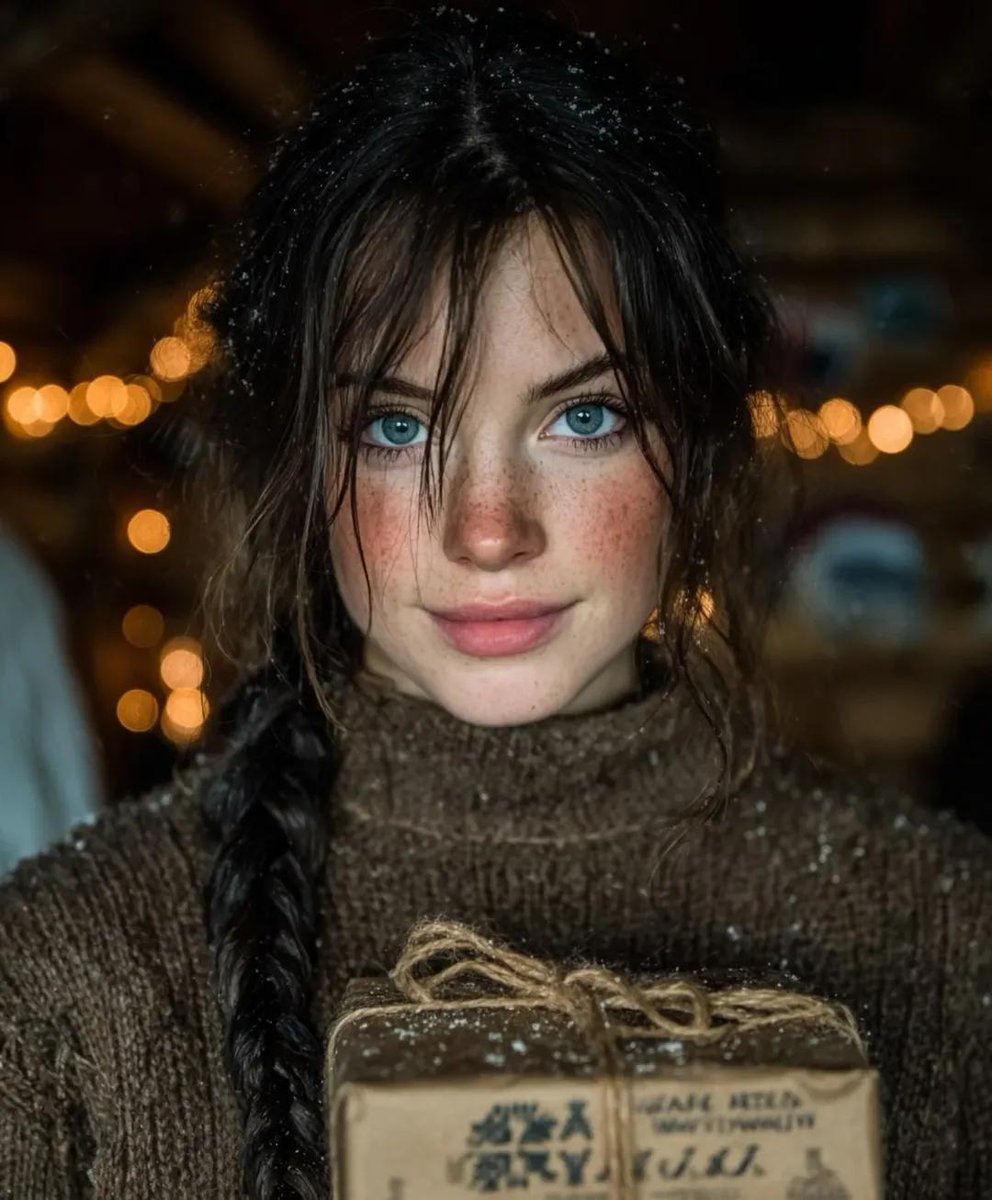
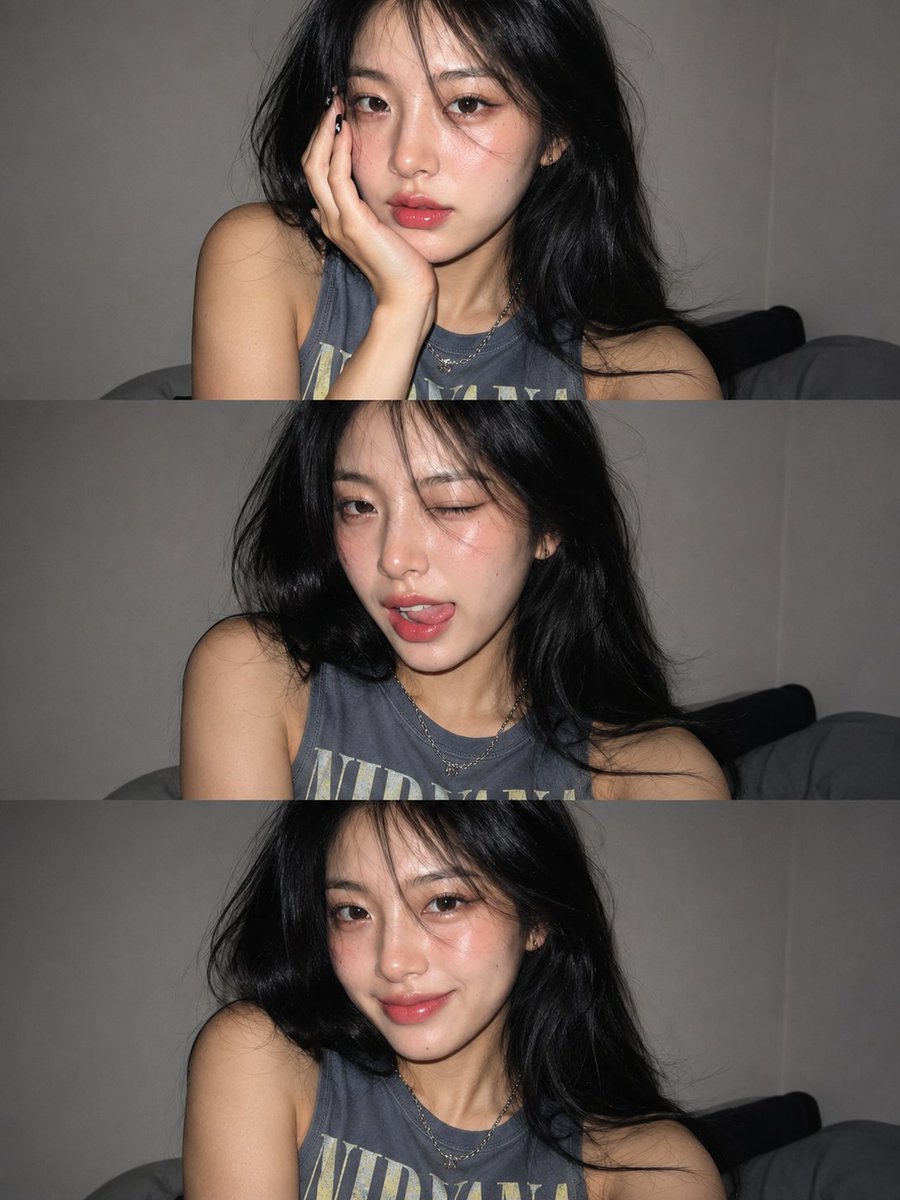
A prompt for generating a four-panel grid portrait for fashion editorial usage, maintaining identity from a reference photo.

Editorial four-panel portrait grid, using the face and likeness from the uploaded photo, model wearing a {argument name="clothing" default="plain white ribbed tank top"}, {argument name="hair style" default="sleek wet-look hair"} pulled back tightly with a natural hairline, soft clean studio lighting against a {argument name="background" default="neutral beige-white backdrop"}, four different angles: front-facing close-up portrait, three-quarter body shot, slight side-angle close-up, and over-the-shoulder side profile shot, minimal skincare-fresh makeup, dewy natural skin, neutral relaxed expression, high-end fashion campaign aesthetic, sharp focus, soft even shadows, consistent identity and facial features preserved across all four panels, high resolution photography
Editorial four-panel portrait grid, using the face and likeness from the uploaded photo, model wearing a {argument name="clothing" default="plain white ribbed tank top"}, {argument name="hair style" default="sleek wet-look hair"} pulled back tightly with a natural hairline, soft clean studio lighting against a {argument name="background" default="neutral beige-white backdrop"}, four different angles: front-facing close-up portrait, three-quarter body shot, slight side-angle close-up, and over-the-shoulder side profile shot, minimal skincare-fresh makeup, dewy natural skin, neutral relaxed expression, high-end fashion campaign aesthetic, sharp focus, soft even shadows, consistent identity and facial features preserved across all four panels, high resolution photography
Edit the prompt in the box under the preview — the template's model and format are already selected — and press Generate. Your version appears right on this page.
Yes. You can change the subject, setting, lighting, mood, format, and available model controls before creating your image.
Opening and editing this template is free. Generating uses credits, shown on the Generate button when you are signed in.
Start with Nano Banana 2, which is the model associated with this template. You can compare another compatible model for a different finish.
Follow a topic to a crawlable collection of related PicX Studio templates.