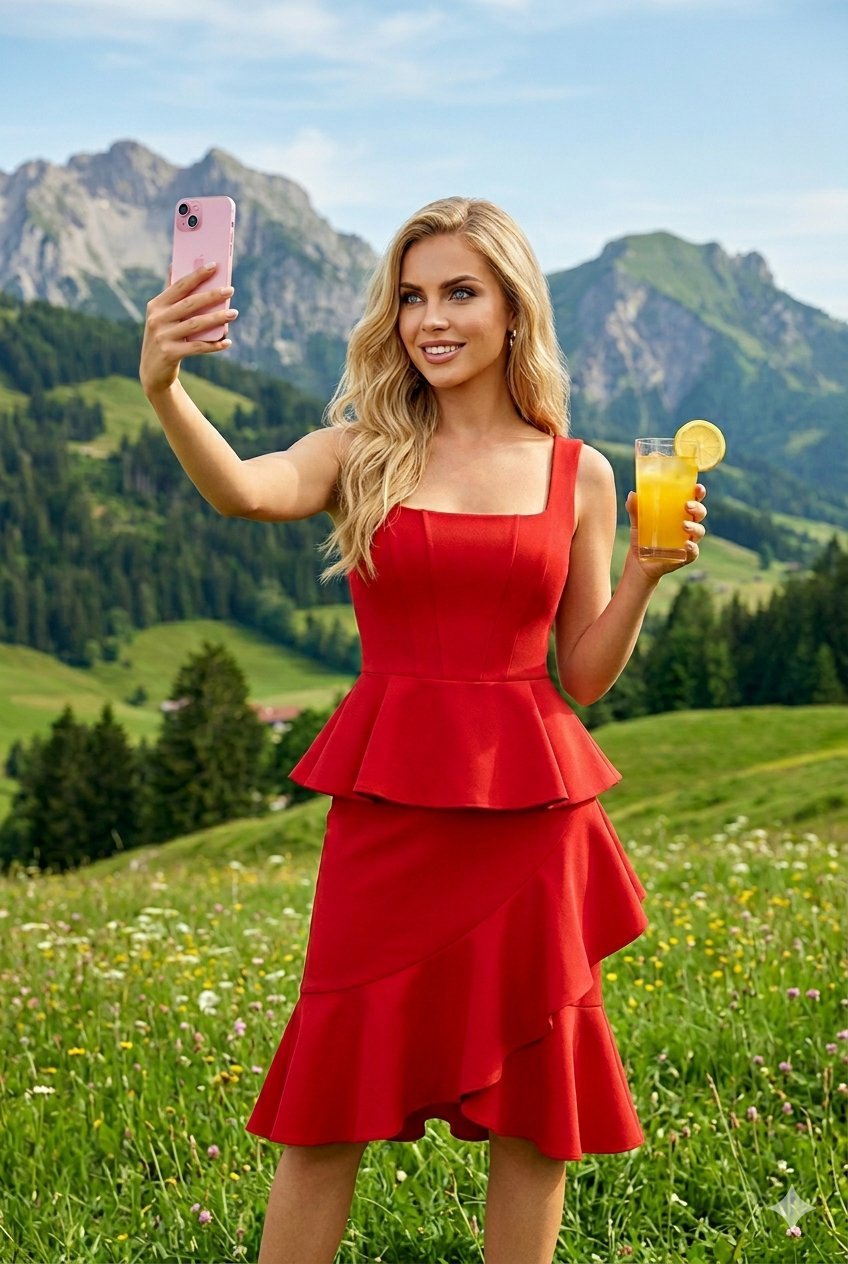
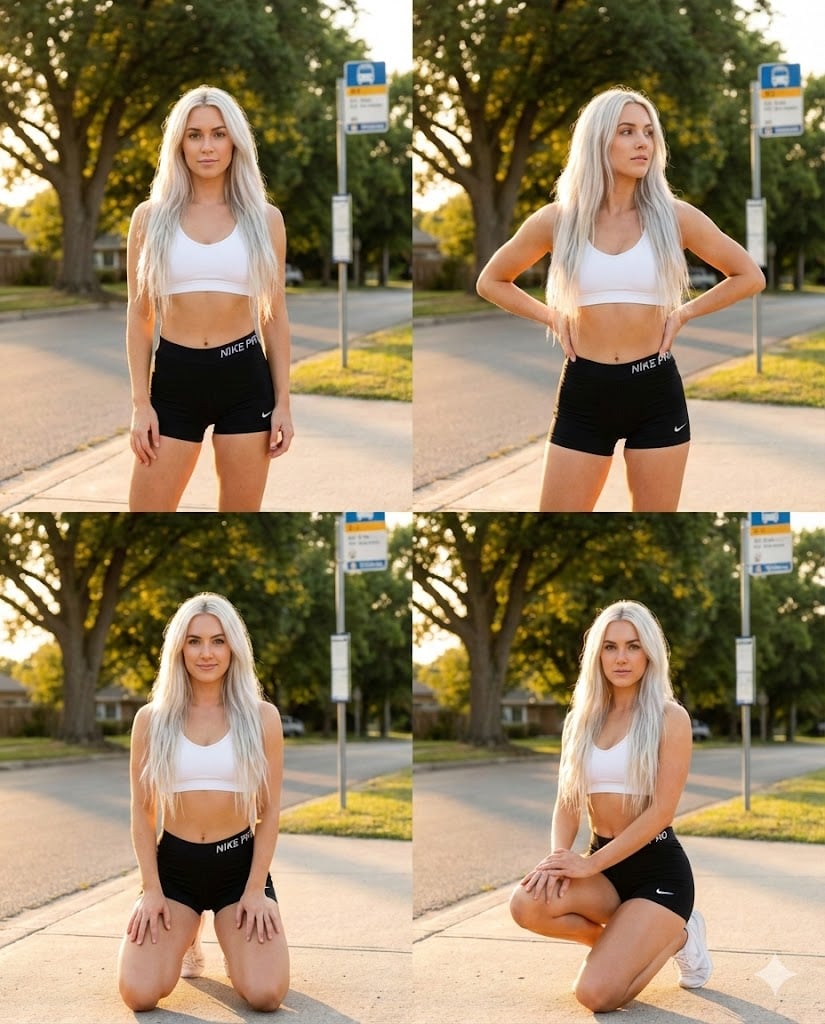
How do I use the Realistic Portrait of Woman Outdoors template?
Edit the prompt in the box under the preview — the template's model and format are already selected — and press Generate. Your version appears right on this page.
A high-quality realistic portrait of a smiling woman with a scenic coastal background and blooming flowers.

Create a high-quality, realistic portrait of a {argument name="subject" default="young, smiling woman with long, dark hair"}, elegantly posed outdoors. She is wearing a {argument name="outfit" default="white, off-the-shoulder top"} and is joyfully looking down at a modern smartphone held in her hands, with one hand gently resting near her chin. The background should feature a picturesque, scenic view of a {argument name="scenery" default="calm blue body of water"}, perhaps a sea or lake, framed by vibrant, lush blooming flowers such as pink and red bougainvillea or geraniums. The lighting should be soft and natural, emphasizing a bright, cheerful atmosphere and a pleasant, sunny day.
Create a high-quality, realistic portrait of a {argument name="subject" default="young, smiling woman with long, dark hair"}, elegantly posed outdoors. She is wearing a {argument name="outfit" default="white, off-the-shoulder top"} and is joyfully looking down at a modern smartphone held in her hands, with one hand gently resting near her chin. The background should feature a picturesque, scenic view of a {argument name="scenery" default="calm blue body of water"}, perhaps a sea or lake, framed by vibrant, lush blooming flowers such as pink and red bougainvillea or geraniums. The lighting should be soft and natural, emphasizing a bright, cheerful atmosphere and a pleasant, sunny day.
Edit the prompt in the box under the preview — the template's model and format are already selected — and press Generate. Your version appears right on this page.
Yes. You can change the subject, setting, lighting, mood, format, and available model controls before creating your image.
Opening and editing this template is free. Generating uses credits, shown on the Generate button when you are signed in.
Start with Nano Banana 2, which is the model associated with this template. You can compare another compatible model for a different finish.
Follow a topic to a crawlable collection of related PicX Studio templates.