
Golden Hour Candid Male Portrait
A detailed cinematic profile portrait of a male subject in an outdoor seaside setting during golden hour.
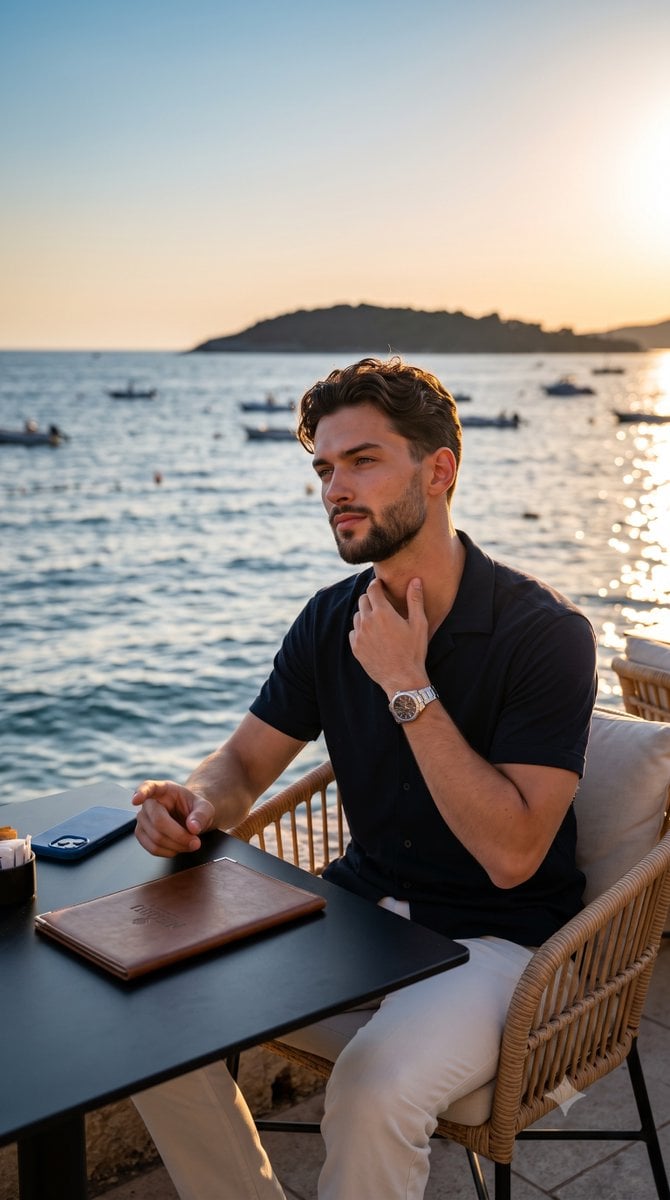
- Prompt included
- Model and format preset
- Free template
The prompt behind this image
Copy the exact prompt behind Golden Hour Candid Male Portrait, or open it in the studio and make it yours.
A candid, relaxed profile portrait of a {argument name="subject" default="young adult male"} seated and leaning slightly left, positioned on the right side of the frame. He has {argument name="hair style" default="dark brown hair styled with a matte finish"} and organic volume, featuring tapered sides and a naturally wavy, curly top complete with natural imperfections, uneven sections, and a slight frizz that deliberately avoids an overly smoothed appearance. He wears a {argument name="clothing" default="navy black short-sleeved button-down shirt"} and off-white trousers. His calm, unsmiling face displays a neutral, authentic expression as his relaxed eyes gaze off to the left. His right hand is raised casually to his collarbone, fingers gently curled inward to lightly touch his neck while revealing a silver watch on his wrist, and his left hand rests organically on the edge of a matte black round table with the index finger slightly extended. The foreground table holds a pristine leather-bound menu, a small round container, and a blue smartphone case, set alongside the worn rattan and wicker texture of his woven chair with a light cushion, all resting on striped light gray and brown wooden floor planks. This deep outdoor seaside lounge setting extends into a midground featuring a blurred but identifiable expanse of ocean water speckled with small anchored watercraft and golden reflections. In the deep background, a weathered, dark island silhouette cuts into the horizon. The atmosphere is bathed in a calm, sophisticated golden hour glow, heavily backlit by a highly directional setting sun that blows out the solar disc and paints the clear open sky in a smooth gradient from sunset orange at the horizon to warm gray-blue at the top. The hard sunlight creates a luminous rim light along the back of the subject's neck and textured hair, casting bright specular highlights across the ocean surface and the silver watch, while ambient fill light provides soft, diffused gray shadows on the front of his face and deep black shadows within the folds of his clothing and under the table. Captured as a tack-sharp digital photograph with a medium depth of field that isolates the subject against the beautiful bokeh background, the image is shot straight on with an aperture of f/2.8, a shutter speed of 1/250s, and ISO 100 to freeze the moment with minimal digital noise. The post-processing features a cinematic color grade that enhances the complementary warm orange and cool blue tones, applying high contrast to establish the harsh defined edges of the distant island silhouette while slightly lifting the shadow exposure on the subject's face to preserve delicate details, all masterfully framed in a 9:16 aspect ratio.
How to use Golden Hour Candid Male Portrait in 3 steps
- 1
Open
The prompt is already in the box next to the preview, with the template's model and format selected.
- 2…a portrait of your subject in softgolden-hour light, 85mm…
Personalize
Edit the subject and creative details for your destination.
- 3Generate
Generate
Press Generate — your image is created in PicX Studio, so you can compare it with the original and refine one variable at a time.
More like this
Templates with the same subject, style or setup. Open one to see its prompt.

80s Golden Hour Cinema

Rooftop Fisheye — Cat-Ear Balaclava at Golden Hour
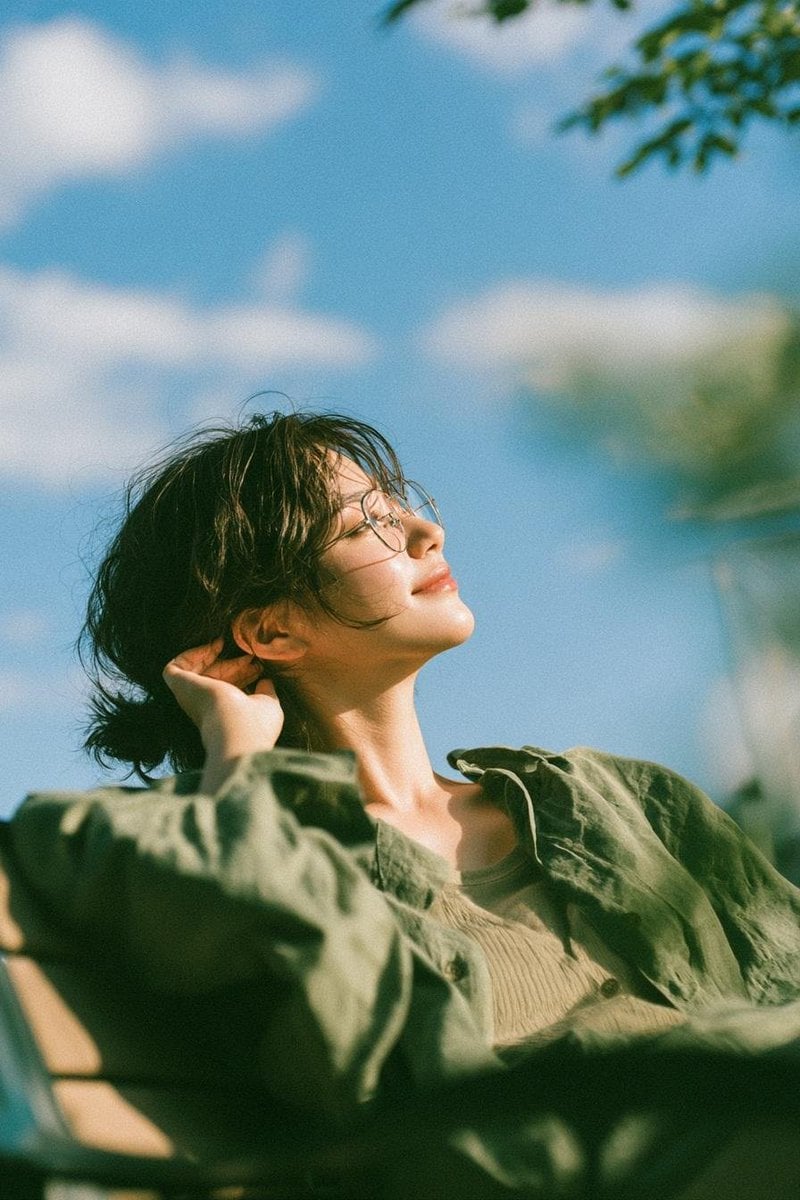
Cinematic Golden Hour Garden Portrait
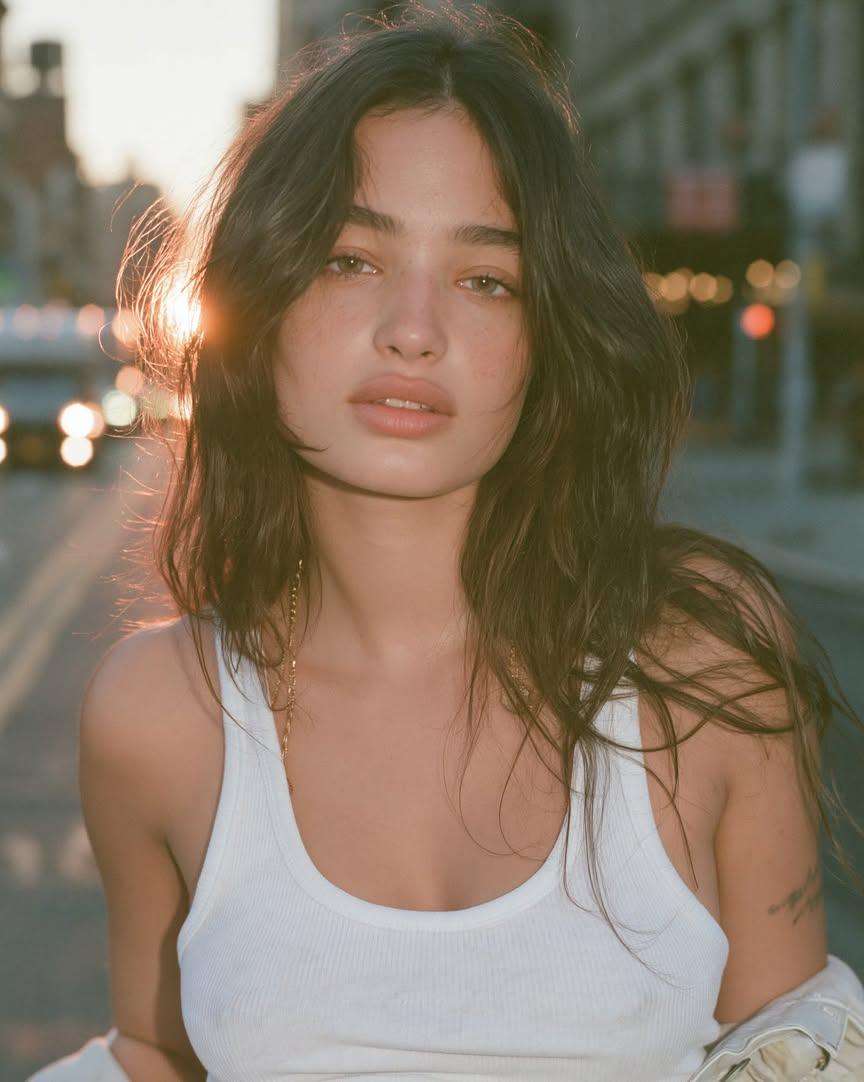
Cinematic Golden Hour Urban Portrait
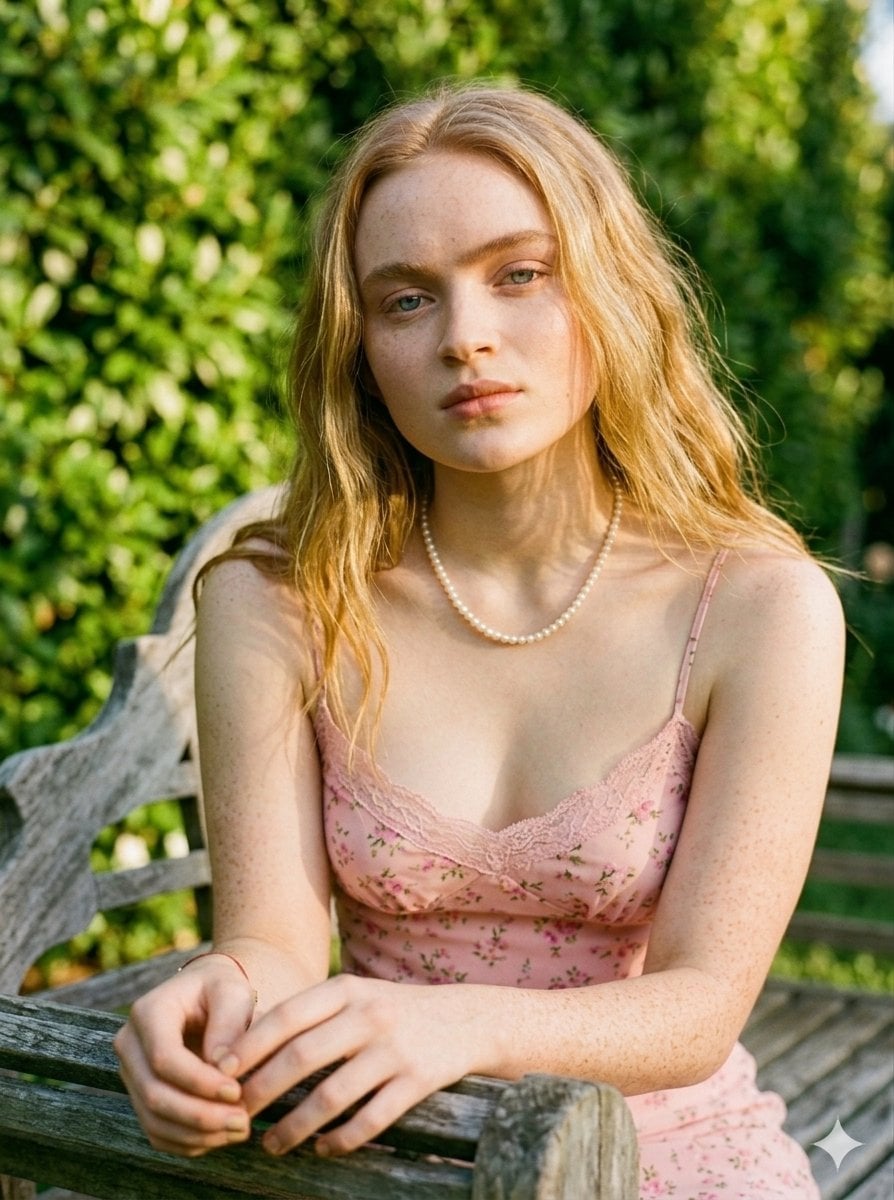
Golden Hour Redhead Portrait
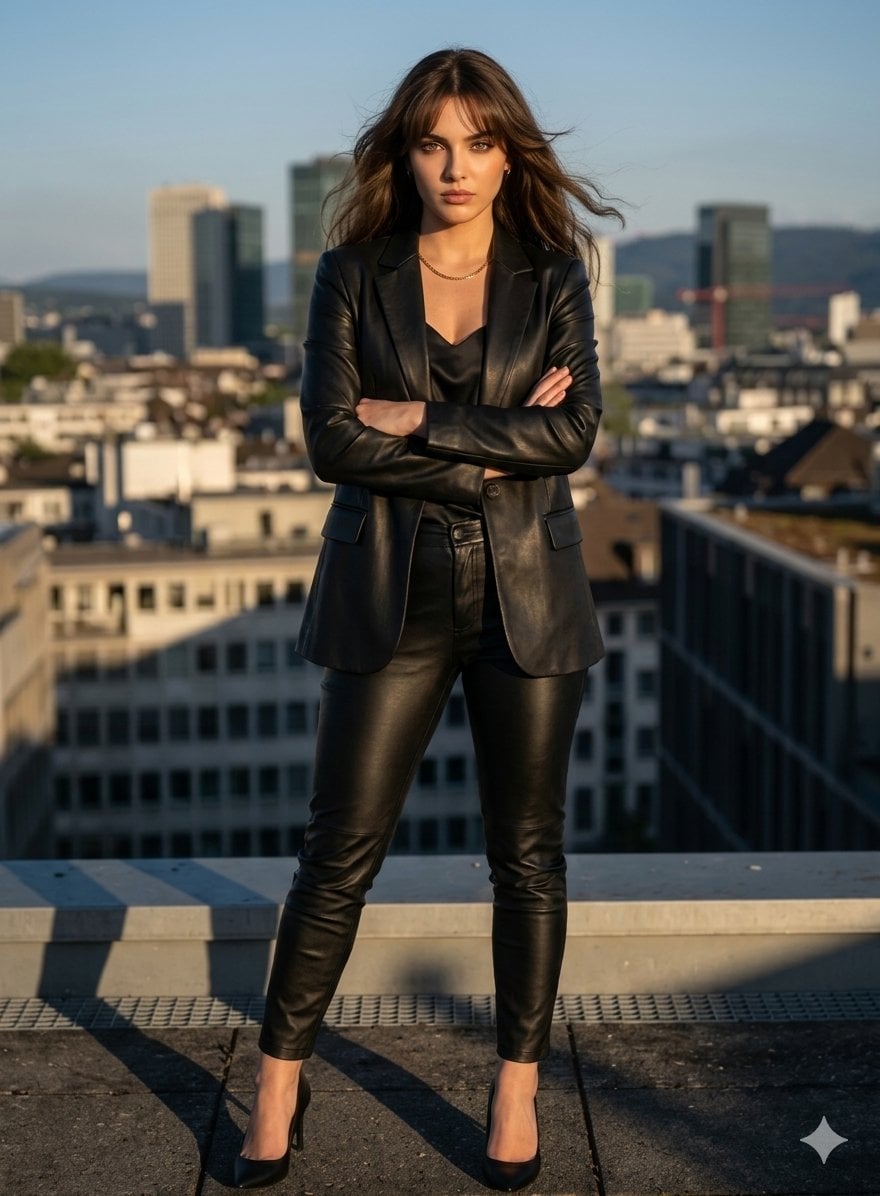
Golden Hour Cinematic Boss Energy Portrait
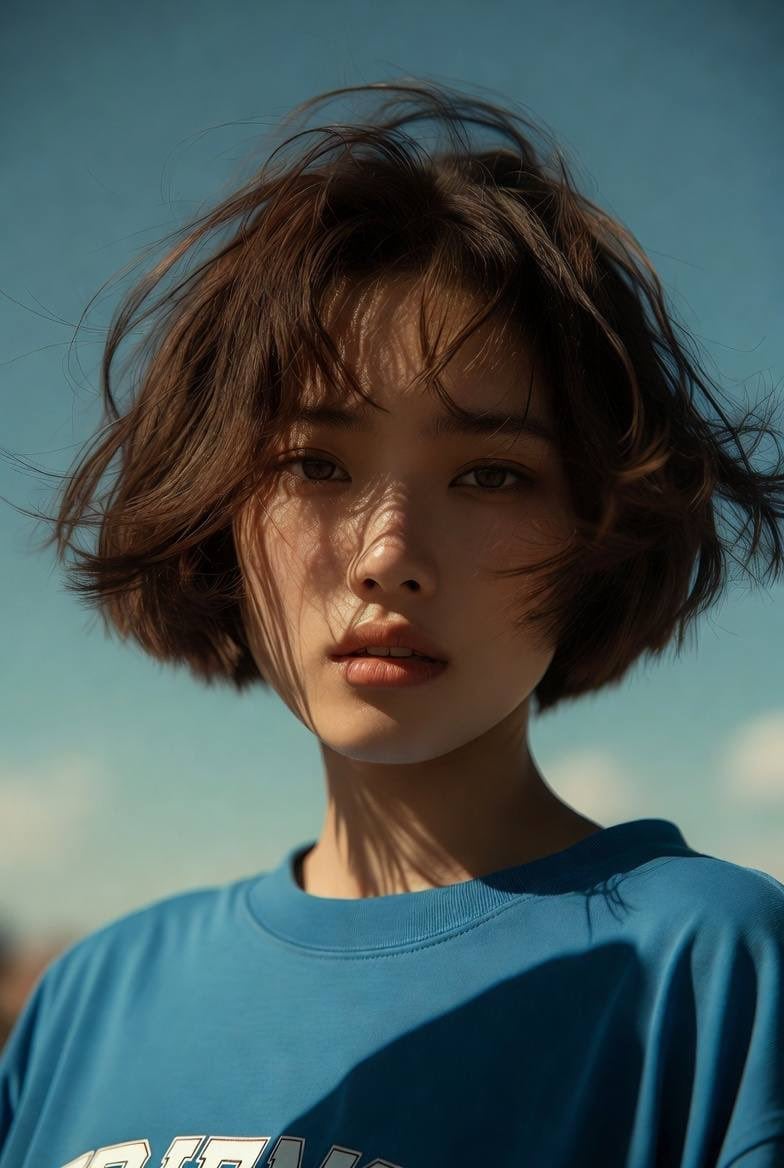
Golden Hour Cinematic Portrait
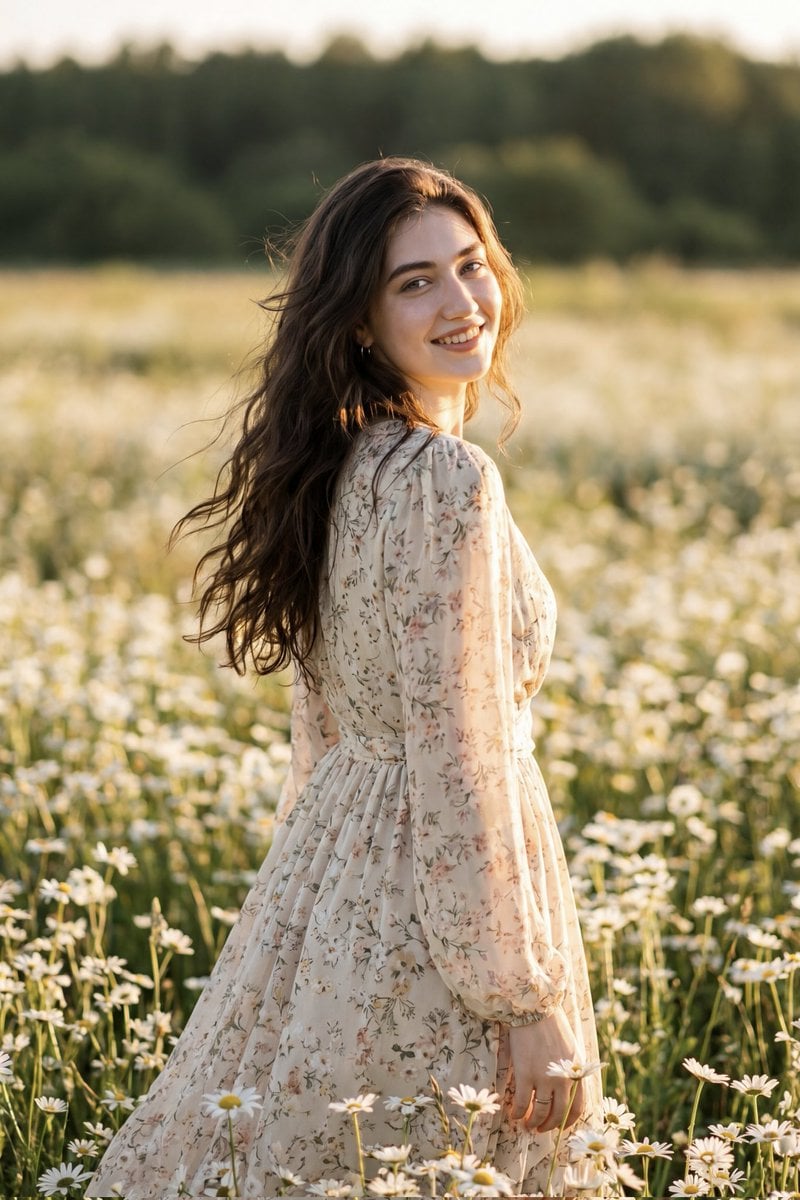
Golden Hour Daisy Field Portrait
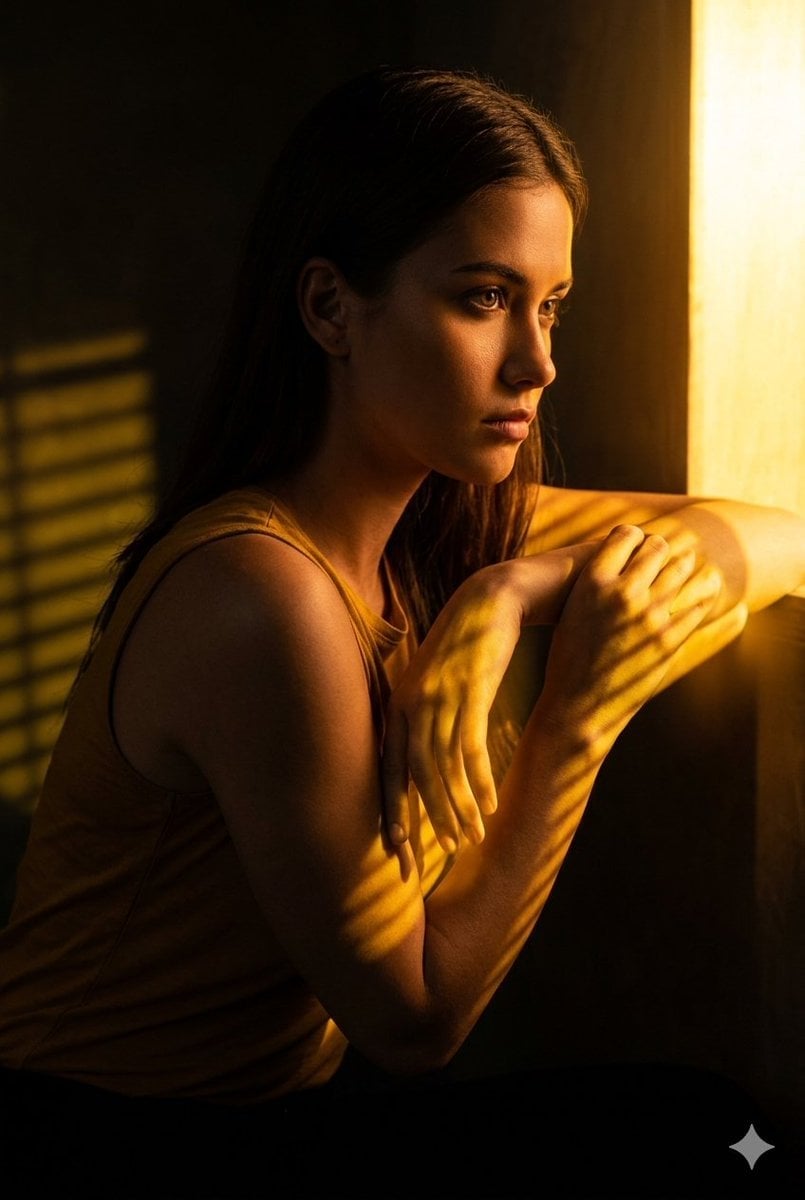
Golden Hour Window Reflection Portrait
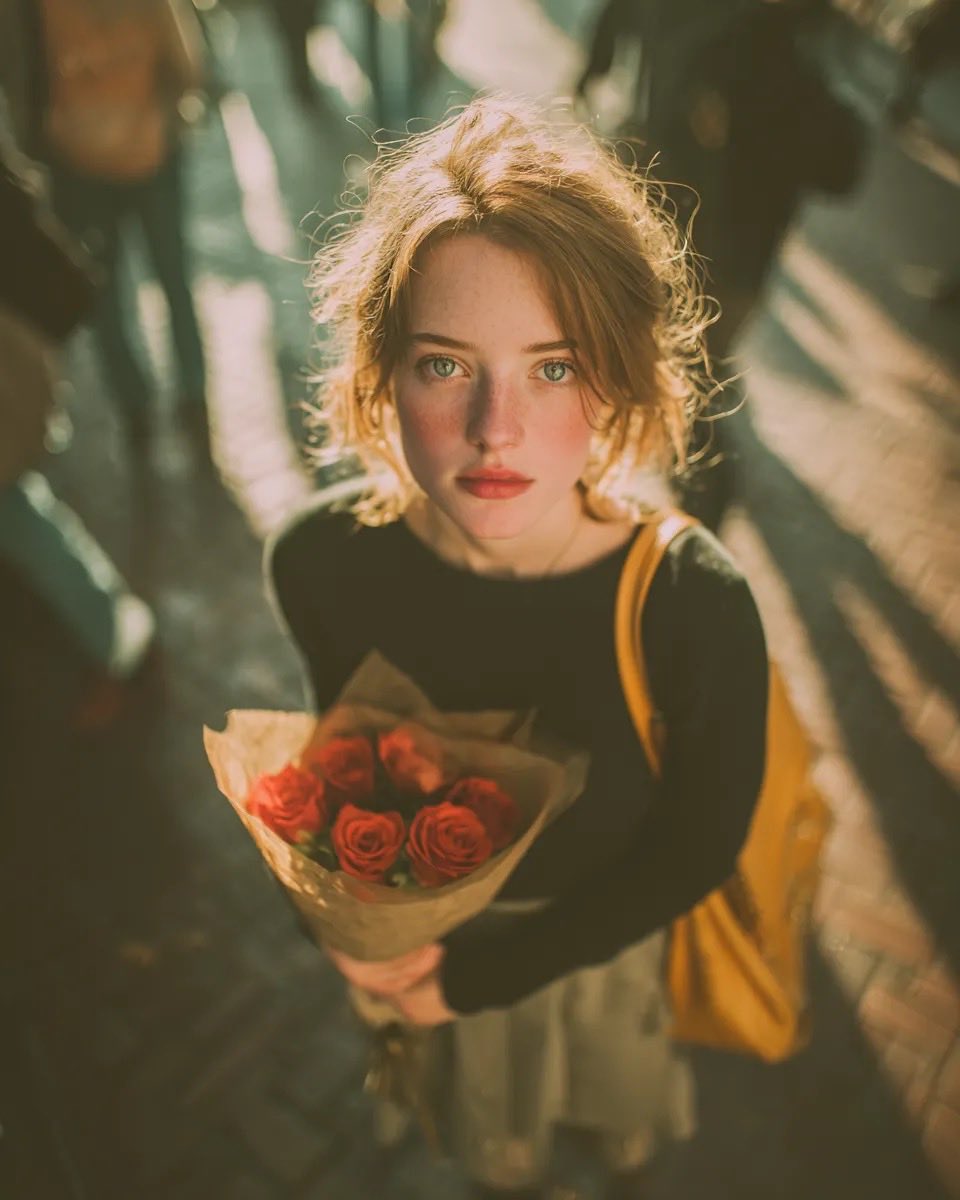
Golden Hour Rose Portrait

Golden Hour Korean Classroom Portrait
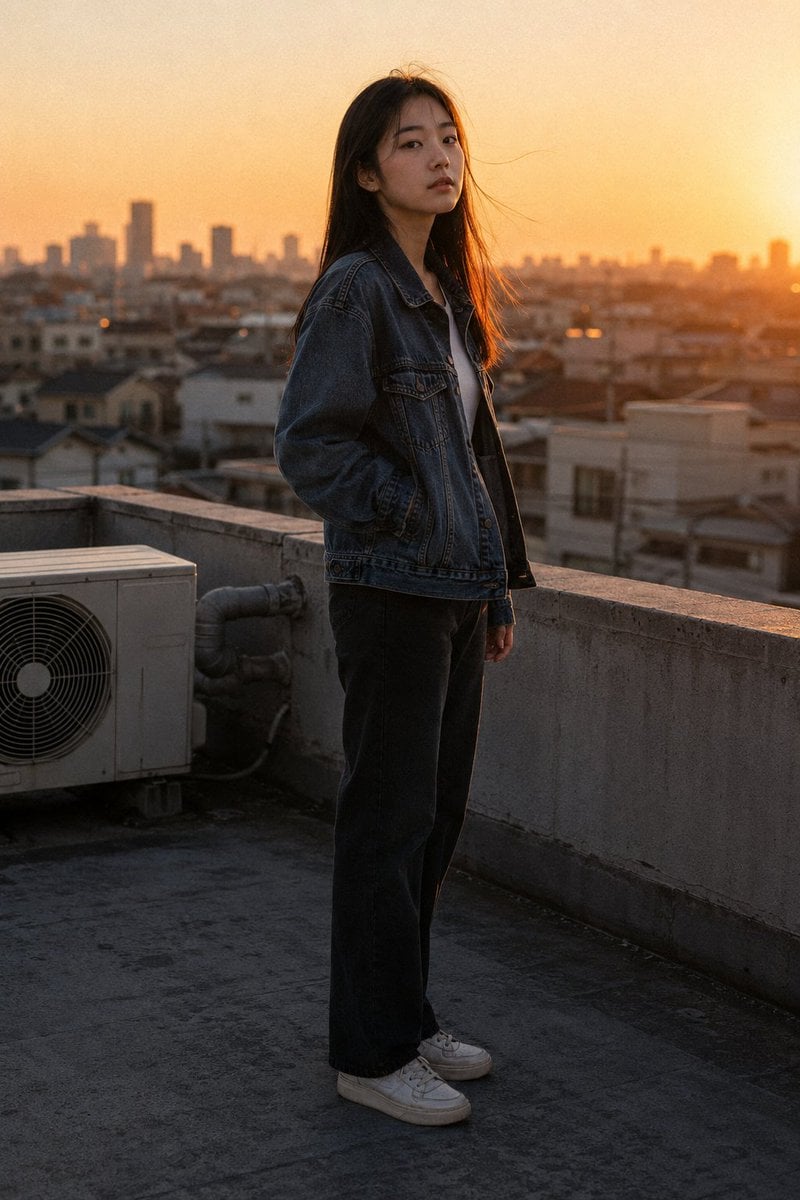
Golden Hour Rooftop Portrait
Make it yours
Golden Hour Candid Male Portrait works as-is. These are the safest ways to change it without losing the look.
Change one field
Copy a single group, rewrite it, and generate again so you can see what that field is doing.
Keep the frame, change the subject
Hold the composition and light of Golden Hour Candid Male Portrait, then swap wardrobe, props or the person for a new take.
| If the result… | Why | Fix |
|---|---|---|
| The result drifts from the preview | Too many fields changed at once. | Reuse Golden Hour Candid Male Portrait as-is first, then change one group — subject, light, or setting. |
| The model over-stylizes the scene | The prose prompt leaves finish and camera underspecified. | Add one camera or lighting sentence and stay on Nano Banana 2. |
More Nano Banana 2 templates
Other prompts made for Nano Banana 2.

Photorealistic Leaf Shaped Like a Dragon

K-Pop Idol Portrait Grid for Rapid Selection

Urban Street Portrait with Cartoon Inner Self Duo

Candid Nighttime Photo with Cat Prompt

High-Concept 3D Diorama Generation Prompt

Cinematic Futuristic Studio Portrait Template

Skincare Editorial Photography Collage Prompt

Hyper-Realistic Commercial Product Photography (Splash Effect)

Hyper-Realistic Nightclub Portrait Prompt
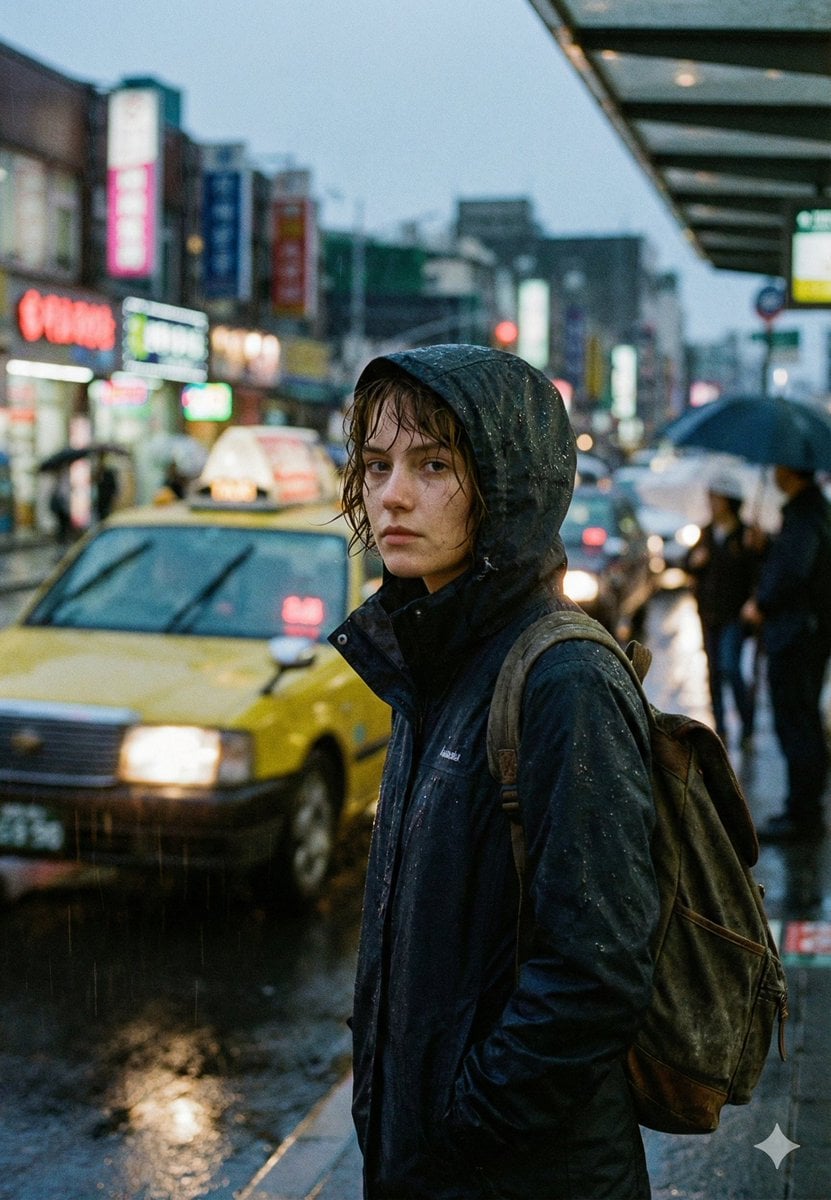
Cinematic Urban Rain Scene Prompt (Neo-Noir)
More image prompts
Fresh picks from across the catalog.
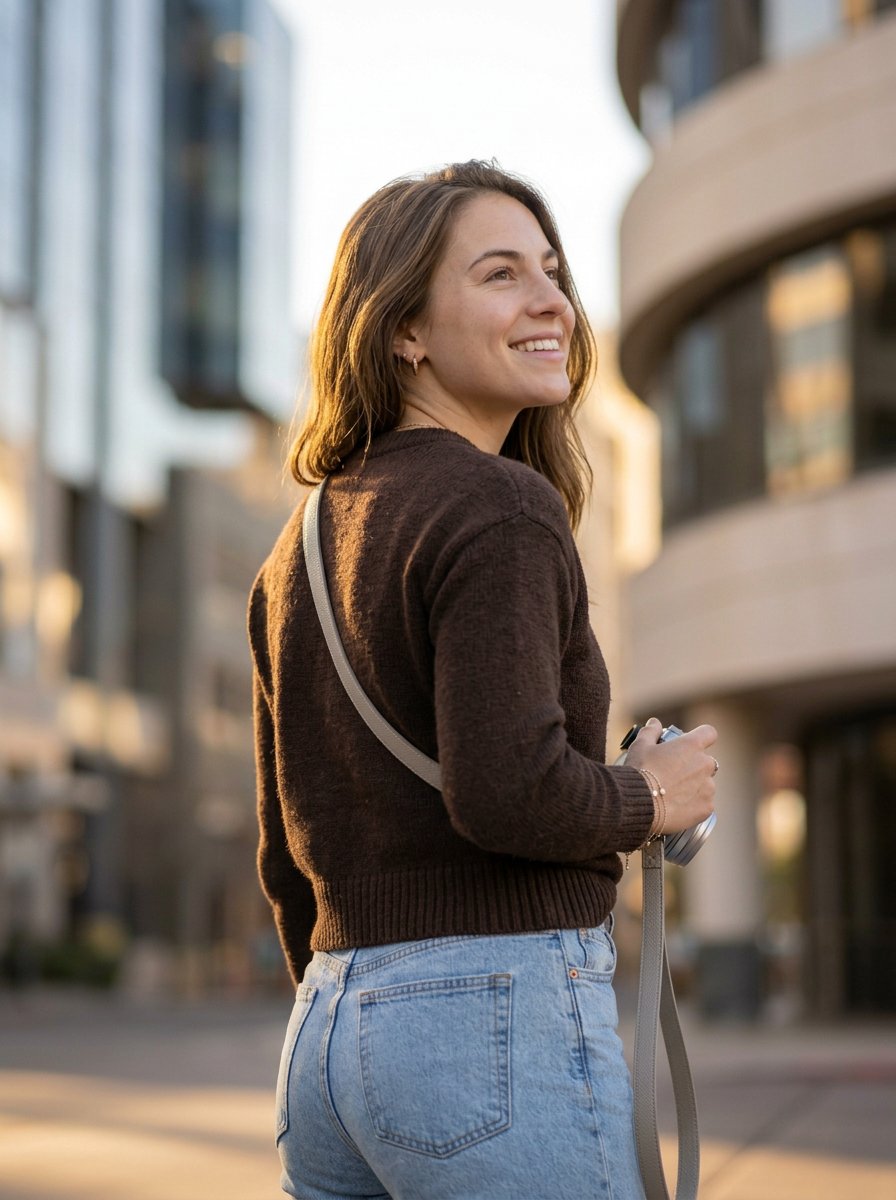
Urban Photographer Lifestyle Portrait
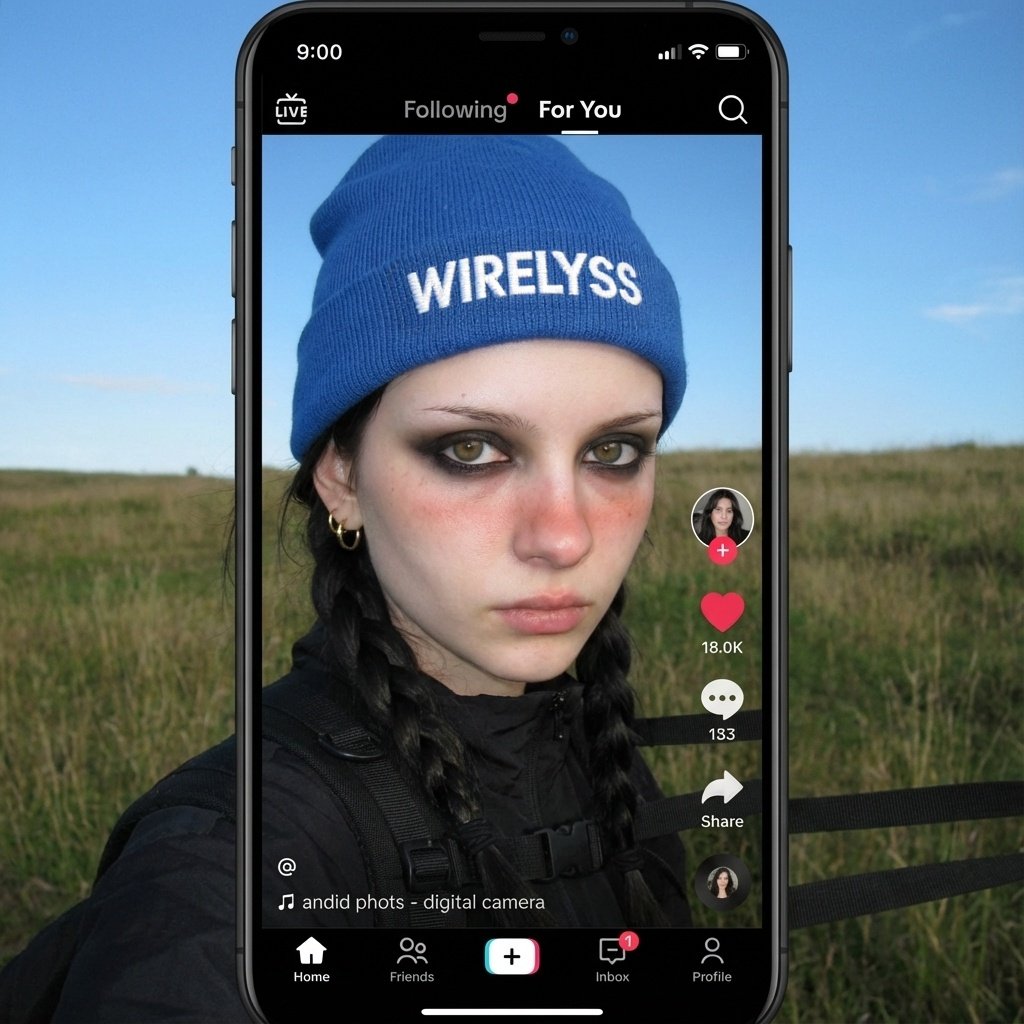
Merge user with profile picture
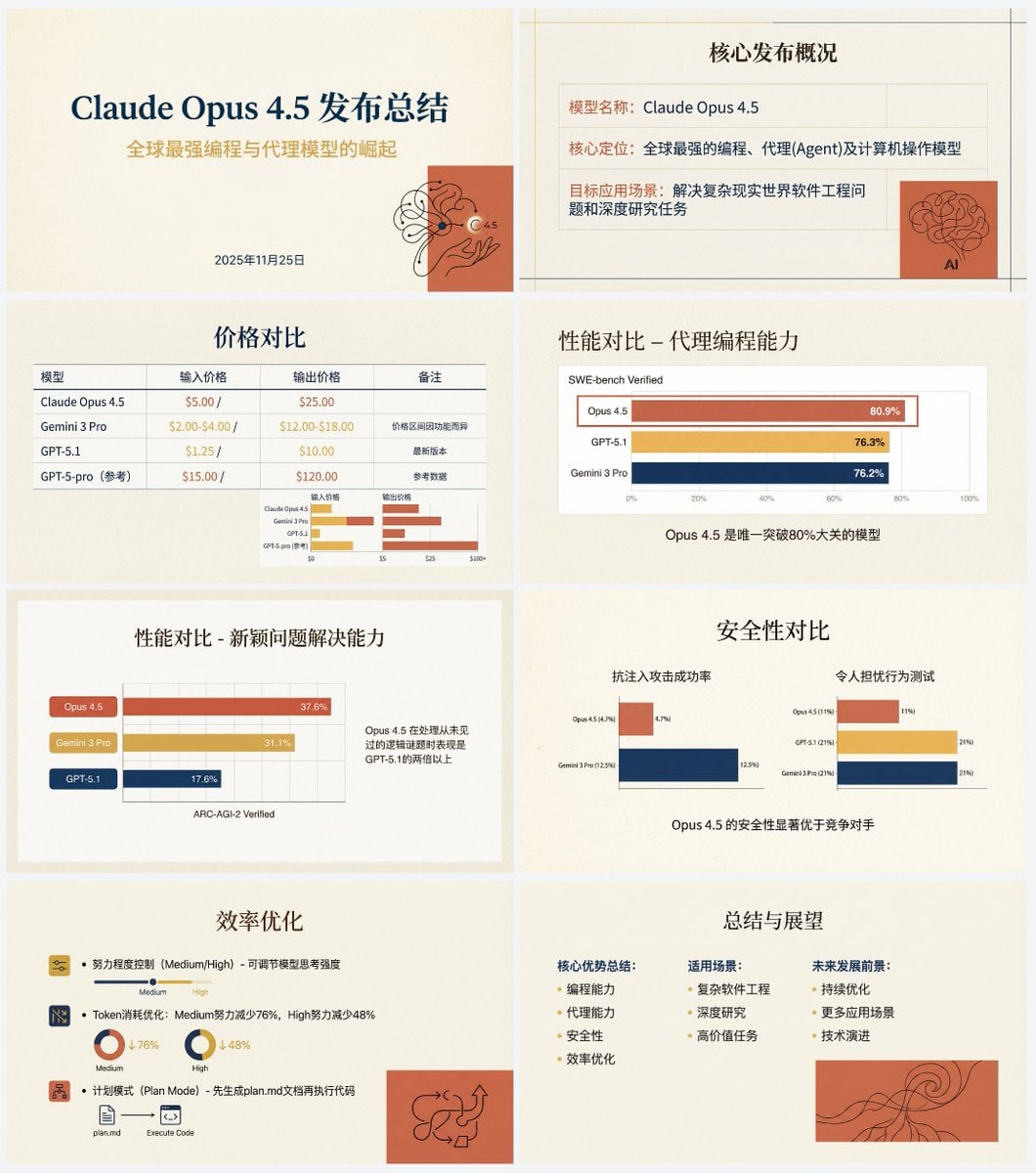
Anthropic-style warm academic PPT workflow prompt
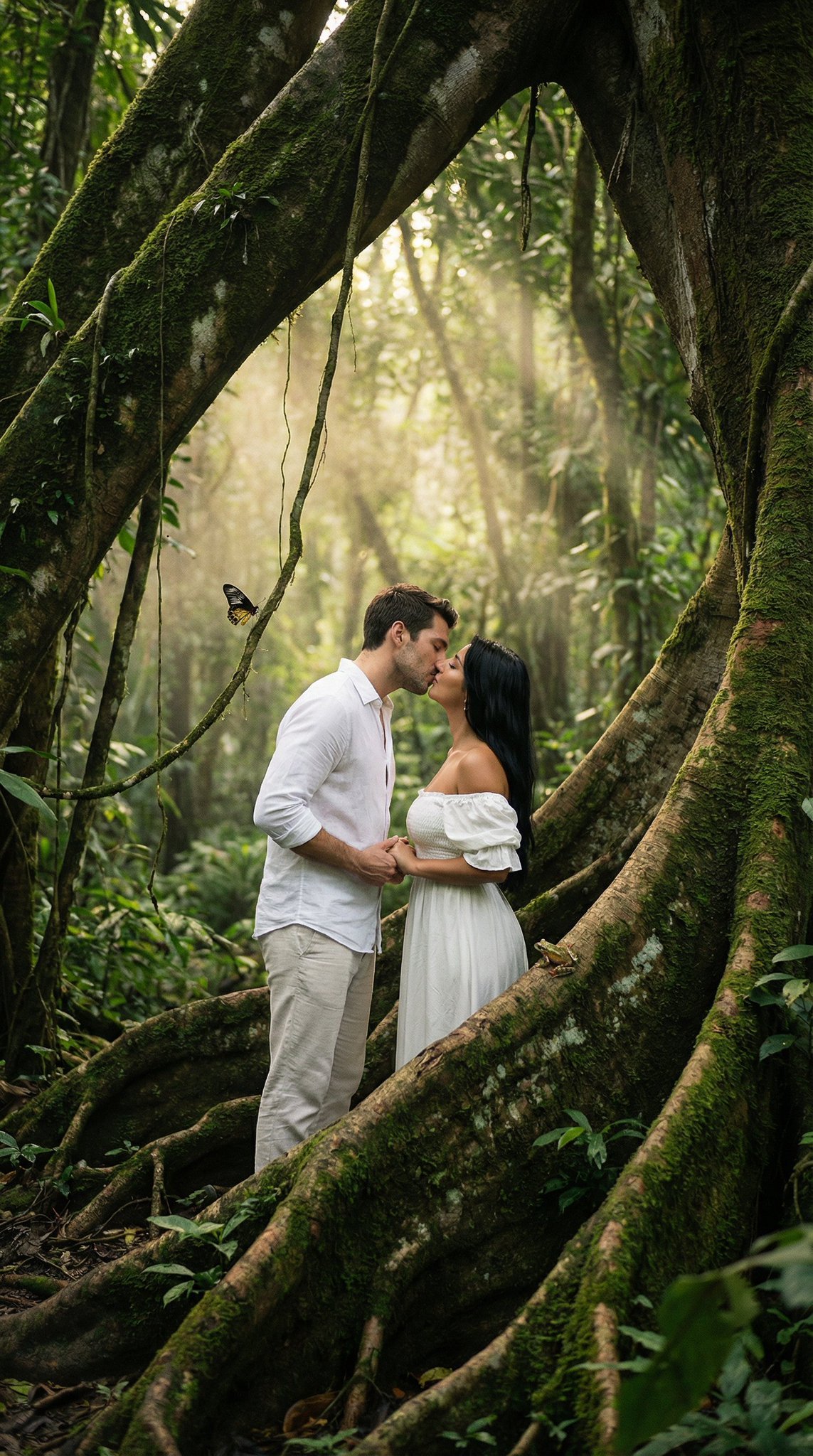
Seedance 2 0 Bullet Time Selfie Modular
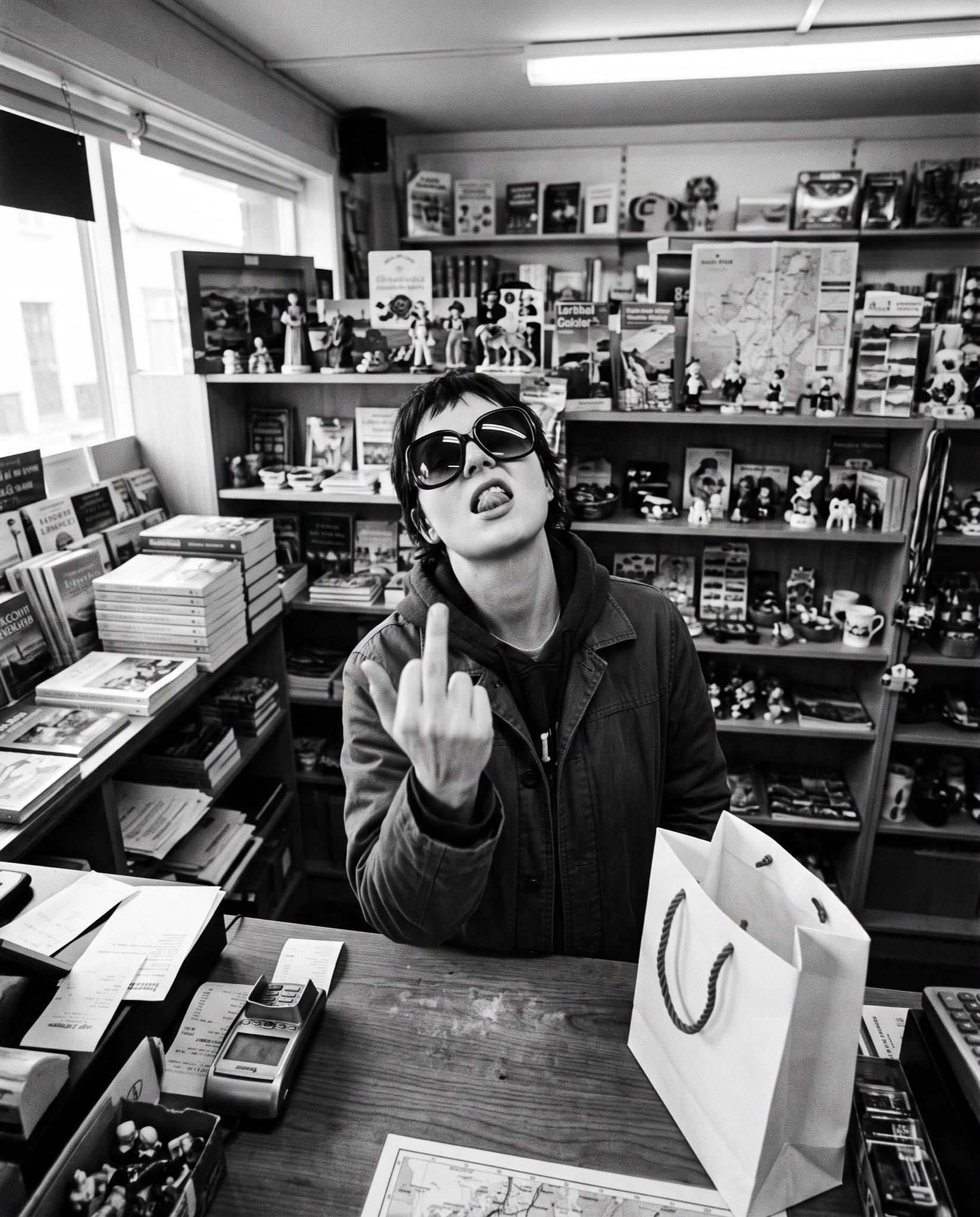
Low-Fidelity CCTV Surveillance Image
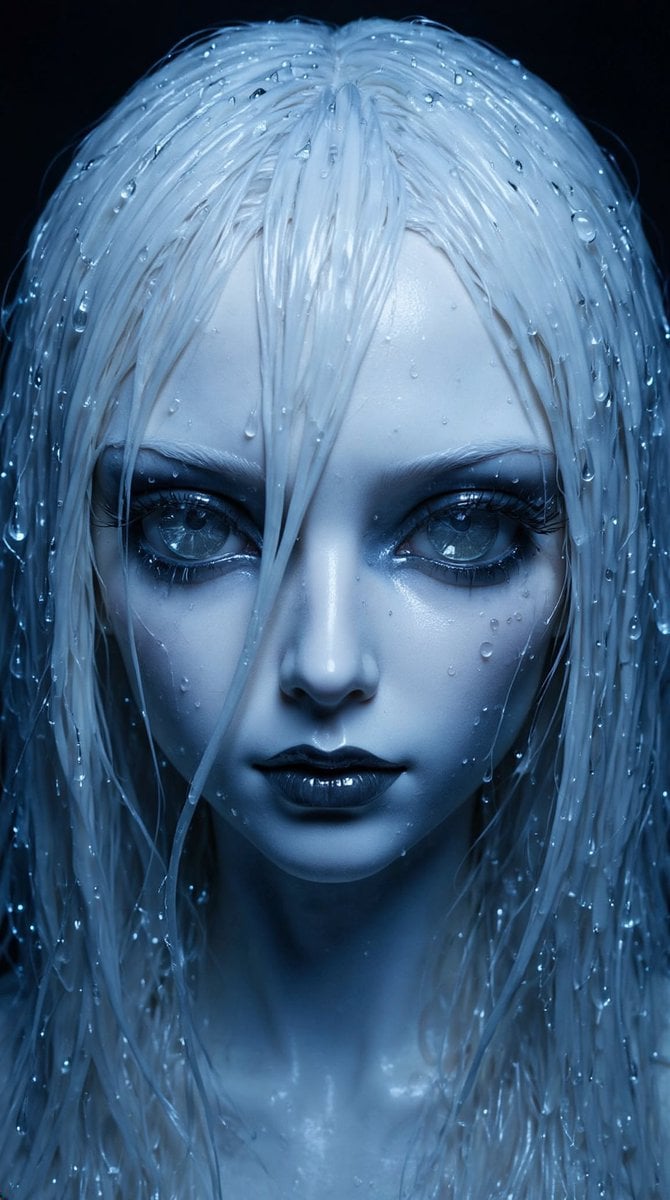
High-Fashion Ball-Jointed Doll in Synthetic Despair
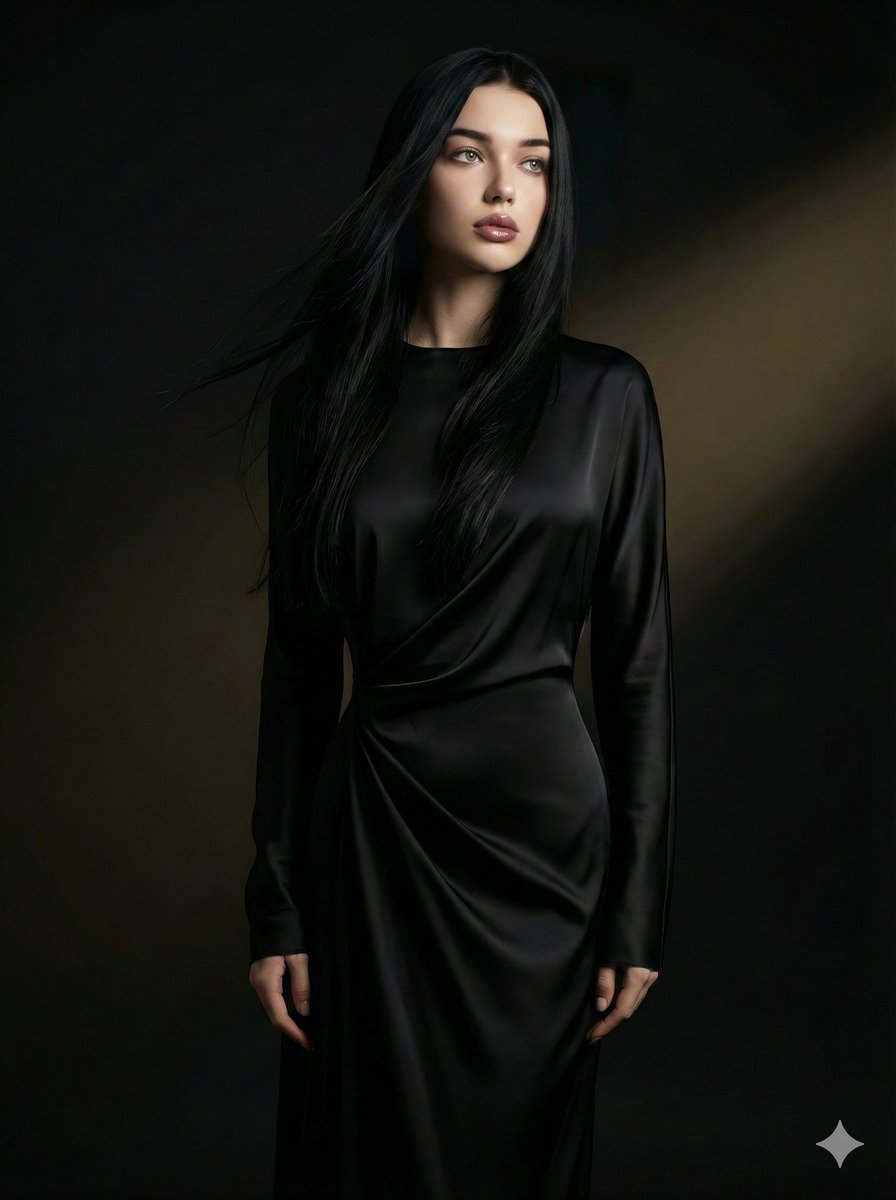
Cinematic Portrait with Identity Preservation
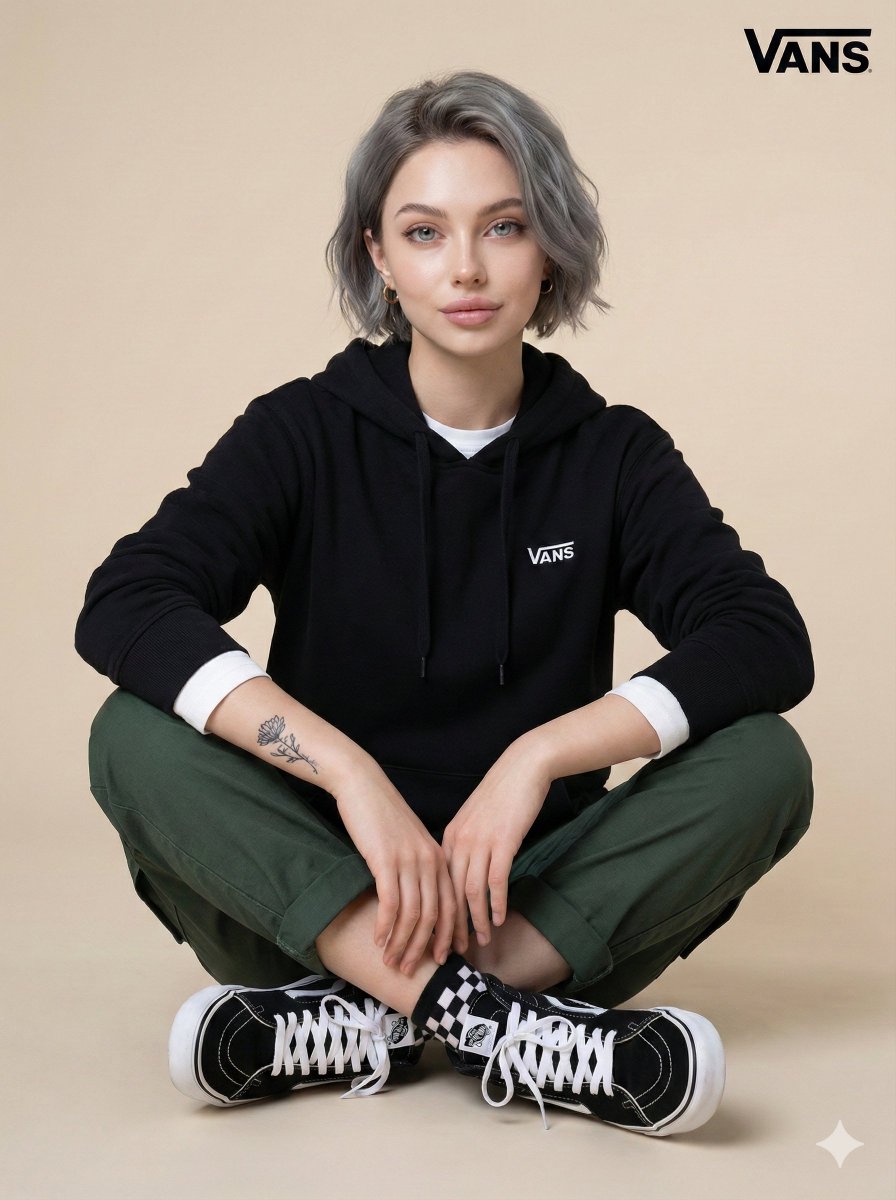
Casual Studio Portrait with Identity Preservation Prompt
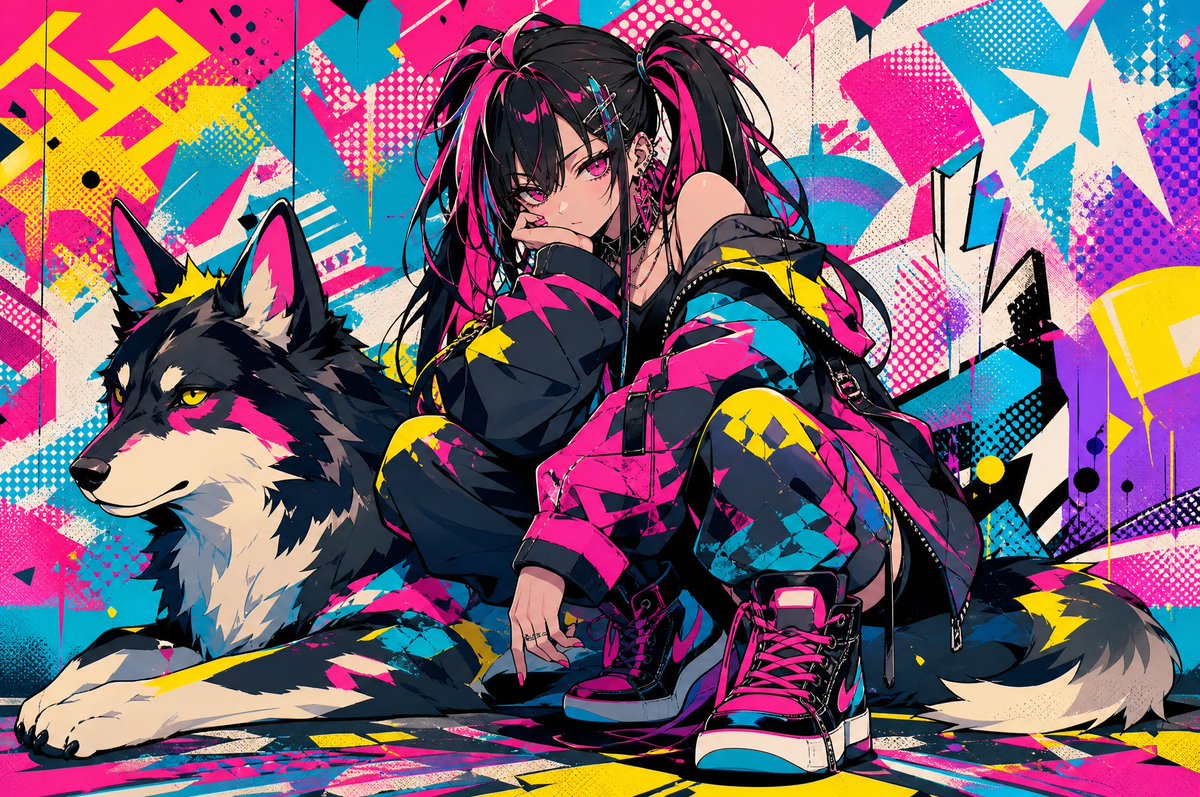
Neon Punk Girl with Husky
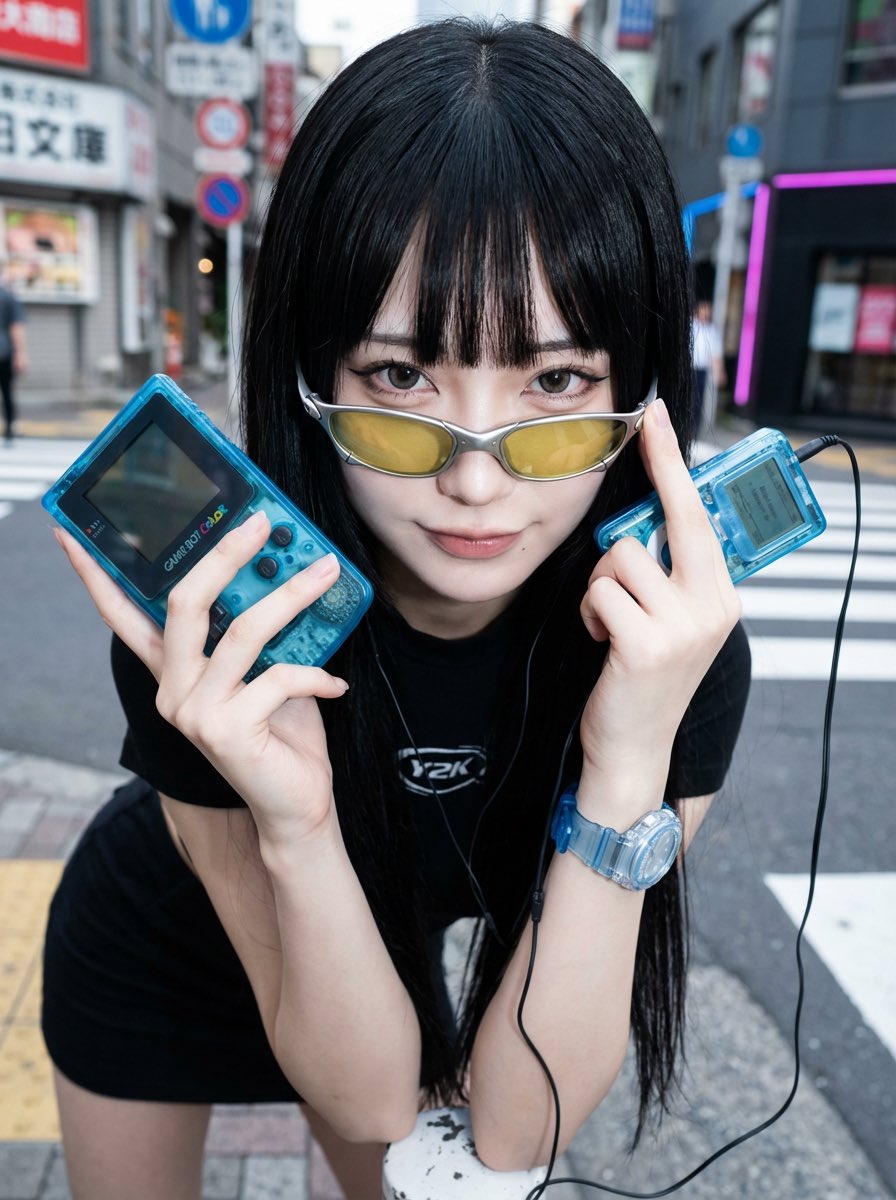
Y2K Fashion Influencer Character Generation Prompt
Browse template categories
Golden Hour Candid Male Portrait questions
How do I use the Golden Hour Candid Male Portrait template?
Add your photo if the template asks for one, edit the prompt if you like — the template's model and format are already selected — and press Generate. Your version opens in PicX Studio.
Can I customize the Golden Hour Candid Male Portrait template?
Yes. You can change the subject, setting, lighting, mood, format, and available model controls before creating your image.
Is the Golden Hour Candid Male Portrait template free?
Opening and editing this template is free. Generating uses credits, shown on the Generate button when you are signed in.
Which AI model should I use?
Start with Nano Banana 2, which is the model associated with this template. You can compare another compatible model for a different finish.
Looking for something else? Browse all templates.

Your photo, any look
Thousands of ready templates for every top image and video model, from one credit balance.