
Monochrome Luxury Editorial Portrait
A sophisticated black-and-white editorial prompt for a man seated in a luxury lounge, featuring 50mm lens aesthetics.
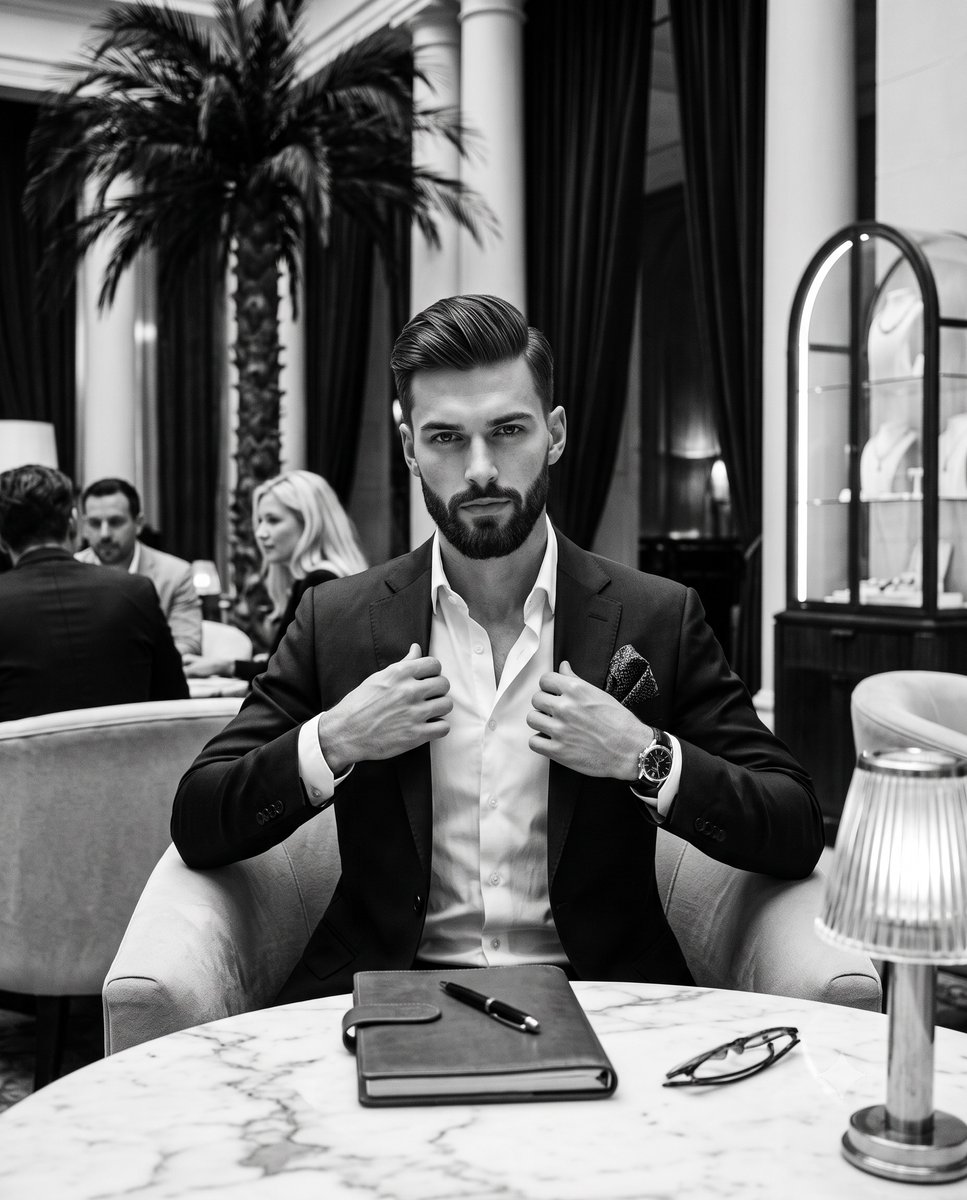
- Prompt included
- Model and format preset
- Free template
The prompt behind this image
Copy the exact prompt behind Monochrome Luxury Editorial Portrait, or open it in the studio and make it yours.
A {argument name="subject" default="handsome, sophisticated man with sharp facial features, a strong jawline, and perfectly groomed light stubble"} gazes intensely and directly into the lens with a calm, confident expression. His dark hair is swept back with a natural side part, displaying subtle texture where individual strands catch the soft ambient light. He is dressed in a sharply tailored dark suit jacket accented by a dark patterned pocket square, layered over a crisp white dress shirt left casually unbuttoned at the collar. Sitting in a relaxed posture, his hands are raised to mid-chest, gently gripping the inner edges of his jacket lapels in a subtle adjustment, revealing the glint of a metallic wristwatch on his left wrist. He is seated in a {argument name="setting" default="plush, curved light-colored upholstered armchair pulled up to a smooth, veined white marble table"} in the immediate foreground, which holds a closed black leather notebook, a pen, a pair of folded dark-rimmed eyeglasses, and the partial view of a glowing ribbed glass table lamp. Behind him in the midground, the textured, arching fronds of a large indoor palm tree frame his head, while other patrons blur slightly into the ambiance, including a man seated to the left and a blonde woman relaxing at a softly lit table to the right. The background extends into a grand, high-ceilinged interior lounge featuring tall, dramatic dark vertical drapery, imposing architectural columns, and a softly illuminated arched glass display case. Rendered entirely in a {argument name="style" default="rich black-and-white monochrome palette"}, the lighting is soft yet directional, carving out precise specular highlights on the man's cheekbones, his watch, and the polished marble surface, while deep, velvety shadows gather in the heavy folds of his suit, the curtain pleats, and the distant recesses of the room to forge a moody, luxurious atmosphere. Captured with a classic 50mm lens for an editorial fashion aesthetic, utilizing a shallow depth of field to isolate the razor-sharp subject against the softly blurred environment, processed with a high-contrast tonal range and subtle photographic film grain, framed in a 4:5 aspect ratio.
How to use Monochrome Luxury Editorial Portrait in 3 steps
- 1
Open
The prompt is already in the box next to the preview, with the template's model and format selected.
- 2…a portrait of your subject in softgolden-hour light, 85mm…
Personalize
Edit the subject and creative details for your destination.
- 3Generate
Generate
Press Generate — your image is created in PicX Studio, so you can compare it with the original and refine one variable at a time.
More like this
Templates with the same subject, style or setup. Open one to see its prompt.
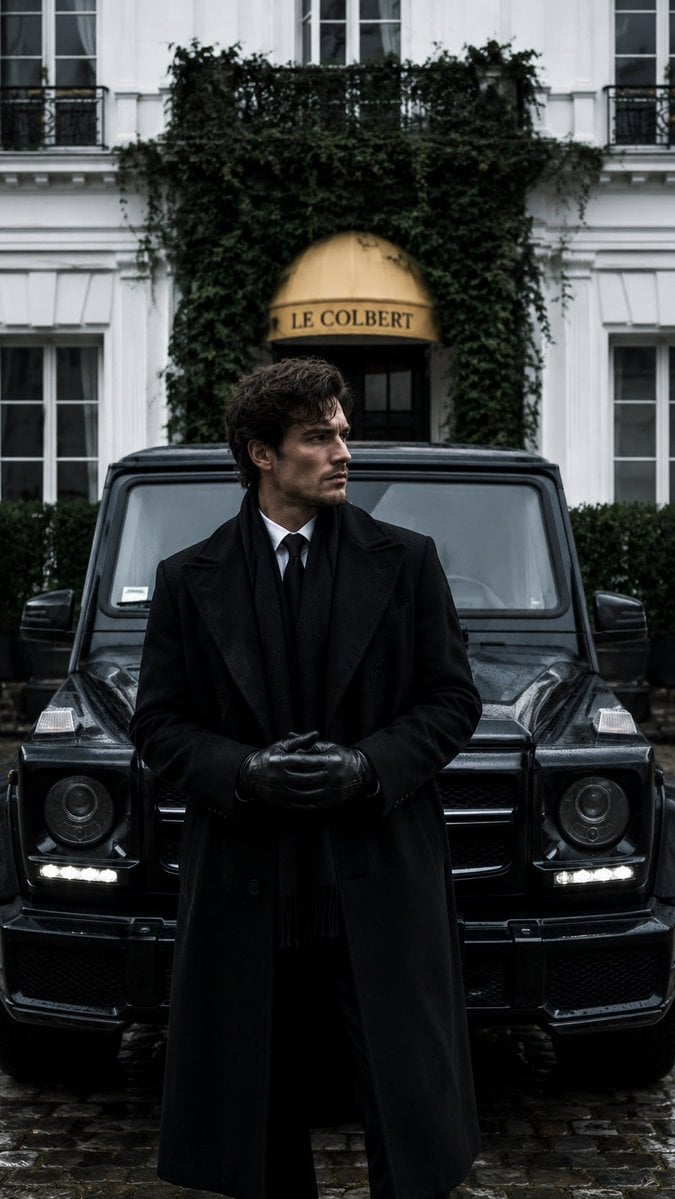
Monochrome Luxury Editorial Portrait
untitled
Gpt Image 2 Fashion Portrait
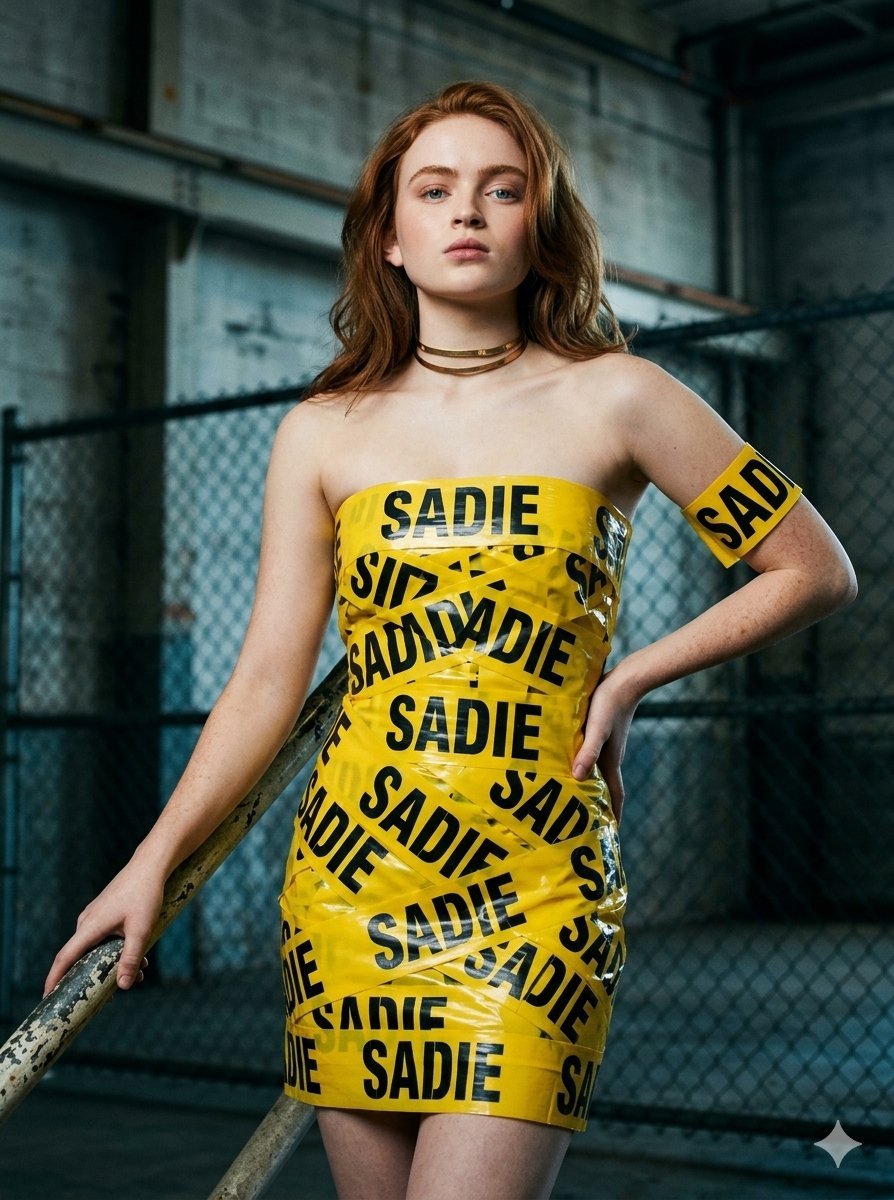
Caution Tape Fashion — Industrial Editorial
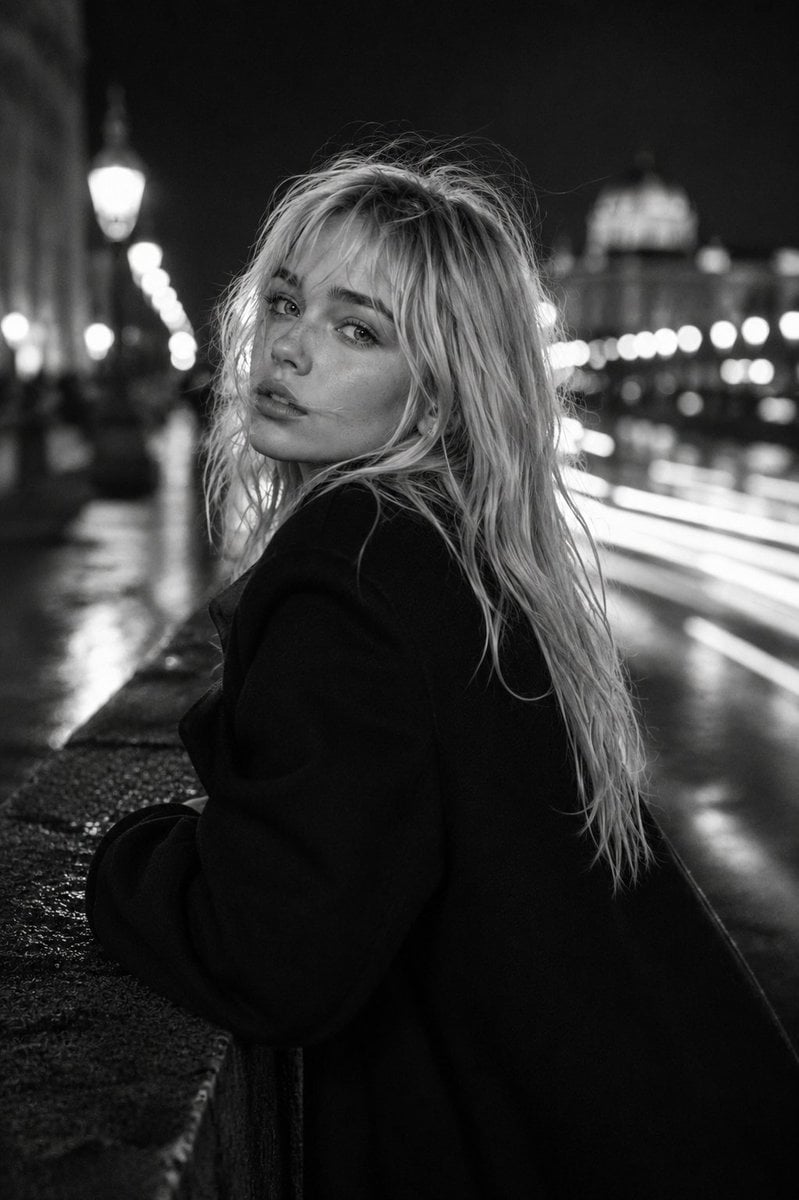
Monochrome Fashion Editorial Portrait
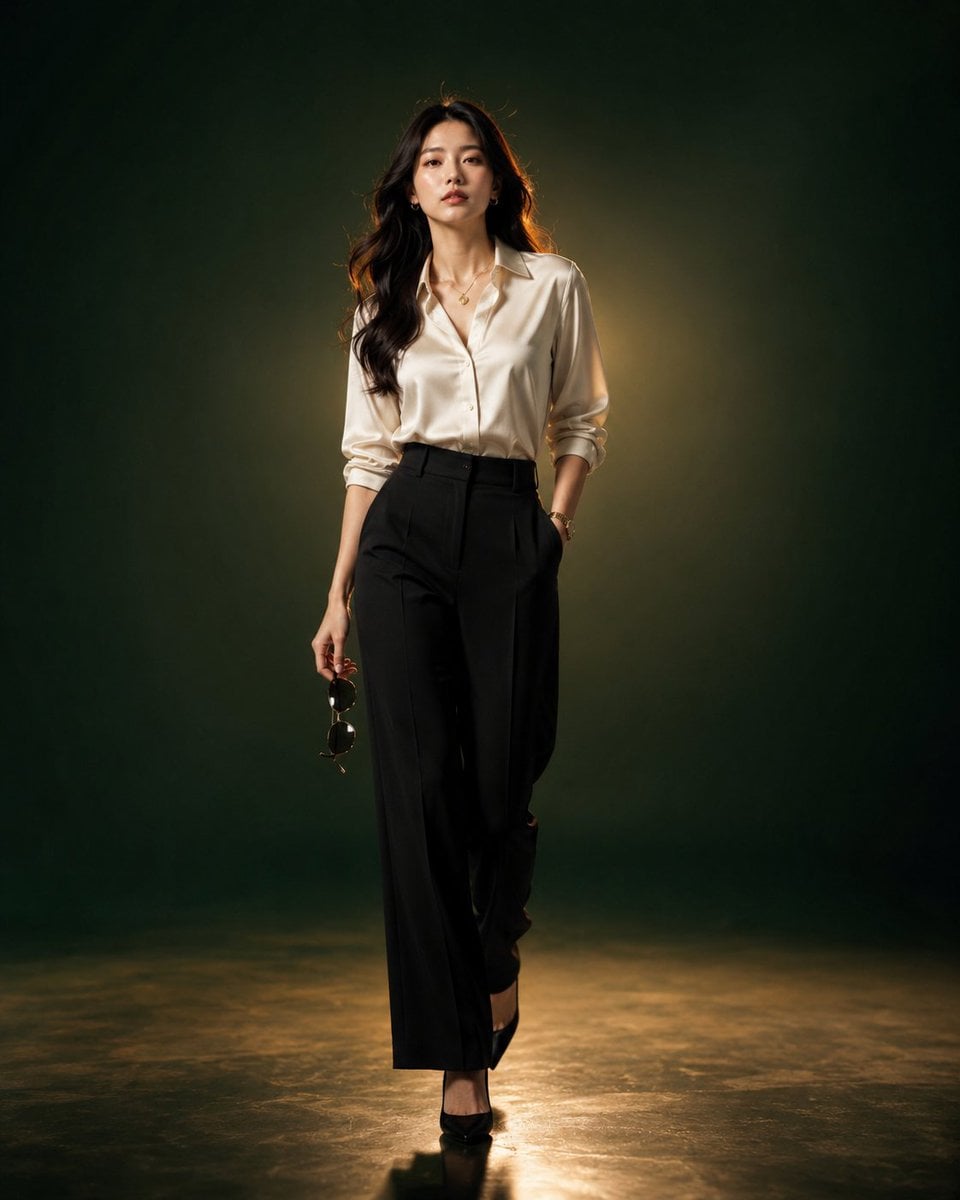
Luxury Fashion Editorial Portrait
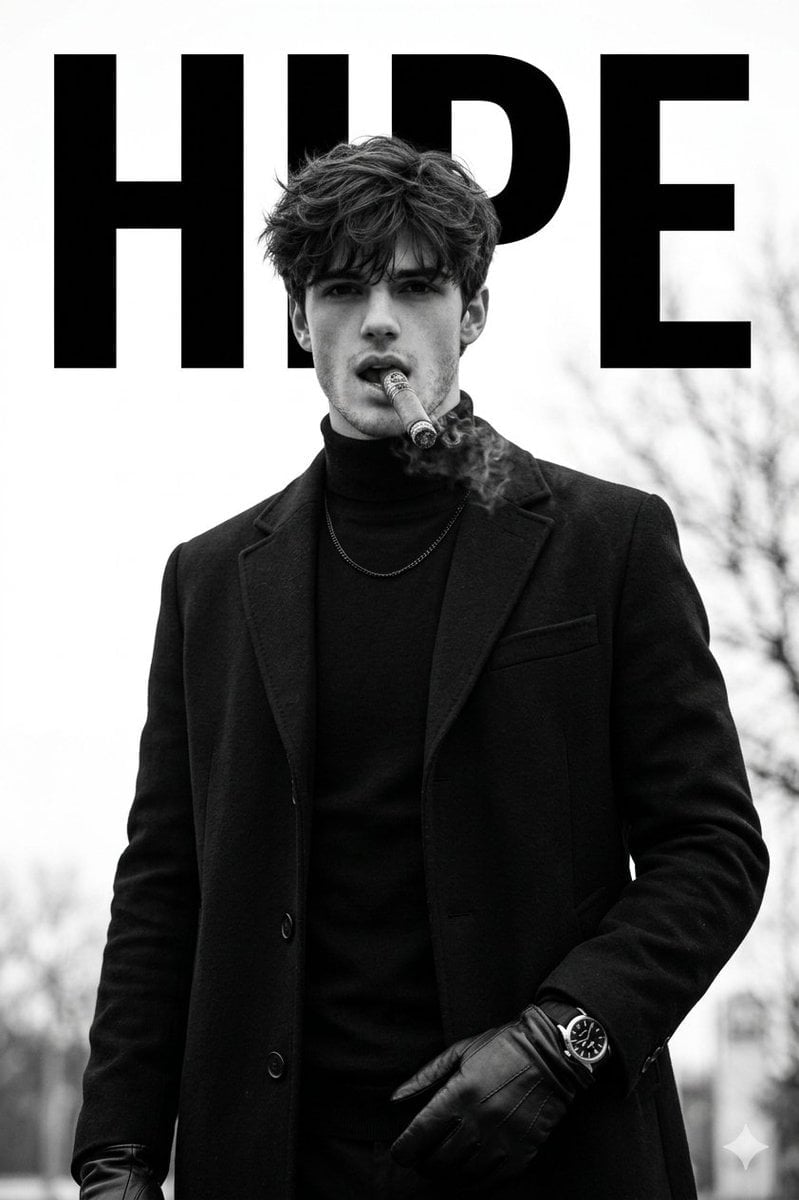
Luxury Monochrome Male Fashion Portrait
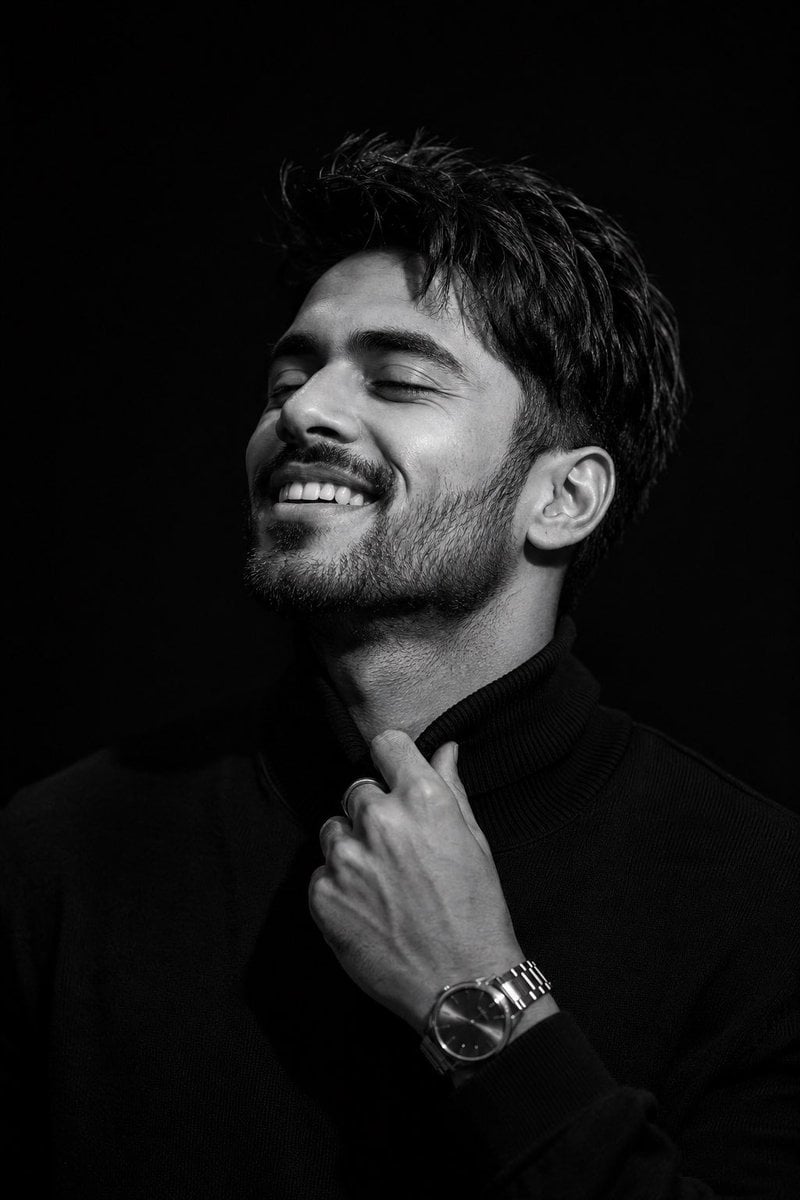
Monochrome Editorial Cinematic Portrait
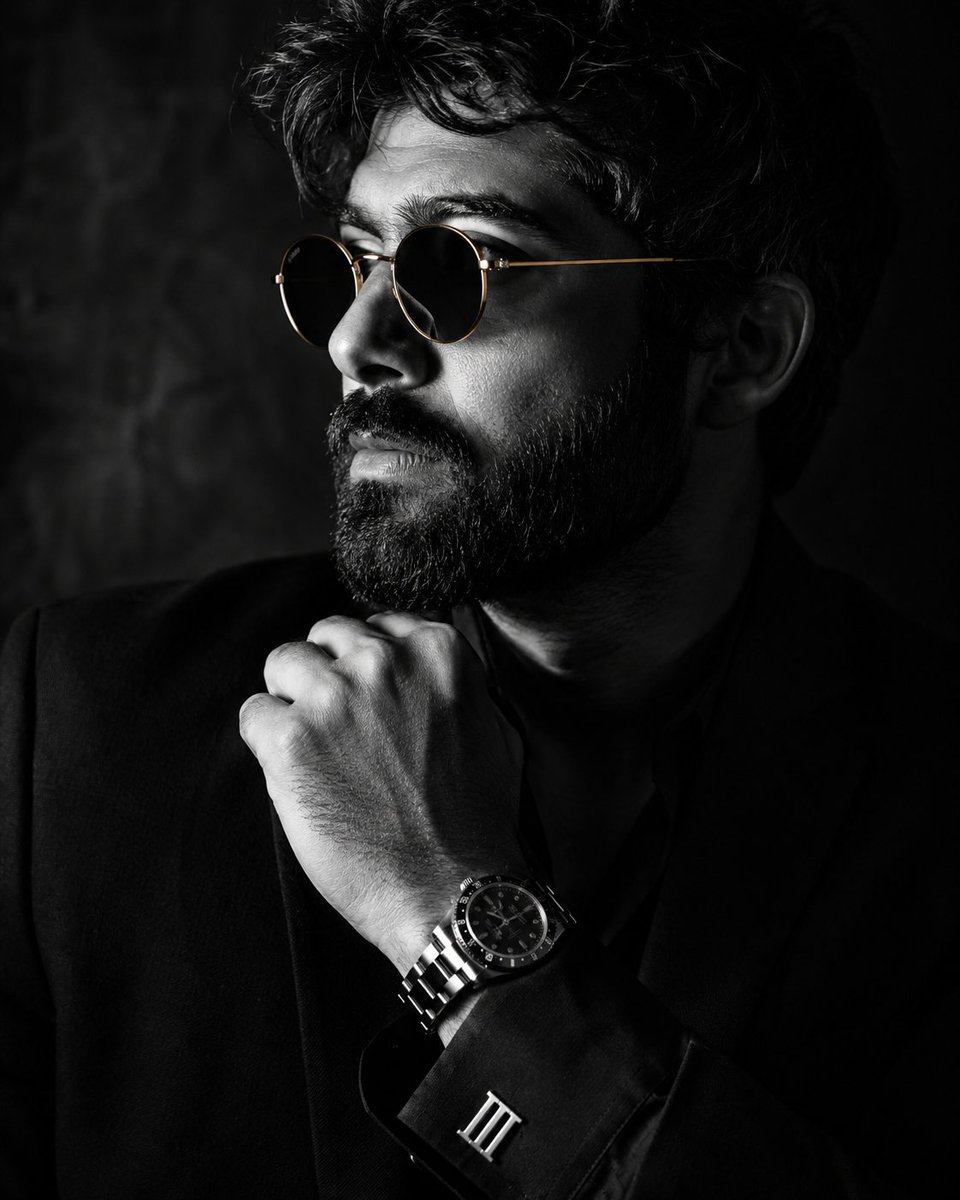
Monochrome Luxury Studio Portrait
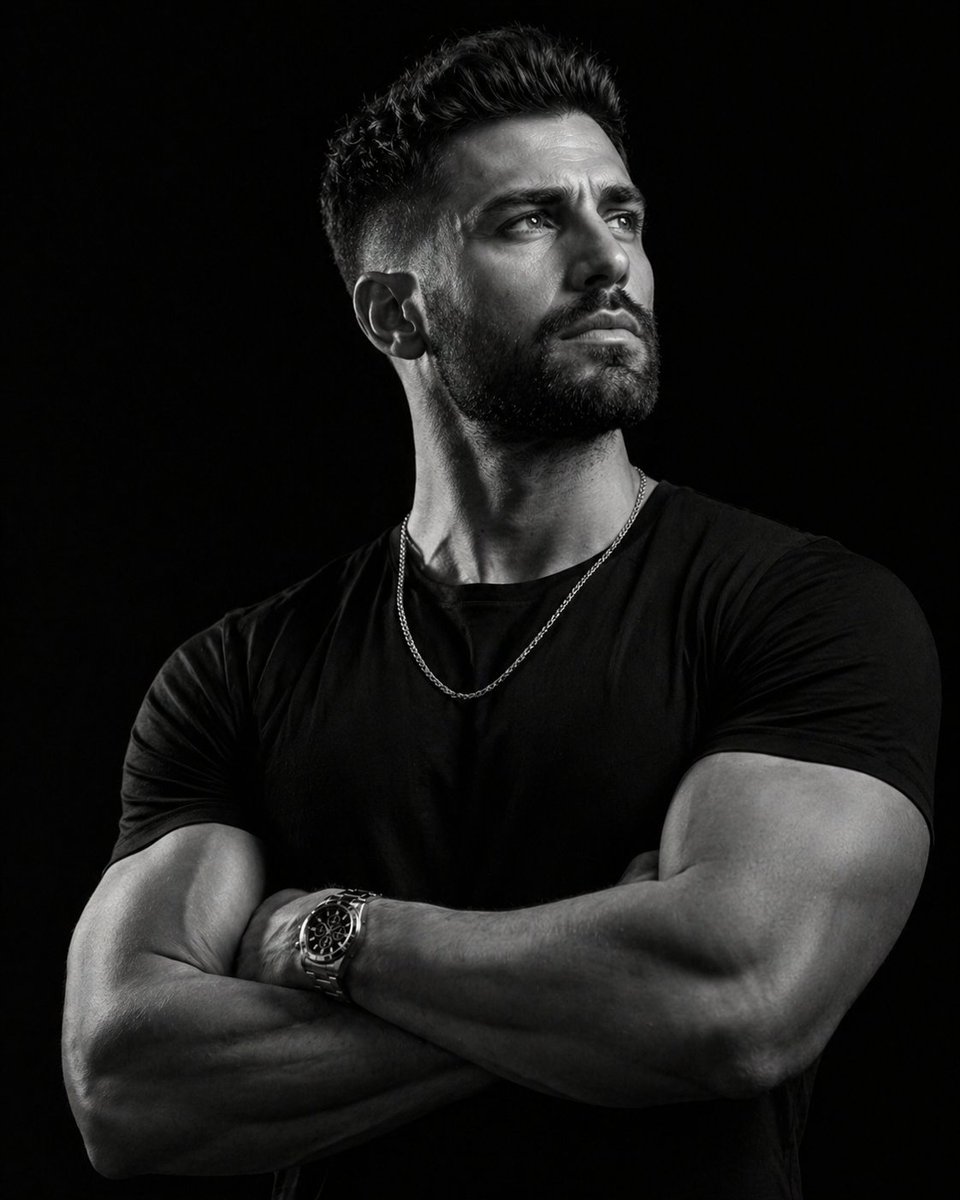
Low-key monochrome editorial portrait
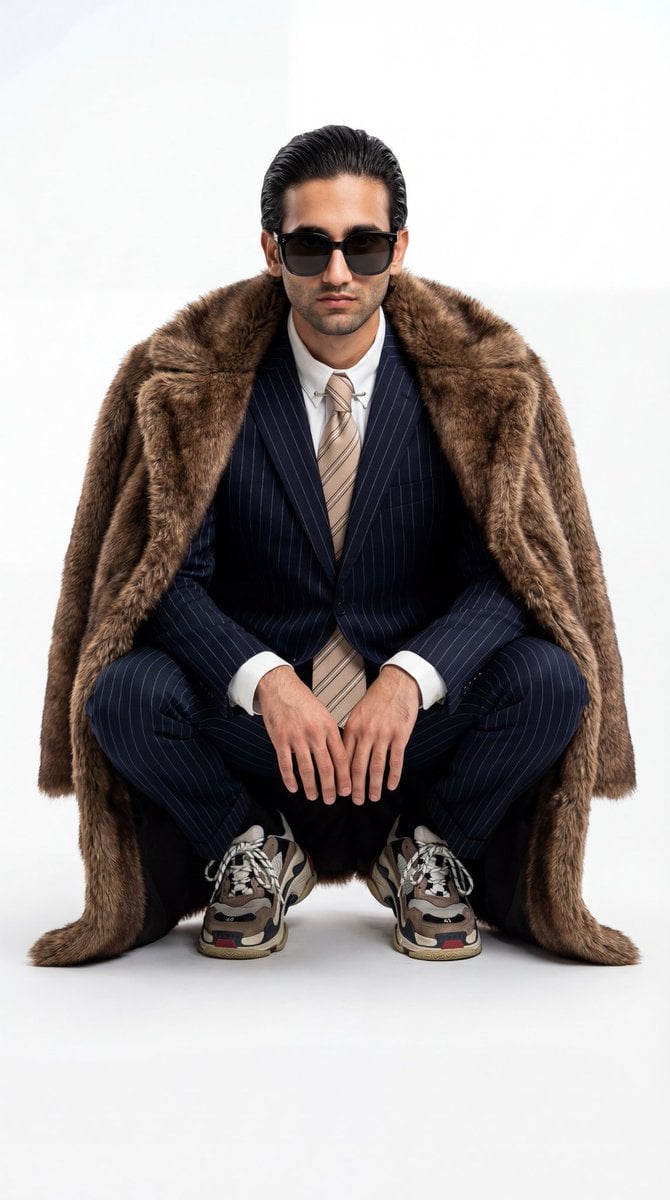
Ultra-Realistic Luxury Fashion Editorial Portrait
Couture Fashion Editorial Woman and Drag
Make it yours
Monochrome Luxury Editorial Portrait works as-is. These are the safest ways to change it without losing the look.
Change one field
Copy a single group, rewrite it, and generate again so you can see what that field is doing.
Keep the frame, change the subject
Hold the composition and light of Monochrome Luxury Editorial Portrait, then swap wardrobe, props or the person for a new take.
| If the result… | Why | Fix |
|---|---|---|
| The result drifts from the preview | Too many fields changed at once. | Reuse Monochrome Luxury Editorial Portrait as-is first, then change one group — subject, light, or setting. |
| The model over-stylizes the scene | The prose prompt leaves finish and camera underspecified. | Add one camera or lighting sentence and stay on Nano Banana 2. |
More Nano Banana 2 templates
Other prompts made for Nano Banana 2.

Photorealistic Leaf Shaped Like a Dragon

K-Pop Idol Portrait Grid for Rapid Selection

Poetic Rain Forest Portrait During Golden Hour

Urban Street Portrait with Cartoon Inner Self Duo

Candid Nighttime Photo with Cat Prompt

High-Concept 3D Diorama Generation Prompt

Cinematic Futuristic Studio Portrait Template

Skincare Editorial Photography Collage Prompt

Hyper-Realistic Commercial Product Photography (Splash Effect)

Hyper-Realistic Nightclub Portrait Prompt
More image prompts
Fresh picks from across the catalog.
Cyber-modern portrait with neon lighting
Cinematic Product Video for Luxury Perfume
Professional Korean Office Portrait
Gpt2 Comic Storyboard Soft Pastel Anime Girl Full Body
Nano Banana - Paris Cafe Editorial
Quiet Luxury Editorial Portrait with Identity Lock
Nile River Fashion Editorial
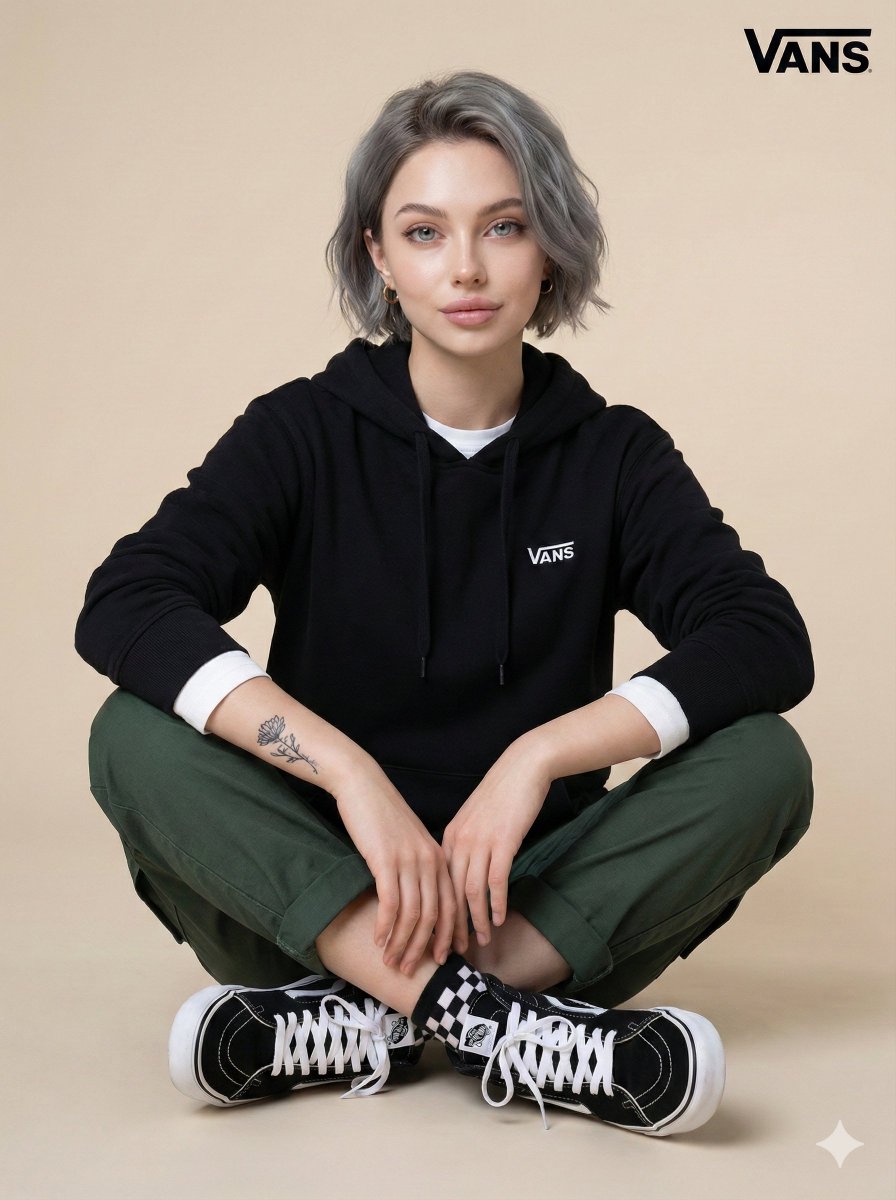
Casual Studio Portrait with Identity Preservation Prompt
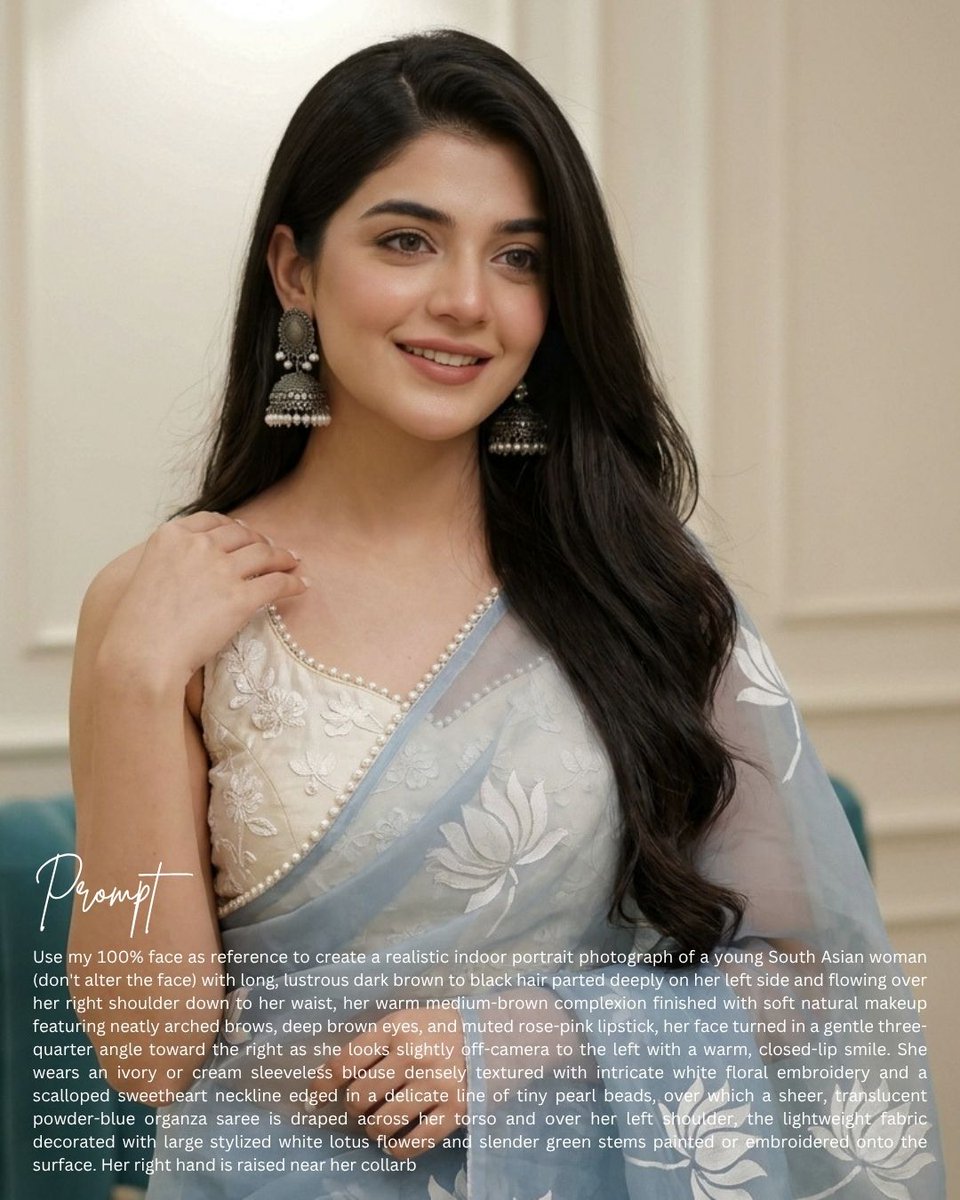
South Asian Saree Prompt Card
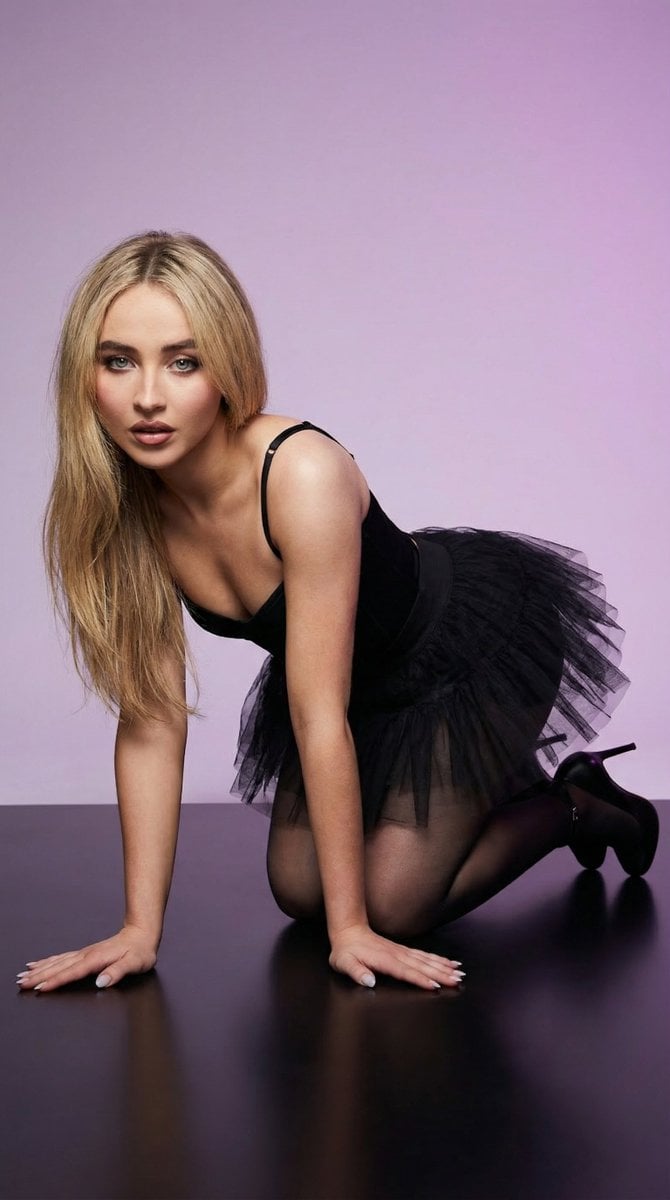
High-Fashion Studio Pose Prompt (Absolute Identity Lock)
Browse template categories
Monochrome Luxury Editorial Portrait questions
How do I use the Monochrome Luxury Editorial Portrait template?
Add your photo if the template asks for one, edit the prompt if you like — the template's model and format are already selected — and press Generate. Your version opens in PicX Studio.
Can I customize the Monochrome Luxury Editorial Portrait template?
Yes. You can change the subject, setting, lighting, mood, format, and available model controls before creating your image.
Is the Monochrome Luxury Editorial Portrait template free?
Opening and editing this template is free. Generating uses credits, shown on the Generate button when you are signed in.
Which AI model should I use?
Start with Nano Banana 2, which is the model associated with this template. You can compare another compatible model for a different finish.
Looking for something else? Browse all templates.

Your photo, any look
Thousands of ready templates for every top image and video model, from one credit balance.