How do I use the Surreal Giant Woman in Venice template?
Edit the prompt in the box under the preview — the template's model and format are already selected — and press Generate. Your version appears right on this page.
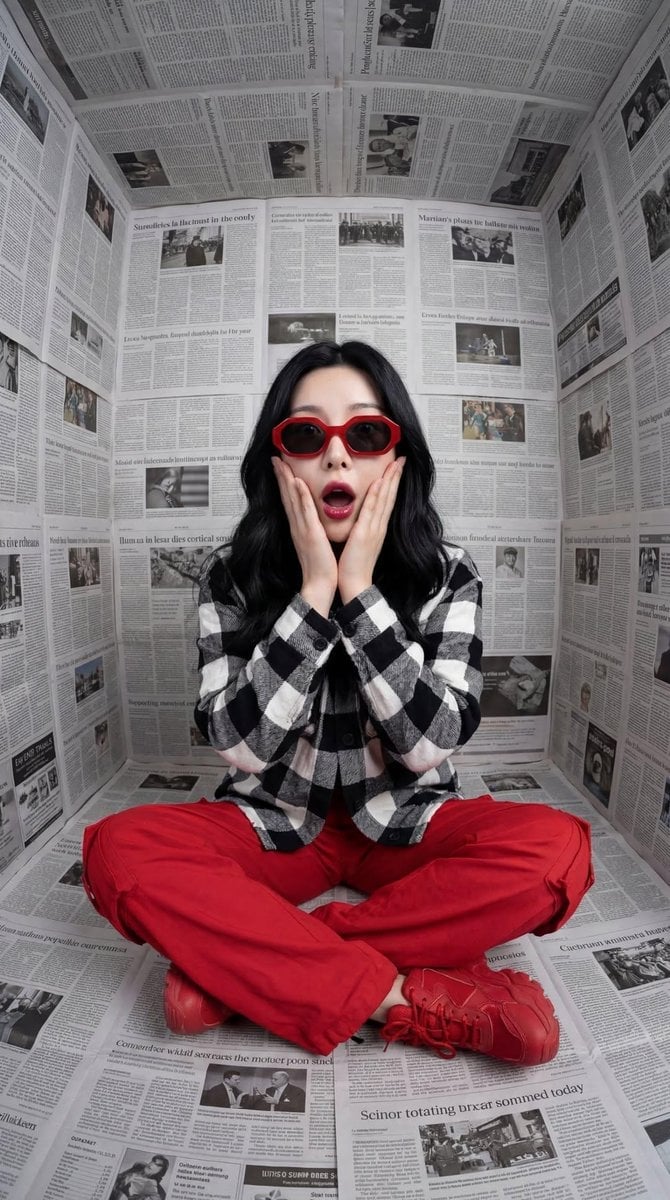
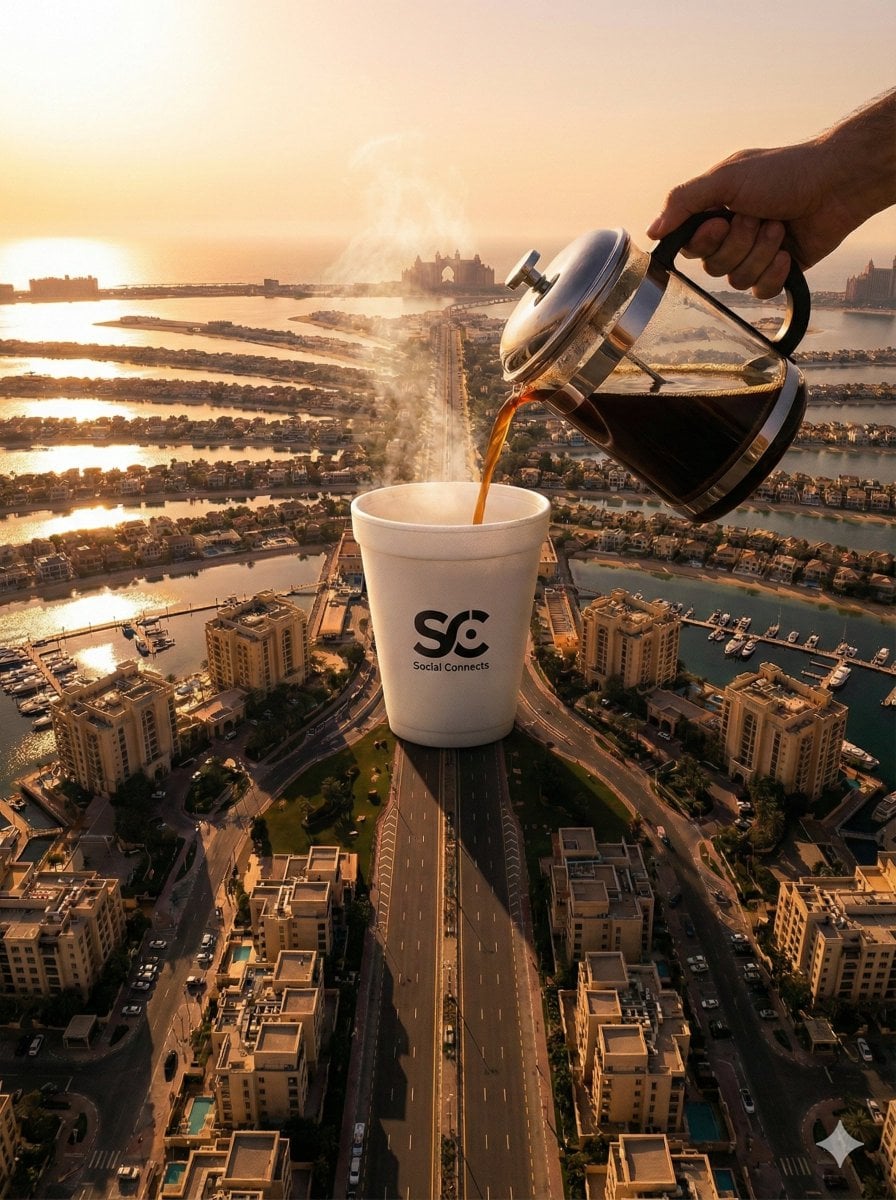
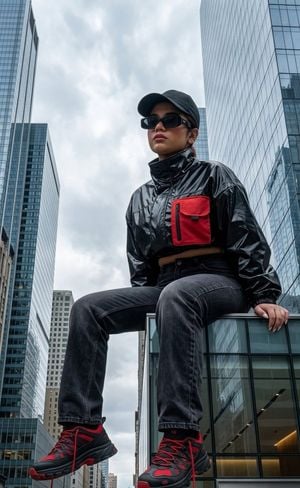
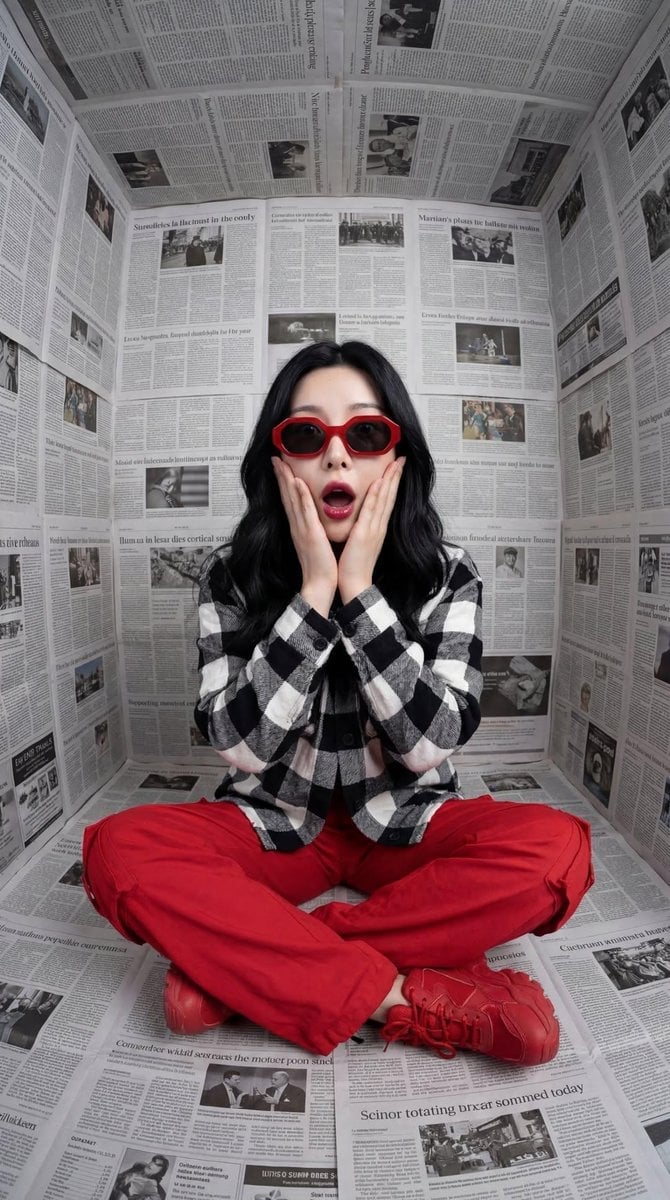
A stunning, high-realism prompt for generating a surreal scene of a giant woman gracefully sitting in Venice's Piazza San Marco among tourists, featuring cinematic lighting and 8K details.

A surreal {argument name="subject" default="giant woman"} sitting gracefully in the middle of {argument name="location" default="Venice's Piazza San Marco"}, wearing an {argument name="outfit" default="elegant black outfit and sunglasses"}, smiling softly while tourists gather around taking photos with their phones. Cinematic lighting, realistic architecture, dramatic scale contrast, ultra-detailed, photorealistic, travel photography, vibrant sky, natural shadows, high realism, 8K.
A surreal {argument name="subject" default="giant woman"} sitting gracefully in the middle of {argument name="location" default="Venice's Piazza San Marco"}, wearing an {argument name="outfit" default="elegant black outfit and sunglasses"}, smiling softly while tourists gather around taking photos with their phones. Cinematic lighting, realistic architecture, dramatic scale contrast, ultra-detailed, photorealistic, travel photography, vibrant sky, natural shadows, high realism, 8K.
Edit the prompt in the box under the preview — the template's model and format are already selected — and press Generate. Your version appears right on this page.
Yes. You can change the subject, setting, lighting, mood, format, and available model controls before creating your image.
Opening and editing this template is free. Generating uses credits, shown on the Generate button when you are signed in.
Start with Nano Banana 2, which is the model associated with this template. You can compare another compatible model for a different finish.
Follow a topic to a crawlable collection of related PicX Studio templates.