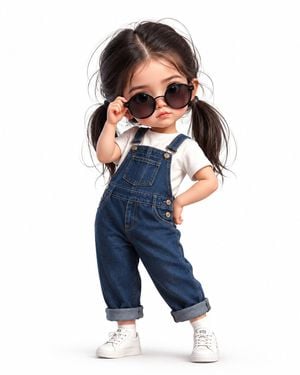
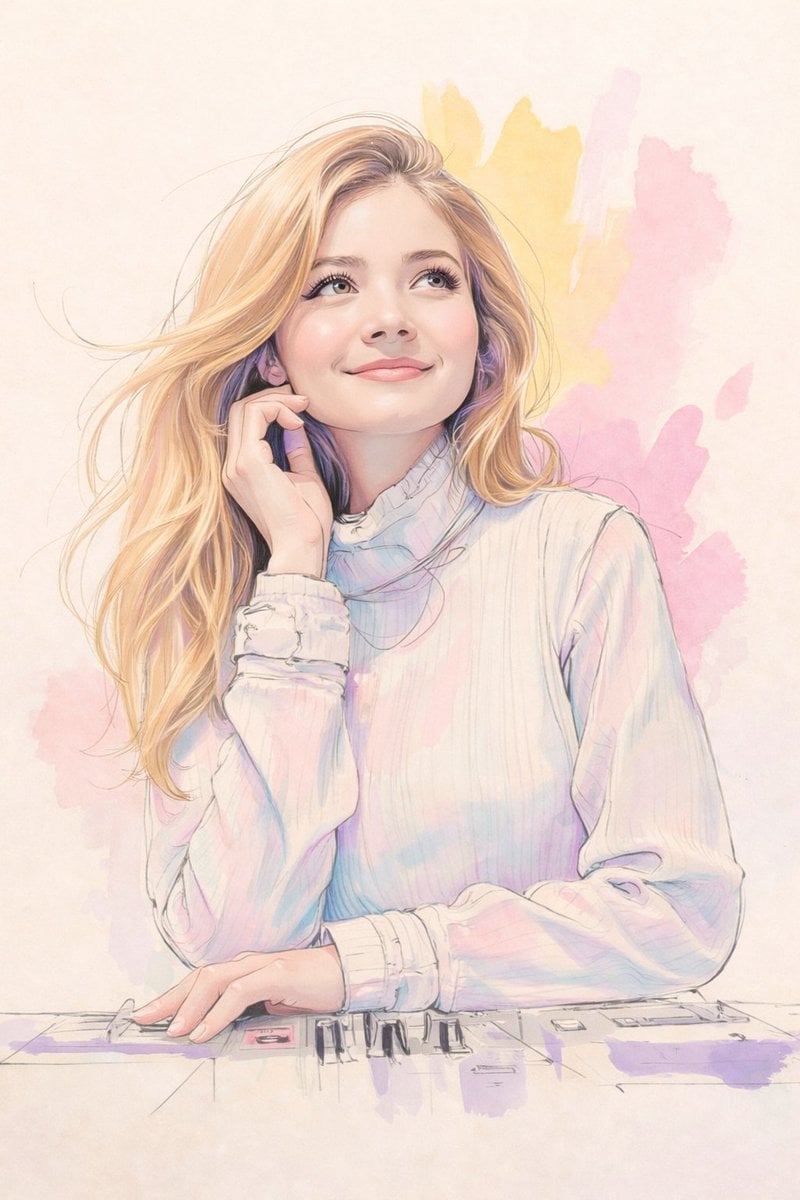
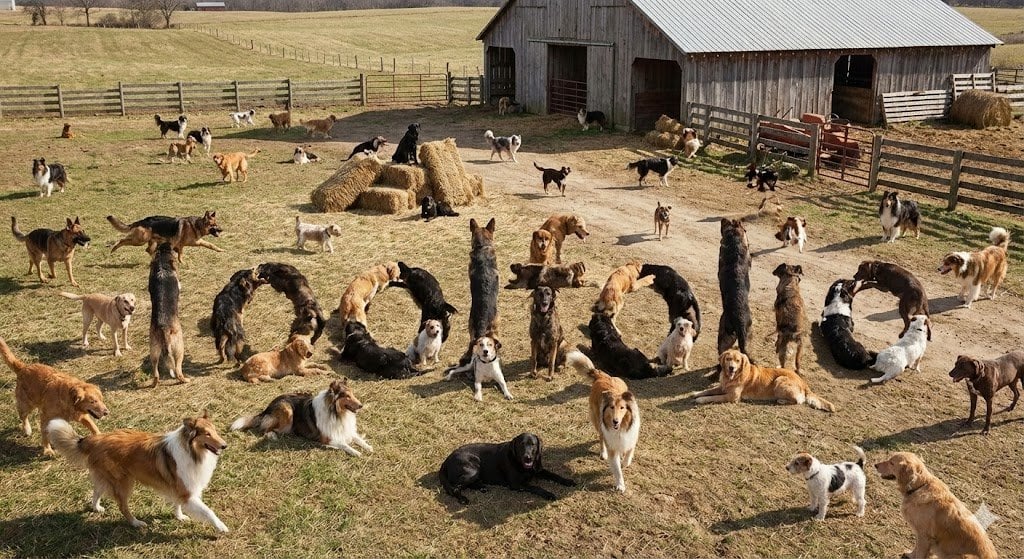
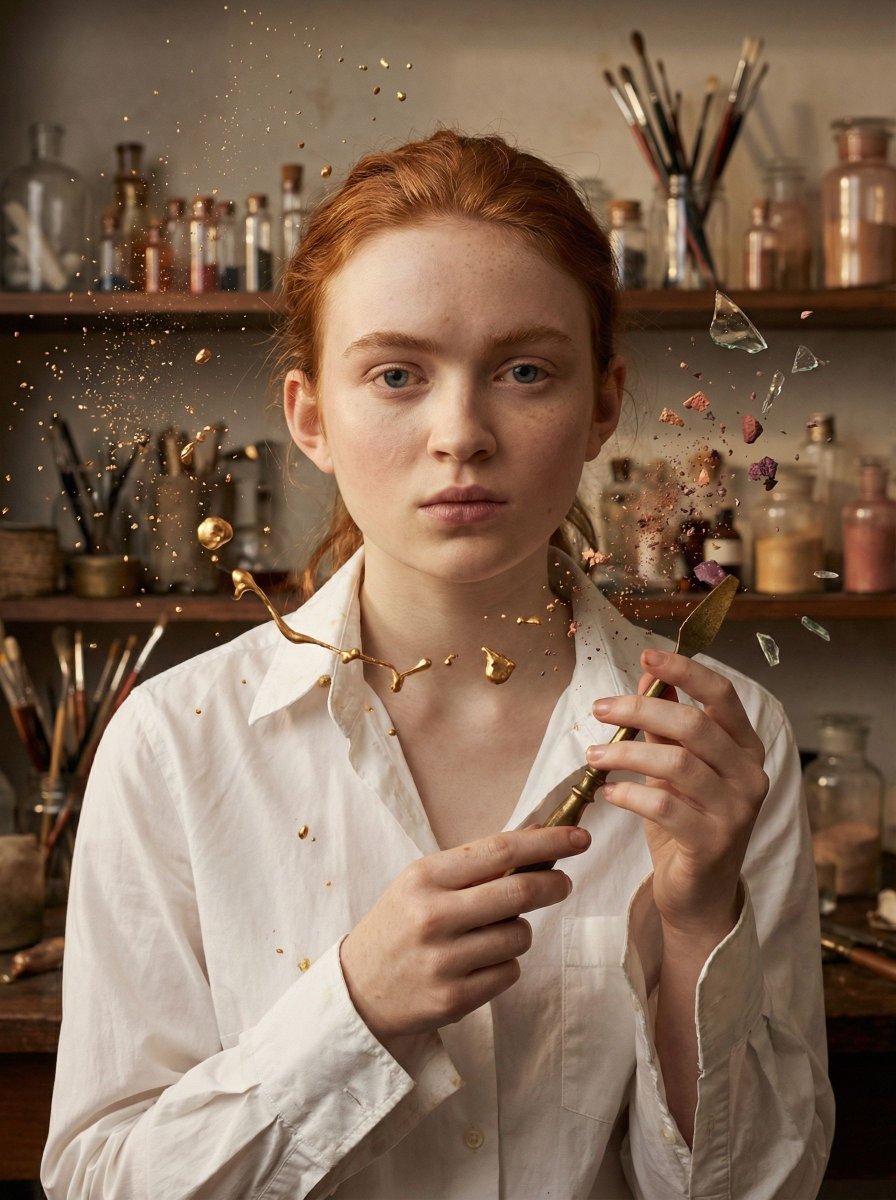
How do I use the Korean Webtoon Chibi Girl Collage template?
Edit the prompt in the box under the preview — the template's model and format are already selected — and press Generate. Your version appears right on this page.
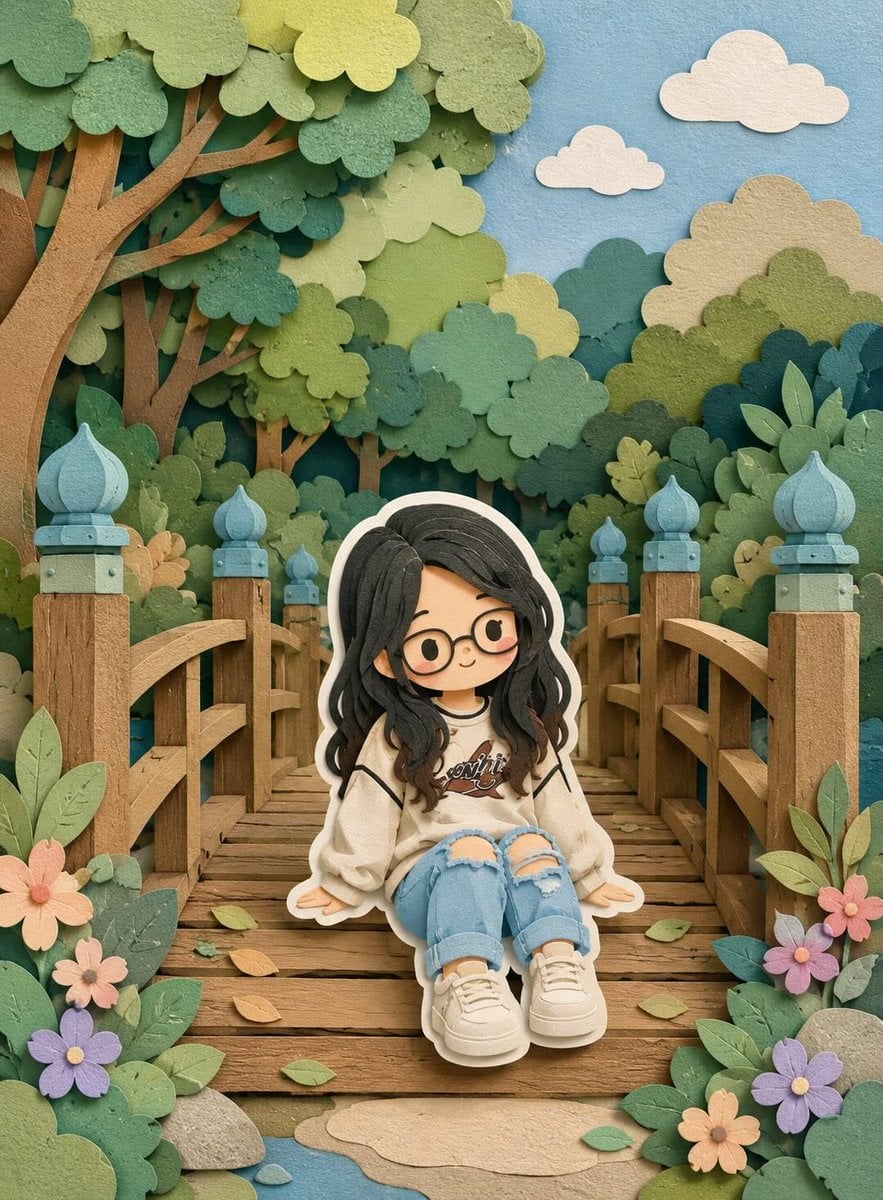
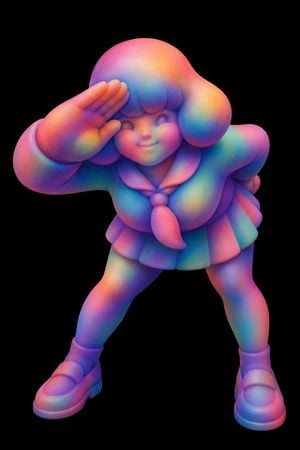
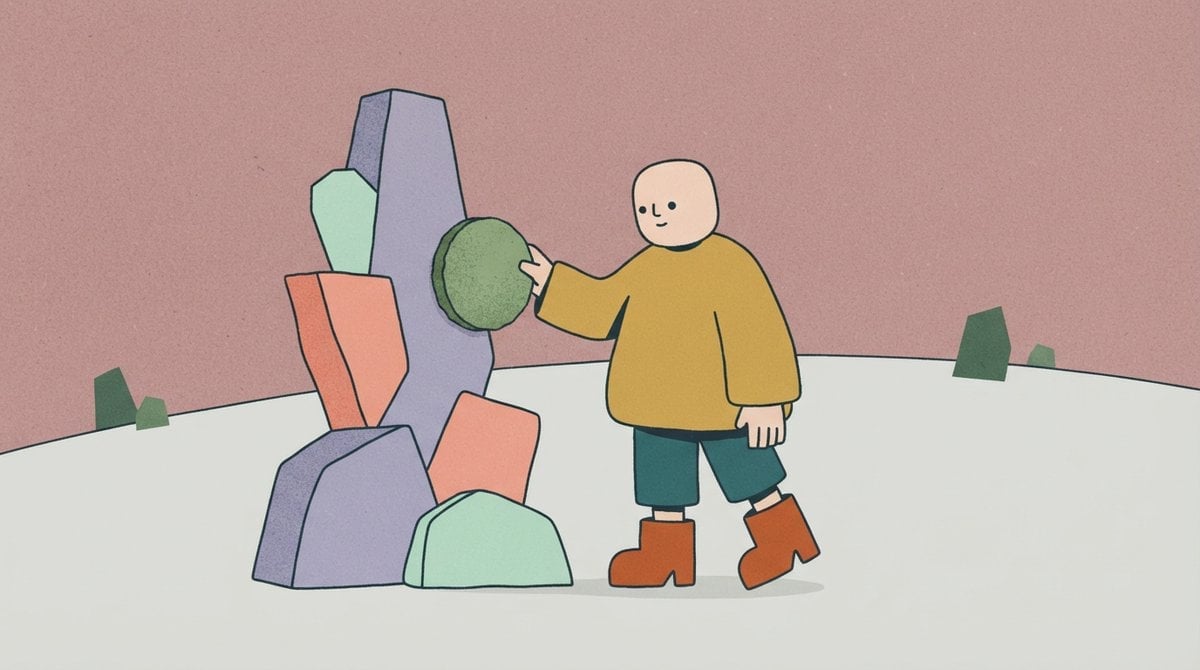
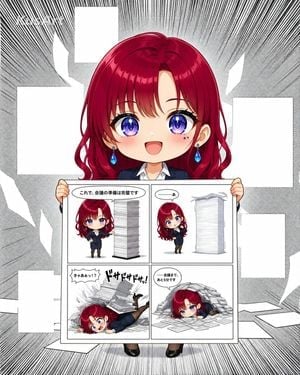
A vibrant four-panel grid featuring stylish chibi girls in a Korean webtoon aesthetic with pop-art elements and high-contrast colors.

A clean 4-panel grid art collage featuring four distinct, {argument name="subject" default="stylish chibi girls"} in a {argument name="aesthetic" default="Korean webtoon aesthetic"}. The illustration uses a minimalist flat vector design with bold, crisp black outlines and a pop-art comic vibe. Each panel features a unique solid color backdrop, including vibrant teal, bright sun yellow, and deep royal blue. The characters have large glossy anime-style dark eyes, softly blushed pink cheeks, and trendy hairstyles such as neat side-braids and elegant low buns. They wear fashionable {argument name="clothing" default="high-contrast striped turtlenecks and sleek black sweaters"}, accessorized with oversized colorful hoop earrings. Perfect symmetry, high resolution, graphic art style. --ar 3:4
A clean 4-panel grid art collage featuring four distinct, {argument name="subject" default="stylish chibi girls"} in a {argument name="aesthetic" default="Korean webtoon aesthetic"}. The illustration uses a minimalist flat vector design with bold, crisp black outlines and a pop-art comic vibe. Each panel features a unique solid color backdrop, including vibrant teal, bright sun yellow, and deep royal blue. The characters have large glossy anime-style dark eyes, softly blushed pink cheeks, and trendy hairstyles such as neat side-braids and elegant low buns. They wear fashionable {argument name="clothing" default="high-contrast striped turtlenecks and sleek black sweaters"}, accessorized with oversized colorful hoop earrings. Perfect symmetry, high resolution, graphic art style. --ar 3:4
Edit the prompt in the box under the preview — the template's model and format are already selected — and press Generate. Your version appears right on this page.
Yes. You can change the subject, setting, lighting, mood, format, and available model controls before creating your image.
Opening and editing this template is free. Generating uses credits, shown on the Generate button when you are signed in.
Start with Nano Banana 2, which is the model associated with this template. You can compare another compatible model for a different finish.
Follow a topic to a crawlable collection of related PicX Studio templates.