
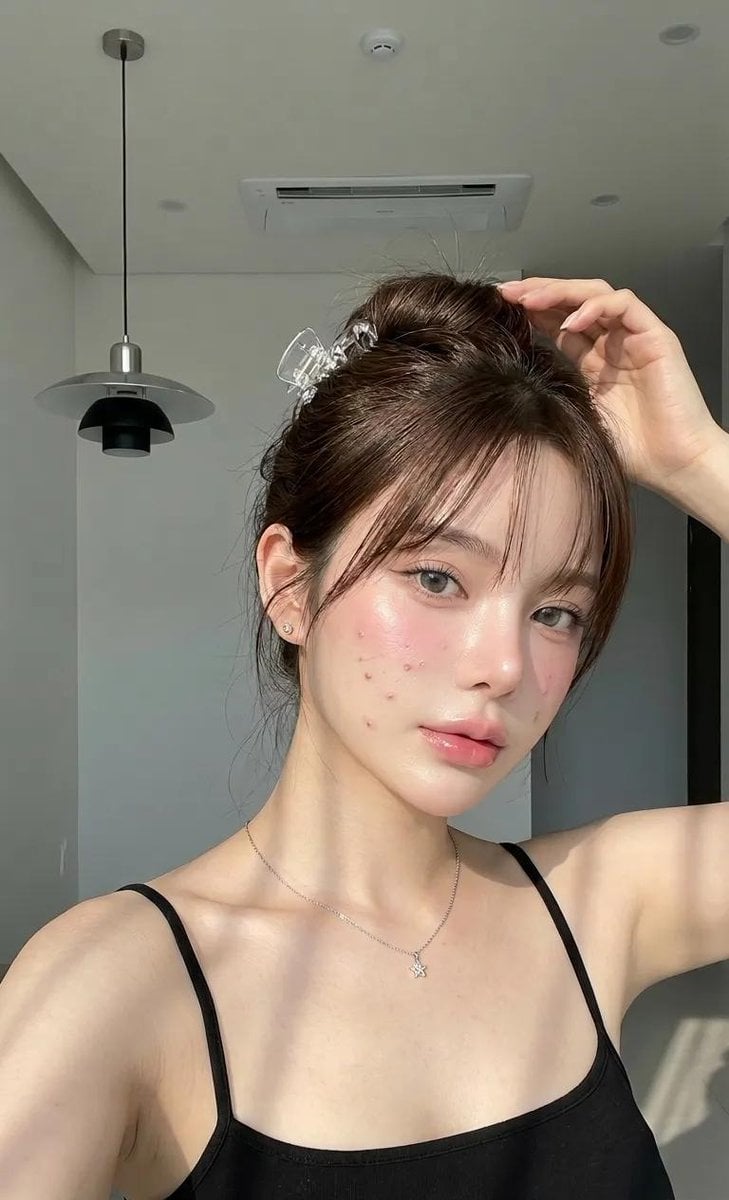
Natural Glass Skin Selfie
A highly detailed prompt for a realistic 'glass skin' selfie portrait in a minimalist indoor setting with natural sunlight and soft shadows.
- Prompt included
- Model and format preset
- Premium template
The prompt behind this image
Copy the exact prompt behind Natural Glass Skin Selfie, or open it in the studio and make it yours.
A close-up selfie portrait of a {argument name="subject" default="woman"} with bright natural fair skin, featuring healthy, hydrated glowing skin with a very realistic glass skin effect, especially on the cheeks, tip of the nose, forehead, and T-zone. Her face remains natural and realistic, with slight subtle breakouts and faint acne marks still softly visible so the result does not look overly smoothed or artificial. The makeup is highly detailed yet still natural and radiant: lightweight even base makeup, dewy wet finish, thin concealer, soft pink blush on the cheeks, subtle highlighter on the cheekbones and nose tip, natural pink lip gloss with a healthy plump lip effect, neatly groomed dark brown natural eyebrows, naturally curled lashes, soft and clean eye makeup, not excessive. Her face looks fresh, feminine, and elegant. She is in a modern minimalist indoor room, with a grayish-white wall background, a high ceiling with black decorative hanging lights and central air conditioning, and soft natural light coming from a side window that casts artistic shadow lines across her face, neck, and shoulders. The warm and gentle natural lighting creates an aesthetic, dreamy, clean, and high-end atmosphere. The background is simple, clean, and uncluttered so the main focus stays on the subject’s face and expression. She wears a {argument name="outfit" default="thin black tank top"} with a simple cut and small straps, giving a casual, clean, effortless, and fresh look. The pose is a half-body close-up selfie, with one hand raised above the head while holding or adjusting her hair, her head slightly tilted, shoulders relaxed, and her facial expression calm and soft. She looks directly into the camera with an elegant and natural aura. The pose feels relaxed yet graceful. Her hair is styled in a relaxed messy bun secured with a {argument name="hair accessory" default="transparent crystal claw clip"}, with a few thin front bangs softly framing the face. The hair texture looks smooth, light, and slightly shiny under the sunlight. She wears small earrings and a delicate necklace with a tiny star-shaped pendant. Camera angle: close-up portrait selfie, shot from slightly below eye level to eye level, framed to focus on the face and upper body, with an aesthetic composition that highlights the light on the skin, facial texture, and makeup details. HD, 8K, ultra sharp, aesthetic, soft natural contrast, realistic skin texture, cinematic daylight, clean composition, high detail, soft shadows, elegant minimal look. Negative prompt (optional): excessive makeup, overly blurred skin, plastic face, heavy beauty filter, dark lighting, stiff pose, busy background, overly saturated colors, lost skin texture, overly oval face, strange expression, artifacts, noise, low quality, overexposed, underexposed
How to use Natural Glass Skin Selfie in 3 steps
- 1
Open
The prompt is already in the box next to the preview, with the template's model and format selected.
- 2…a portrait of your subject in softgolden-hour light, 85mm…
Personalize
Edit the subject and creative details for your destination.
- 3Generate
Generate
Press Generate — your image is created in PicX Studio, so you can compare it with the original and refine one variable at a time.
More like this
Templates with the same subject, style or setup. Open one to see its prompt.

Minimalist Skincare Product Water Stone Still

Rooftop Fisheye — Cat-Ear Balaclava at Golden Hour

Felt & Knit 3D Character — Photo-Exact Face, Pixar-Quality Plush Figurine

Eid al-Adha Cute Chaos — Fisheye Selfie with Farm Selfie, Mosque & Animals

Cat Photobomb Selfie — 0.5x Wide Angle Café Chaos

Gen Z Triple Selfie Collage — Y2K Flash Photography

Surreal Cat Astronaut — Humanoid Face Freefall
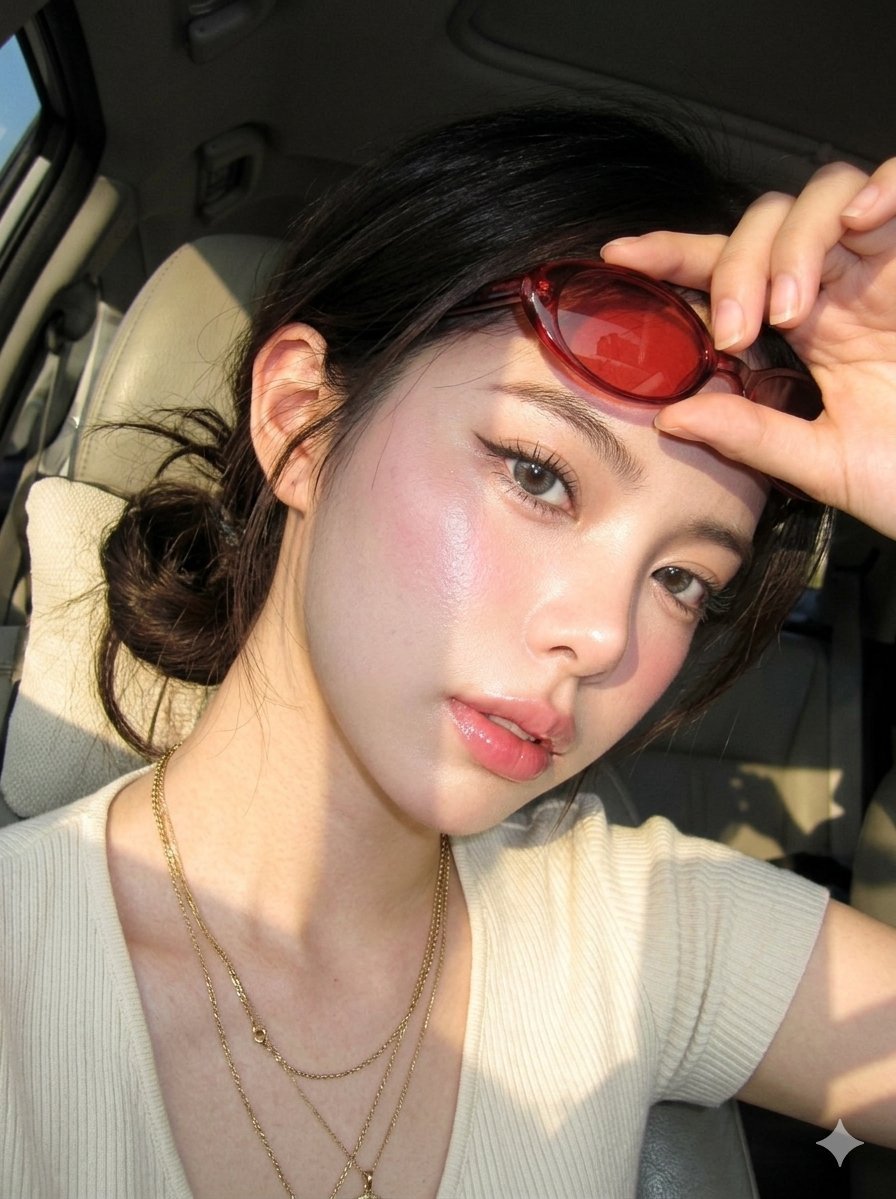
Digicam Style Glass-Skin Portrait
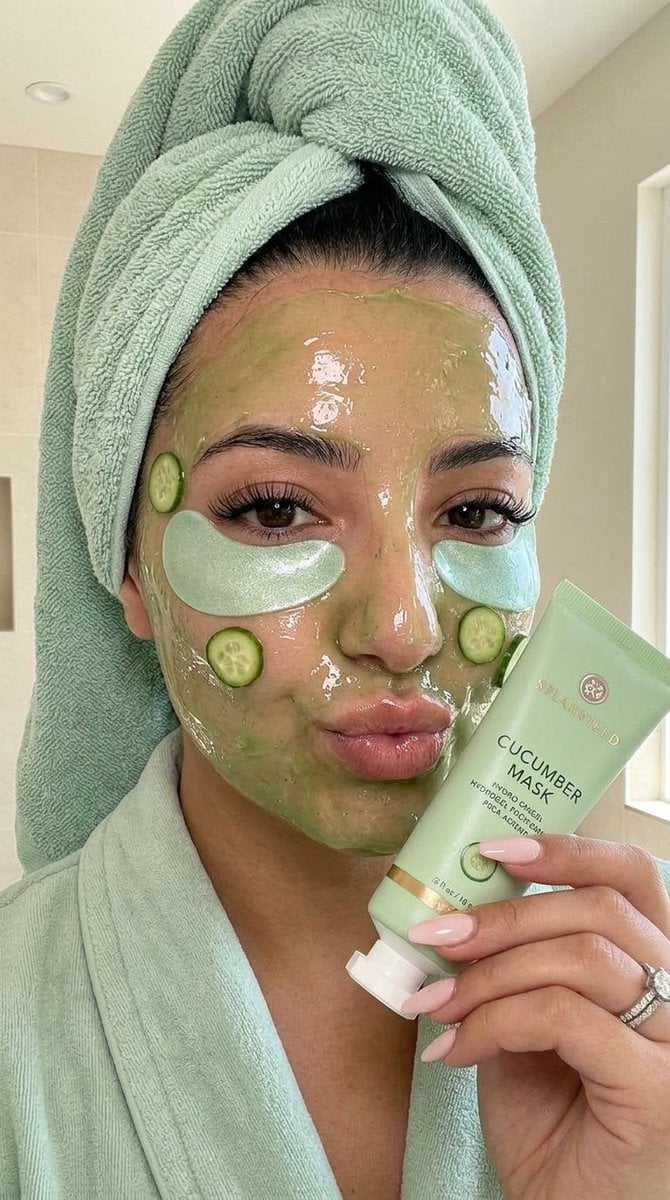
Luxury Skincare Spa Selfie

Cinematic Glass Brand Logo Volcanic Landscape

Photoreal Village Lanterns Minecraft Scene

Photoreal Snow Biome Name Tag UI
Make it yours
Natural Glass Skin Selfie works as-is. These are the safest ways to change it without losing the look.
Change one field
Copy a single group, rewrite it, and generate again so you can see what that field is doing.
Keep the frame, change the subject
Hold the composition and light of Natural Glass Skin Selfie, then swap wardrobe, props or the person for a new take.
| If the result… | Why | Fix |
|---|---|---|
| The result drifts from the preview | Too many fields changed at once. | Reuse Natural Glass Skin Selfie as-is first, then change one group — subject, light, or setting. |
| The model over-stylizes the scene | The prose prompt leaves finish and camera underspecified. | Add one camera or lighting sentence and stay on Nano Banana 2. |
More Nano Banana 2 templates
Other prompts made for Nano Banana 2.

Photorealistic Leaf Shaped Like a Dragon

K-Pop Idol Portrait Grid for Rapid Selection

Poetic Rain Forest Portrait During Golden Hour

Urban Street Portrait with Cartoon Inner Self Duo

Candid Nighttime Photo with Cat Prompt

High-Concept 3D Diorama Generation Prompt

Cinematic Futuristic Studio Portrait Template

Skincare Editorial Photography Collage Prompt

Hyper-Realistic Commercial Product Photography (Splash Effect)

Hyper-Realistic Nightclub Portrait Prompt
More image prompts
Fresh picks from across the catalog.
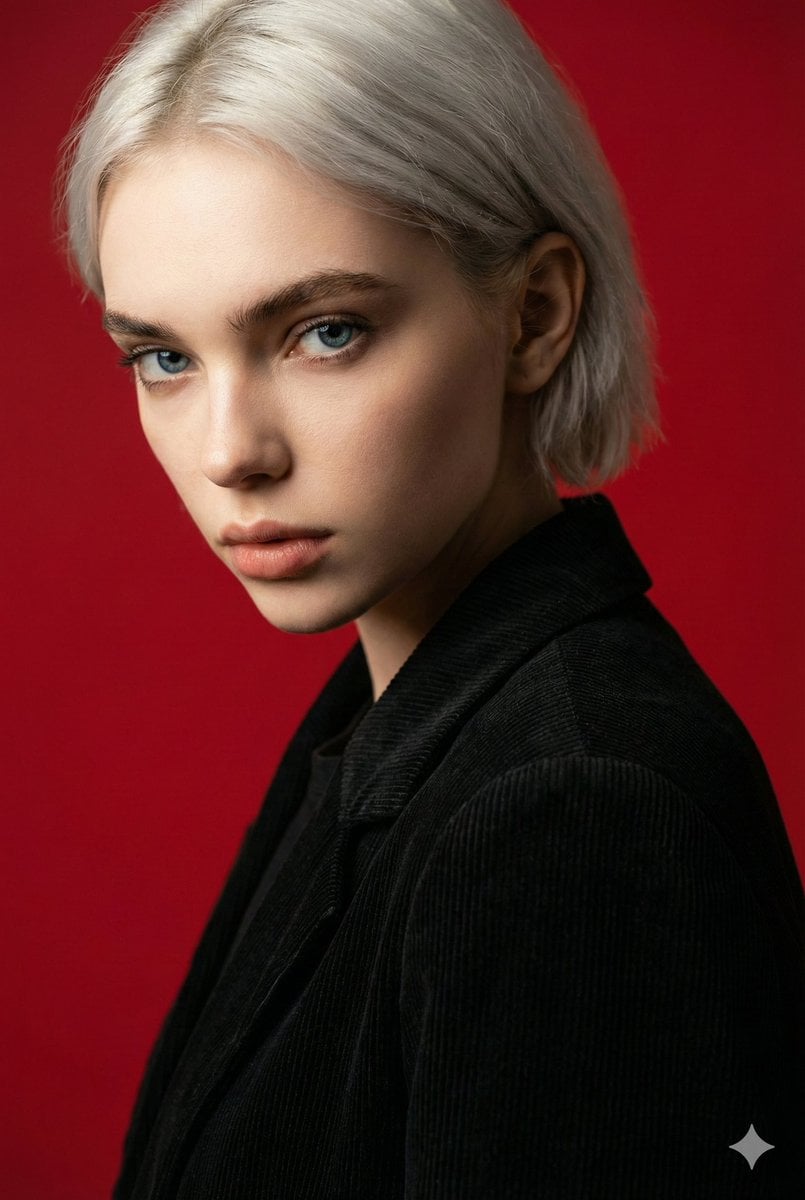
Cinematic Red Backdrop Portrait Prompt

Realistic Redhead Portrait in Window Light
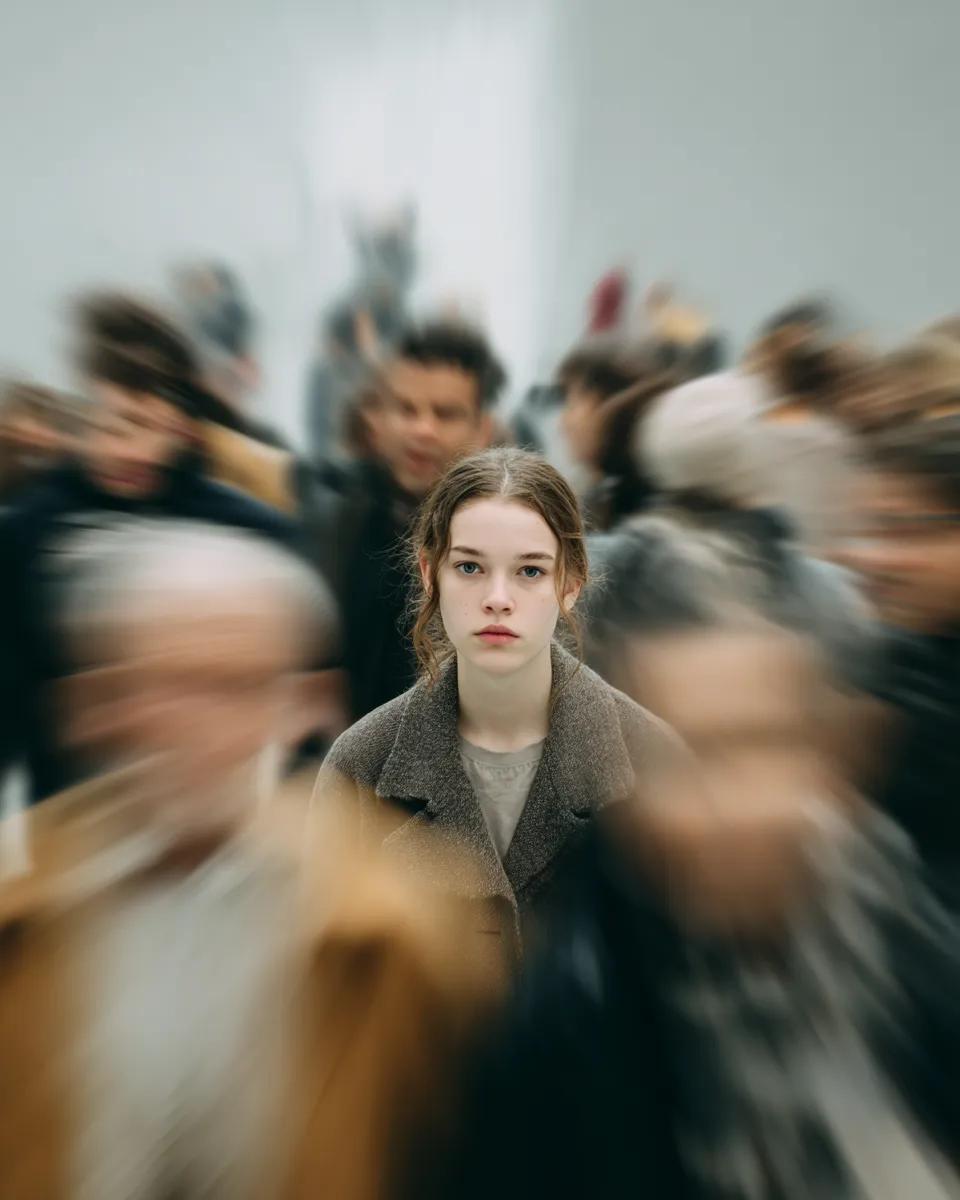
Cinematic Portrait with Radial Motion Blur
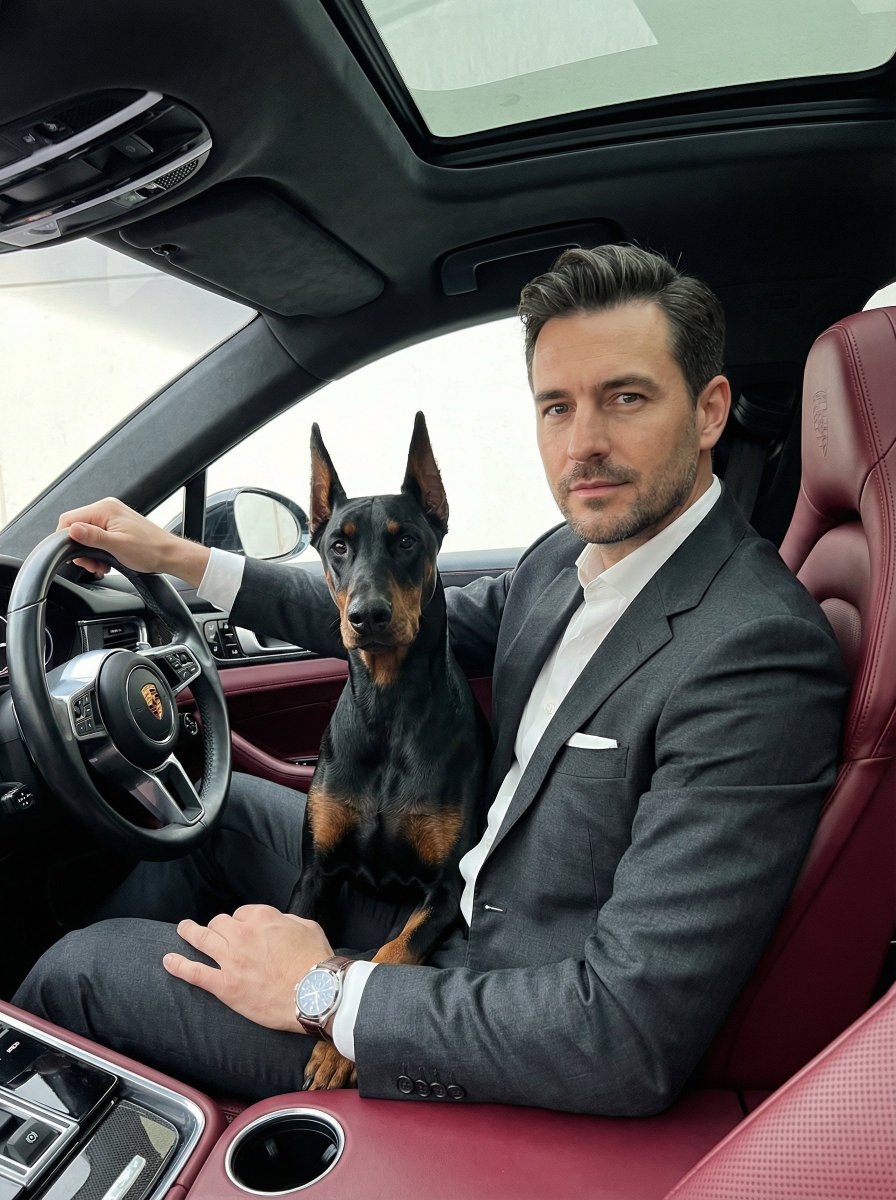
Luxury Car Portrait with Doberman

High-Contrast Sports Editorial Portrait with Grillz and Oakley
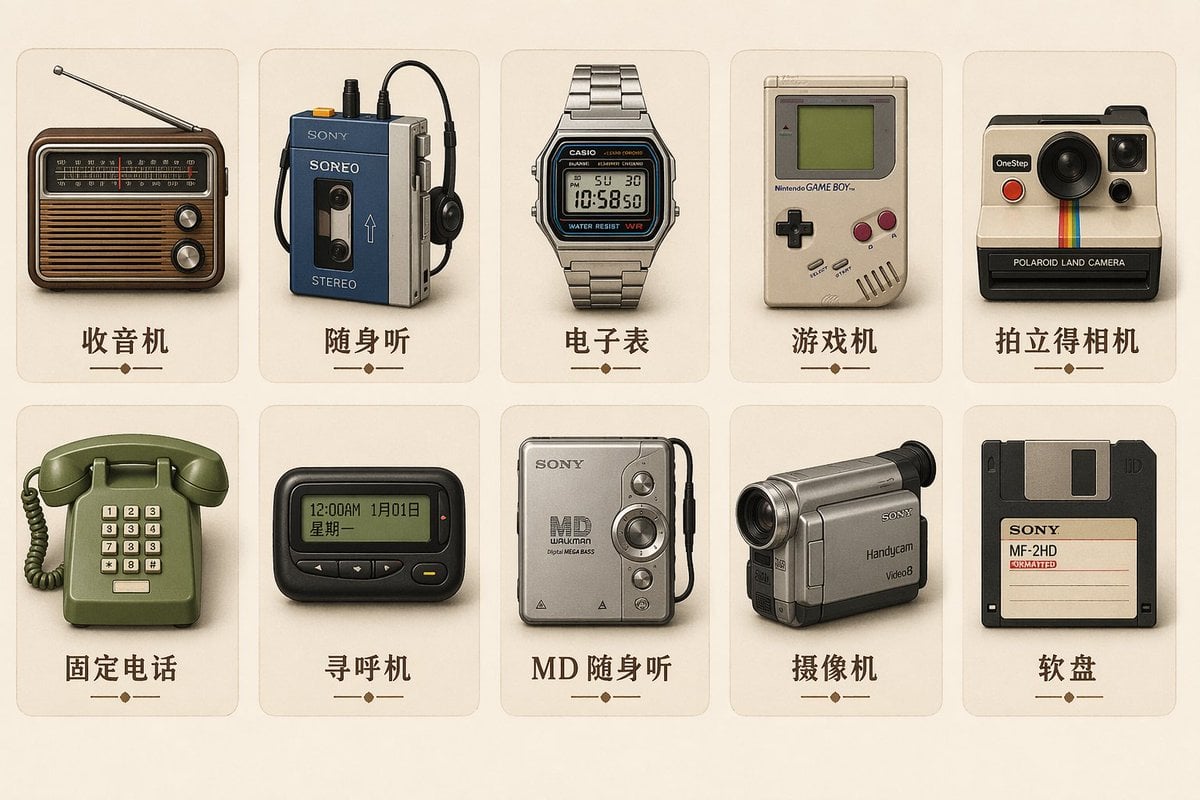
Vintage Skeuomorphic Icon Set

Jet Airplane Puppy Creature Sheet
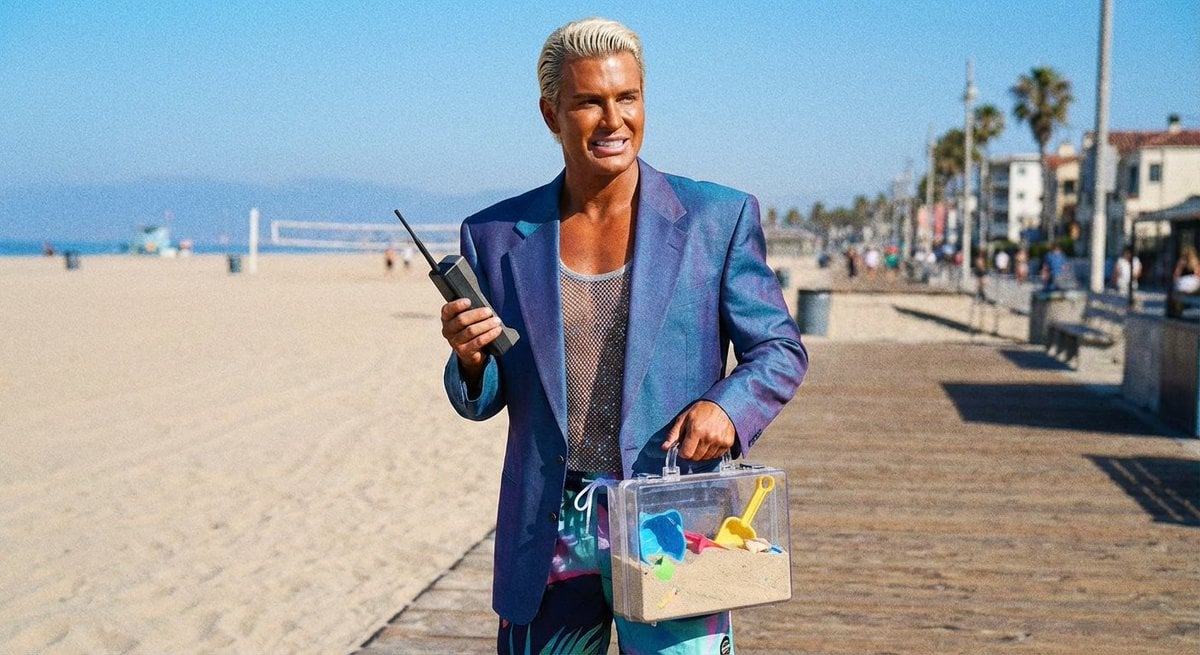
Patrick Bateman Meets Sparkle Beach Ken Prompt
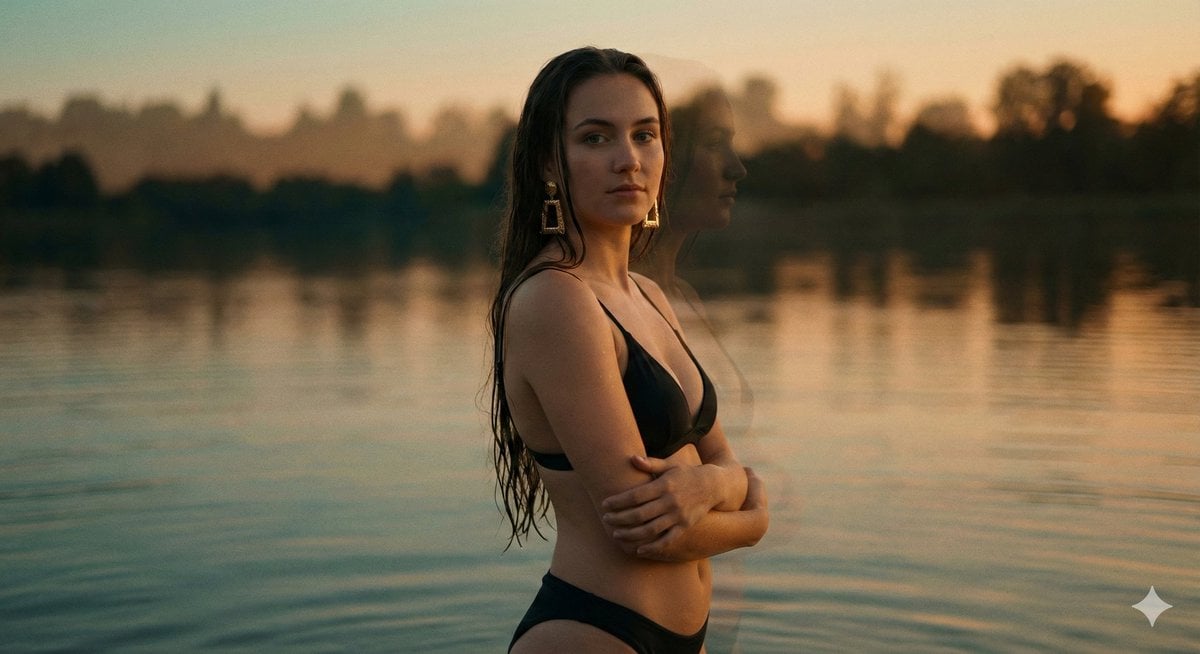
Cinematic Double Exposure Portrait in Moonlight
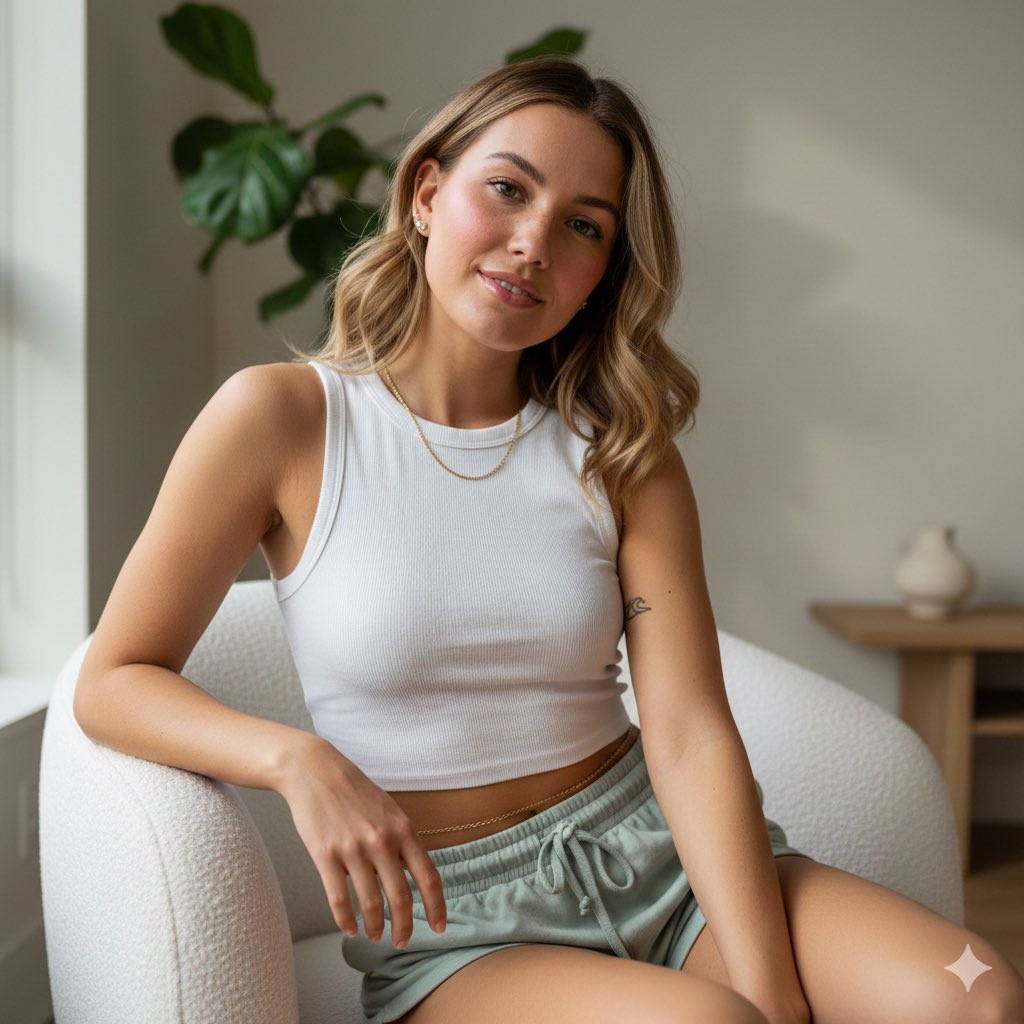
Photorealistic Portrait of Young Woman in Lounge Wear
Browse template categories
Natural Glass Skin Selfie questions
How do I use the Natural Glass Skin Selfie template?
Add your photo if the template asks for one, edit the prompt if you like — the template's model and format are already selected — and press Generate. Your version opens in PicX Studio.
Can I customize the Natural Glass Skin Selfie template?
Yes. You can change the subject, setting, lighting, mood, format, and available model controls before creating your image.
Is the Natural Glass Skin Selfie template free?
Opening and editing this template is free. Generating uses credits, shown on the Generate button when you are signed in.
Which AI model should I use?
Start with Nano Banana 2, which is the model associated with this template. You can compare another compatible model for a different finish.
Looking for something else? Browse all templates.

Your photo, any look
Thousands of ready templates for every top image and video model, from one credit balance.