How do I use the Alpine hiking lifestyle photography template?
Choose the primary action to open PicX Studio with the available template settings. Review the model and format, personalize the creative direction, and generate when ready.
A natural outdoor lifestyle prompt for a woman hiker in a color-block windbreaker on a scenic mountain trail with wildflowers. (free to use) — Free AI image template on PicX Studio.
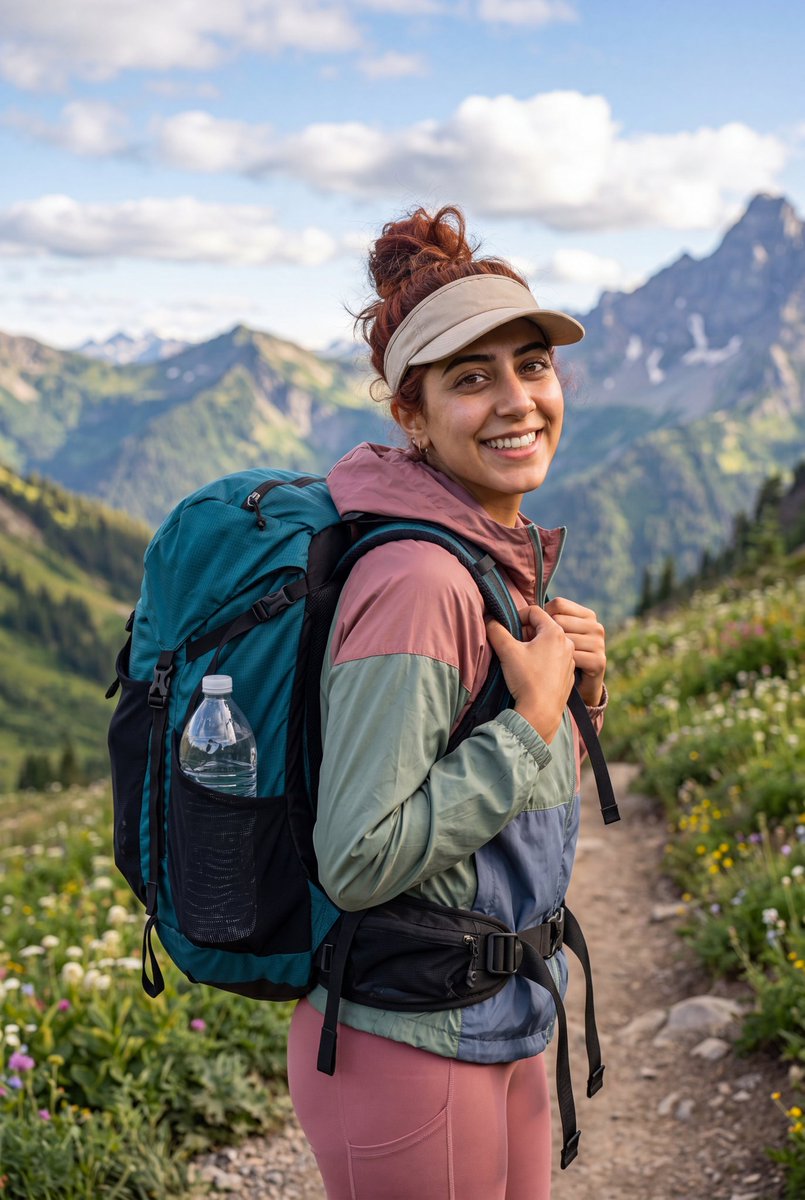
A young woman with {argument name="hair color" default="auburn hair"} tied up in a messy bun, wearing a {argument name="hat" default="beige visor"}, stands on a mountain hiking trail and turns back over her shoulder toward the camera with a warm smile; she wears a color-block windbreaker jacket in dusty rose, sage green, and slate blue, paired with rose-pink hiking leggings, and carries a large teal and black trekking backpack with a water bottle tucked in the side mesh pocket and a black hip belt fastened around her waist; her hands grip the backpack straps near her chest; the background features a sweeping alpine landscape with layered green hills, dramatic gray mountain peaks, patches of wildflowers along the trail, and a bright blue sky filled with fluffy white clouds; natural golden daylight illuminates the scene, shot in a realistic outdoor lifestyle photography style with crisp detail, vibrant colors, shallow depth of field on the background, vertical 9:16 aspect ratio.
Use Alpine hiking lifestyle photography to plan an AI image around nano-banana-2 generation. Match the preview's composition first, then personalize the subject, setting, and mood for your own project.
Use the primary action to load the template settings in PicX Studio.
Adjust the subject and creative details for your destination.
Create the image, compare the result with the preview, and refine one variable at a time.
A continuous mix — similar concepts first, woven with same-model prompts and fresh picks from the catalog.
Choose the primary action to open PicX Studio with the available template settings. Review the model and format, personalize the creative direction, and generate when ready.
Yes. You can change the subject, setting, lighting, mood, format, and available model controls before creating your image.
This template is free to open and customize. Generation usage is shown in PicX Studio before you create.
Start with nano-banana-2, which is the model associated with this template. You can compare another compatible model for a different finish.
A continuous mix — similar concepts first, woven with same-model prompts and fresh picks from the catalog.
Follow a topic to a crawlable collection of related PicX Studio templates.
32,032 public templates available. Verified via the PicX Studio public templates API; refreshed hourly.


