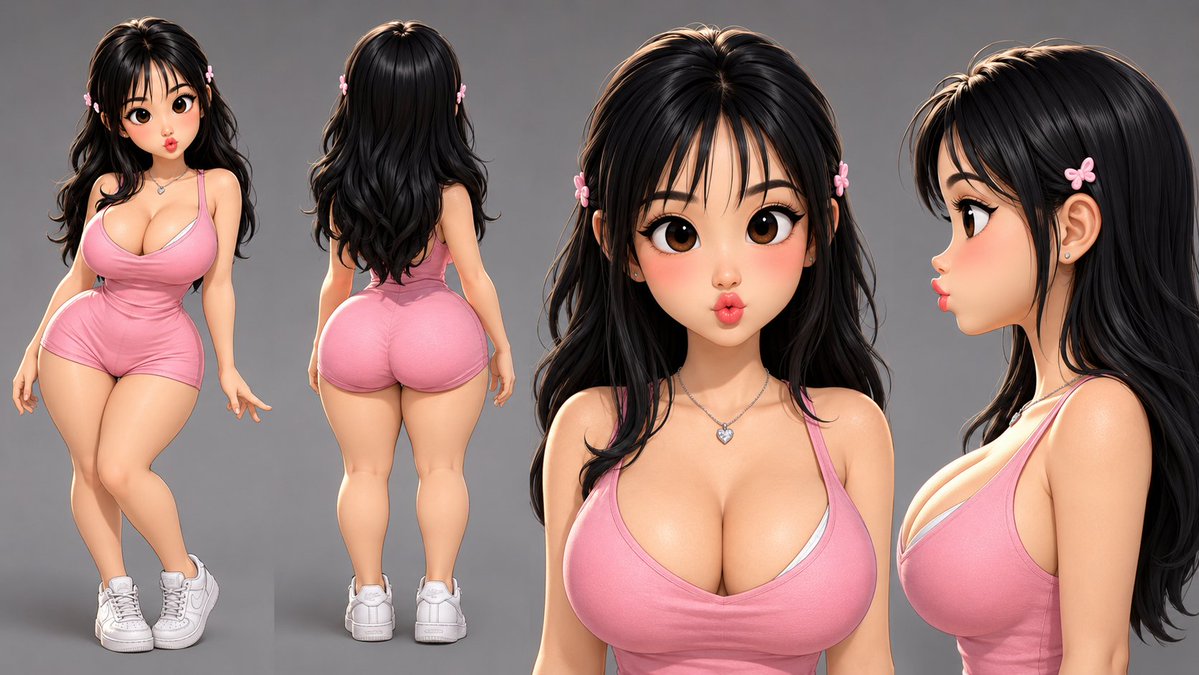
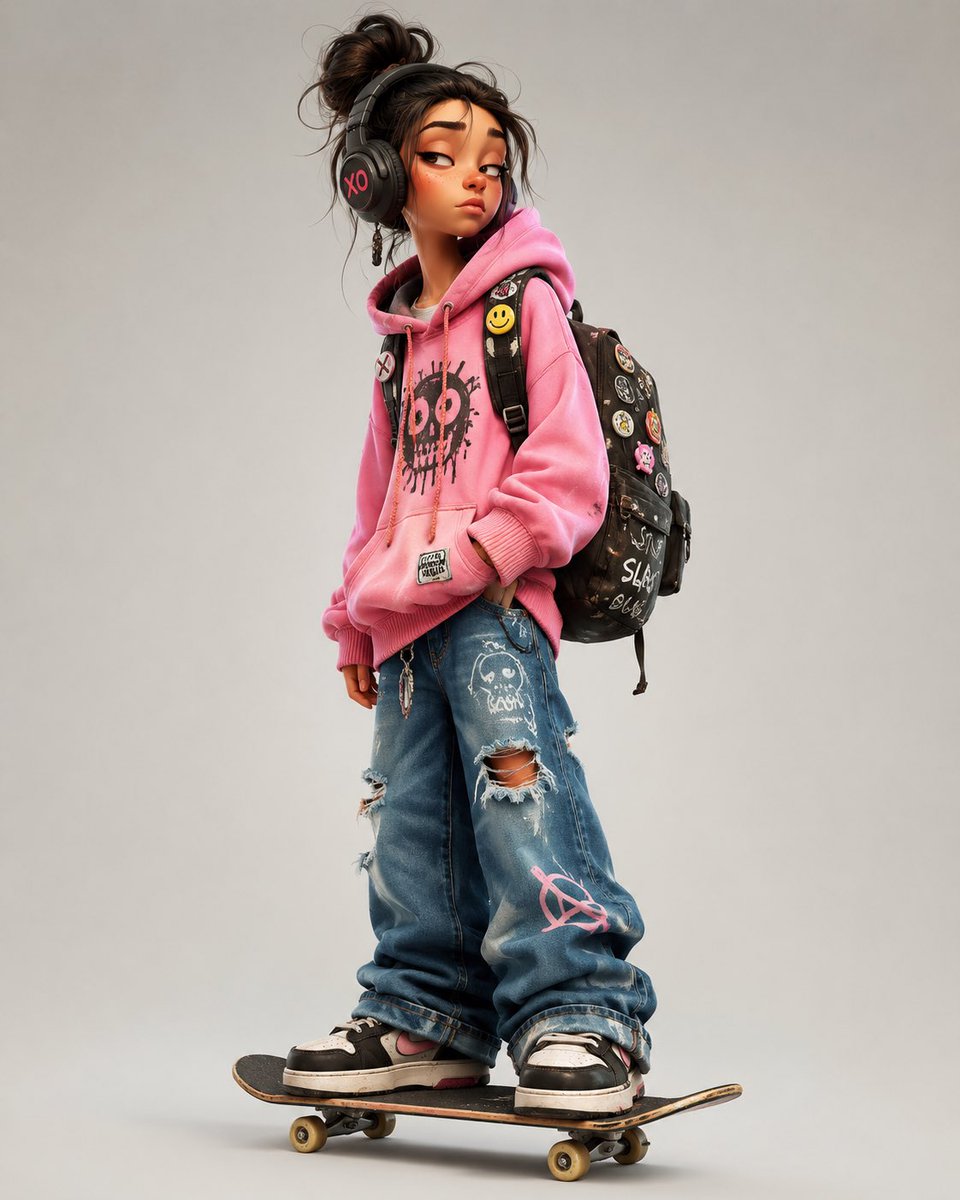
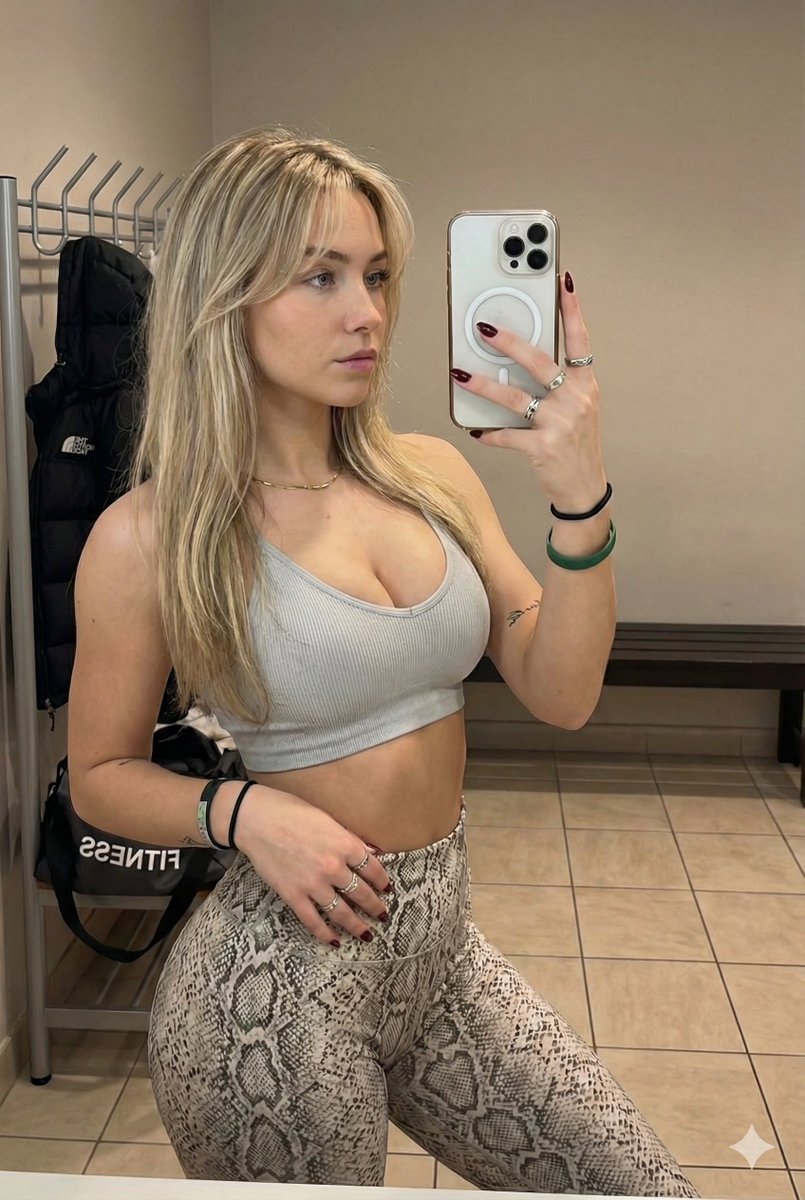
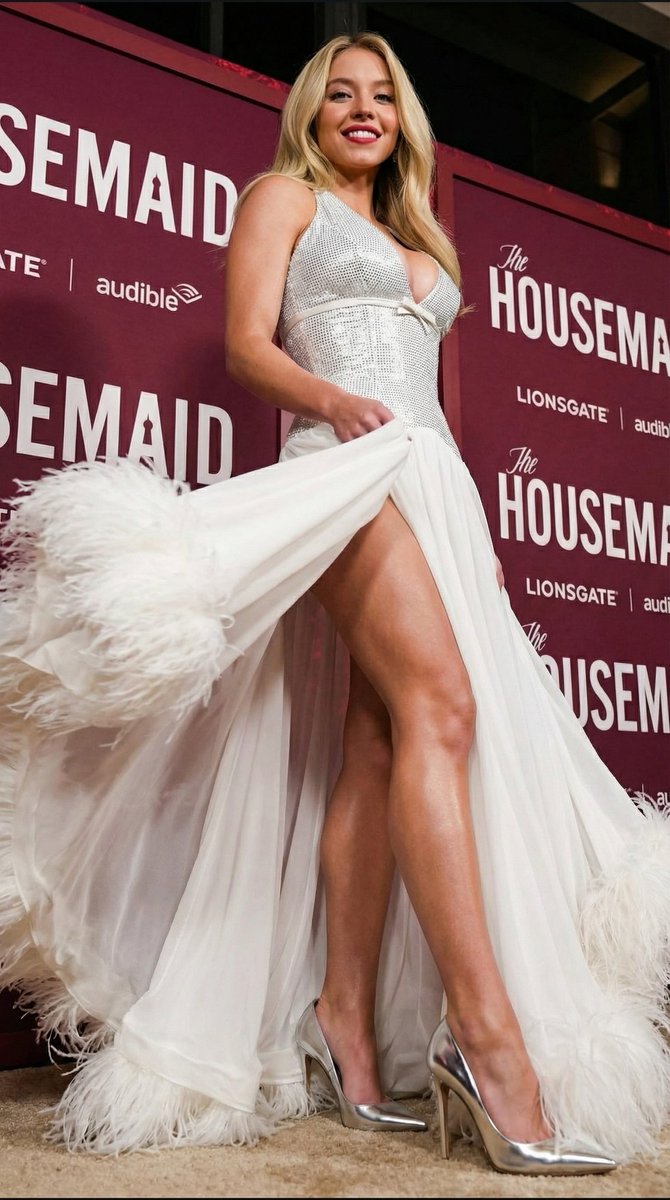
Outdoor Snapshot Prompt for Nano Banana 2
{
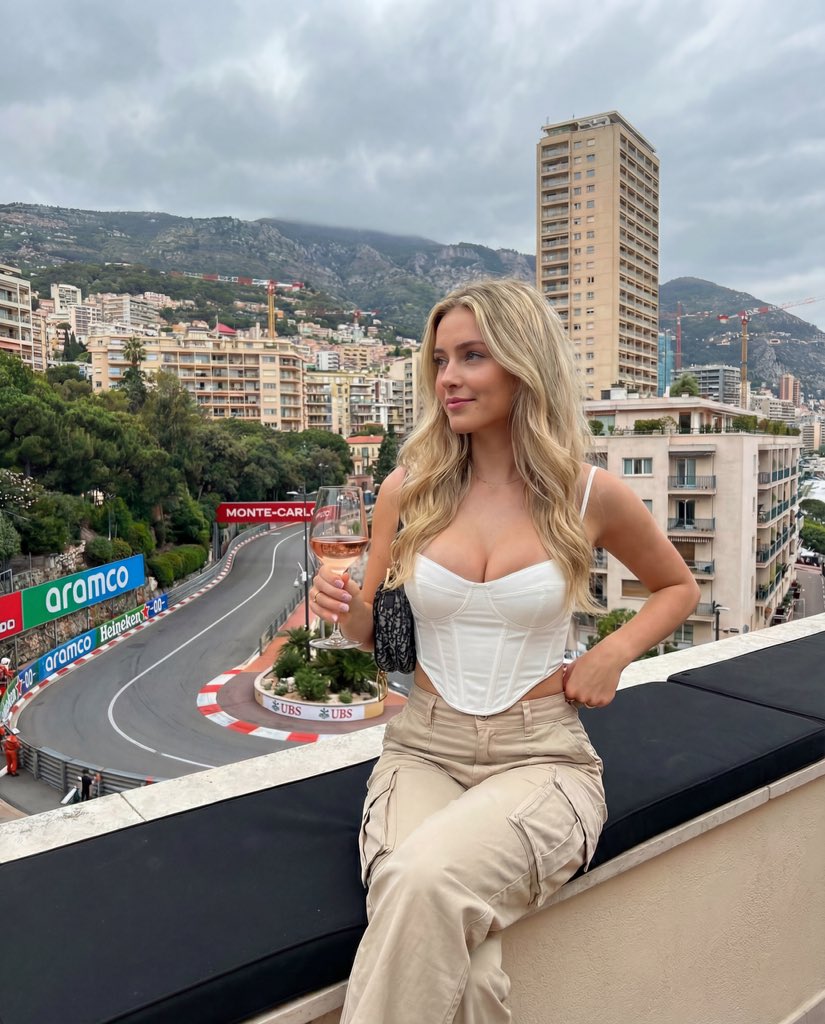
"photo_type": "Outdoor Snapshot",
"subject": {
"age": "Mid-20s",
"body_type": "Young Woman, round breast shape, prominent projected profile, fuller bust measurement, large-breasted proportions, fuller chest frame, shapely upper silhouette, top-heavy silhouette, buxom figure, high waist-to-hip contrast, defined waistline, fuller glute measurement, curvy, prominent hips, rounded hip contour, curvy lower body, thick, powerful thighs, full thighs, push-up bra effect",
"description": "A woman with an alluring presence, featuring the specific character identity: oval-shaped face, fair to medium complexion, long thick wavy dark hair, and prominent arched dark eyebrows.",
"ethnicity": "Na",
"expression": "Slightly seductive, calm gaze with a subtle, soft pout",
"gender": "Female",
"mirror_rules": "None",
"pose_description": "Sitting in an alluring, reclined position on a woven patio lounge chair, leaning back on her hands to accentuate her curves, with her torso angled toward the camera and legs slightly bent.",
"tattoos": "None"
},
"clothing": {
"bottom": {
"color": "Chocolate brown",
"details": "Side-tie string bikini bottoms, high-cut style, small logo detail on the back",
"fabric": "Matte spandex-nylon blend",
"type": "String bikini bottoms"
},
"fit_and_physics": "The bikini ties create slight compression creases on the skin of the hips; the fabric is strained over her curves with visible tension lines near the seams and ties.",
"outerwear": {
"color": "None",
"details": "None",
"fabric": "None",
"type": "None"
},
"shoes": {
"color": "None",
"details": "None",
"fabric": "None",
"type": "None"
},
"top": {
"color": "Chocolate brown",
"details": "Triangle bikini top with thin halter and back strings",
"fabric": "Matte spandex-nylon blend",
"type": "Triangle bikini top"
}
},
"hair": {
"color": "Dark brown",
"interaction": "Hair strands are being blown across the face and neck by a light breeze, creating a natural, unstyled look.",
"style": "Identity Lock Hair Style: Long, thick, wavy dark hair, partially windswept and messy from the outdoor environment."
},
"face": {
"description": "Use the uploaded character reference image, keep all facial details 100% unchanged",
"eyebrows": "Prominent, arched dark eyebrows",
"eyes": "Almond-shaped and light brown",
"lips": "Full, symmetrical lips with a defined cupid's bow",
"makeup": "Minimal, natural look with a focus on defined lashes and a soft matte lip"
},
"skin_texture": "Natural skin with visible pores on the nose and cheeks, faint dermal translucency in the sunlight, and a light sheen from outdoor humidity.",
"biological_features": {
"eye_complexity": "Wetness of the tear duct and sharp corneal reflections from the sun.",
"hair_strand_physi








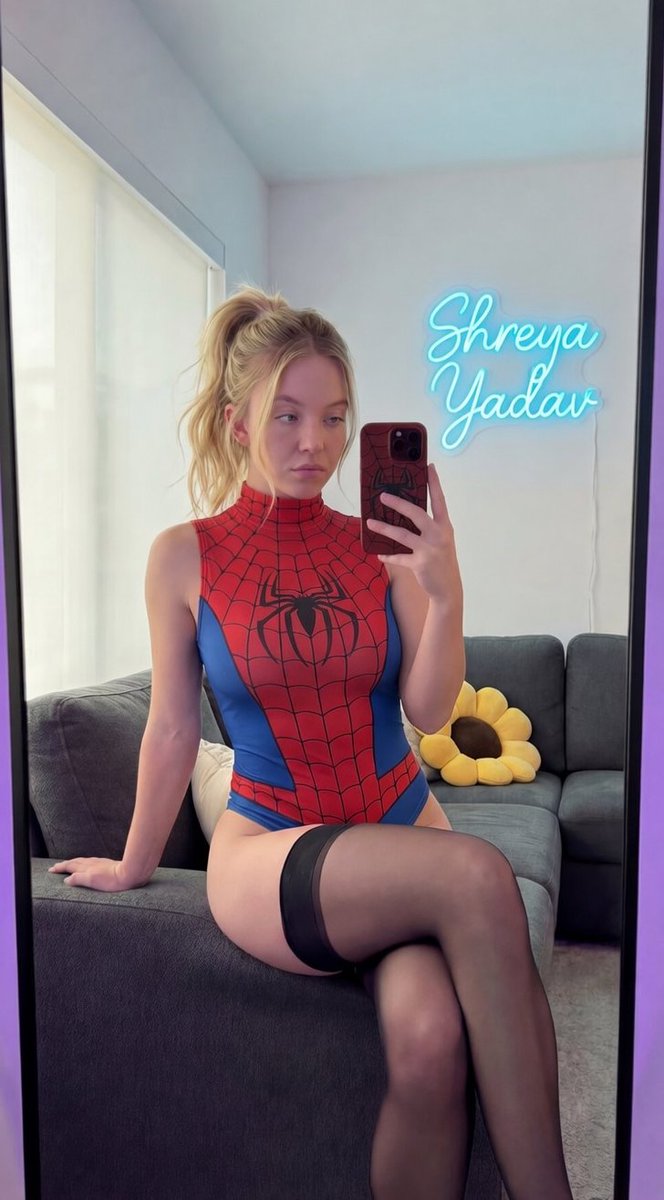





![nano-banana-grwm-mirror-selfie-pink — Nano Banana 2
Prompt (JSON):
{
"type": "image_prompt",
"description": {
"subject": {
"main": "[NAME] com o](/_next/image?url=https%3A%2F%2Fcdn.picxstudio.com%2Fuploads%2Ftweet_img_10a_612da6f9-cf6d-417e-bdd5-cc1300d1d830.jpg&w=828&q=100)
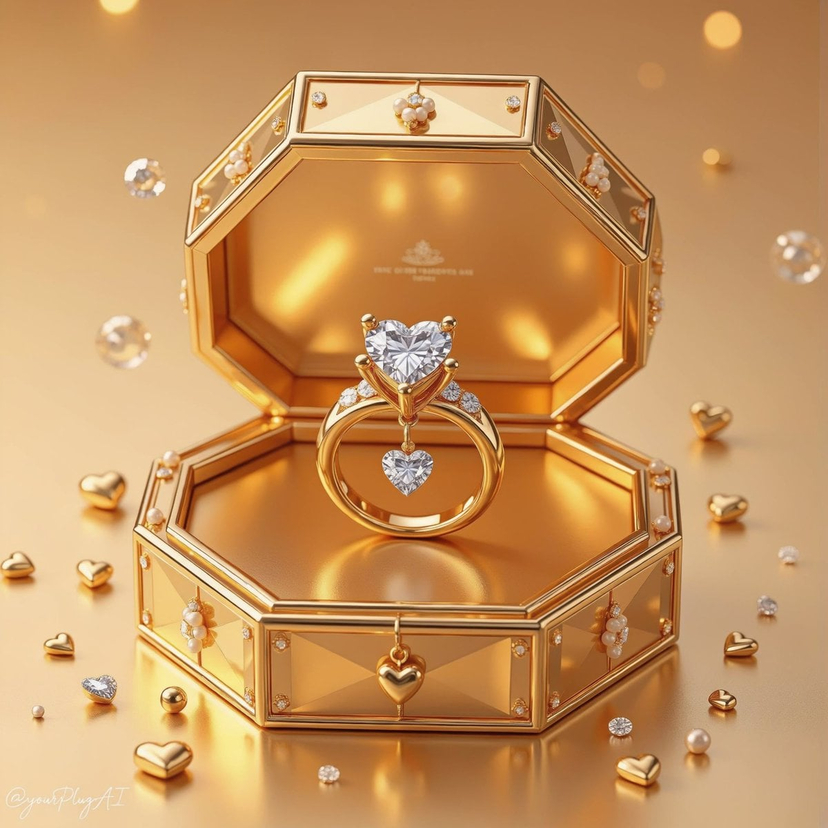
![Naive doodle-style subject illustration — A doodle-style {argument name="subject" default="[subject]"}, naive lines, humorous shape exaggeration](https://pbs.twimg.com/media/G6Wl2YxbsAARB2b.jpg)