How do I use the Monochrome Studio Split Portrait template?
Edit the prompt in the box under the preview — the template's model and format are already selected — and press Generate. Your version appears right on this page.
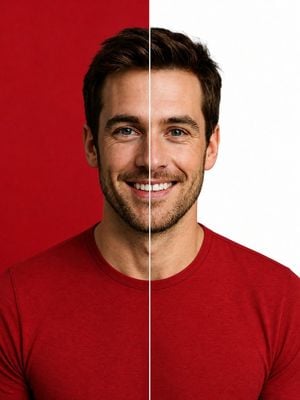
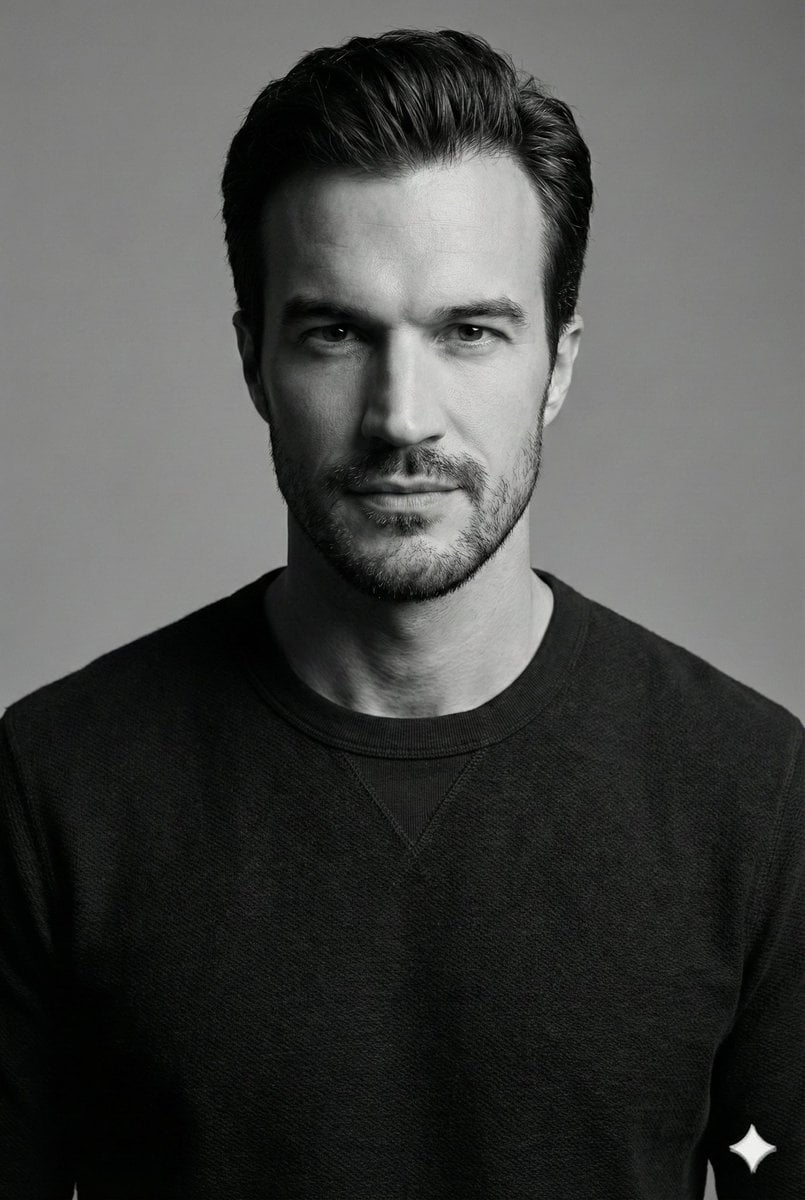
A high-end black and white studio portrait prompt with a dramatic vertical split background and waffle-knit texture detail.

A stunning black and white studio portrait of [uploaded person]. Eye-level medium shot, framed from the waist up. The subject is standing with his arms casually but firmly crossed over his chest. He is looking downward and slightly off-camera to the left with a calm, contemplative posture. He is wearing a {argument name="clothing" default="dark, heavy-textured waffle-knit long-sleeve sweater"} and a delicate silver chain necklace with a small pendant. He is wearing a {argument name="accessory" default="classic analog watch with a light dial and leather strap"} on the lower arm. The background is a stark, graphic vertical split: pure white on the left half and pure deep black on the right half. High-end commercial hotography, monochrome masterpiece. Soft but dramatic directional studio lighting originating from the left, highlighting the textures of the clothing and skin while casting natural, smooth shadows on the right side. Crisp focus, hyper-realistic, 8k resolution, cinematic composition.
A stunning black and white studio portrait of [uploaded person]. Eye-level medium shot, framed from the waist up. The subject is standing with his arms casually but firmly crossed over his chest. He is looking downward and slightly off-camera to the left with a calm, contemplative posture. He is wearing a {argument name="clothing" default="dark, heavy-textured waffle-knit long-sleeve sweater"} and a delicate silver chain necklace with a small pendant. He is wearing a {argument name="accessory" default="classic analog watch with a light dial and leather strap"} on the lower arm. The background is a stark, graphic vertical split: pure white on the left half and pure deep black on the right half. High-end commercial hotography, monochrome masterpiece. Soft but dramatic directional studio lighting originating from the left, highlighting the textures of the clothing and skin while casting natural, smooth shadows on the right side. Crisp focus, hyper-realistic, 8k resolution, cinematic composition.
Edit the prompt in the box under the preview — the template's model and format are already selected — and press Generate. Your version appears right on this page.
Yes. You can change the subject, setting, lighting, mood, format, and available model controls before creating your image.
Opening and editing this template is free. Generating uses credits, shown on the Generate button when you are signed in.
Start with Nano Banana 2, which is the model associated with this template. You can compare another compatible model for a different finish.
Follow a topic to a crawlable collection of related PicX Studio templates.