
Atmospheric Watercolor AI Illustration
A gallery-quality watercolor fine-art illustration featuring rich purple tones and sophisticated mixed-media textures.
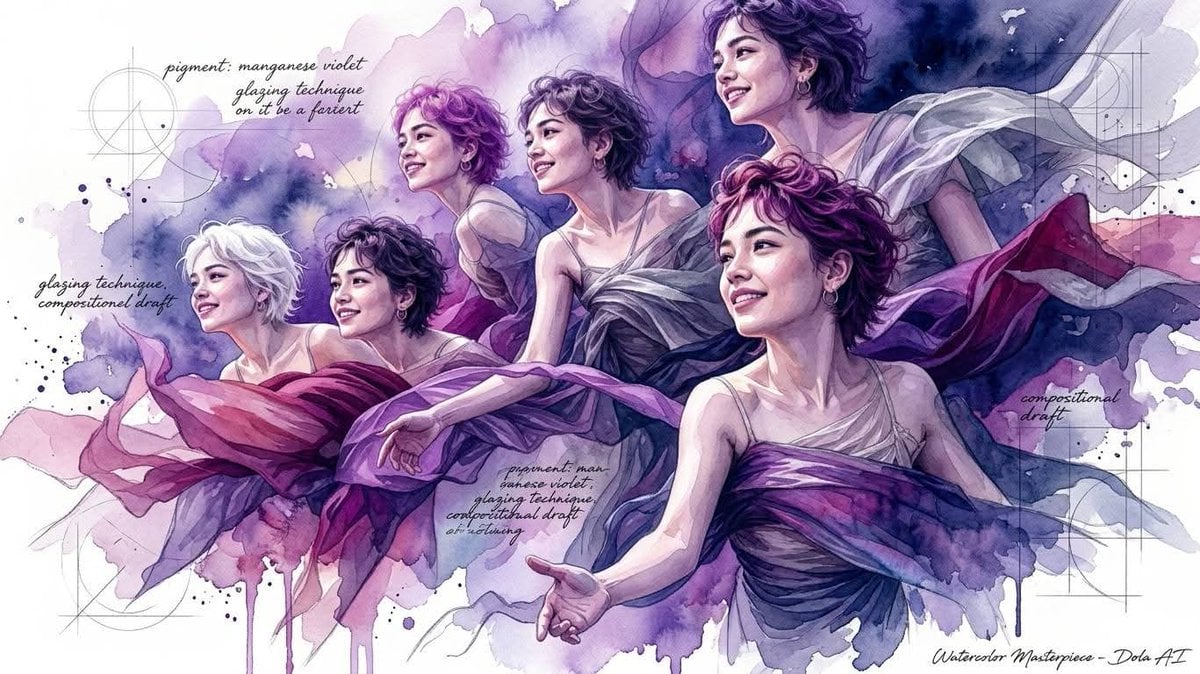
- Prompt included
- Model and format preset
- Premium template
The prompt behind this image
Copy the exact prompt behind Atmospheric Watercolor AI Illustration, or open it in the studio and make it yours.
Ultra-detailed watercolor fine-art illustration, vibrant full-color watercolor rendering with {argument name="color palette" default="royal purple, violet, lavender, indigo"} deep navy blue, plum, magenta, soft mauve, and subtle silver-gray accents. Rich layered watercolor washes with translucent pigment blooms, luminous color glazing, organic wet-on-wet blending, expressive paint splashes, dripping watercolor effects, and textured ink spatters. Highly refined painterly realism combined with contemporary mixed-media illustration. Sharp facial detailing contrasted against loose abstract watercolor backgrounds. Elegant graphite sketch lines, architectural construction marks, geometric drafting overlays, and artistic handwritten notes integrated into the composition. Atmospheric white negative space, soft ambient lighting, subtle rim light tinted with violet hues, deep color depth, premium editorial illustration aesthetic, gallery-quality digital watercolor masterpiece, sophisticated artistic composition, expressive brushwork, refined texture layering, dynamic color diffusion, luxurious contemporary watercolor art style.
How to use Atmospheric Watercolor AI Illustration in 3 steps
- 1
Open
The prompt is already in the box next to the preview, with the template's model and format selected.
- 2…a portrait of your subject in softgolden-hour light, 85mm…
Personalize
Edit the subject and creative details for your destination.
- 3Generate
Generate
Press Generate — your image is created in PicX Studio, so you can compare it with the original and refine one variable at a time.
More like this
Templates with the same subject, style or setup. Open one to see its prompt.
Quiet Minimalist Anime Style Guide

Watercolor Café Cheesecake Editorial Illustration
Japanese Café Sketch Duo Illustration
Delicate Japanese Café Lifestyle Illustration
Japanese Café Sketch Duo Illustration
Delicate Japanese Café Lifestyle Illustration
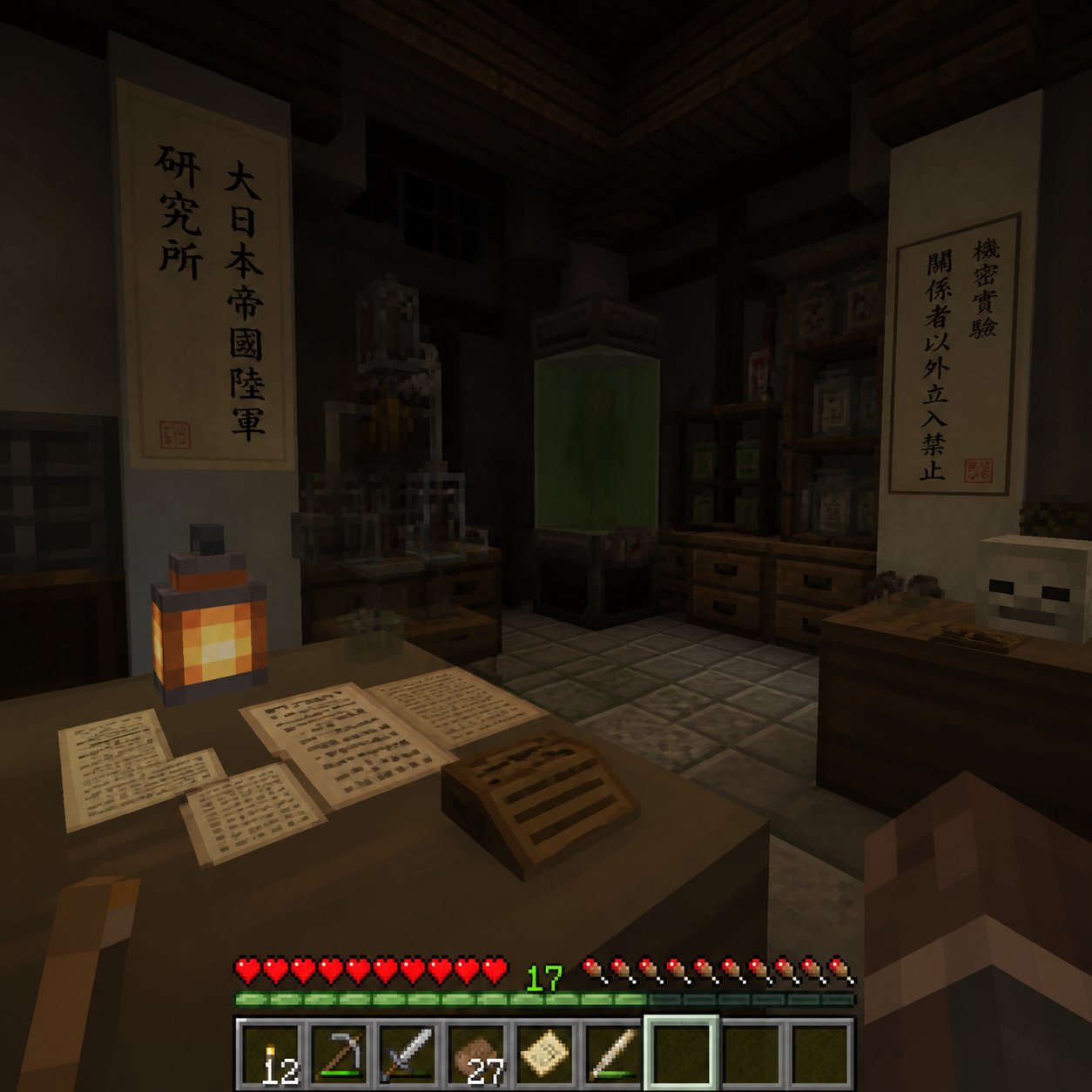
Minecraft Japanese Research Lab Exploration
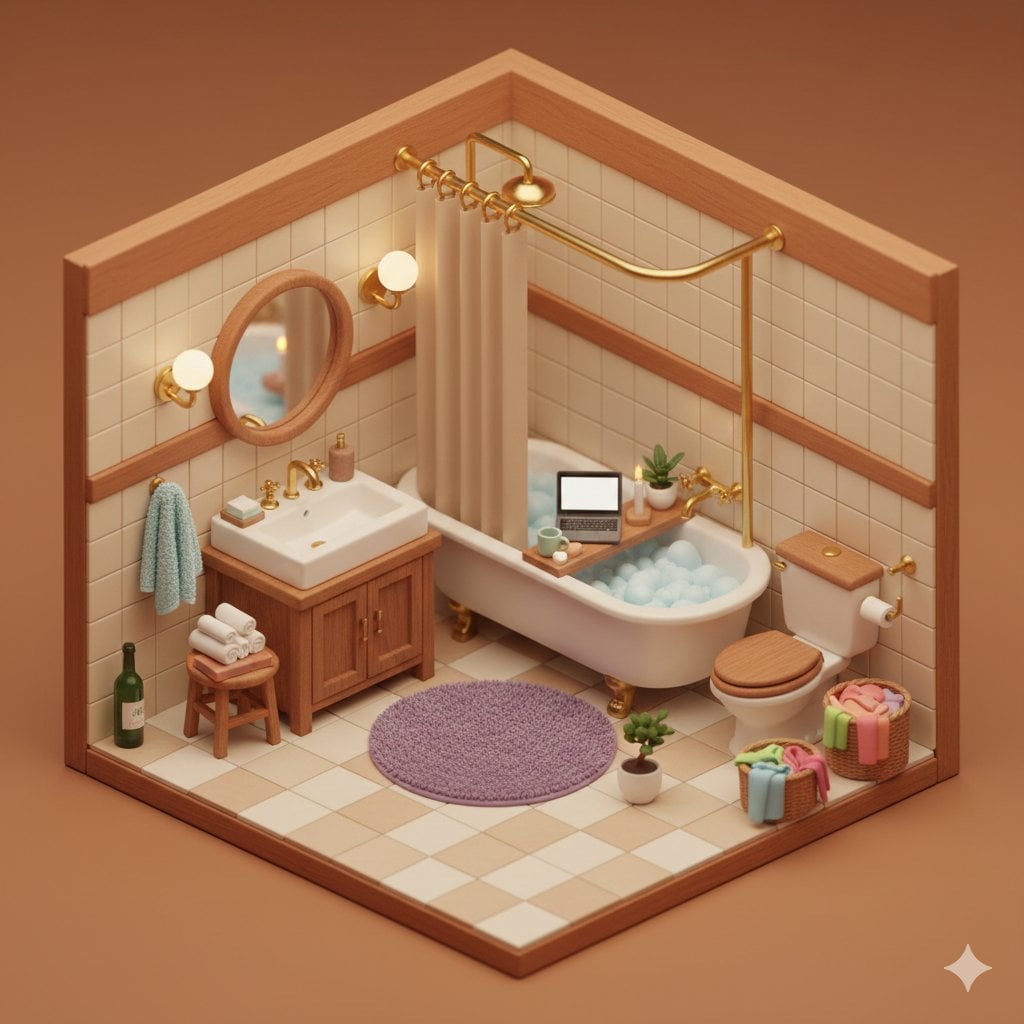
Watercolor Anim Finale Fireworks
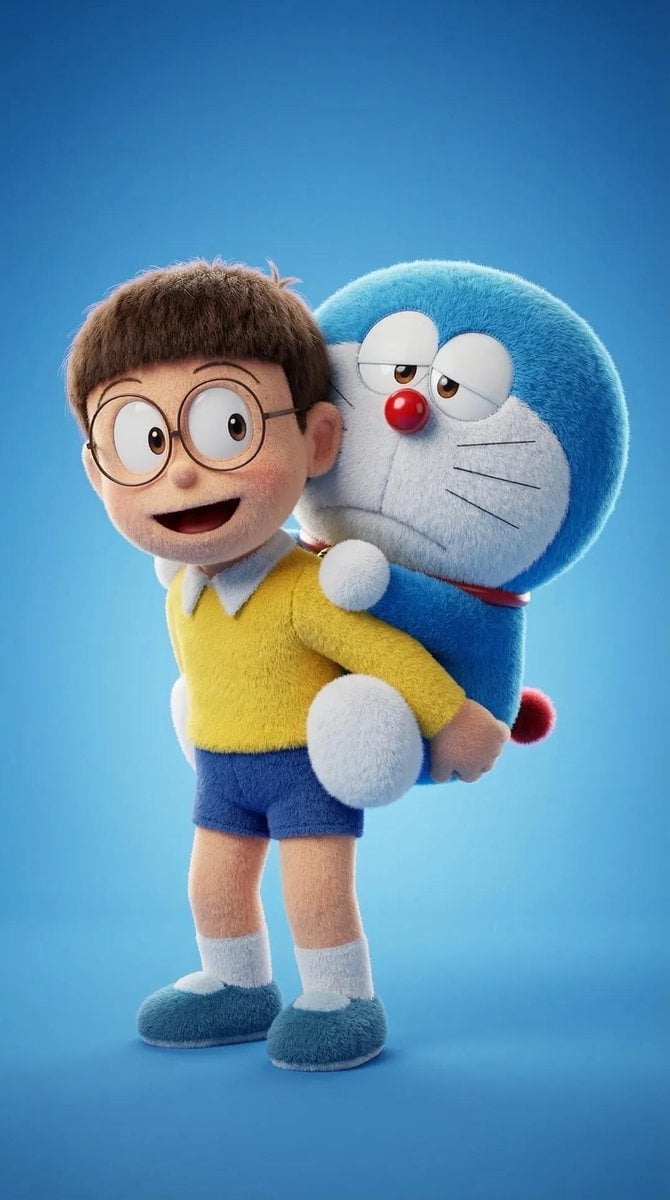
Watercolor Anim Garden Maze
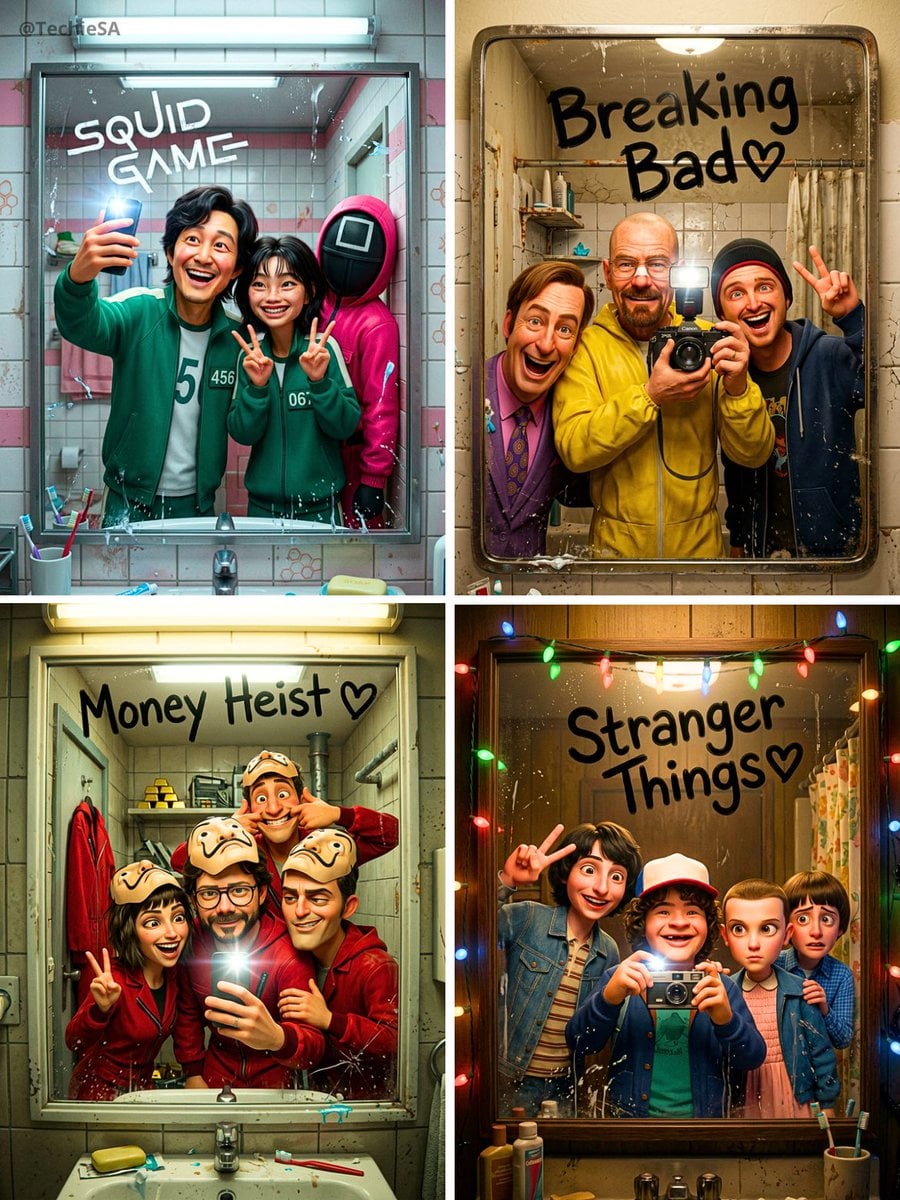
Watercolor Anim Rooftop Concert
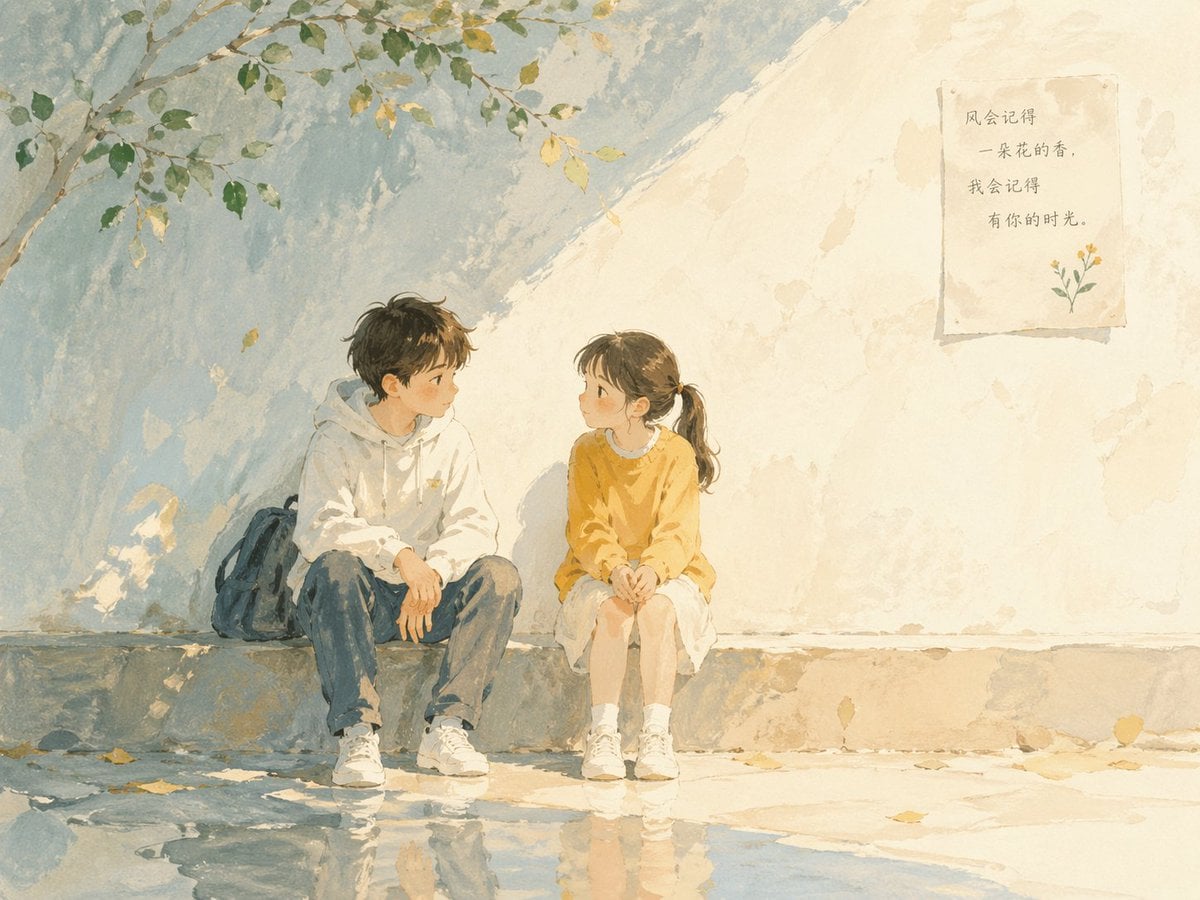
Watercolor Anim Bicycle Coast

Watercolor Anim Castle Gate
Make it yours
Atmospheric Watercolor AI Illustration works as-is. These are the safest ways to change it without losing the look.
Change one field
Copy a single group, rewrite it, and generate again so you can see what that field is doing.
Keep the frame, change the subject
Hold the composition and light of Atmospheric Watercolor AI Illustration, then swap wardrobe, props or the person for a new take.
| If the result… | Why | Fix |
|---|---|---|
| The result drifts from the preview | Too many fields changed at once. | Reuse Atmospheric Watercolor AI Illustration as-is first, then change one group — subject, light, or setting. |
| The model over-stylizes the scene | The prose prompt leaves finish and camera underspecified. | Add one camera or lighting sentence and stay on Nano Banana 2. |
More Nano Banana 2 templates
Other prompts made for Nano Banana 2.
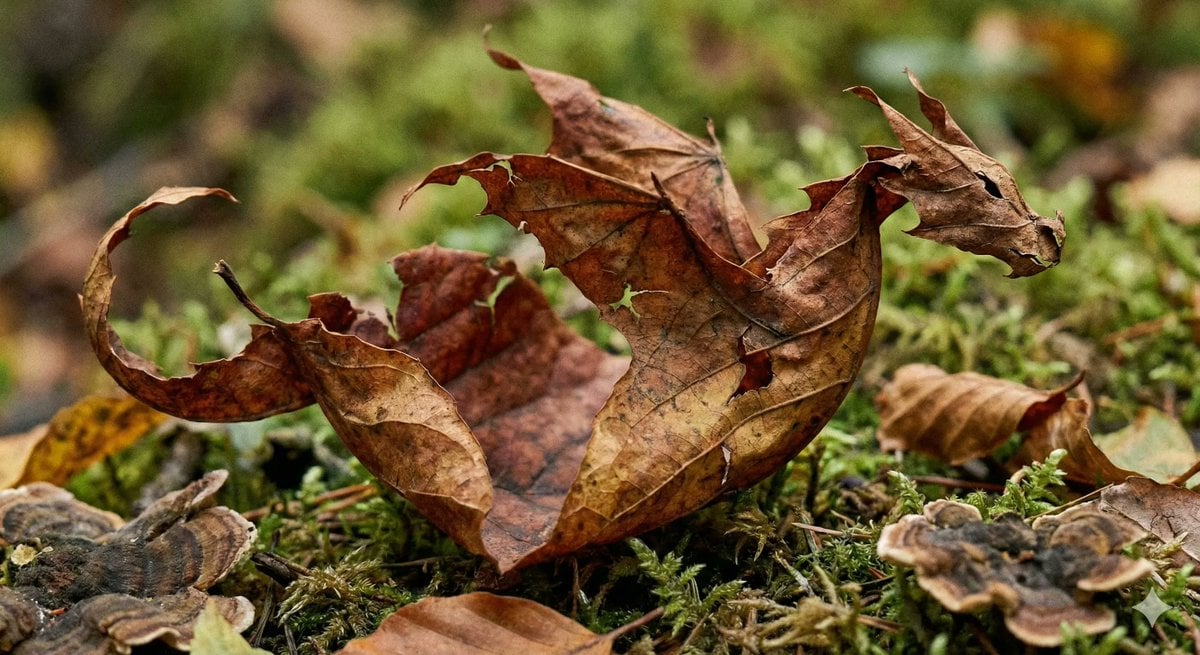
Photorealistic Leaf Shaped Like a Dragon
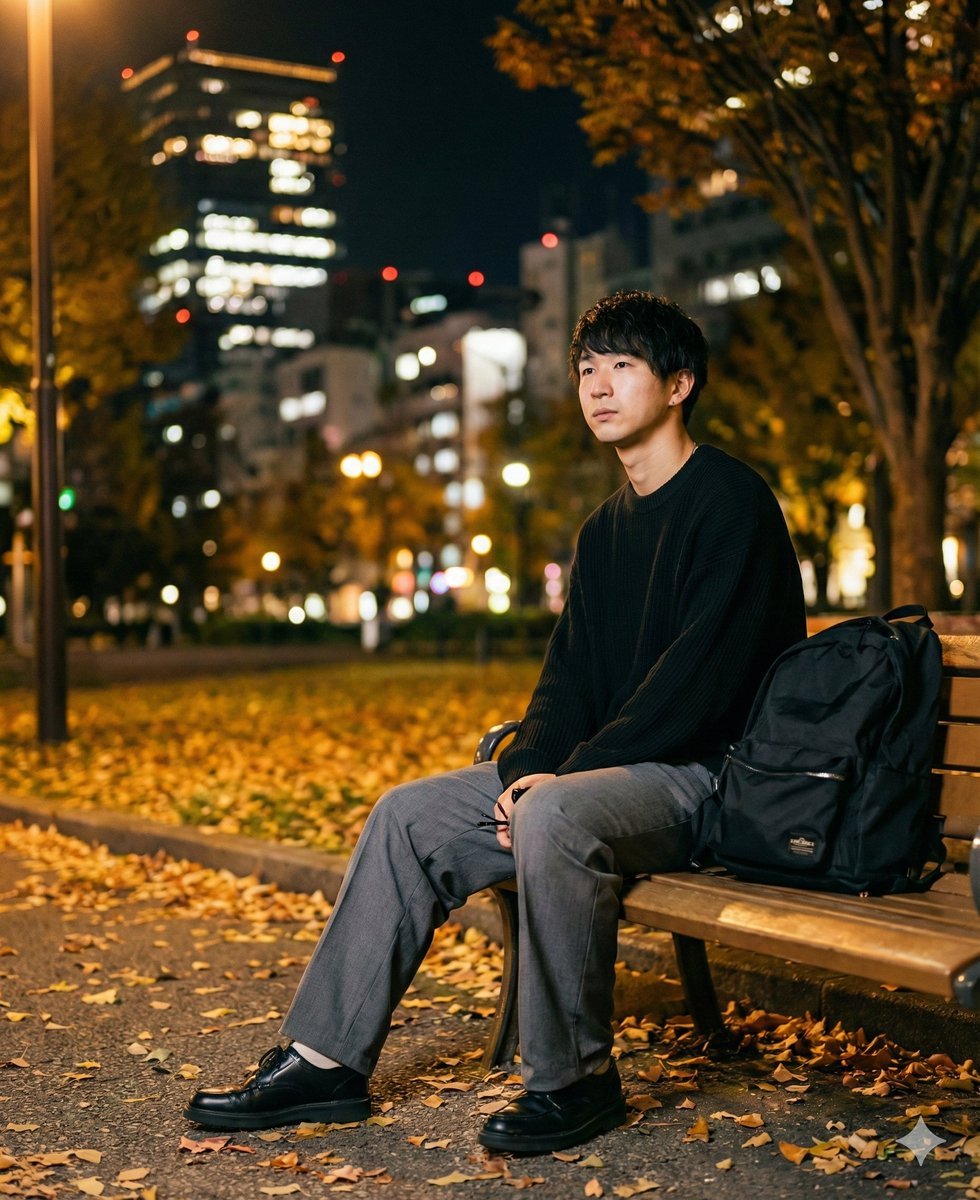
K-Pop Idol Portrait Grid for Rapid Selection
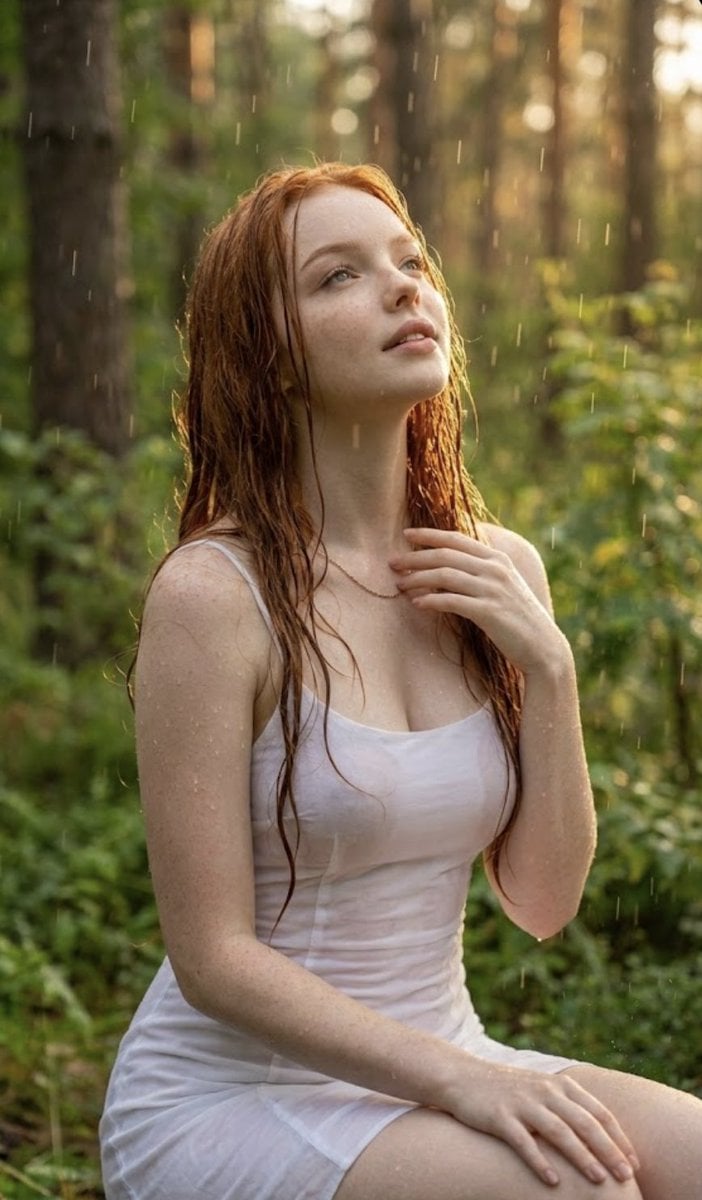
Poetic Rain Forest Portrait During Golden Hour
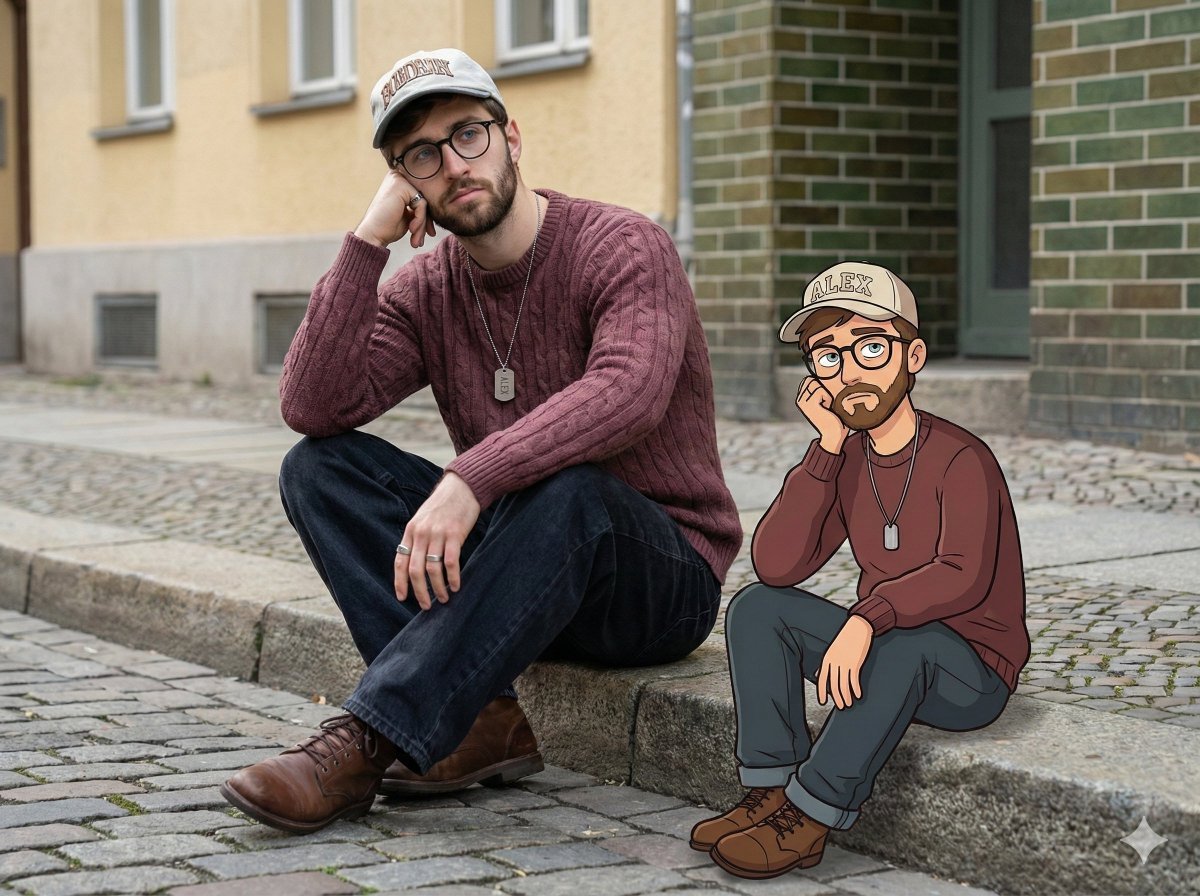
Urban Street Portrait with Cartoon Inner Self Duo
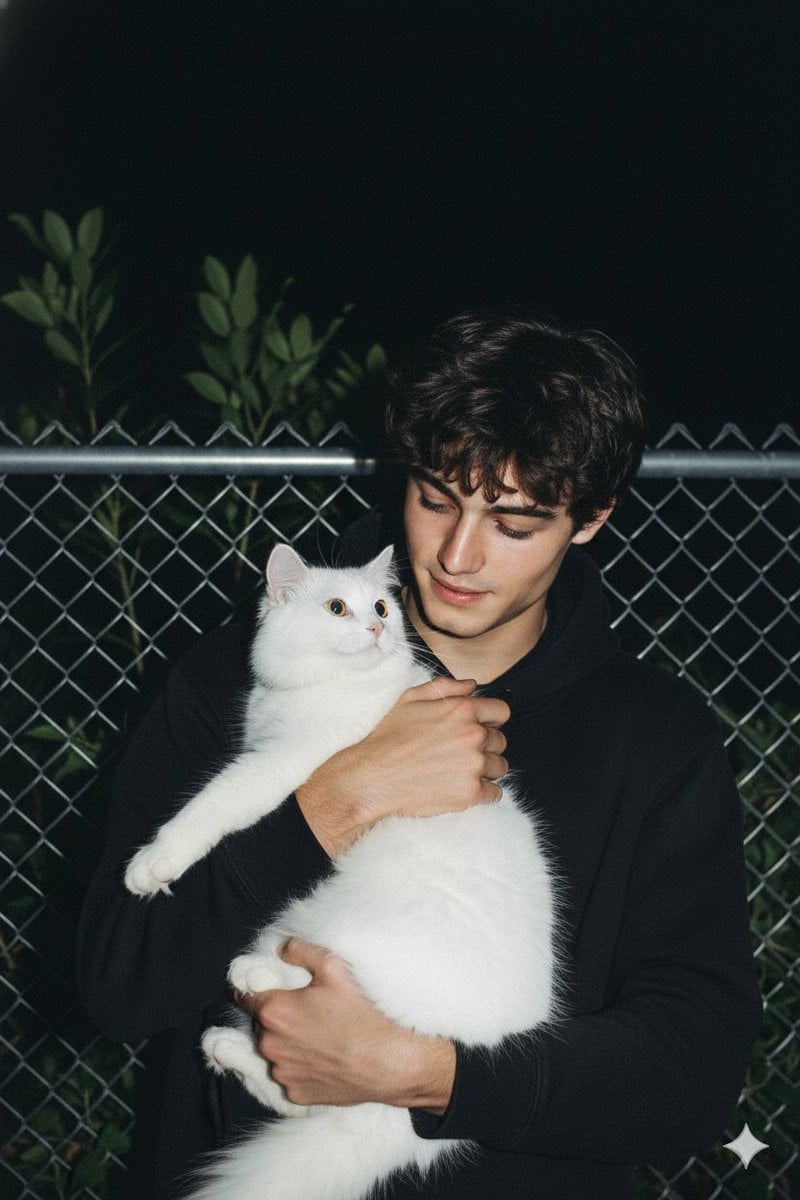
Candid Nighttime Photo with Cat Prompt
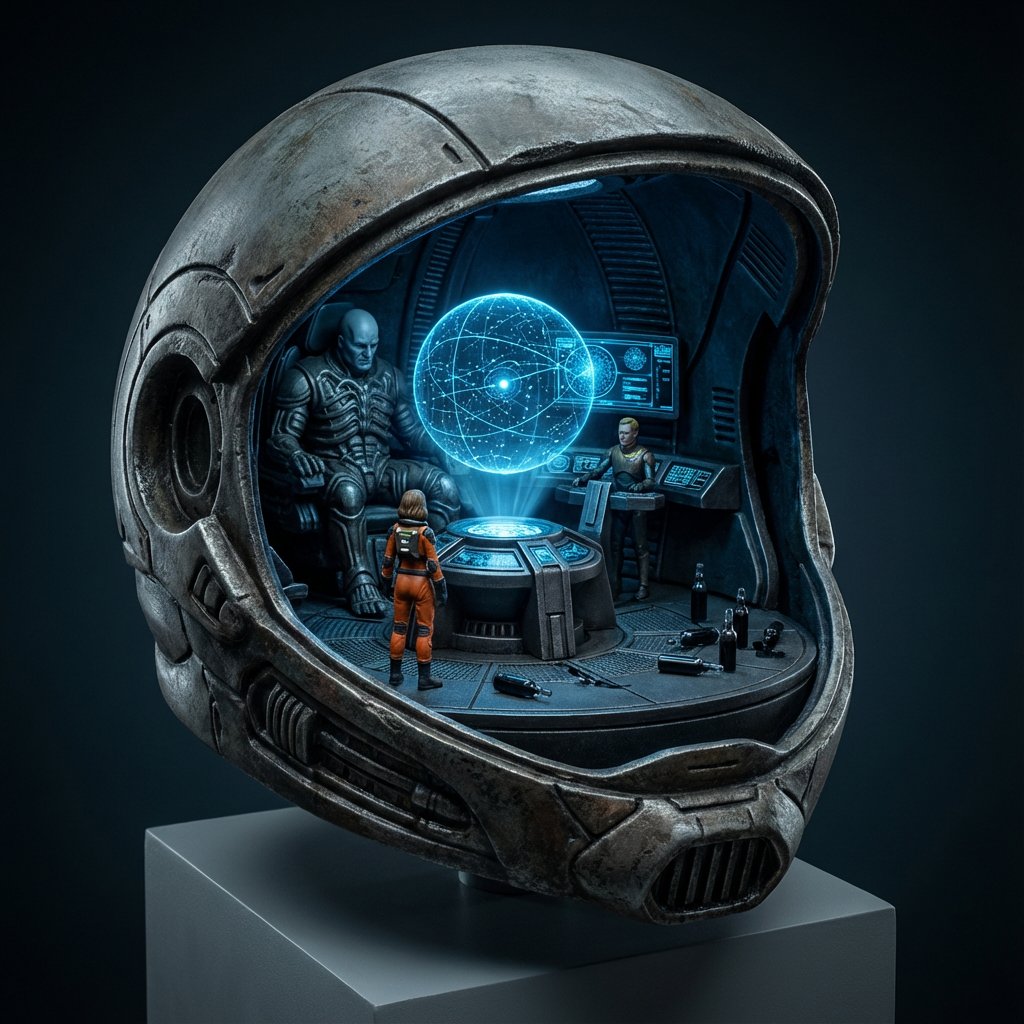
High-Concept 3D Diorama Generation Prompt
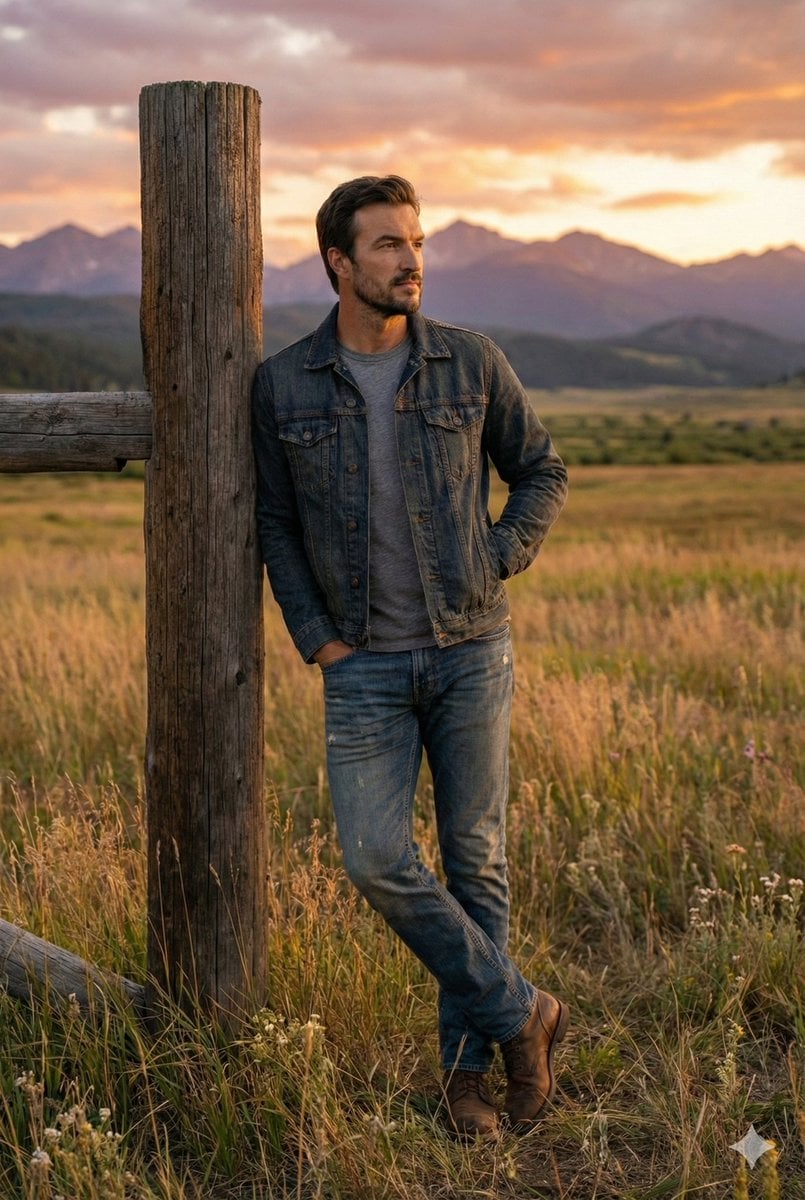
Cinematic Futuristic Studio Portrait Template
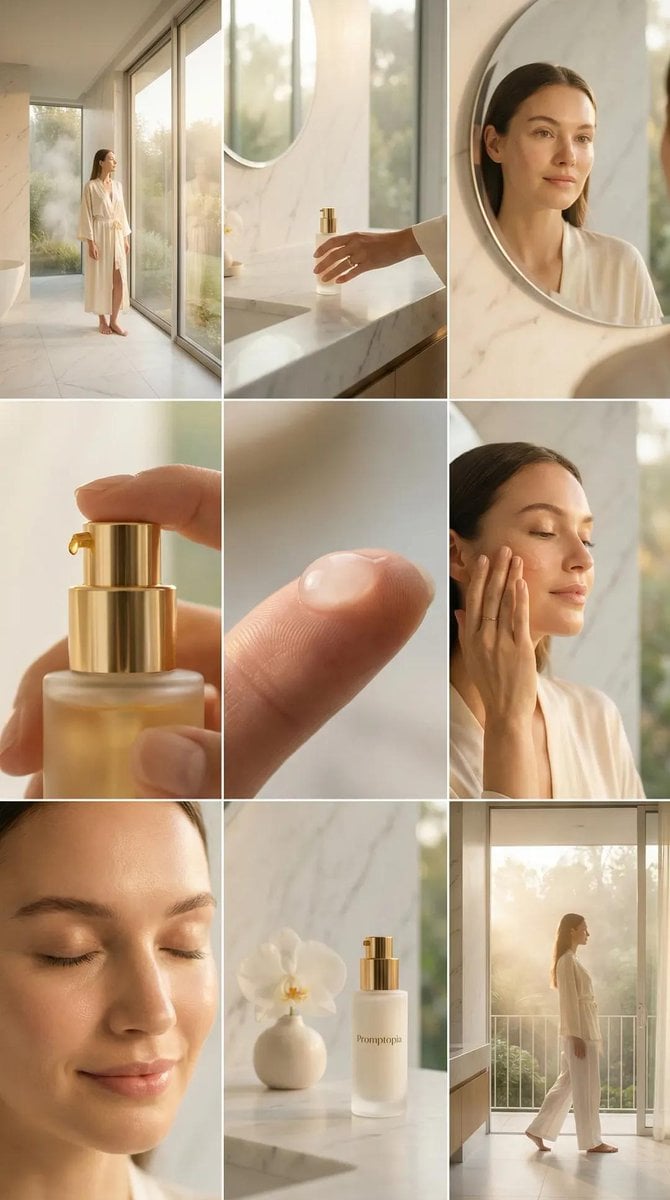
Skincare Editorial Photography Collage Prompt
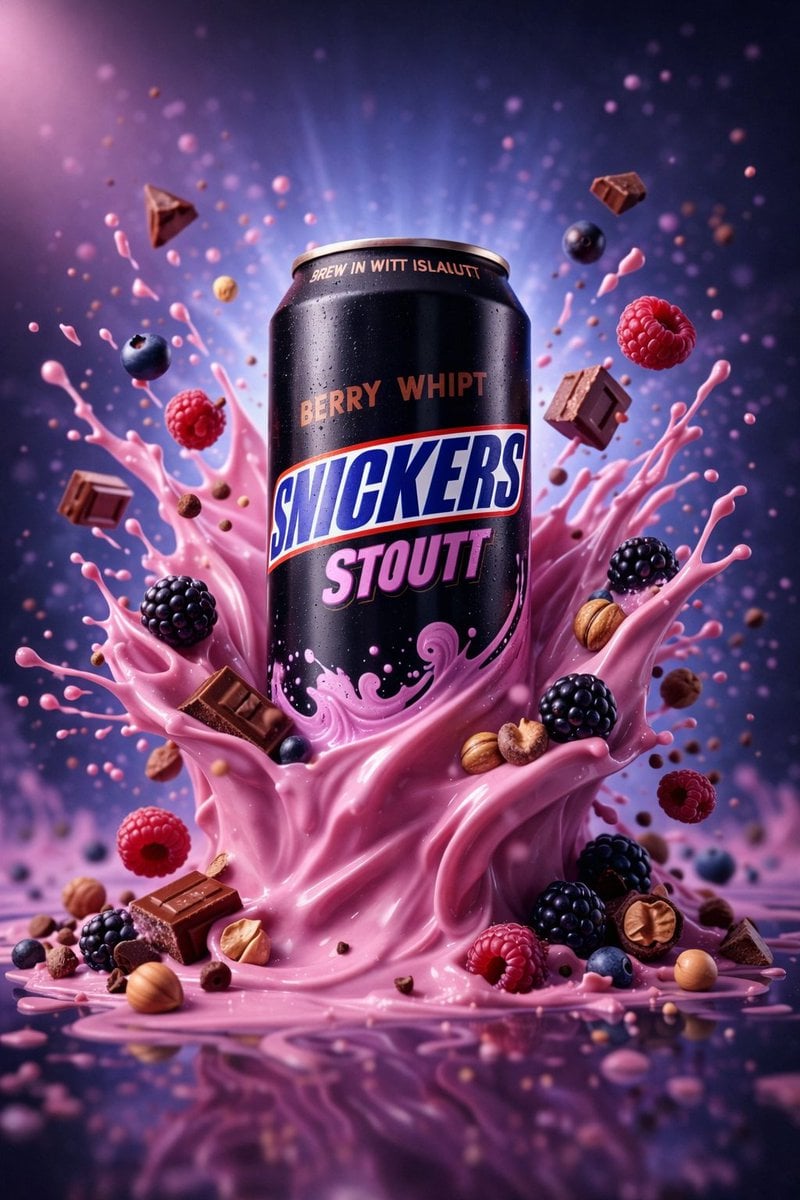
Hyper-Realistic Commercial Product Photography (Splash Effect)
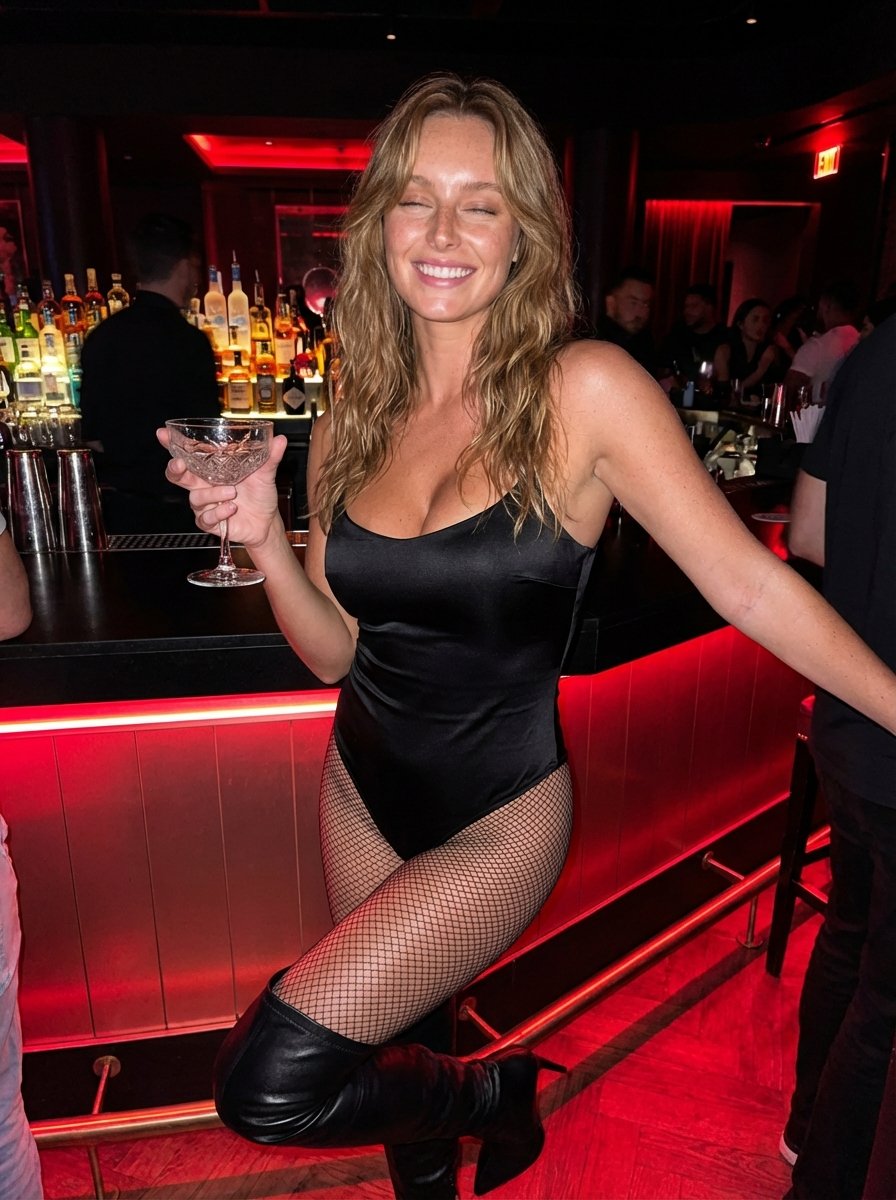
Hyper-Realistic Nightclub Portrait Prompt
More image prompts
Fresh picks from across the catalog.
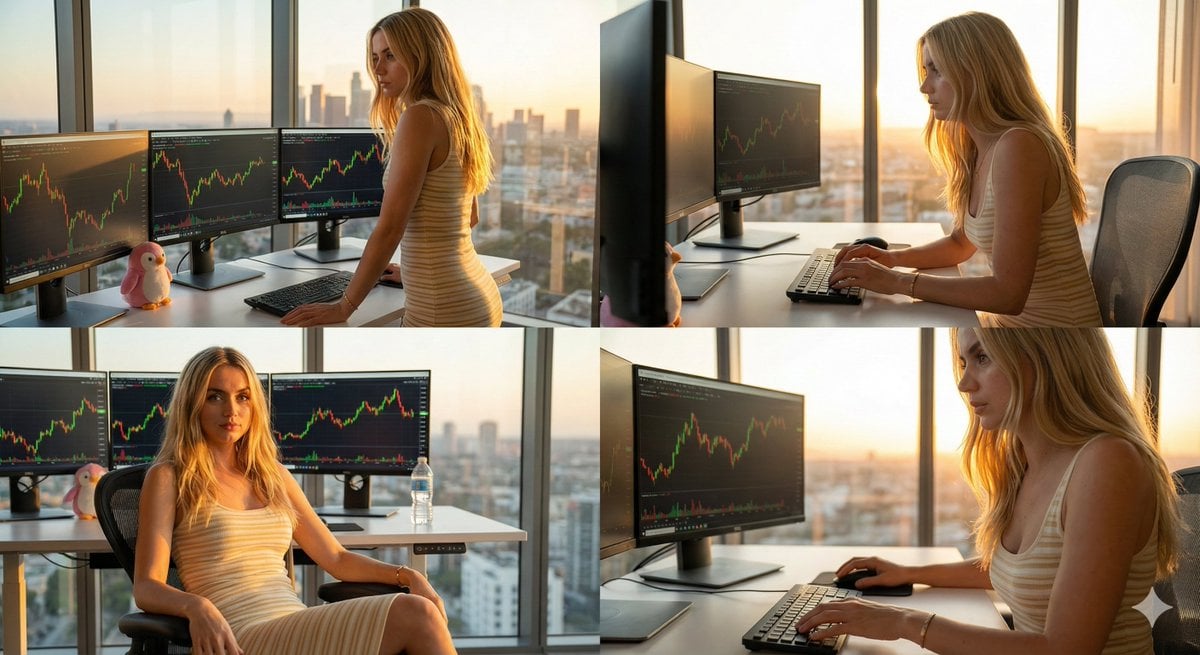
Four-Panel Collage of Trader in High-Rise Office
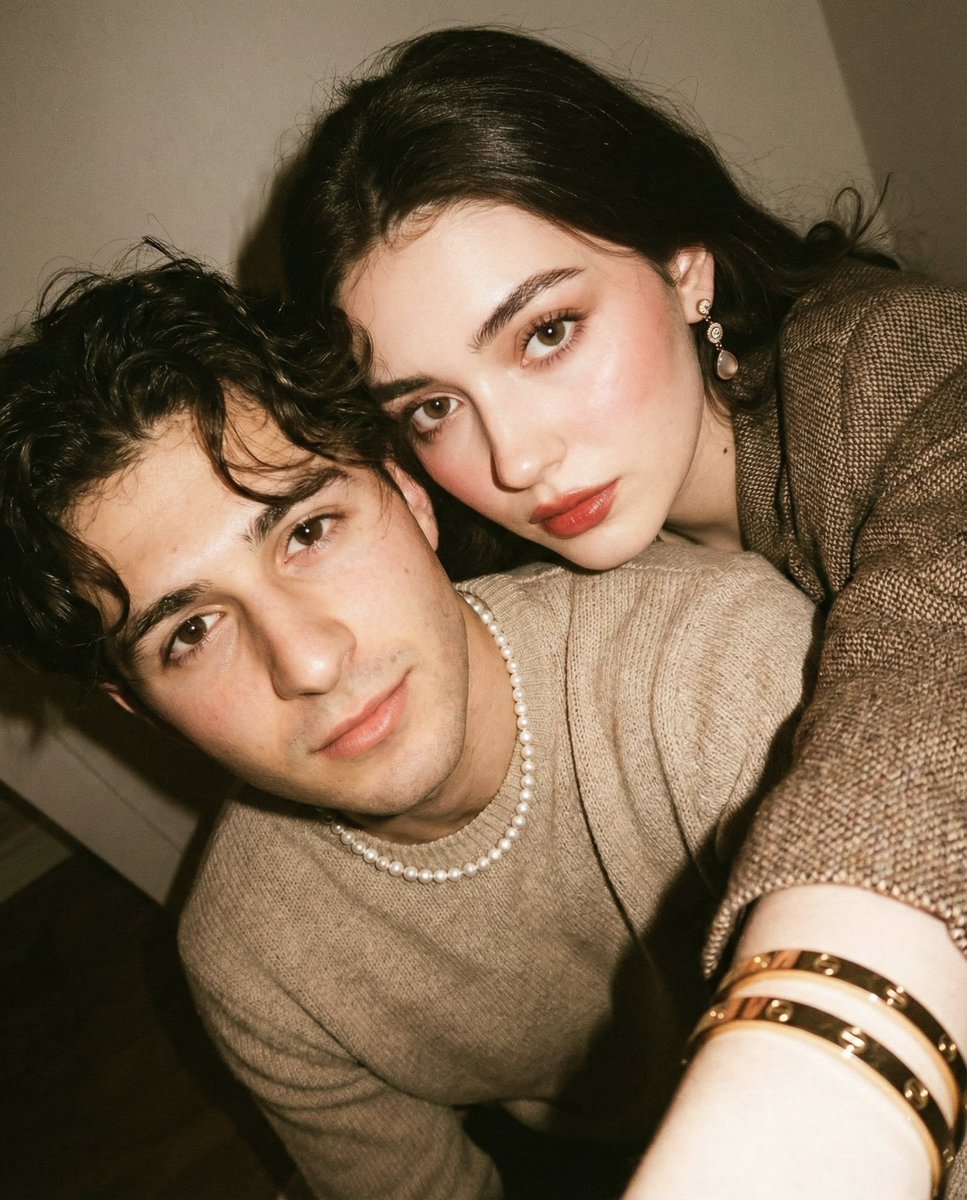
Vintage Film Selfie with Direct Flash
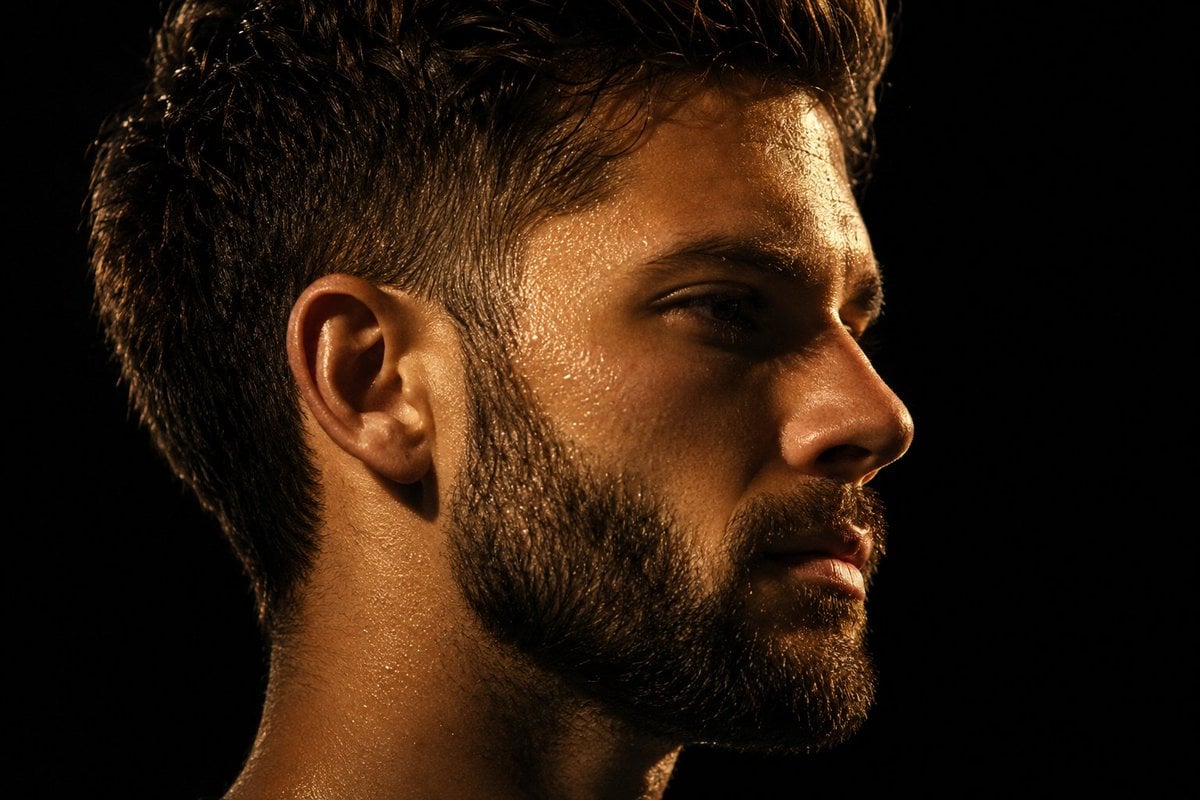
Chiaroscuro Mullet Profile Portrait
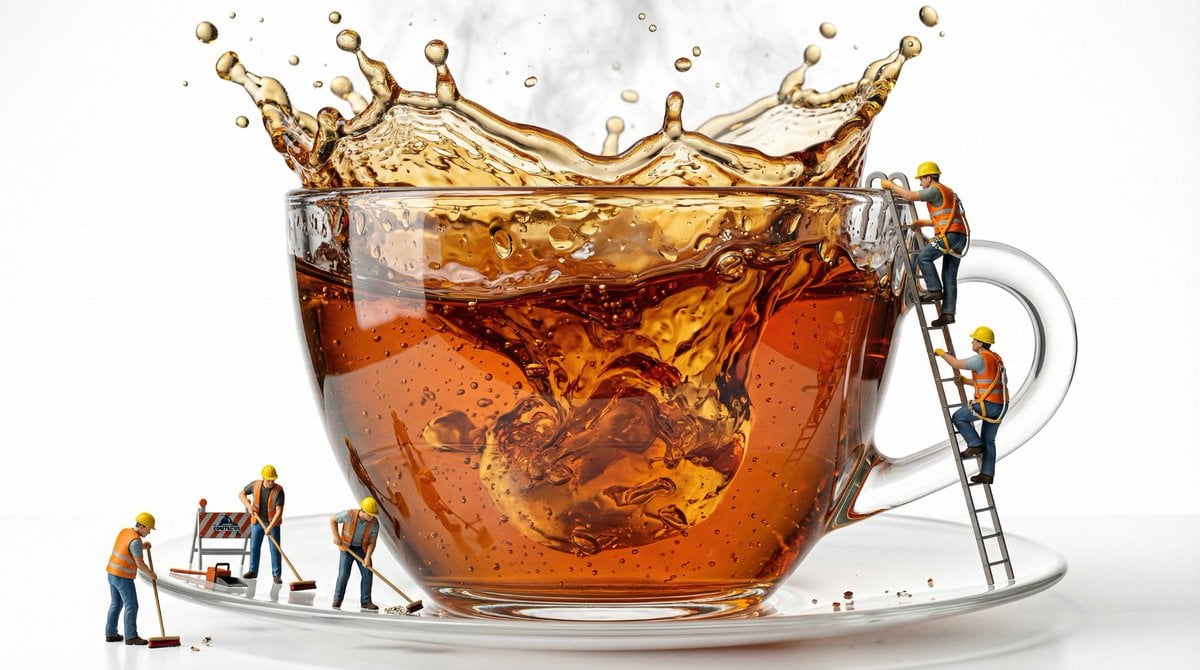
Macro Product Shot of Teacup with Construction Workers
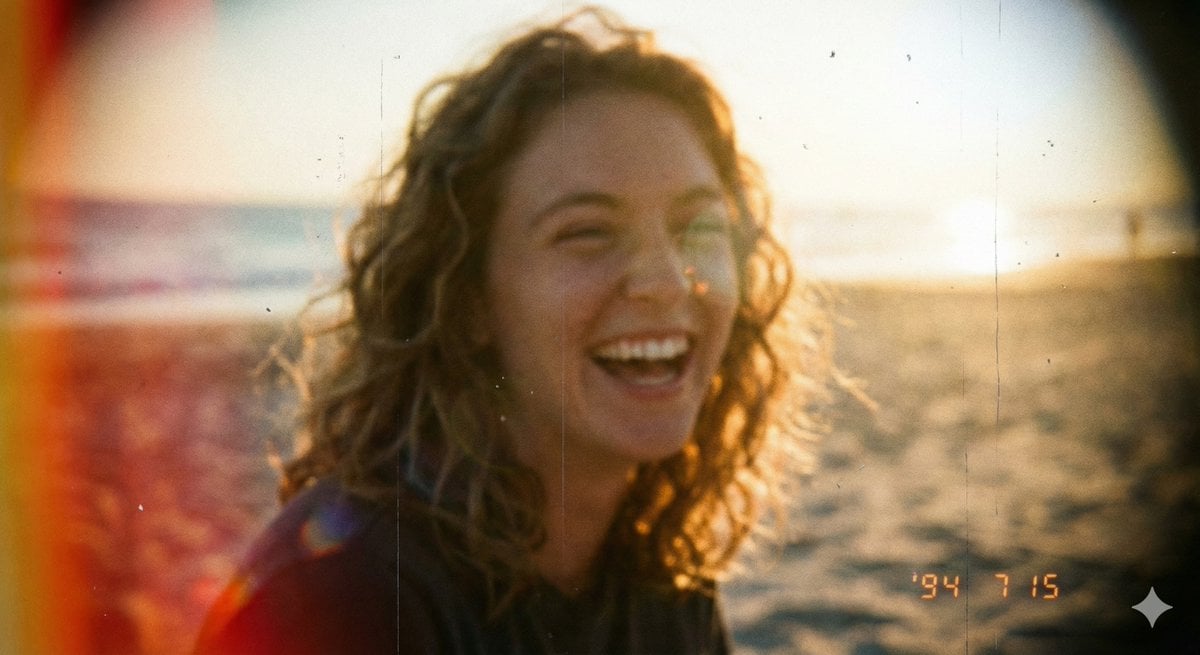
Vintage Analog Film Photography Aesthetic Prompt
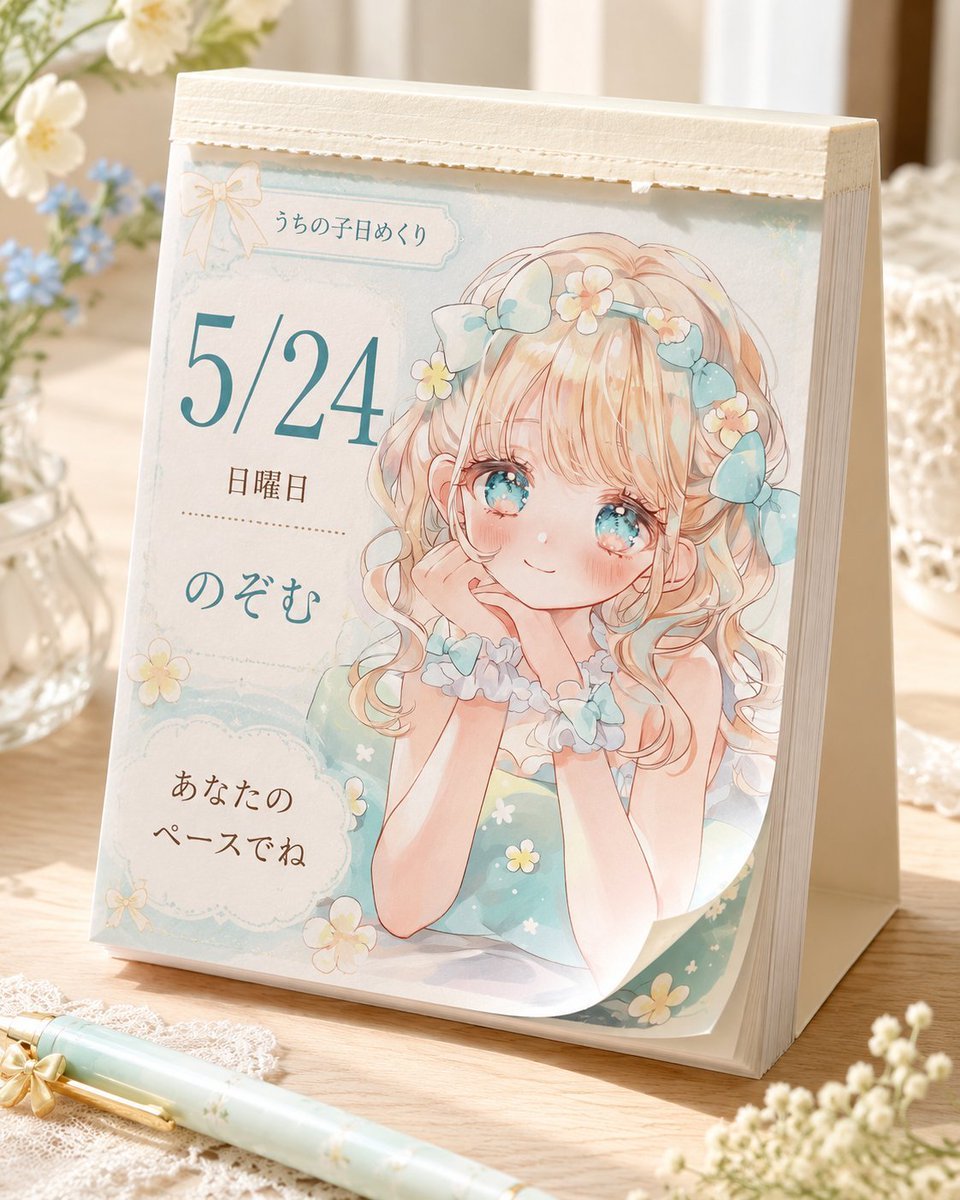
Cute Daily Anime Desk Calendar
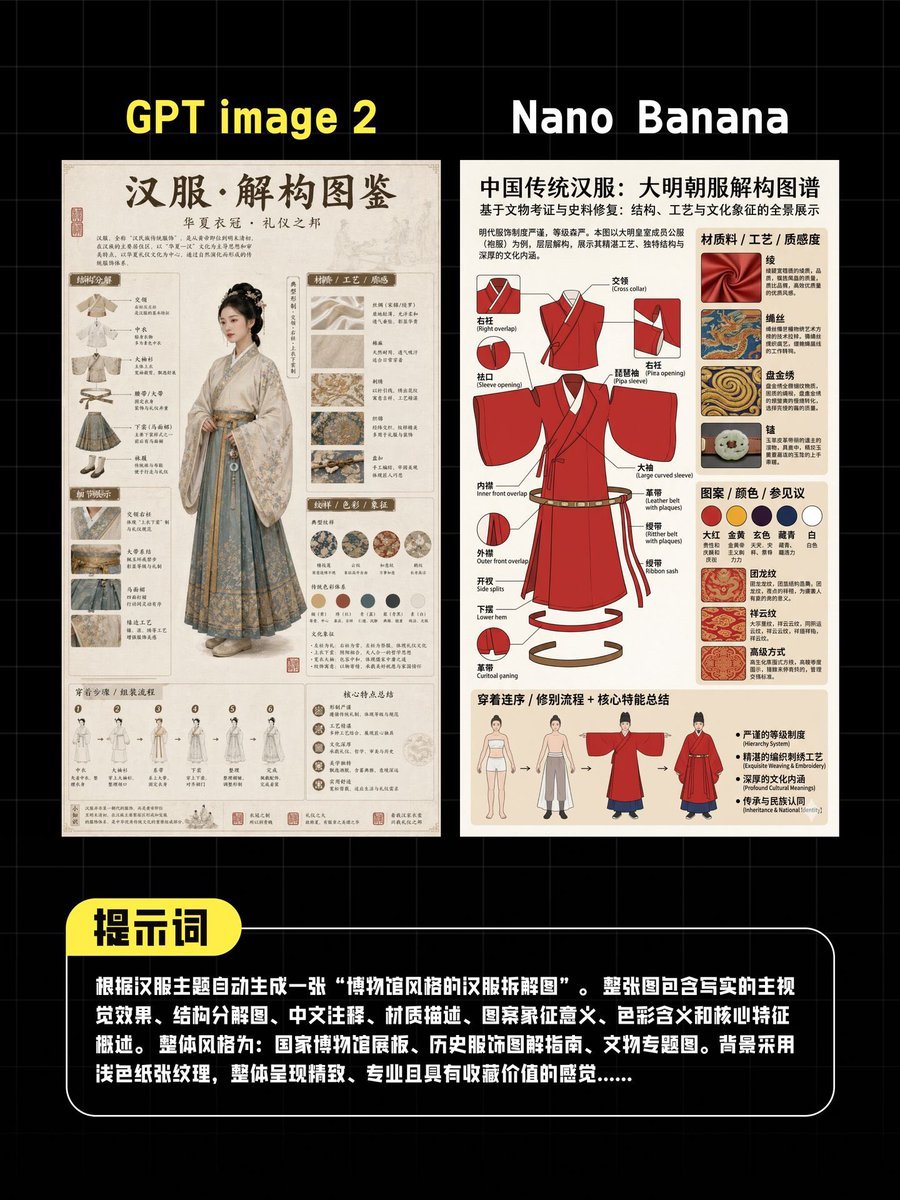
AI Hanfu Poster Comparison
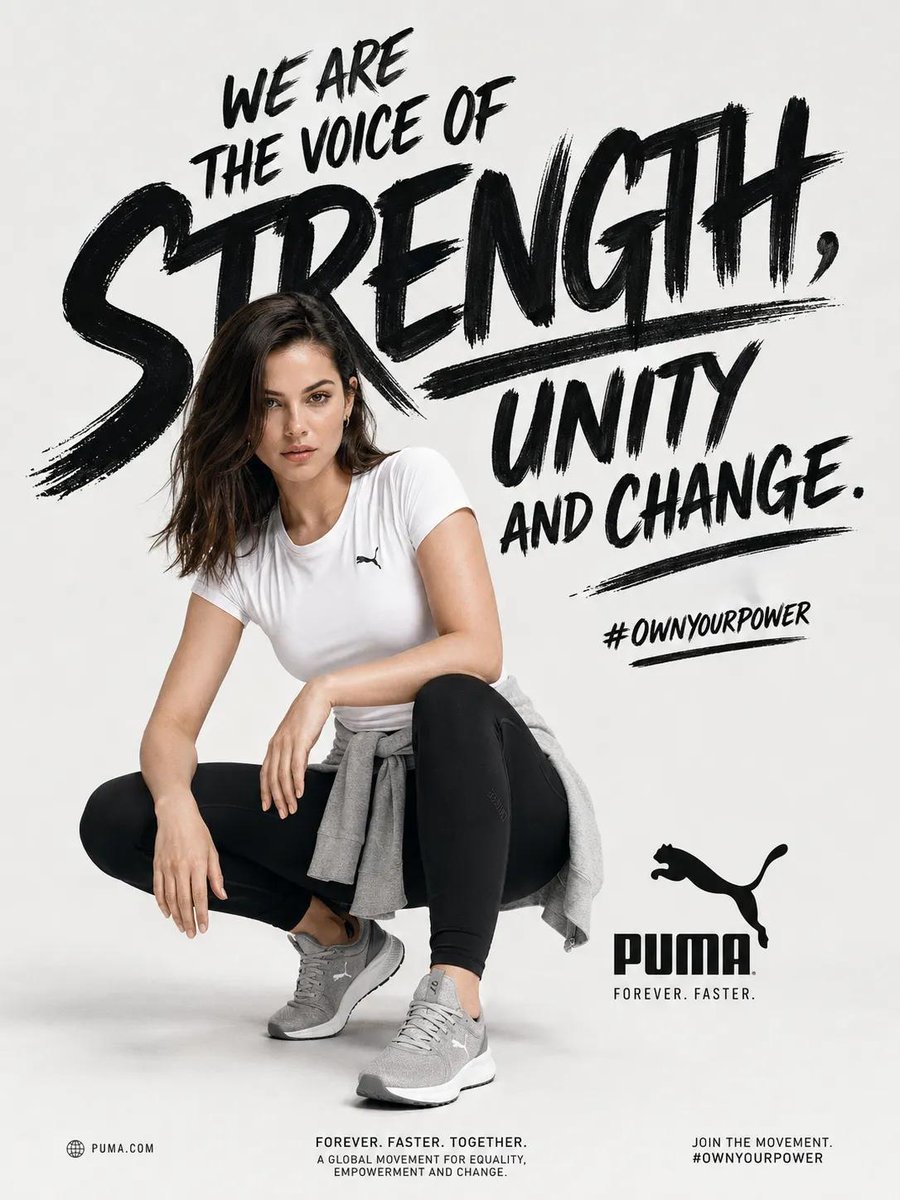
Sports Fashion Advertisement Poster
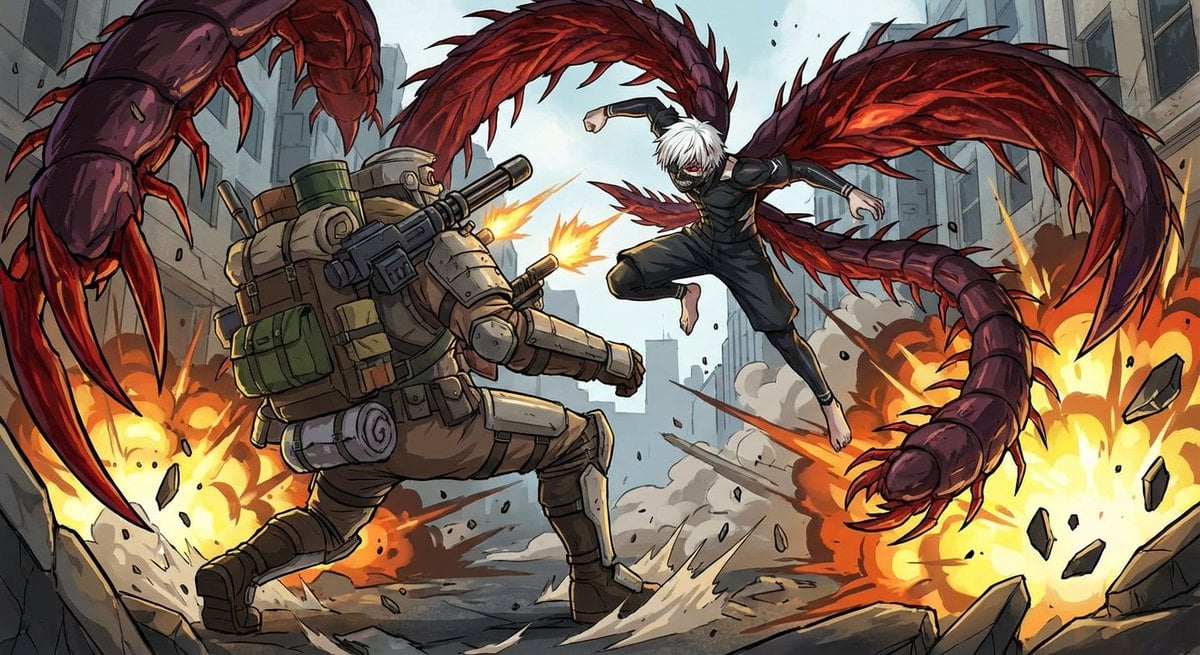
Nano Banana Pro-themed hero image (duplicate Chinese prompt)
Prompt for Generating 'Hot White Girl in Prom Dress' (Failure Case)
Browse template categories
Atmospheric Watercolor AI Illustration questions
How do I use the Atmospheric Watercolor AI Illustration template?
Add your photo if the template asks for one, edit the prompt if you like — the template's model and format are already selected — and press Generate. Your version opens in PicX Studio.
Can I customize the Atmospheric Watercolor AI Illustration template?
Yes. You can change the subject, setting, lighting, mood, format, and available model controls before creating your image.
Is the Atmospheric Watercolor AI Illustration template free?
Opening and editing this template is free. Generating uses credits, shown on the Generate button when you are signed in.
Which AI model should I use?
Start with Nano Banana 2, which is the model associated with this template. You can compare another compatible model for a different finish.
Looking for something else? Browse all templates.

Your photo, any look
Thousands of ready templates for every top image and video model, from one credit balance.