
Coastal Golden Hour Portrait
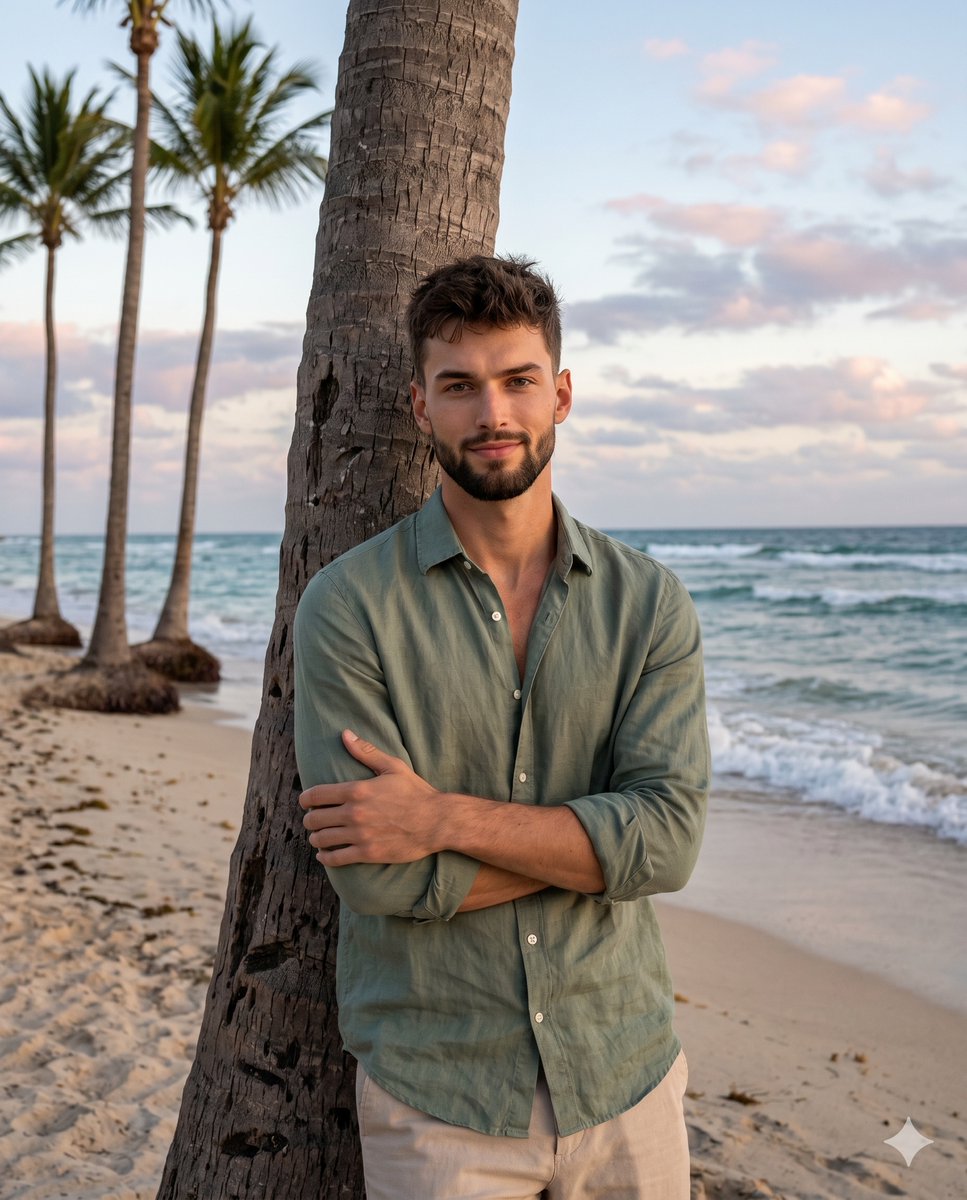
A relaxed male portrait prompt for Nano Banana Pro set on a beach during golden hour with soft, film-like color grading and a 35mm aesthetic.
- Prompt included
- Model and format preset
- Free template
The prompt behind this image
Copy the exact prompt behind Coastal Golden Hour Portrait, or open it in the studio and make it yours.
A {argument name="subject" default="young male"} stands in the right-center foreground, featuring short messy textured hair, light facial stubble, and a genuine, approachable, subtle closed smile. He wears a {argument name="clothing" default="sage green button-down linen shirt left unbuttoned at the top"} and beige relaxed-fit trousers. His posture is organically relaxed as he leans back with tilted shoulders and shifted weight against a rough, weathered palm tree trunk, his arms casually crossed at his chest with his left hand resting lightly on his right bicep, its fingers visibly curving naturally over the green linen sleeve. He is supported by the thick, dominant palm tree trunk on the right, defined by its heavily textured bark with horizontal ridges, while standing on {argument name="ground" default="beige sand marked by uneven organic footprints and ripples"}. Stretching into the deep midground behind him, gentle ocean waves break on the shore, balanced asymmetrically on the left by three slender, weathered palm trees with tall, thin trunks leaning slightly away from the coastal breeze. Far in the deep background, a clear distant horizon line separates the water from a dusky sky filled with soft, patchy cumulus clouds. The serene scene is bathed in calm, single-source, diffused frontal lighting of moderate intensity, creating a warm golden hour glow. Subtle highlights gently kiss the subject's forehead and cheekbones, as well as the edges of the patchy clouds, while faint, medium-length shadows with soft, gradual edges pool beneath his crossed arms, along the left side of the palm tree trunk, and lightly upon the sand behind him. The environment is enveloped in an analogous, desaturated color palette of sage green, sand beige, soft sky blue, dusky pink, and tree trunk brown, generating a soft, low-contrast atmosphere. Captured with a digital photography travel blogging aesthetic using a 35mm or 50mm lens and an aperture between f/4.0 and f/5.6 to maintain a deep depth of field that keeps the ocean and distant trees relatively in focus, the image features a slightly soft sharpness enhanced by ISO 400 digital noise grain. Post-processing introduces lifted blacks for a faded film look, a warmed white balance, and muted greens, culminating in a realistic portrait framed in a 4:5 aspect ratio.
How to use Coastal Golden Hour Portrait in 3 steps
- 1
Open
The prompt is already in the box next to the preview, with the template's model and format selected.
- 2…a portrait of your subject in softgolden-hour light, 85mm…
Personalize
Edit the subject and creative details for your destination.
- 3Generate
Generate
Press Generate — your image is created in PicX Studio, so you can compare it with the original and refine one variable at a time.
More like this
Templates with the same subject, style or setup. Open one to see its prompt.
80s Golden Hour Cinema
Rooftop Fisheye — Cat-Ear Balaclava at Golden Hour
Cinematic Golden Hour Garden Portrait
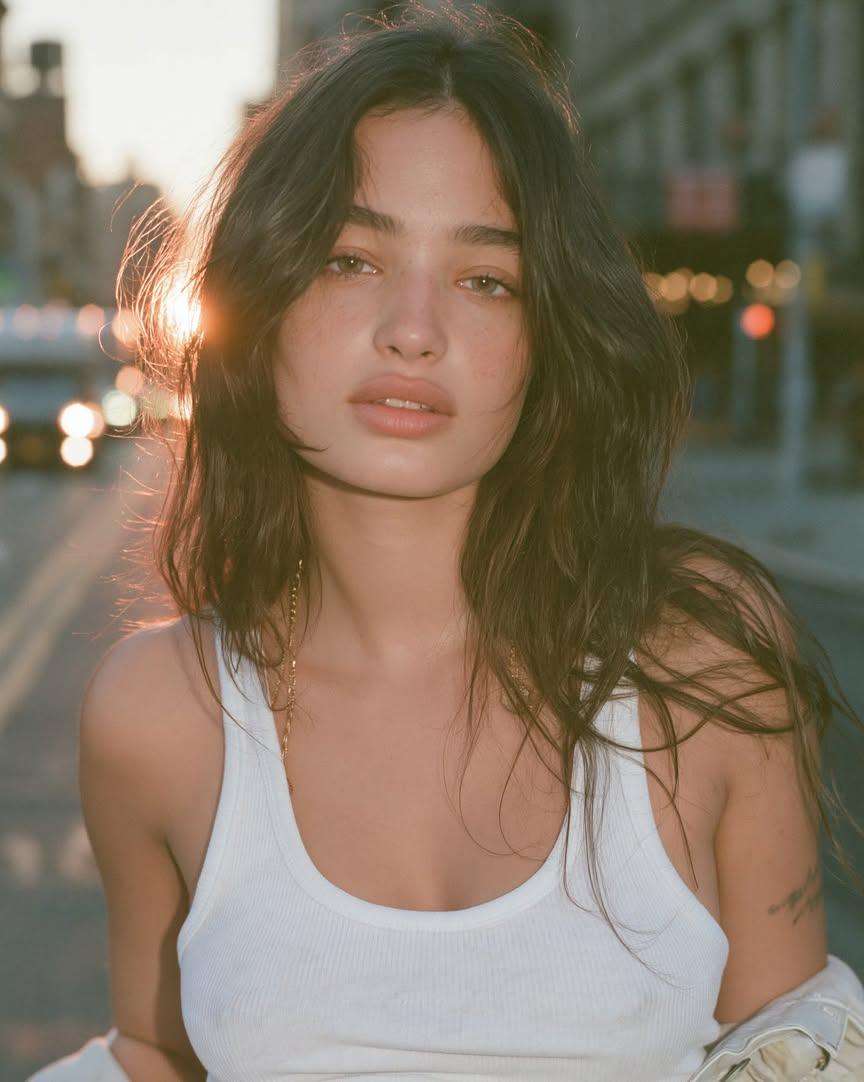
Cinematic Golden Hour Urban Portrait
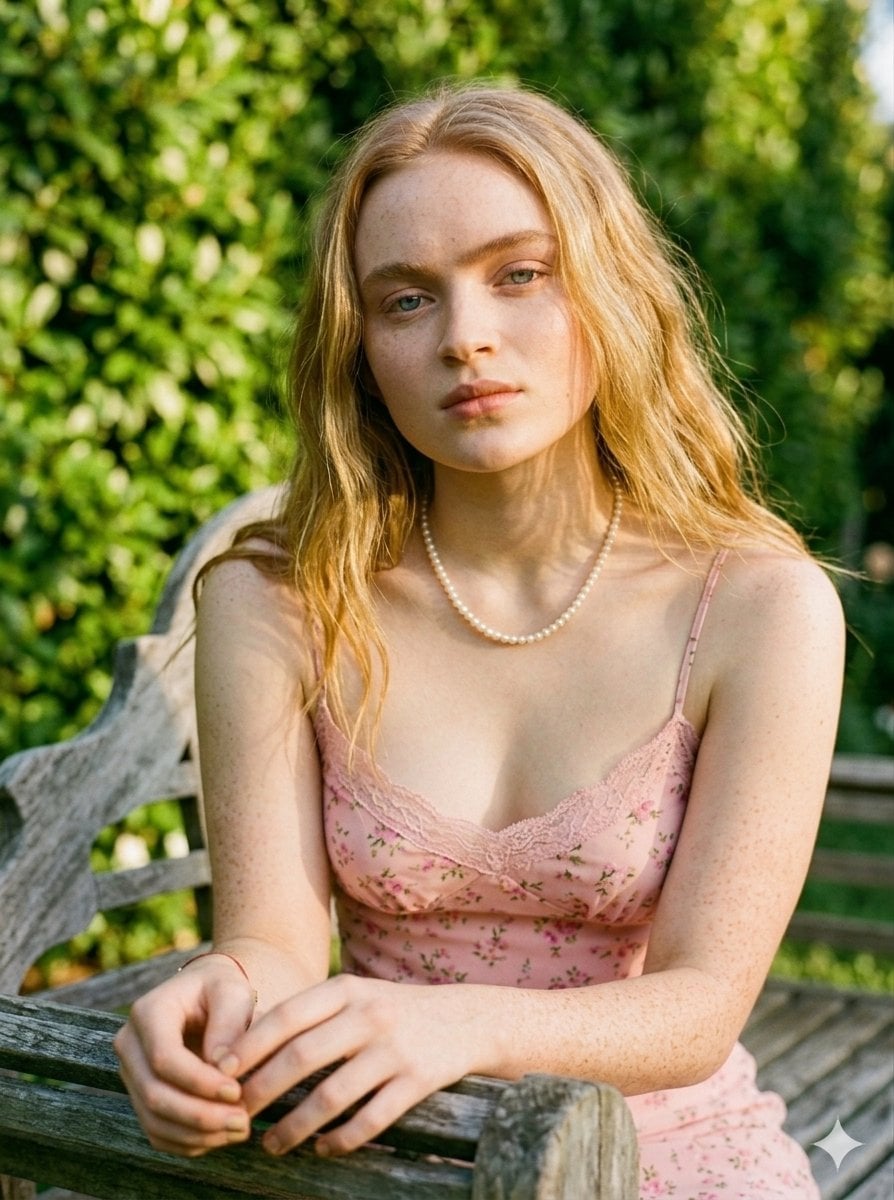
Golden Hour Redhead Portrait
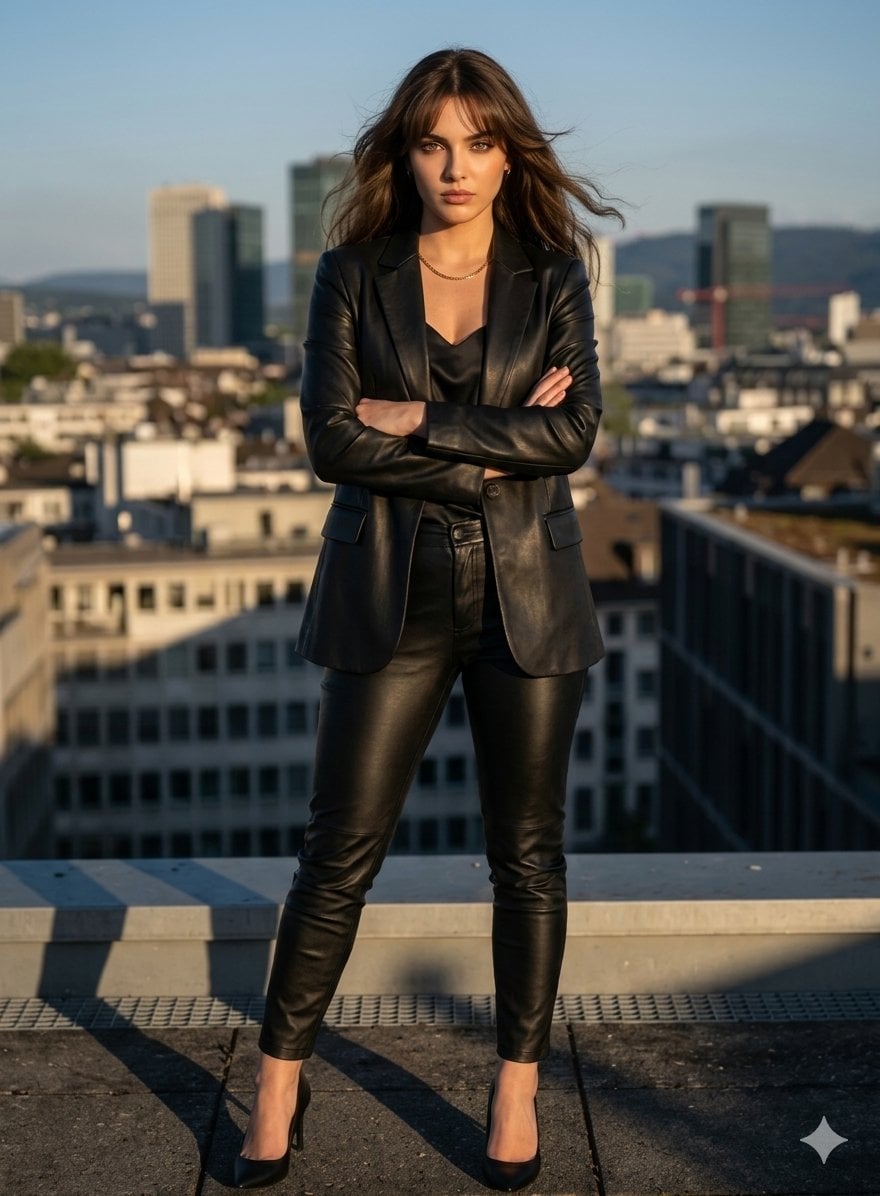
Golden Hour Cinematic Boss Energy Portrait
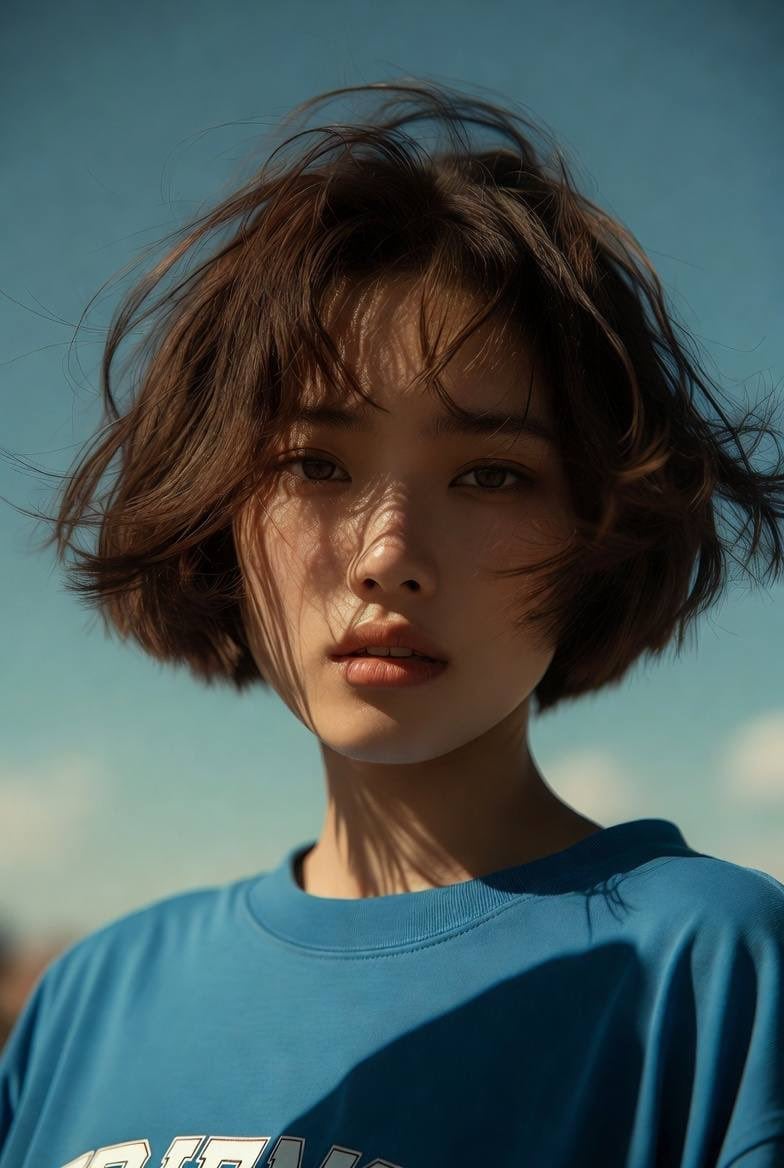
Golden Hour Cinematic Portrait
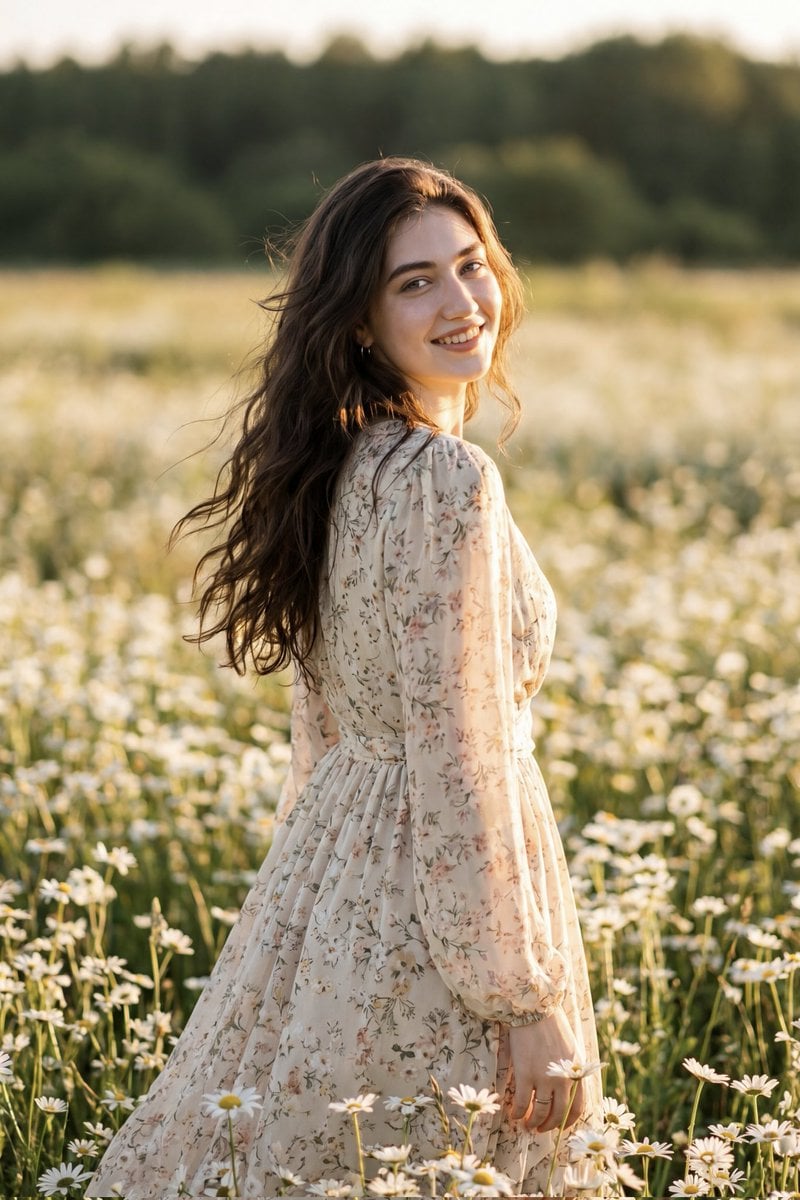
Golden Hour Daisy Field Portrait
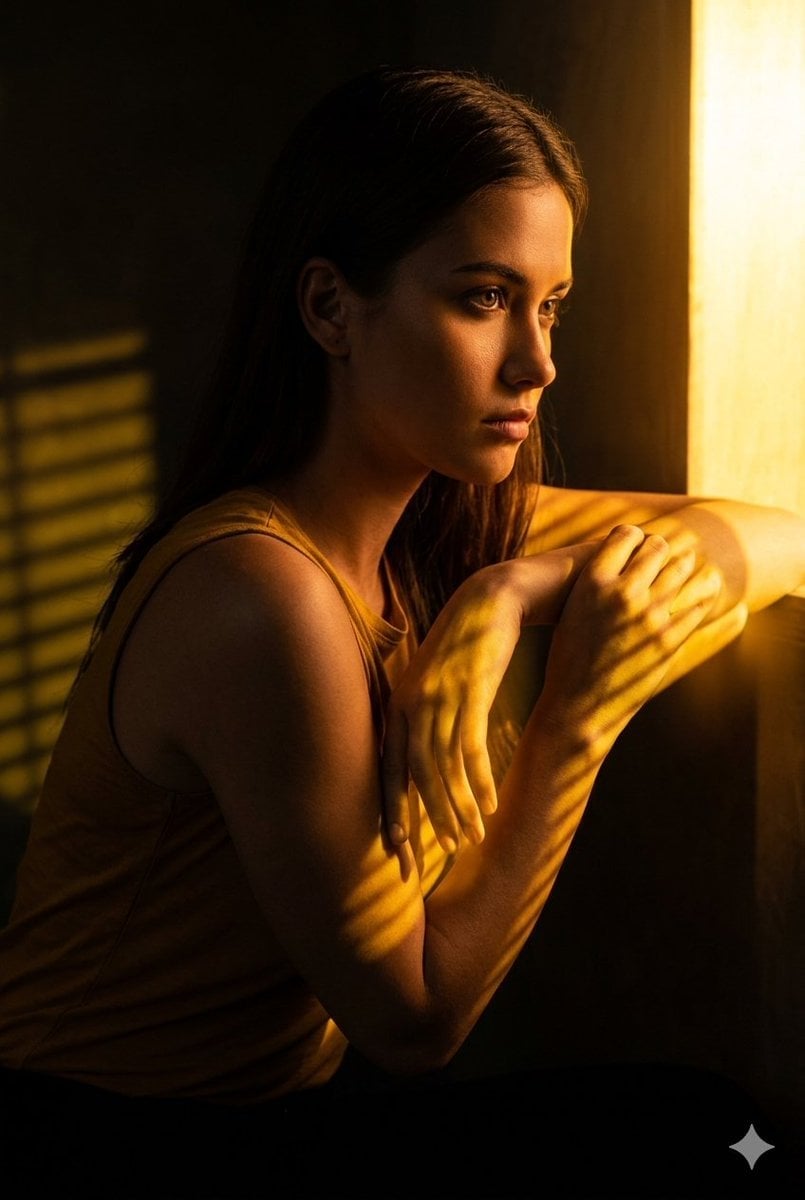
Golden Hour Window Reflection Portrait
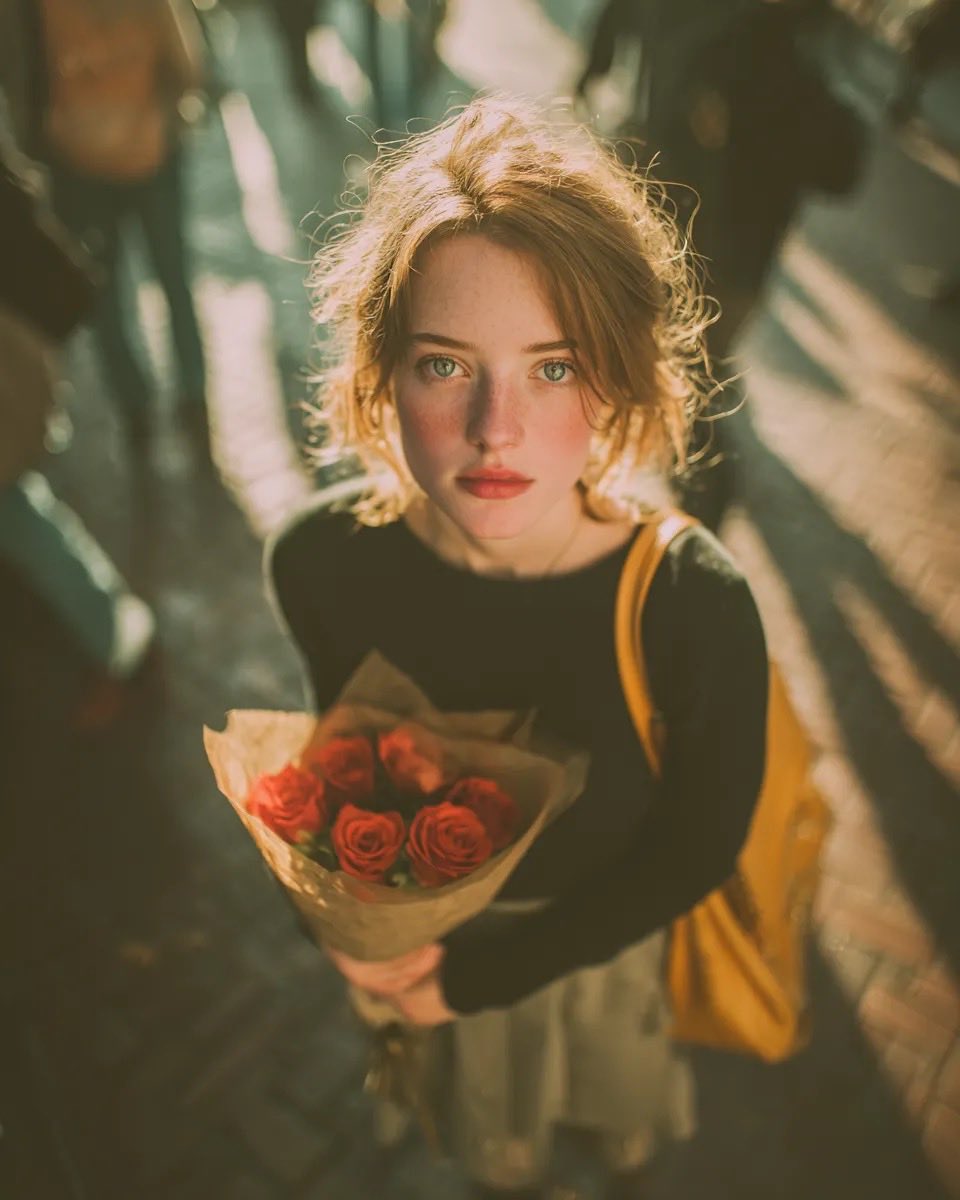
Golden Hour Rose Portrait

Golden Hour Korean Classroom Portrait
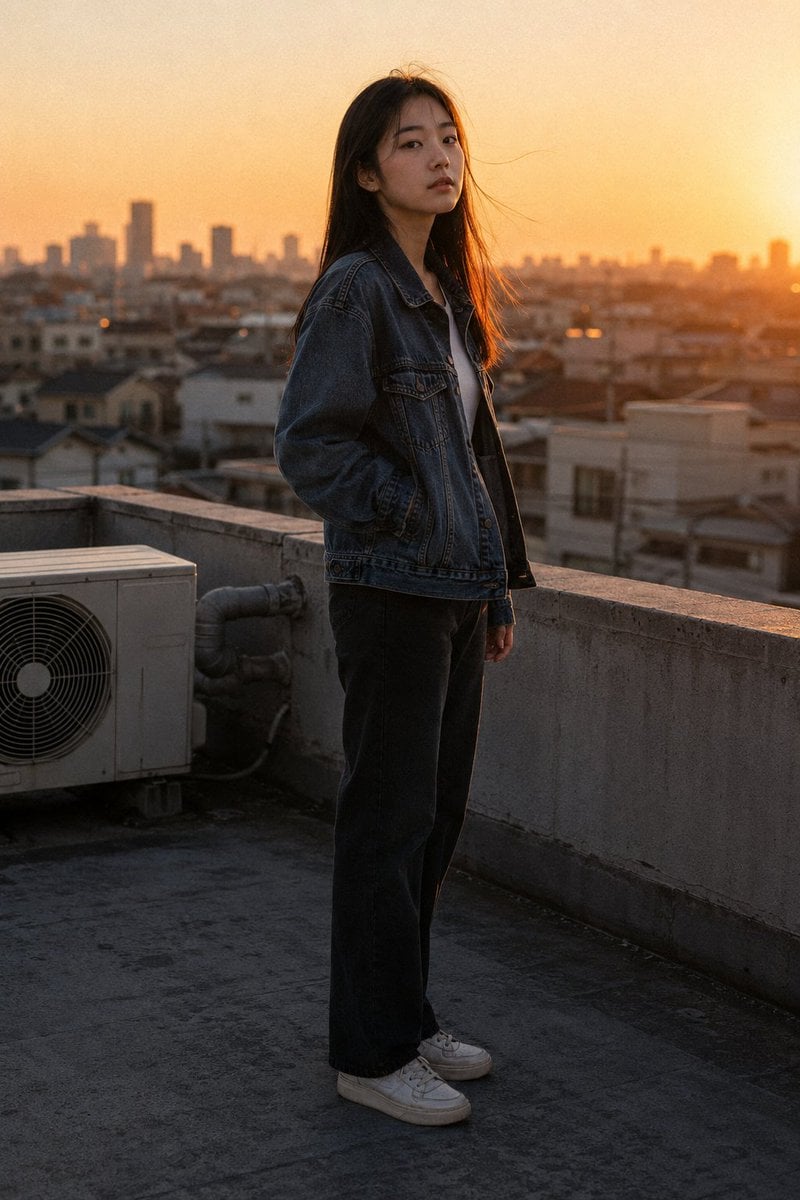
Golden Hour Rooftop Portrait
Make it yours
Coastal Golden Hour Portrait works as-is. These are the safest ways to change it without losing the look.
Change one field
Copy a single group, rewrite it, and generate again so you can see what that field is doing.
Keep the frame, change the subject
Hold the composition and light of Coastal Golden Hour Portrait, then swap wardrobe, props or the person for a new take.
| If the result… | Why | Fix |
|---|---|---|
| The result drifts from the preview | Too many fields changed at once. | Reuse Coastal Golden Hour Portrait as-is first, then change one group — subject, light, or setting. |
| The model over-stylizes the scene | The prose prompt leaves finish and camera underspecified. | Add one camera or lighting sentence and stay on Nano Banana 2. |
More Nano Banana 2 templates
Other prompts made for Nano Banana 2.
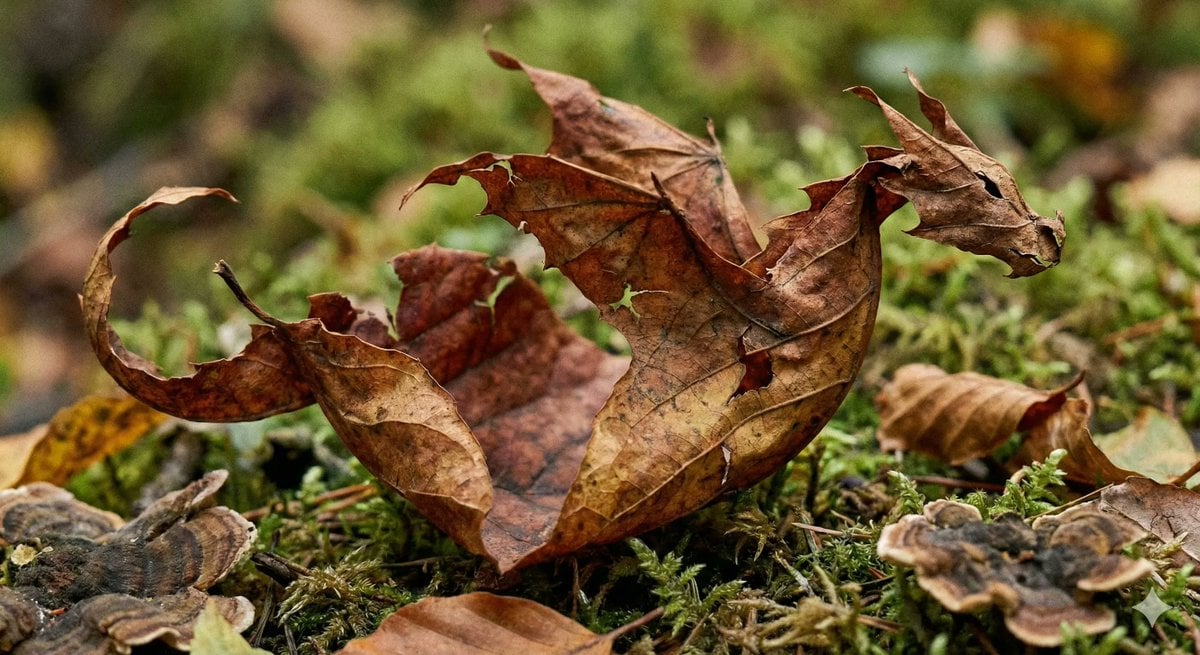
Photorealistic Leaf Shaped Like a Dragon
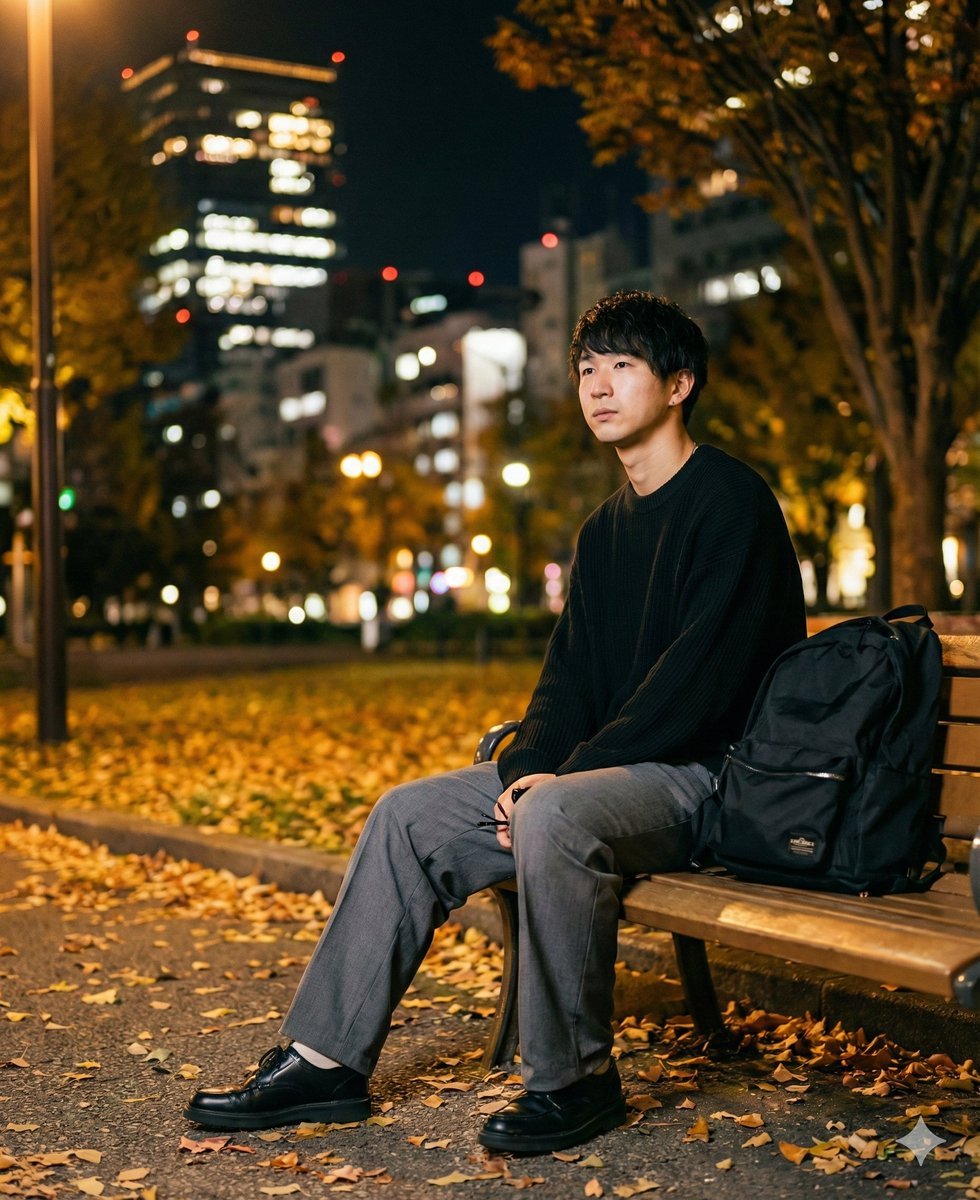
K-Pop Idol Portrait Grid for Rapid Selection
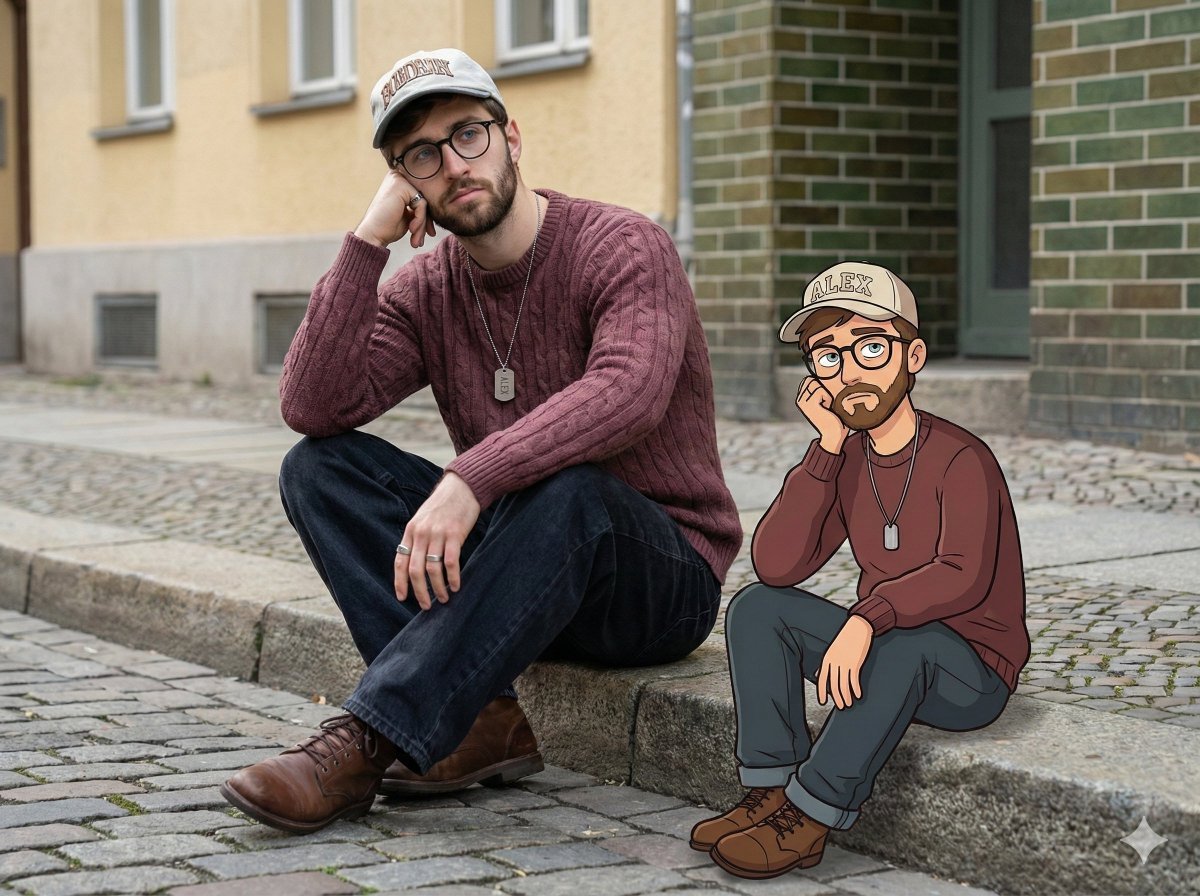
Urban Street Portrait with Cartoon Inner Self Duo
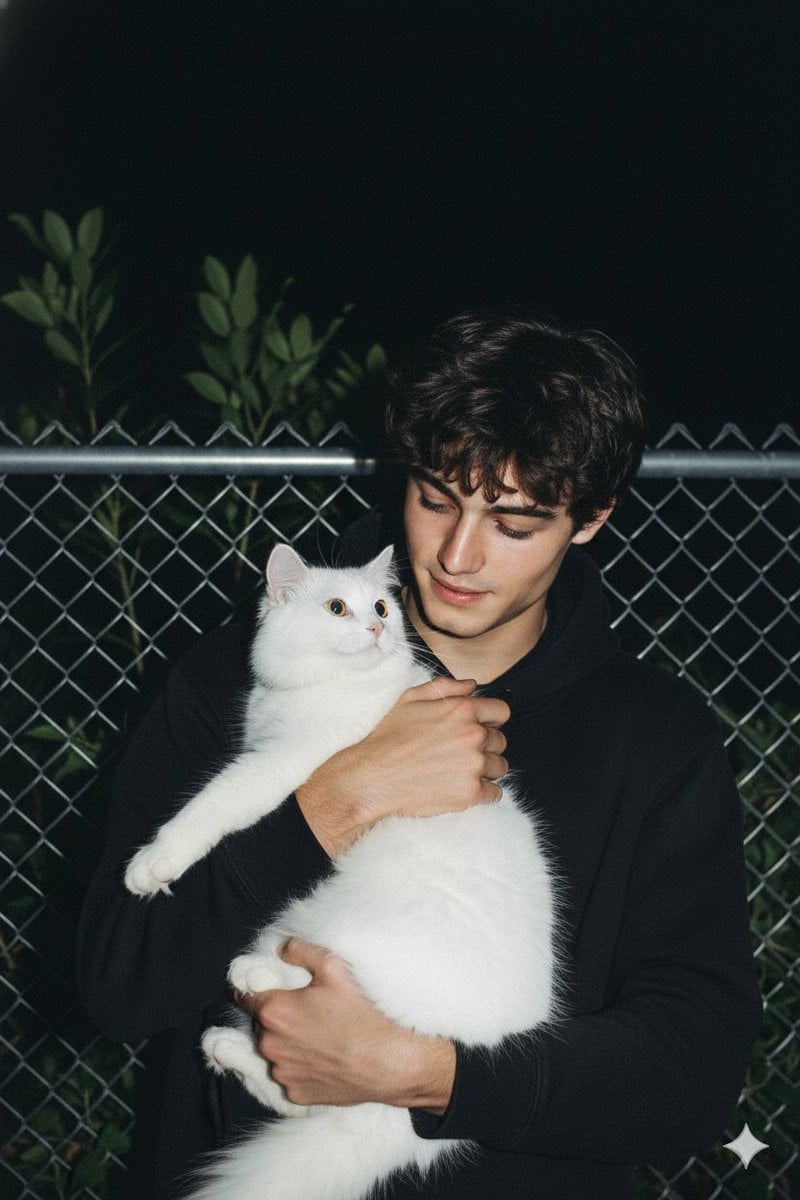
Candid Nighttime Photo with Cat Prompt
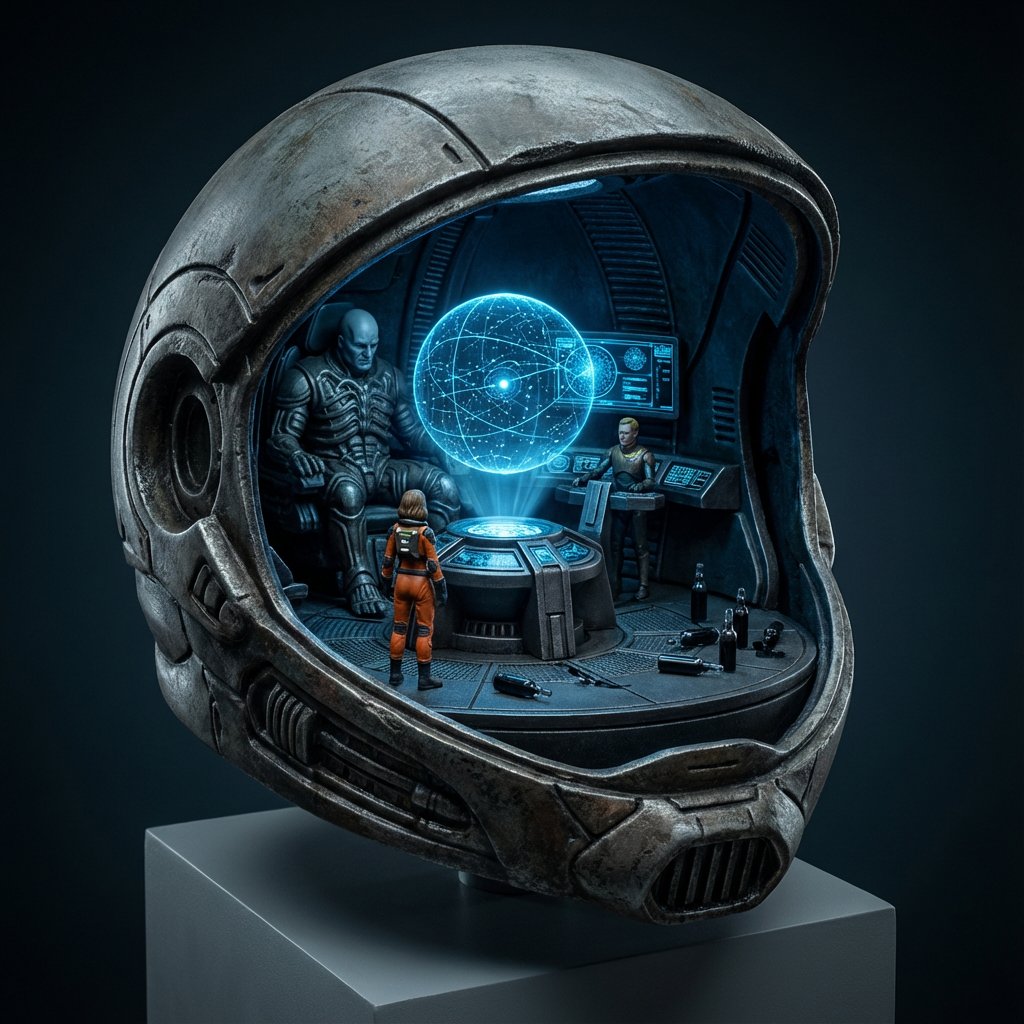
High-Concept 3D Diorama Generation Prompt
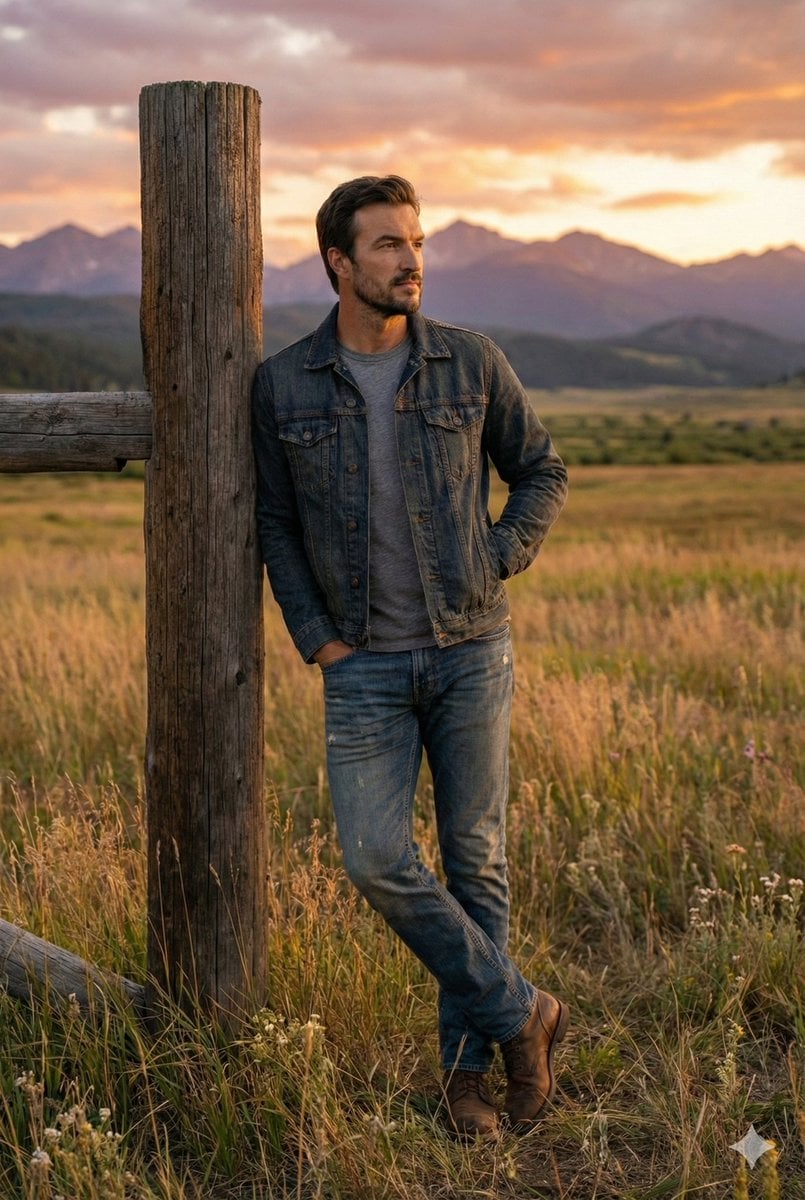
Cinematic Futuristic Studio Portrait Template
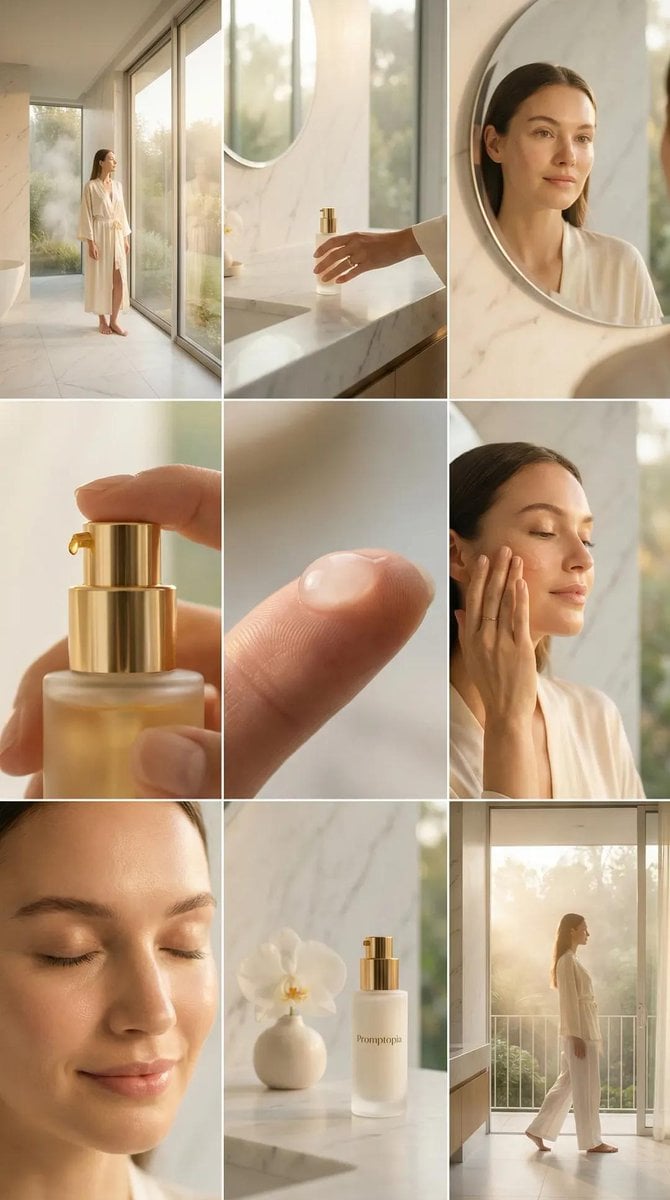
Skincare Editorial Photography Collage Prompt
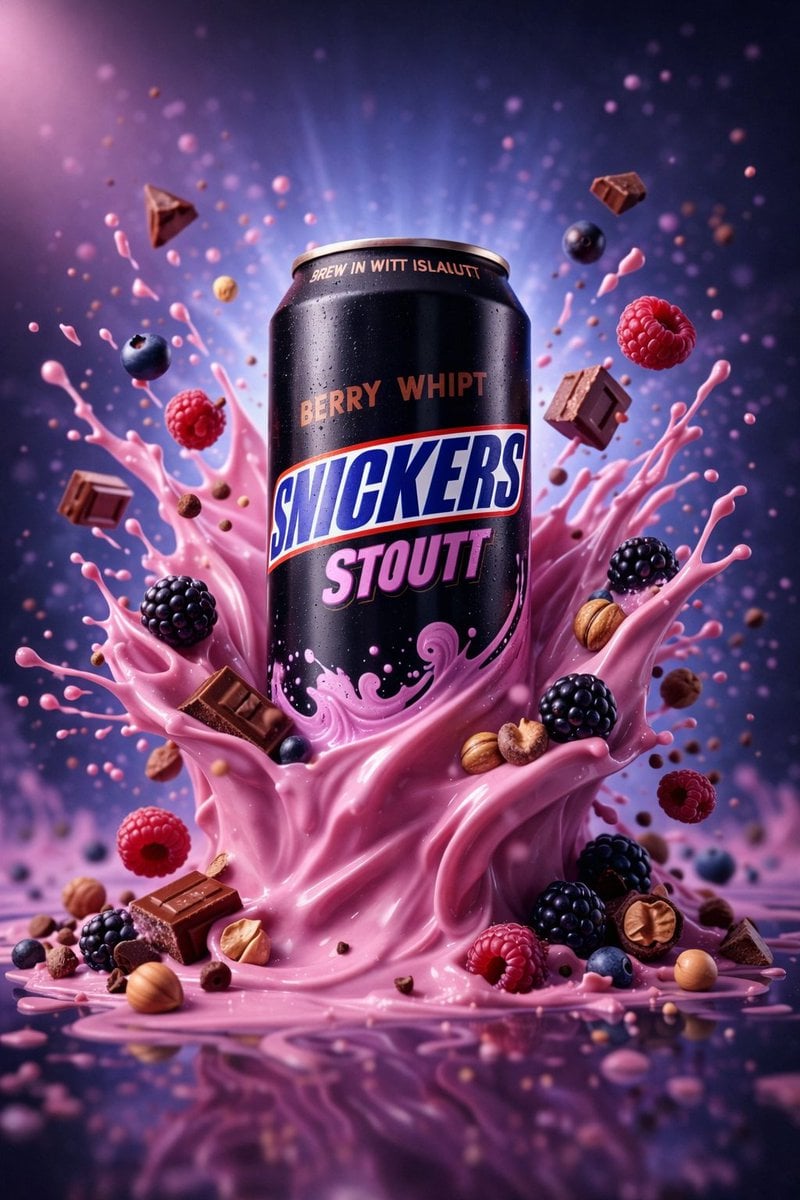
Hyper-Realistic Commercial Product Photography (Splash Effect)
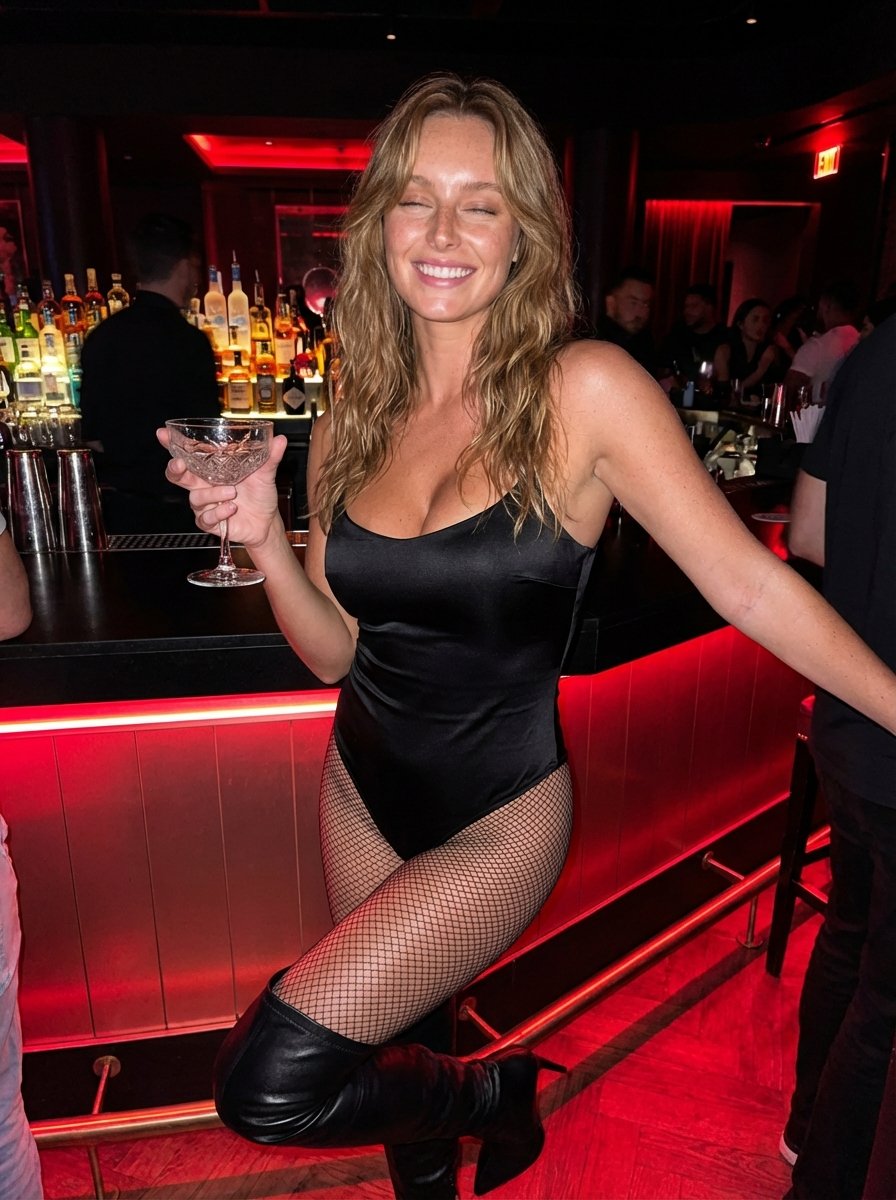
Hyper-Realistic Nightclub Portrait Prompt
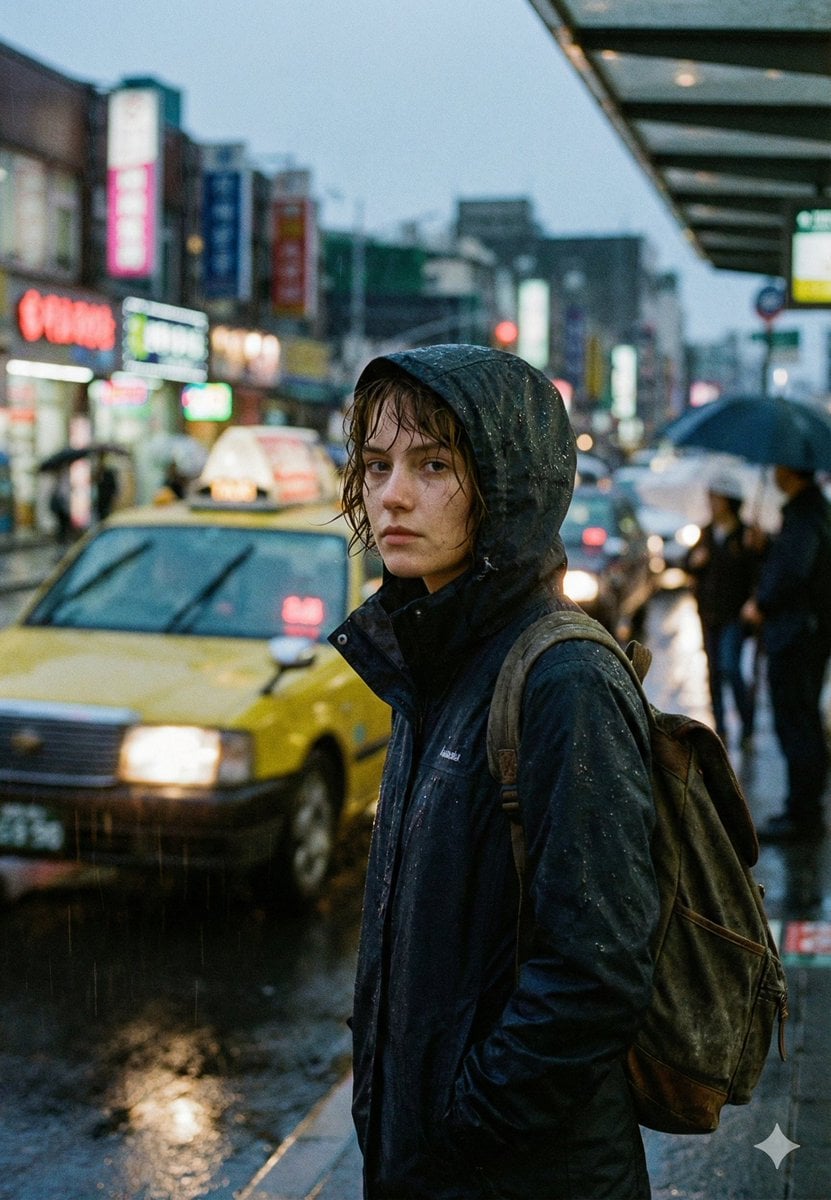
Cinematic Urban Rain Scene Prompt (Neo-Noir)
More image prompts
Fresh picks from across the catalog.
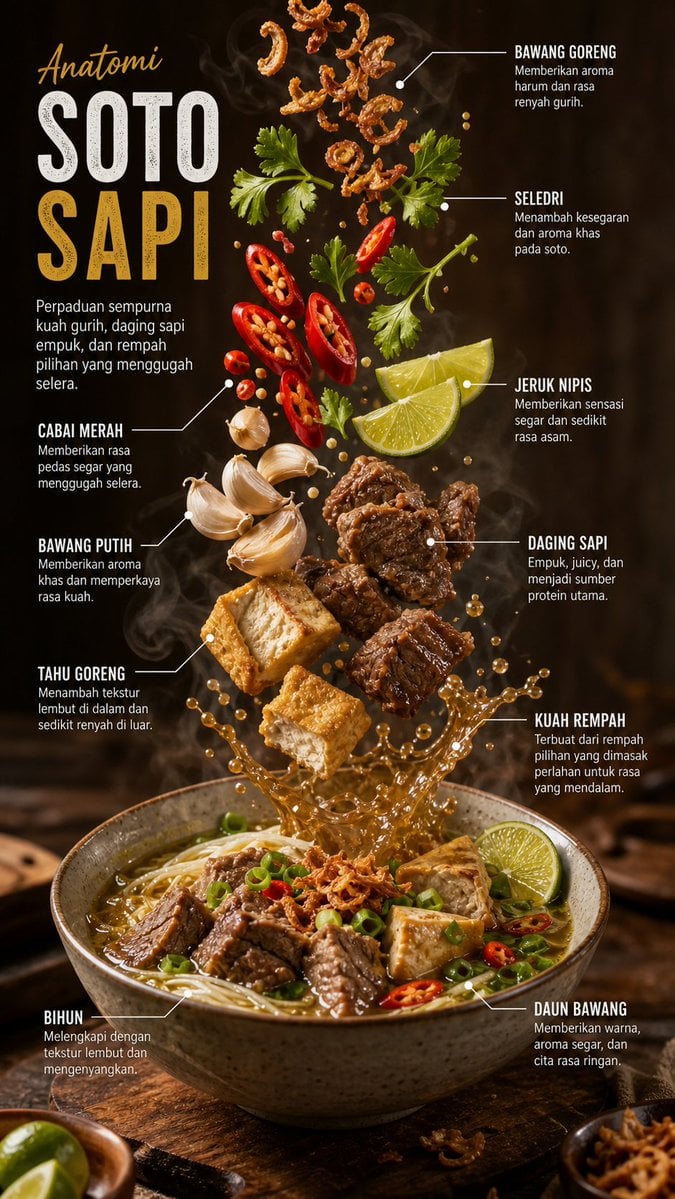
Editorial Food Infographic Poster

Gpt2 Youtube Thumbnail Japanese Ai Battle Youtube Thumbnail
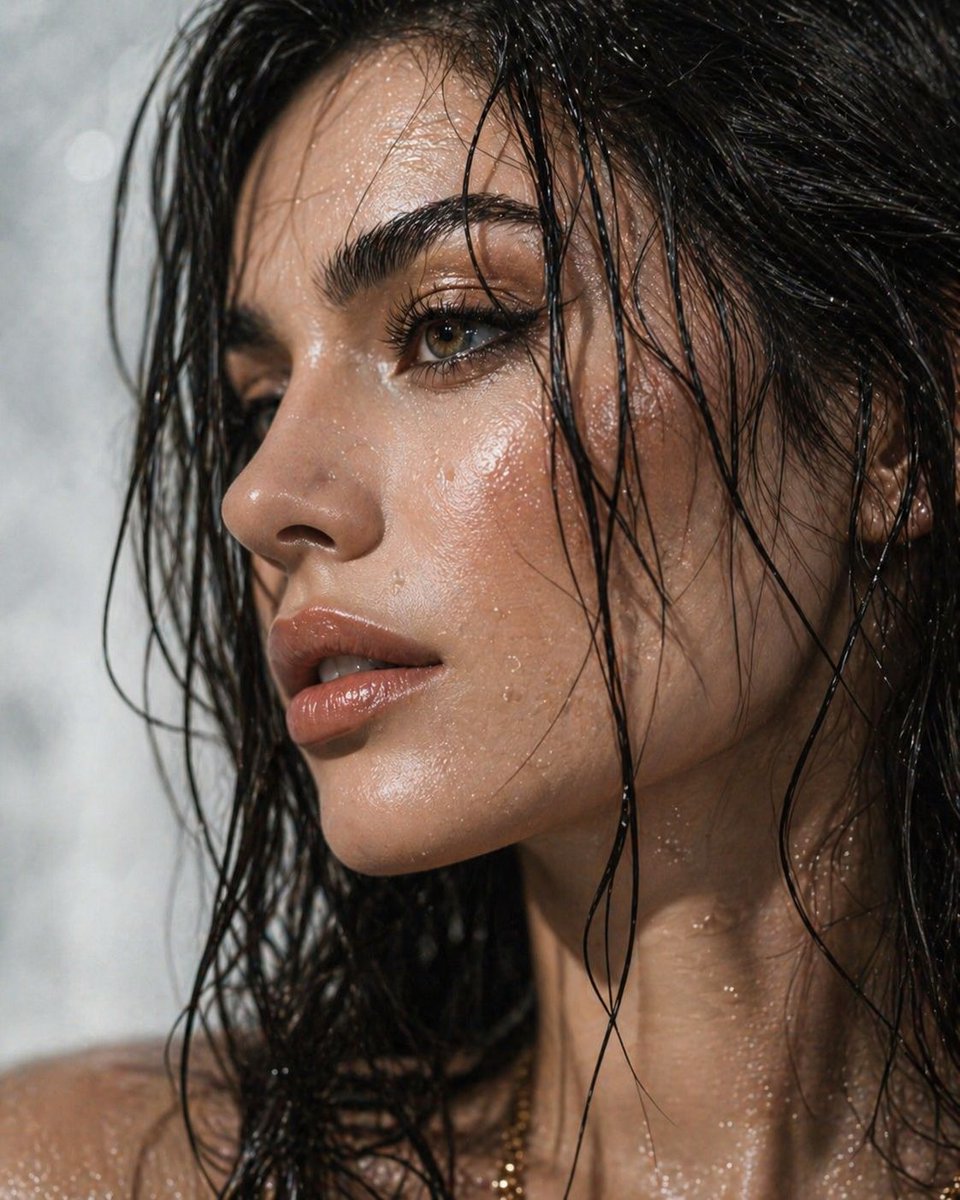
Ultra-Detailed Dewy Skin Portrait
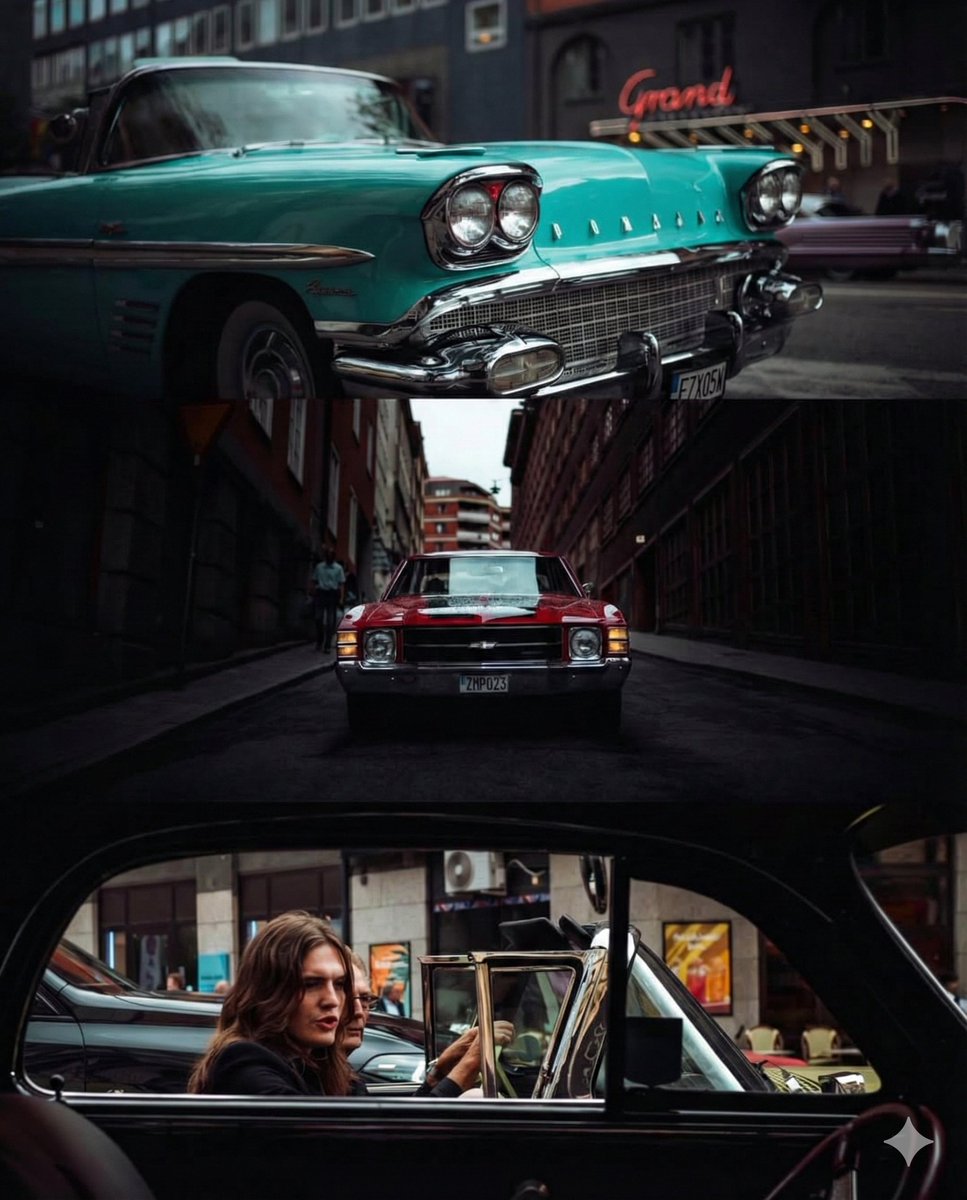
Triptych Collage of Vintage American Cars

Four Types of CTO Infographic
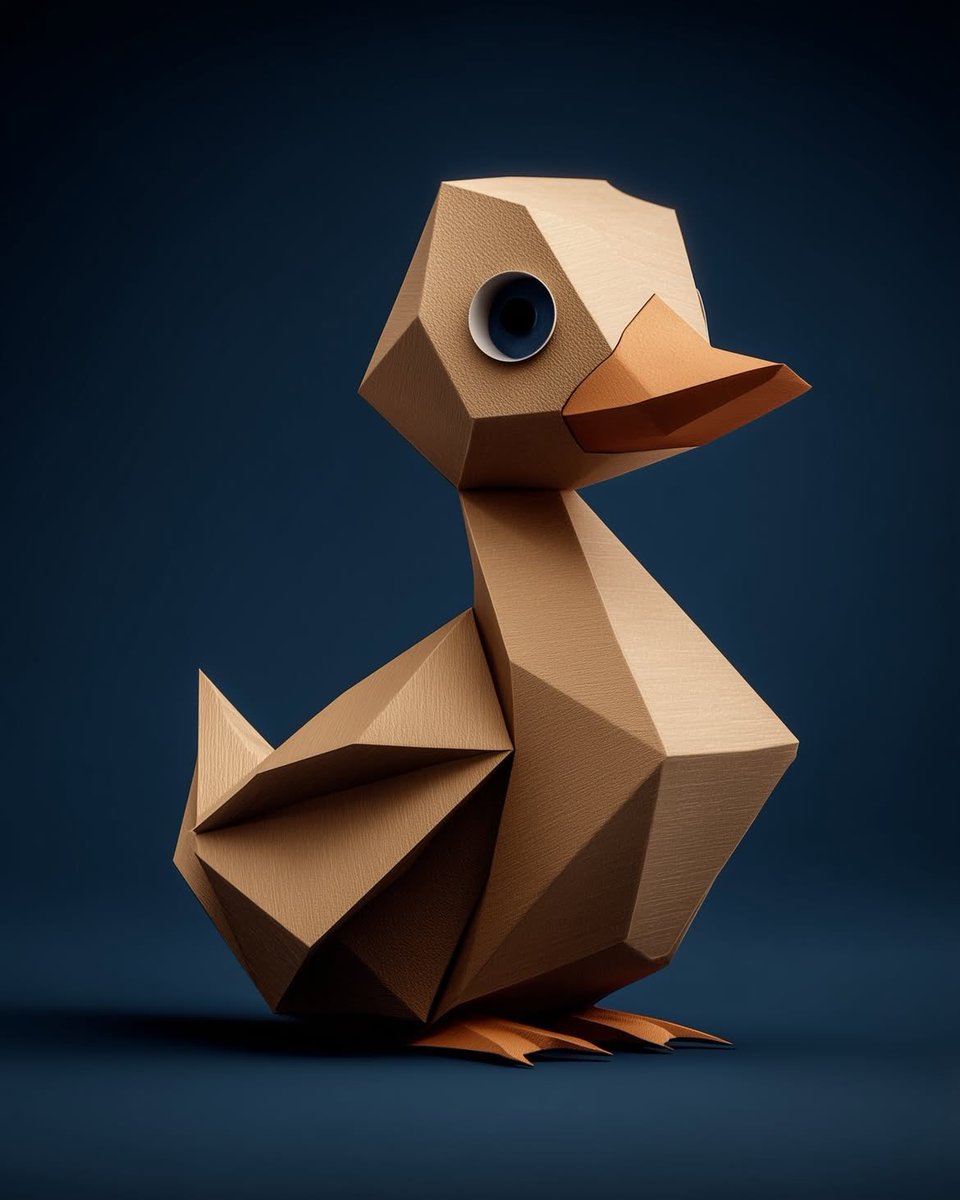
Collection of Low-Poly Origami Animals
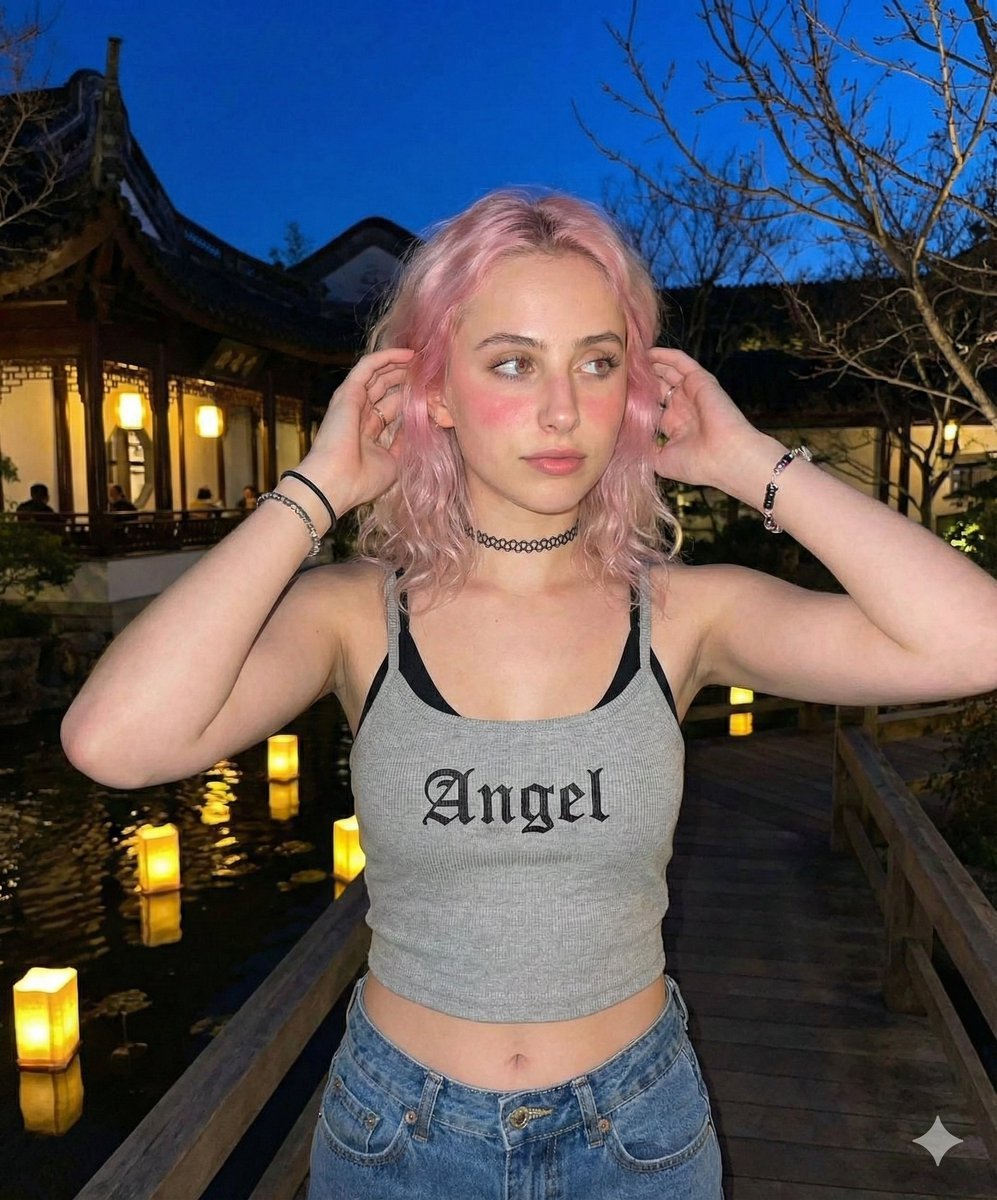
Nighttime Lifestyle Portrait Prompt
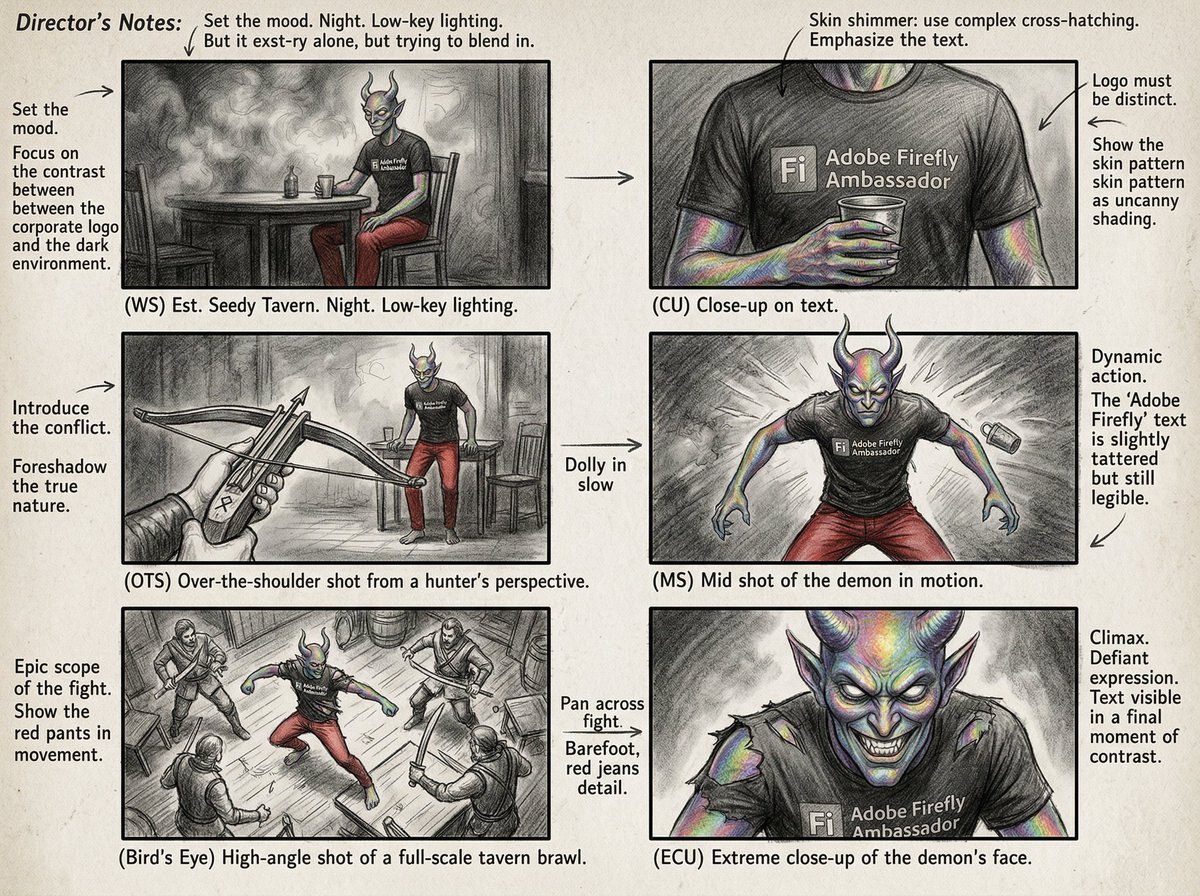
Six-Panel Cinematic Storyboard Sketch
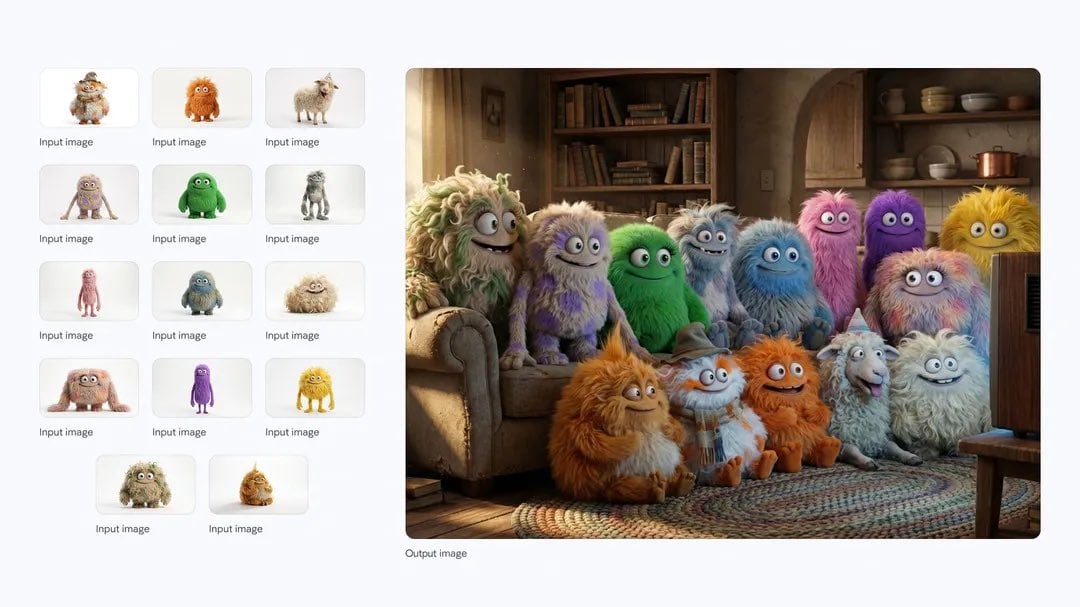
Cozy TV-watching group of fluffy characters
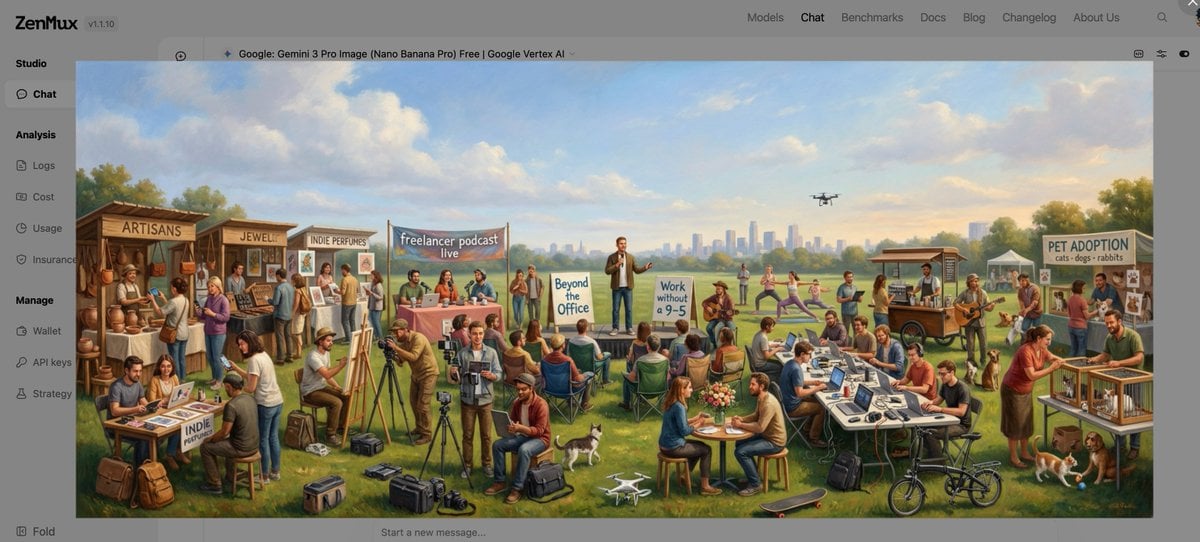
Baroque genre painting of a merry company in a park
Browse template categories
Coastal Golden Hour Portrait questions
How do I use the Coastal Golden Hour Portrait template?
Add your photo if the template asks for one, edit the prompt if you like — the template's model and format are already selected — and press Generate. Your version opens in PicX Studio.
Can I customize the Coastal Golden Hour Portrait template?
Yes. You can change the subject, setting, lighting, mood, format, and available model controls before creating your image.
Is the Coastal Golden Hour Portrait template free?
Opening and editing this template is free. Generating uses credits, shown on the Generate button when you are signed in.
Which AI model should I use?
Start with Nano Banana 2, which is the model associated with this template. You can compare another compatible model for a different finish.
Looking for something else? Browse all templates.

Your photo, any look
Thousands of ready templates for every top image and video model, from one credit balance.