
Luxury Golf Course Fairway Portrait
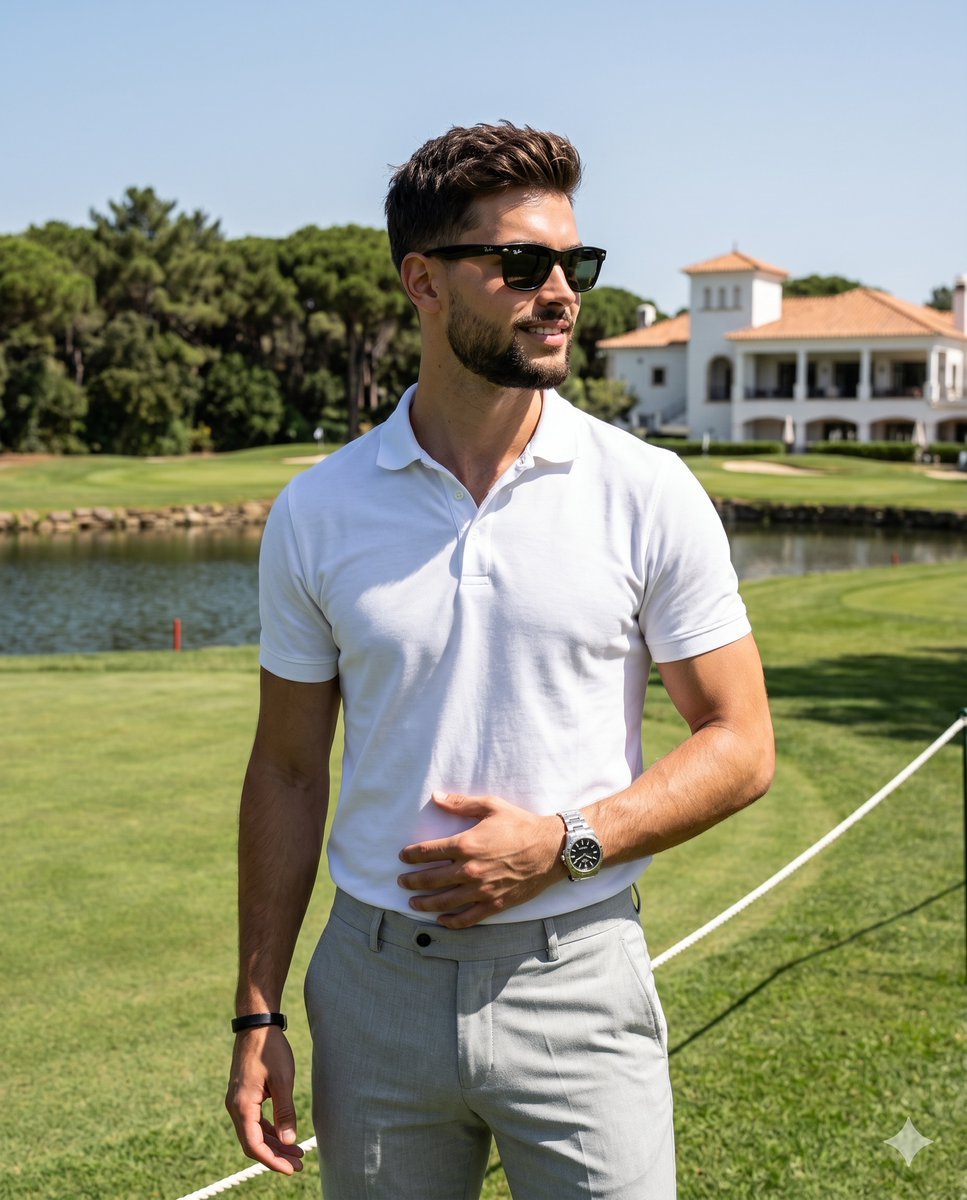
A high-contrast, crisp digital photograph of a man on a luxury golf course fairway.
- Prompt included
- Model and format preset
- Premium template
The prompt behind this image
Copy the exact prompt behind Luxury Golf Course Fairway Portrait, or open it in the studio and make it yours.
A {argument name="subject" default="man in his late twenties to early thirties"} stands centered as the primary subject, wearing a {argument name="outfit" default="white short-sleeve polo shirt paired with light grey trousers"}. His short, textured brown hair is styled back, complemented by slight stubble and a confident, subtle closed smile. His eyes are obscured by dark wayfarer sunglasses, yet his head is turned forty-five degrees to the right. He stands facing the camera with his weight shifted slightly onto his right hip, his shoulders level but gently rotated toward the right. His relaxed left hand rests casually on his lower abdomen and waistband with fingers gently curled against the fabric, revealing a silver metal watch and a dark wristband, while his right hand remains tucked softly out of frame. He is positioned in the foreground of a {argument name="location" default="pristine, deep-space luxury golf course"}, standing on a manicured fairway of vibrant green grass characterized by subtle directional mowing stripes, with white ropes and stakes visible in the bottom right quadrant. In the midground, a narrow strip of bright blue water hazard stretches across the frame alongside dense, thriving broadleaf trees with deep green foliage. Farther back, a pristine multi-level luxury clubhouse anchors the center-right, featuring perfectly smooth, matte bright white painted plaster walls and a terracotta tile roof, while tall, slender palm trees with small green fronds silhouette against the sweeping sky blue background from the top left to the top right horizon. The scene radiates an energetic, bright, and crisp atmosphere bathed in hard, single-source natural light striking from a highly directional front-left overhead angle. This bright illumination creates a high-contrast environment, casting harsh, deep black, sharply defined short shadows under his chin, nose, right arm, and across the right side of his torso, while preserving brilliant specular highlights on the left side of his face, his left shoulder, and the very top of his textured hair. The warm color palette is highly saturated and split-complementary, dominated by the vibrant greens of the course and the clear sky blue background that contrasts beautifully with the white of his polo. Captured straight on as tack-sharp, grain-free digital photography, the image emulates luxury lifestyle and golf resort advertising shot on a full-frame camera with a 50mm to 85mm lens stopped down to f/8 or f/11 for a deep depth of field, utilizing a fast shutter speed to freeze the bright midday sun at ISO 100. The crisp post-processing enhances the rich greens and sky blues, boosts the dramatic high-contrast lighting, and increases overall clarity for immaculate texture, all elegantly framed in a 4:5 aspect ratio.
How to use Luxury Golf Course Fairway Portrait in 3 steps
- 1
Open
The prompt is already in the box next to the preview, with the template's model and format selected.
- 2…a portrait of your subject in softgolden-hour light, 85mm…
Personalize
Edit the subject and creative details for your destination.
- 3Generate
Generate
Press Generate — your image is created in PicX Studio, so you can compare it with the original and refine one variable at a time.
More like this
Templates with the same subject, style or setup. Open one to see its prompt.
Golf Course Athletic Portrait Prompt
Luxury Outdoor Breakfast Scene on a Golf Course

Found Photograph: Us, 1970

80s Couple Studio Portrait

80s Bollywood Star

80s Golden Hour Cinema

Me in 1985

1985 Studio Portrait

Hyper-Realistic Minecraft POV Portrait

Luxury ABKR Portrait Poster

Cinematic Luxury Terrace Portrait

Luxury Fashion Editorial Portrait
Make it yours
Luxury Golf Course Fairway Portrait works as-is. These are the safest ways to change it without losing the look.
Change one field
Copy a single group, rewrite it, and generate again so you can see what that field is doing.
Keep the frame, change the subject
Hold the composition and light of Luxury Golf Course Fairway Portrait, then swap wardrobe, props or the person for a new take.
| If the result… | Why | Fix |
|---|---|---|
| The result drifts from the preview | Too many fields changed at once. | Reuse Luxury Golf Course Fairway Portrait as-is first, then change one group — subject, light, or setting. |
| The model over-stylizes the scene | The prose prompt leaves finish and camera underspecified. | Add one camera or lighting sentence and stay on Nano Banana 2. |
More Nano Banana 2 templates
Other prompts made for Nano Banana 2.

Photorealistic Leaf Shaped Like a Dragon

K-Pop Idol Portrait Grid for Rapid Selection

Poetic Rain Forest Portrait During Golden Hour

Urban Street Portrait with Cartoon Inner Self Duo

Candid Nighttime Photo with Cat Prompt

High-Concept 3D Diorama Generation Prompt

Cinematic Futuristic Studio Portrait Template

Skincare Editorial Photography Collage Prompt

Hyper-Realistic Commercial Product Photography (Splash Effect)

Hyper-Realistic Nightclub Portrait Prompt
More image prompts
Fresh picks from across the catalog.
B&W Chiaroscuro Portrait
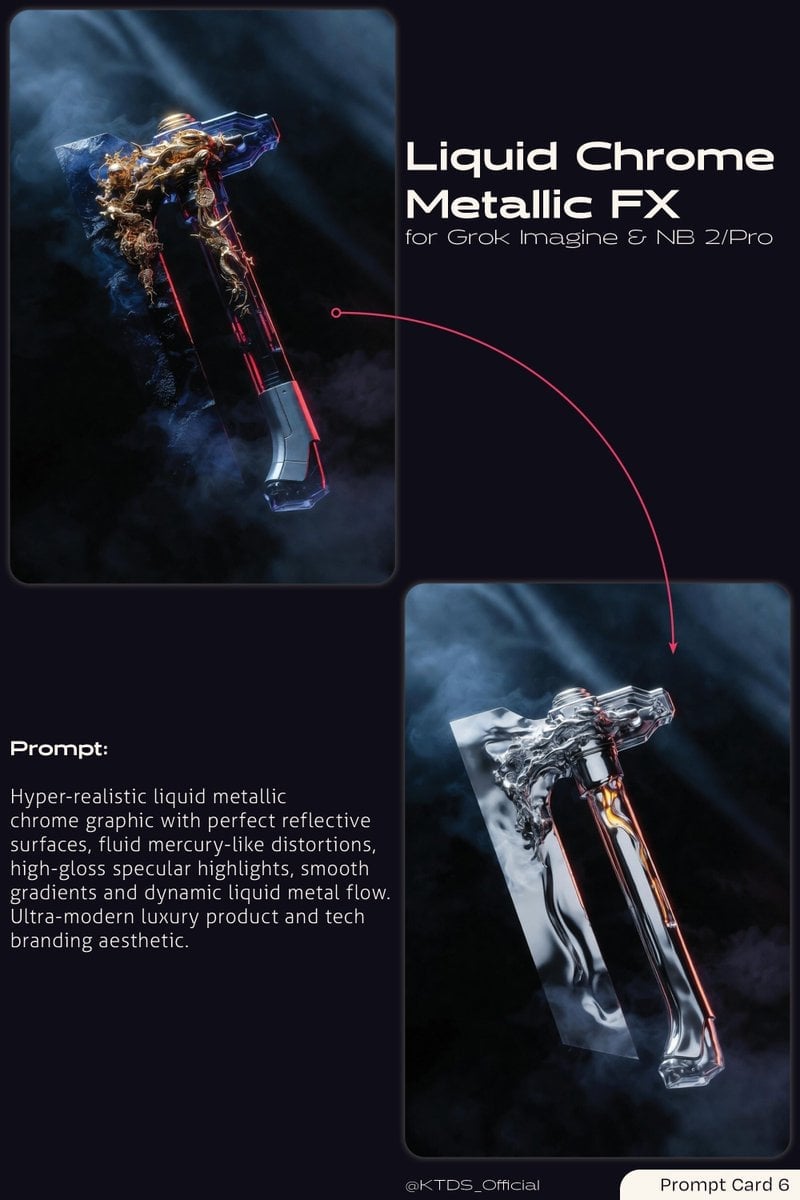
Liquid Chrome Metallic FX Prompt
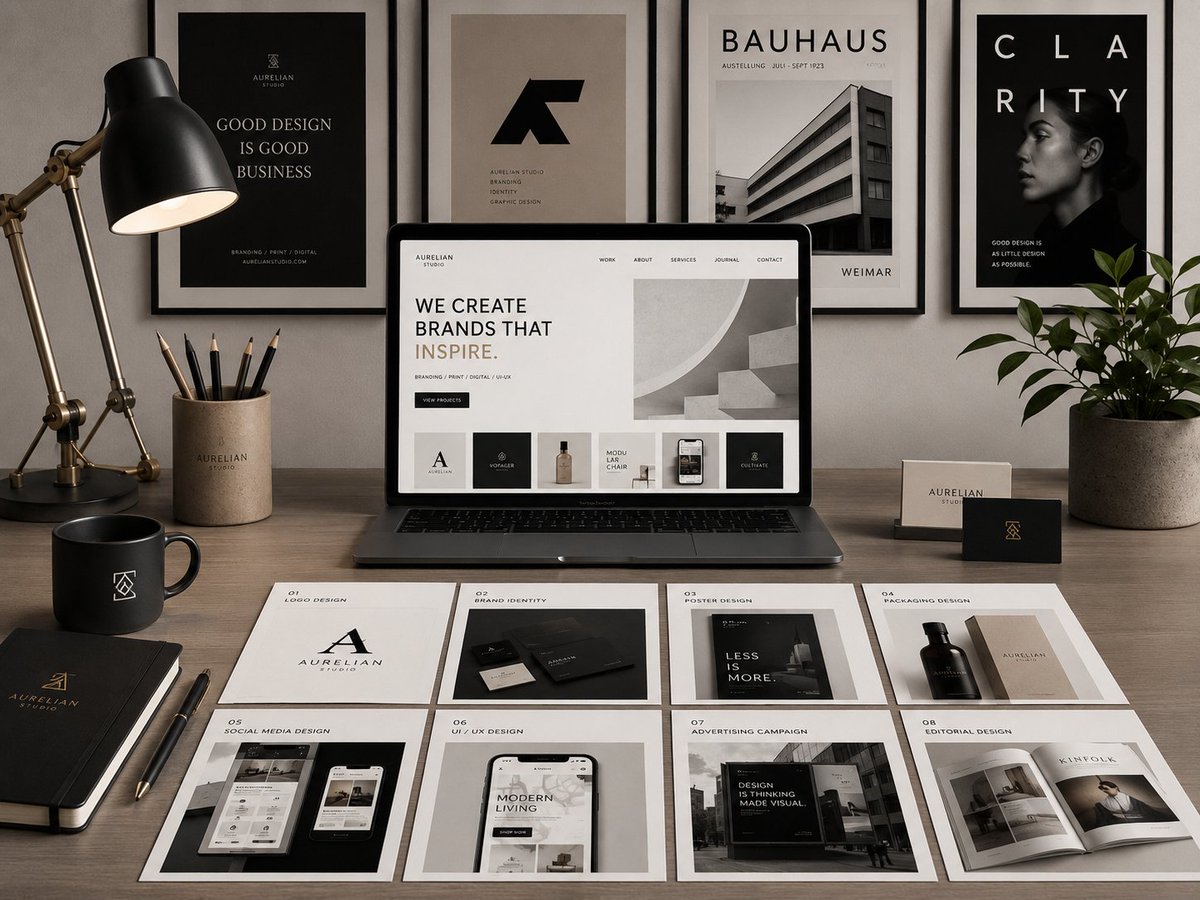
Premium Graphic Design Portfolio Mockup
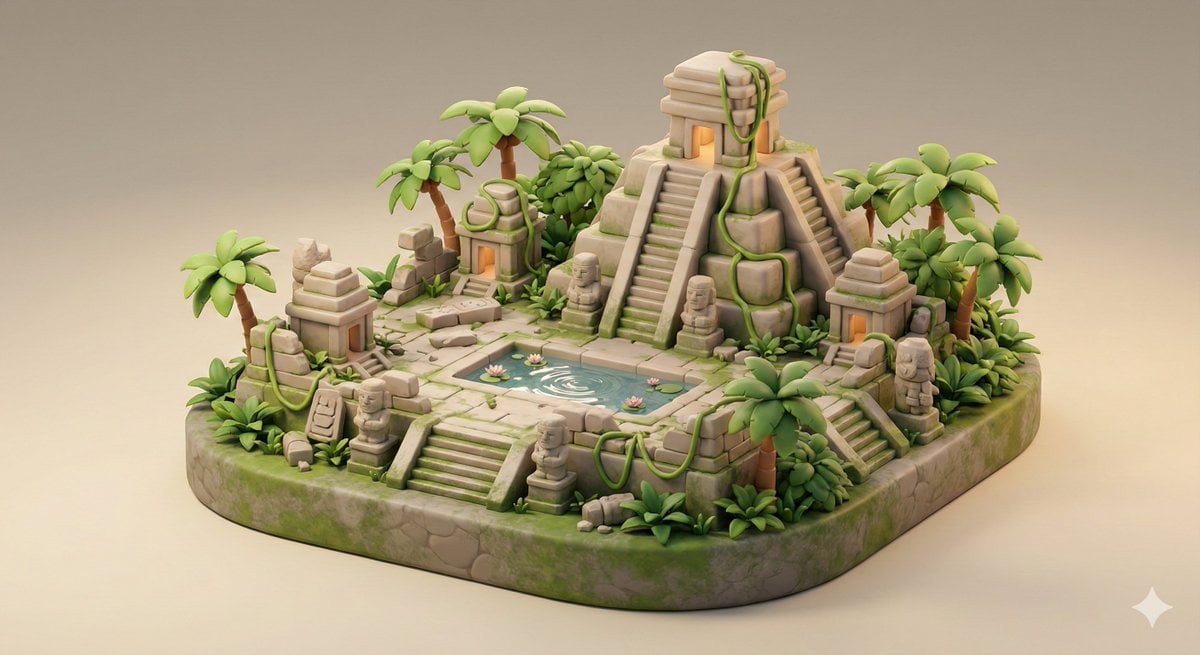
Ancient Jungle Temple Diorama Collectible Prompt
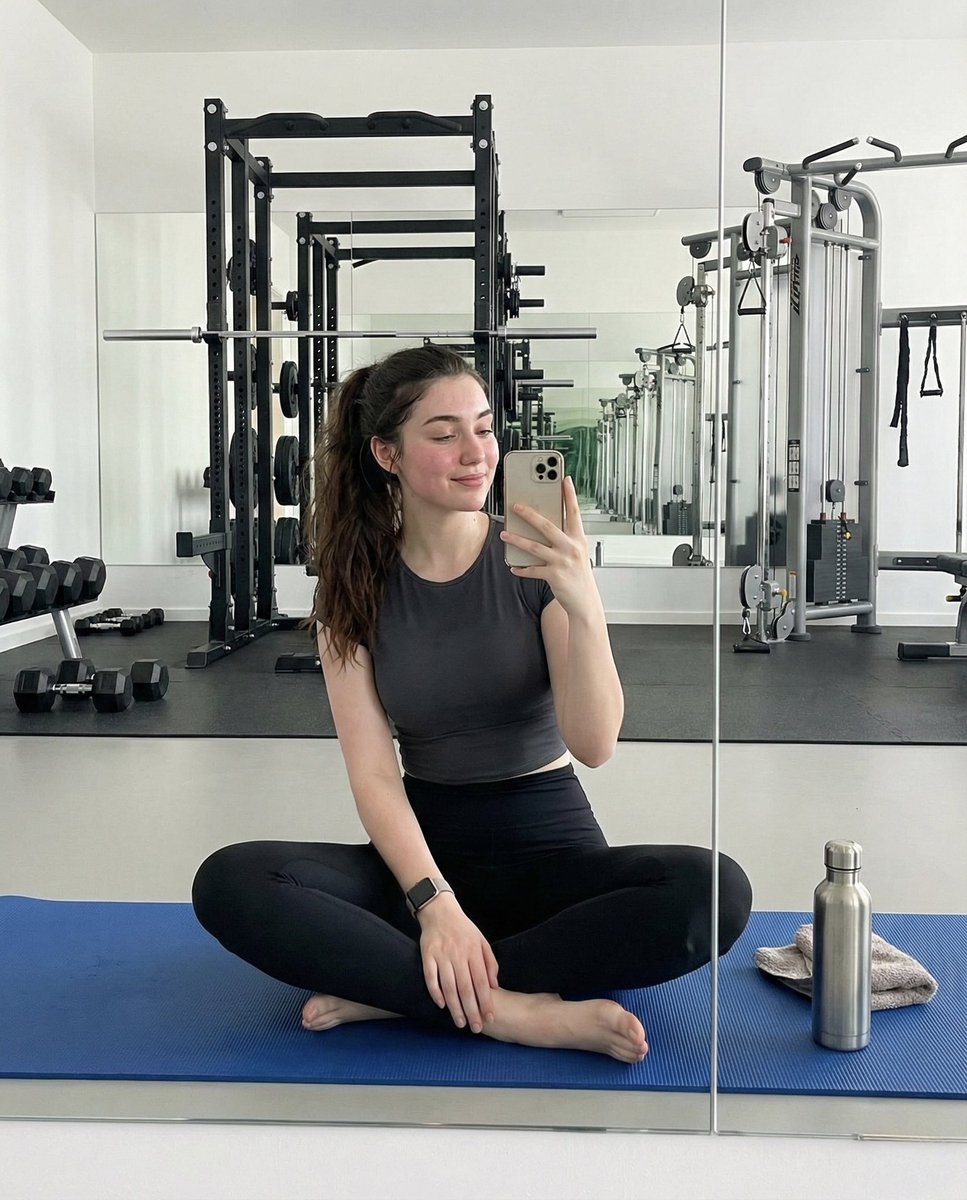
Ultra-Photorealistic Gym Mirror Selfie Prompt
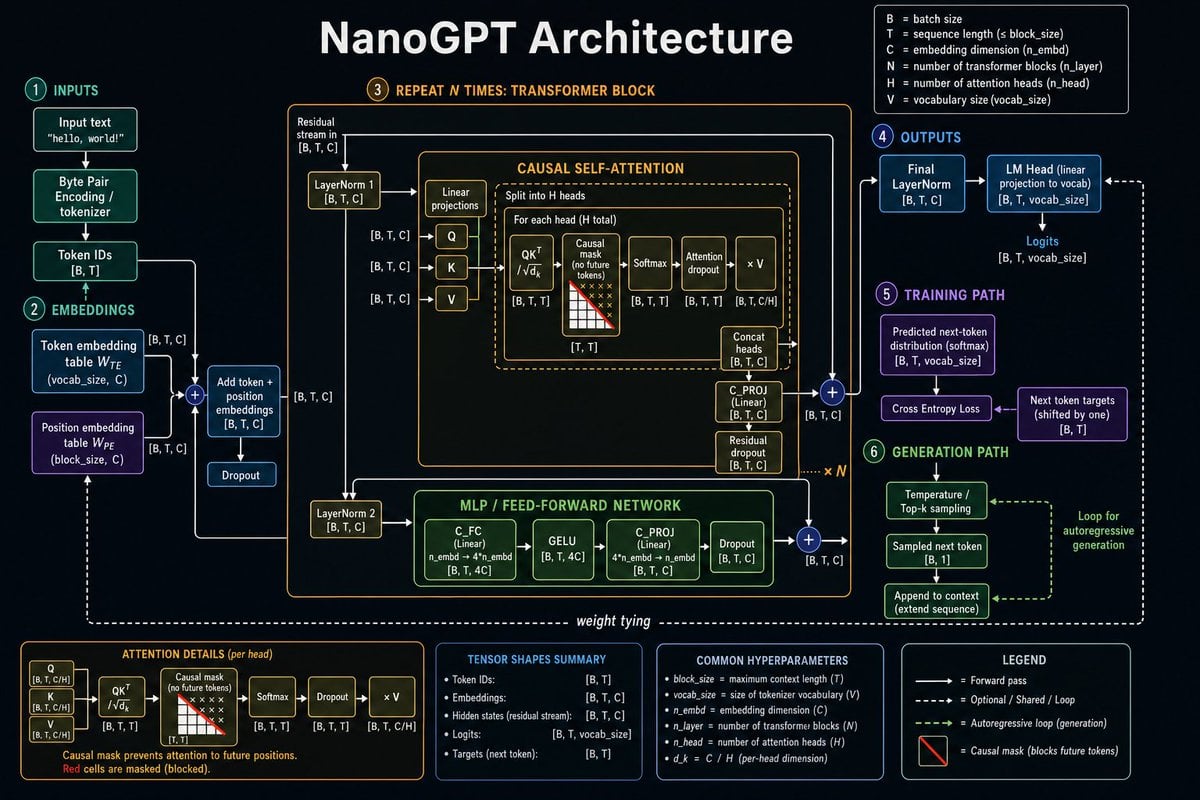
Neural Network Architecture Diagram
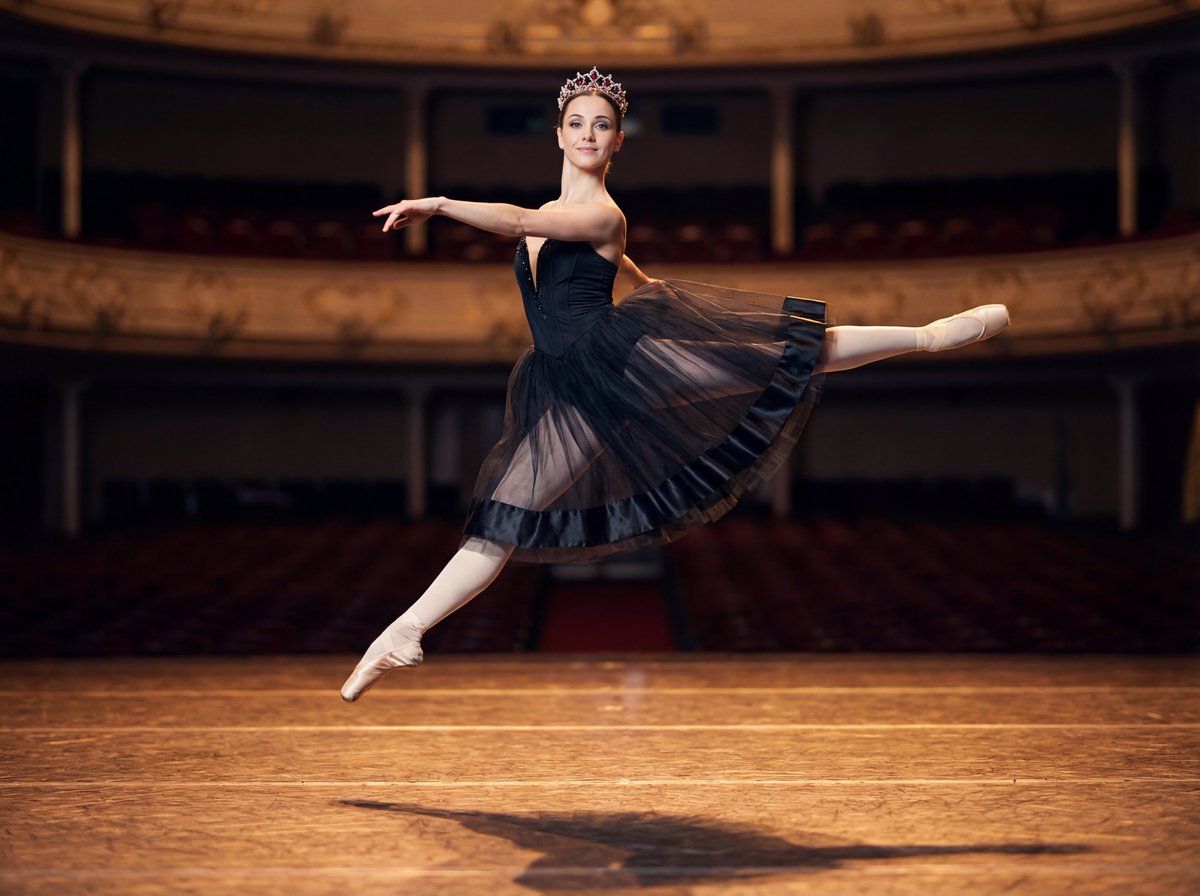
Editorial Ballet Flight Master Prompt

VR Effects on the Human Body Infographic
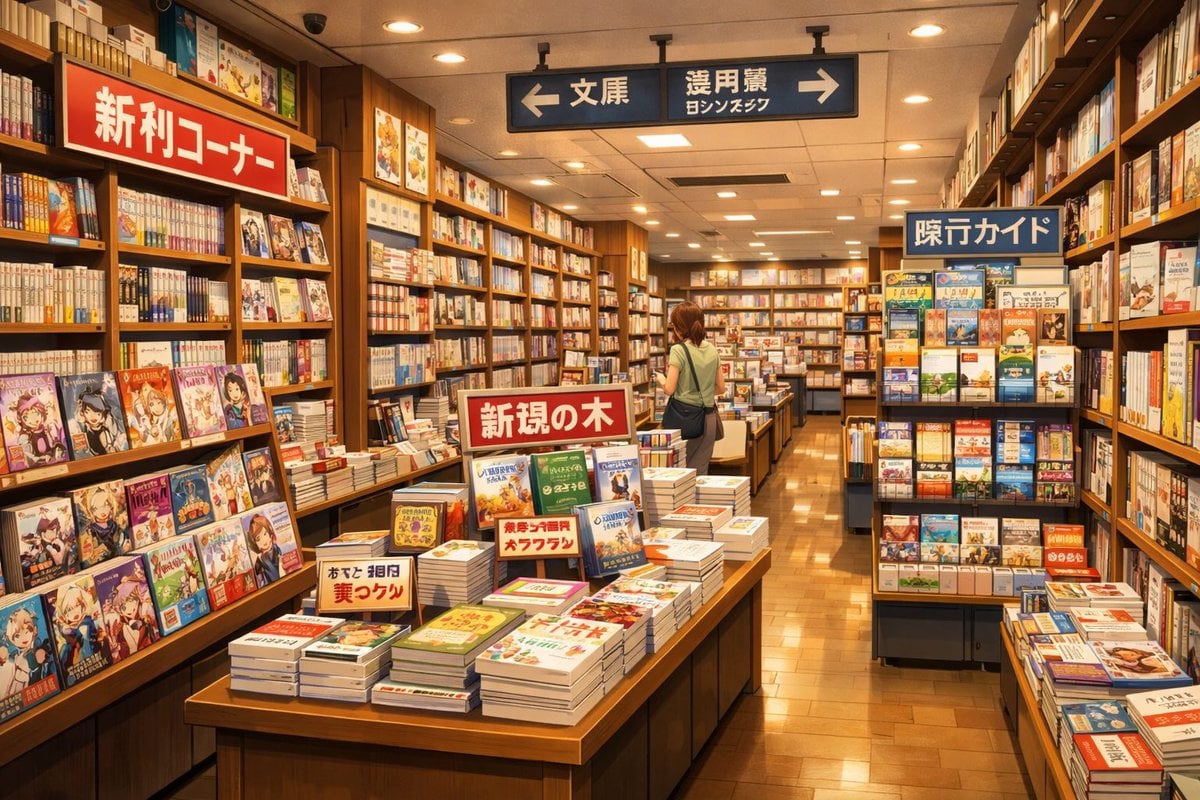
Japanese Bookstore Interior
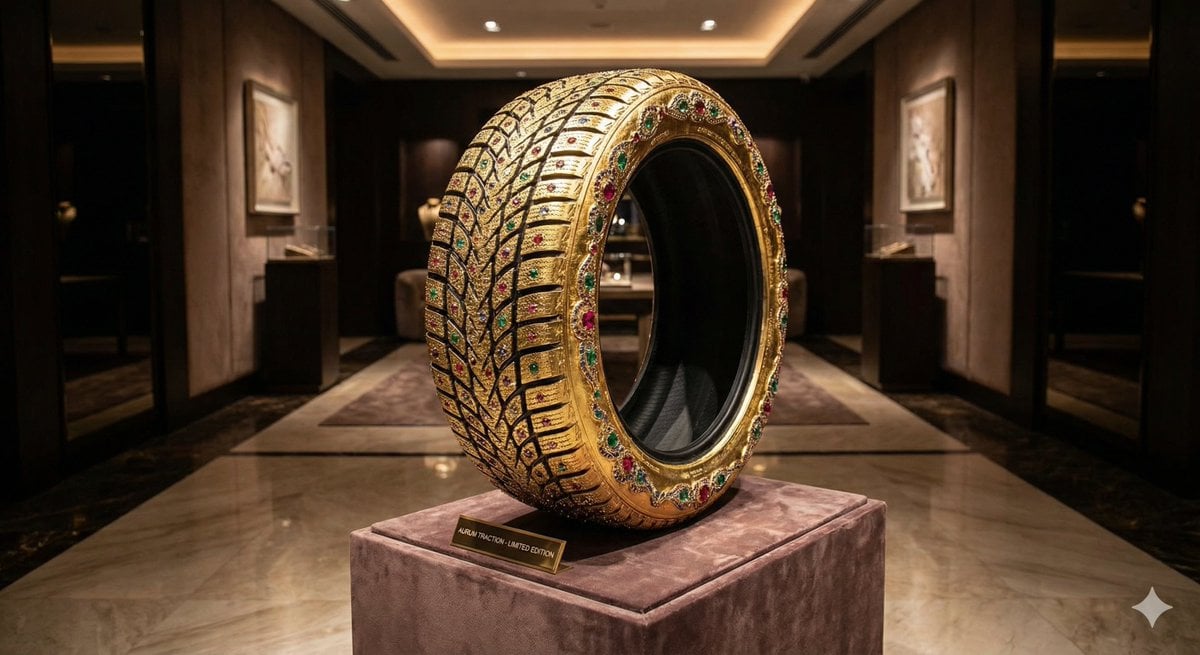
Luxury Snow Tire Image Generation
Browse template categories
Luxury Golf Course Fairway Portrait questions
How do I use the Luxury Golf Course Fairway Portrait template?
Add your photo if the template asks for one, edit the prompt if you like — the template's model and format are already selected — and press Generate. Your version opens in PicX Studio.
Can I customize the Luxury Golf Course Fairway Portrait template?
Yes. You can change the subject, setting, lighting, mood, format, and available model controls before creating your image.
Is the Luxury Golf Course Fairway Portrait template free?
Opening and editing this template is free. Generating uses credits, shown on the Generate button when you are signed in.
Which AI model should I use?
Start with Nano Banana 2, which is the model associated with this template. You can compare another compatible model for a different finish.
Looking for something else? Browse all templates.

Your photo, any look
Thousands of ready templates for every top image and video model, from one credit balance.