
Golf Course Athletic Portrait Prompt
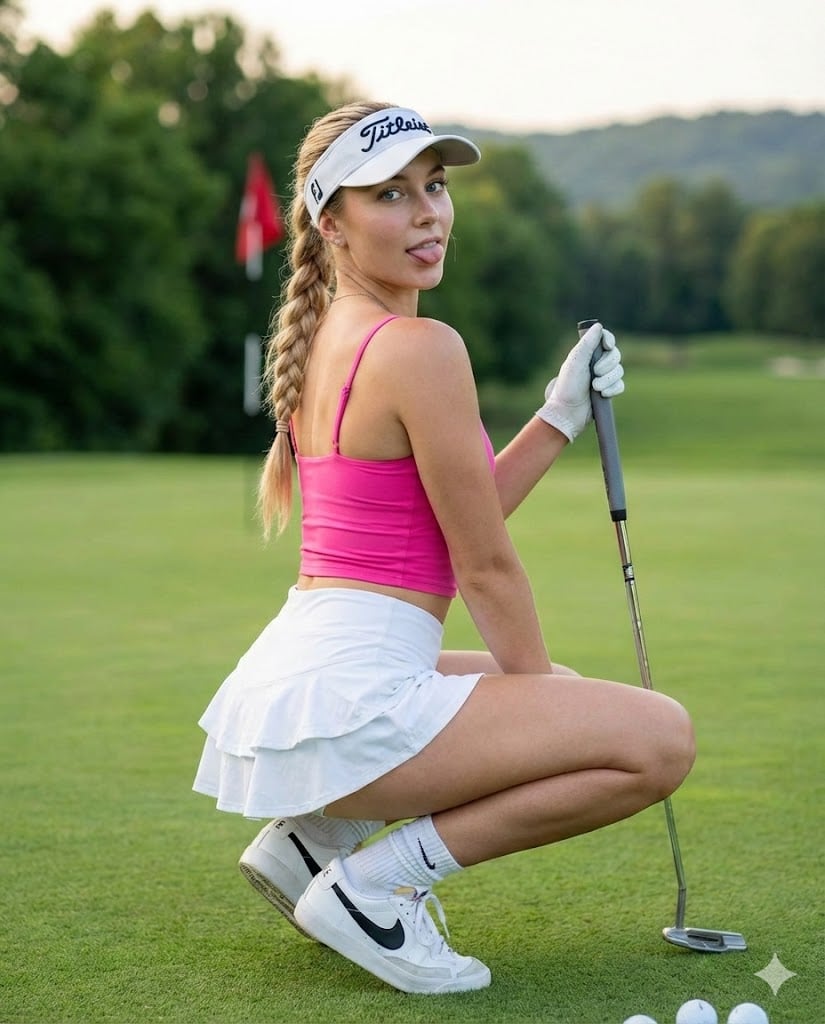
A detailed image generation prompt for Nano Banana Pro, creating a photorealistic social media snapshot of a young blonde woman in a hot pink cropped top and white golf skort, crouching on a golf course green during…
- Prompt included
- Model and format preset
- Premium template
The prompt behind this image
Copy the exact prompt behind Golf Course Athletic Portrait Prompt, or open it in the studio and make it yours.
{ "prompt_configuration": { "style": "Photorealistic, Social Media Snapshot, High Definition", "aspect_ratio": "4:5 (Vertical Portrait)", "lighting": "Soft natural daylight, golden hour diffused lighting, even illumination on face" }, "subject_details": { "demographics": "Young adult female, approx 20-25 years old, athletic fit physique", "skin": { "tone": "Fair to light complexion", "undertone": "Warm/neutral", "texture": "Smooth, blemish-free, slight natural glow on shoulders and cheekbones" }, "facial_features": { "shape": "Oval to heart-shaped face", "eyes": { "color": "Light blue or grey", "makeup": "Defined upper eyeliner, mascara, groomed eyebrows", "gaze": "Direct eye contact with camera, engaging" }, "nose": { "shape": "Straight bridge, slightly upturned button tip, petite" }, "cheeks": { "appearance": "Full, youthful", "makeup": "Subtle pink blush, natural flush" }, "lips": { "color": "Natural rose pink", "shape": "Medium fullness", "expression": "Playful, tongue slightly sticking out (blep), soft smile at corners" }, "hair": { "color": "Blonde with lighter highlights", "style": "Long single braid hanging over left shoulder", "texture": "Straight to slightly wavy", "accessory": "White visor with black 'Titleist' text branding on front and side" } }, "outfit_and_accessories": { "upper_body": { "item": "Cropped tank top / sports bra", "color": "{argument name="top color" default="Vibrant hot pink (magenta)"}", "details": "Spaghetti straps, square neckline, fitted, exposing midriff" }, "lower_body": { "item": "Tennis/Golf Skort", "color": "Pure white", "details": "Ruffled tiers on the back, mini length, high waisted" }, "footwear": { "item": "Athletic sneakers", "brand_style": "Nike (black swoosh visible)", "color": "White with black accents", "socks": "White crew socks, scrunched" }, "accessories": { "hand": "White golf glove on left hand", "jewelry": "Small hoop earrings, watch/bracelet on left wrist", "equipment": "Holding a golf club (putter) vertically in left hand, steel shaft" } }, "pose_and_angle": { "pose": "Deep crouching squat (catcher's squat)", "orientation": "Body angled 45 degrees away from camera to the left, twisting torso back to look at viewer", "camera_angle": "Eye-level relative to the crouching subject (low angle relative to ground)" }, "background_and_environment": { "setting": "Golf course green", "ground": "Short, manicured green grass, slightly out of focus in foreground", "objects": { "flag": "Red golf flagstick visible in mid-ground left", "trees": "Dense green deciduous trees lining the horizon", "terrain": "Rolling green hills, distant sand tra" } } } }
How to use Golf Course Athletic Portrait Prompt in 3 steps
- 1
Open
The prompt is already in the box next to the preview, with the template's model and format selected.
- 2…a portrait of your subject in softgolden-hour light, 85mm…
Personalize
Edit the subject and creative details for your destination.
- 3Generate
Generate
Press Generate — your image is created in PicX Studio, so you can compare it with the original and refine one variable at a time.
More like this
Templates with the same subject, style or setup. Open one to see its prompt.
Luxury Golf Course Fairway Portrait

Found Photograph: Us, 1970

80s Couple Studio Portrait

80s Bollywood Star

80s Golden Hour Cinema

Me in 1985

1985 Studio Portrait

Hyper-Realistic Minecraft POV Portrait

Rooftop Fisheye — Cat-Ear Balaclava at Golden Hour

Rainy Café Window Moody Portrait
Luxury Outdoor Breakfast Scene on a Golf Course

untitled
Make it yours
Golf Course Athletic Portrait Prompt works as-is. These are the safest ways to change it without losing the look.
Change one field
Copy a single group, rewrite it, and generate again so you can see what that field is doing.
Keep the frame, change the subject
Hold the composition and light of Golf Course Athletic Portrait Prompt, then swap wardrobe, props or the person for a new take.
| If the result… | Why | Fix |
|---|---|---|
| The result drifts from the preview | Too many fields changed at once. | Reuse Golf Course Athletic Portrait Prompt as-is first, then change one group — subject, light, or setting. |
| The model over-stylizes the scene | The prose prompt leaves finish and camera underspecified. | Add one camera or lighting sentence and stay on Nano Banana 2. |
More Nano Banana 2 templates
Other prompts made for Nano Banana 2.

Photorealistic Leaf Shaped Like a Dragon

K-Pop Idol Portrait Grid for Rapid Selection

Poetic Rain Forest Portrait During Golden Hour

Urban Street Portrait with Cartoon Inner Self Duo

Candid Nighttime Photo with Cat Prompt

High-Concept 3D Diorama Generation Prompt

Cinematic Futuristic Studio Portrait Template

Skincare Editorial Photography Collage Prompt

Hyper-Realistic Commercial Product Photography (Splash Effect)

Hyper-Realistic Nightclub Portrait Prompt
More image prompts
Fresh picks from across the catalog.

X Chatgptpaglu Gpt Image 2 on Yapper So
Neon Midnight Anime Streetwear Girl
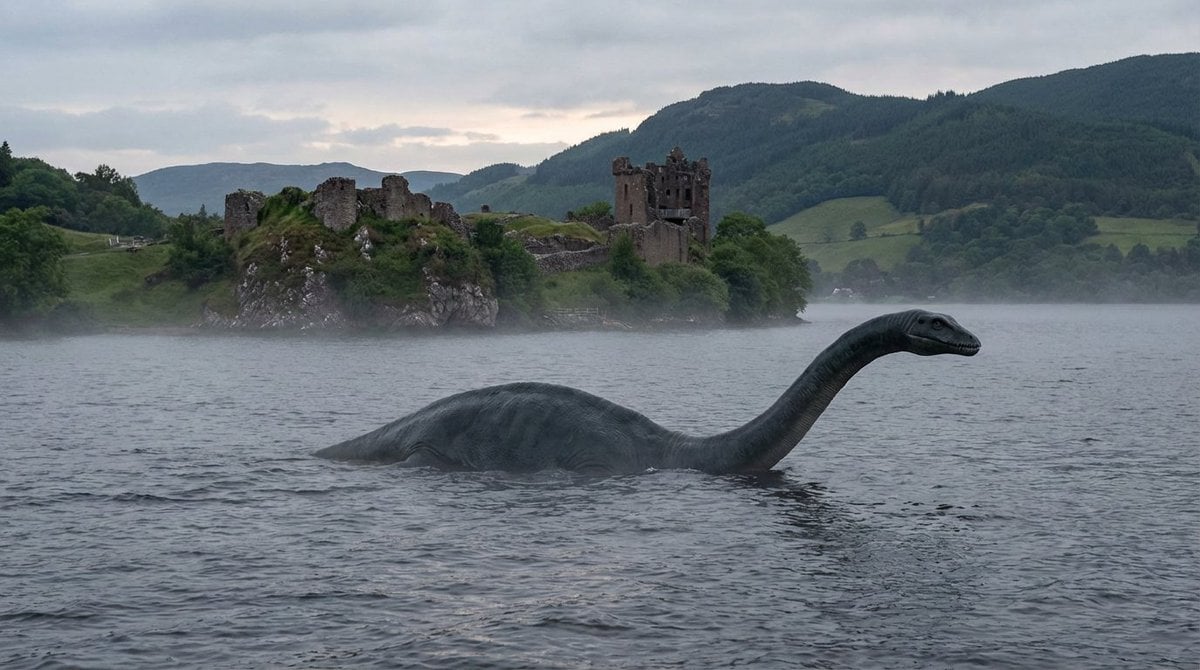
Loch Ness Monster Visual Description and Generation
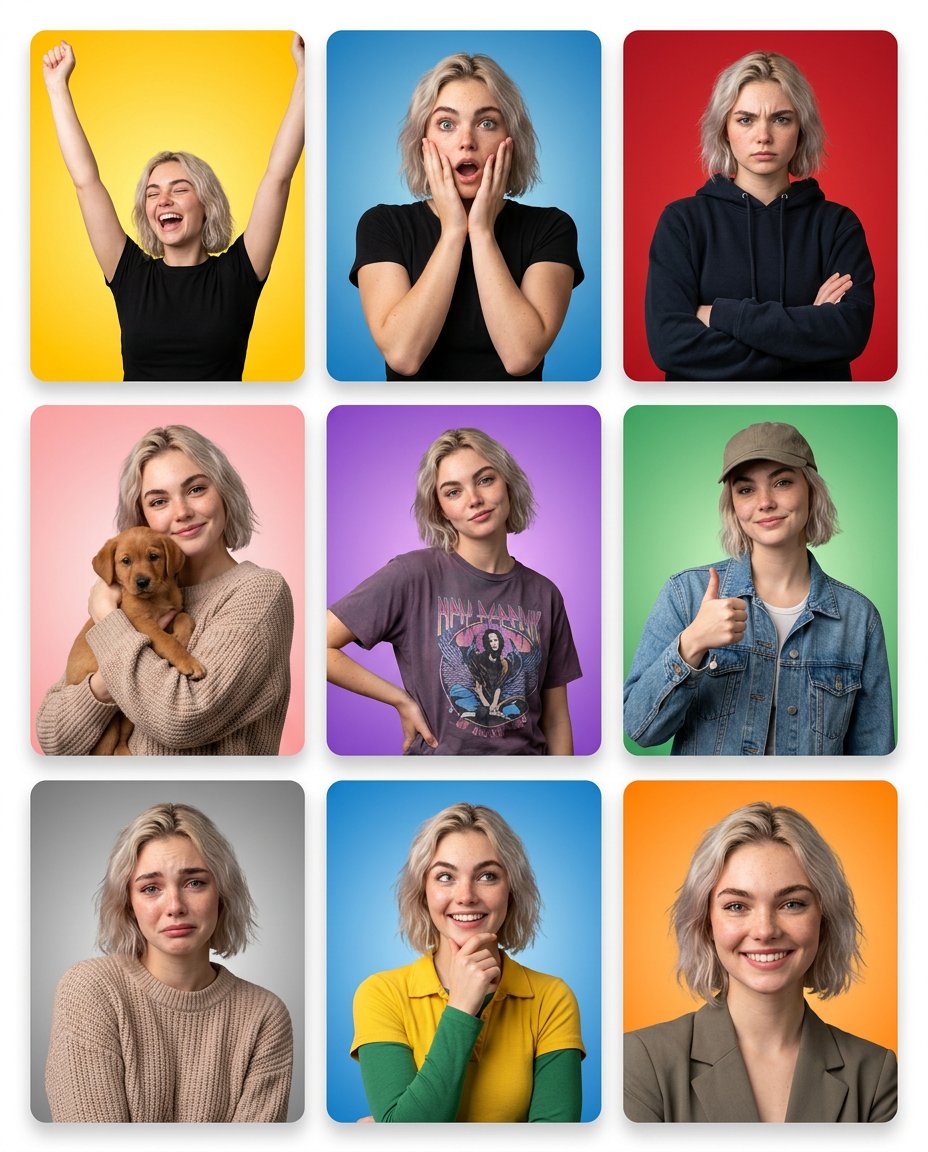
Emotion Grid with Gradient Backgrounds
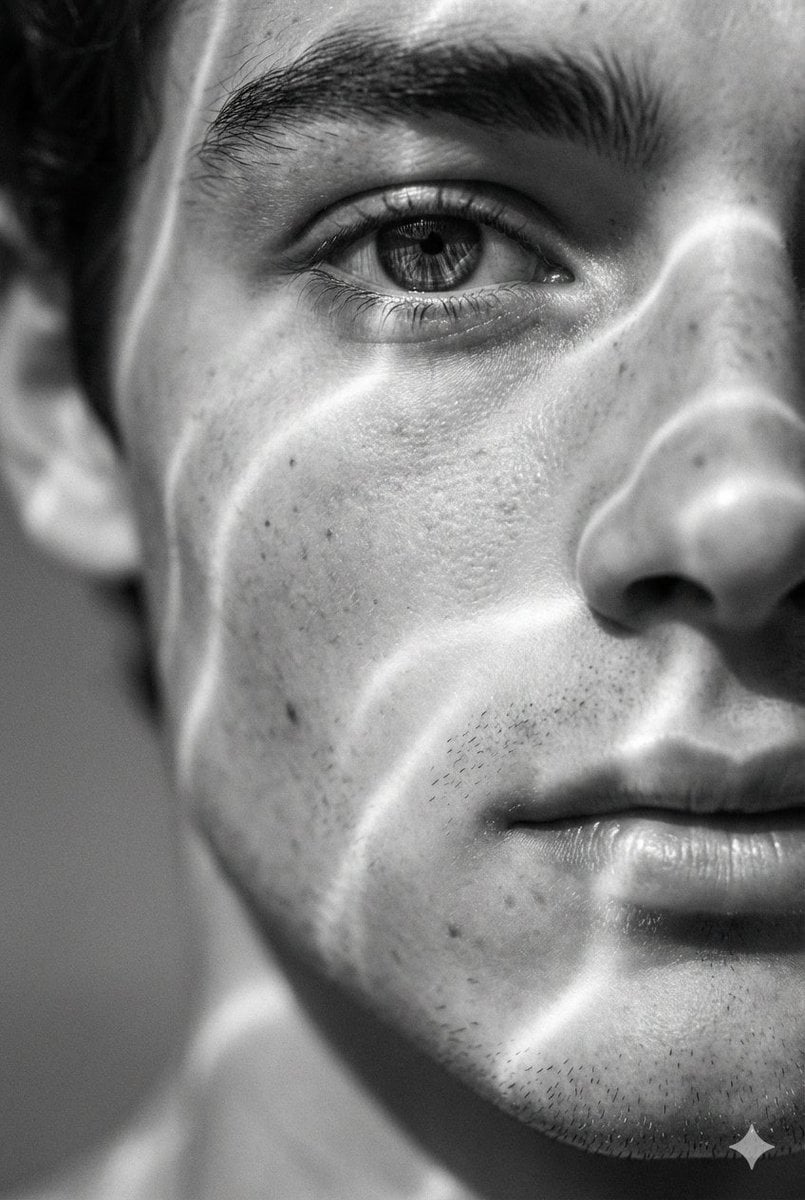
Surreal Black and White Close-Up Portrait with Luminous Lines
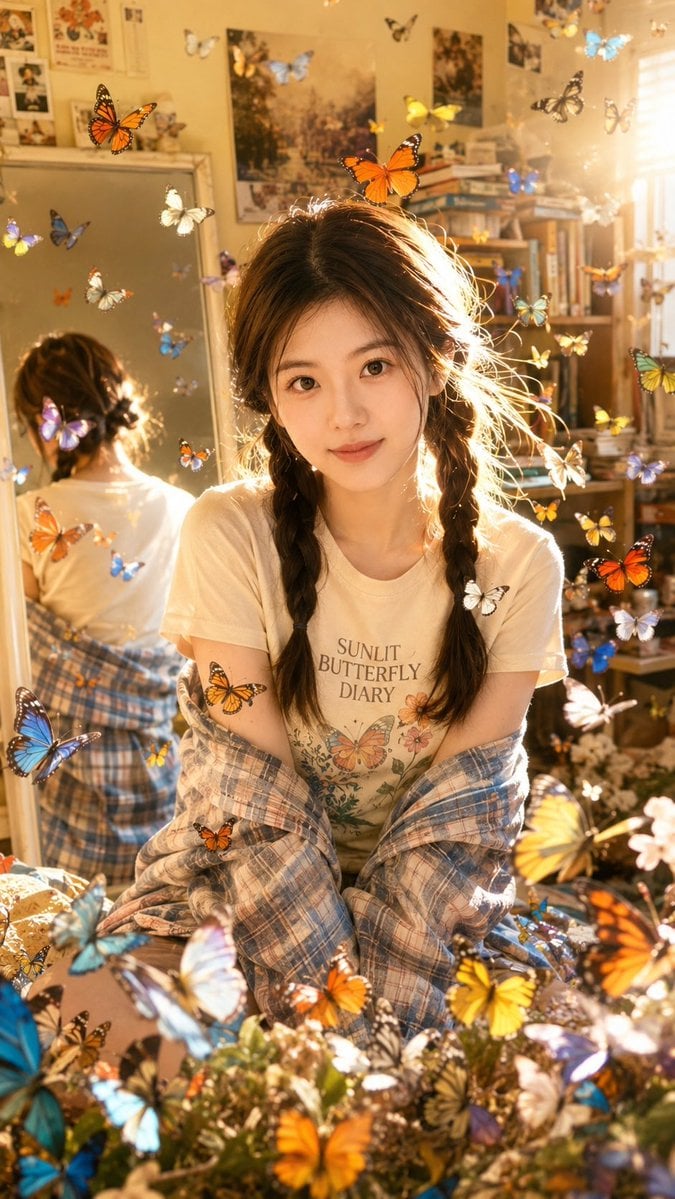
Sunlit Butterfly Mirror Portrait
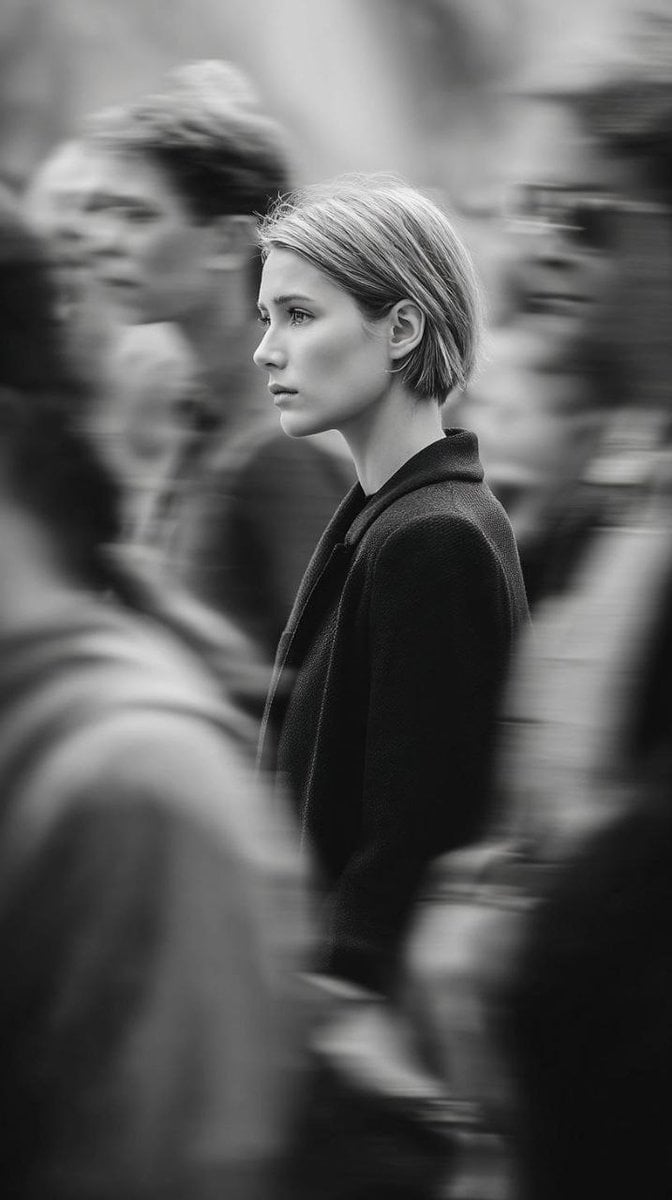
Editorial Monochrome Street Photograph (Leica SL3)
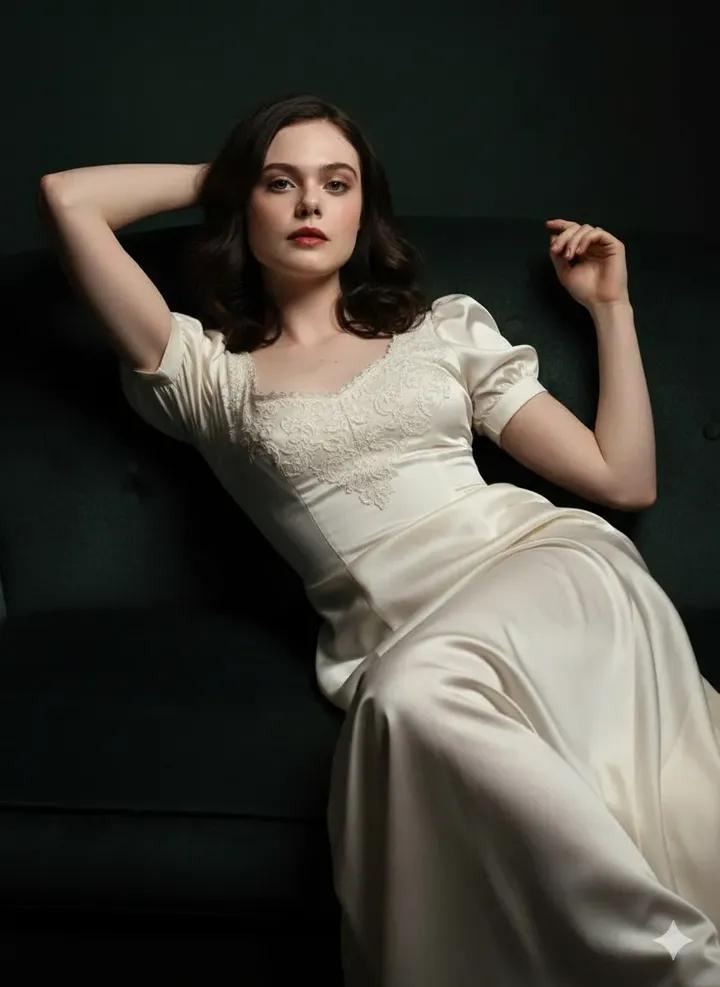
Fine Art Low-Key Portrait in Vintage Dress
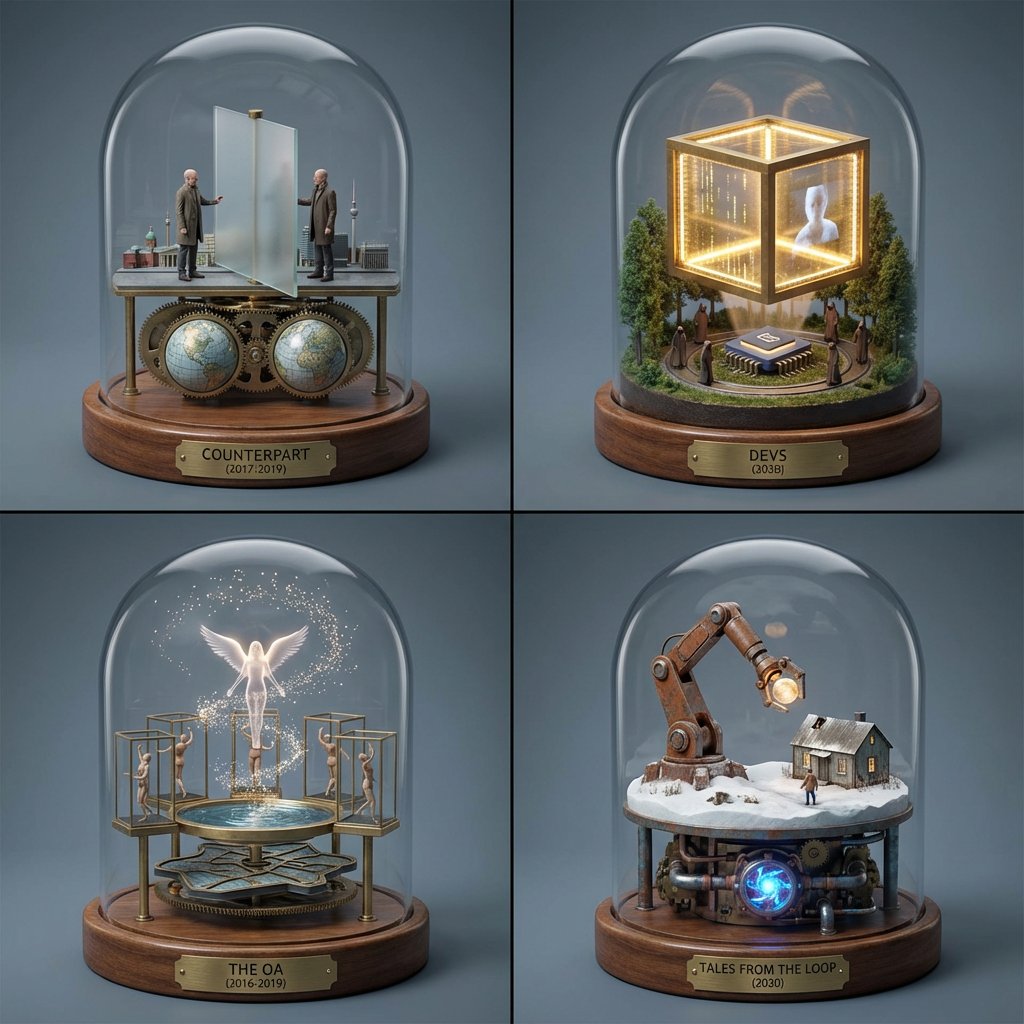
TV Series Recommendation Engine & Miniature Set Designer

Nano Banana Pro Science Prompt Template
Browse template categories
Golf Course Athletic Portrait Prompt questions
How do I use the Golf Course Athletic Portrait Prompt template?
Add your photo if the template asks for one, edit the prompt if you like — the template's model and format are already selected — and press Generate. Your version opens in PicX Studio.
Can I customize the Golf Course Athletic Portrait Prompt template?
Yes. You can change the subject, setting, lighting, mood, format, and available model controls before creating your image.
Is the Golf Course Athletic Portrait Prompt template free?
Opening and editing this template is free. Generating uses credits, shown on the Generate button when you are signed in.
Which AI model should I use?
Start with Nano Banana 2, which is the model associated with this template. You can compare another compatible model for a different finish.
Looking for something else? Browse all templates.

Your photo, any look
Thousands of ready templates for every top image and video model, from one credit balance.