How do I use the 90s Film Aesthetic Portrait Transformation template?
Edit the prompt in the box under the preview — the template's model and format are already selected — and press Generate. Your version appears right on this page.
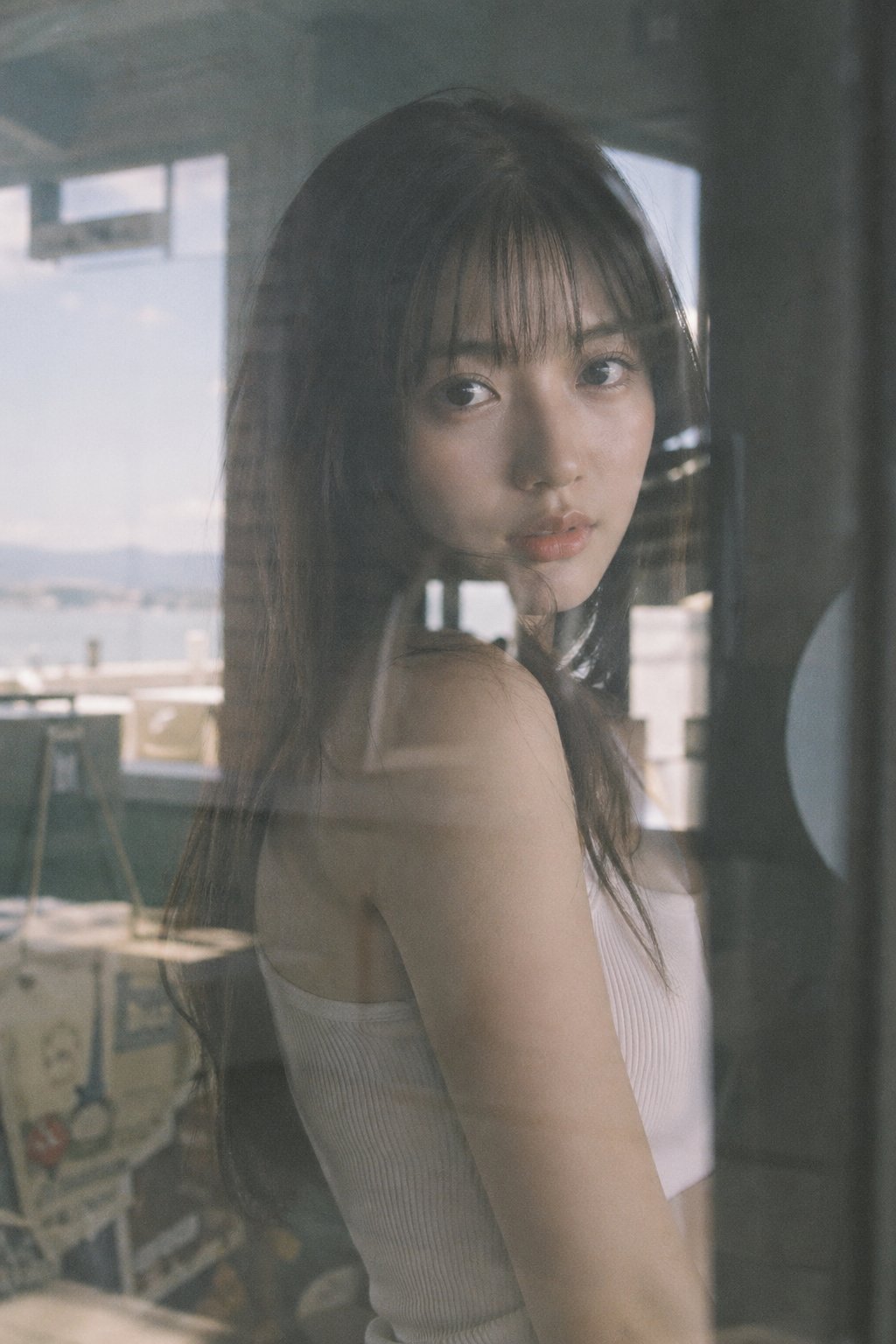
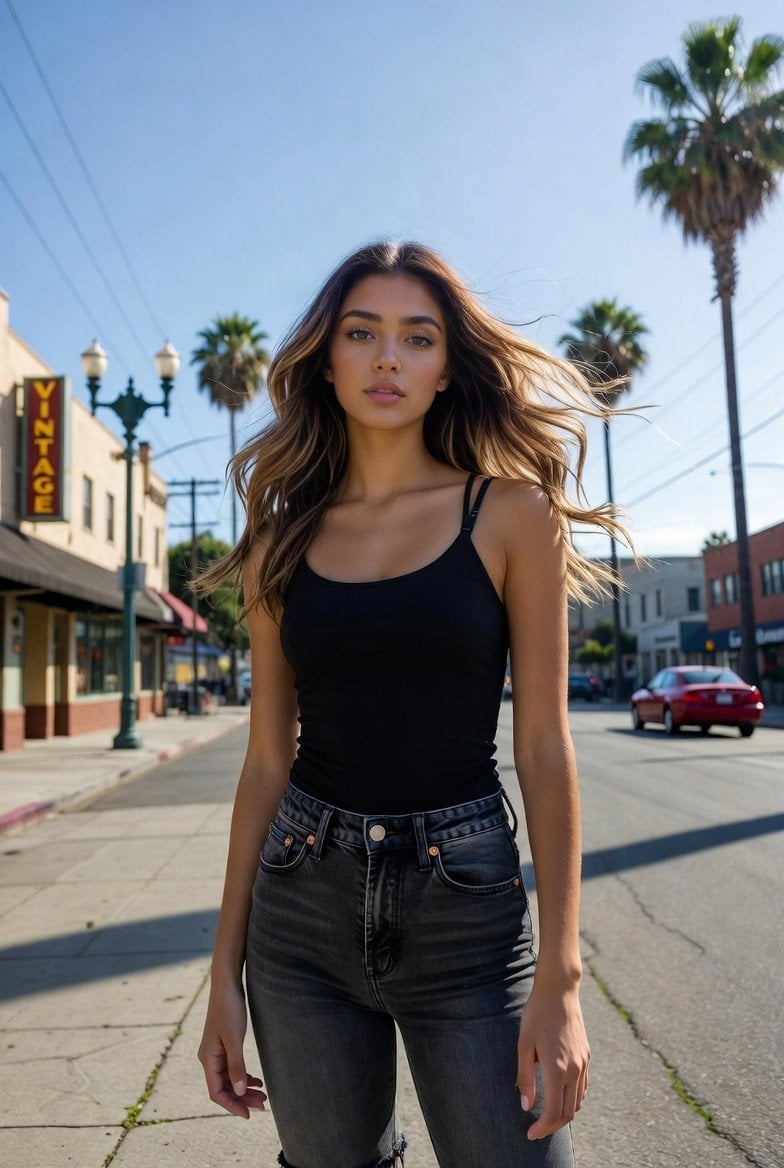
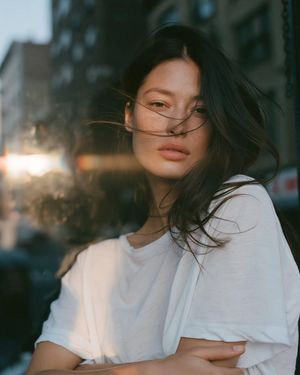
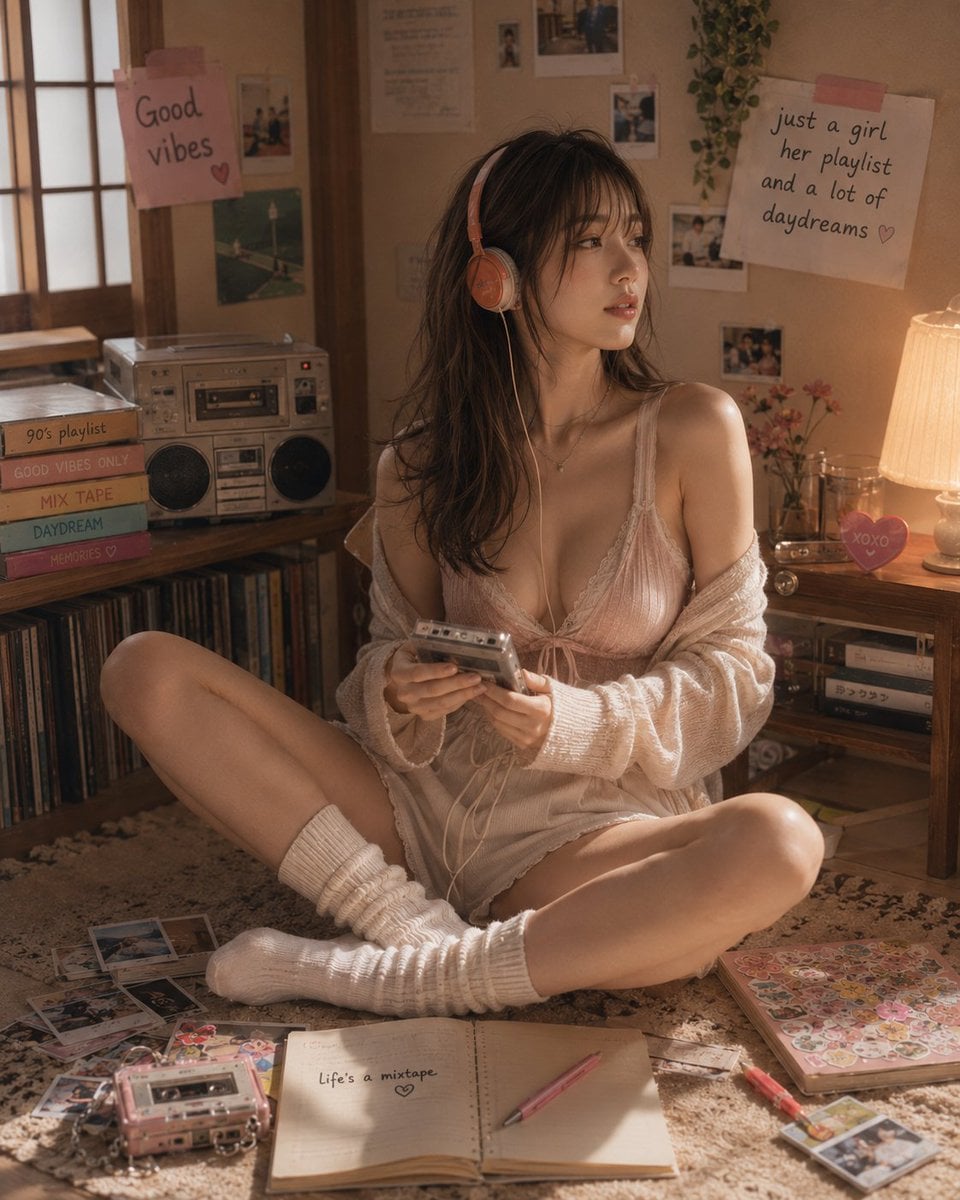
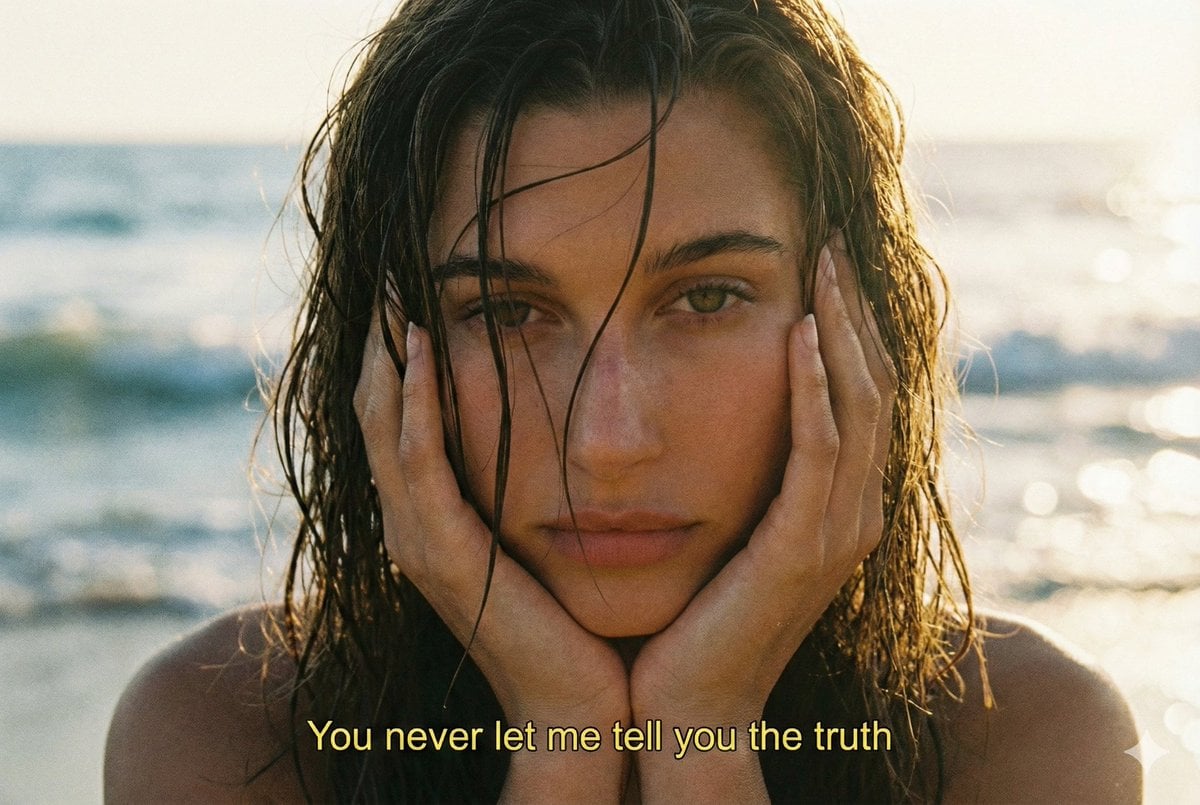
A nostalgic prompt that stylizes a reference image into a 90s film aesthetic with warm amber tones and Kodak grain.

Young woman in uploaded image close-up, wearing {argument name="outfit" default="white oversized shirt layered with orange-red plaid sleeve"} underneath, hand resting on cheek, soft smile. Wavy black hair, orange-red glossy lips, warm nostalgic glow, blurred evening city lights behind her, {argument name="aesthetic" default="90s film aesthetic"}, Kodak grain, warm amber-red color cast, shallow depth of field.
Young woman in uploaded image close-up, wearing {argument name="outfit" default="white oversized shirt layered with orange-red plaid sleeve"} underneath, hand resting on cheek, soft smile. Wavy black hair, orange-red glossy lips, warm nostalgic glow, blurred evening city lights behind her, {argument name="aesthetic" default="90s film aesthetic"}, Kodak grain, warm amber-red color cast, shallow depth of field.
Edit the prompt in the box under the preview — the template's model and format are already selected — and press Generate. Your version appears right on this page.
Yes. You can change the subject, setting, lighting, mood, format, and available model controls before creating your image.
Opening and editing this template is free. Generating uses credits, shown on the Generate button when you are signed in.
Start with Nano Banana 2, which is the model associated with this template. You can compare another compatible model for a different finish.
Follow a topic to a crawlable collection of related PicX Studio templates.