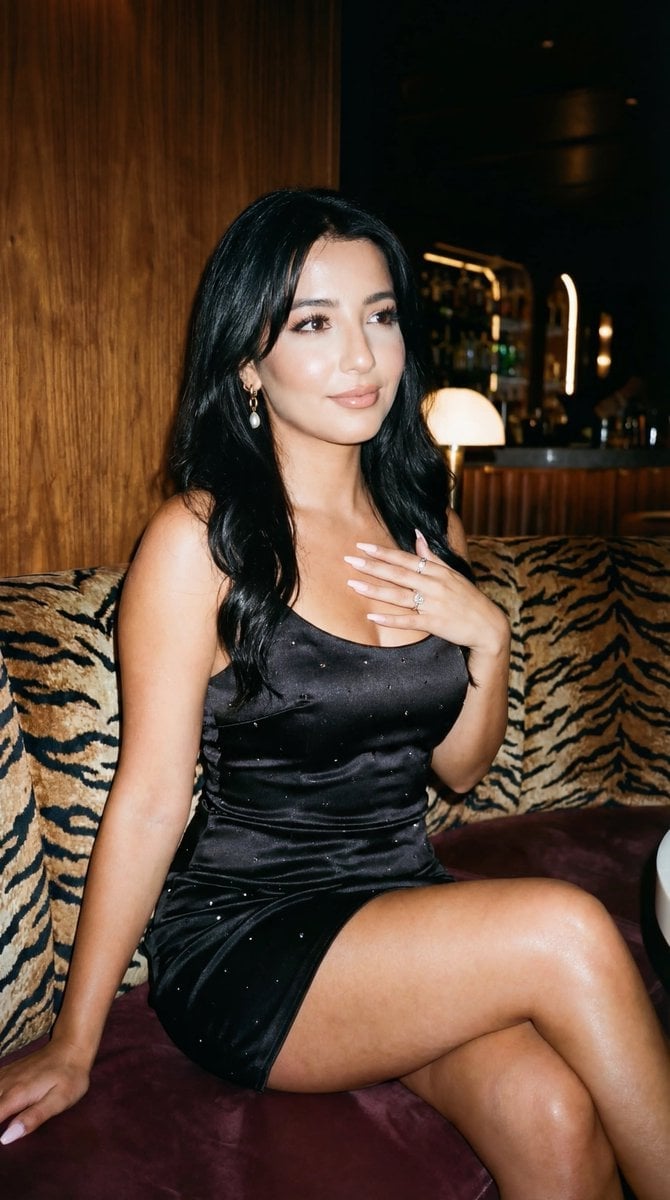
How do I use the Candid Smartphone Portrait of Woman template?
Edit the prompt in the box under the preview — the template's model and format are already selected — and press Generate. Your version appears right on this page.
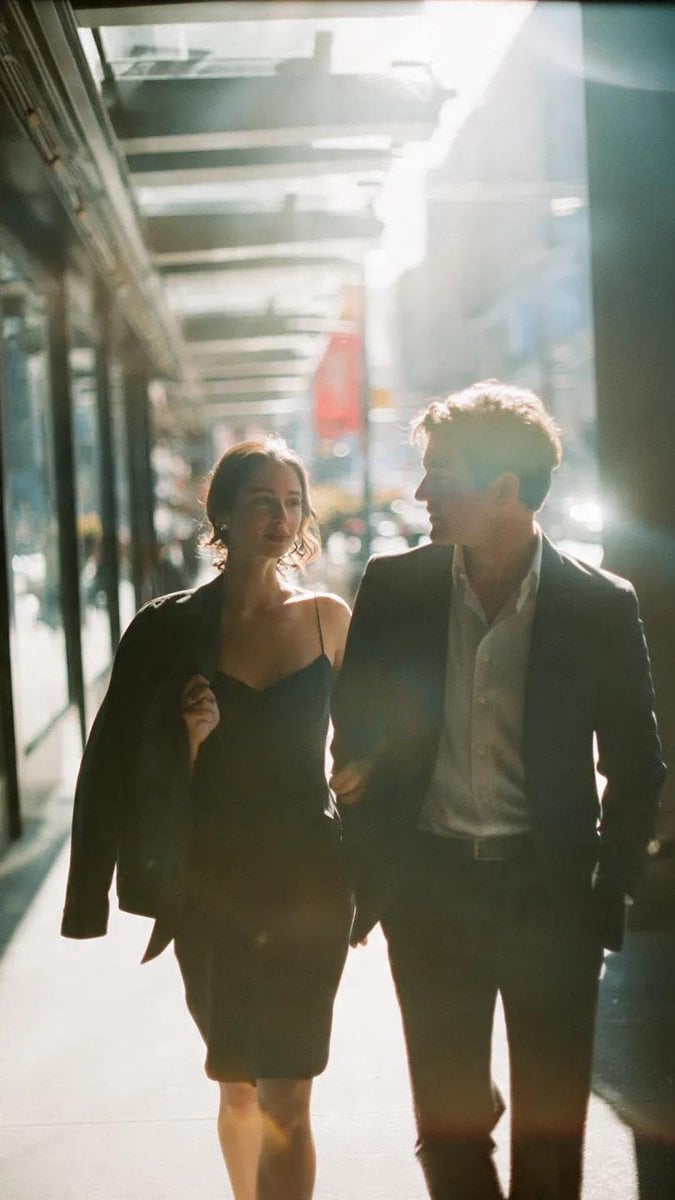
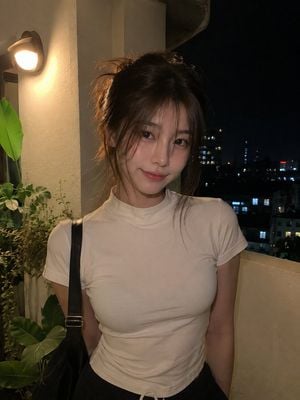
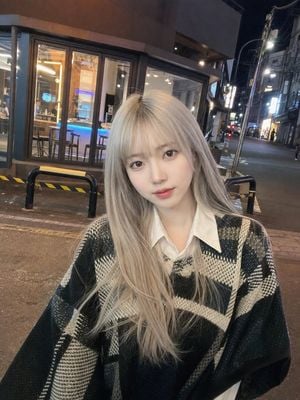
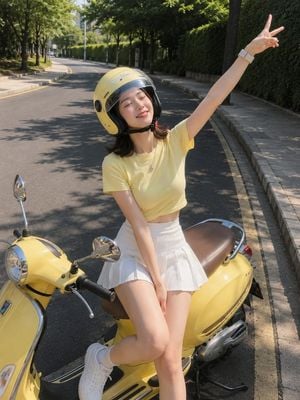
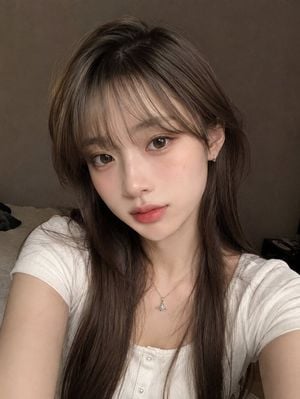
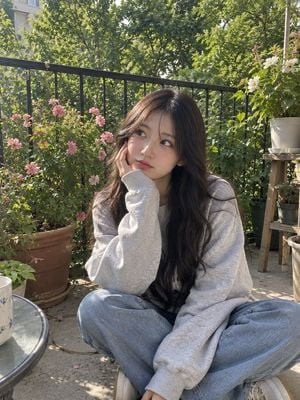
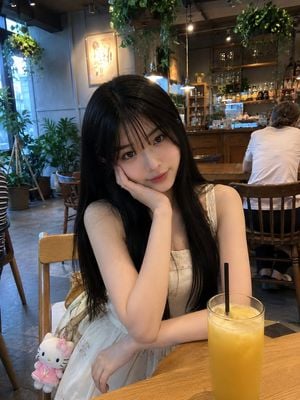
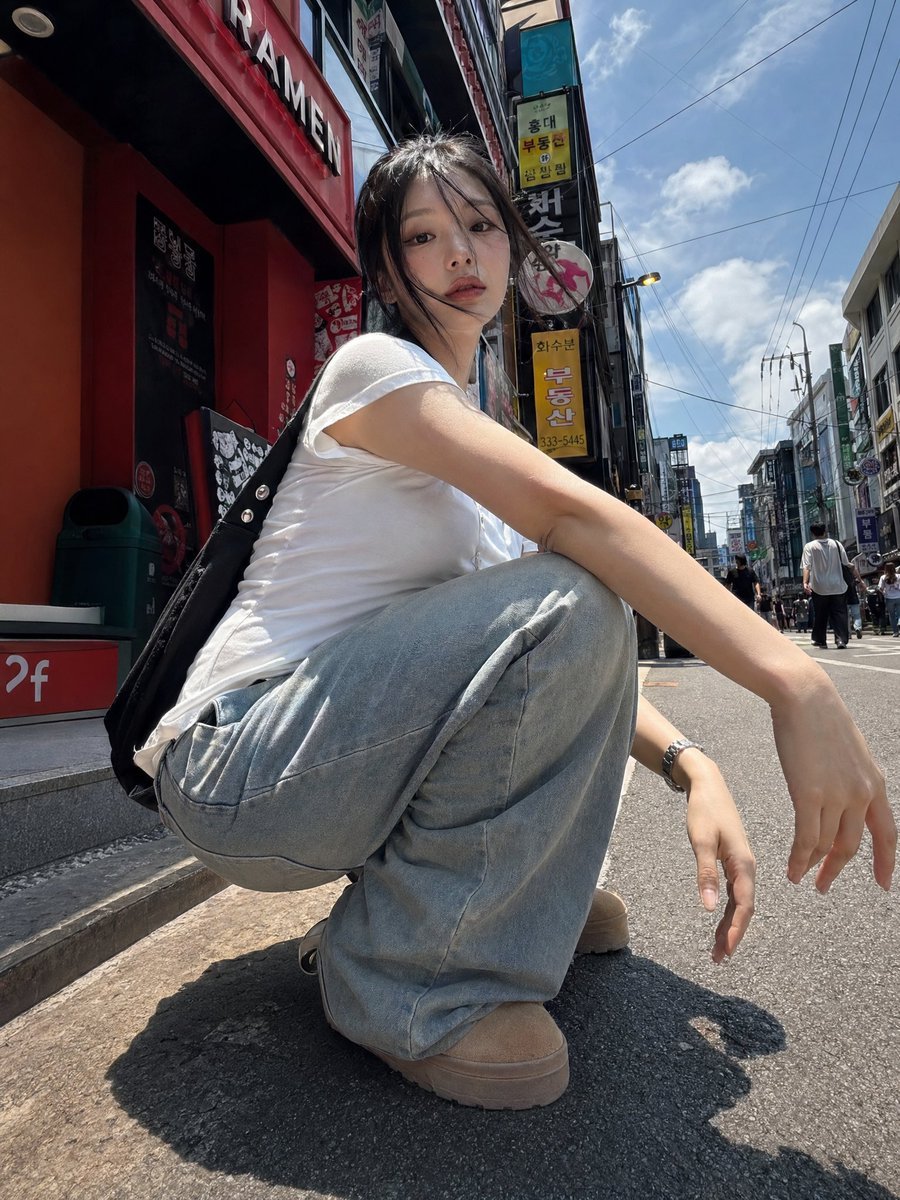
A detailed prompt for creating a realistic, vertical smartphone-style photograph of a woman against a vibrant red background, emphasizing natural skin textures and a candid iPhone 16 Pro look.

Raw UGC smartphone photo, 9:16 vertical, 4K look. Full-body shot of a curvy woman in her mid-30s with warm neutral skin tone, standing against a {argument name="background color" default="vivid red"} background. Wet, messy dark brown hair, natural skin texture with visible pores and realistic details. Wearing a {argument name="outfit" default="tight black short-sleeve romper"}, gold necklace, hoop earrings, and bangles. {argument name="pose" default="Arms crossed"}, slight forward lean, direct confident gaze. Bright natural lighting with realistic shadows and highlights. Shot on iPhone 16 Pro, 24mm f/1.8, candid style with natural grain. No cartoon, anime, CGI, beauty filters, airbrushing, text, watermark, extra limbs, blur, or oversaturation. 1080×1920.
Raw UGC smartphone photo, 9:16 vertical, 4K look. Full-body shot of a curvy woman in her mid-30s with warm neutral skin tone, standing against a {argument name="background color" default="vivid red"} background. Wet, messy dark brown hair, natural skin texture with visible pores and realistic details. Wearing a {argument name="outfit" default="tight black short-sleeve romper"}, gold necklace, hoop earrings, and bangles. {argument name="pose" default="Arms crossed"}, slight forward lean, direct confident gaze. Bright natural lighting with realistic shadows and highlights. Shot on iPhone 16 Pro, 24mm f/1.8, candid style with natural grain. No cartoon, anime, CGI, beauty filters, airbrushing, text, watermark, extra limbs, blur, or oversaturation. 1080×1920.
Edit the prompt in the box under the preview — the template's model and format are already selected — and press Generate. Your version appears right on this page.
Yes. You can change the subject, setting, lighting, mood, format, and available model controls before creating your image.
Opening and editing this template is free. Generating uses credits, shown on the Generate button when you are signed in.
Start with Nano Banana 2, which is the model associated with this template. You can compare another compatible model for a different finish.
Follow a topic to a crawlable collection of related PicX Studio templates.