How do I use the Retro Fashion Editorial Portrait template?
Edit the prompt in the box under the preview — the template's model and format are already selected — and press Generate. Your version appears right on this page.
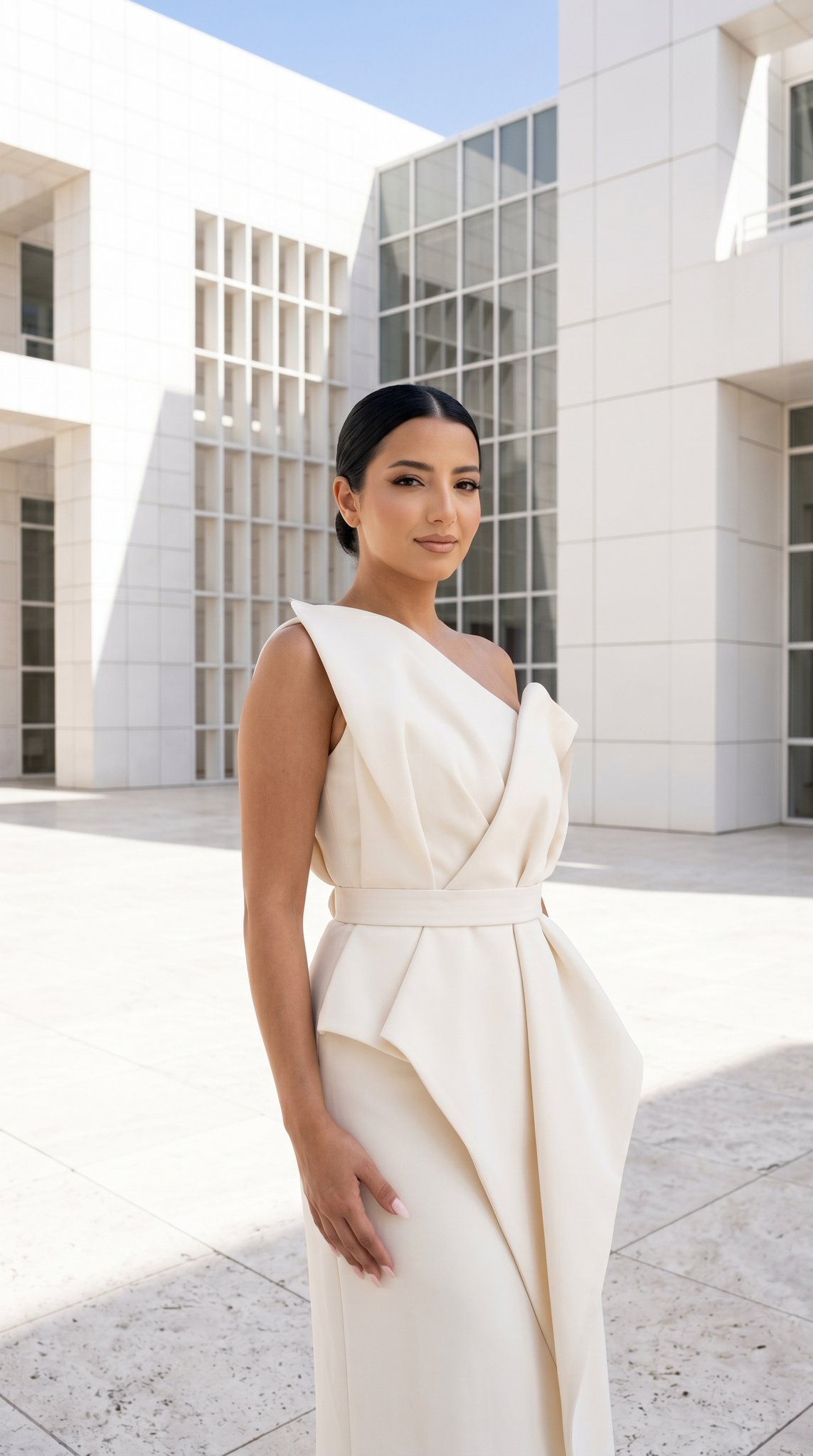
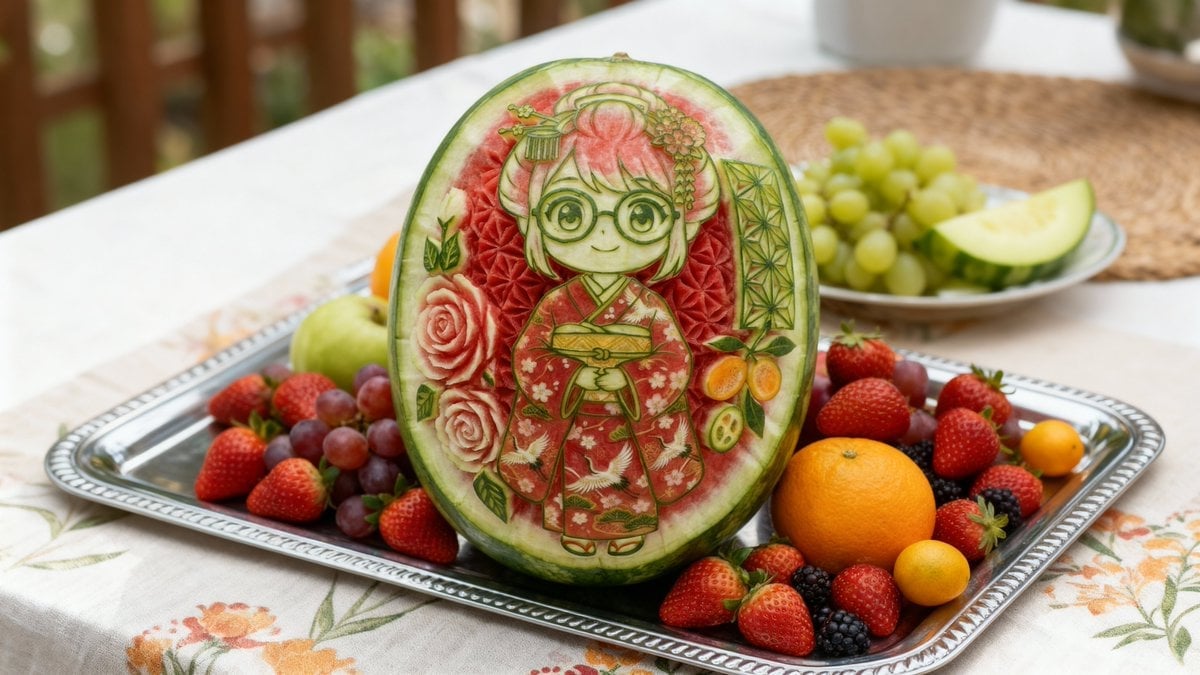
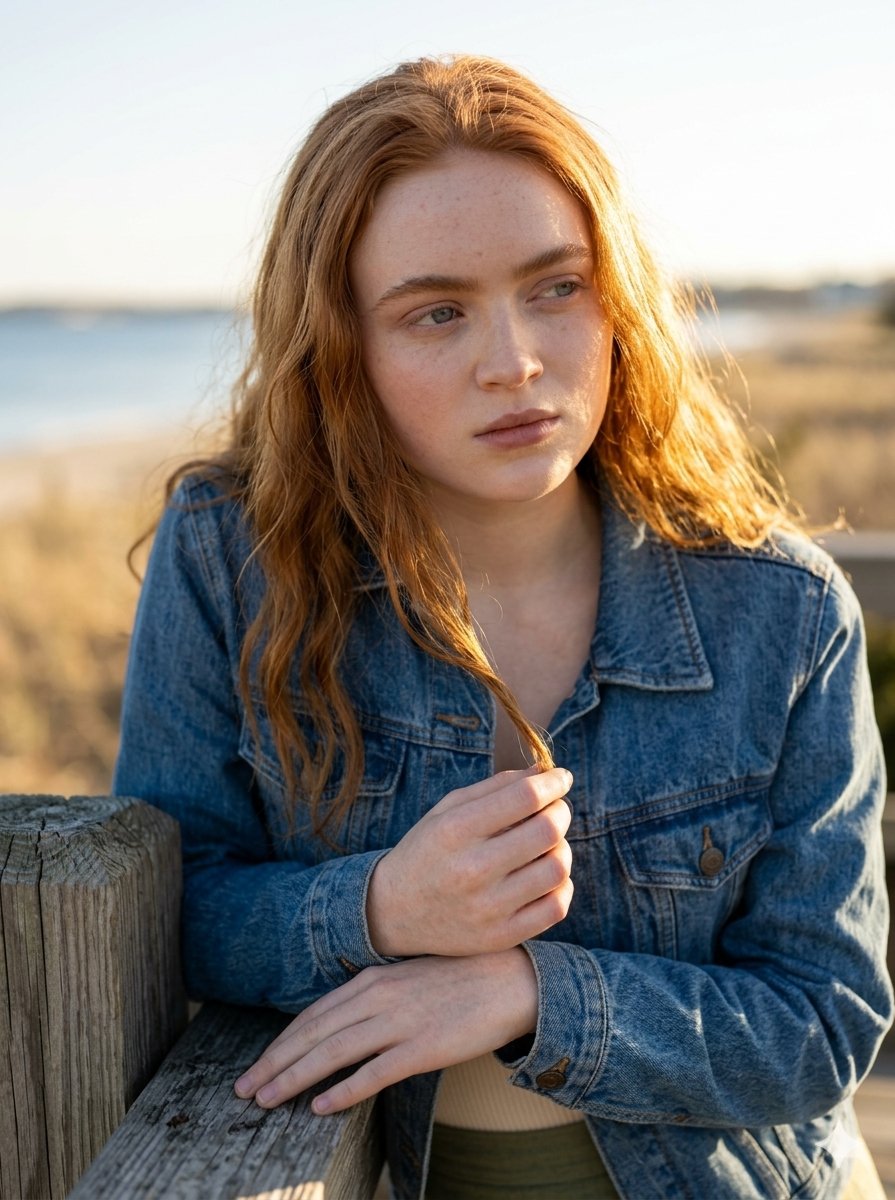
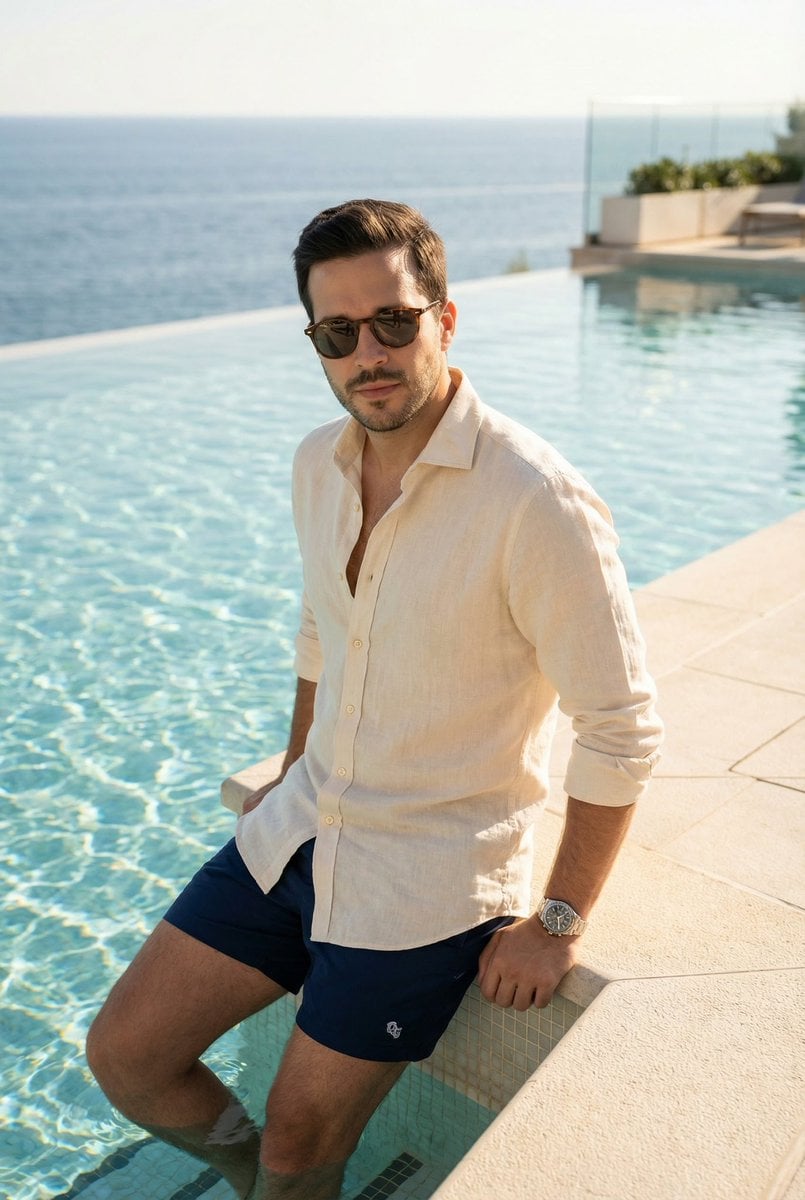
A high-fashion editorial prompt for creating a vintage-inspired portrait featuring distinctive fruit-themed patterns and surreal styling, perfect for advertising photography.

a retro inspired fashion editorial portrait of a {argument name="subject" default="Boy"} against a soft beige background. She is wearing a vintage style sleeveless {argument name="outfit" default="Apple dress"} with a white collar like a scarf detail, and big mango prints. On her head, a decorative big Red hat with {argument name="hat decoration" default="two big Apple prints and Pink roses"} wrapped around the hat’s rim. He is holding the juice pack from the reference image near her lips. Elegant pose, confident expression, red lipstick, softly curled hair styled in a classic retro wave. Clean white background, studio lighting, smooth skin texture, vibrant yet balanced color palette, sharp focus, high fashion advertising photography, surreal fruit styling, ultra detailed, cinematic lighting, professional product shoot, hyper realistic, 4K quality and image size 4 5.
a retro inspired fashion editorial portrait of a {argument name="subject" default="Boy"} against a soft beige background. She is wearing a vintage style sleeveless {argument name="outfit" default="Apple dress"} with a white collar like a scarf detail, and big mango prints. On her head, a decorative big Red hat with {argument name="hat decoration" default="two big Apple prints and Pink roses"} wrapped around the hat’s rim. He is holding the juice pack from the reference image near her lips. Elegant pose, confident expression, red lipstick, softly curled hair styled in a classic retro wave. Clean white background, studio lighting, smooth skin texture, vibrant yet balanced color palette, sharp focus, high fashion advertising photography, surreal fruit styling, ultra detailed, cinematic lighting, professional product shoot, hyper realistic, 4K quality and image size 4 5.
Edit the prompt in the box under the preview — the template's model and format are already selected — and press Generate. Your version appears right on this page.
Yes. You can change the subject, setting, lighting, mood, format, and available model controls before creating your image.
Opening and editing this template is free. Generating uses credits, shown on the Generate button when you are signed in.
Start with Nano Banana 2, which is the model associated with this template. You can compare another compatible model for a different finish.
Follow a topic to a crawlable collection of related PicX Studio templates.