How do I use the Minimalist Personal Branding Portrait template?
Edit the prompt in the box under the preview — the template's model and format are already selected — and press Generate. Your version appears right on this page.
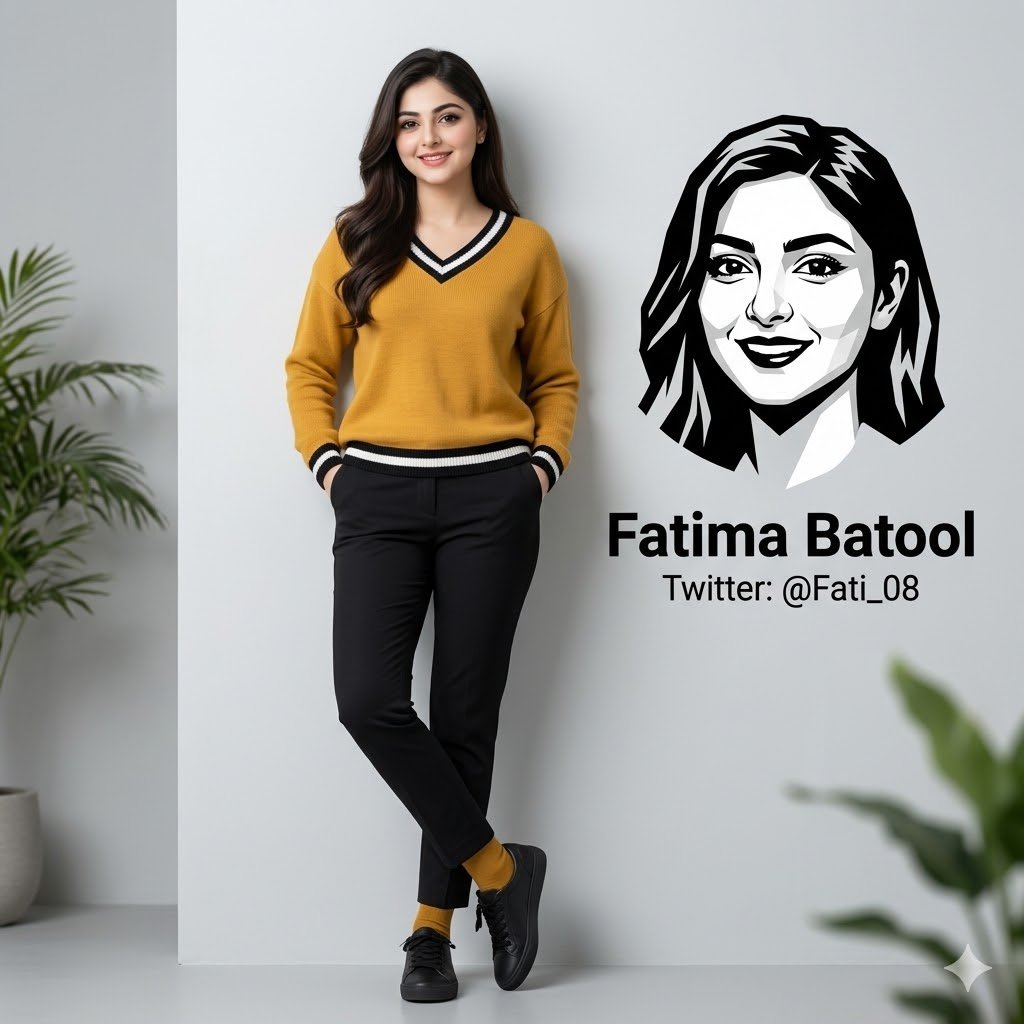
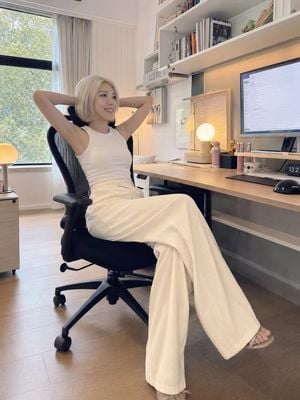
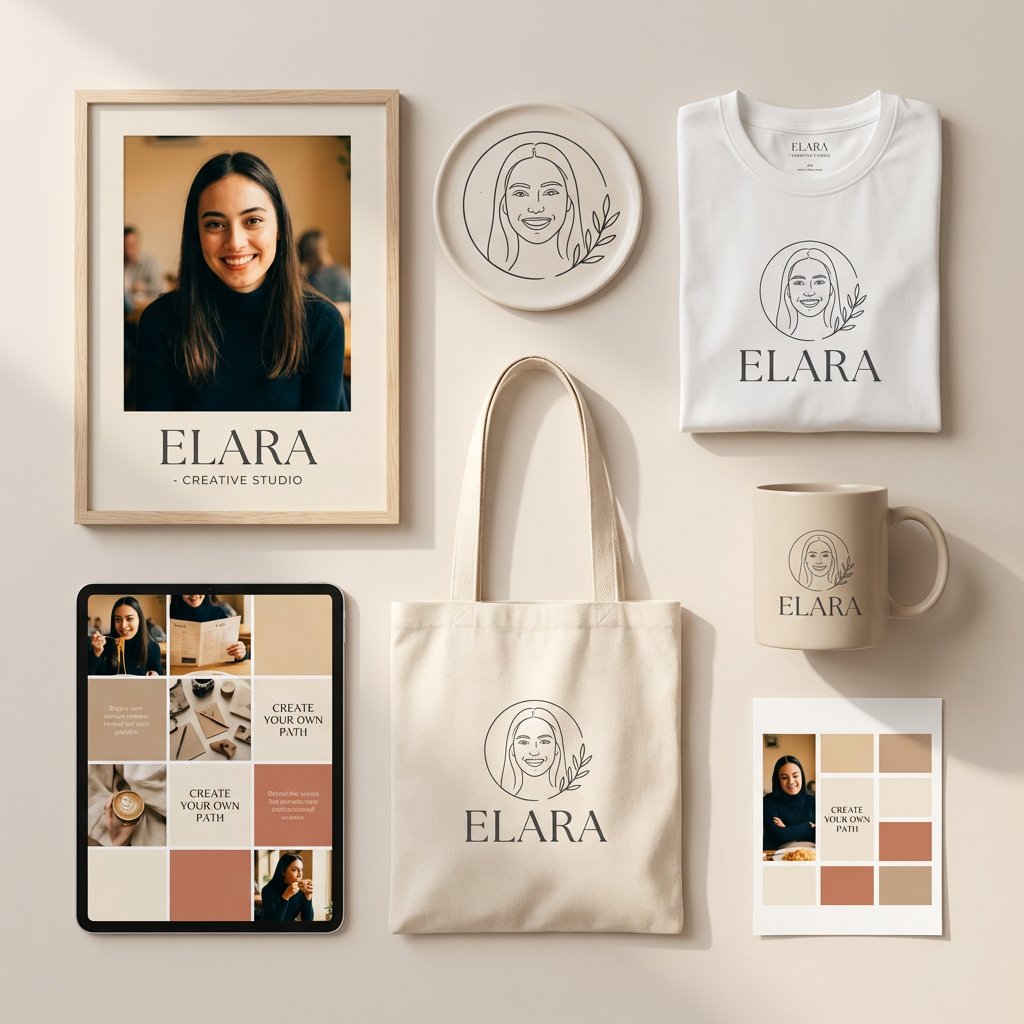
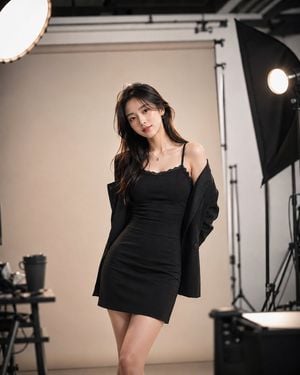
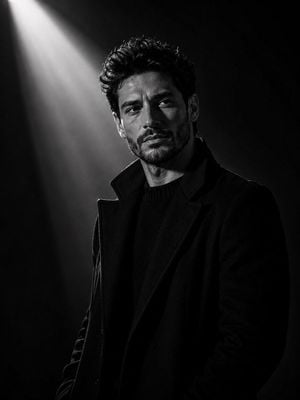
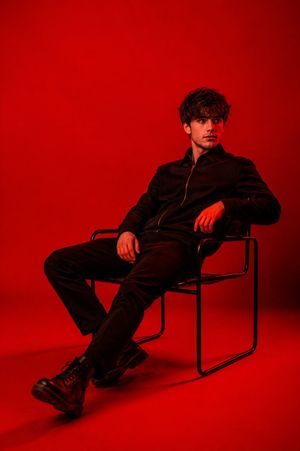
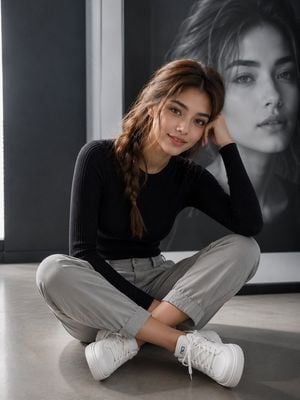
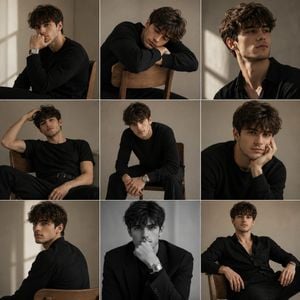
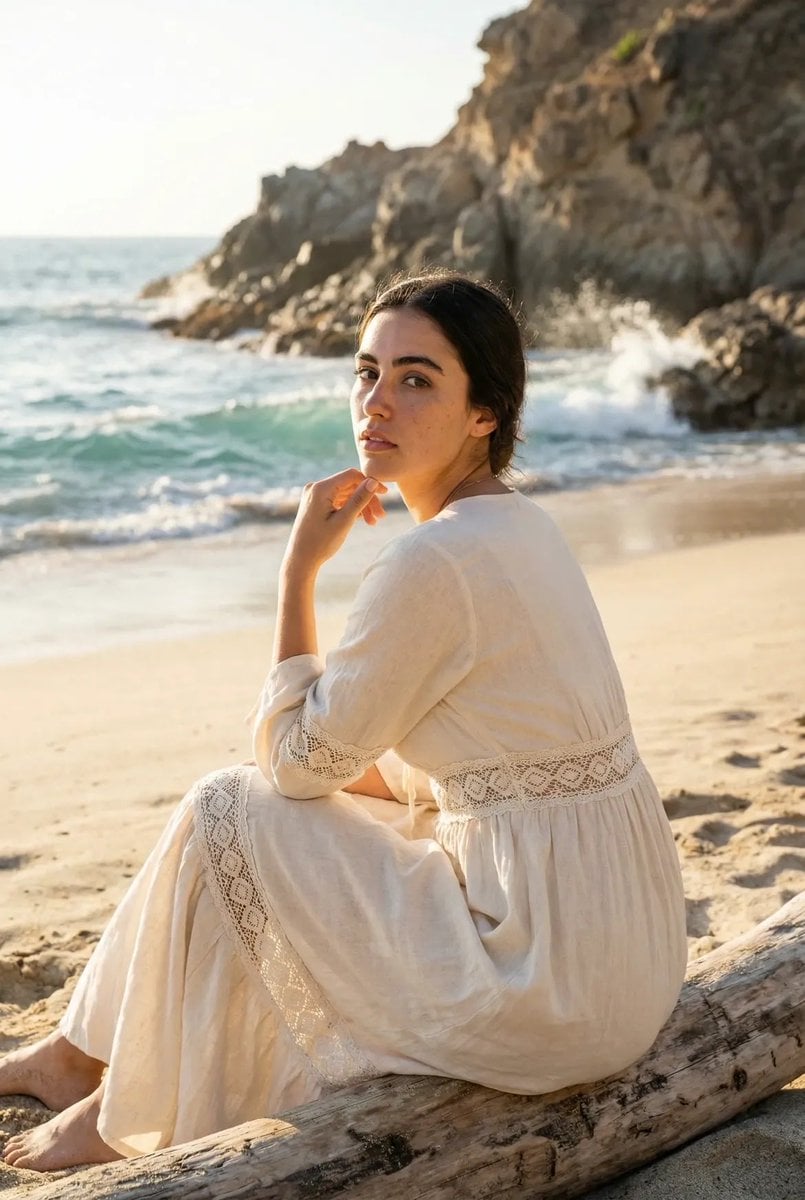
A high-key studio portrait for personal branding, featuring a minimalist Scandinavian aesthetic and professional styling.

Create a full-body minimalist editorial portrait using the uploaded person's face and identity. The subject is sitting casually on a tall black metal stool, facing the camera with a relaxed posture and a genuine confident smile. One hand rests naturally on the thigh while the other holds a small black product box/book near the lap. The outfit consists of a {argument name="outfit" default="premium off-white knit polo shirt with subtle collar detailing, tailored black pleated trousers, clean white sneakers"}, and a simple silver wristwatch. The setting is a seamless pure white studio with a high-key aesthetic, lots of negative space, and no distractions. Soft diffused natural light creates gentle shadows while maintaining a bright, luxurious, Scandinavian-inspired editorial look. Photorealistic, ultra-detailed skin texture, premium fashion campaign quality, 85mm lens, eye-level camera angle, shallow depth of field, crisp focus, natural proportions, clean minimal styling. Important: Preserve the uploaded person's exact facial features, hairstyle, skin tone, and identity.
Create a full-body minimalist editorial portrait using the uploaded person's face and identity. The subject is sitting casually on a tall black metal stool, facing the camera with a relaxed posture and a genuine confident smile. One hand rests naturally on the thigh while the other holds a small black product box/book near the lap. The outfit consists of a {argument name="outfit" default="premium off-white knit polo shirt with subtle collar detailing, tailored black pleated trousers, clean white sneakers"}, and a simple silver wristwatch. The setting is a seamless pure white studio with a high-key aesthetic, lots of negative space, and no distractions. Soft diffused natural light creates gentle shadows while maintaining a bright, luxurious, Scandinavian-inspired editorial look. Photorealistic, ultra-detailed skin texture, premium fashion campaign quality, 85mm lens, eye-level camera angle, shallow depth of field, crisp focus, natural proportions, clean minimal styling. Important: Preserve the uploaded person's exact facial features, hairstyle, skin tone, and identity.
Edit the prompt in the box under the preview — the template's model and format are already selected — and press Generate. Your version appears right on this page.
Yes. You can change the subject, setting, lighting, mood, format, and available model controls before creating your image.
Opening and editing this template is free. Generating uses credits, shown on the Generate button when you are signed in.
Start with Nano Banana 2, which is the model associated with this template. You can compare another compatible model for a different finish.
Follow a topic to a crawlable collection of related PicX Studio templates.