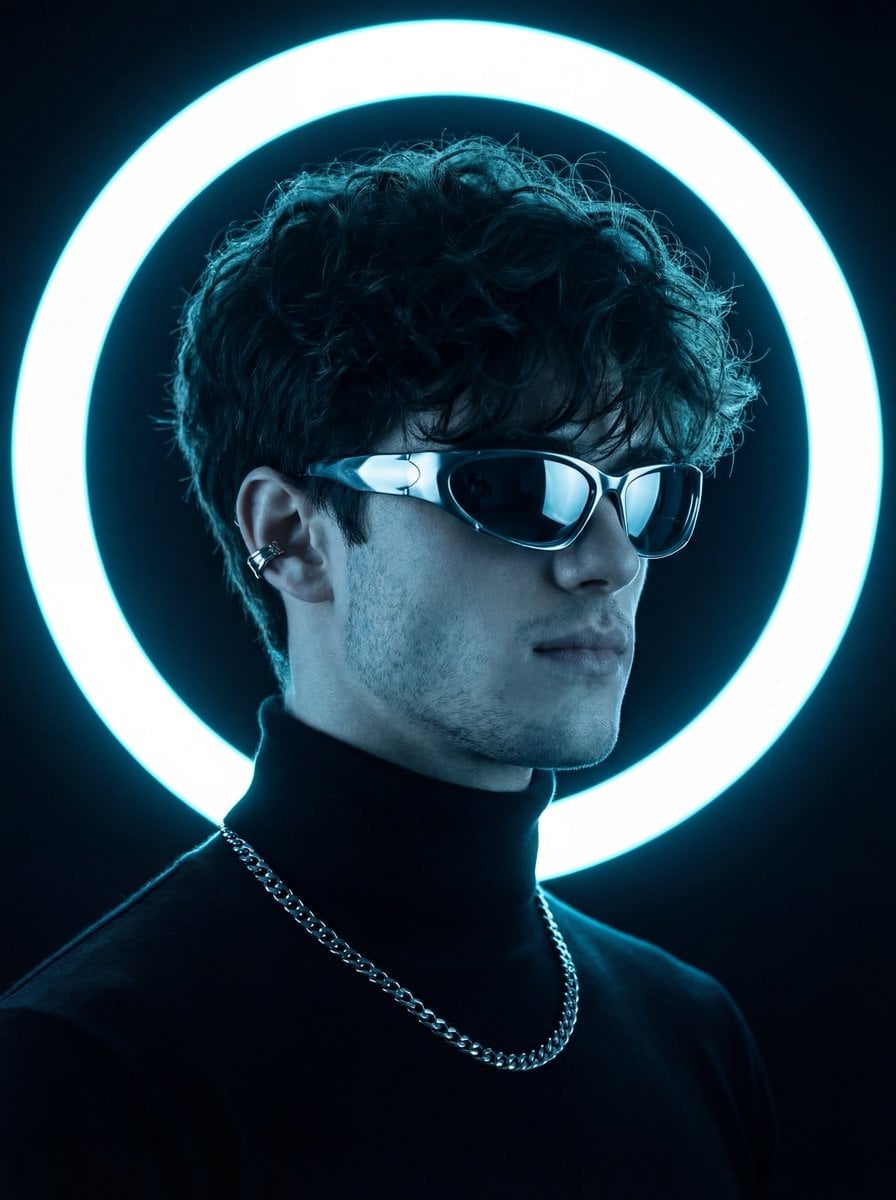
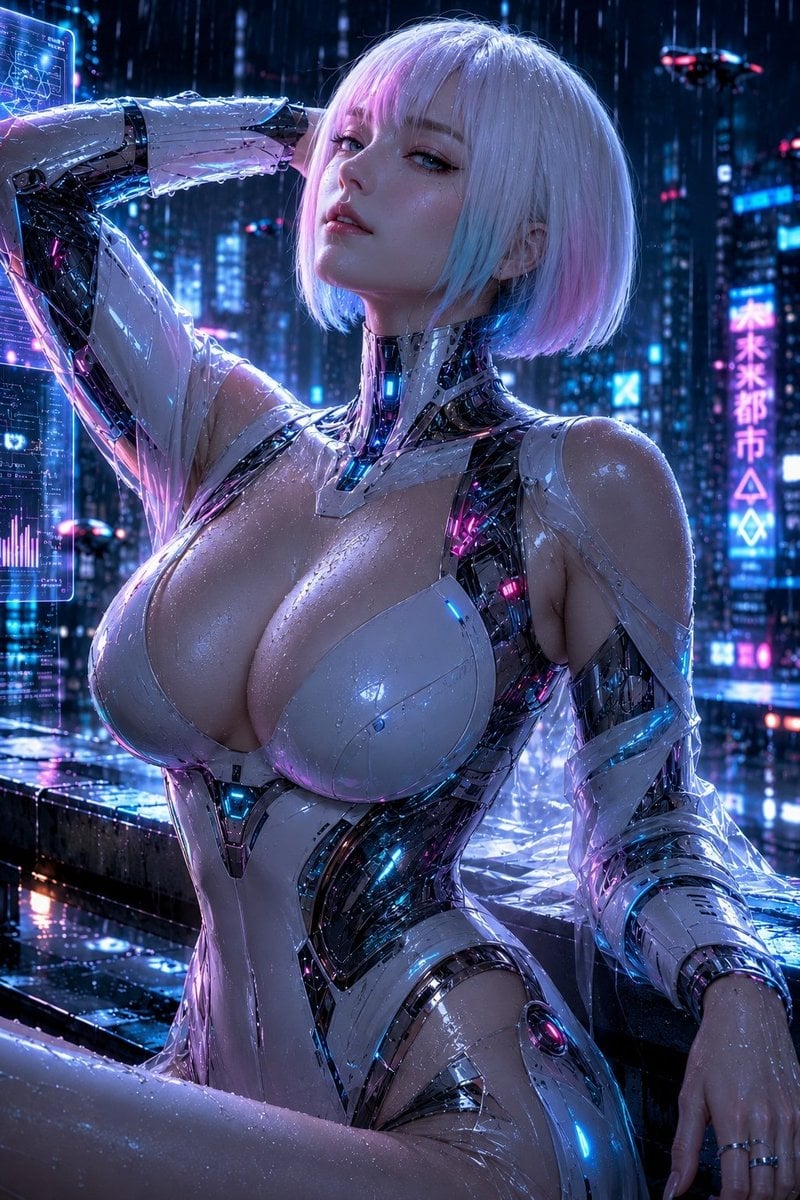
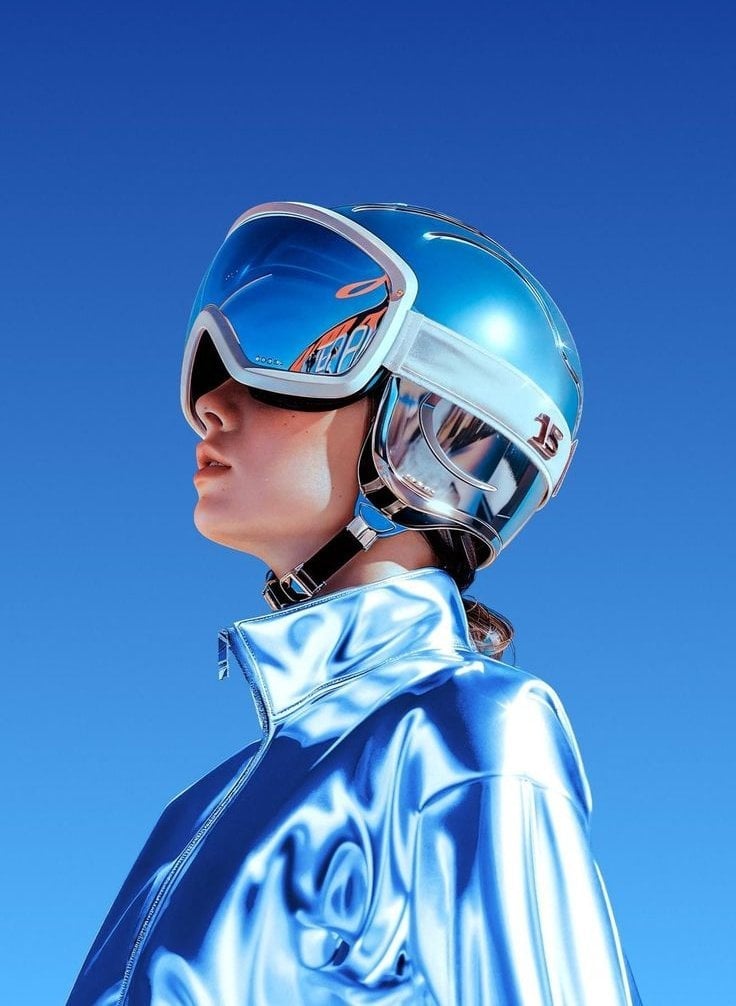
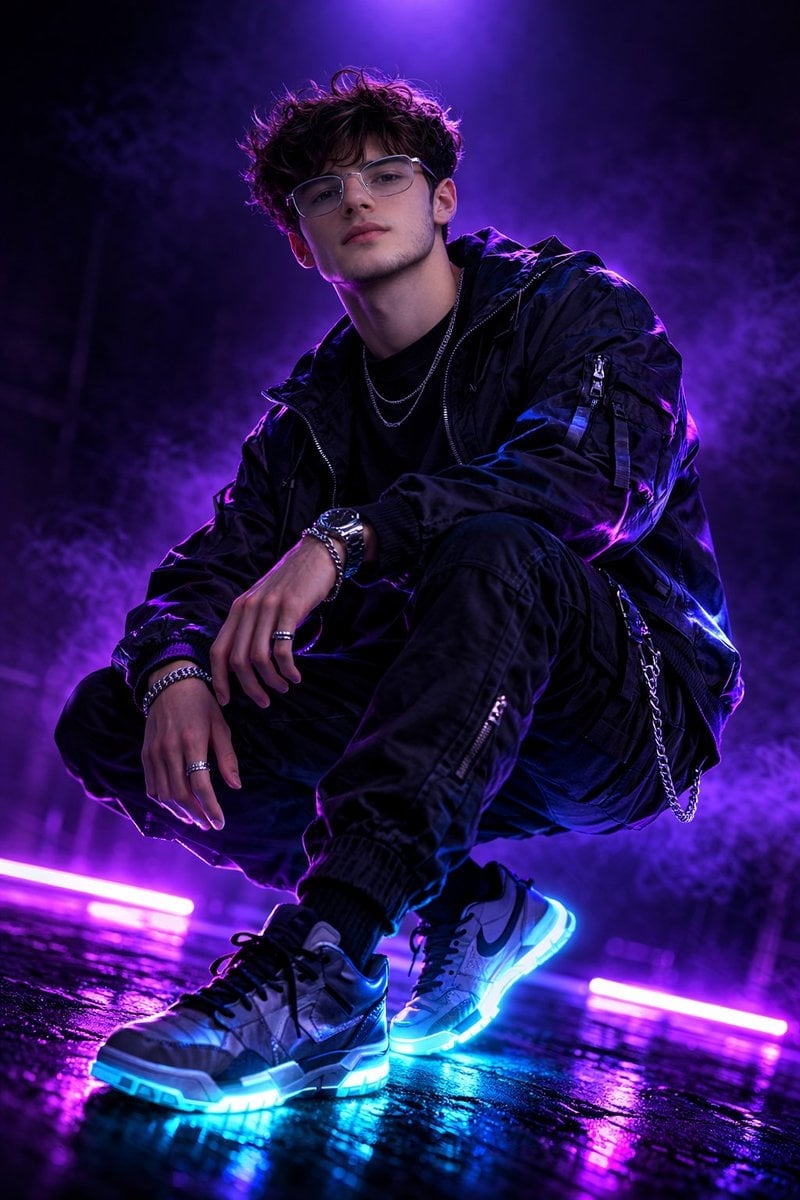
How do I use the Cyberpunk Futuristic Soccer Scene template?
Choose the primary action to open PicX Studio with the available template settings. Review the model and format, personalize the creative direction, and generate when ready.
A high-energy prompt for a cyberpunk-themed soccer player in a rainy futuristic metropolis with neon accents.
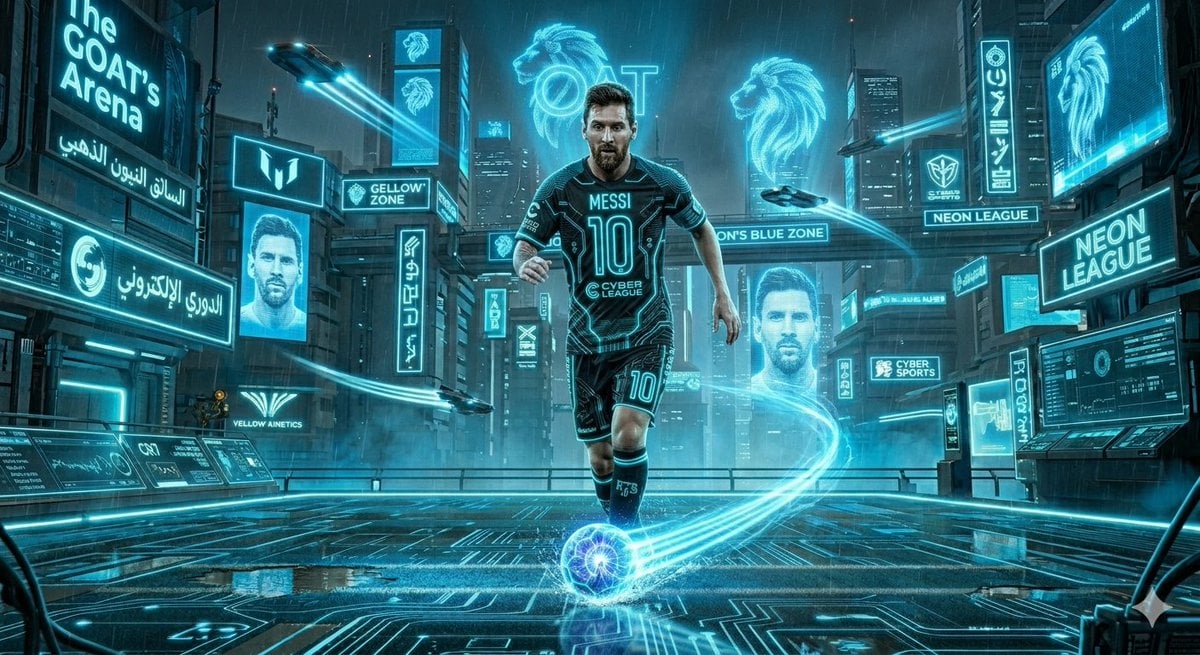
A cinematic, hyper-realistic {argument name=\"theme\" default=\"cyberpunk soccer scene\"} set in a sprawling, rain-slicked futuristic metropolis at night. The environment features towering skyscrapers covered in massive glowing neon billboards, holographic displays, digital circuitry patterns etched into the ground, and flying cars streaking through the sky with light trails. A world-class professional {argument name=\"subject\" default=\"soccer player\"} is captured in a dynamic action pose—dribbling or kicking a soccer ball that surges with matching kinetic energy streaks and electrical currents. The player wears a custom futuristic tech-wear jersey adorned with glowing neon circuit patterns, their name, and number. The entire scene is unified by a distinct, vibrant {argument name=\"color scheme\" default=\"electric blue\"} that bathes the player and the city in a single dominant glowing light, creating a high-energy, sci-fi athletic aesthetic.
Choose the primary action to open PicX Studio with the available template settings. Review the model and format, personalize the creative direction, and generate when ready.
Yes. You can change the subject, setting, lighting, mood, format, and available model controls before creating your image.
This template is free to open and customize. Generation usage is shown in PicX Studio before you create.
Start with Nano Banana 2, which is the model associated with this template. You can compare another compatible model for a different finish.
Follow a topic to a crawlable collection of related PicX Studio templates.