
Lakeside Portrait Identity Swap
A highly detailed prompt for maintaining identity fidelity and scene consistency while generating a cinematic lakeside portrait with a cat.
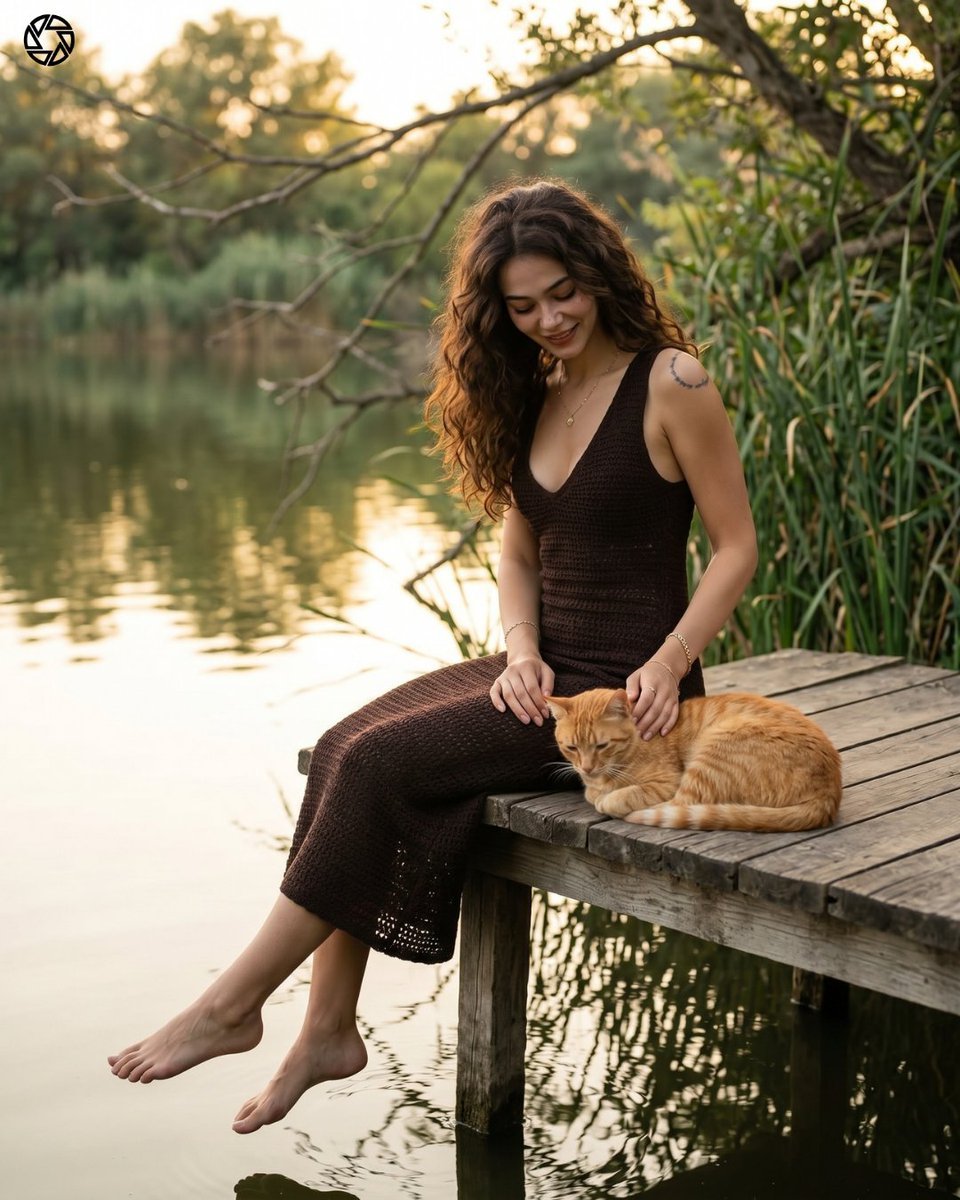
- Prompt included
- Model and format preset
- Free template
The prompt behind this image
Copy the exact prompt behind Lakeside Portrait Identity Swap, or open it in the studio and make it yours.
Ultra realistic cinematic lakeside portrait photo of {argument name=\"person\" default=\"[REFERENCE PERSON]\"}, preserve the exact facial identity, facial structure, skin texture, hairstyle, eye shape, lips, and overall likeness from the reference image with extremely high identity accuracy. Scene composition identical to the reference scene: a beautiful woman sitting on the edge of a rustic wooden dock beside a calm lake during golden hour sunset, soft warm sunlight, natural reflections in the water, lush green reeds in the background, overhanging tree leaves at the top frame, shallow depth of field, creamy bokeh forest background. Subject pose: seated sideways on the dock with legs extended naturally over the water, looking downward softly toward an {argument name=\"animal\" default=\"orange ginger cat\"} beside her, relaxed elegant posture, candid feminine mood. Outfit: {argument name=\"clothing\" default=\"light pink floral summer dress\"} with thin straps, flowing fabric, delicate details, natural folds, realistic texture. Environment must remain almost identical to the original image: same wooden pier style, same lakeside atmosphere, same lighting direction, same framing, same cinematic composition, same peaceful aesthetic. Photography style: DSLR realism, 85mm portrait lens, f/1.8 aperture, ultra detailed skin, realistic hair strands, natural body proportions, soft shadows, cinematic color grading, photorealistic, high dynamic range, editorial fashion photography. Important: replace ONLY the woman’s identity with the exact reference person while keeping the background, pose, camera angle, lighting, dress style, cat, dock, and overall composition highly consistent with the original image. No stylization, no AI artifacts, no distorted anatomy, no extra fingers, no face asymmetry. Identity fidelity priority: extremely high. Background consistency priority: extremely high.
How to use Lakeside Portrait Identity Swap in 3 steps
- 1Upload ImagePNG, JPG or paste
Add your photo
Upload the photo the template builds on. The prompt, model and format are already set.
- 2…a portrait of your subject in softgolden-hour light, 85mm…
Personalize
Edit the subject and creative details for your destination.
- 3Generate
Generate
Press Generate — your image is created in PicX Studio, so you can compare it with the original and refine one variable at a time.
More like this
Templates with the same subject, style or setup. Open one to see its prompt.
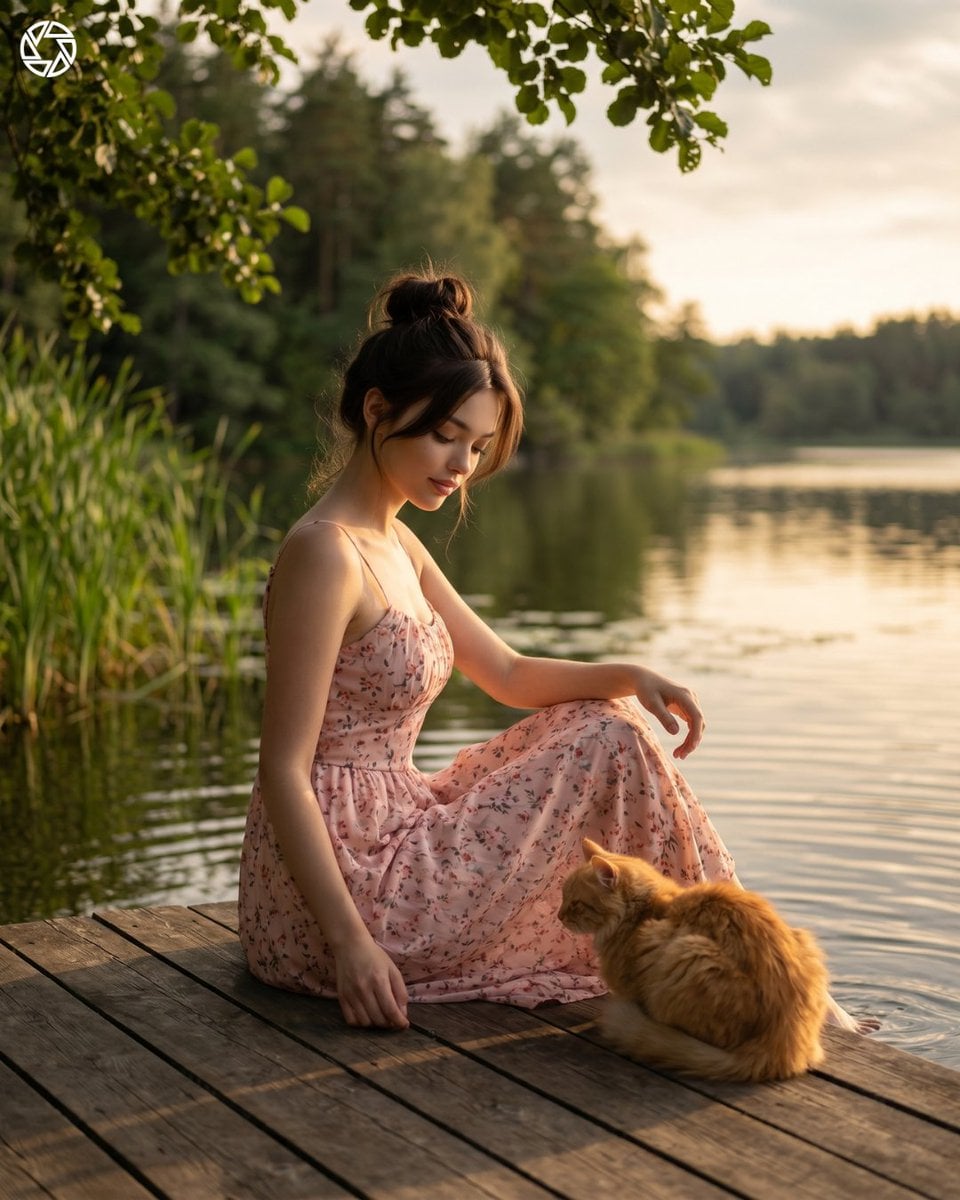
Cinematic Lakeside Identity Portrait
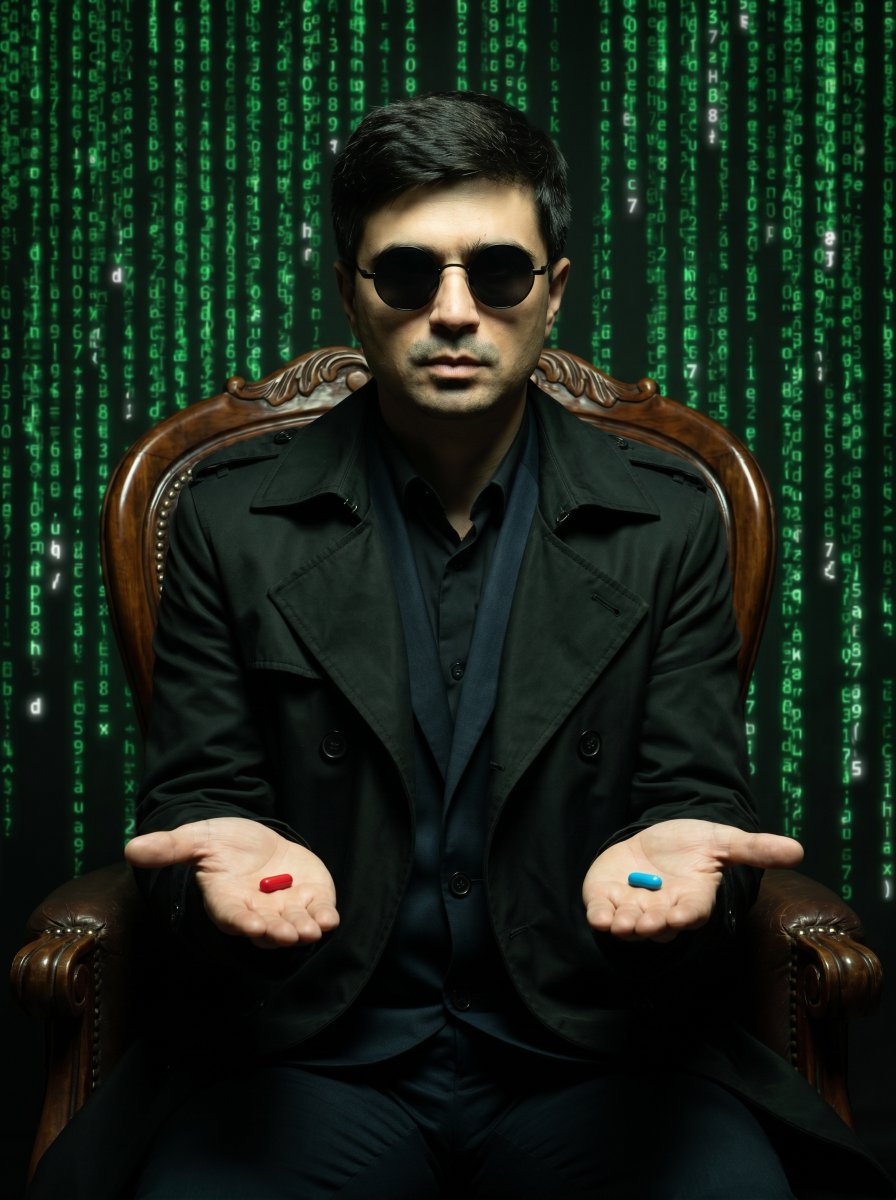
Matrix Identity Swap Portrait
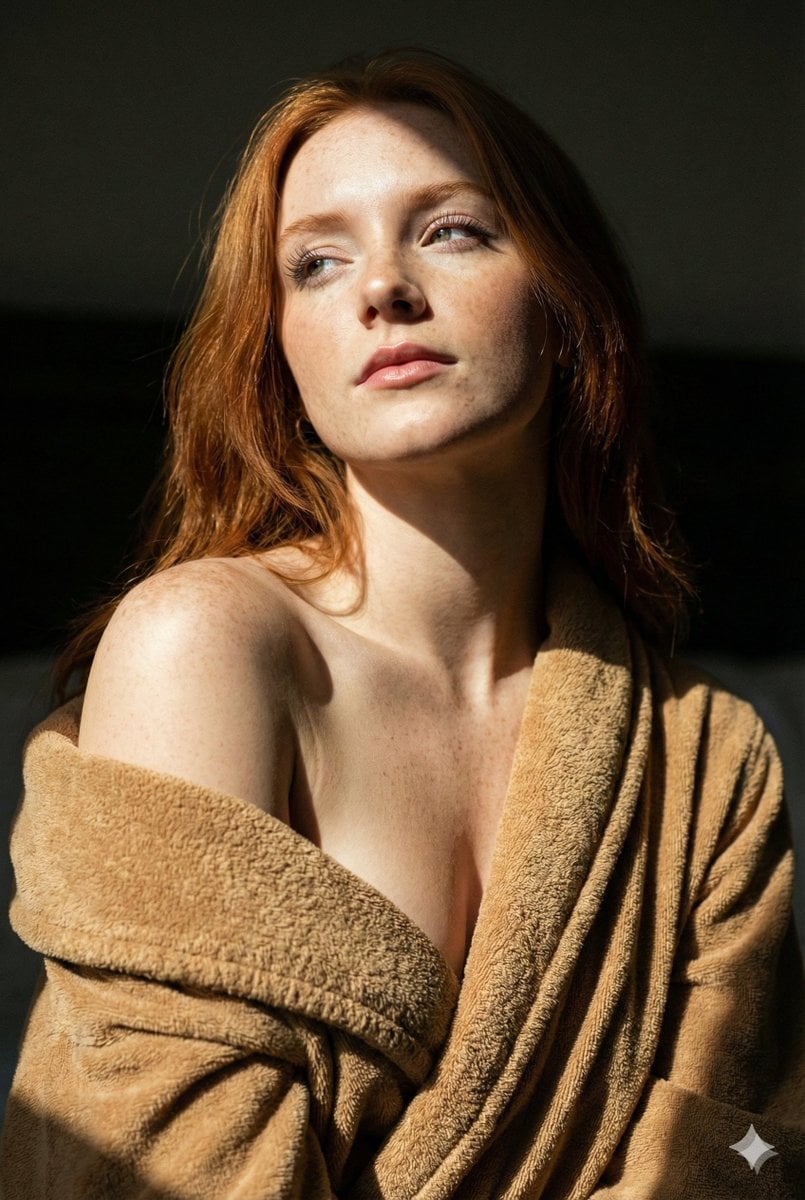
Chiaroscuro Portrait with Identity Swap

Found Photograph: Us, 1970

80s Couple Studio Portrait

80s Bollywood Star

80s Golden Hour Cinema

Me in 1985

1985 Studio Portrait
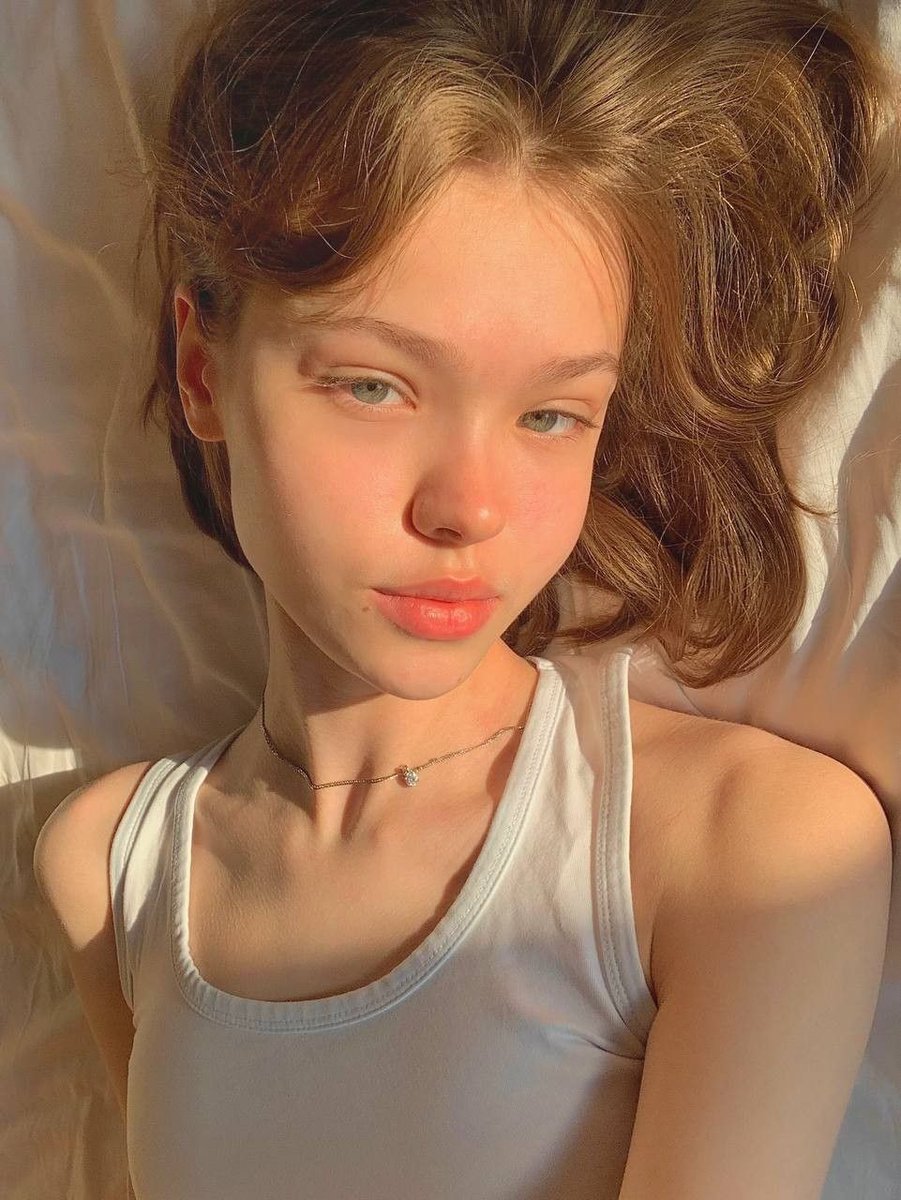
Identity Swap Image Recreation

Hyper-Realistic Minecraft POV Portrait

Rooftop Fisheye — Cat-Ear Balaclava at Golden Hour
Make it yours
Lakeside Portrait Identity Swap works as-is. These are the safest ways to change it without losing the look.
Change one field
Copy a single group, rewrite it, and generate again so you can see what that field is doing.
Keep the frame, change the subject
Hold the composition and light of Lakeside Portrait Identity Swap, then swap wardrobe, props or the person for a new take.
| If the result… | Why | Fix |
|---|---|---|
| The result drifts from the preview | Too many fields changed at once. | Reuse Lakeside Portrait Identity Swap as-is first, then change one group — subject, light, or setting. |
| The model over-stylizes the scene | The prose prompt leaves finish and camera underspecified. | Add one camera or lighting sentence and stay on Nano Banana 2. |
More Nano Banana 2 templates
Other prompts made for Nano Banana 2.

Photorealistic Leaf Shaped Like a Dragon

K-Pop Idol Portrait Grid for Rapid Selection

Poetic Rain Forest Portrait During Golden Hour

Urban Street Portrait with Cartoon Inner Self Duo

Candid Nighttime Photo with Cat Prompt

High-Concept 3D Diorama Generation Prompt

Cinematic Futuristic Studio Portrait Template

Skincare Editorial Photography Collage Prompt

Hyper-Realistic Commercial Product Photography (Splash Effect)

Hyper-Realistic Nightclub Portrait Prompt
More image prompts
Fresh picks from across the catalog.

Premium Dark Horizon Product Reveal Prompt

Essay-style manga about a family trip to Universal Studios

Nostalgic Sisters Scrapbook Page

Japanese Law & Tax Services LP Hero

New Year's Day Special: Four-Panel Puzzle for 2026 Blessing

Twitter Header Image Resizer
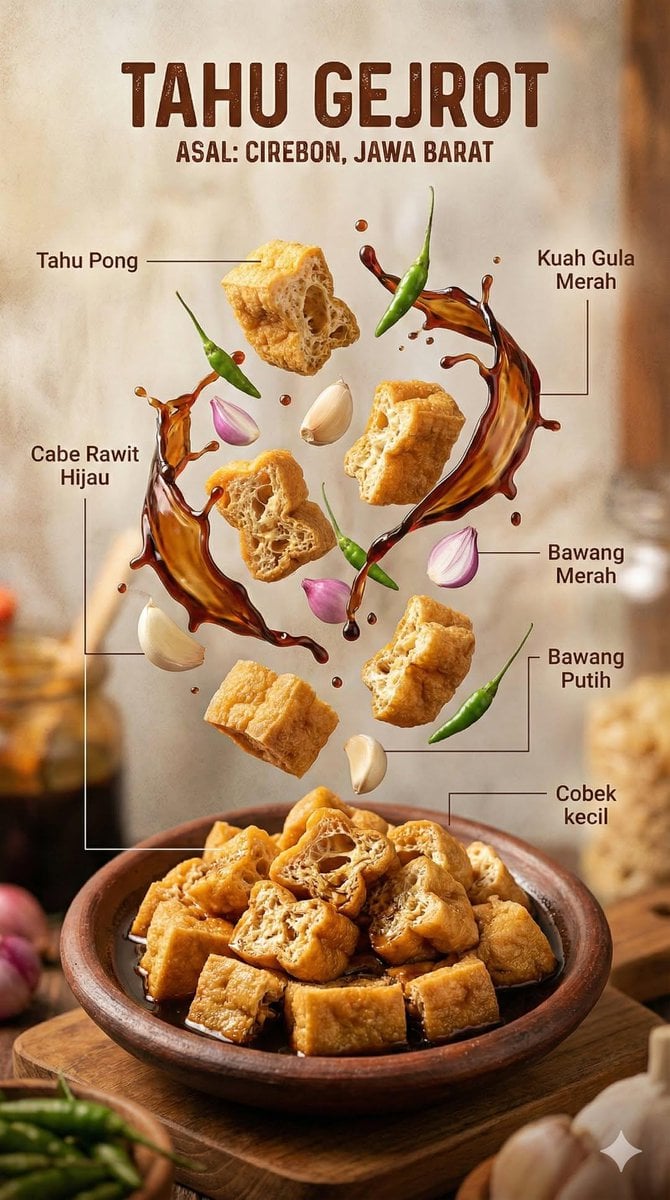
Hyper-realistic Indonesian Food Infographic Prompt
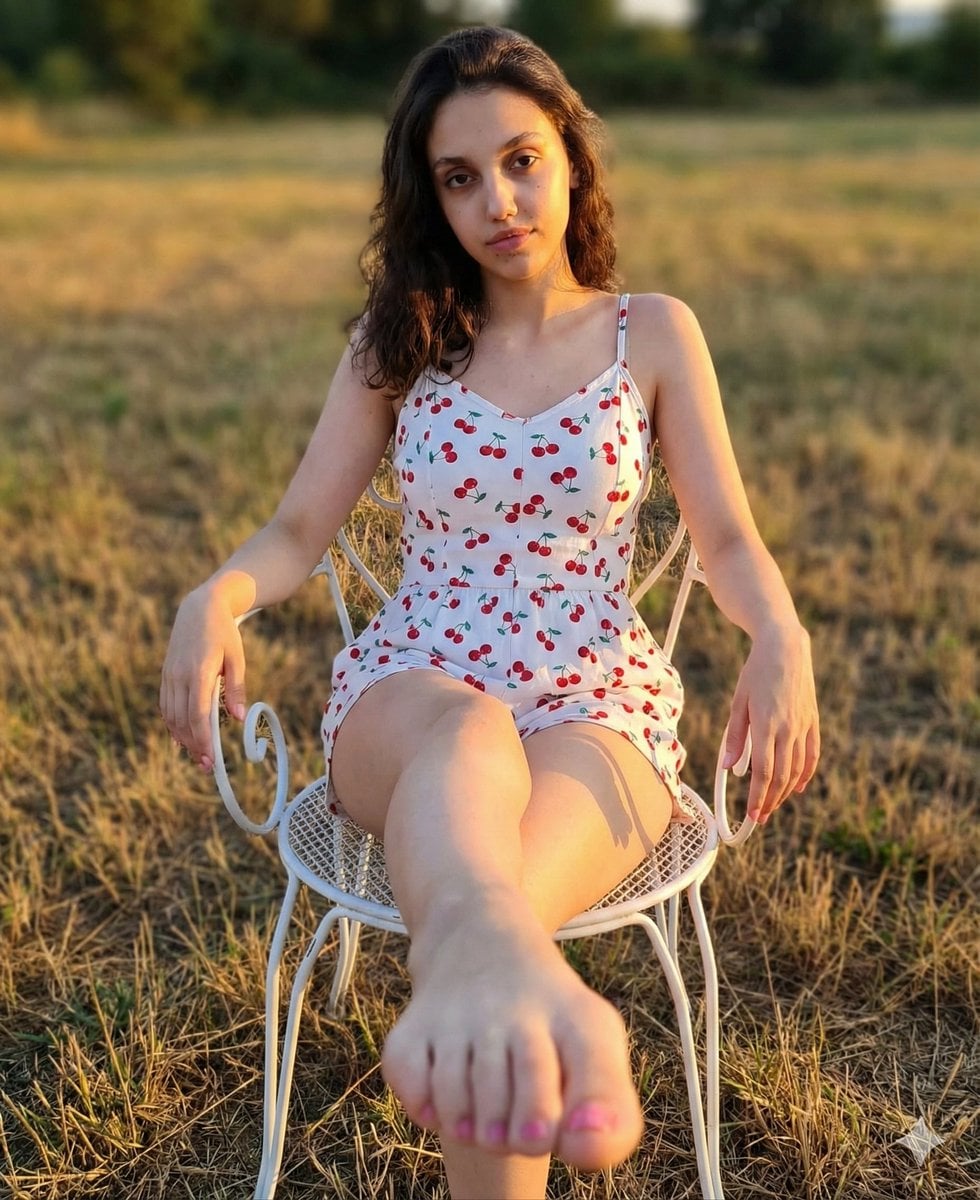
Golden Hour Romper and Bare Foot Prompt
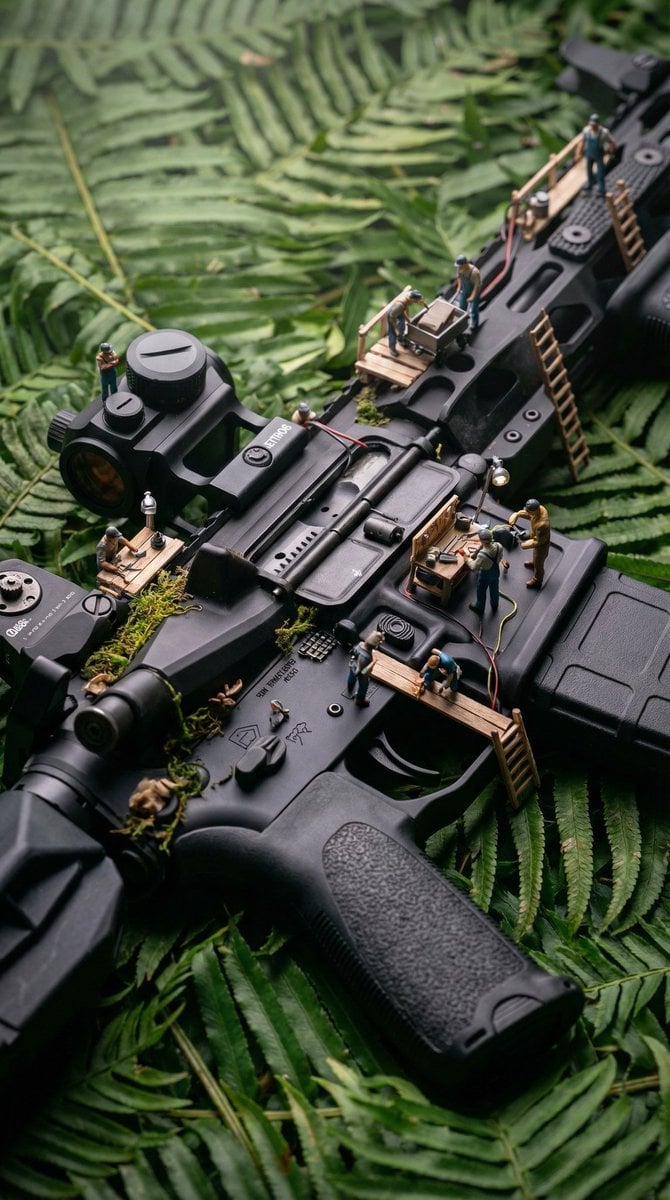
Object-Based Miniature Surreal Ecosystem
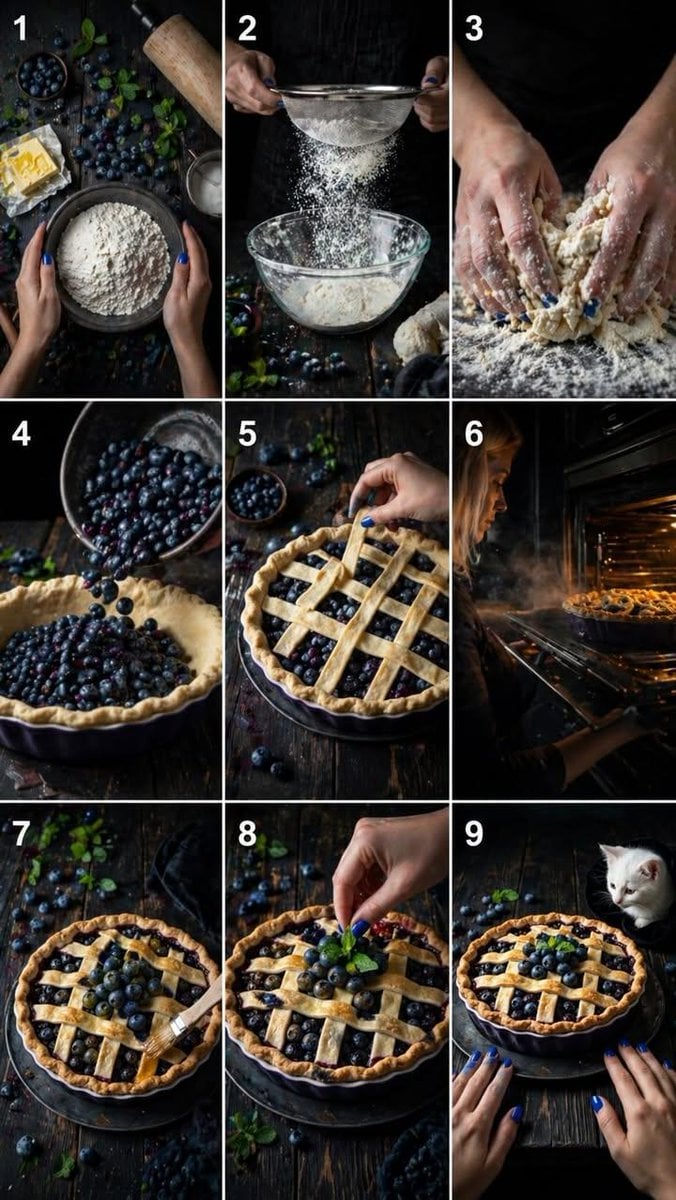
Step Rustic Blueberry Pie Collage
Browse template categories
Lakeside Portrait Identity Swap questions
How do I use the Lakeside Portrait Identity Swap template?
Add your photo if the template asks for one, edit the prompt if you like — the template's model and format are already selected — and press Generate. Your version opens in PicX Studio.
Can I customize the Lakeside Portrait Identity Swap template?
Yes. You can change the subject, setting, lighting, mood, format, and available model controls before creating your image.
Is the Lakeside Portrait Identity Swap template free?
Opening and editing this template is free. Generating uses credits, shown on the Generate button when you are signed in.
Which AI model should I use?
Start with Nano Banana 2, which is the model associated with this template. You can compare another compatible model for a different finish.
Looking for something else? Browse all templates.

Your photo, any look
Thousands of ready templates for every top image and video model, from one credit balance.