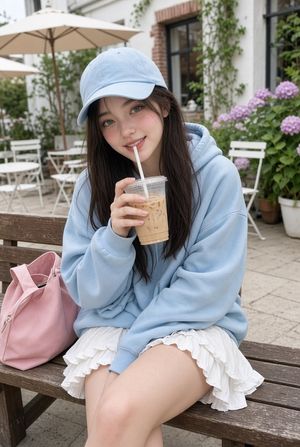
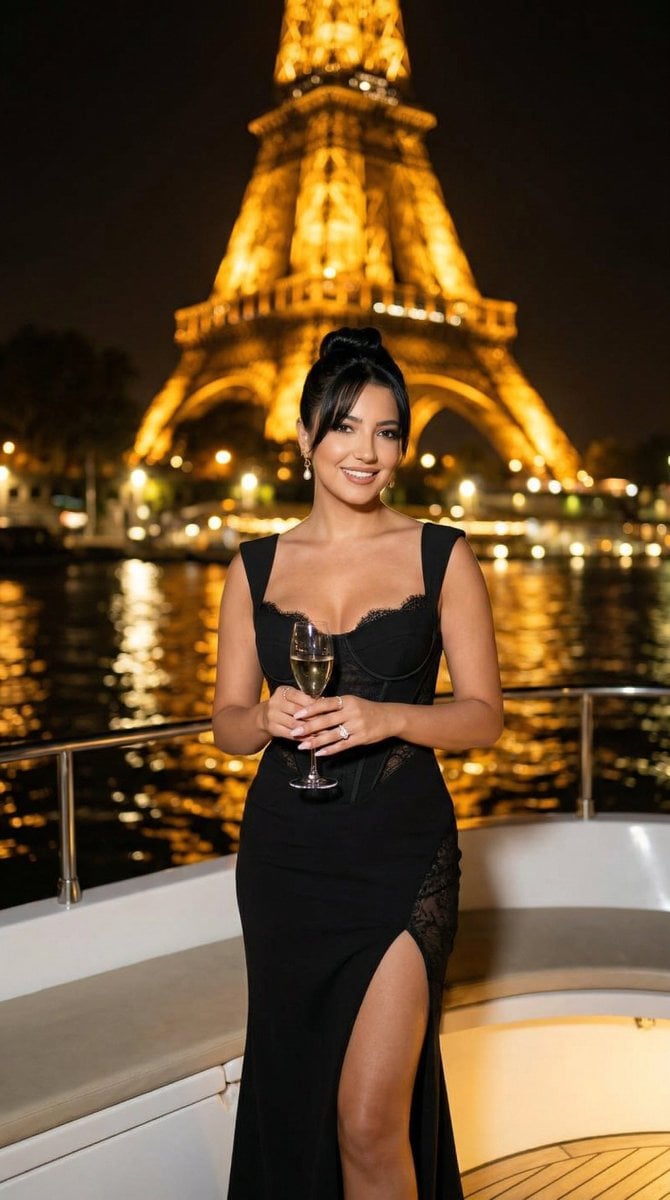
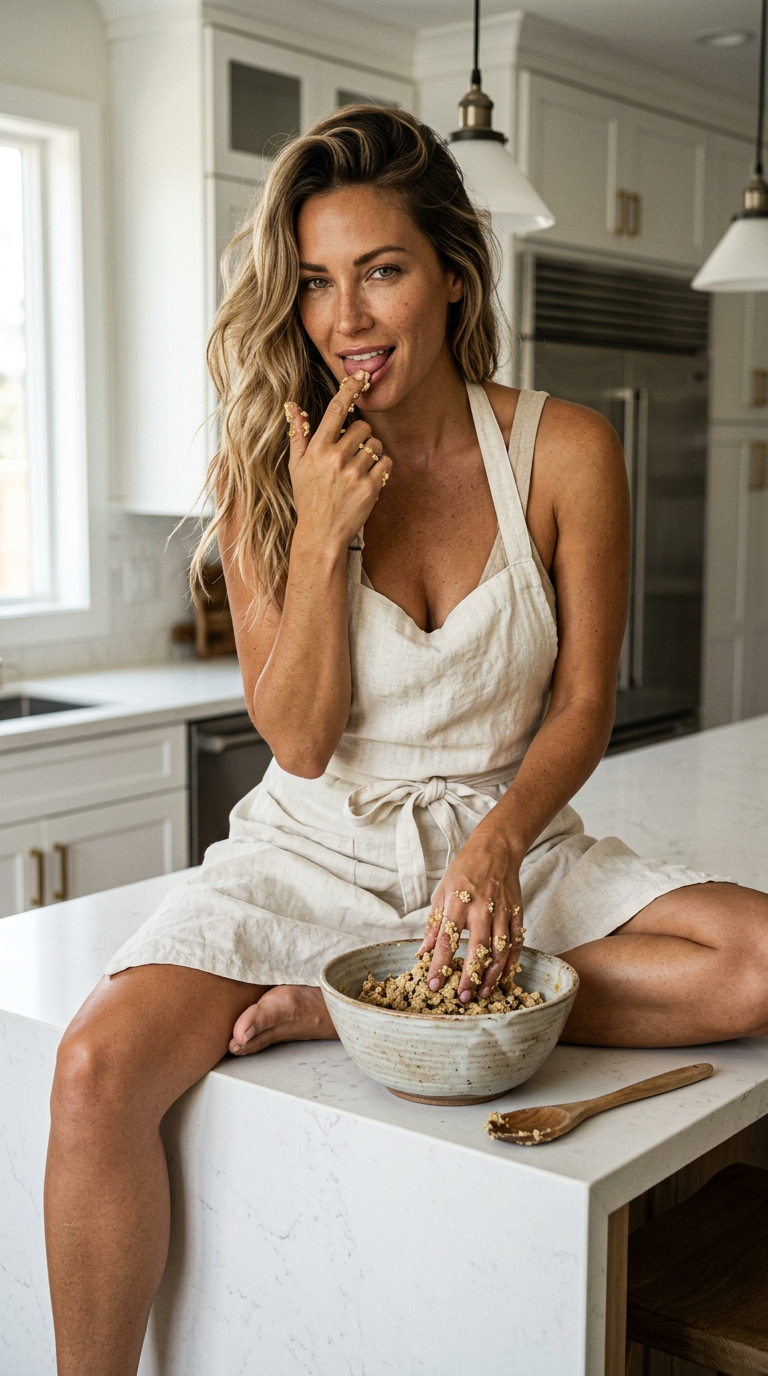
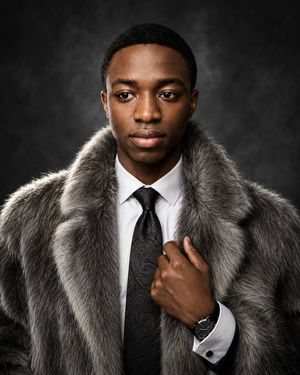
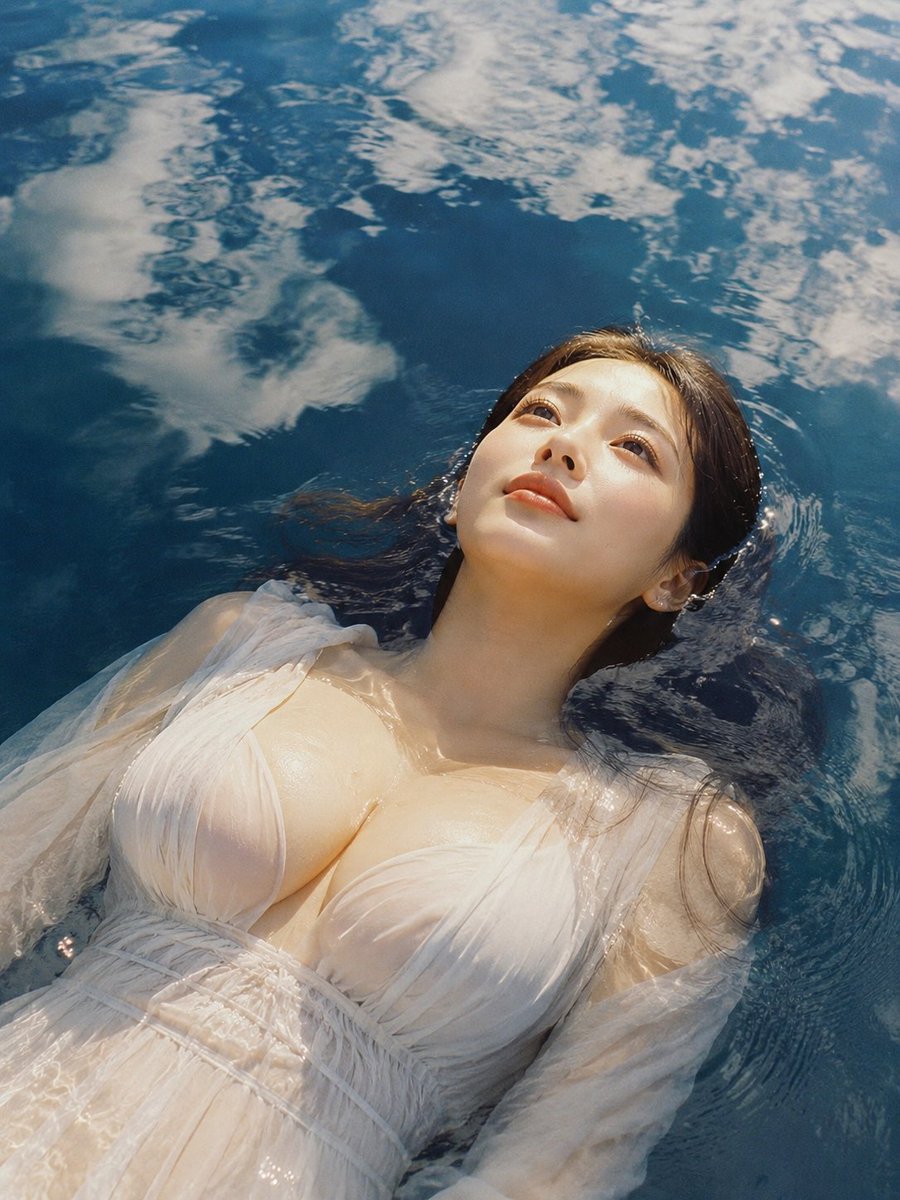
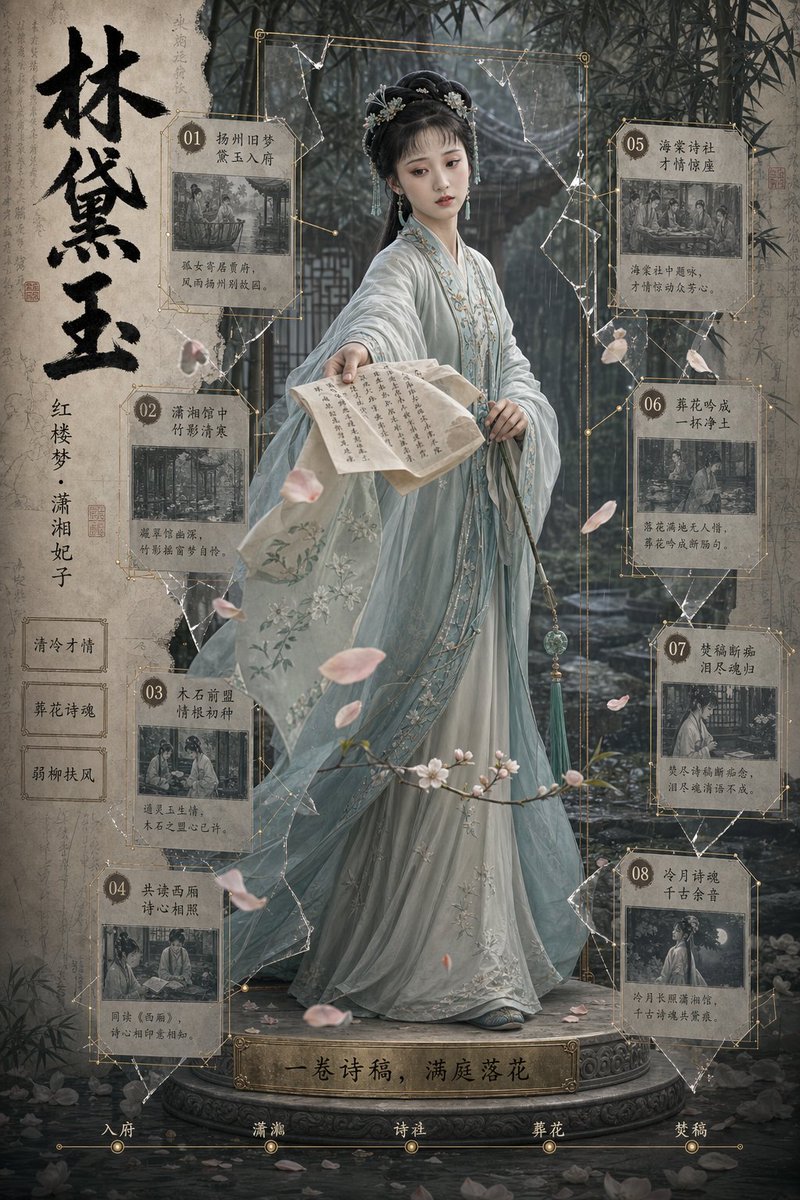
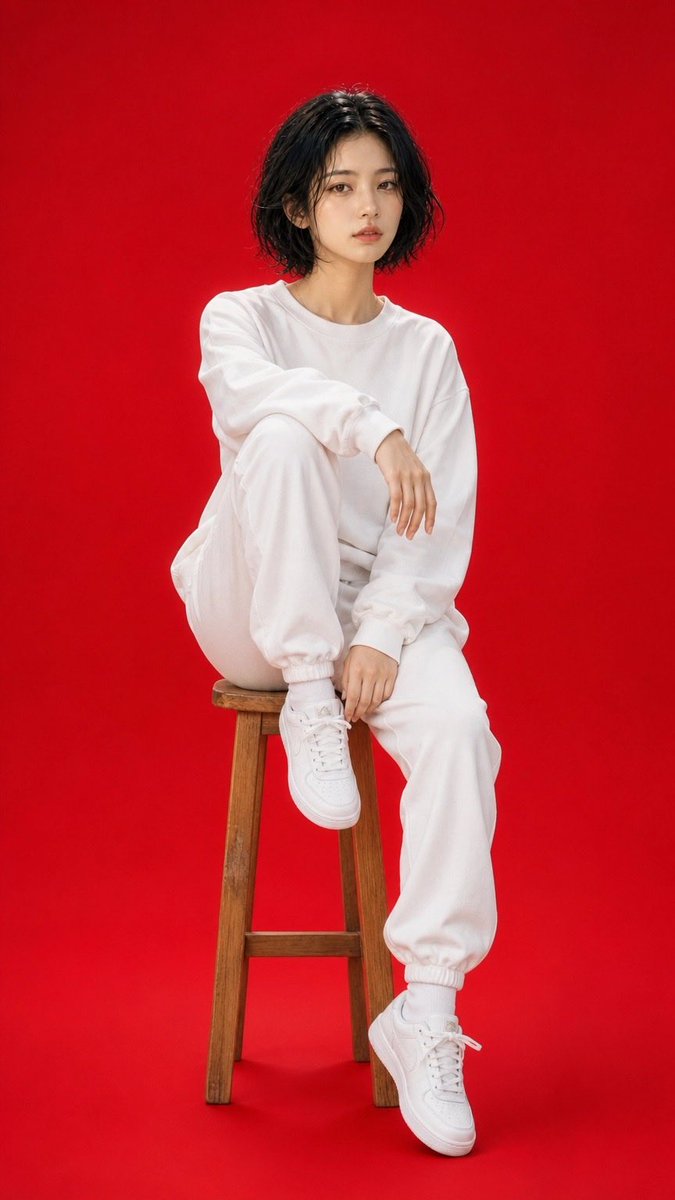
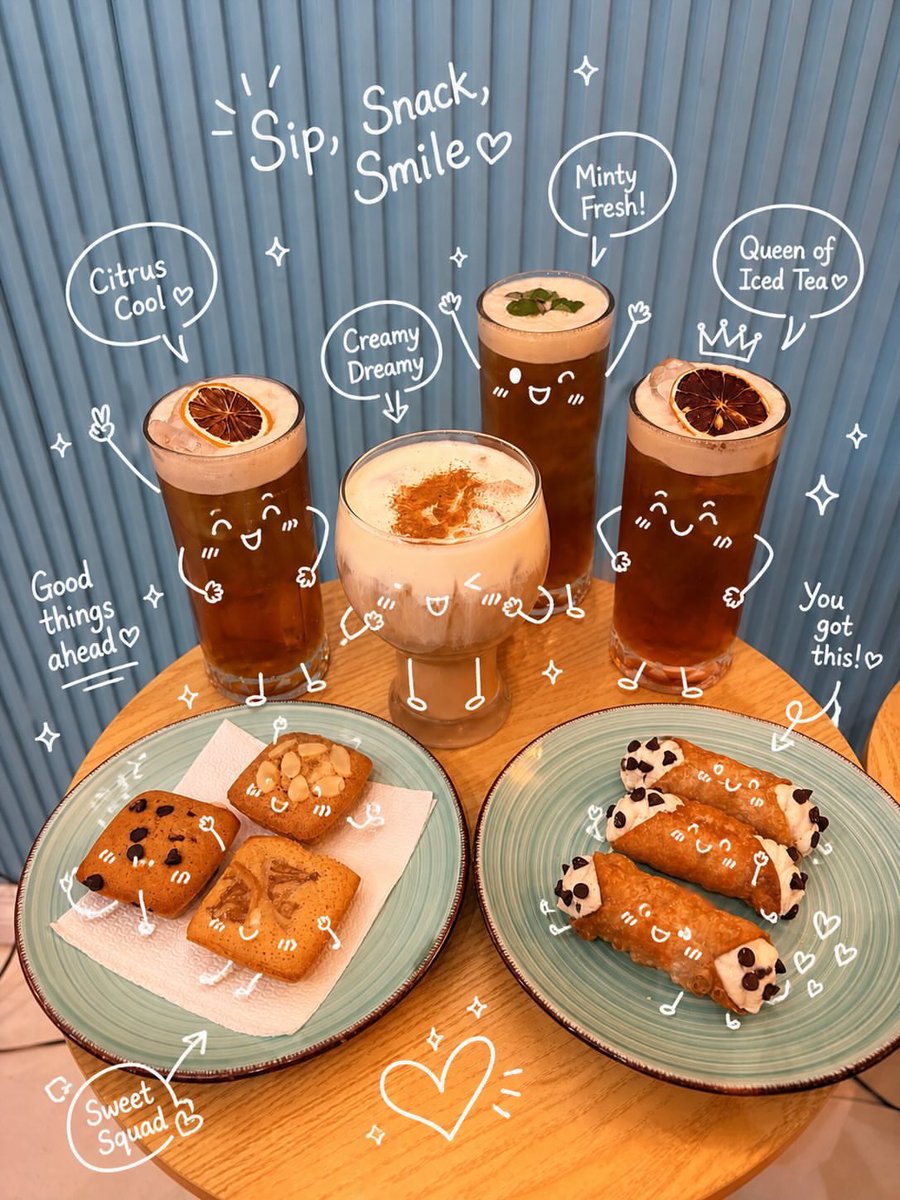
How do I use the Luxury Lifestyle Editorial Cafe Portrait template?
Choose the primary action to open PicX Studio with the available template settings. Review the model and format, personalize the creative direction, and generate when ready.
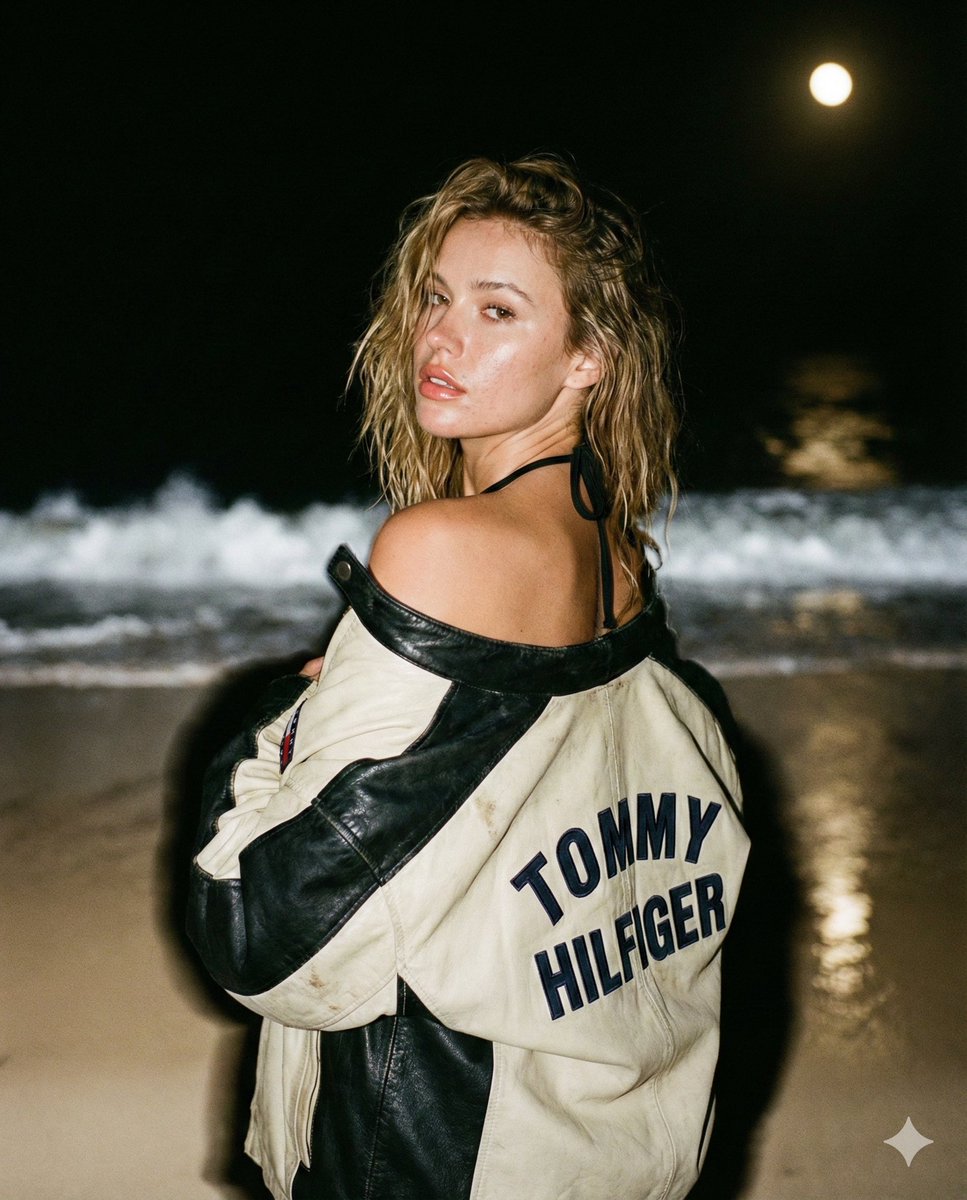
A complex JSON prompt for a luxury lifestyle portrait featuring a high-end cafe environment, premium fashion items, and soft natural lighting.
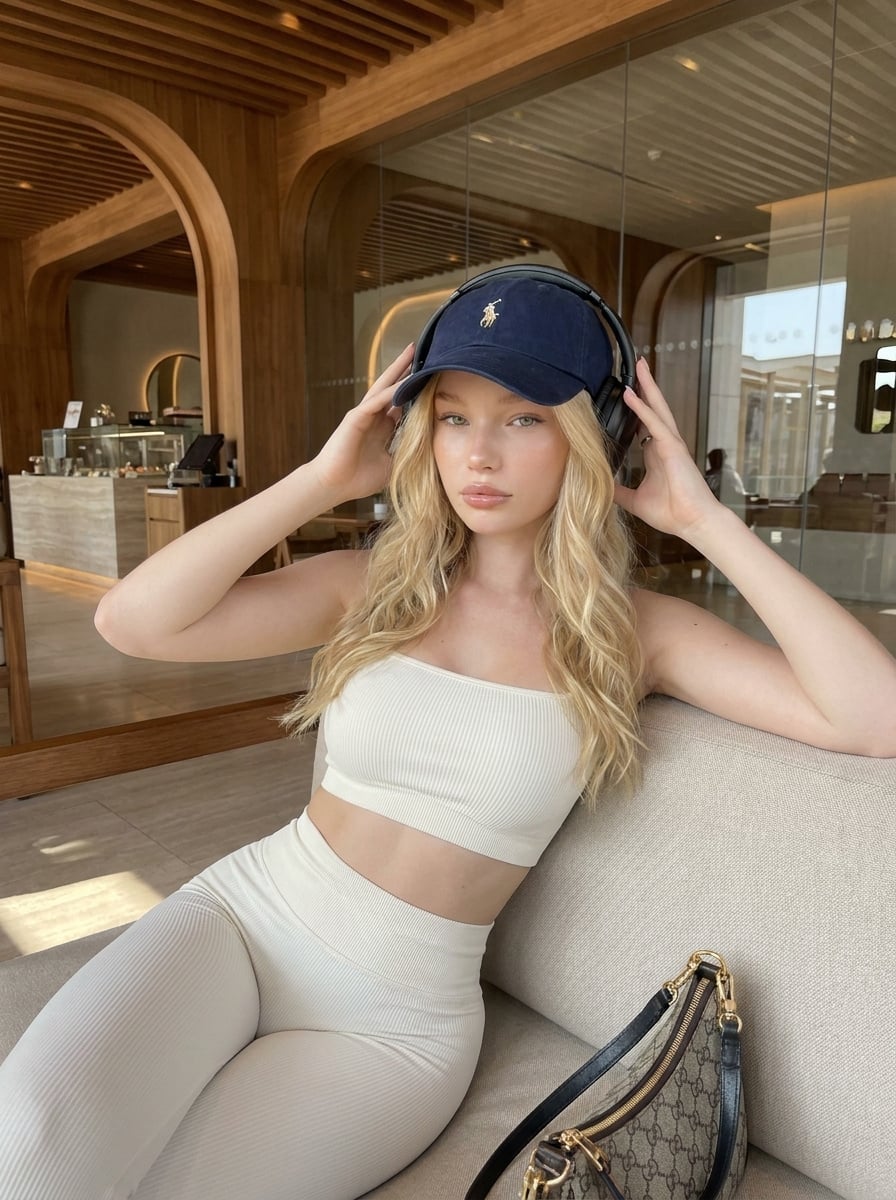
{ "prompt": "Ultra-realistic luxury lifestyle portrait of a {argument name="subject" default="beautiful young woman with long wavy platinum-blonde hair"}, fair luminous skin, light green eyes, and soft natural glam makeup. She is seated elegantly on a cream-colored designer sofa inside an upscale modern café with warm wooden architecture, curved archways, floor-to-ceiling glass walls, and sophisticated interior design. She wears a {argument name="outfit" default="fitted ivory ribbed athleisure set"} consisting of a one-shoulder crop top and high-waisted leggings that create a sleek minimalist silhouette. A navy luxury baseball cap and premium black over-ear wireless headphones complete the look. Her hands gently rest on both sides of the headphones while maintaining calm direct eye contact with the camera. A {argument name="accessory" default="designer monogram shoulder bag"} with gold hardware sits beside her on the sofa. Natural daylight streams through the café, creating soft highlights, realistic shadows, and warm reflections on the wood surfaces. The atmosphere feels luxurious, relaxed, modern, and effortlessly stylish. Quiet luxury aesthetic, fashion influencer lifestyle, premium travel content, editorial photography, photorealistic skin texture, detailed hair strands, realistic fabric texture, luxury resort café ambiance, magazine-quality image.", "negative_prompt": "low quality, blurry, pixelated, bad anatomy, extra fingers, extra limbs, deformed hands, distorted face, crossed eyes, asymmetrical features, duplicate objects, unrealistic proportions, cartoon, anime, CGI, 3D render, plastic skin, oversaturated colors, harsh shadows, overexposed highlights, noisy image, grainy texture, watermark, logo, text, poor composition, low resolution, messy background, unnatural pose", "style": { "genre": "luxury lifestyle editorial", "mood": "calm, sophisticated, elegant, premium", "lighting": "soft natural daylight", "color_palette": "warm wood tones, ivory, beige, cream, navy blue, soft gold accents", "aesthetic": "quiet luxury, modern café fashion, travel influencer, editorial portrait" }, "camera": { "camera_model": "Sony A7R V", "lens": "85mm f/1.4 GM", "aperture": "f/1.8", "iso": 100, "shutter_speed": "1/250s", "white_balance": "natural daylight", "focus": "sharp focus on eyes and face", "depth_of_field": "shallow", "composition": "vertical portrait, centered subject, luxury lifestyle framing" }, "environment": { "location": "luxury modern café", "interior": "curved wooden architecture, glass walls, designer furniture, warm ambient tones", "props": [ "designer handbag", "wireless headphones", "baseball cap", "cream sofa" ] }, "quality_tags": [ "photorealistic", "ultra detailed", "8k", "HDR", "realistic skin texture", "luxury editorial", "professional fashion photography", "cinematic" ] }
Choose the primary action to open PicX Studio with the available template settings. Review the model and format, personalize the creative direction, and generate when ready.
Yes. You can change the subject, setting, lighting, mood, format, and available model controls before creating your image.
This template is free to open and customize. Generation usage is shown in PicX Studio before you create.
Start with Nano Banana 2, which is the model associated with this template. You can compare another compatible model for a different finish.
Follow a topic to a crawlable collection of related PicX Studio templates.