How do I use the Realistic iPhone Selfie in Botanical Garden template?
Choose the primary action to open PicX Studio with the available template settings. Review the model and format, personalize the creative direction, and generate when ready.
A detailed prompt for generating an authentic wide-angle iPhone selfie of a woman sitting on a park bench surrounded by flowers, emphasizing natural textures an
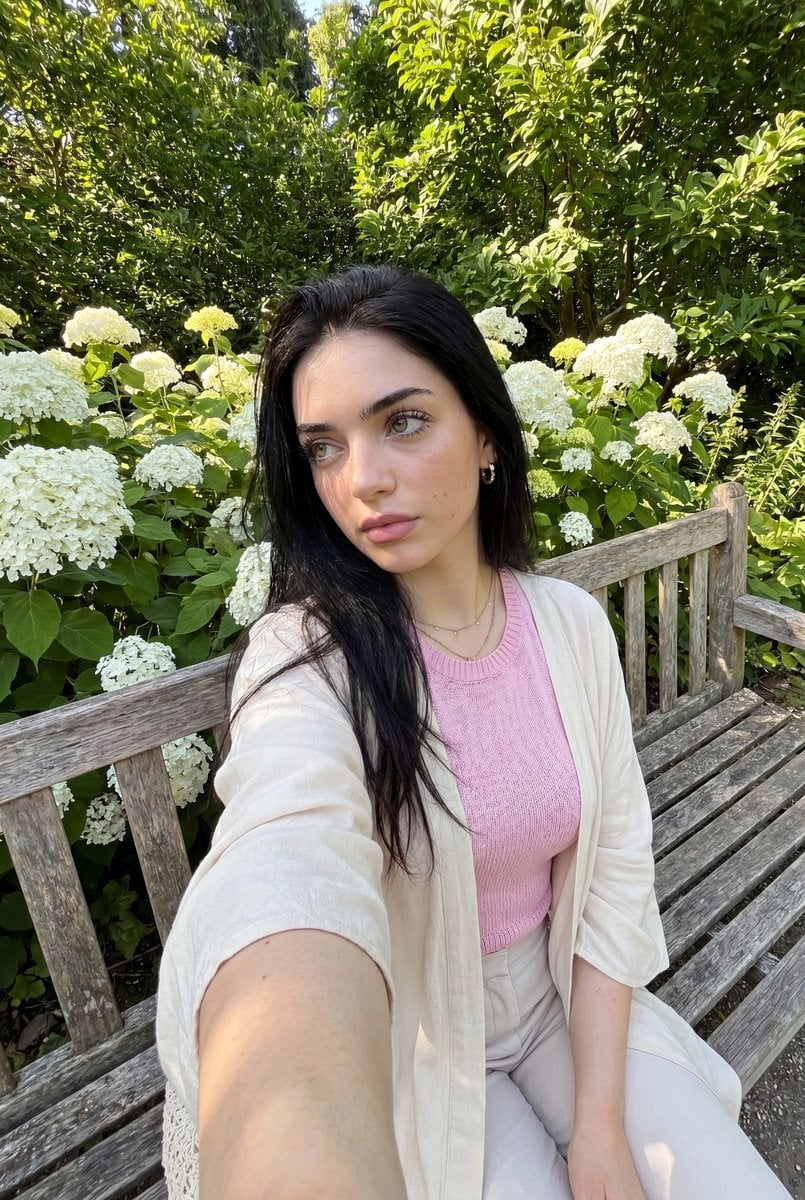
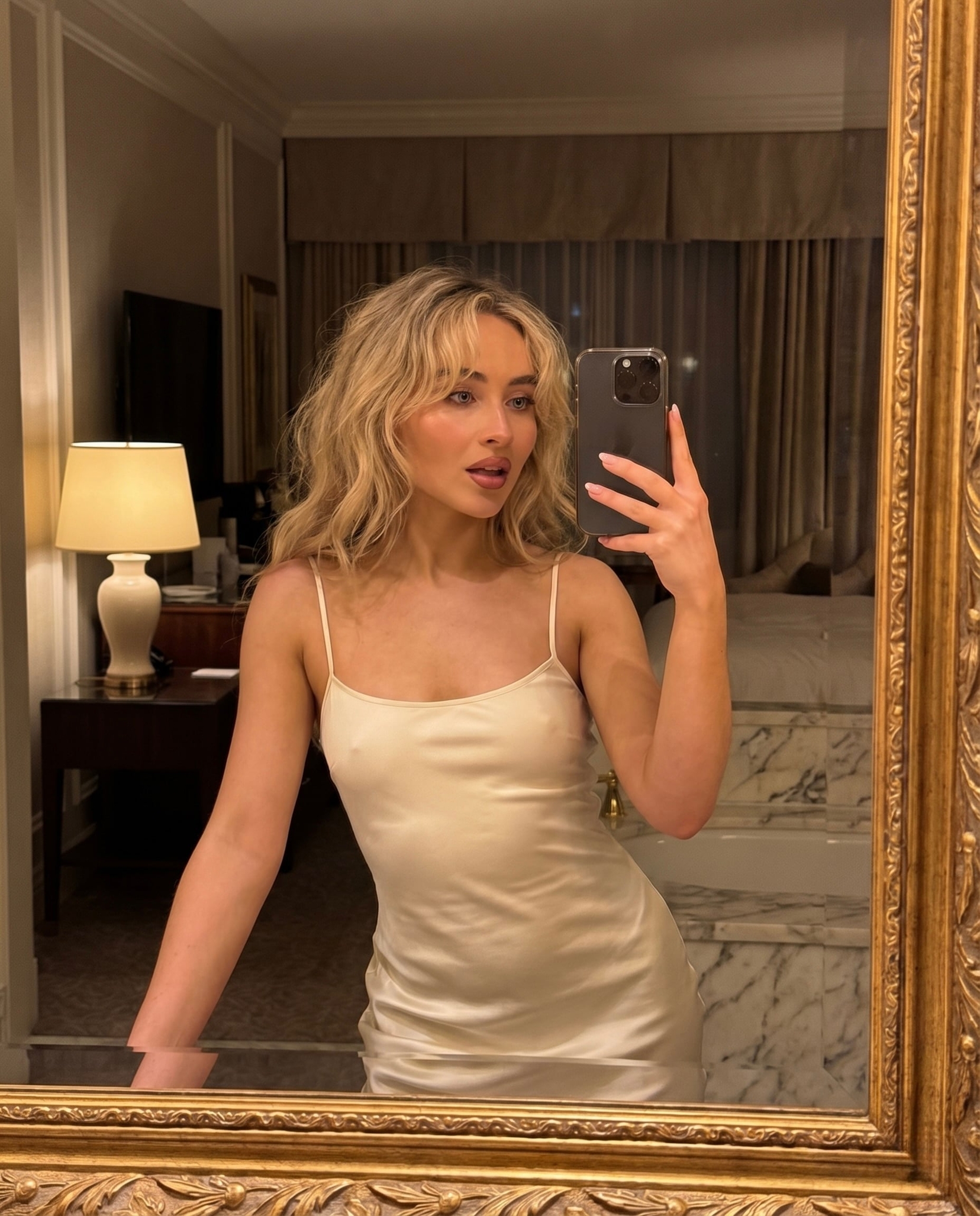
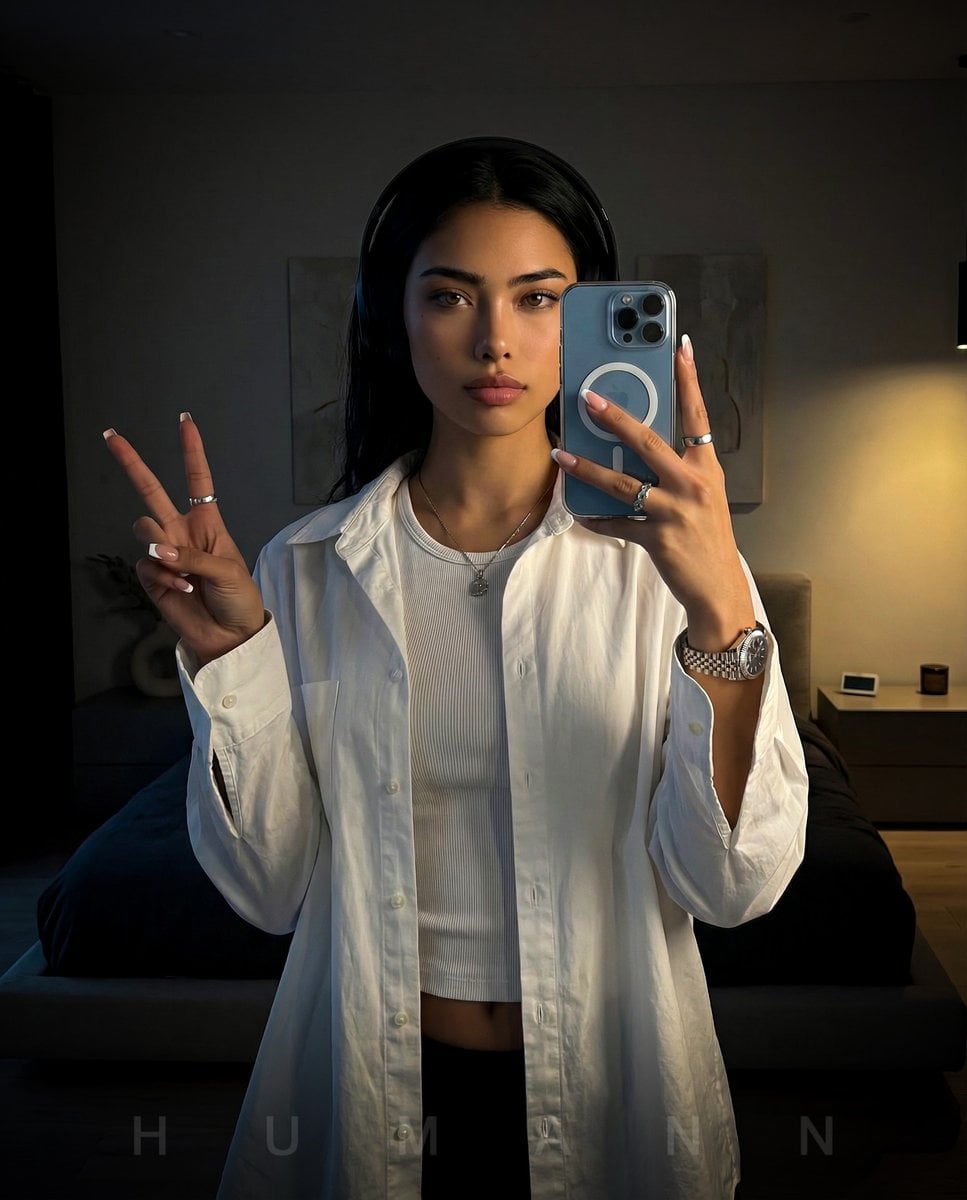
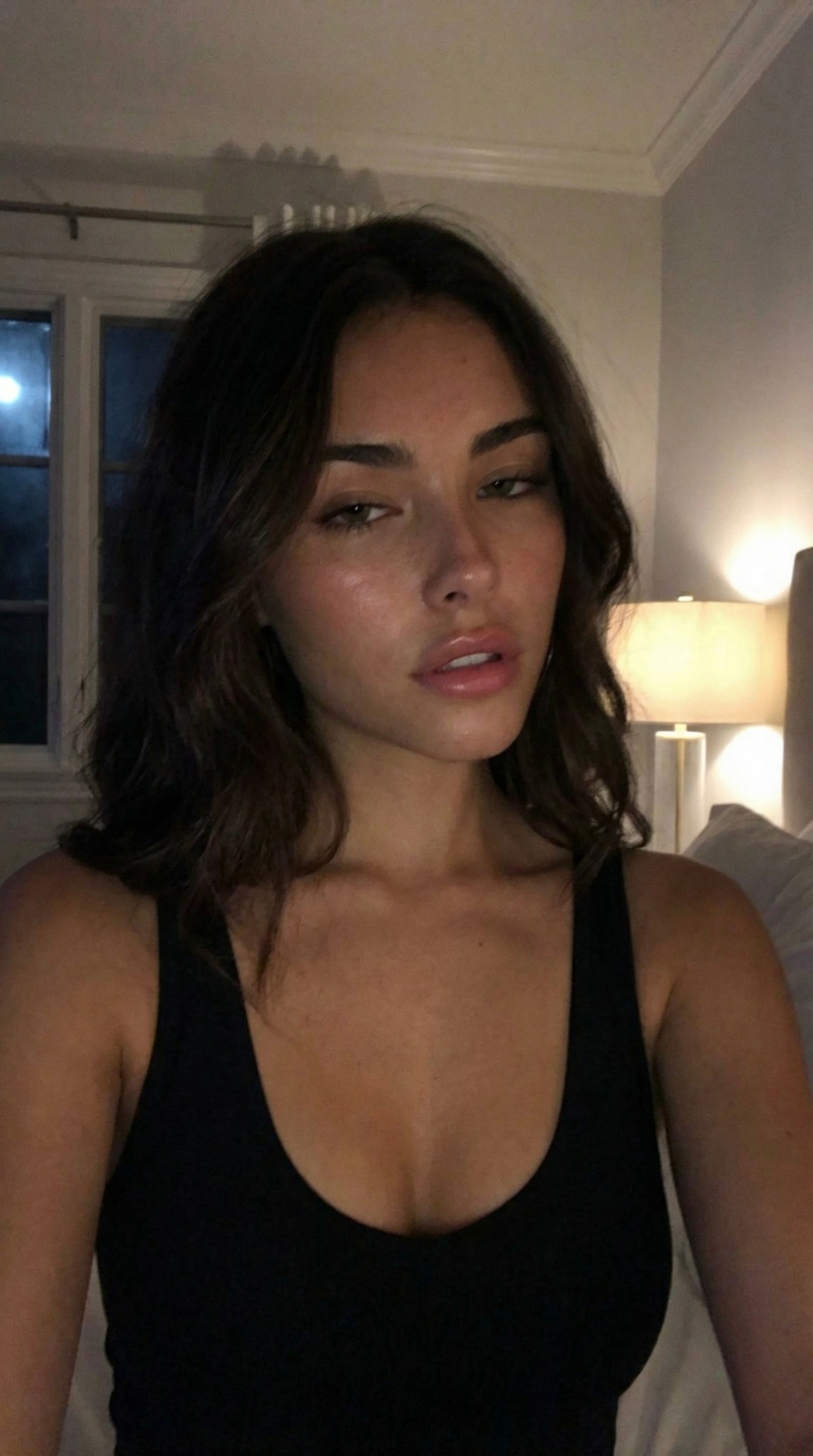
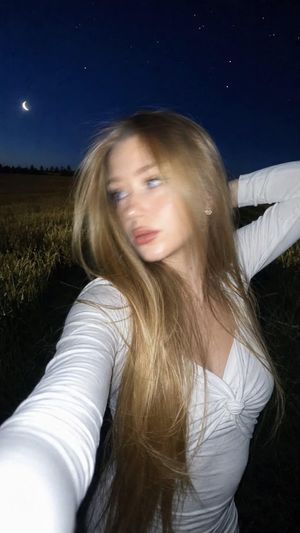
Ultra-realistic iPhone front-camera selfie of the woman in the reference photo, preserving her exact facial features, skin tone, face shape, eyes, lips, and nose. She's seated casually on a {argument name="setting" default="weathered wooden park bench amid dense blooming white flowers and lush greenery in a botanical garden"}. One arm extends toward the camera holding the phone — authentic wide-angle selfie perspective, slight arm distortion, body slightly turned, soft thoughtful expression looking off to the side.Outfit: {argument name="outfit" default="Pastel knit top, flowy cardigan, comfortable trousers"} — light, feminine, Natural loose hair, delicate jewelry, fresh minimal makeup. Technical: {argument name="lighting" default="Bright summer afternoon light"}, realistic outdoor shadows, shallow depth of field, natural skin texture and pores, subtle iPhone HDR, 24mm selfie lens distortion, candid social media aesthetic, 8K realism, no beauty filter, no airbrushing.Maintain exact identity, facial structure, complexion, and proportions — as if she personally took this selfie. Negative: Overprocessed skin, AI face, doll features, excessive smoothing, unrealistic eyes, exaggerated makeup, studio lighting, extra fingers, distorted hands, CGI, heavy grading, oversaturated colors, fake bokeh, perfect symmetry.
Choose the primary action to open PicX Studio with the available template settings. Review the model and format, personalize the creative direction, and generate when ready.
Yes. You can change the subject, setting, lighting, mood, format, and available model controls before creating your image.
This template is free to open and customize. Generation usage is shown in PicX Studio before you create.
Start with Nano Banana 2, which is the model associated with this template. You can compare another compatible model for a different finish.
Follow a topic to a crawlable collection of related PicX Studio templates.