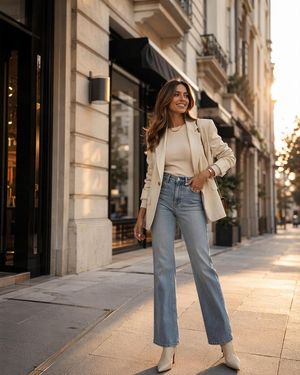
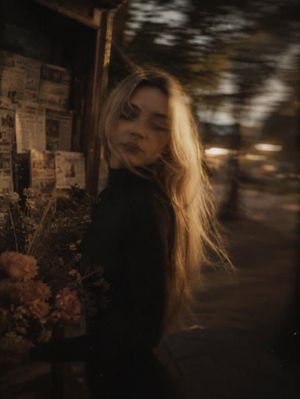
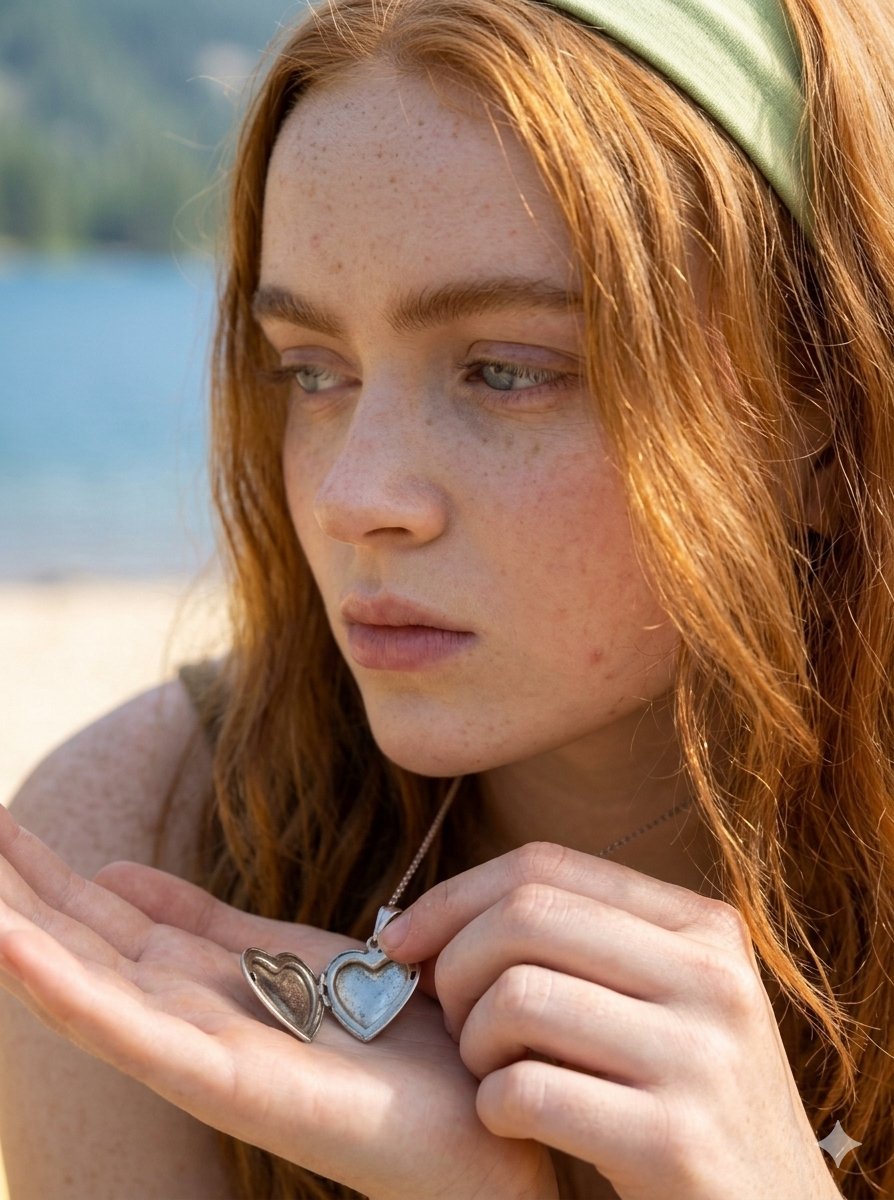
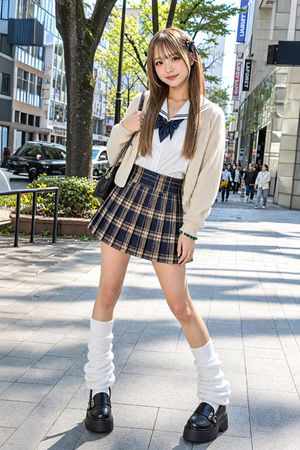
How do I use the High-Fashion Street Photography with Pets template?
Choose the primary action to open PicX Studio with the available template settings. Review the model and format, personalize the creative direction, and generate when ready.
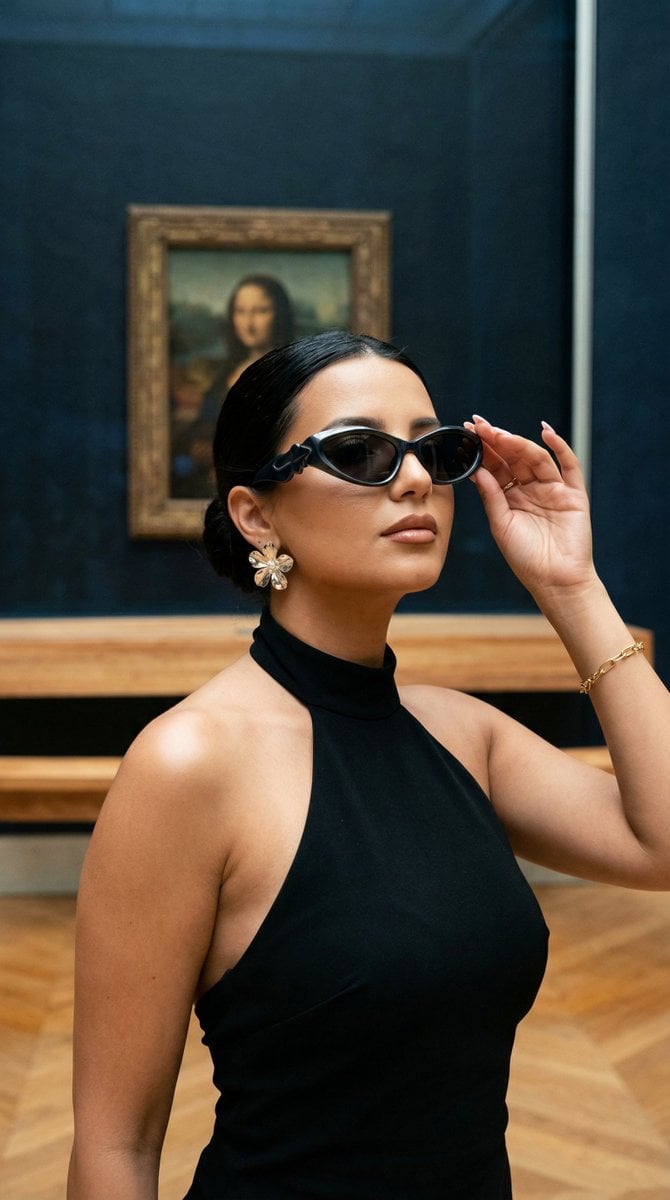
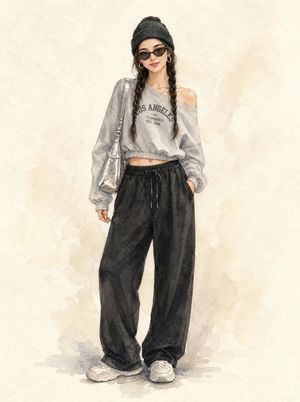
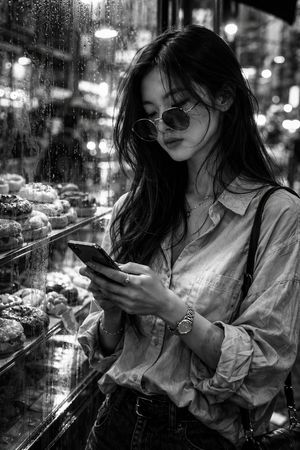
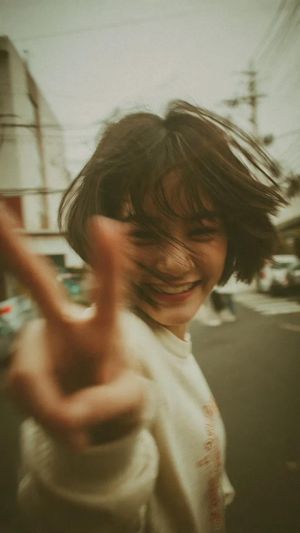
A detailed editorial prompt for a woman posing on a city street at sunset with a dog and cat, all accessorized with sunglasses.
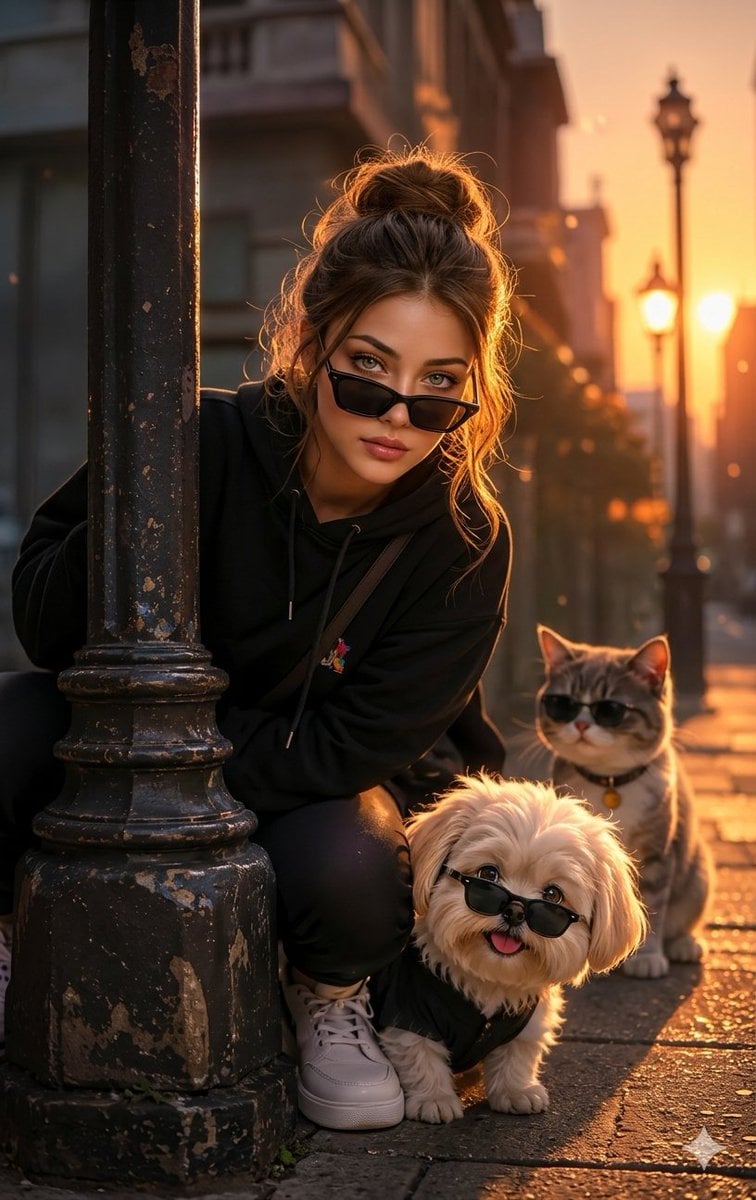
A high-fashion cinematic photo of a {argument name="subject" default="stylish young South Asian woman"} crouching next to an old vintage street lamppost on a city sidewalk. She is wearing a black oversized hoodie, dark pants, and trendy black sunglasses pulled slightly down her nose, looking directly into the camera with a confident expression. Next to her is a {argument name="pet 1" default="fluffy little white Shih Tzu dog"} and a {argument name="pet 2" default="grey tabby cat"} sitting right behind it. Both the dog and cat are also wearing matching black sunglasses. The scene is bathed in a warm, golden hour sunset glow, creating beautiful rim lighting on her hair. High-end editorial photography, 8k resolution, photorealistic, sharp focus, shallow depth of field. Editorial fashion photography of a chic young woman posing on a modern city street at sunset. She is wearing a premium black streetwear hoodie and stylish sunglasses. Crouching beside her are a cute small fluffy dog and a sleek cat, both accessorized with miniature black sunglasses. The background features blurred glowing streetlights and modern architecture during the golden hour. Warm orange and golden light casting soft shadows, cinematic lighting, ultra-realistic texture, 35mm lens, fashion trend style.
Choose the primary action to open PicX Studio with the available template settings. Review the model and format, personalize the creative direction, and generate when ready.
Yes. You can change the subject, setting, lighting, mood, format, and available model controls before creating your image.
This template is free to open and customize. Generation usage is shown in PicX Studio before you create.
Start with Nano Banana 2, which is the model associated with this template. You can compare another compatible model for a different finish.
Follow a topic to a crawlable collection of related PicX Studio templates.