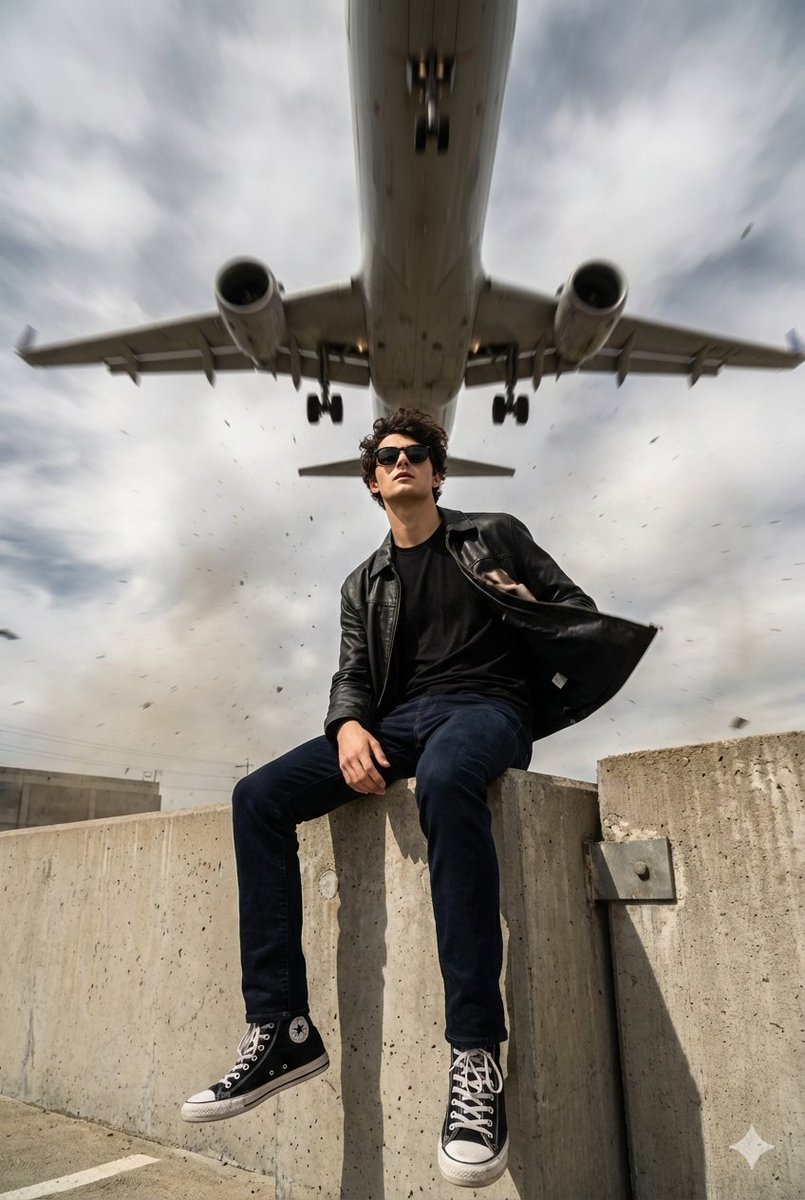
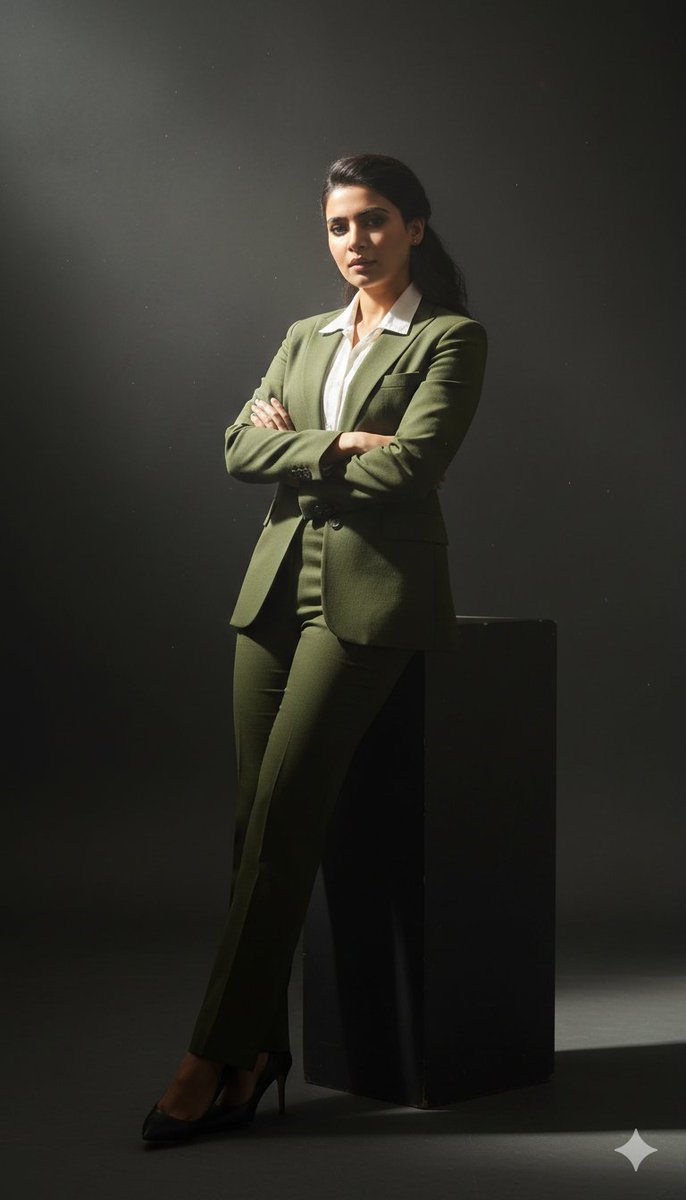
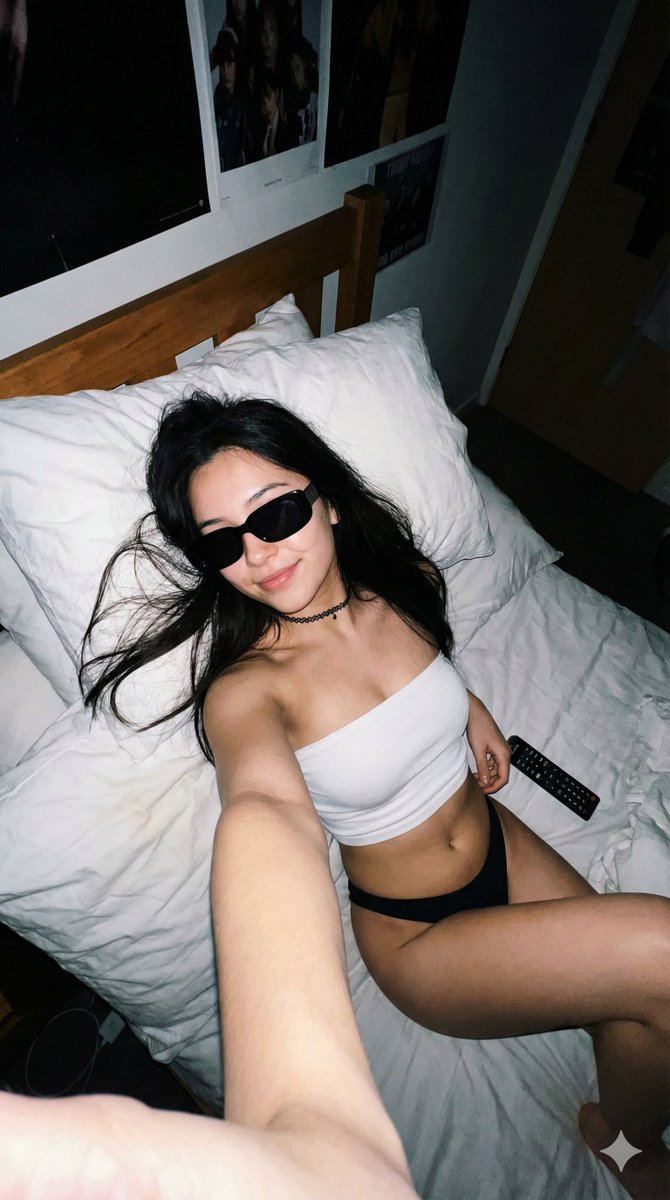
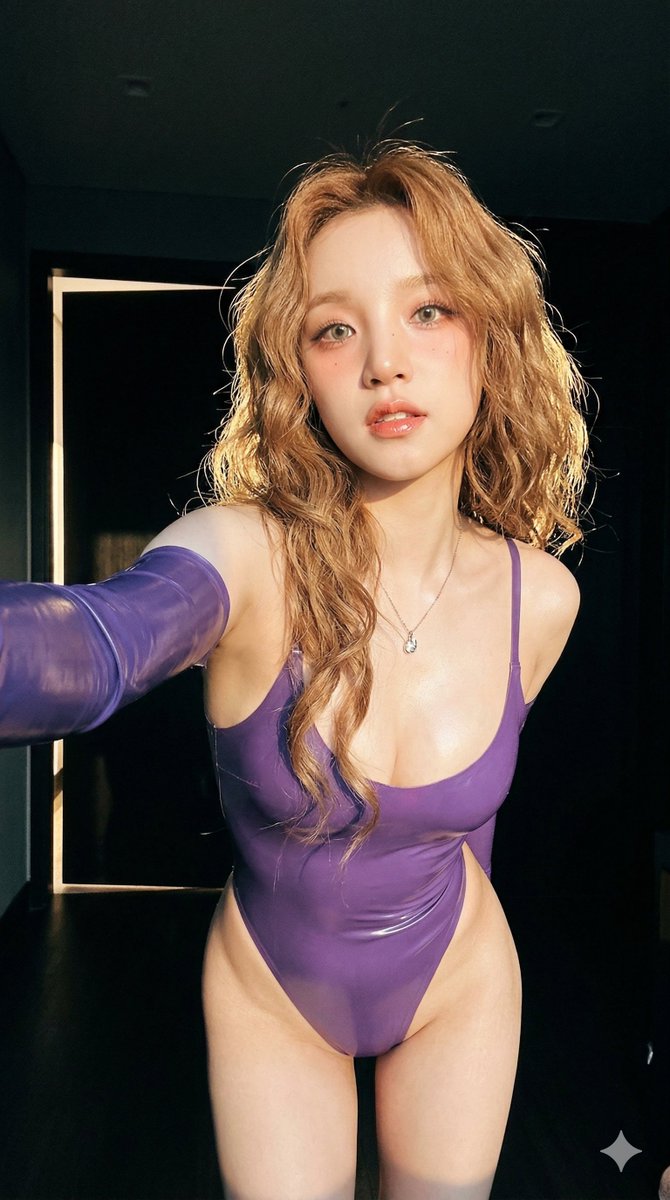
How do I use the Cinematic Street Photography with Face Reference template?
Choose the primary action to open PicX Studio with the available template settings. Review the model and format, personalize the creative direction, and generate when ready.
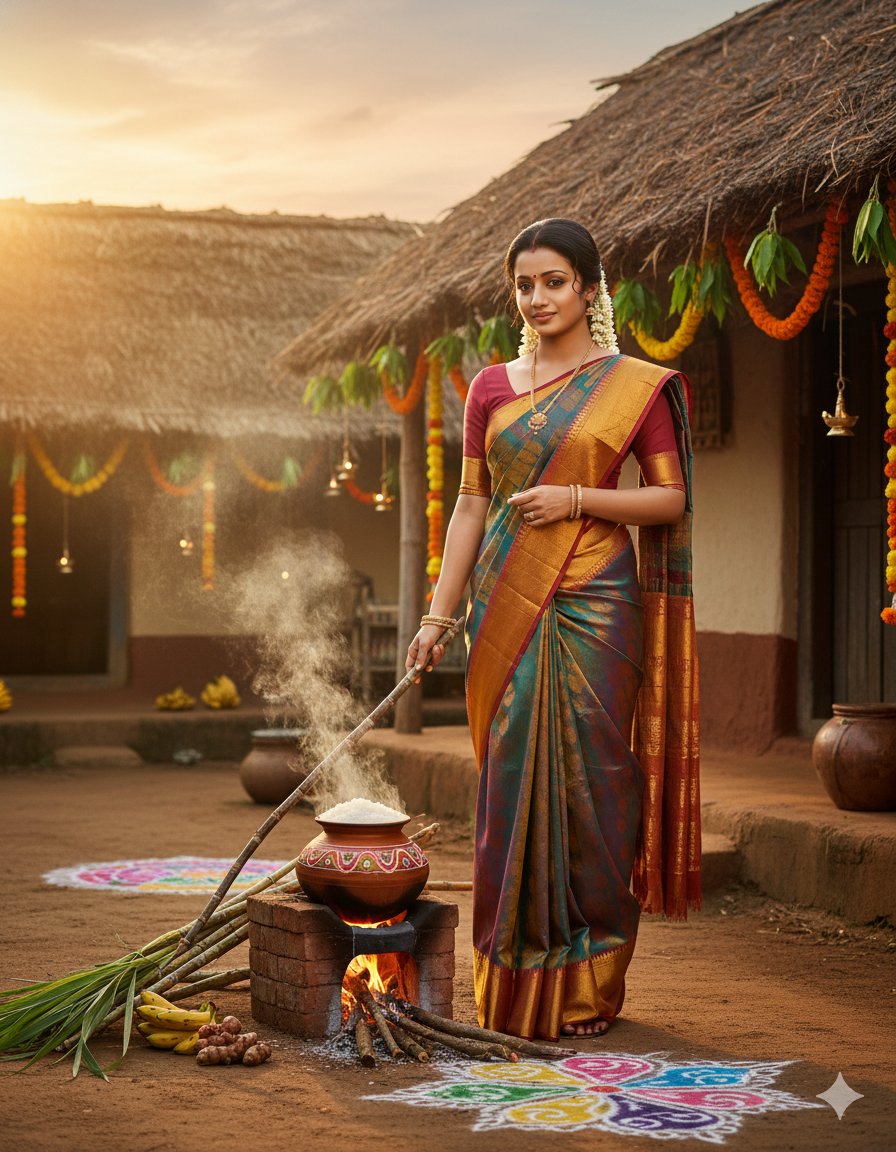
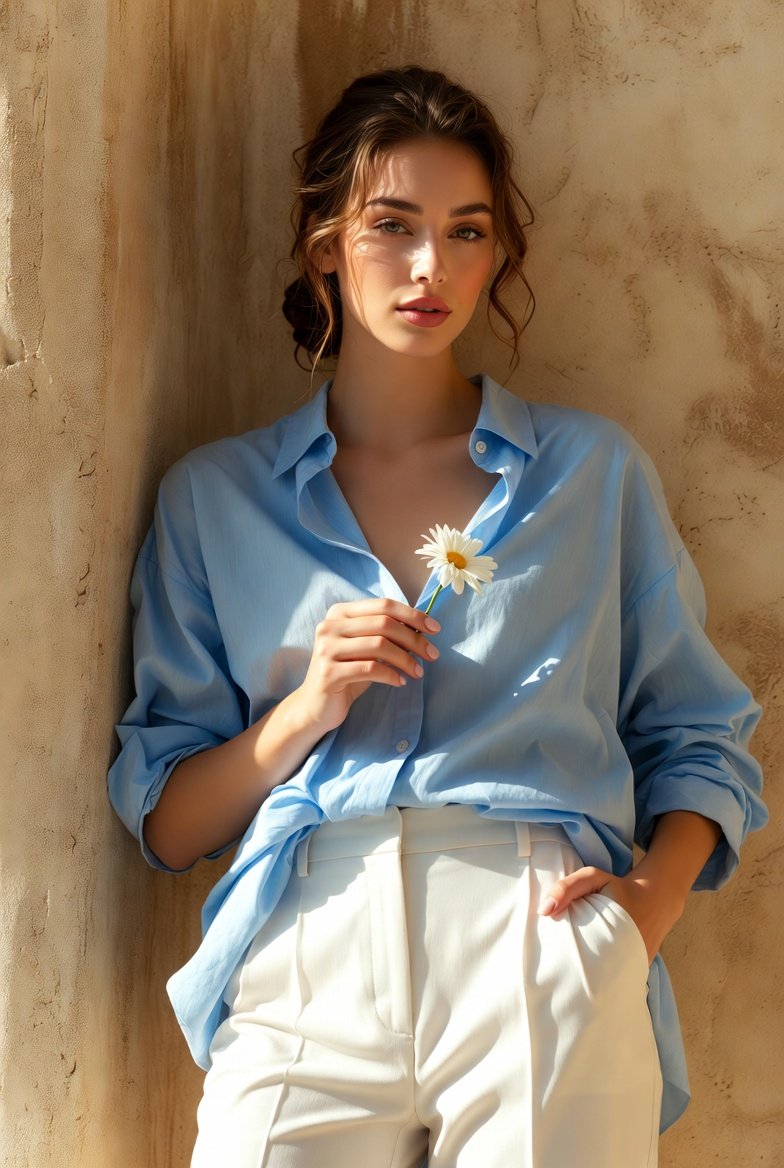
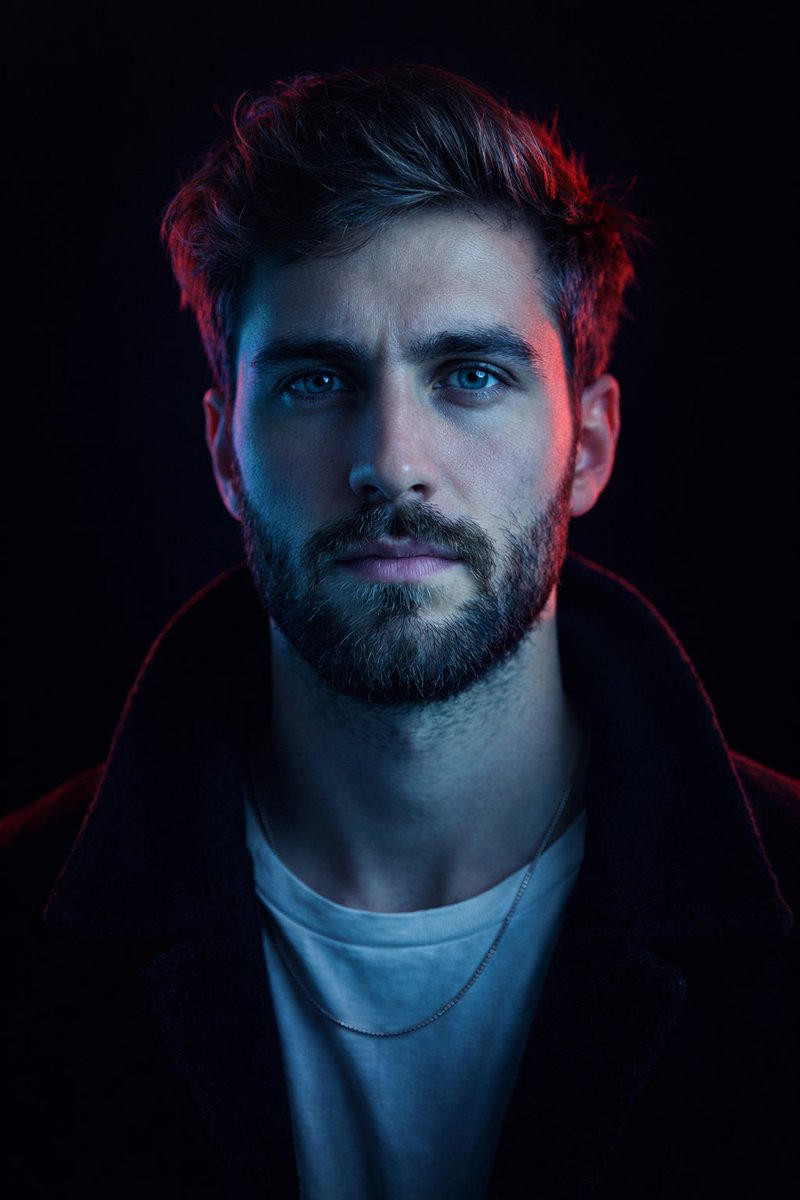
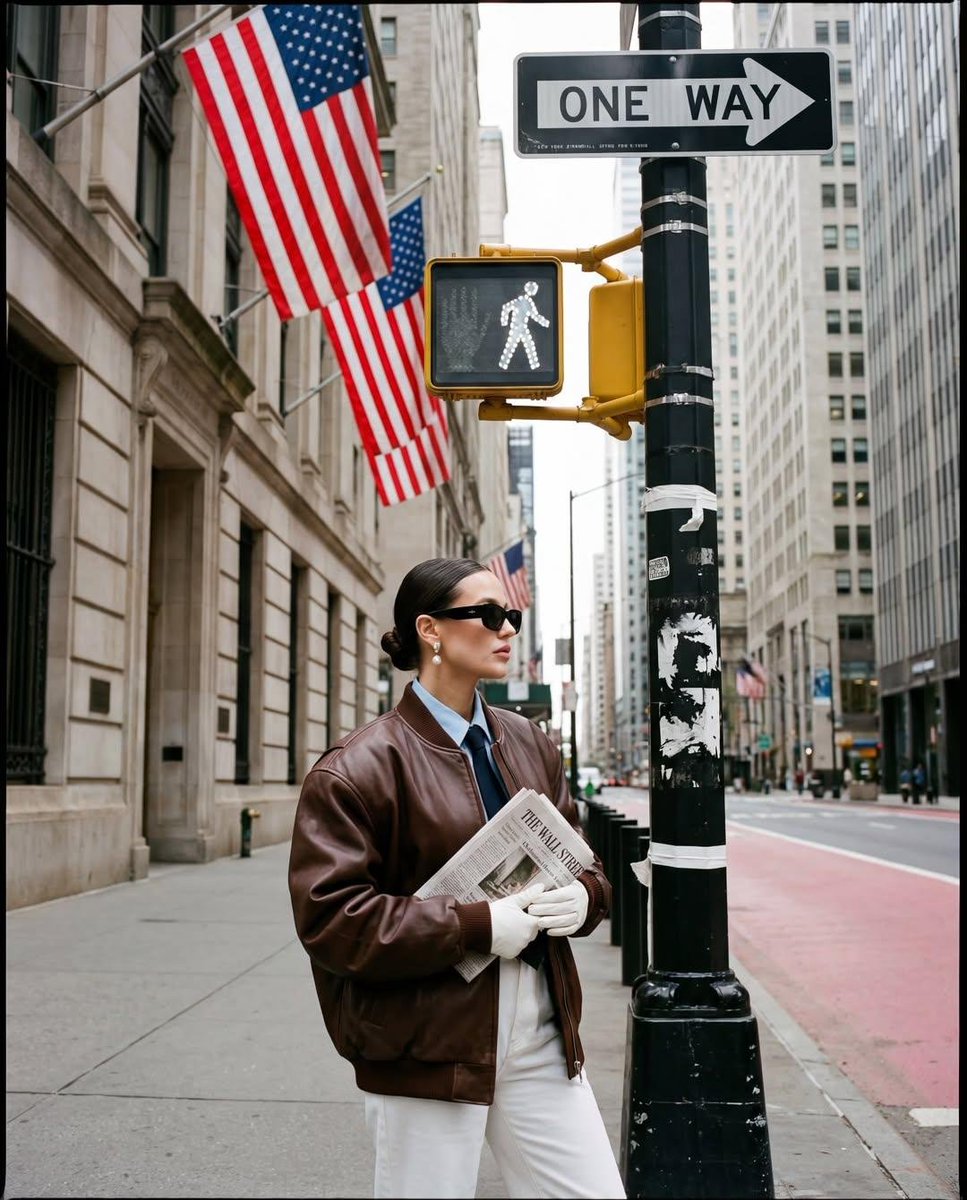
A complex identity-preserving prompt for generating a cinematic sunset scene on a European street with a subject and stylish pets.
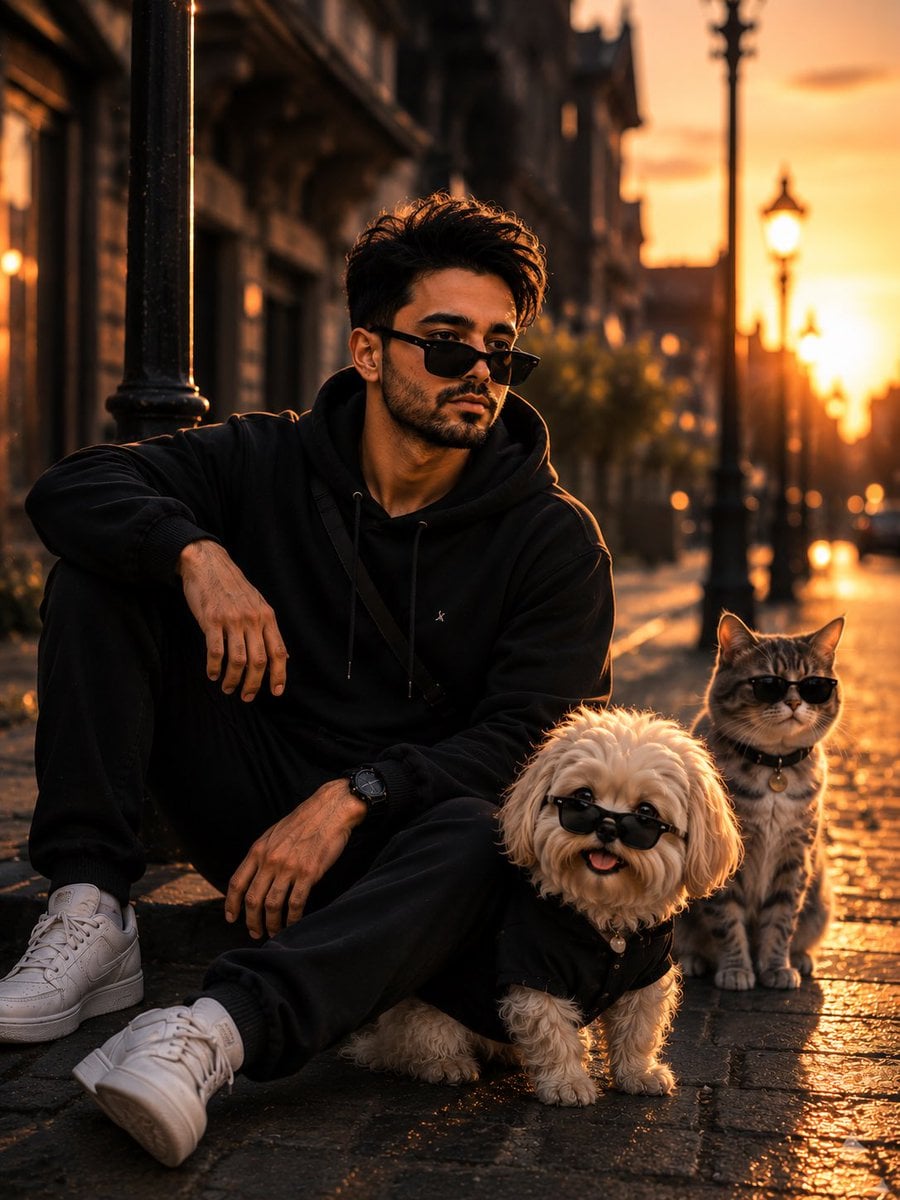
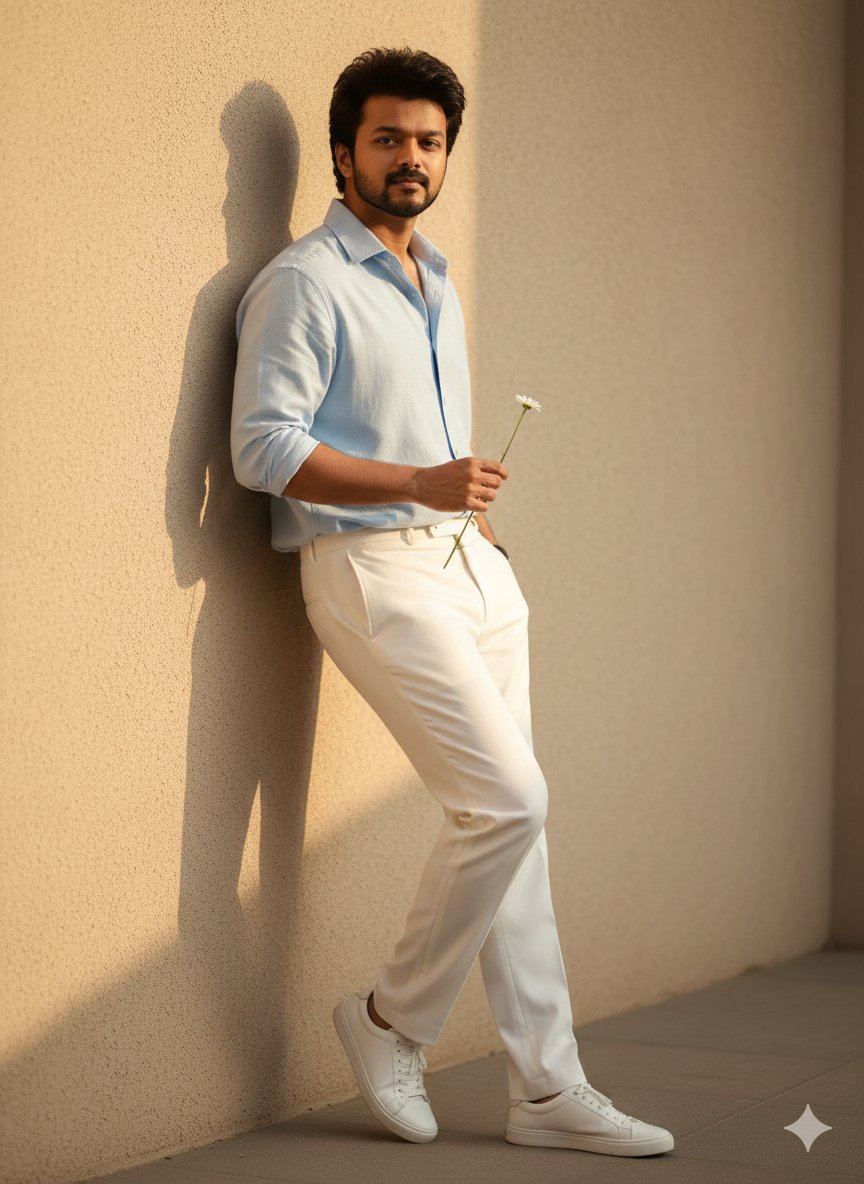
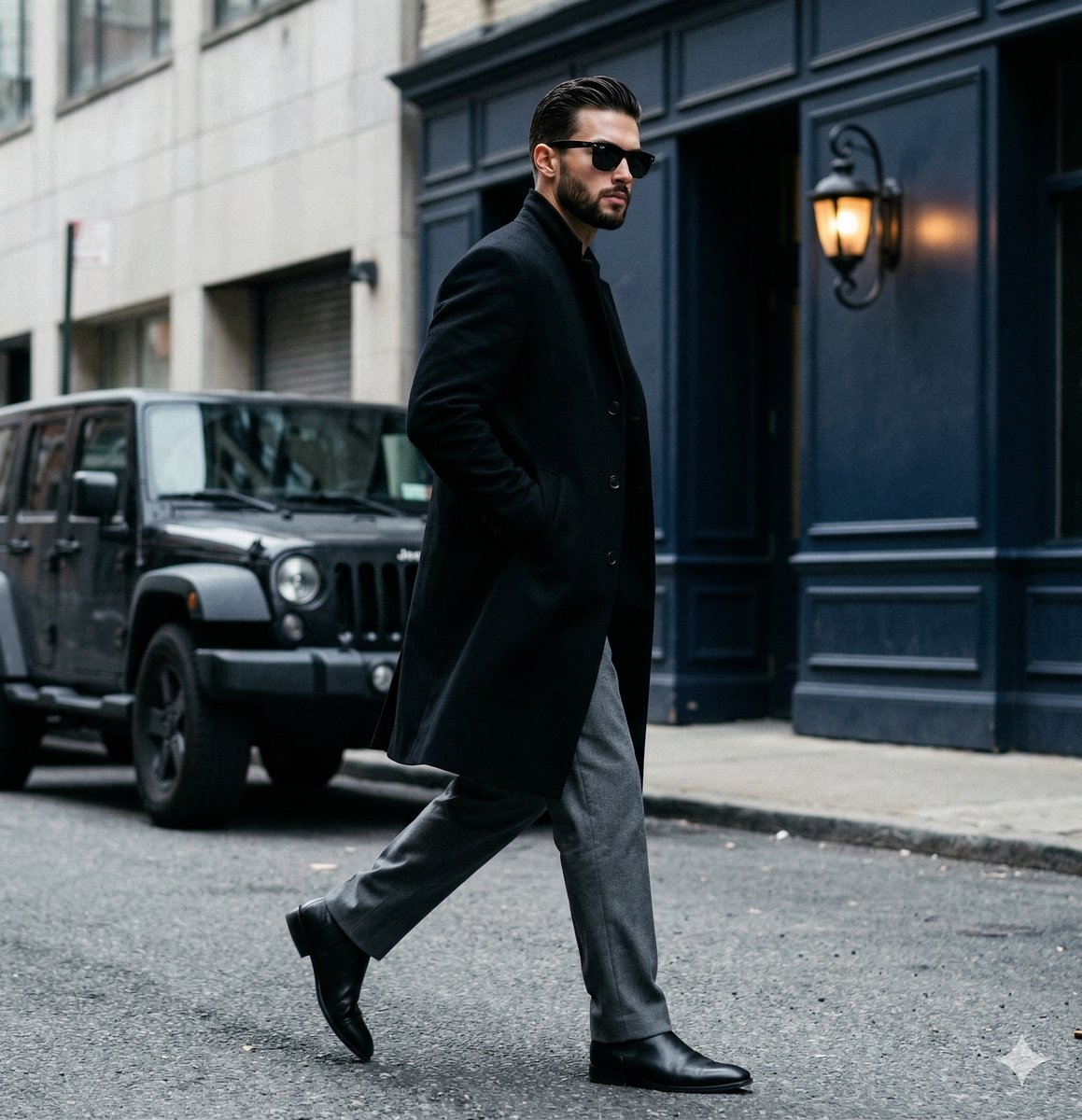
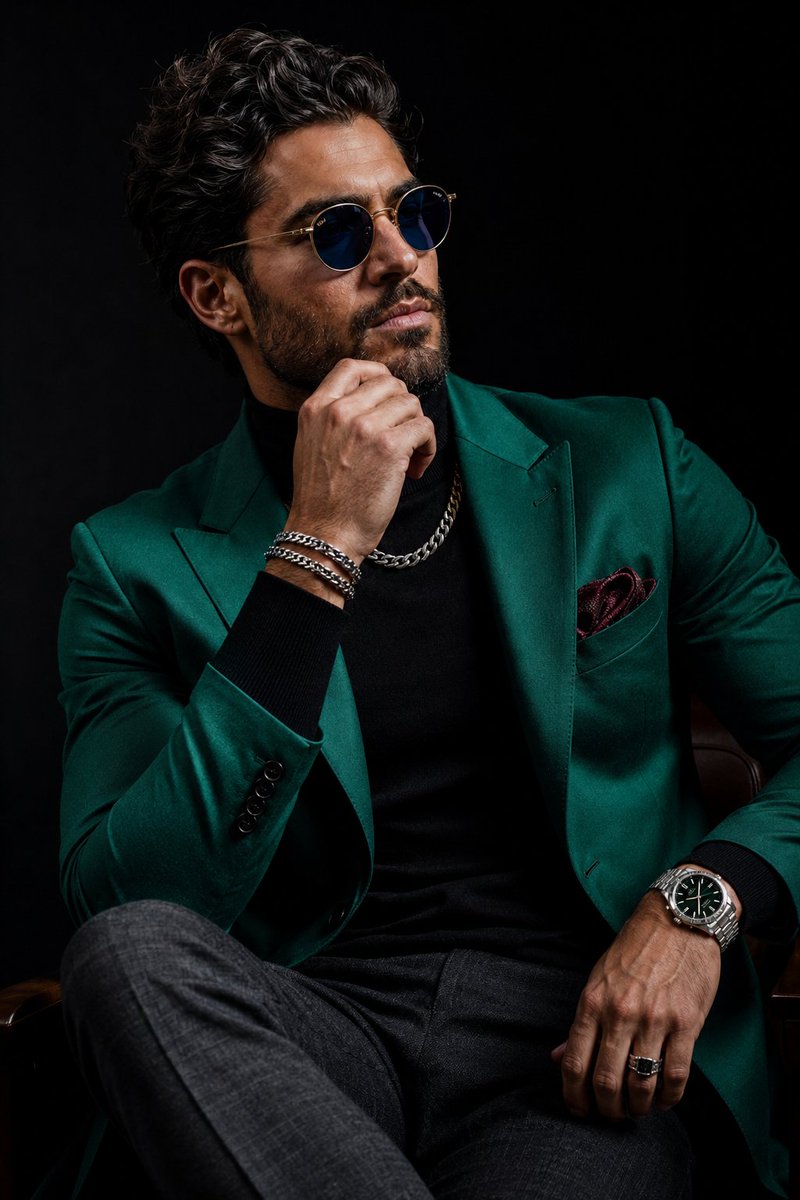
Use my uploaded face as the primary facial identity reference. Preserve the exact facial structure, jawline, skin texture, hairstyle, beard/stubble details, eye shape, eyebrow shape, nose structure, lips, and overall recognizable appearance with very high identity fidelity. Maintain realistic {argument name="ethnicity" default="masculine South Asian"} features and natural skin tones. Create an ultra-realistic cinematic street photography scene during golden hour sunset on a quiet {argument name="location" default="European-style city street"}. The subject is crouching beside an old black weathered lamp post, slightly leaning from behind it in a playful detective-like pose while looking directly into the camera with a confident calm expression. He is wearing a {argument name="outfit" default="premium oversized black hoodie, slim black joggers, white sneakers, and sleek black rectangular sunglasses"} slightly lowered on the nose for an intense stylish look. Add a subtle black crossbody strap across the hoodie. Beside him are two stylish pets: • a fluffy small white dog wearing tiny black sunglasses and a black outfit, looking happily toward the camera with tongue slightly out • a gray striped cat sitting behind calmly, also wearing miniature black sunglasses with a cool composed attitude Lighting should be dramatic warm sunset backlighting with strong golden rim light around the hair and shoulders. Add cinematic orange glow, soft atmospheric haze, volumetric lighting, and warm reflections on the wet pavement. Include realistic bokeh street lamps and blurred urban architecture in the background. Scene should feel luxurious, trendy, playful, and cinematic. Composition: vertical portrait framing, subject positioned slightly left of center near the lamp post, pets in foreground depth layer, shallow depth of field, highly detailed textures, realistic shadows, natural reflections, soft highlights, DSLR quality, 85mm lens look, f/1.8 aperture, HDR, ultra-detailed realism, premium fashion editorial style, photorealistic, 8K quality.
Choose the primary action to open PicX Studio with the available template settings. Review the model and format, personalize the creative direction, and generate when ready.
Yes. You can change the subject, setting, lighting, mood, format, and available model controls before creating your image.
This template is free to open and customize. Generation usage is shown in PicX Studio before you create.
Start with Nano Banana 2, which is the model associated with this template. You can compare another compatible model for a different finish.
Follow a topic to a crawlable collection of related PicX Studio templates.