
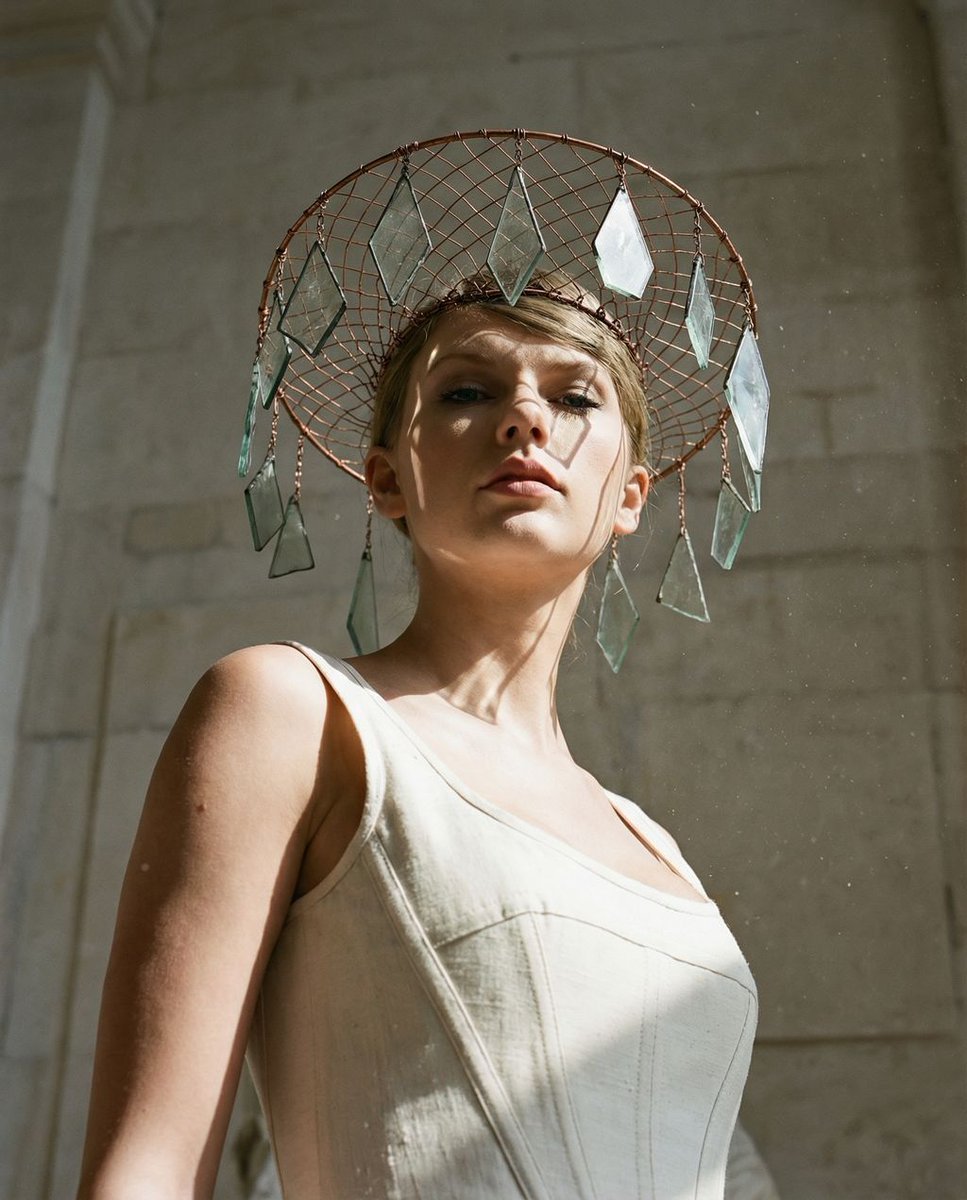
Sculptural Authority Fashion Portrait
An avant-garde fashion photography prompt for a high-fidelity monumental portrait with surreal headwear.
- Prompt included
- Model and format preset
- Free template
The prompt behind this image
Copy the exact prompt behind Sculptural Authority Fashion Portrait, or open it in the studio and make it yours.
{ "vibe_title_en": "Sculptural Authority", "master_prompt": "A hyper-realistic, extreme low-angle shot (16mm wide-angle) of The Protagonist towering over the viewer like a monolith. The setting is a sun-bleached limestone restoration atelier filled with floating marble dust. The subject embodies 'The Sovereign Minimalist,' holding a pose of absolute rigidity and symmetry, resembling a living statue. To mirror the vintage reference, they wear a surreal, avant-garde headpiece that mimics a birdcage veil but is physically constructed from oxidized copper wire mesh and suspended geometric shards of antique glass. Hard, directional sunlight slices across the face (Chiaroscuro), creating razor-sharp shadows that accentuate the jawline and cheekbones. Captured on a Hasselblad H6D-100c with a 24mm lens, utilizing Kodak Portra 160 film simulation for creamy, dusty tones and authentic grain. The background creates a vast negative space of textured stone, emphasizing the subject's dominance. No neon.", "meta": { "intent": "Editorial Fashion / Avant-Garde Portraiture", "priorities": "Geometric Power, Surreal Texture, Analog Fidelity", "device_profile": "Hasselblad H6D-100c" }, "frame": { "aspect": "4:5", "composition": "Worm's Eye Editorial, Pyramidal Structure", "layout": "Centralized, subject dominates 80% of vertical space", "camera_angle": "Extreme Low Angle (looking up at 75 degrees)", "tilt_roll_degrees": "0 degrees (Absolute Symmetry)" }, "subject": { "gender": "Female", "identity": "The Sovereign Archetype", "demographics": "Ageless, statuesque features", "face": "Symmetrical, sharp jawline, intense downward gaze", "hair": "Slicked back architectural style, integrated into the wire headpiece", "body": "Elongated torso, rigid posture, imposing height", "expression": "Imperious, detached, calm authority", "pose": "Static, monumental, chin tilted slightly up to enhance the low angle" }, "wardrobe_accessories": { "garments": [ { "item": "Structural Corset/Bodice", "material": "Raw Silk and Stiffened Canvas", "color": "Bone White or Cream", "fit": "Architectural, rigid fit" } ], "accessories": [ { "item": "Surreal Fascinator", "color": "Oxidized Copper / Translucent", "material": "Wire Mesh and Antique Glass Shards", "brand_style": "Alexander McQueen Archive" } ] }, "environment": { "setting": "Limestone Restoration Atelier", "surfaces": "Rough-hewn stone, dusty wood floors, plaster residue", "depth": "Deep depth of field due to wide angle, background looms high", "atmosphere": "Dry, dusty, filled with particulate matter in light shafts", "lens_interaction": "Slight barrel distortion stretching the legs/torso" }, "lighting": { "key": "Hard Directional Sunlight (10:00 AM angle)", "fill": "Neg"
How to use Sculptural Authority Fashion Portrait in 3 steps
- 1
Open
The prompt is already in the box next to the preview, with the template's model and format selected.
- 2…a portrait of your subject in softgolden-hour light, 85mm…
Personalize
Edit the subject and creative details for your destination.
- 3Generate
Generate
Press Generate — your image is created in PicX Studio, so you can compare it with the original and refine one variable at a time.
More like this
Templates with the same subject, style or setup. Open one to see its prompt.

Nano Banana 2 High Fashion Sports Campai

Couture Fashion Editorial Woman and Drag

Ive Yujin Fashion Portrait in Blue

Nano Banana 2 Editorial Fashion Portrait

Caution Tape Fashion — Industrial Editorial
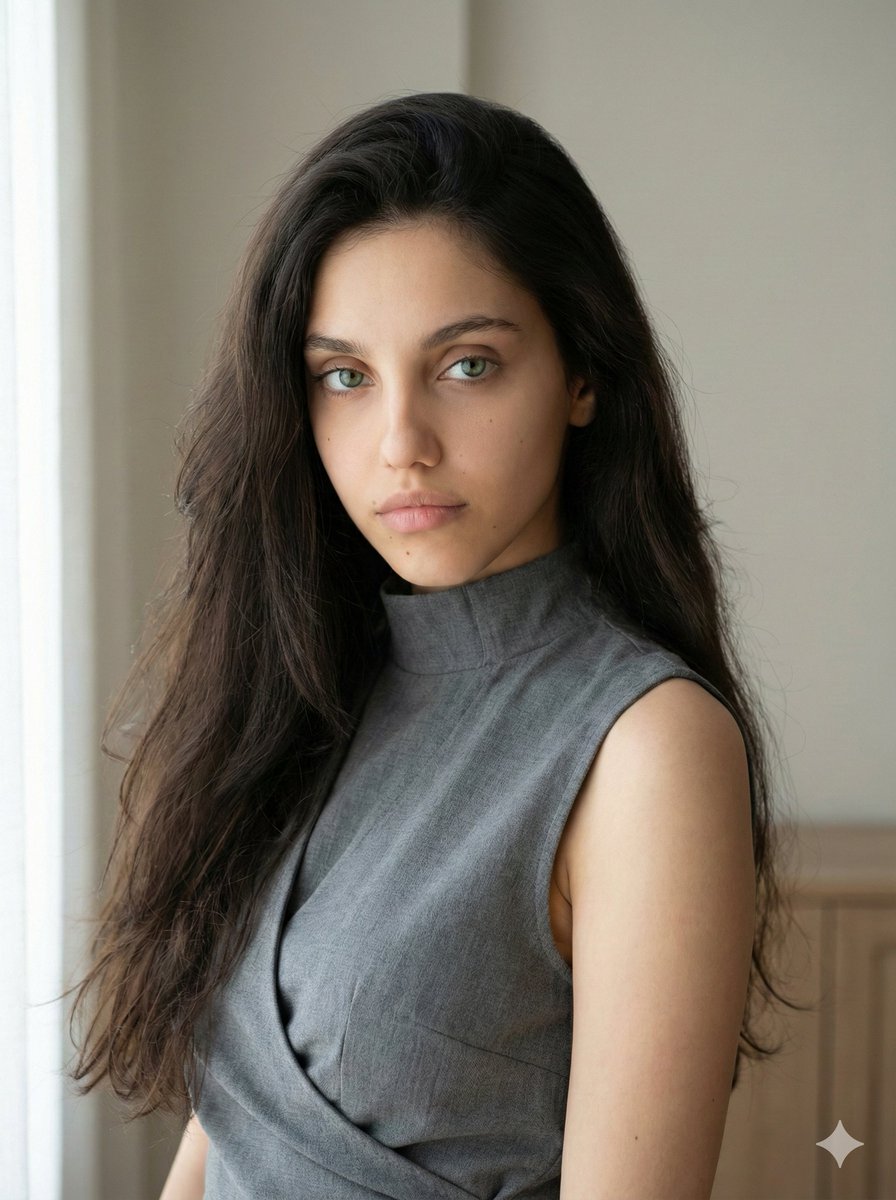
Minimalist Fashion Portrait with Sculptural Bodice

Miniature Self Portrait Collage

Found Photograph: Us, 1970

80s Couple Studio Portrait

80s College Gate

1988 Mall Style

80s Polka Dot Saree
Make it yours
Sculptural Authority Fashion Portrait works as-is. These are the safest ways to change it without losing the look.
Change one field
Copy a single group, rewrite it, and generate again so you can see what that field is doing.
Keep the frame, change the subject
Hold the composition and light of Sculptural Authority Fashion Portrait, then swap wardrobe, props or the person for a new take.
| If the result… | Why | Fix |
|---|---|---|
| The result drifts from the preview | Too many fields changed at once. | Reuse Sculptural Authority Fashion Portrait as-is first, then change one group — subject, light, or setting. |
| The model over-stylizes the scene | The prose prompt leaves finish and camera underspecified. | Add one camera or lighting sentence and stay on Nano Banana 2. |
More Nano Banana 2 templates
Other prompts made for Nano Banana 2.

Photorealistic Leaf Shaped Like a Dragon

K-Pop Idol Portrait Grid for Rapid Selection

Poetic Rain Forest Portrait During Golden Hour

Urban Street Portrait with Cartoon Inner Self Duo

Candid Nighttime Photo with Cat Prompt

High-Concept 3D Diorama Generation Prompt

Cinematic Futuristic Studio Portrait Template

Skincare Editorial Photography Collage Prompt

Hyper-Realistic Commercial Product Photography (Splash Effect)

Hyper-Realistic Nightclub Portrait Prompt
More image prompts
Fresh picks from across the catalog.
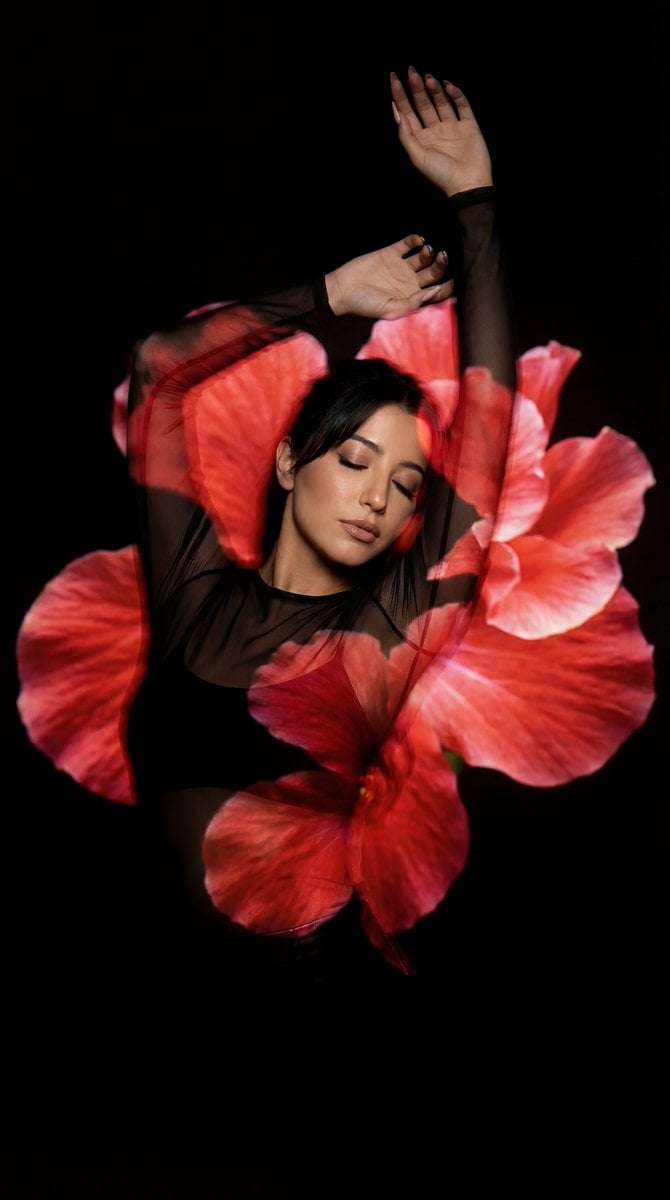
Surreal Fine Art Portrait with Red Flower Projection
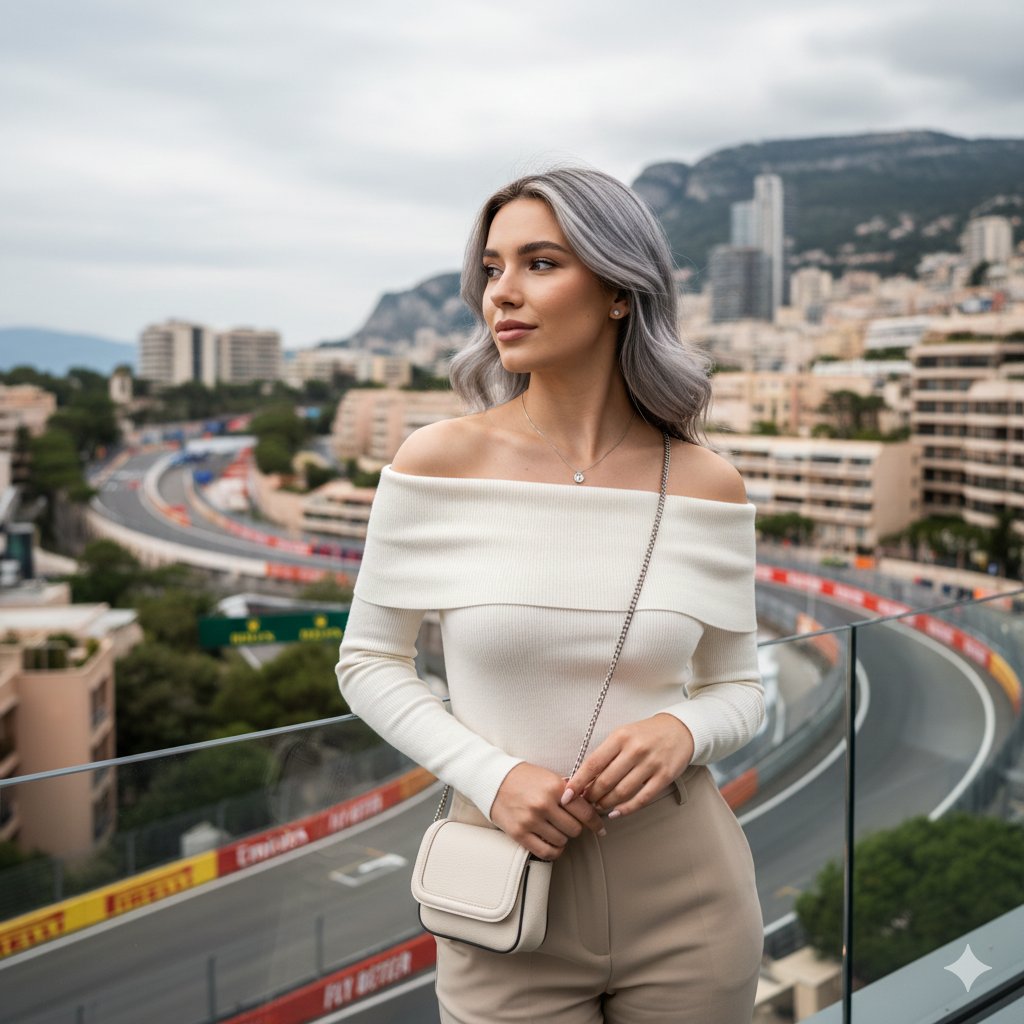
Elegant Portrait Generation Prompt
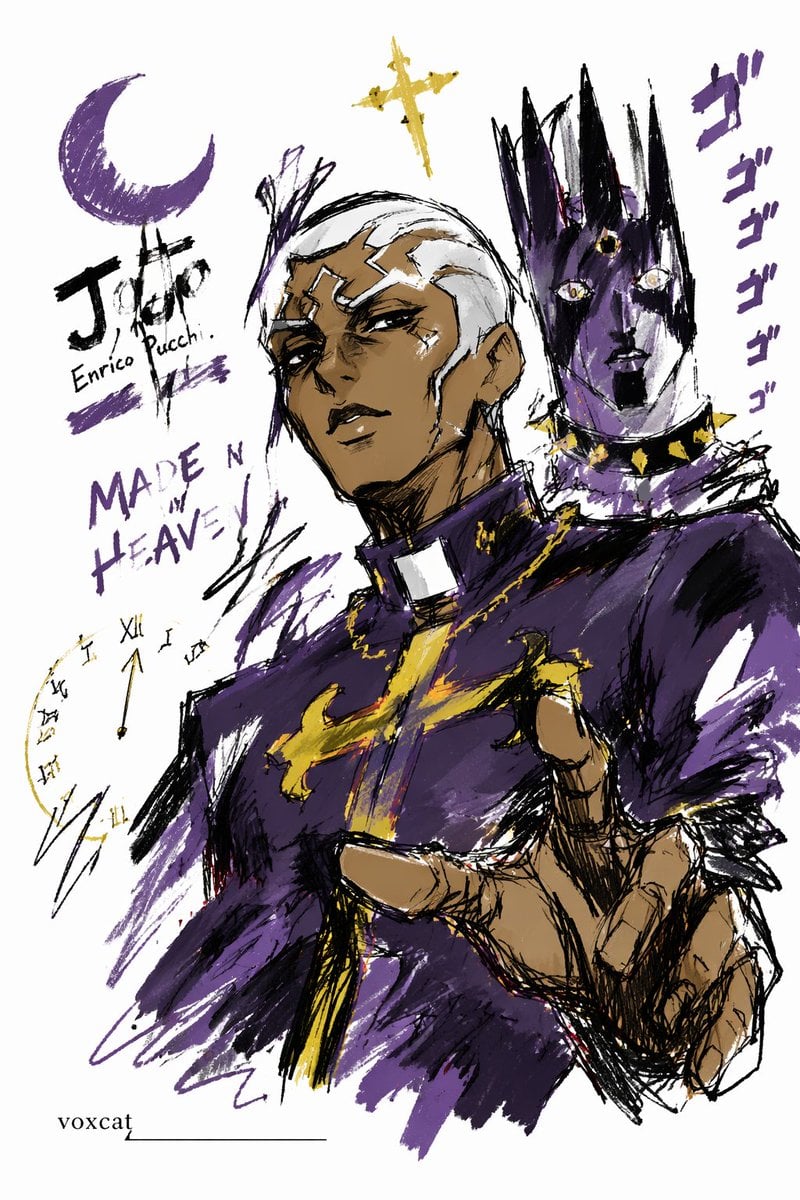
Graffiti Sketch Style Template
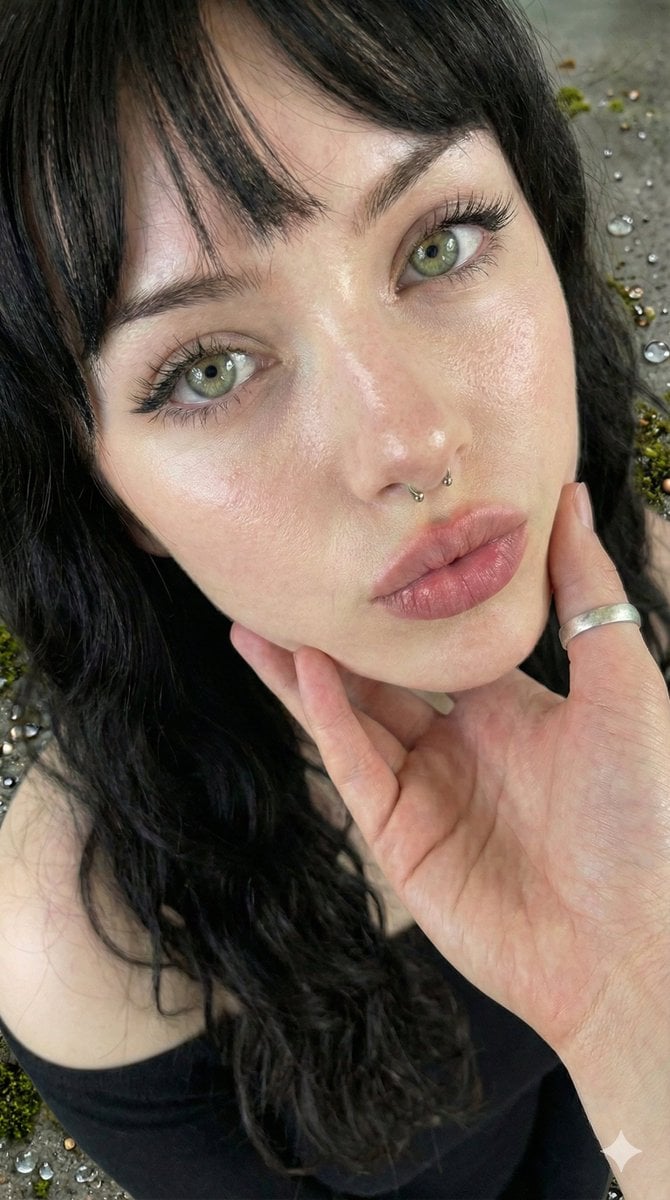
Simple Portrait Prompt (Implied)

Anime School Stairwell Conversation
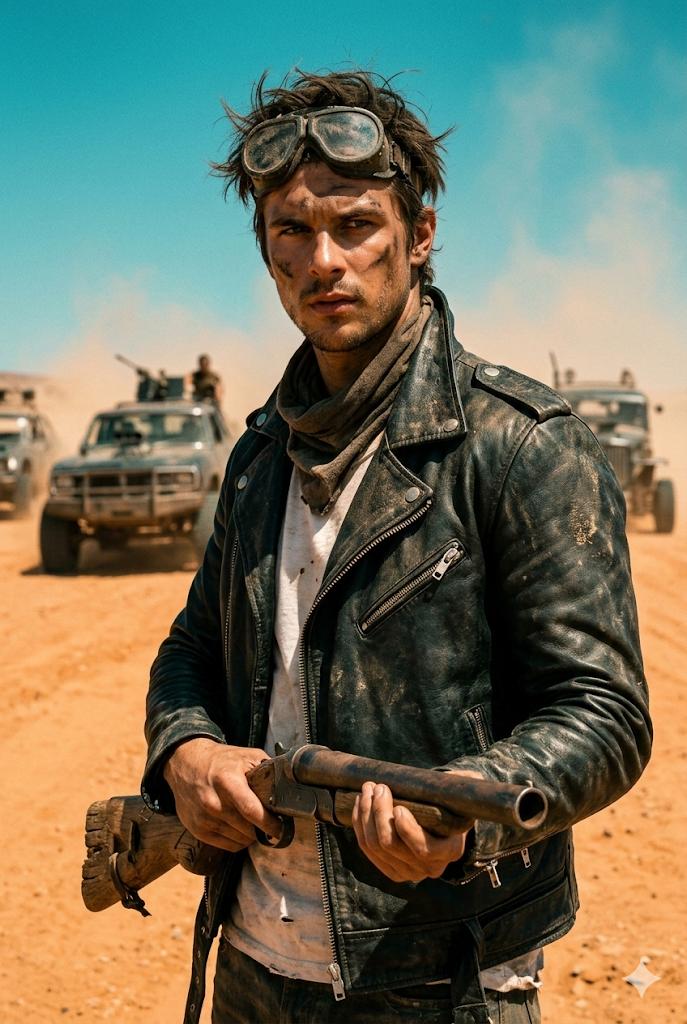
Wasteland Survivor Cinematic Film Still (Mad Max Style)
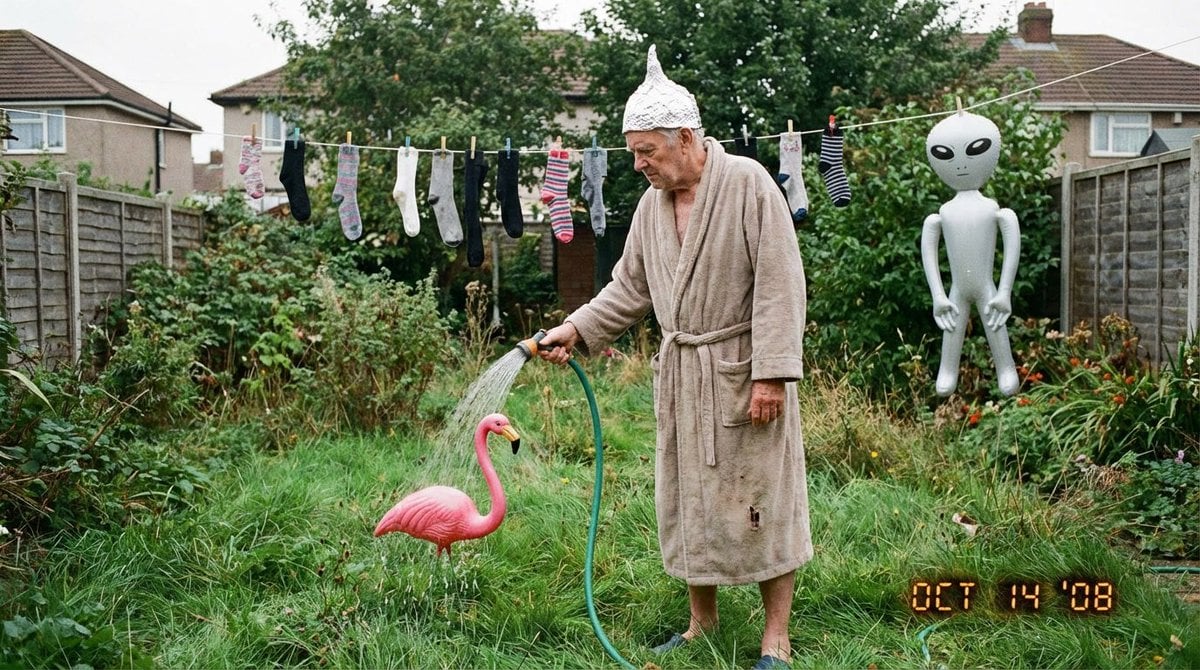
Weird mundane photo (LeonardoAI)
Low-quality disposable camera high school snapshot prompt
Vintage Doll Mall Portrait
Minimalist No Longer Human Cover
Browse template categories
Sculptural Authority Fashion Portrait questions
How do I use the Sculptural Authority Fashion Portrait template?
Add your photo if the template asks for one, edit the prompt if you like — the template's model and format are already selected — and press Generate. Your version opens in PicX Studio.
Can I customize the Sculptural Authority Fashion Portrait template?
Yes. You can change the subject, setting, lighting, mood, format, and available model controls before creating your image.
Is the Sculptural Authority Fashion Portrait template free?
Opening and editing this template is free. Generating uses credits, shown on the Generate button when you are signed in.
Which AI model should I use?
Start with Nano Banana 2, which is the model associated with this template. You can compare another compatible model for a different finish.
Looking for something else? Browse all templates.

Your photo, any look
Thousands of ready templates for every top image and video model, from one credit balance.