How do I use the Triple Split Portrait Triptych template?
Choose the primary action to open PicX Studio with the available template settings. Review the model and format, personalize the creative direction, and generate when ready.
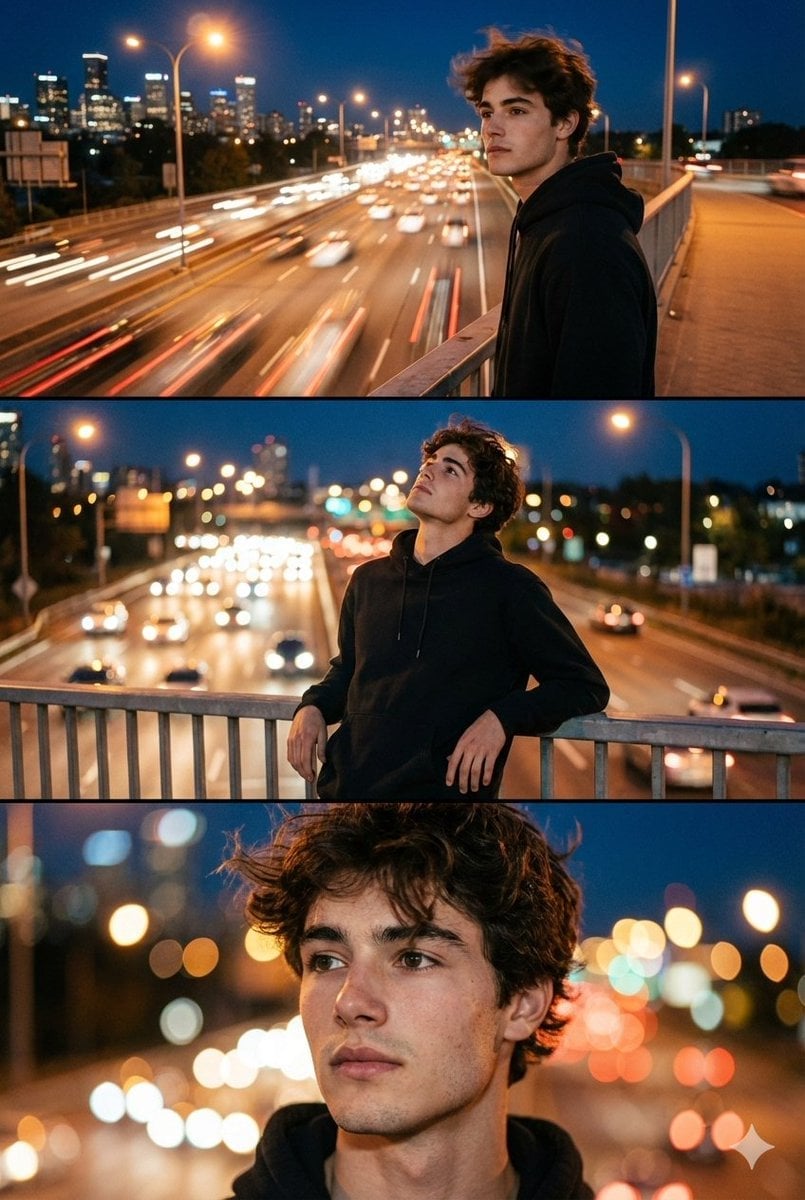
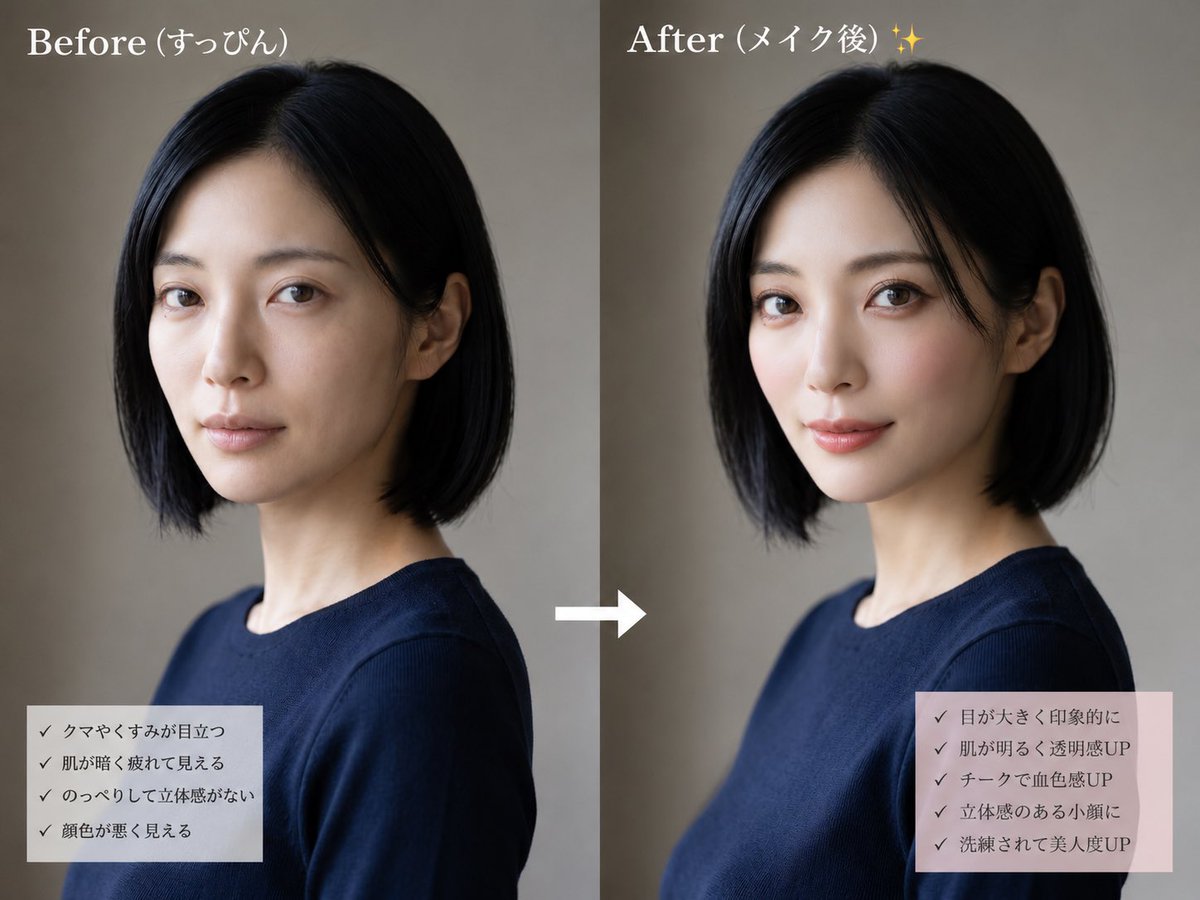
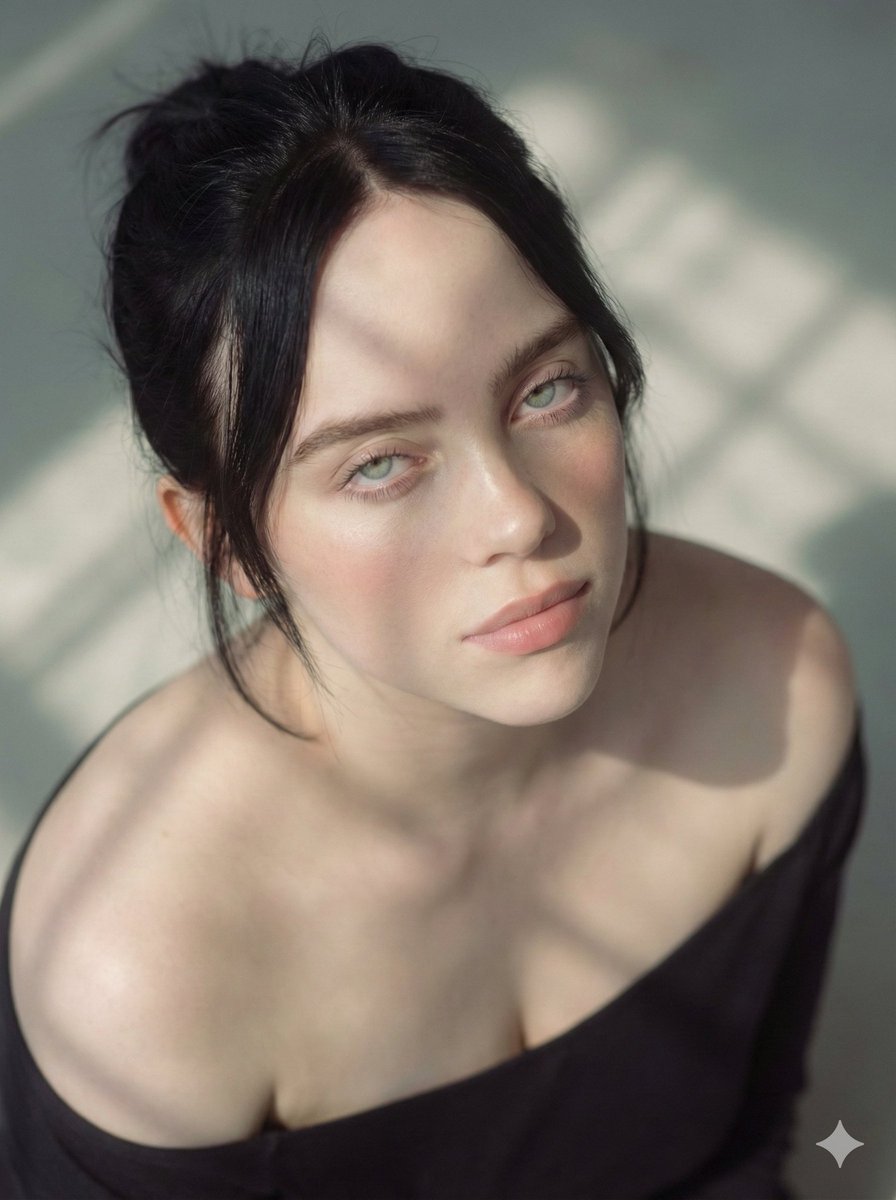
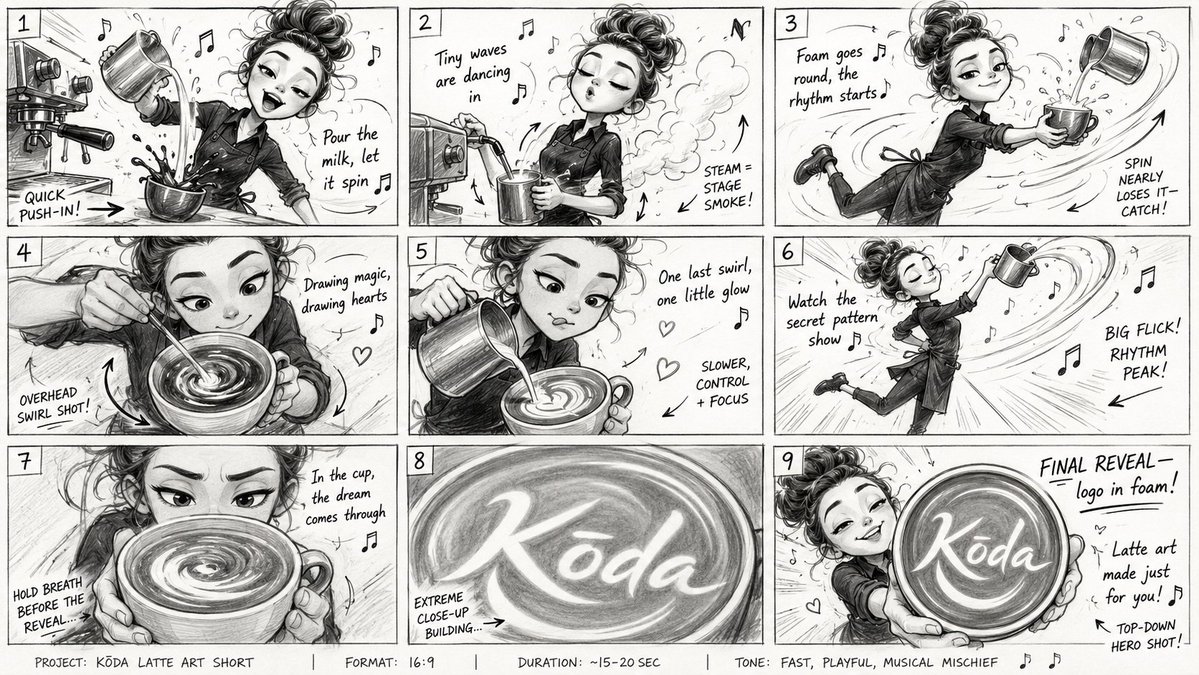
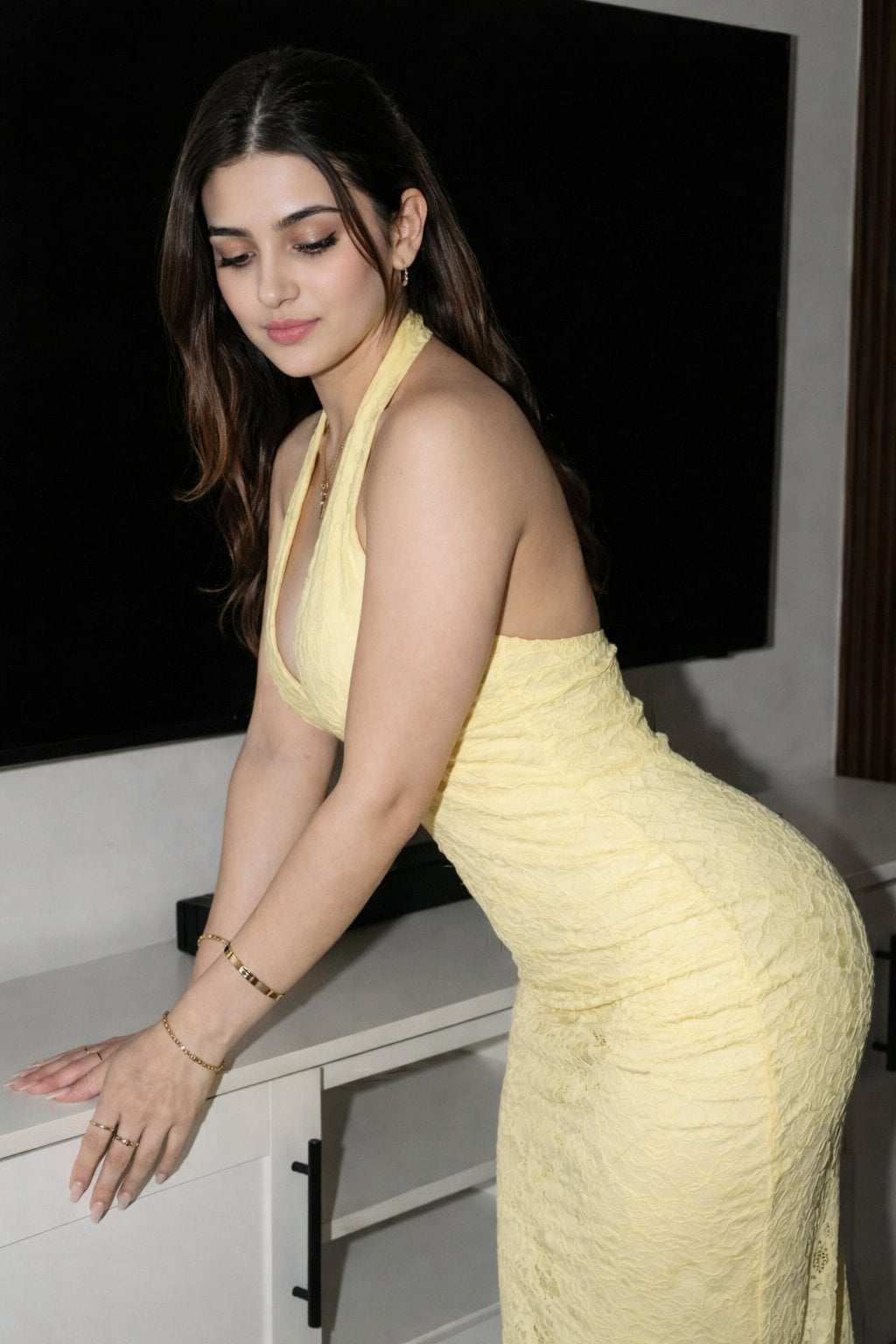
A creative vertical triplet portrait prompt showing three different moods and colorful outfits for a single subject.
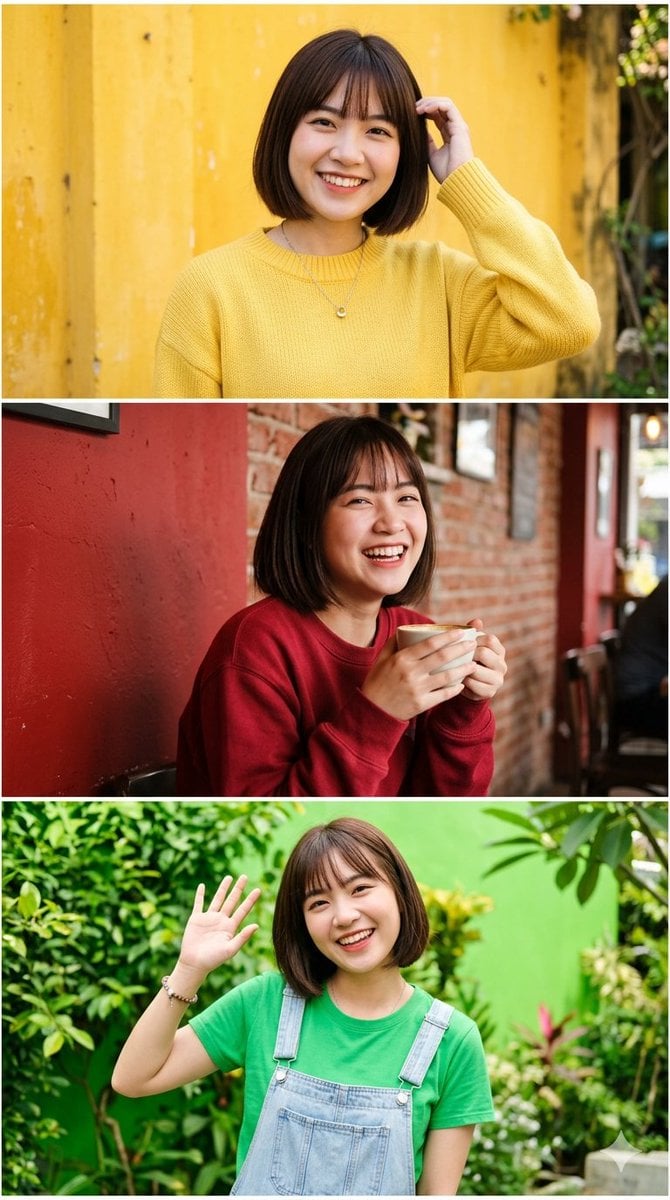
A vertical triplet portrait split horizontally into three distinct, stacked frames featuring the same young, cute {argument name="ethnicity" default="East Asian"} woman with a sleek, straight bob haircut and gentle wispy bangs. In the top frame, she smiles warmly and touches her hair, wearing a cozy {argument name="top outfit" default="yellow knit sweater"} against a weathered yellow wall background. In the middle frame, she laughs brightly while holding a ceramic coffee cup with both hands, dressed in a {argument name="middle outfit" default="deep red sweatshirt"} against a rustic red brick wall. In the bottom frame, she waves playfully at the camera, wearing a {argument name="bottom outfit" default="vibrant parrot green t-shirt"} under denim overalls, set against a lush green garden background. Each panel captures a unique, joyful pose, creating a cohesive and colorful triptych with a consistent subject across all three frames.
Choose the primary action to open PicX Studio with the available template settings. Review the model and format, personalize the creative direction, and generate when ready.
Yes. You can change the subject, setting, lighting, mood, format, and available model controls before creating your image.
This template is free to open and customize. Generation usage is shown in PicX Studio before you create.
Start with Nano Banana 2, which is the model associated with this template. You can compare another compatible model for a different finish.
Follow a topic to a crawlable collection of related PicX Studio templates.