How do I use the Elegant Monochromatic Mirror Selfie template?
Choose the primary action to open PicX Studio with the available template settings. Review the model and format, personalize the creative direction, and generate when ready.
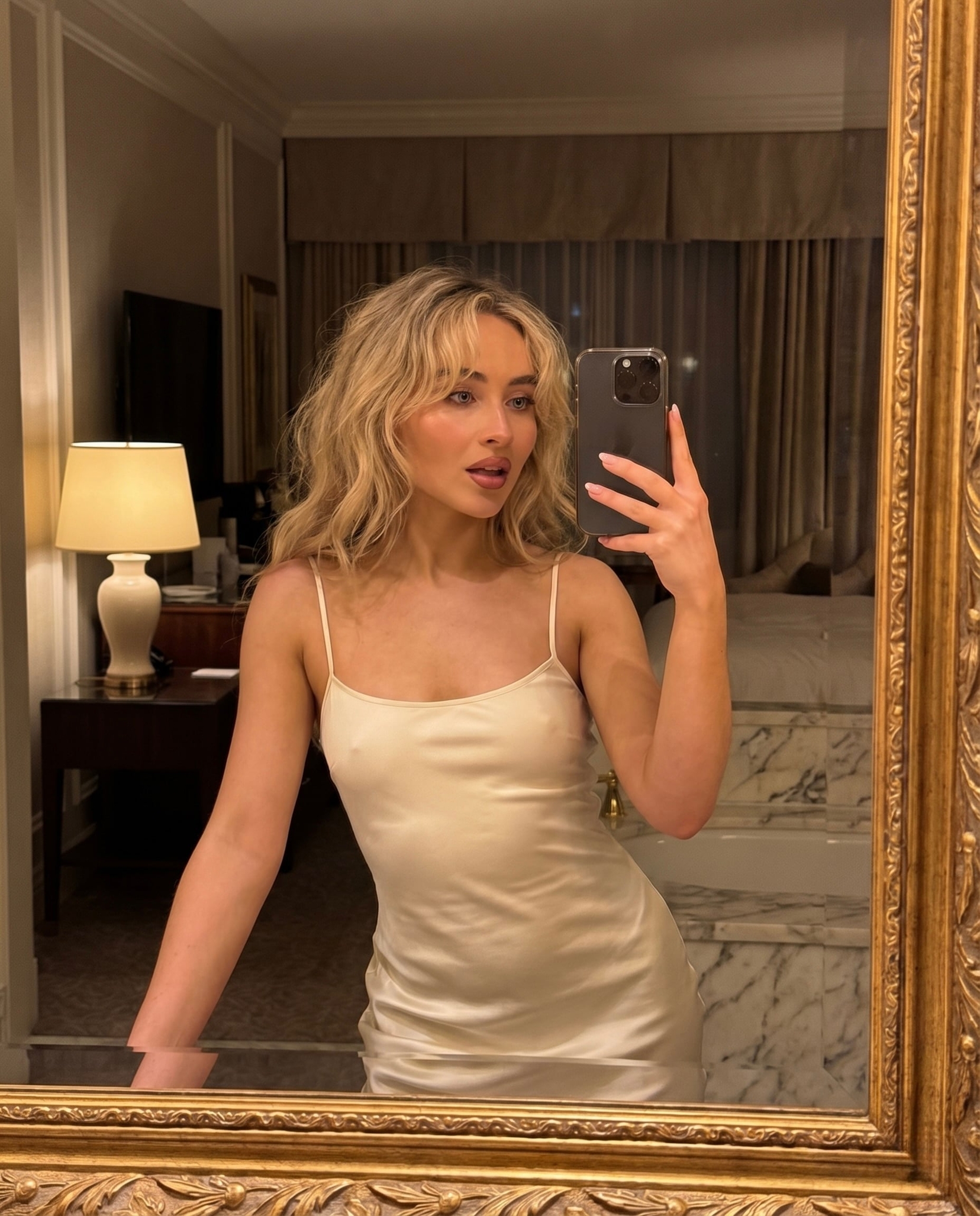
A detailed prompt for creating a cinematic mirror selfie featuring a subject in a monochrome outfit within a tranquil, sunlit interior.

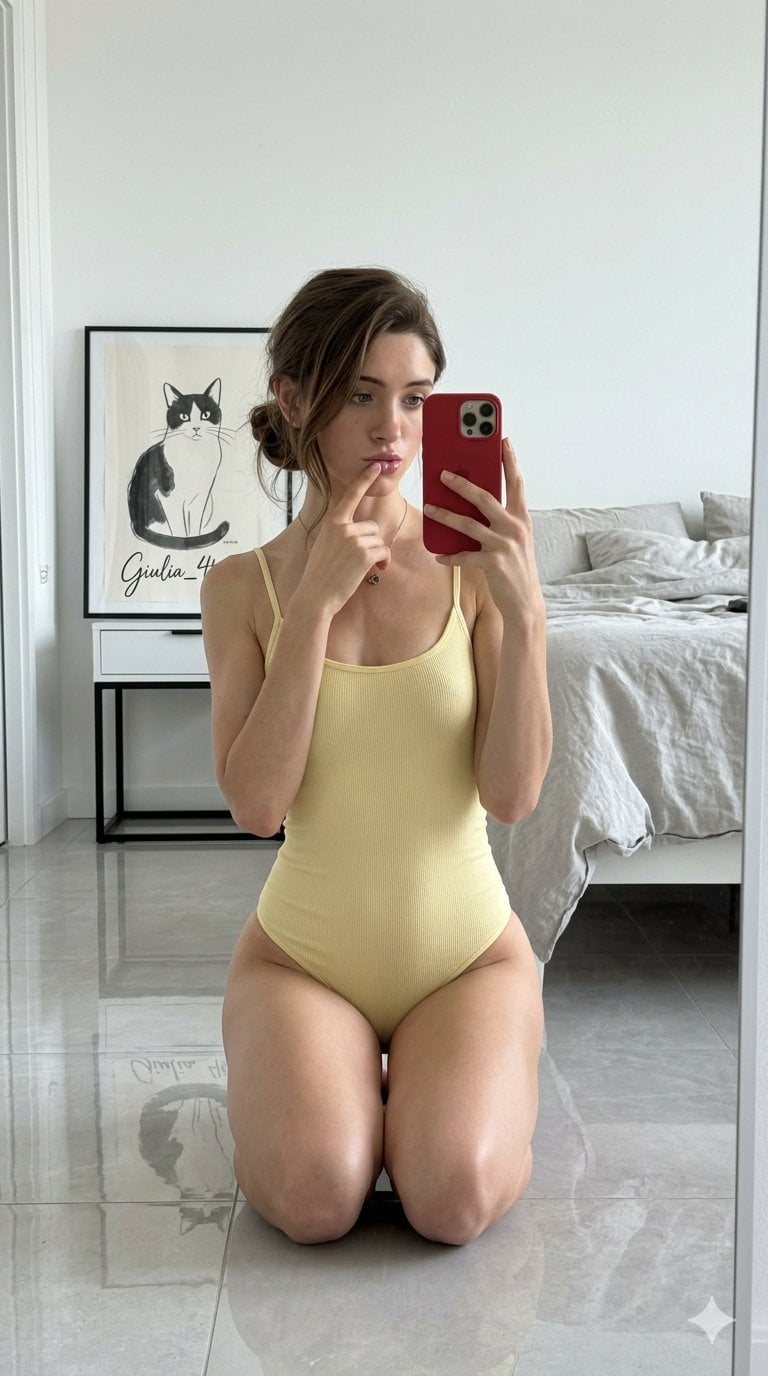
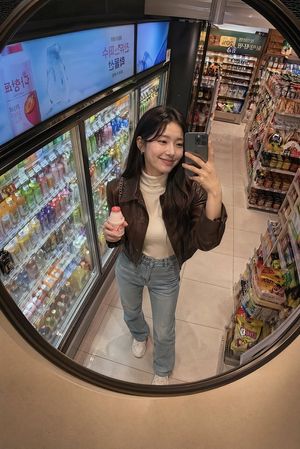
A captivating mirror selfie capturing a moment of relaxed elegance within a tranquil, sunlit interior. The subject, framed effortlessly in the reflection, embodies a modern aesthetic, styled in a {argument name="outfit style" default="striking monochromatic ensemble"}. A pristine white halter top accented by a bold, oversized black velvet bow creates a dramatic focal point, paired perfectly with a structured black denim miniskirt. Delicate white stockings with intricate black lace detailing add a touch of classic sophistication to the look. Soft, diffused daylight filters naturally through the room, casting gentle highlights across her {argument name="hair color" default="blonde"} hair and subtly reflecting off her elegant, dark-framed glasses. She rests comfortably on a plush, cloud-like white rug, grounding the composition in a cozy, intimate atmosphere. The background, featuring minimalist wooden furniture and subtle organic decor, elegantly enhances the warm, inviting cinematic mood of this contemporary portrait.
Choose the primary action to open PicX Studio with the available template settings. Review the model and format, personalize the creative direction, and generate when ready.
Yes. You can change the subject, setting, lighting, mood, format, and available model controls before creating your image.
This template is free to open and customize. Generation usage is shown in PicX Studio before you create.
Start with Nano Banana 2, which is the model associated with this template. You can compare another compatible model for a different finish.
Follow a topic to a crawlable collection of related PicX Studio templates.