How do I use the Black Mirror Perceptual Block template?
Choose the primary action to open PicX Studio with the available template settings. Review the model and format, personalize the creative direction, and generate when ready.
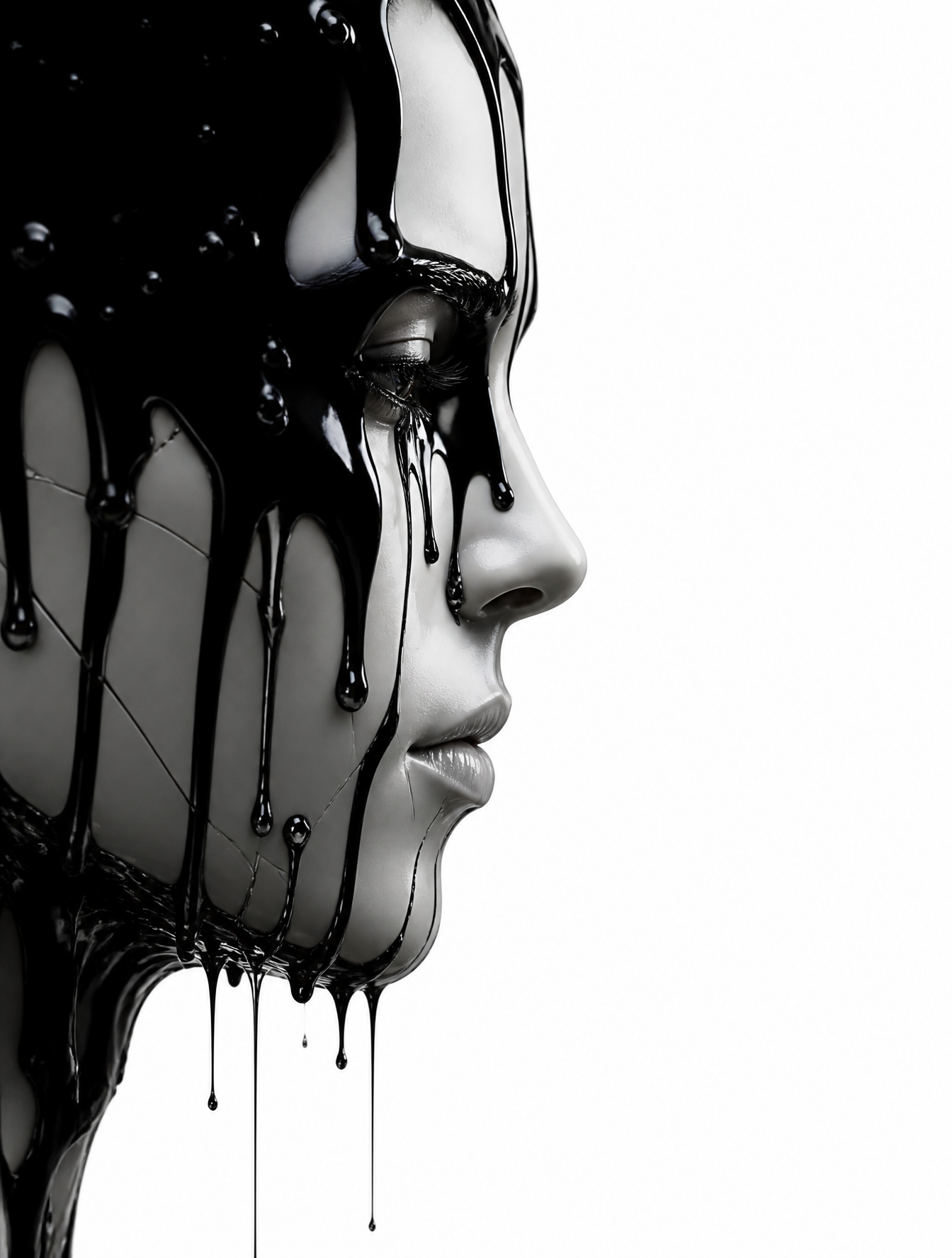
A hyper-realistic prompt depicting a human silhouette completely replaced by analog television static, set against a detailed environment.
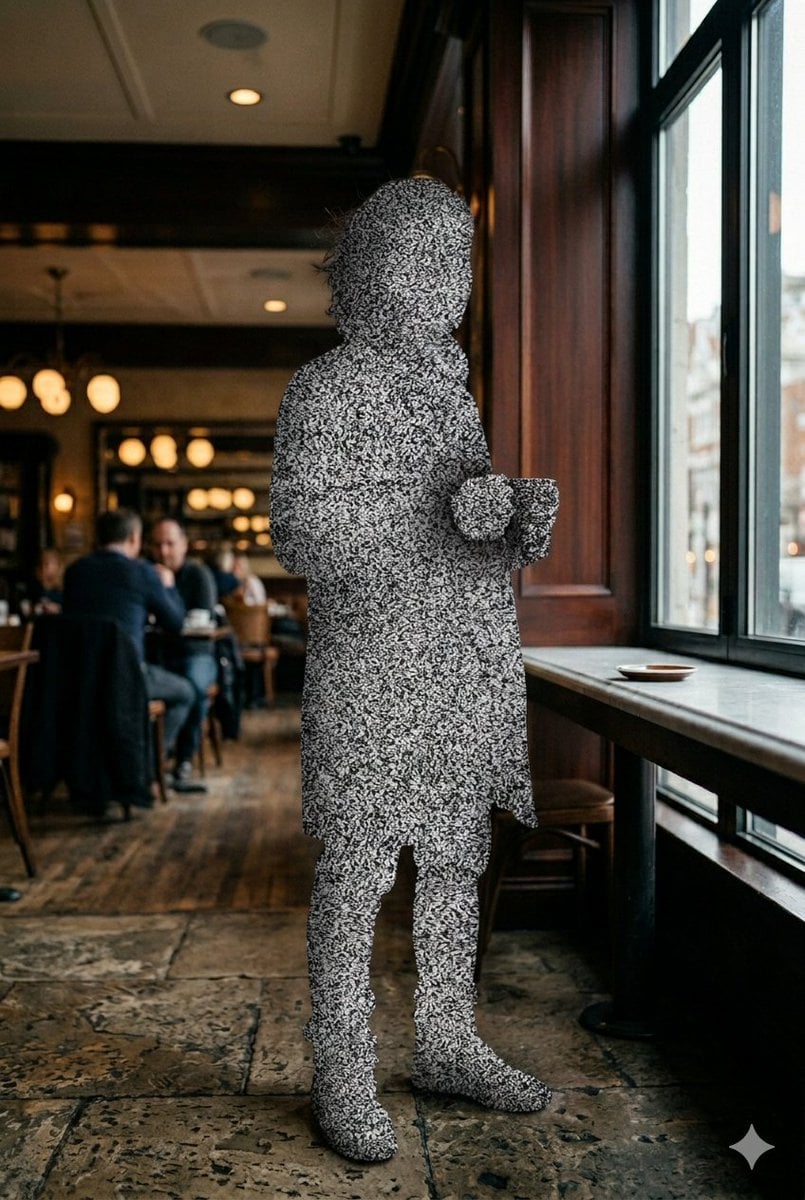
A hyper-realistic cinematic photograph where {argument name="subject shape" default="an entire human body"} is completely obscured by {argument name="visual block effect" default="dense black-and-white analog television static"}, covering the figure from head to toe as if the person has been cognitively blocked from perception. No visible facial features, skin, clothing details, or readable identity remain, only a human-shaped silhouette filled with shifting granular interference, dense signal noise, and unreadable visual static. The effect feels physically integrated into reality, not digitally edited or glitchy, resembling a real-world perception filter or social block system failure. In sharp contrast, the surrounding environment remains flawlessly photorealistic in stunning 8k detail, preserving realistic lighting, textures, shadows, and cinematic depth. Minimal, unsettling, editorial aesthetic, sharp focus, grounded realism, disturbing contrast between perfect reality and a fully censored human presence. {argument name="aspect ratio" default="2:3 format"}.
Choose the primary action to open PicX Studio with the available template settings. Review the model and format, personalize the creative direction, and generate when ready.
Yes. You can change the subject, setting, lighting, mood, format, and available model controls before creating your image.
This template is free to open and customize. Generation usage is shown in PicX Studio before you create.
Start with Nano Banana 2, which is the model associated with this template. You can compare another compatible model for a different finish.
Follow a topic to a crawlable collection of related PicX Studio templates.