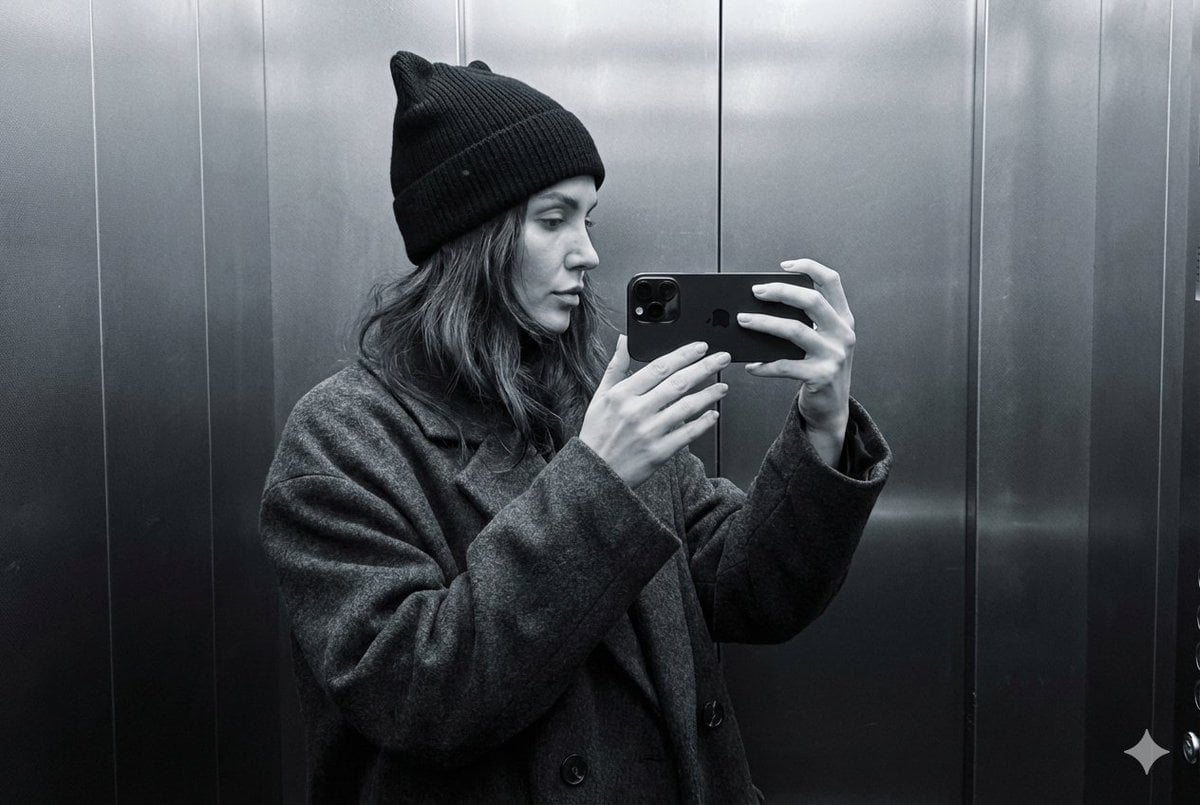
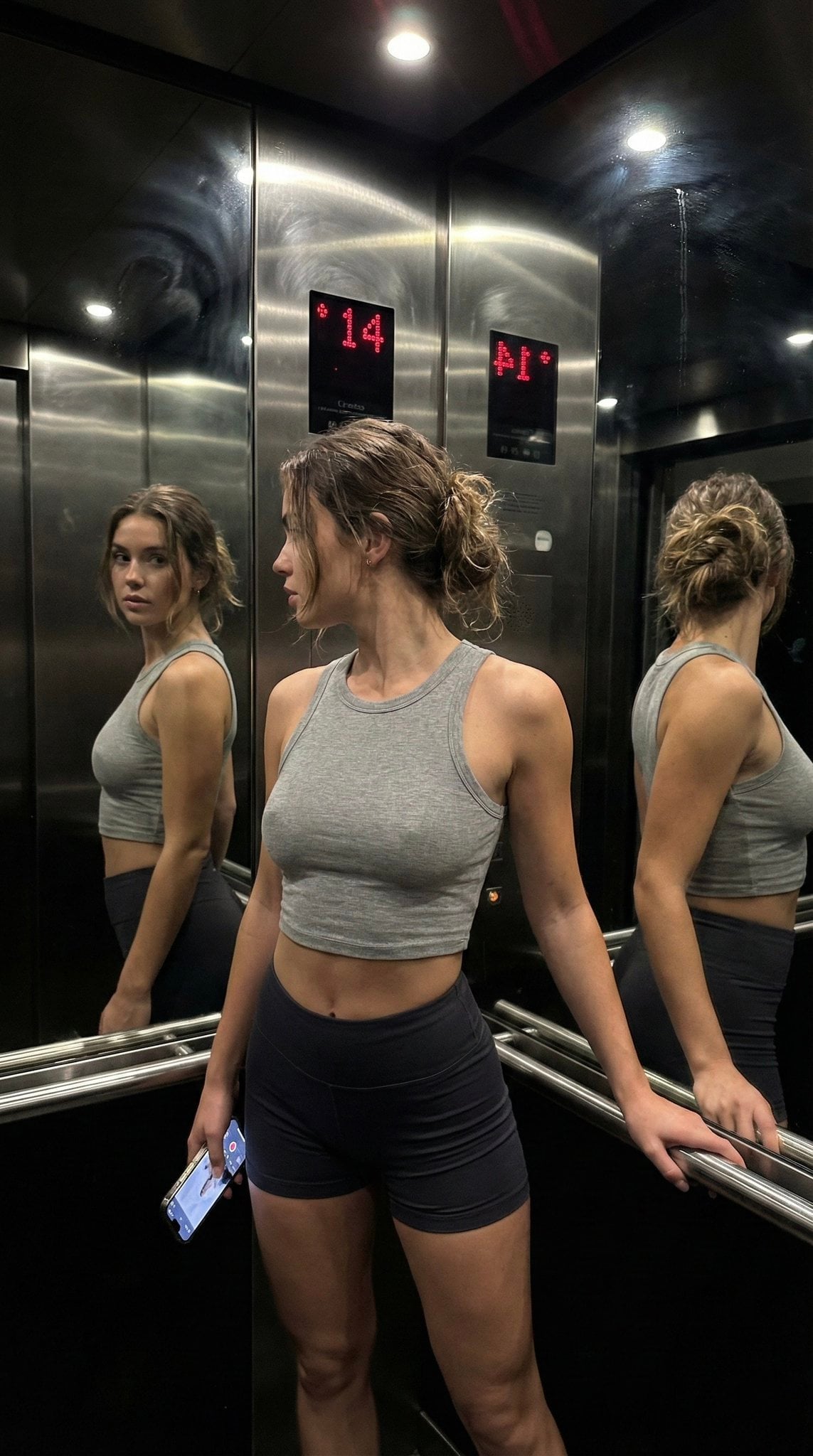
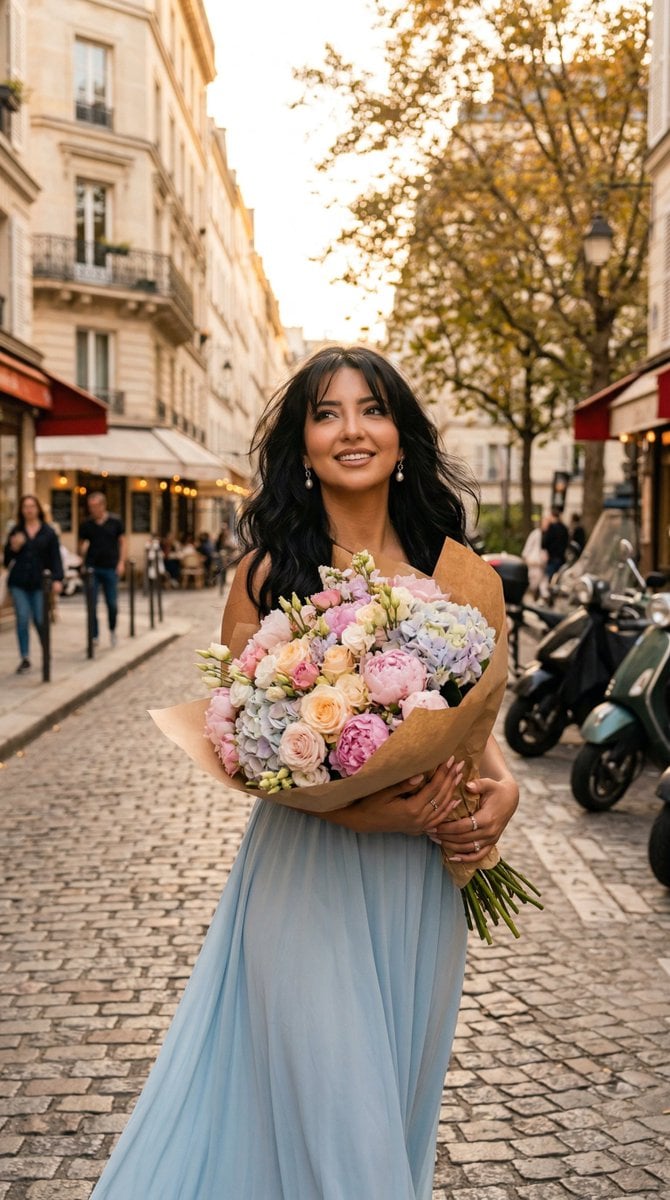
How do I use the Romantic Cinematic Elevator Portrait template?
Choose the primary action to open PicX Studio with the available template settings. Review the model and format, personalize the creative direction, and generate when ready.
A prompt for generating a realistic romantic scene of a couple in an elevator with warm golden lighting.

Create an Image of the couple from reference image, The scene is captured in a {argument name="location" default="lift"} with Cinematic lighting {argument name="lighting mood" default="warm light golden vibe"} and the male character holds a {argument name="prop" default="flower bouquet"} in his hand and the female character looking into his eyes with love and placing her one hand on his hand that is holding the bouquet, The scene is insanely realistic and so romantic with love emotion and beautiful face expressions.
Choose the primary action to open PicX Studio with the available template settings. Review the model and format, personalize the creative direction, and generate when ready.
Yes. You can change the subject, setting, lighting, mood, format, and available model controls before creating your image.
This template is free to open and customize. Generation usage is shown in PicX Studio before you create.
Start with Nano Banana 2, which is the model associated with this template. You can compare another compatible model for a different finish.
Follow a topic to a crawlable collection of related PicX Studio templates.