How do I use the Moody Winter Portrait template?
Choose the primary action to open PicX Studio with the available template settings. Review the model and format, personalize the creative direction, and generate when ready.
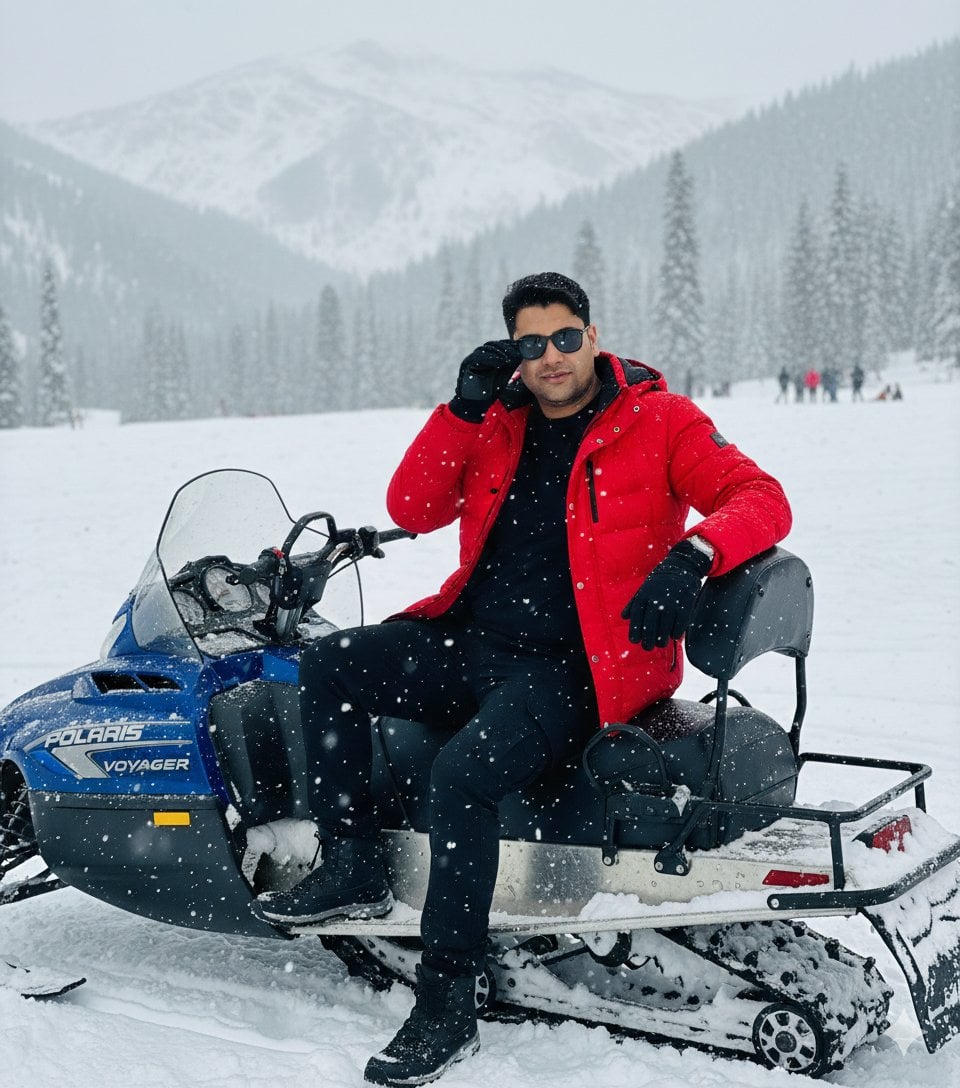
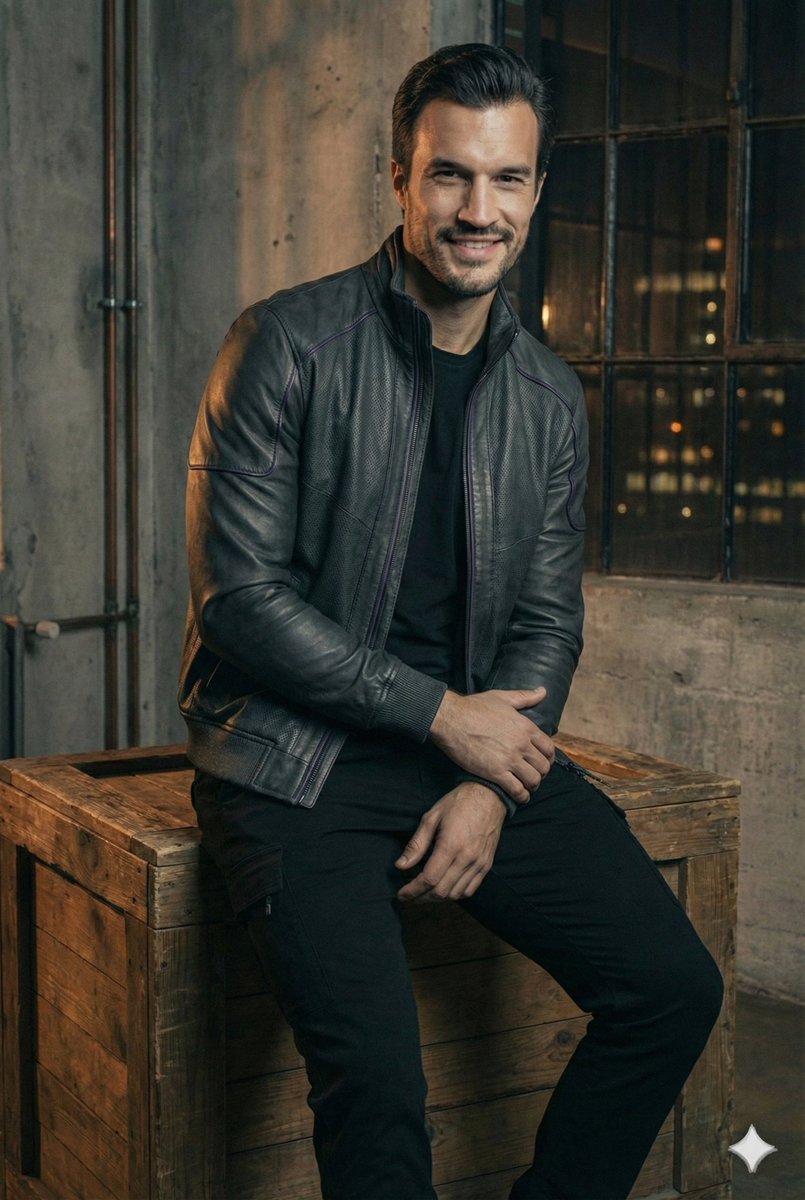
A cinematic half-body portrait of a man in winter attire with realistic textures and low-key lighting.
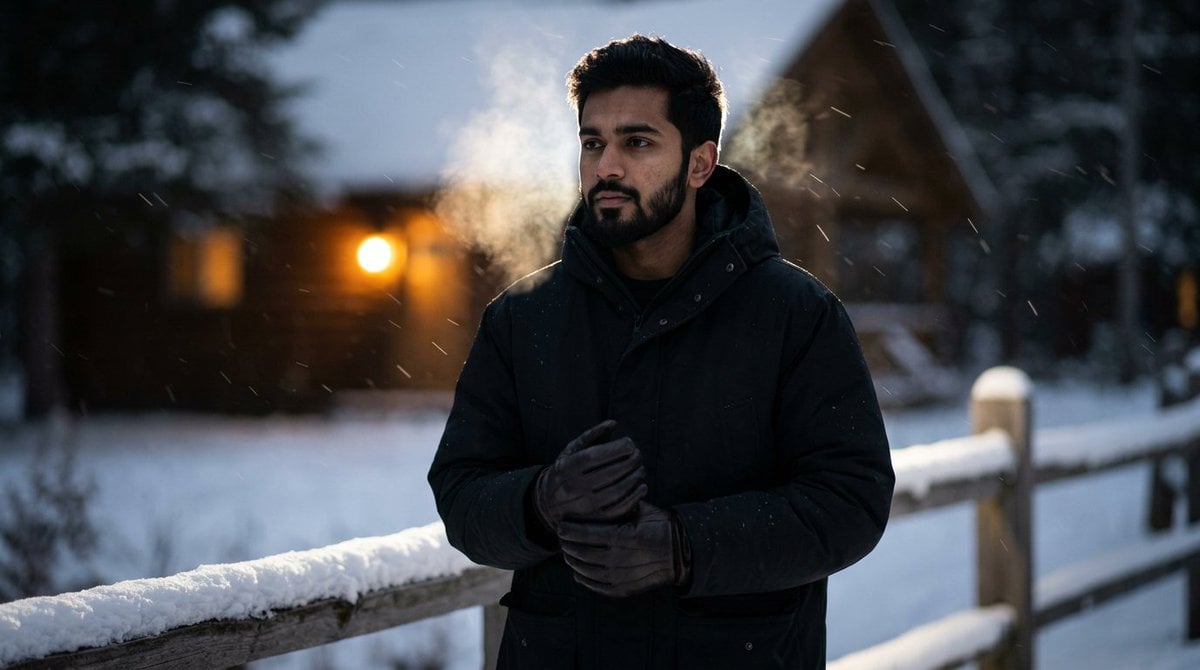
Preserve my face and beard 100%) Moody half-body portrait of a {argument name="subject" default="Indian young man"} in a {argument name="clothing" default="matte black parka"} and leather gloves, breath fog in cold air; standing by a snow-dusted wooden fence with a dim cabin glowing in the distance; light snowfall streaks, cinematic backlight; hyperreal facial detail with visible pores and micro facial hair; Leica SL2 + APO- Summicron-St 50mm f/2, Rembrandt-style contrast; lowkey palette, {argument name="style" default="Balenciaga winter editorial"} -profile gu23rmv -ar 2:3 - quality 2 - style raw -v 7
Choose the primary action to open PicX Studio with the available template settings. Review the model and format, personalize the creative direction, and generate when ready.
Yes. You can change the subject, setting, lighting, mood, format, and available model controls before creating your image.
This template is free to open and customize. Generation usage is shown in PicX Studio before you create.
Start with Nano Banana 2, which is the model associated with this template. You can compare another compatible model for a different finish.
Follow a topic to a crawlable collection of related PicX Studio templates.