How do I use the Street Style Fruit Market Portrait template?
Choose the primary action to open PicX Studio with the available template settings. Review the model and format, personalize the creative direction, and generate when ready.
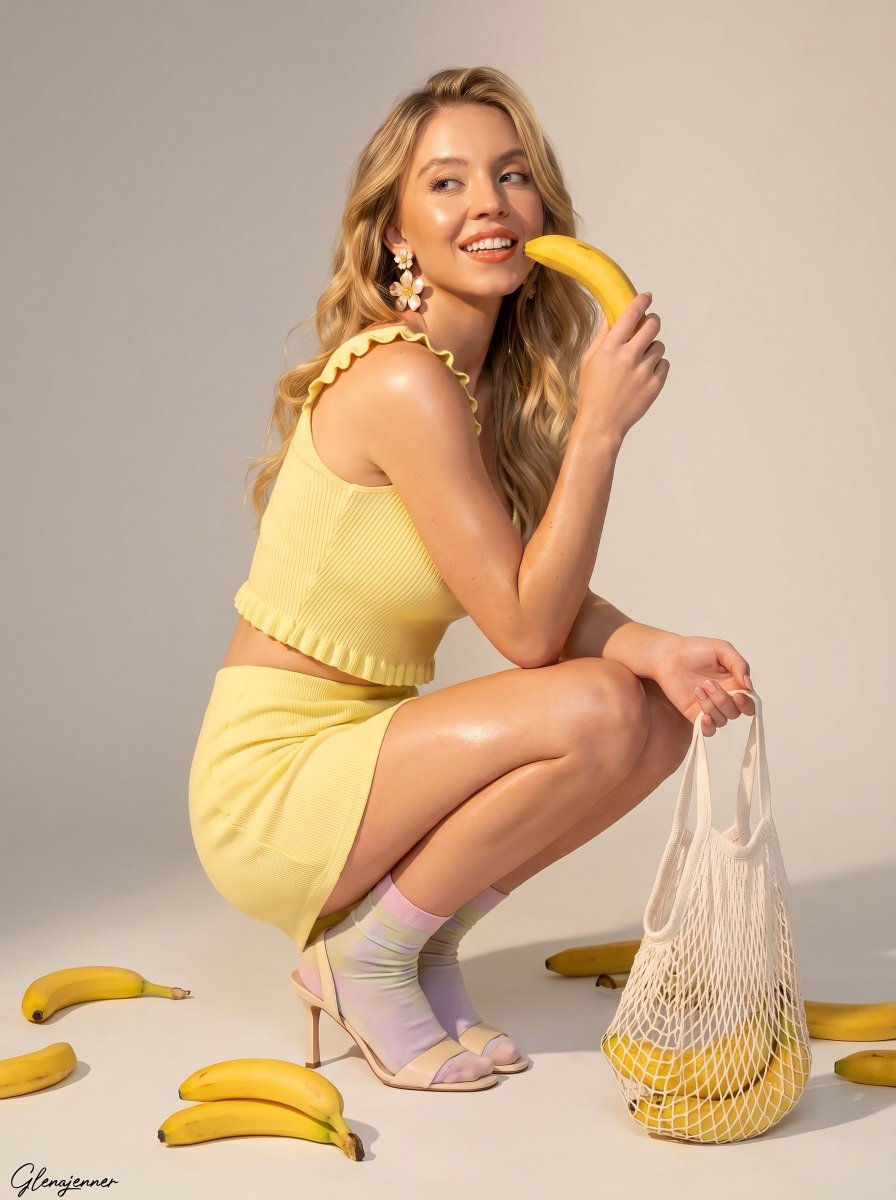
An editorial street-style prompt of a woman at a fruit market, capturing warm afternoon sunlight and urban vibes.
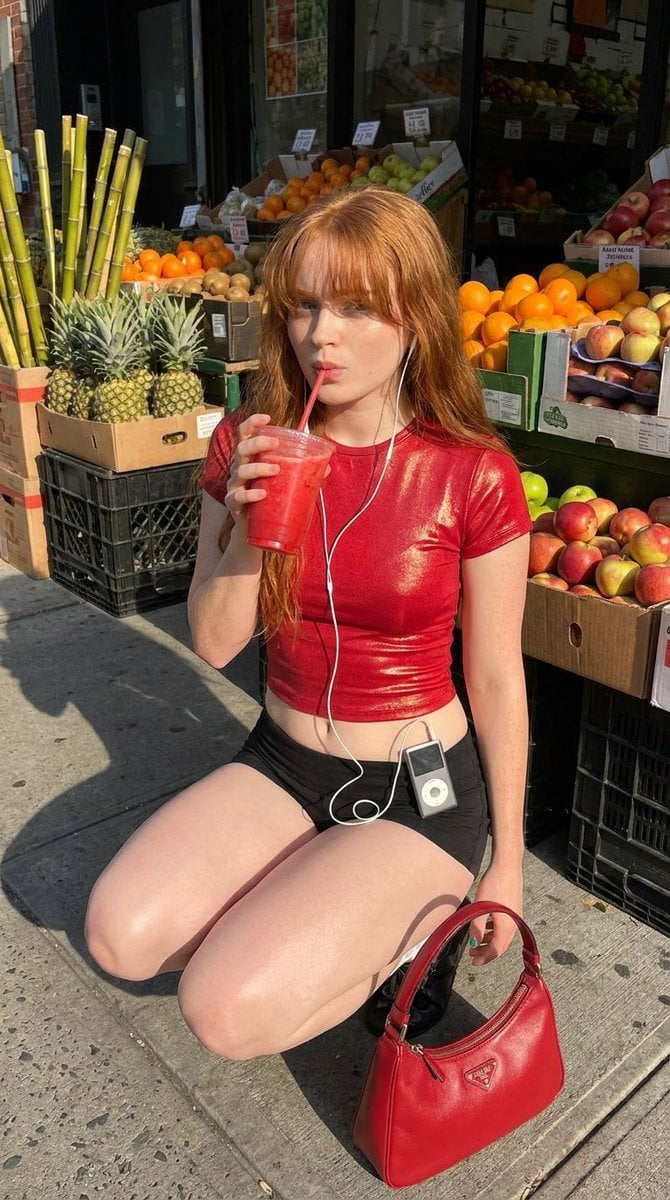
{ "prompt": "Photorealistic editorial street-style portrait of a young {argument name="subject" default="red-haired woman"} crouching outside a neighborhood fruit market in warm afternoon sunlight, sipping a bright red smoothie through a straw. She has long copper hair with bangs, subtle glam makeup, and wears a {argument name="outfit" default="fitted glossy red crop top, black mini shorts, and black boots"}, with wired earphones connected to a vintage silver MP3 player clipped at her waist. Fresh fruit stands with oranges, pineapples, apples, and market storefront details in the background. A {argument name="accessory" default="red designer-style handbag"} placed beside her. Realistic skin texture, candid fashion photography aesthetic, high detail, natural urban lighting.", "negative_prompt": "blurry, low resolution, distorted anatomy, extra limbs, extra fingers, malformed hands, unrealistic face, duplicate person, cartoon, anime, overprocessed skin, watermark, text, bad proportions, poor lighting", "size": "768x1344", "style": "photorealistic", "camera": { "angle": "street fashion candid portrait", "lens": "50mm", "aperture": "f/2.2" } }
Choose the primary action to open PicX Studio with the available template settings. Review the model and format, personalize the creative direction, and generate when ready.
Yes. You can change the subject, setting, lighting, mood, format, and available model controls before creating your image.
This template is free to open and customize. Generation usage is shown in PicX Studio before you create.
Start with Nano Banana 2, which is the model associated with this template. You can compare another compatible model for a different finish.
Follow a topic to a crawlable collection of related PicX Studio templates.