
Luxury Lavender Spa Selfie
A close-up luxury skincare selfie prompt with a soft lavender aesthetic, featuring a glitter face mask and spa elements.
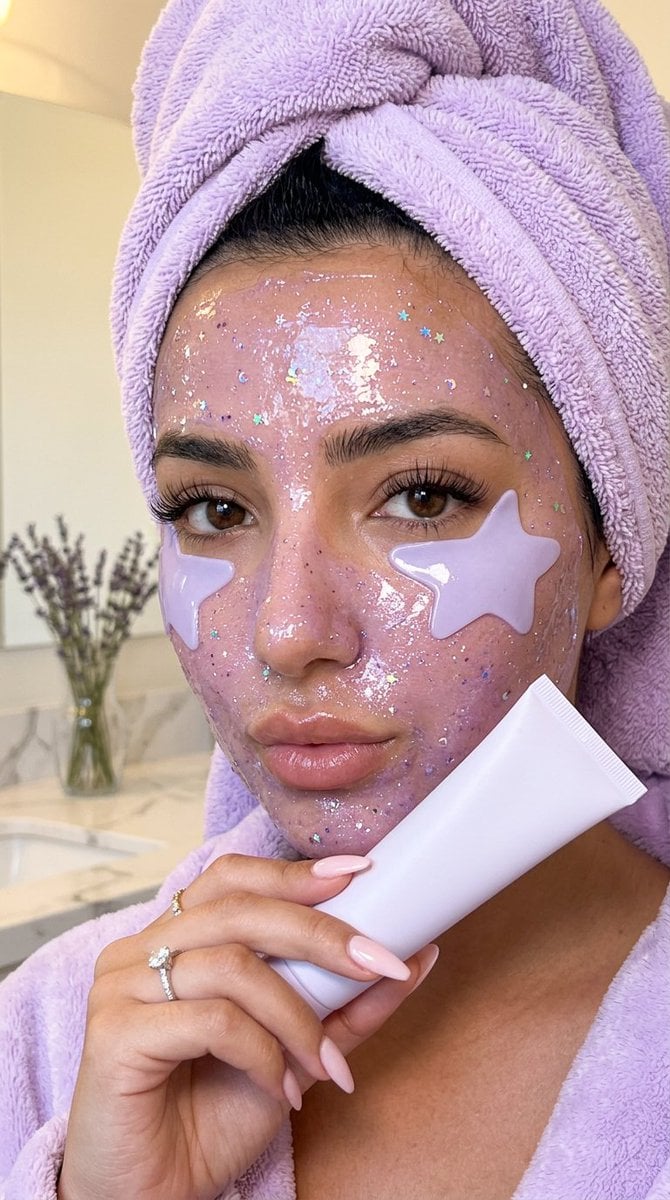
- Prompt included
- Model and format preset
- Premium template
The prompt behind this image
Copy the exact prompt behind Luxury Lavender Spa Selfie, or open it in the studio and make it yours.
{ "generation_request": { "meta_data": { "task_type": "luxury_lavender_skincare_closeup", "language": "en", "style": "ultra_photorealistic_beauty_selfie_editorial", "version": "v2.0_CLEAN_MINIMAL_PRODUCT" }, "output": { "aspect_ratio": "9:16", "orientation": "vertical", "quality": "ultra high resolution, premium realistic beauty finish, sharp facial details, natural skin texture" }, "scene": { "concept": "close-up luxury skincare selfie with a soft pastel lavender spa aesthetic", "environment": "minimal clean bathroom or spa setting, soft cream background, bright diffused natural light, calm beauty atmosphere", "lighting": "soft front-facing beauty light, glossy highlights on hydrated skin, gentle cool reflections, no harsh shadows", "mood": "calm, dreamy, feminine, luxurious, evening wind-down spa energy" }, "subject": { "description": "young woman in an extreme close-up vertical selfie crop, face filling most of the frame, realistic facial proportions, natural beauty, expressive eyes, long lashes, soft full lips, natural brows, visible pores and authentic skin texture", "pose": "soft relaxed pout, holding a minimal white skincare tube gently near the lips, calm intimate selfie feeling", "skin": "glowy hydrated face covered with a {argument name="mask style" default="translucent shimmering lavender glitter face mask"}, wet glossy texture, fine iridescent sparkle, realistic product thickness across forehead, cheeks, nose and chin", "eye_masks": "pastel lavender star-shaped under-eye masks with subtle tone-on-tone star pattern, glossy hydrogel finish, placed naturally under both eyes", "hair_and_towel": "hair fully wrapped in a fluffy {argument name="color" default="pastel lavender"} towel, realistic towel fibers, soft plush volume, cozy spa texture", "wardrobe": "matching pastel lavender fluffy spa robe visible at the bottom of the frame, plush fabric texture" }, "product": { "description": "minimal matte white skincare tube held near the lips, completely plain and unmarked", "texture": "smooth soft-touch cosmetic packaging, realistic cap ridges, subtle clean highlights" }, "camera_style": { "framing": "extreme close-up vertical selfie crop, slightly off-center natural composition, candid beauty framing", "lens": "smartphone macro beauty lens look blended with high-end editorial clarity", "focus": "sharp eyes, lashes, under-eye masks, lips, hand, and glossy skincare texture; soft background blur", "details": "realistic pores, tiny skin imperfections, natural shine, detailed towel fibers, glossy mask sparkle, no plastic smoothing" }, "color_palette": [ "pastel lavender", "soft cream", "pearl white", "glossy lilac", "subtle iridescent sparkle", "warm natural skin tones" ] } }
How to use Luxury Lavender Spa Selfie in 3 steps
- 1
Open
The prompt is already in the box next to the preview, with the template's model and format selected.
- 2…a portrait of your subject in softgolden-hour light, 85mm…
Personalize
Edit the subject and creative details for your destination.
- 3Generate
Generate
Press Generate — your image is created in PicX Studio, so you can compare it with the original and refine one variable at a time.
More like this
Templates with the same subject, style or setup. Open one to see its prompt.
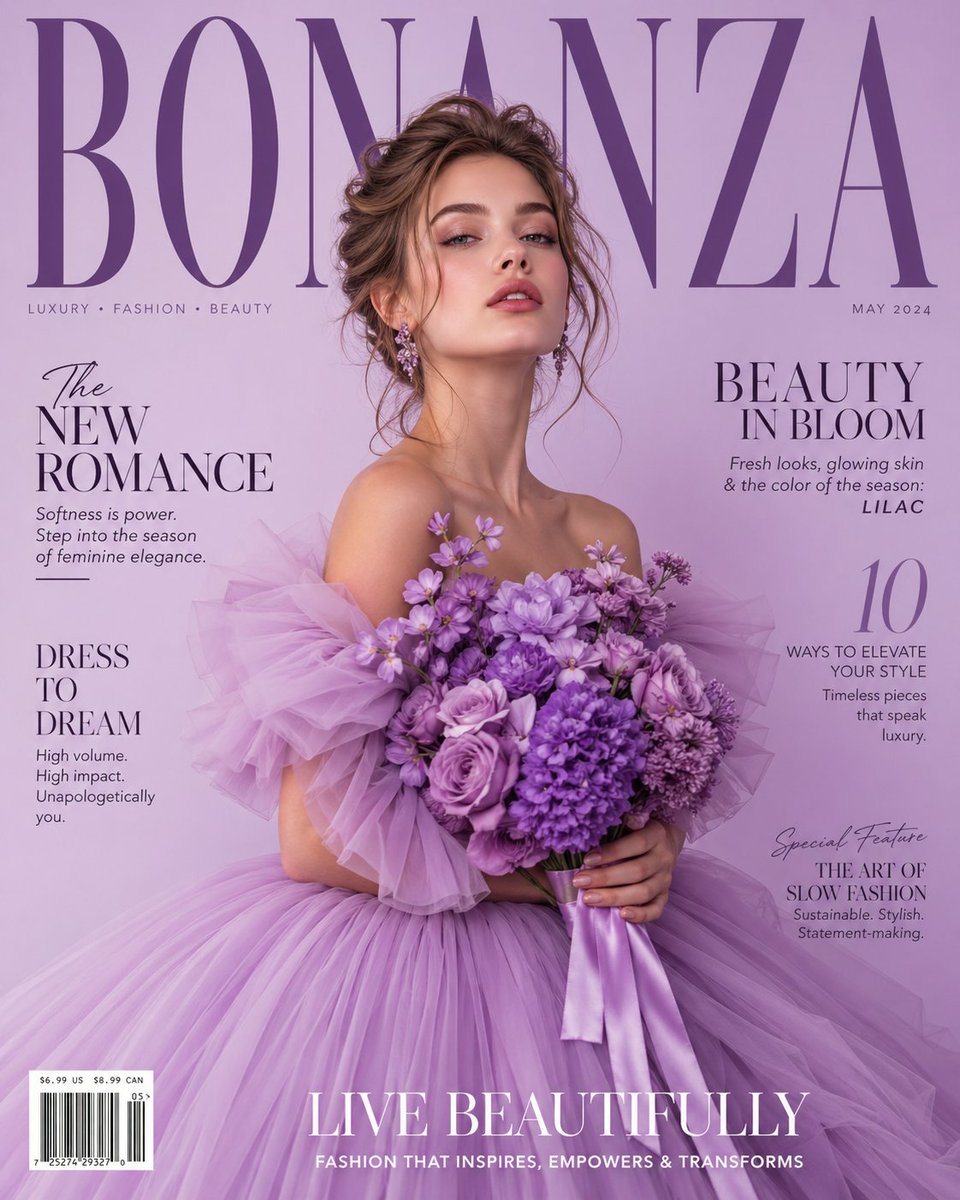
Lavender Couture Magazine Cover Fashion Portrait
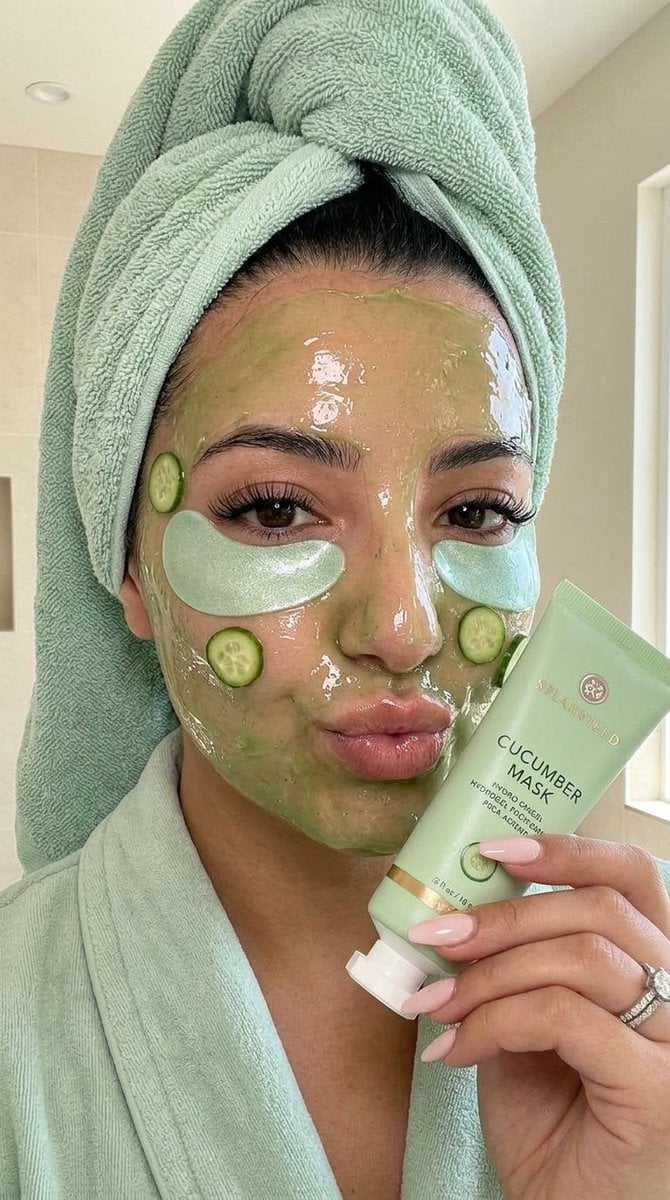
Luxury Skincare Spa Selfie
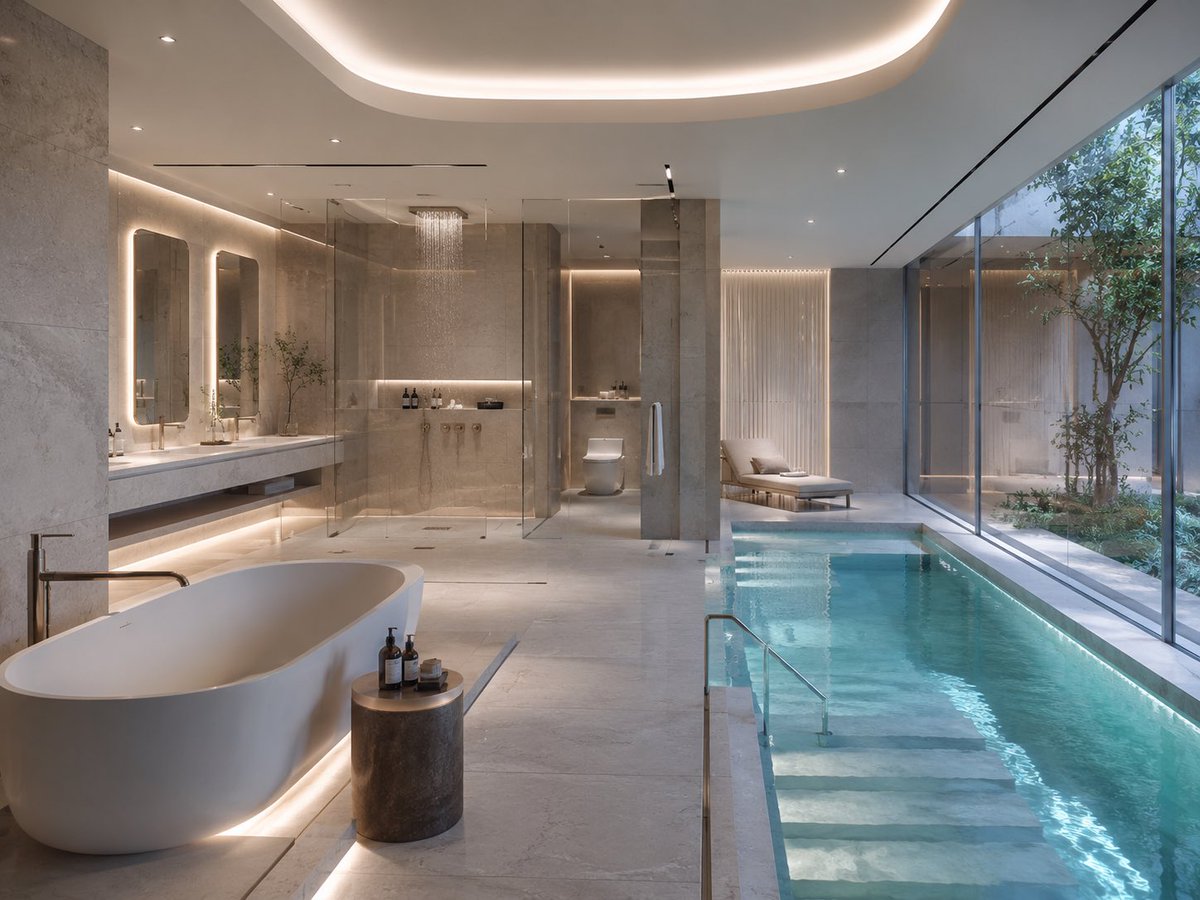
Luxury Spa Bathroom with Indoor Pool

Luxury Citrus Sparkling Drink Advertisement

Rooftop Fisheye — Cat-Ear Balaclava at Golden Hour

Felt & Knit 3D Character — Photo-Exact Face, Pixar-Quality Plush Figurine

Surreal Cat Astronaut — Humanoid Face Freefall

Sealing Wax Letter Desk

Ballroom Floor Reflections

Vintage Camera Leather Case

Hedge Maze Aerial Dawn

Tuxedo Cuff Adjust
Make it yours
Luxury Lavender Spa Selfie works as-is. These are the safest ways to change it without losing the look.
Change one field
Copy a single group, rewrite it, and generate again so you can see what that field is doing.
Keep the frame, change the subject
Hold the composition and light of Luxury Lavender Spa Selfie, then swap wardrobe, props or the person for a new take.
| If the result… | Why | Fix |
|---|---|---|
| The result drifts from the preview | Too many fields changed at once. | Reuse Luxury Lavender Spa Selfie as-is first, then change one group — subject, light, or setting. |
| The model over-stylizes the scene | The prose prompt leaves finish and camera underspecified. | Add one camera or lighting sentence and stay on Nano Banana 2. |
More Nano Banana 2 templates
Other prompts made for Nano Banana 2.

Photorealistic Leaf Shaped Like a Dragon

K-Pop Idol Portrait Grid for Rapid Selection

Poetic Rain Forest Portrait During Golden Hour

Urban Street Portrait with Cartoon Inner Self Duo

Candid Nighttime Photo with Cat Prompt

High-Concept 3D Diorama Generation Prompt

Cinematic Futuristic Studio Portrait Template

Skincare Editorial Photography Collage Prompt

Hyper-Realistic Commercial Product Photography (Splash Effect)

Hyper-Realistic Nightclub Portrait Prompt
More image prompts
Fresh picks from across the catalog.
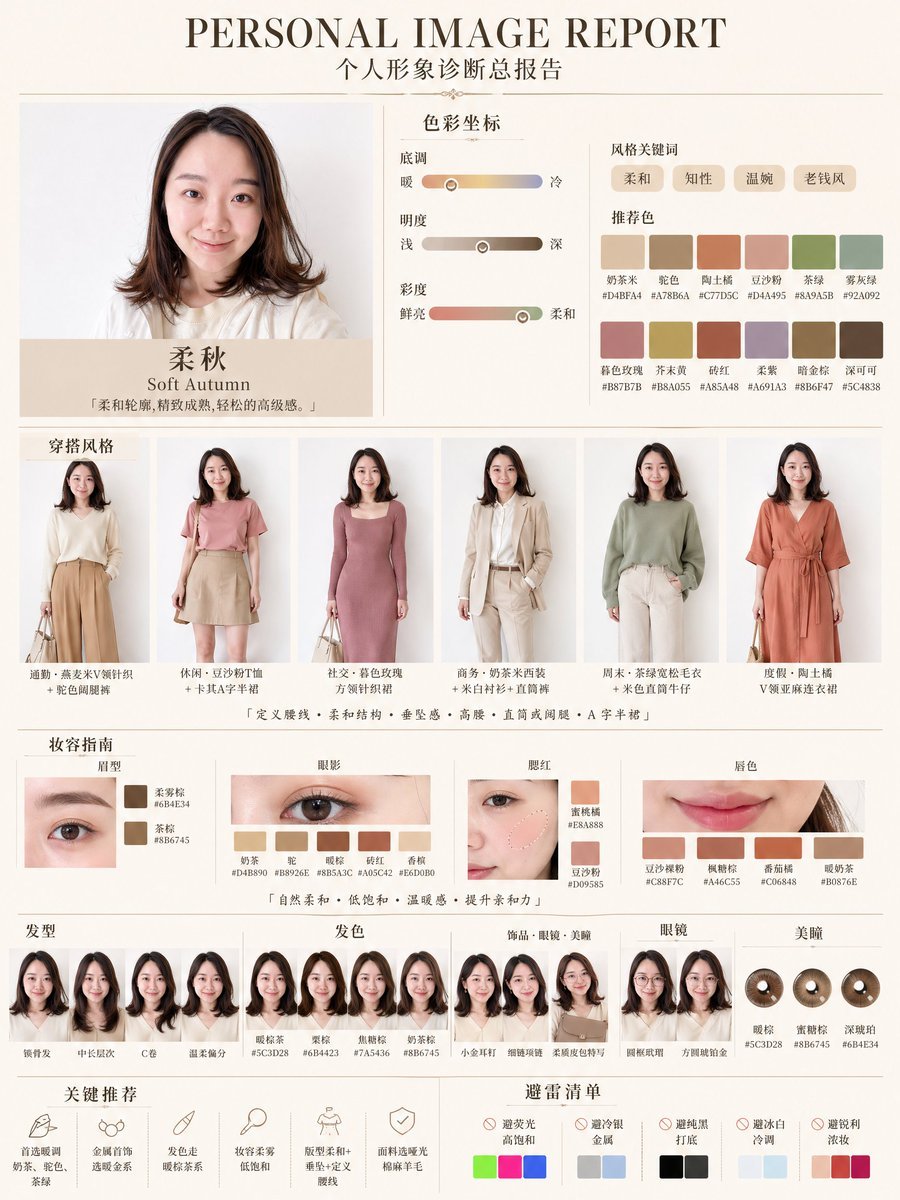
Soft Autumn Personal Image Report
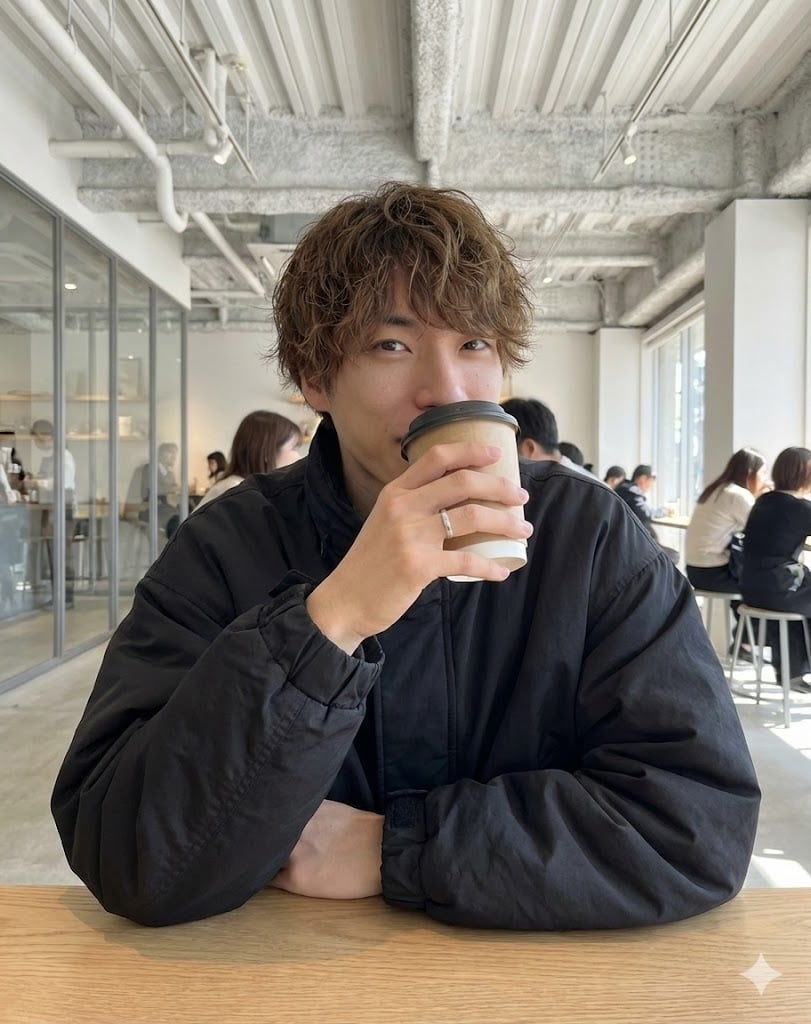
Cafe date POV profile photo prompt for Nano Banana Pro
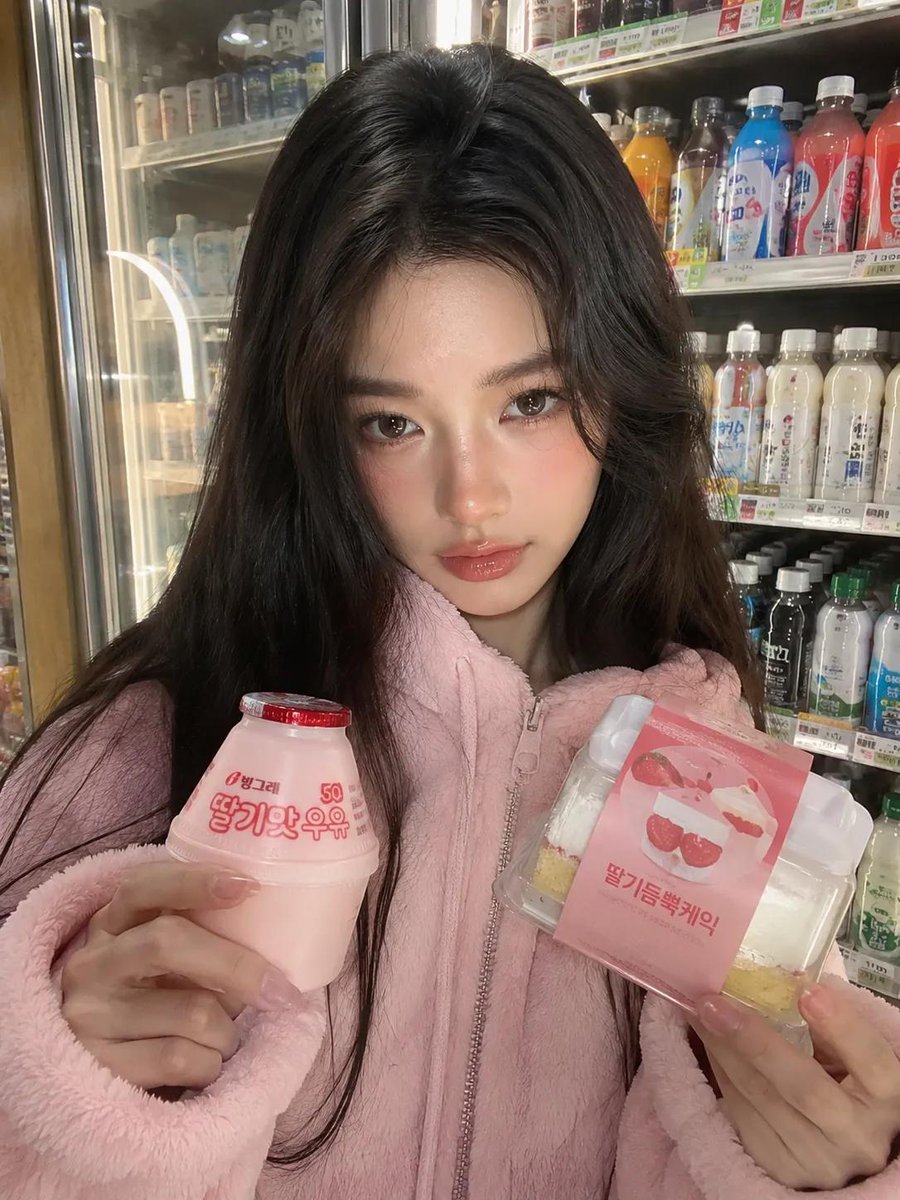
Korean Convenience Store Portrait
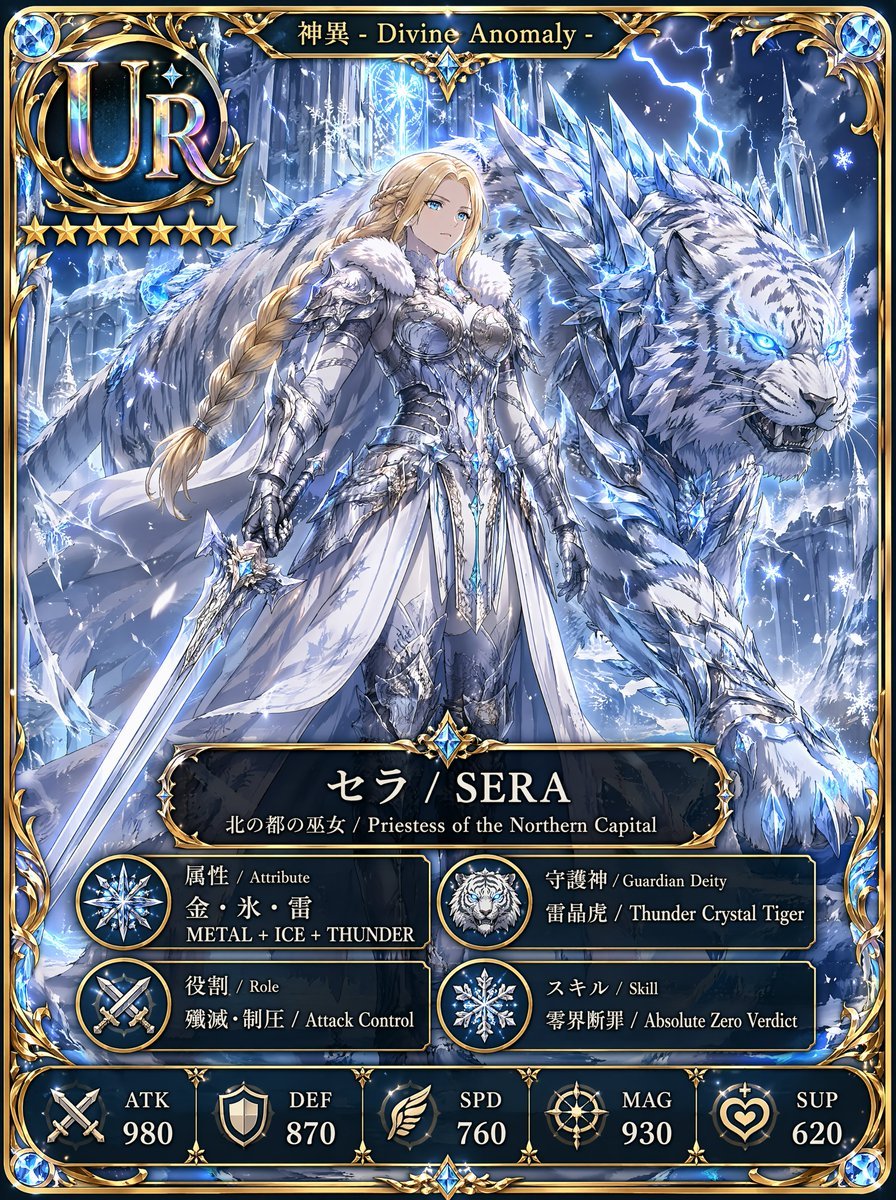
UR Ice Priestess Fantasy Card
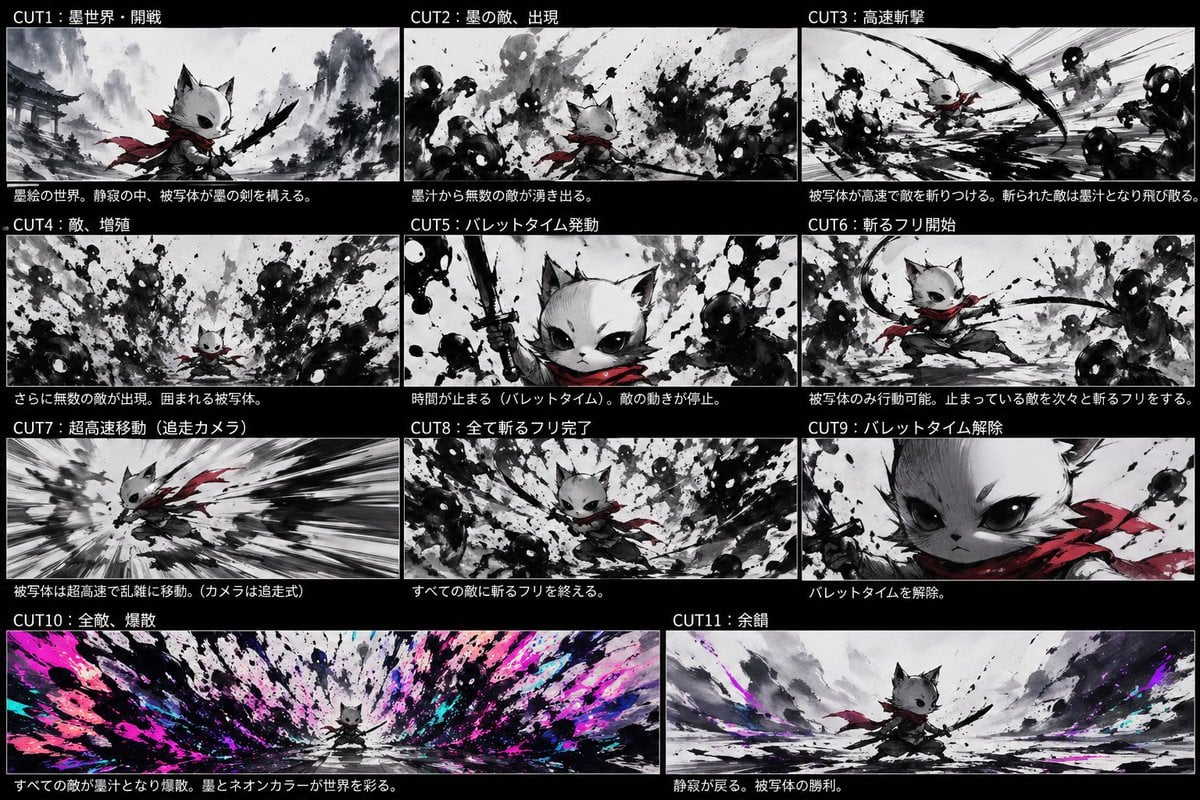
Ink Neon Cat Samurai Storyboard
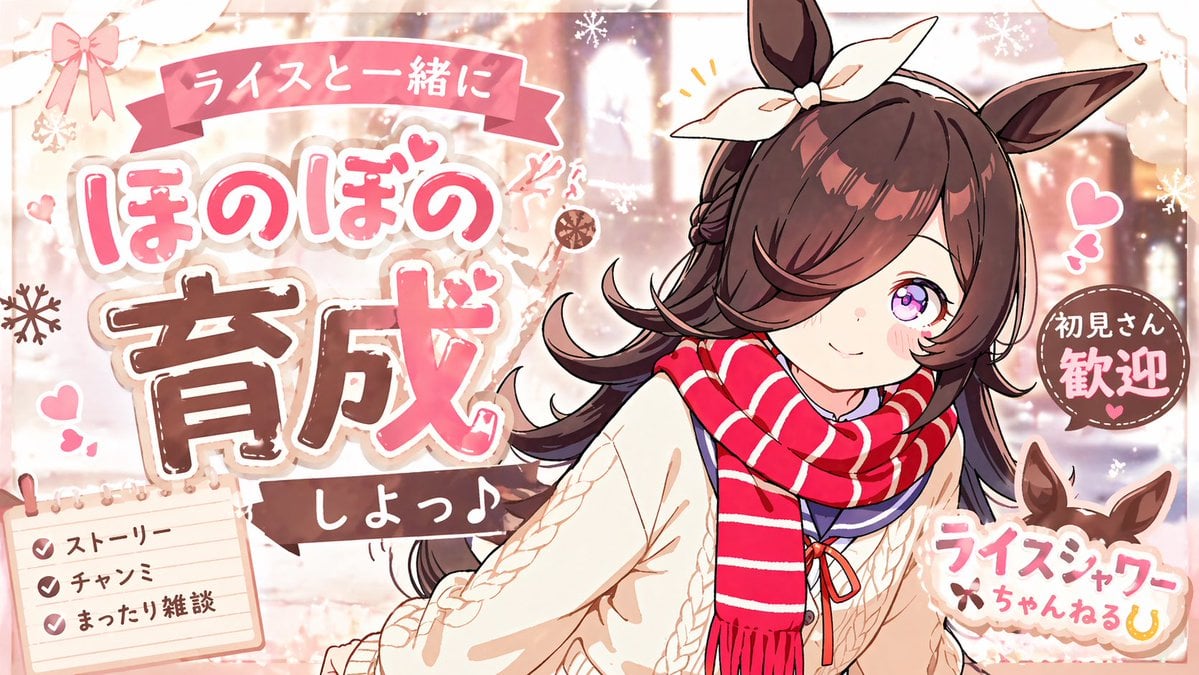
Cute Winter Anime Channel Poster
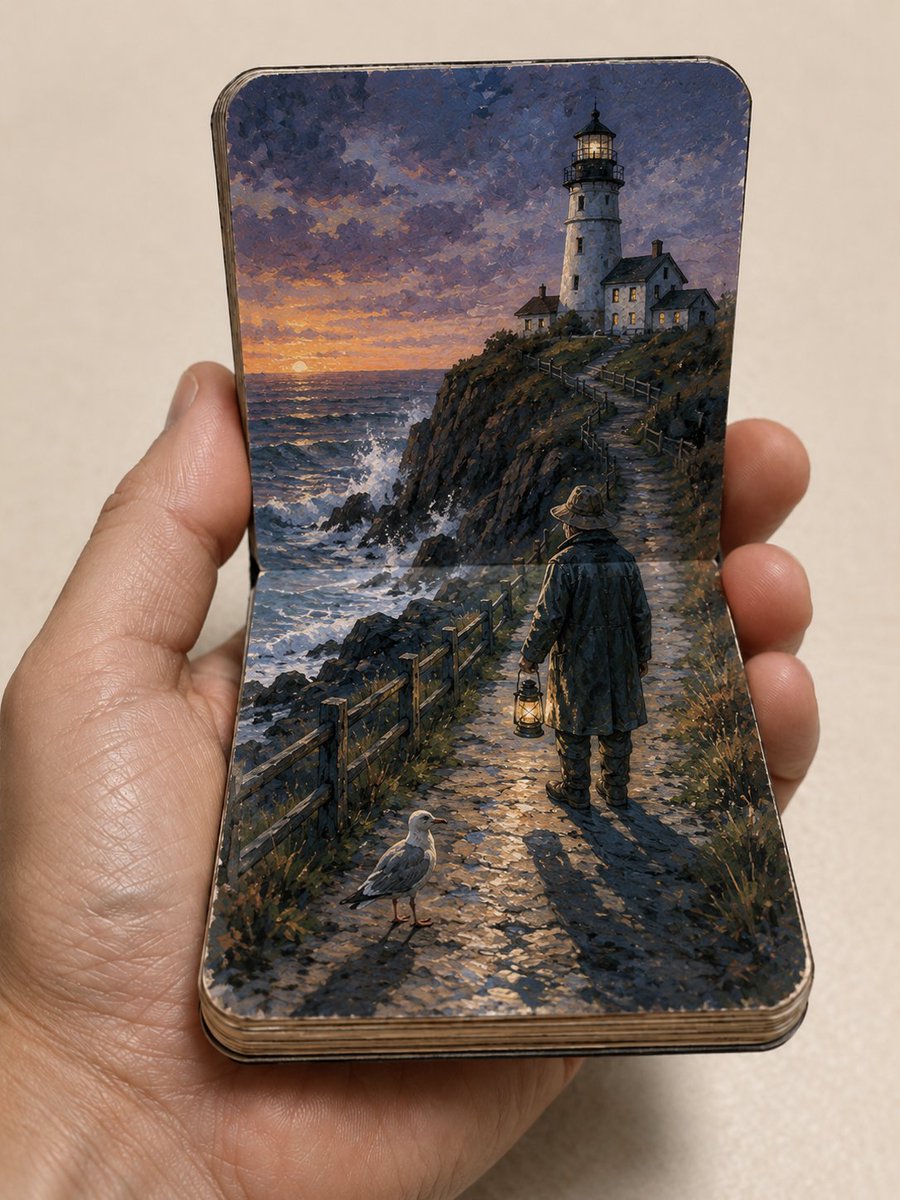
Miniature Paper Theater Sketchbook
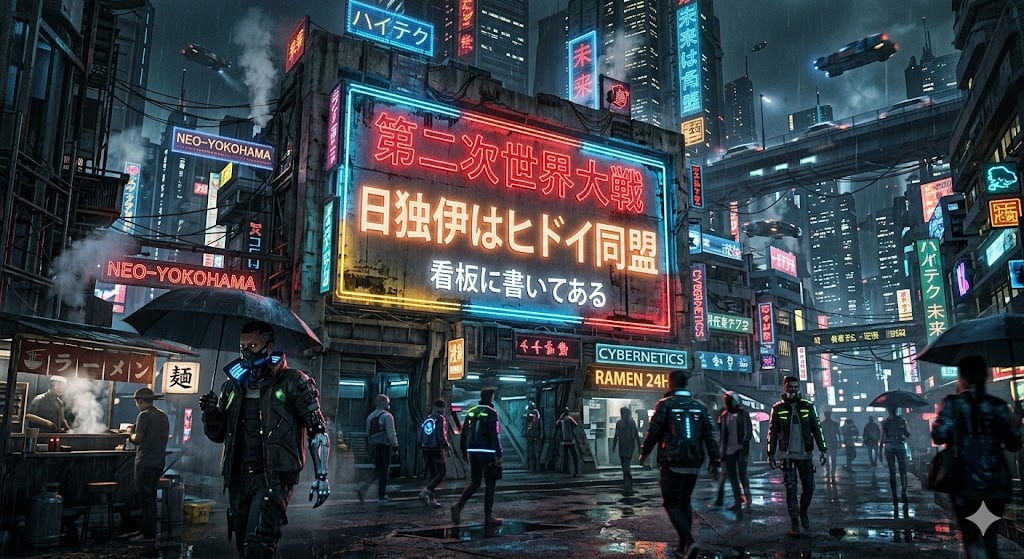
Cyberpunk World War II Signboard
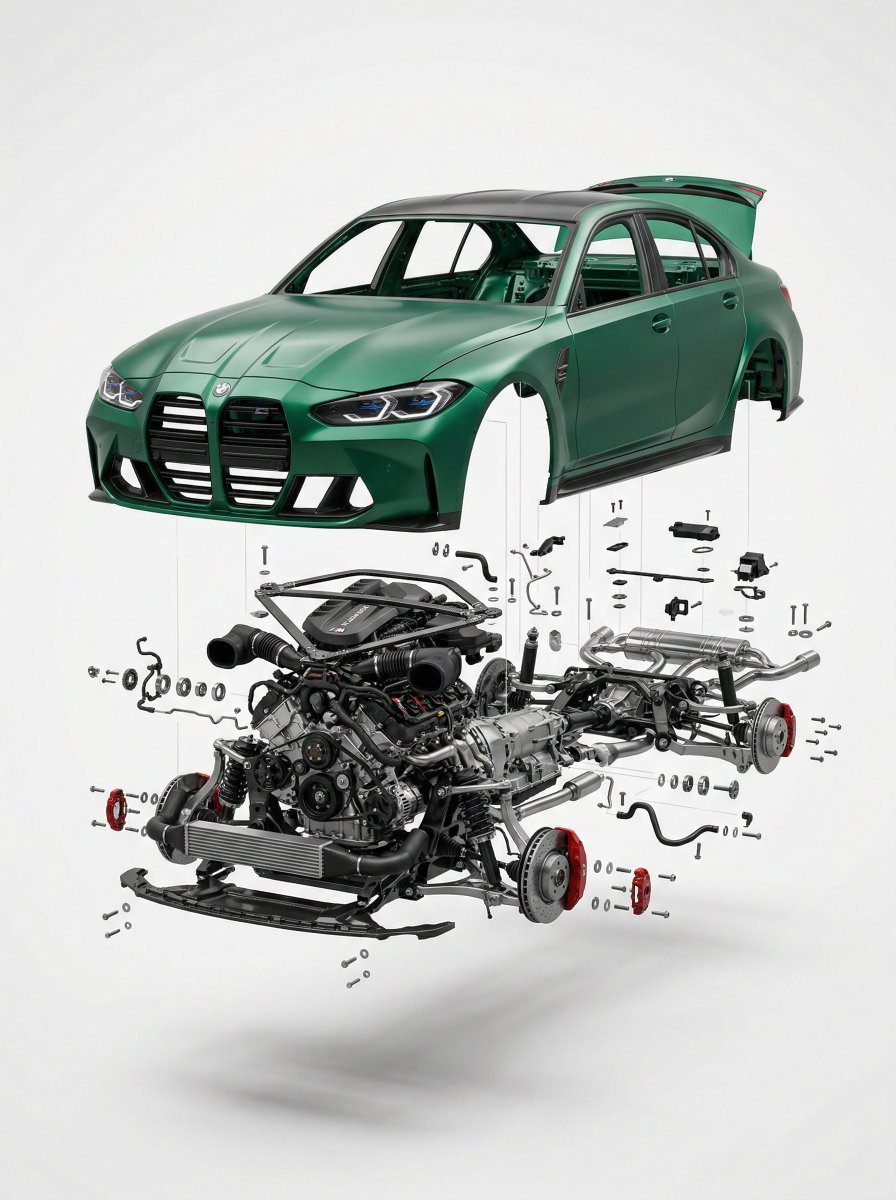
Exploded View Car Advertisement
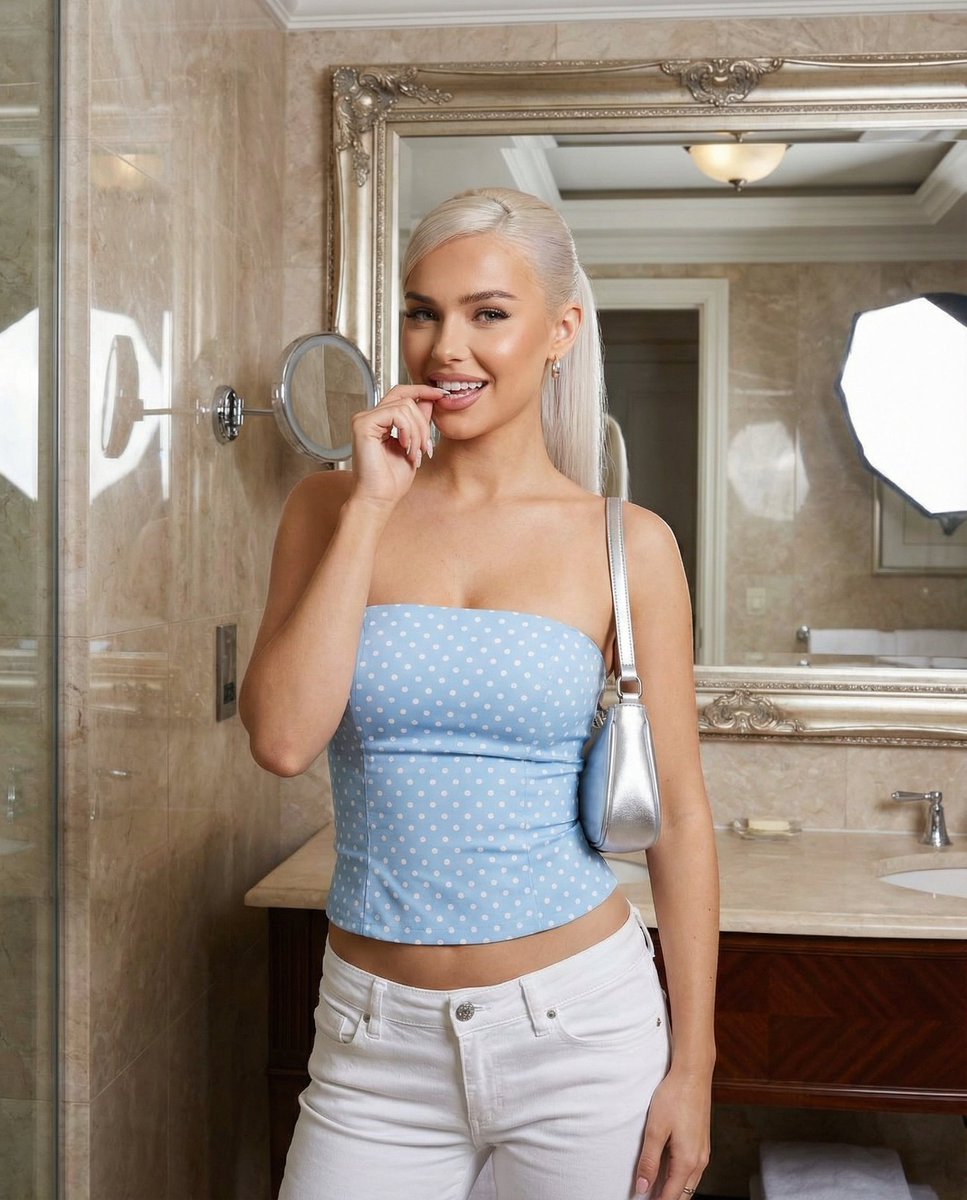
Baby Blue Polka Dot Top Bathroom Selfie Prompt
Browse template categories
Luxury Lavender Spa Selfie questions
How do I use the Luxury Lavender Spa Selfie template?
Add your photo if the template asks for one, edit the prompt if you like — the template's model and format are already selected — and press Generate. Your version opens in PicX Studio.
Can I customize the Luxury Lavender Spa Selfie template?
Yes. You can change the subject, setting, lighting, mood, format, and available model controls before creating your image.
Is the Luxury Lavender Spa Selfie template free?
Opening and editing this template is free. Generating uses credits, shown on the Generate button when you are signed in.
Which AI model should I use?
Start with Nano Banana 2, which is the model associated with this template. You can compare another compatible model for a different finish.
Looking for something else? Browse all templates.

Your photo, any look
Thousands of ready templates for every top image and video model, from one credit balance.