Sydney Sweeney Lazy Morning Selfie Simulation
photo_type: Handheld smartphone selfie, amateur indoor snapshot, captured on an iPhone 16 Pro front camera with typical arm distortion and lens curvature. subject: { age: Early 20s, body_type: Curvy and athletic, description: A woman with an oval face, large almond-shaped blue eyes, well-defined blonde eyebrows, and a straight, proportional nose. She has full, symmetrical lips and fair, smooth skin, framed by long, wavy blonde hair. She is lying on her stomach on a bed, propped up on her elbows. ethnicity: Caucasian, expression: A soft, relaxed smirk looking directly into the lens, gender: Female, mirror_rules: The mirror in the background shows minor streaks and dust, reflecting the opposite side of the room naturally. pose_description: Lying prone on a white bed, propped up by her elbows with her head tilted slightly. One hand is tucked under her chin. She is looking over her shoulder at the camera in a casual, intimate pose. tattoos: Roman numeral tattoo 'XXI-III-VXXI' in black ink on the inner left forearm; a large, dark-inked floral and skull motif tattoo covering the right hip and upper buttock. } clothing: { bottom: { color: White, details: High-waisted fit with visible side stitching, fabric: Elastic jersey cotton, type: Tight-fitting lounge shorts }, fit_and_physics: The fabric shows natural compression creases around the hips and waist; the white top's thin straps are slightly bunched near the shoulders. outerwear: { color: None, details: None, fabric: None, type: None }, shoes: { color: None, details: None, fabric: None, type: None }, top: { color: White, details: Minimalist design, thin straps, fabric: Ribbed stretch cotton, type: Crop top camisole } } hair: { color: Long, wavy blonde hair, interaction: Hair cascades over her shoulders and onto the white bedsheets in a natural, unstyled manner. style: Wavy blonde hair with a side part, showing some natural frizz and fine flyaway strands. } face: { description: Use the uploaded character reference image, keep all facial details 100% unchanged, eyebrows: Defined blonde eyebrows following the character reference, eyes: Almond-shaped blue eyes, lips: Full and symmetrical with a subtle mauve glossy tint, makeup: Clean winged eyeliner, mascara, and a natural-toned lip gloss } skin_texture: The skin is fair with a smooth texture, exhibiting a natural healthy sheen under room lighting. biological_features: { eye_complexity: Visible corneal reflections from the room window, realistic moisture in the tear ducts, and fine veins in the sclera. hair_strand_physics: Fine, individual blonde strands visible near the temples, with realistic weight and soft texture. skin_micro_texture: Visible vellus hair (peach fuzz) along the jawline, varied pore size on the nose and cheeks, and natural skin grain. subsurface_scattering: Soft light translucency through the edges of the ears and fingertips. vascularity_and_pigment: Faint blue veins visible on the inner forearm near the tattoo and slight pinkness on the knuckles. } texture_details: { environment: Wrinkled white cotton bedsheets, smooth white painted walls, and the brushed gold texture of a mirror frame. fabric: The matte, soft texture of white jersey fabric with slight stretching at the seams. hair: Silky but realistic blonde strands catching the ambient light with individual fiber definition. skin: Fair and smooth skin with natural imperfections like tiny moles and visible pores. } accessories: { device: iPhone held just outside the frame, creating a typical high-angle selfie perspective. eyewear: None, headwear: None, jewelry: None, props: White hydrangeas in a glass vase in the background, a white Prada shopping bag on a high shelf. } background: { atmosphere: Casual, bright, lived-in bedroom environment. elements: [Large gold-framed sliding mirror, White bed with rumpled sheets, White closet doors, Vases with white flowers, White shopping bag on a top shelf], lighting_interaction: Bright, flat natural light from a window, creating soft shadows and highlights across the bed. setting: An airy, bright bedroom with white decor. wall_color: Off-white } lighting: Natural daylight, flat and diffused throughout the room, typical of an indoor afternoon. color_grading: { LUT_application: None, contrast_curve: Standard iPhone HDR curve, preserving detail in both white sheets and dark tattoos. general_look: Natural, unedited smartphone photo look. saturation_boost: None, realistic and neutral colors. } camera: iPhone 16 Pro front-facing camera lens_type: Wide-angle smartphone lens resolution_and_aspect_ratio: 48MP, 3:4 aspect ratio style: Raw handheld snapshot, casual and unposed aesthetic. imperfections: Faint fingerprints and dust on the mirror glass, minor fabric pilling on the shorts, and natural wrinkles in the bedding. shot_type: High-angle selfie camera_settings: { aperture: f/11, dynamic_range: High (Smart HDR), focal_length: 24mm equivalent, iso: ISO 400, lens_distortion: Slight wide-angle stretching on the arm reaching toward the lens, optical_artifacts: { bokeh_quality: None, chromatic_aberration: None, focus_falloff: None, vignetting: Very subtle corner shading }, processing: Standard Apple Deep Fusion, shutter_speed: 1/125s, white_balance: Auto, slightly cool } sensor_atmosphere: { air_particles: Minimal dust motes visible in the window light haze_and_glare: Soft glare on the mirror surface iso_noise_structure: Fine, natural luminance noise typical of mobile sensors in indoor light sensor_bloom: None } vibe: Amateur, casual, personal photo document. overall_mood: Relaxed and intimate. color_mode: Vibrant full color action: Posing for a high-angle bedroom selfie. composition: { camera_angle_tilt: Tilted downward from a high handheld position depth_layering: Subject in sharp foreground, bed midground, mirror and wall decor in the background framing_rule: Handheld amateur framing, slightly off-center leading_lines: The lines of the bed and mirror frame lead toward the subject's face perspective: First-person selfie perspective symmetry_balance: Asymmetrical, casual arrangement } color_tone: Clean whites and soft neutrals with warm skin tones. depth_and_focus: Deep focus; everything from the subject's eyelashes to the background mirror is sharp and clear. final_director_notes: Maintain the specific blonde/blue identity from the reference. Ensure the tattoos are clearly rendered as described. The image must look like a raw, unedited iPhone photo with no background blur.





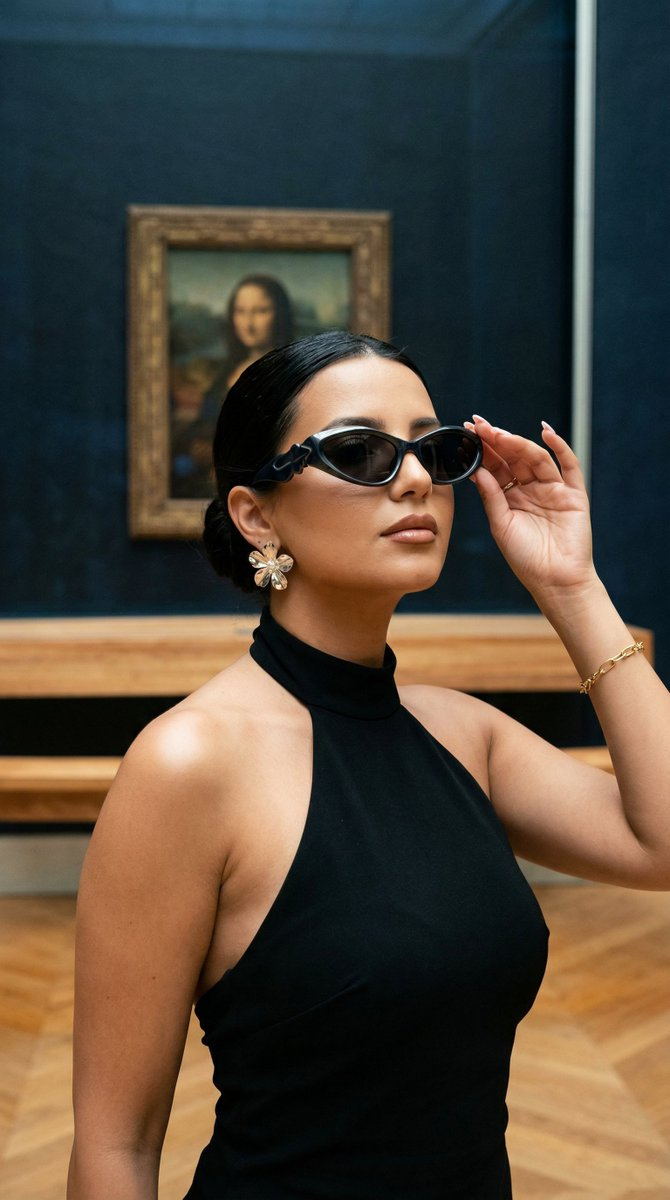









![Naive doodle-style subject illustration — A doodle-style {argument name="subject" default="[subject]"}, naive lines, humorous shape exaggeration](https://pbs.twimg.com/media/G6Wl2YxbsAARB2b.jpg)