
90s Editorial Paparazzi Street Photography
A cinematic prompt for generating a hyper-realistic 1990s editorial paparazzi photograph of a fashion model on a rainy Tokyo street at night, featuring Prada-inspired minimalism.
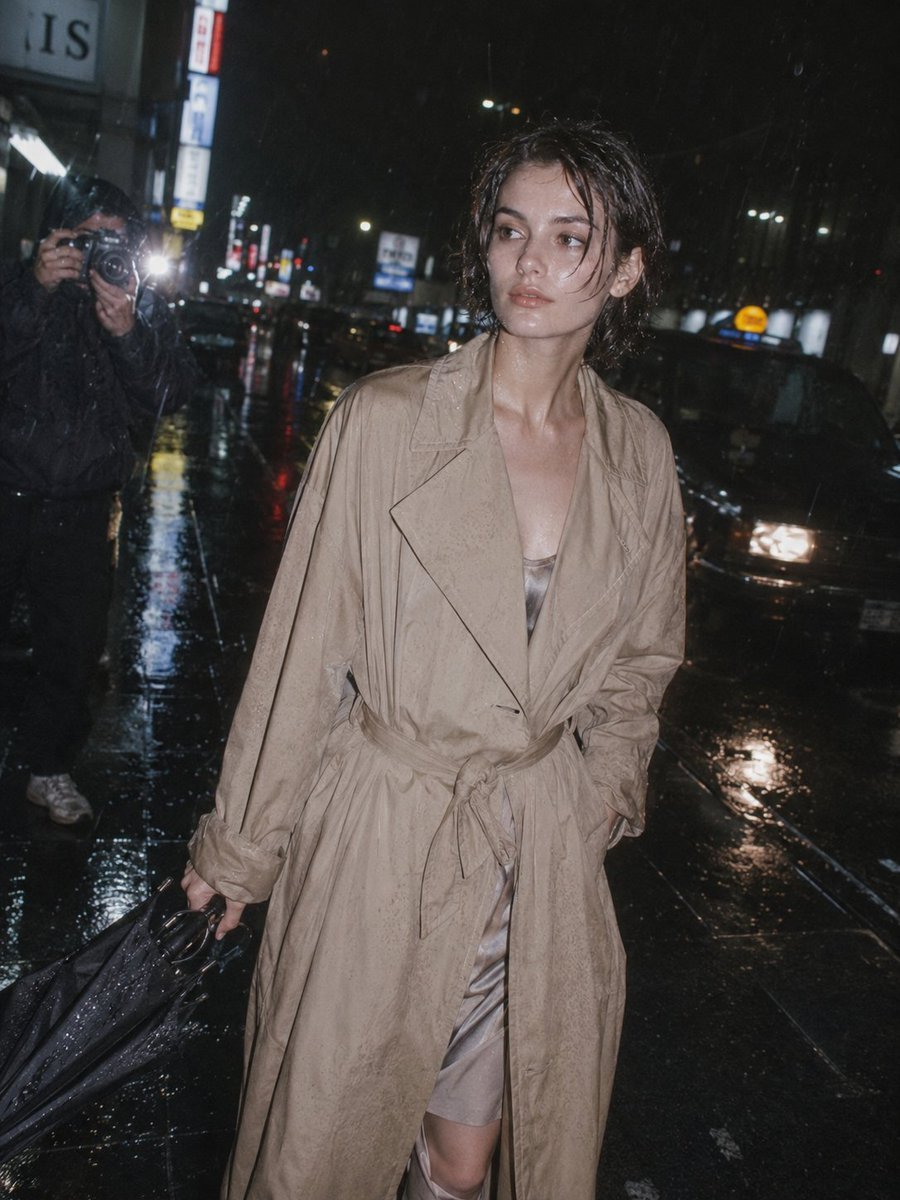
- Prompt included
- Model and format preset
- Free template
The prompt behind this image
Copy the exact prompt behind 90s Editorial Paparazzi Street Photography, or open it in the studio and make it yours.
{argument name="location" default="Tokyo"} Rain Street After Event ({argument name="brand" default="Prada"} Minimal) A hyper-realistic {argument name="era" default="1990s"} editorial paparazzi photograph with cinematic rain-soaked realism, capturing post-fashion-event silence on a neon-lit street. A young woman with preserved facial identity, elegant bone structure, slightly flushed skin from cold rain, short layered 90s haircut pushed behind ears, a few wet strands sticking naturally. Outfit: oversized beige trench coat with slightly wrinkled fabric, cinched loosely at waist, inner silk dress barely visible underneath, neutral tones, understated luxury, umbrella half-open and tilted. Scene & Composition: Night street, reflective asphalt, neon signs blurred into bokeh, taxis passing behind, paparazzi flash cutting through rain. She looks away mid-walk, expression calm but distant. 35mm film look, high ISO grain, motion blur rain streaks, cinematic contrast. NEGATIVE PROMPT: No anime, no CGI, no overprocessed skin, no fantasy lighting, no illustration, no plastic texture.
How to use 90s Editorial Paparazzi Street Photography in 3 steps
- 1
Open
The prompt is already in the box next to the preview, with the template's model and format selected.
- 2…a portrait of your subject in softgolden-hour light, 85mm…
Personalize
Edit the subject and creative details for your destination.
- 3Generate
Generate
Press Generate — your image is created in PicX Studio, so you can compare it with the original and refine one variable at a time.
More like this
Templates with the same subject, style or setup. Open one to see its prompt.
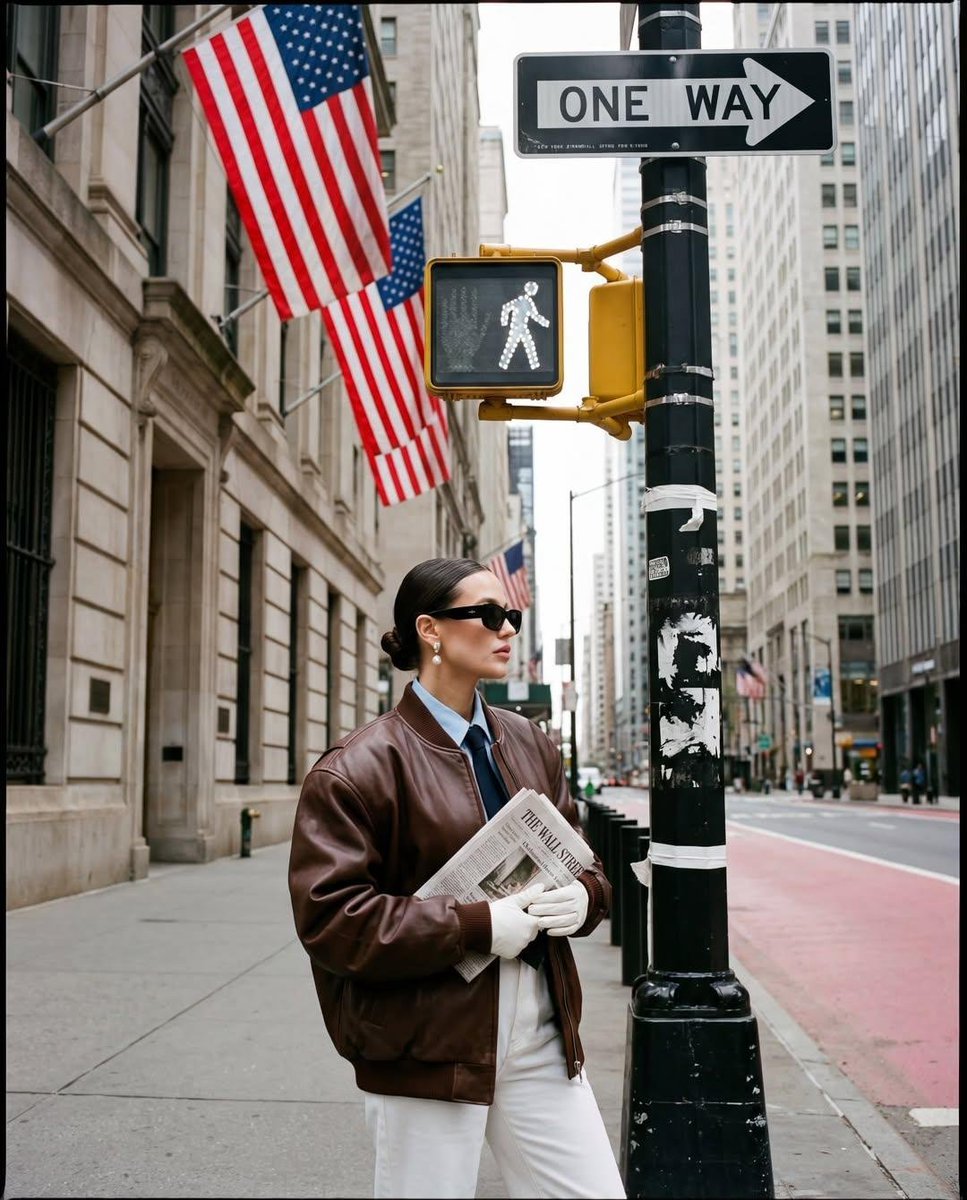
Ultra-realistic street fashion editorial photograph in New York City
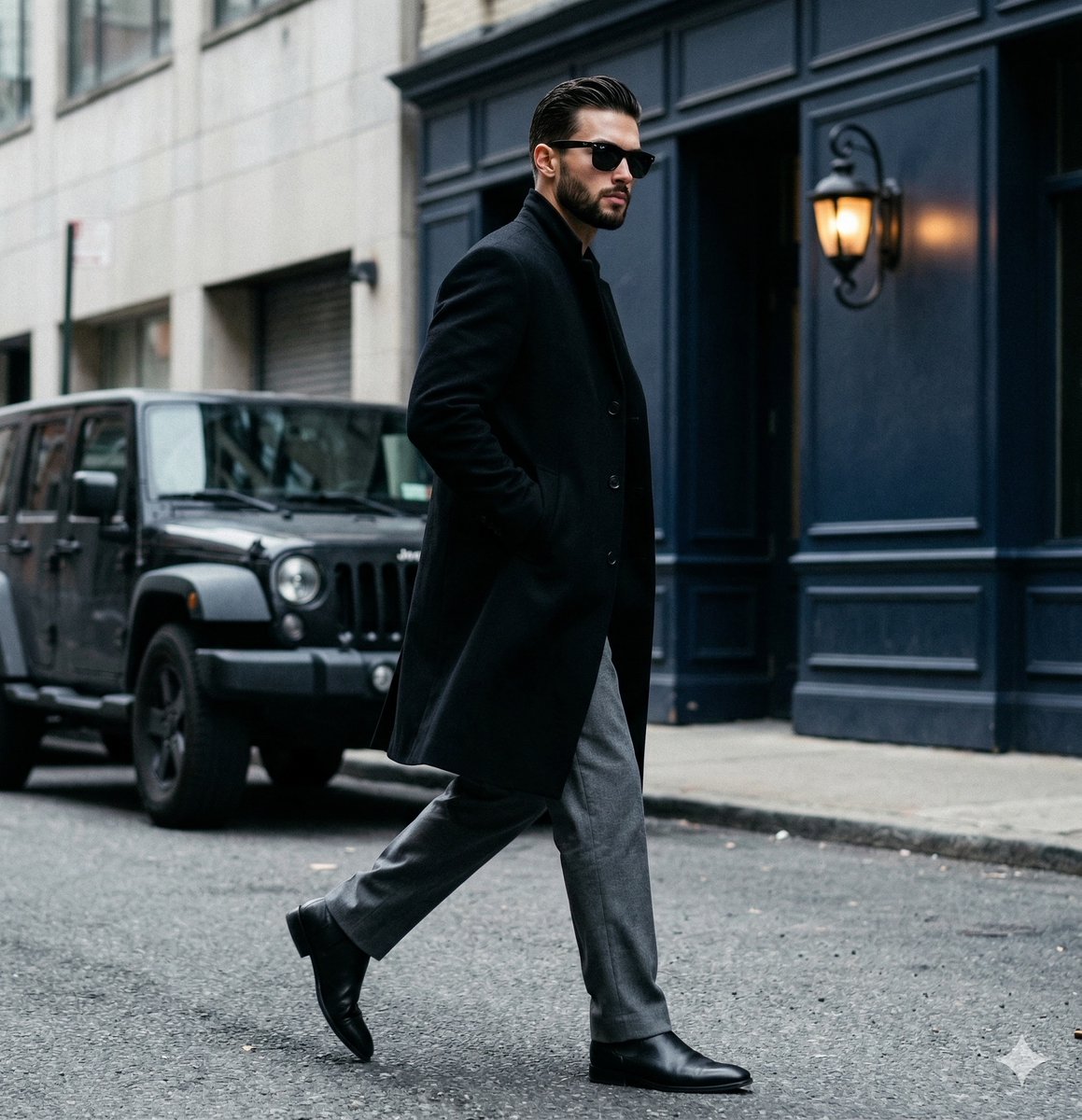
A candid paparazzi-style street photography shot of a handsome man

A double exposure, long exposure editorial photograph of a man Use image

Luxury Paparazzi Street Photography Prompt

Two Tickets, One Night

Meet Me When It Rains

Two Hearts. One Scooter.

1986 Street Couple

1985 Street Scene

Flower Petal Sunglasses Couture Portrait

Mountain Valley Lifestyle Portrait

青蛇小青写真大片,绿色紧身蛇鳞裙,湿发红唇,妖娆妩媚
Make it yours
90s Editorial Paparazzi Street Photography works as-is. These are the safest ways to change it without losing the look.
Change one field
Copy a single group, rewrite it, and generate again so you can see what that field is doing.
Keep the frame, change the subject
Hold the composition and light of 90s Editorial Paparazzi Street Photography, then swap wardrobe, props or the person for a new take.
| If the result… | Why | Fix |
|---|---|---|
| The result drifts from the preview | Too many fields changed at once. | Reuse 90s Editorial Paparazzi Street Photography as-is first, then change one group — subject, light, or setting. |
| The model over-stylizes the scene | The prose prompt leaves finish and camera underspecified. | Add one camera or lighting sentence and stay on GPT Image 2. |
More GPT Image 2 templates
Other prompts made for GPT Image 2.

Six VTuber Japanese Logo Sheet

Realistic Portrait of Woman and Deer

The Vista Modular Condo Poster

AI Model Routing Comparison Infographic

2.5D Anime Art Board

Isometric Productivity Desk Scene

New York Double Exposure Poster

Four-Panel AI Landscape Comparison

Japanese Tatami Lifestyle Magazine Cover

NESCAFÉ Coffee Map Poster
More image prompts
Fresh picks from across the catalog.
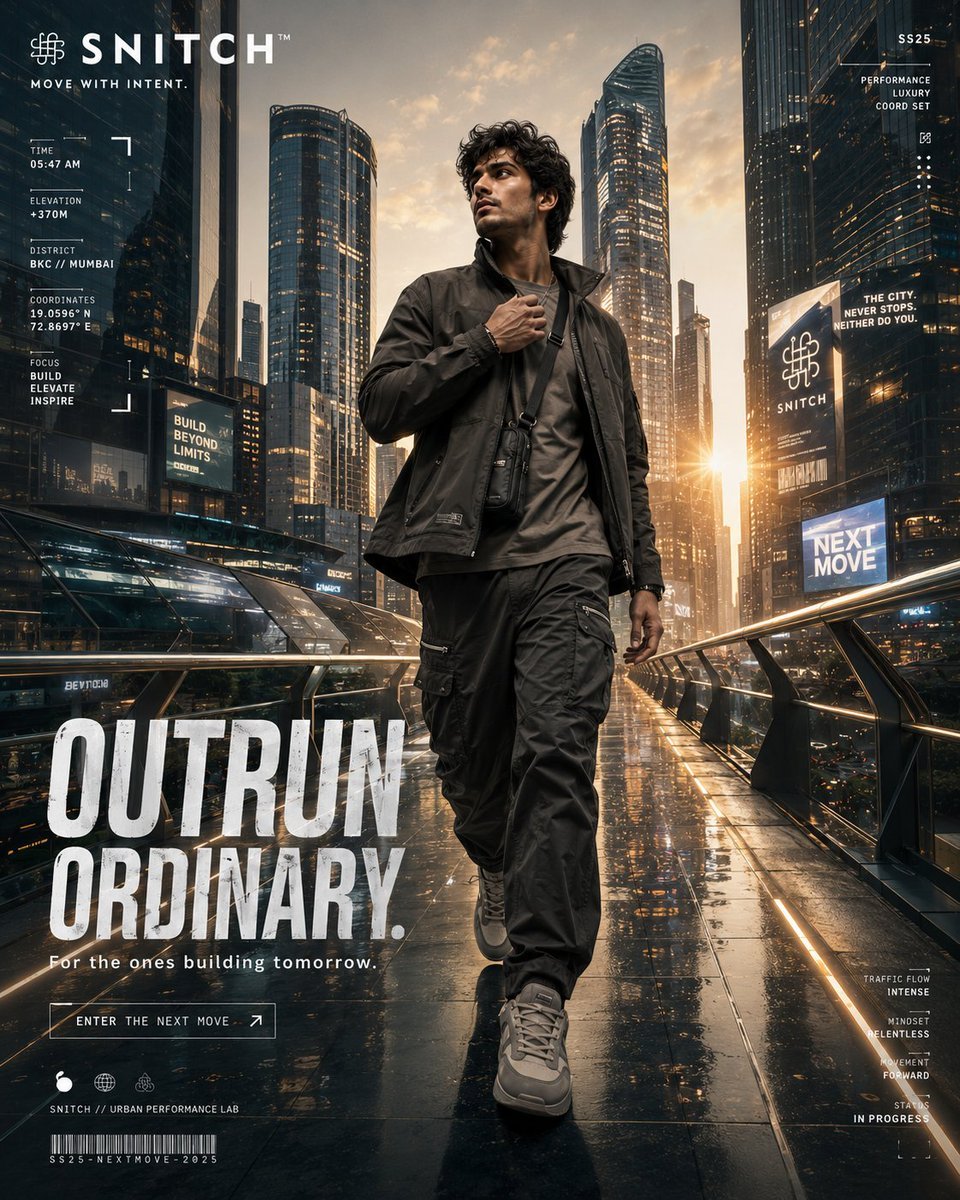
Futuristic Urban Performance Poster
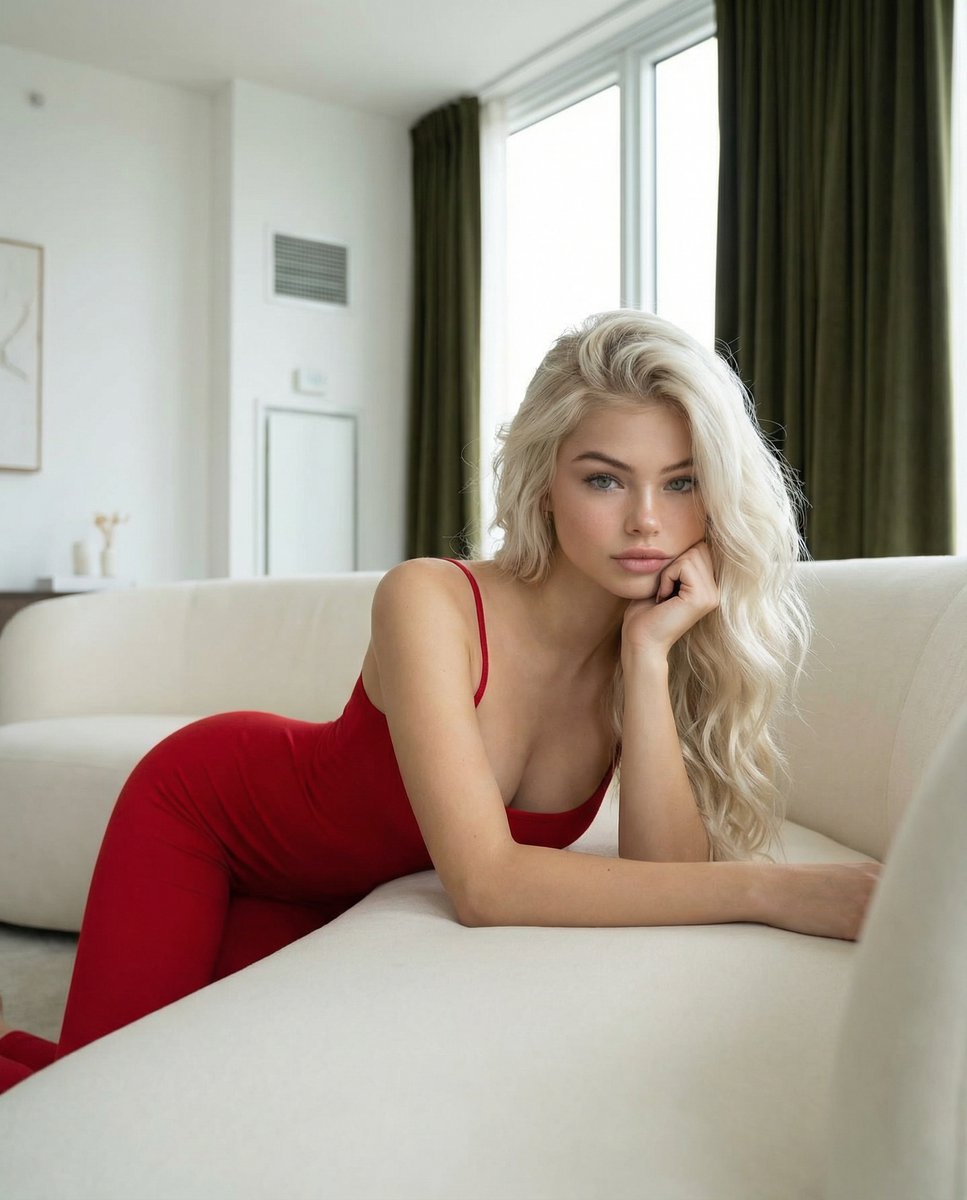
Modern Luxury Interior Lifestyle Portrait Prompt
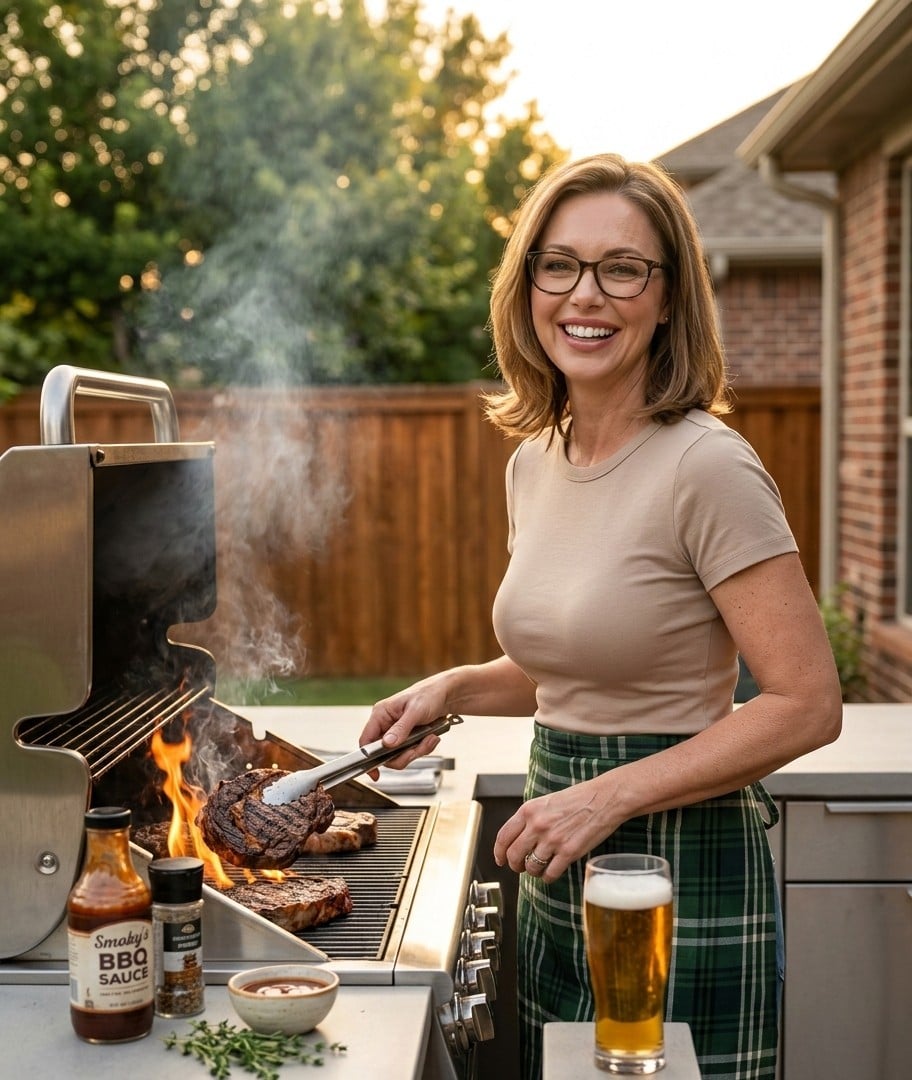
Ultra-Realistic Cinematic Grilling Photograph
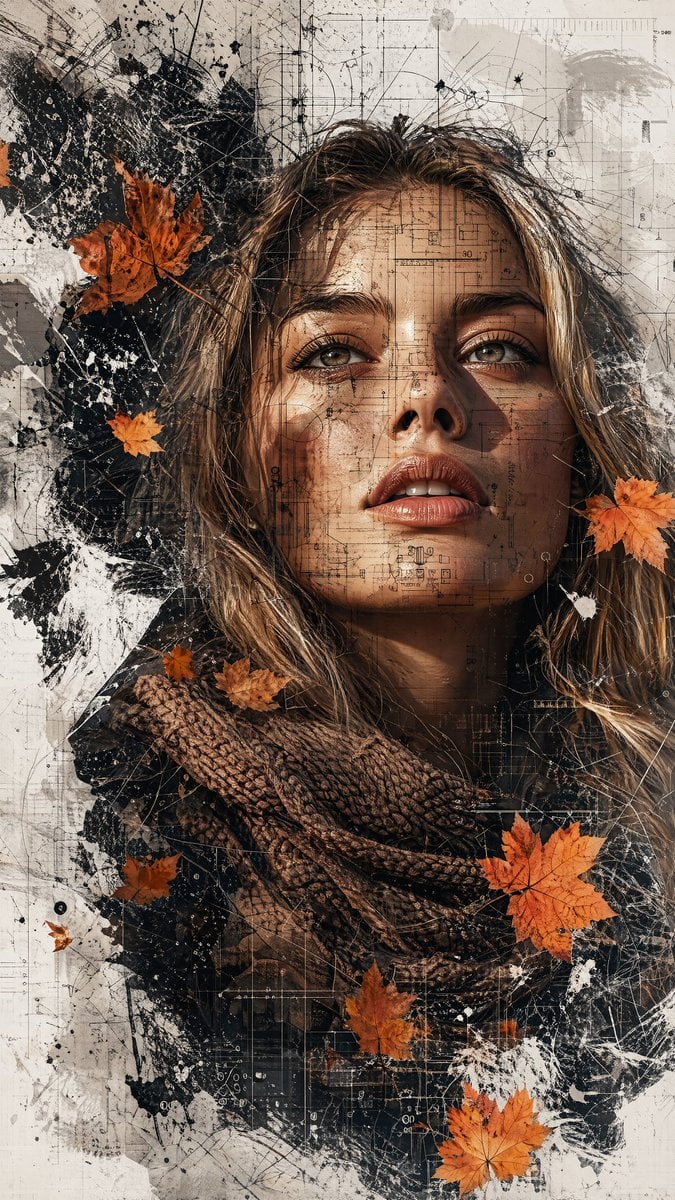
Multimedia Collage Fashion Portrait
Cat drinking cola illustration
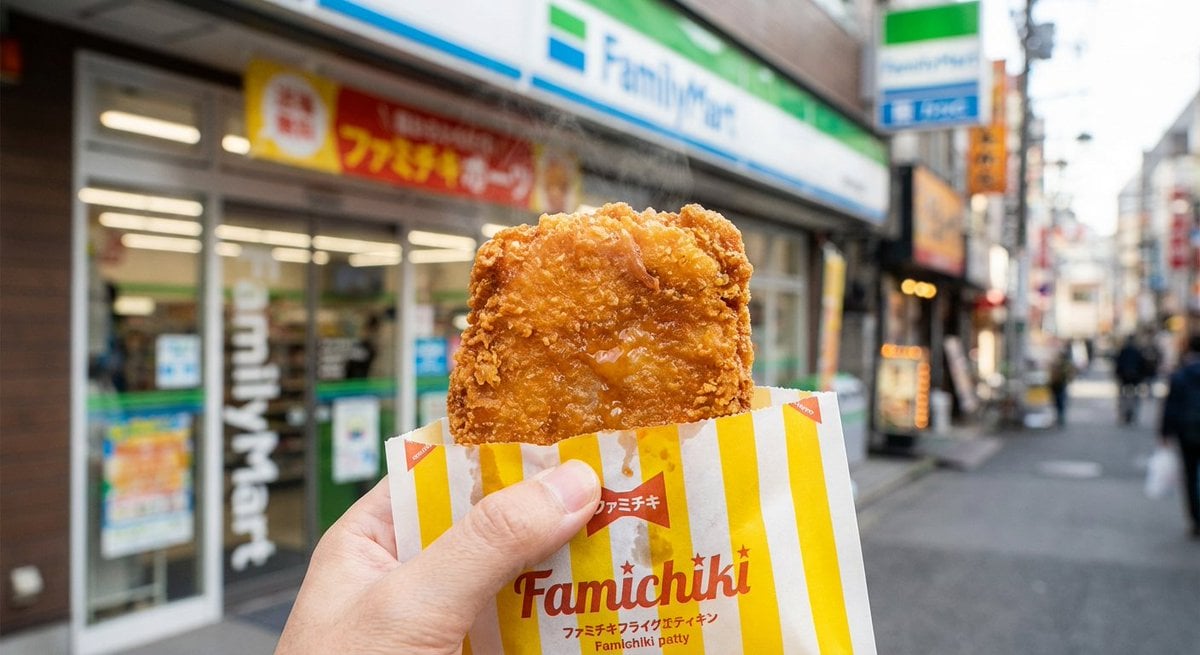
Generating 'Famichiki' Image with Nano Banana Pro
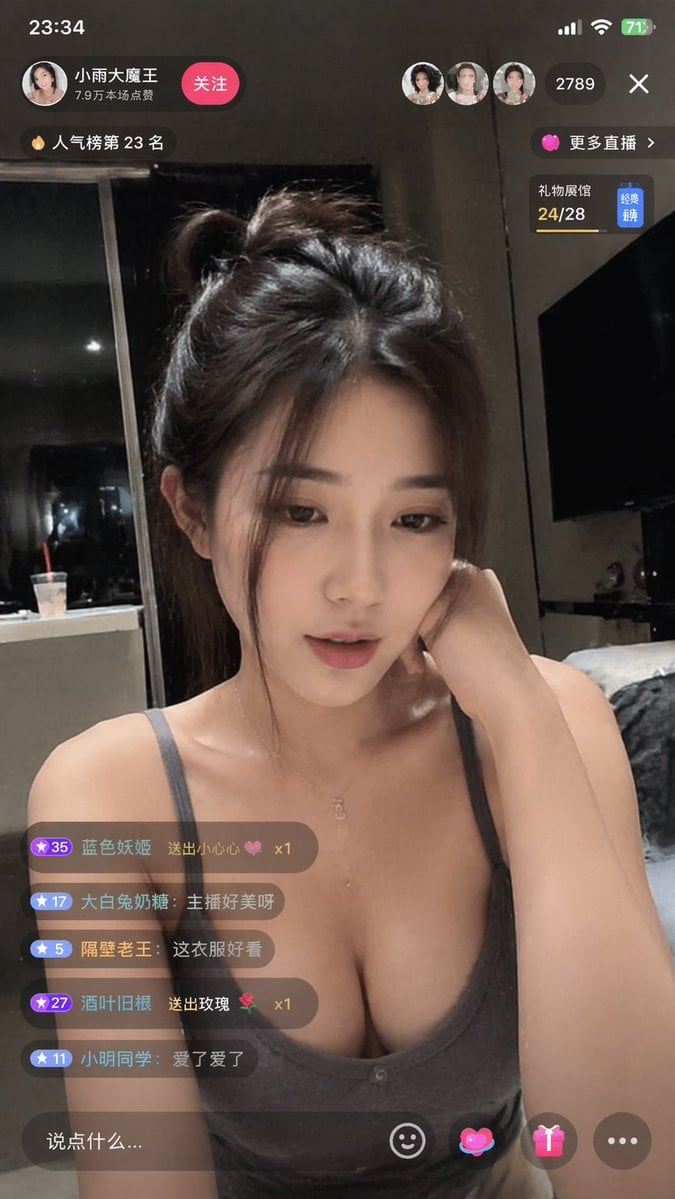
Douyin Live Stream Interface
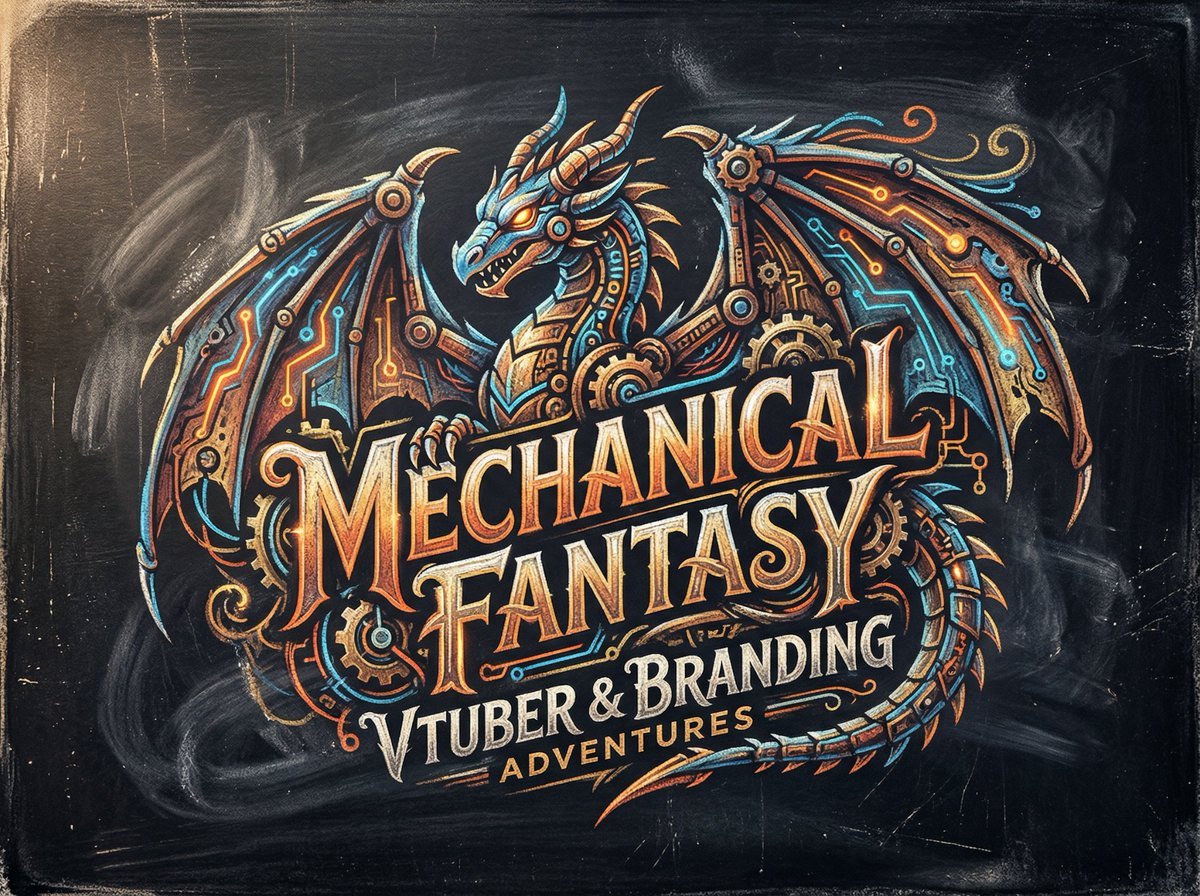
Chalk-Art Fantasy Logo with Mechanical Dragons
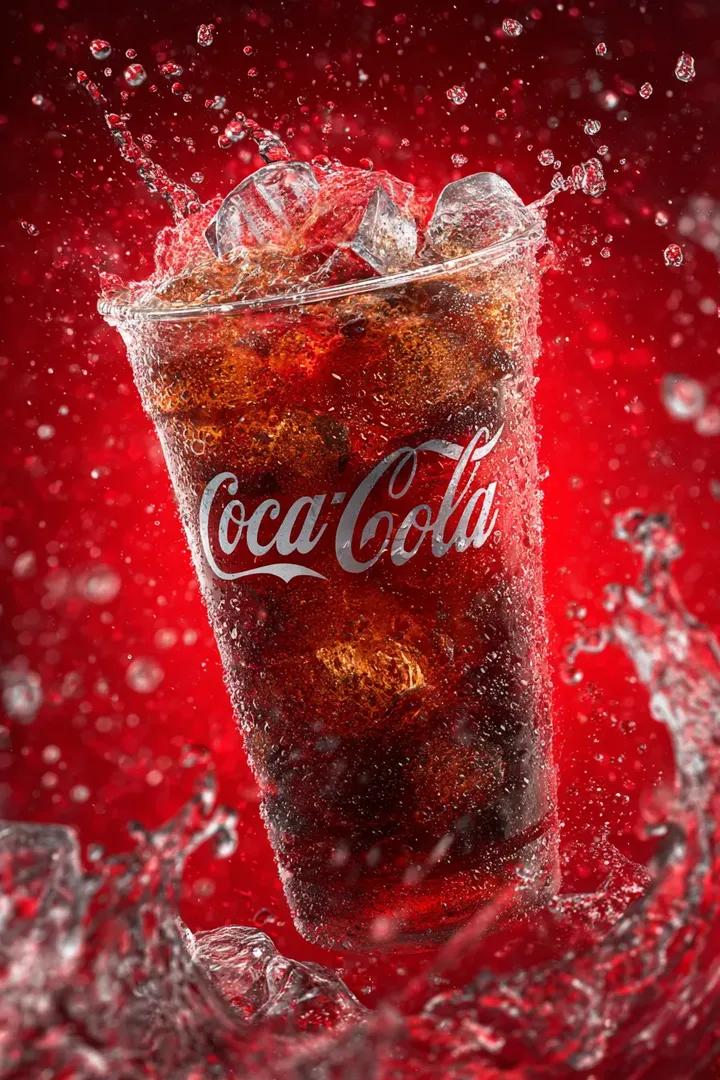
Coca Cola Product Photography with Splashes
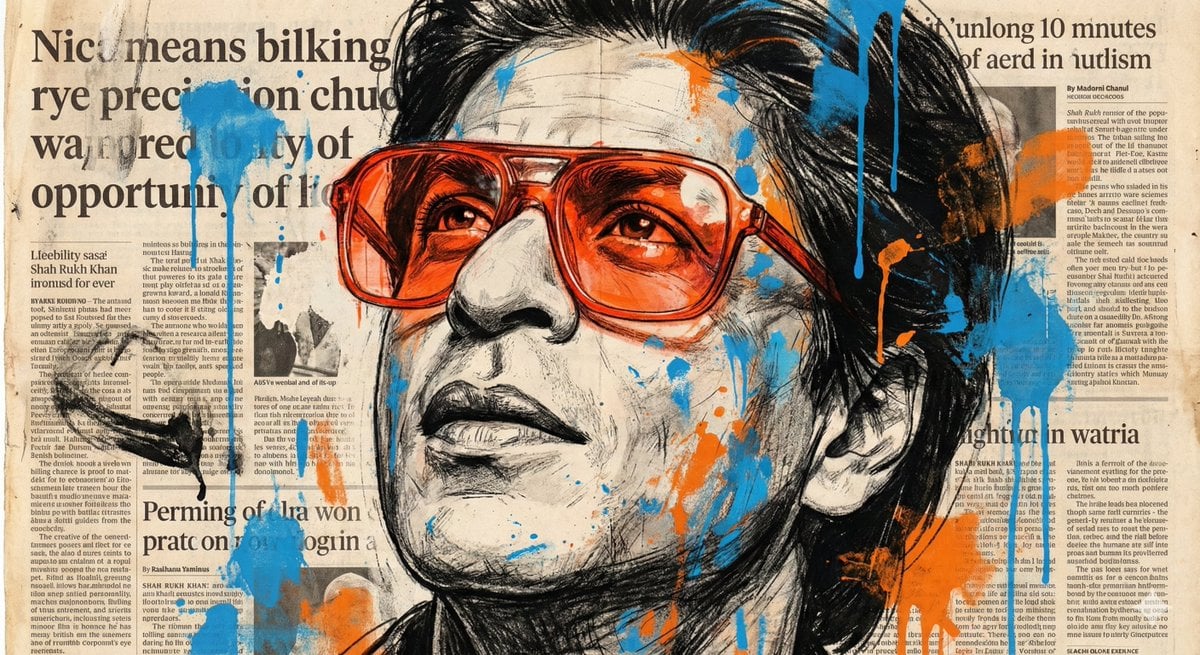
Expressive Portrait with Abstract Expressionism Style
Browse template categories
90s Editorial Paparazzi Street Photography questions
How do I use the 90s Editorial Paparazzi Street Photography template?
Add your photo if the template asks for one, edit the prompt if you like — the template's model and format are already selected — and press Generate. Your version opens in PicX Studio.
Can I customize the 90s Editorial Paparazzi Street Photography template?
Yes. You can change the subject, setting, lighting, mood, format, and available model controls before creating your image.
Is the 90s Editorial Paparazzi Street Photography template free?
Opening and editing this template is free. Generating uses credits, shown on the Generate button when you are signed in.
Which AI model should I use?
Start with GPT Image 2, which is the model associated with this template. You can compare another compatible model for a different finish.
Looking for something else? Browse all templates.

Your photo, any look
Thousands of ready templates for every top image and video model, from one credit balance.