How do I use the Joyful South Asian Village Scene template?
Choose the primary action to open PicX Studio with the available template settings. Review the model and format, personalize the creative direction, and generate when ready.
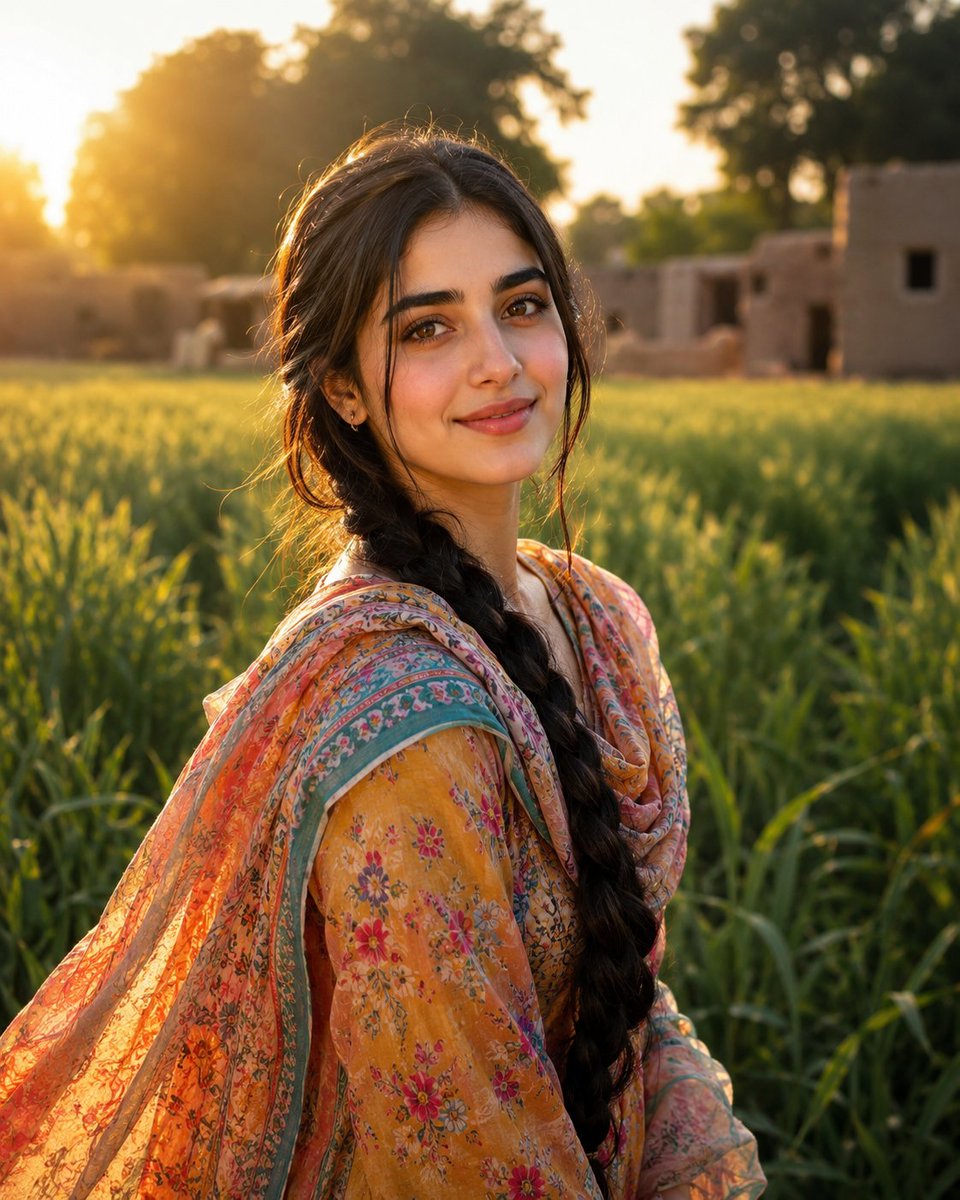
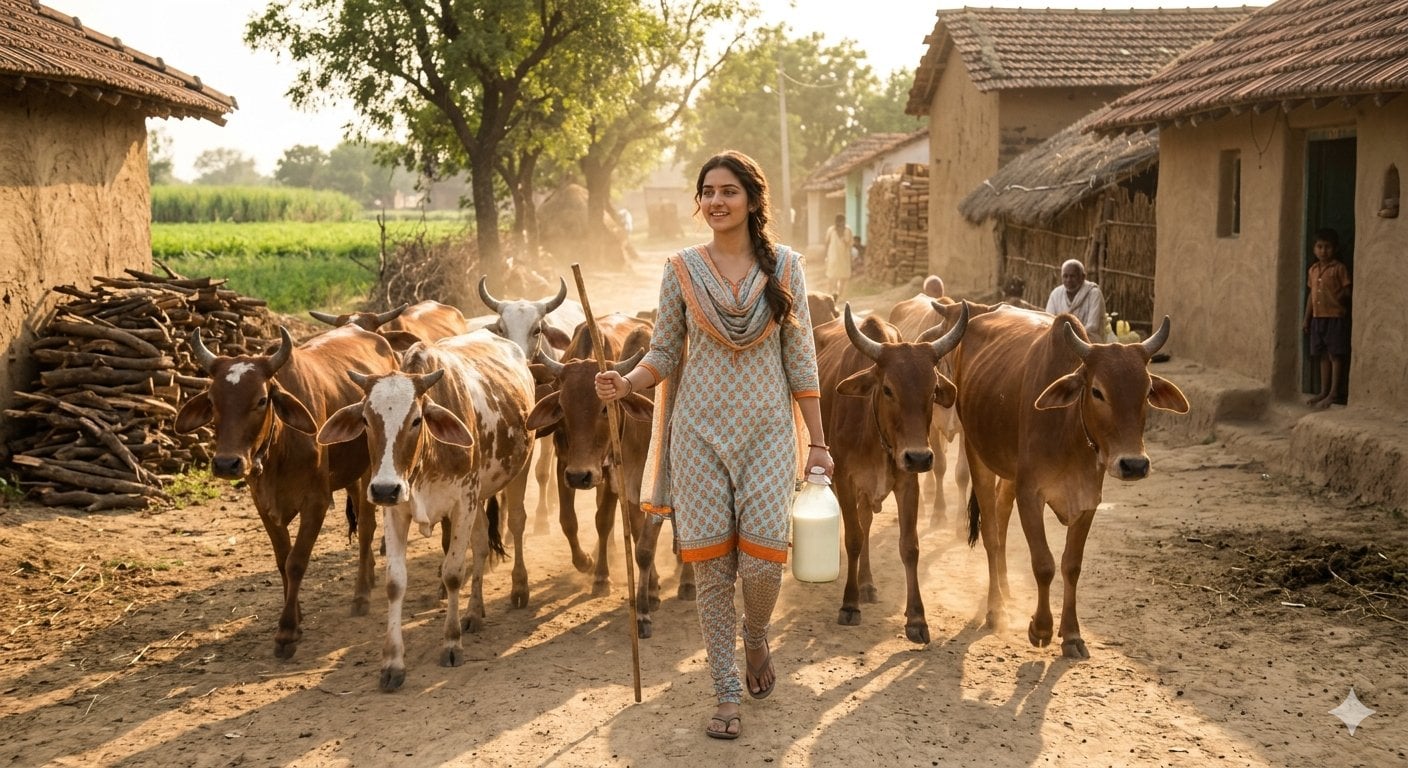
A detailed scene capturing a woman in a traditional Punjabi dress laughing in an Indian village courtyard during golden hour. (free to use) — Free AI image template on PicX Studio.
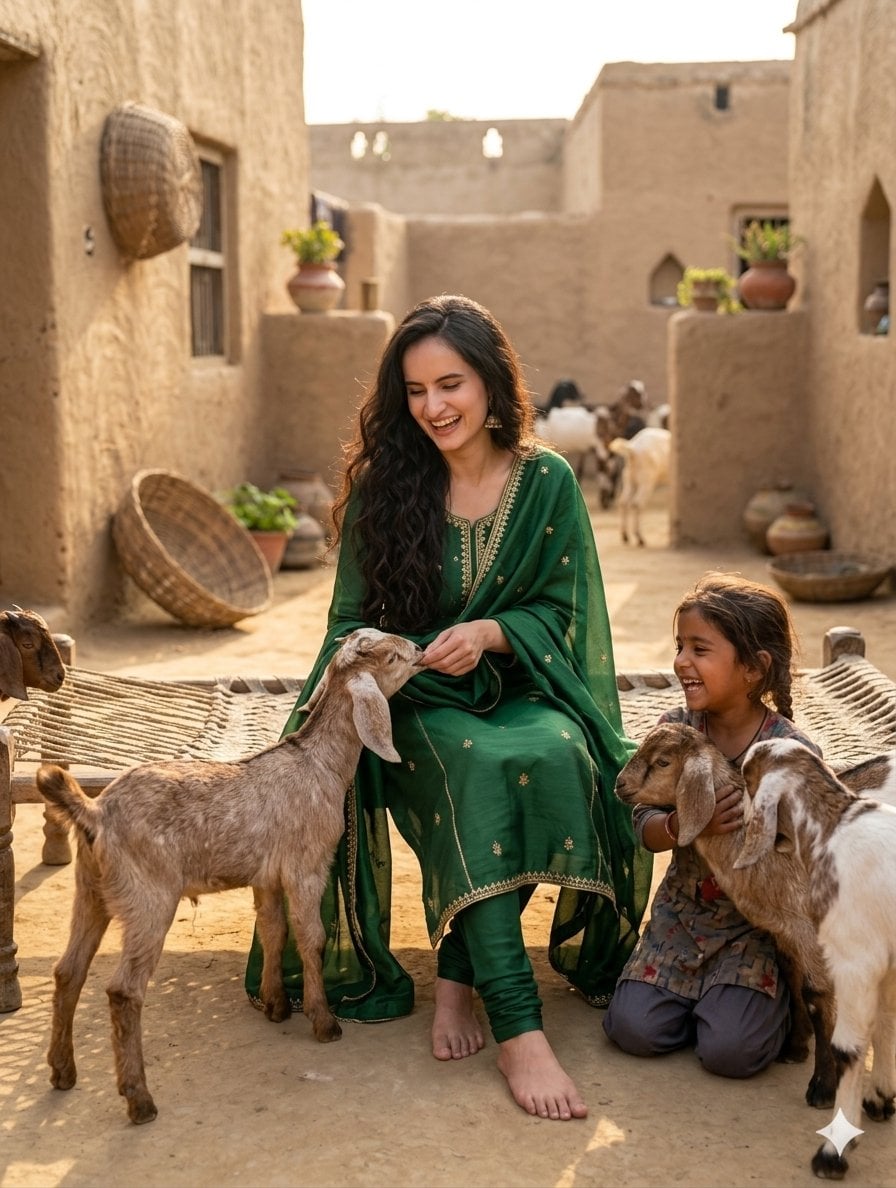
{ "image_generation_parameters": { "subject": { "primary_character": { "gender": "Female", "ethnicity": "South Asian / Indian", "features": { "hair": "Long, wavy, voluminous dark brown hair", "expression": "Happy, candid laughing smile, joyful", "pose": "Sitting gracefully on a traditional wooden woven cot (charpai), barefooted" }, "attire": { "style": "Modern Punjabi dress (Salwar Kameez)", "color": "Deep emerald green", "details": "Subtle gold embroidery along the neckline, borders, and dupatta" } }, "secondary_characters": { "child": { "description": "Young village girl with braided hair, sitting on the ground, laughing and hugging a goat kid" }, "animals": [ { "type": "Goat kid", "action": "Standing on hind legs, being gently fed by the main woman", "color": "Light brown and white" }, { "type": "Goat kids", "action": "Interacting with the child and moving around the scene" } ] } }, "environment": { "setting": "Traditional South Asian / Indian village courtyard", "architecture": "Mud-brick houses, rustic textures, earthen walls", "props": [ "Woven wooden cot (charpai)", "Clay pots (matkas) on platforms", "Woven wicker baskets hanging on the wall", "Small potted plants" ], "ground": "Dirt / earthen ground" }, "lighting_and_atmosphere": { "lighting_type": "Golden hour, soft natural sunlight", "mood": "Warm, nostalgic, heartwarming, joyful, peaceful", "shadows": "Soft, realistic shadows cast on the ground" }, "technical_specifications": { "composition": "Medium shot, eye-level angle, candid storytelling style", "depth_of_field": "Shallow depth of field with a softly blurred village background (bokeh)", "quality": "High definition, 8k resolution, photorealistic, sharp focus on subjects" } } }
Use Joyful South Asian Village Scene to plan an AI image around nano-banana-2 generation. Match the preview's composition first, then personalize the subject, setting, and mood for your own project.
Use the primary action to load the template settings in PicX Studio.
Adjust the subject and creative details for your destination.
Create the image, compare the result with the preview, and refine one variable at a time.
A continuous mix — similar concepts first, woven with same-model prompts and fresh picks from the catalog.
Choose the primary action to open PicX Studio with the available template settings. Review the model and format, personalize the creative direction, and generate when ready.
Yes. You can change the subject, setting, lighting, mood, format, and available model controls before creating your image.
This template is free to open and customize. Generation usage is shown in PicX Studio before you create.
Start with nano-banana-2, which is the model associated with this template. You can compare another compatible model for a different finish.
A continuous mix — similar concepts first, woven with same-model prompts and fresh picks from the catalog.
Follow a topic to a crawlable collection of related PicX Studio templates.
32,032 public templates available. Verified via the PicX Studio public templates API; refreshed hourly.