
Blue Cyberpunk Manga Poster
Generates a gritty blue-and-black manga-style cyberpunk character poster with abstract typography and distressed technical graphics.
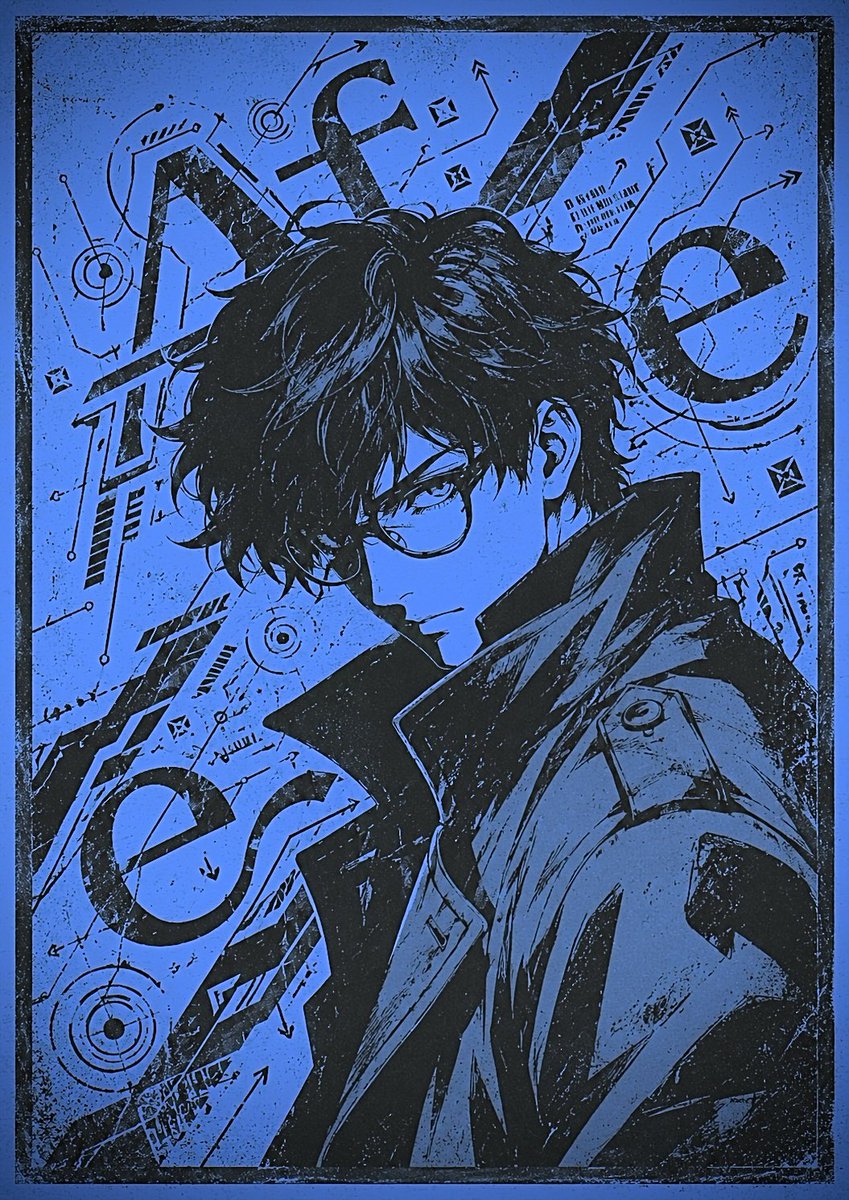
- Prompt included
- Model and format preset
- Free template
The prompt behind this image
Copy the exact prompt behind Blue Cyberpunk Manga Poster, or open it in the studio and make it yours.
Create a vertical cyberpunk manga poster in a gritty two-color screen-print style, using only deep black ink and electric cobalt blue paper texture. Show a dramatic half-body portrait of a young adult anime man with messy, shaggy black hair, turned slightly to the viewer's right, wearing a high-collared futuristic trench coat with angular lapels and technical seams. His face is intentionally hidden by one centered opaque square block, medium blue, covering the face from forehead to chin like a censorship or missing-image placeholder. Behind and around him, compose chaotic graphic design elements: exactly 5 oversized black letter-like typographic forms, including a huge angular “A” in the upper left, a lowercase-style curved form near the top center, a tall diagonal blade-like form in the upper right, a large “e” shape on the right side, and a large tilted “e” shape in the lower left. Add dense technical doodles across the background: arrows, orbit rings, target circles, small diamond icons, circuit-like lines, hatch marks, tiny code blocks, and geometric annotations, all hand-drawn in black. The composition should feel like a distressed zine cover or manga volume cover, with heavy ink splatter, scratches, halftone grain, rough photocopy texture, and a thick worn black border around the entire image. Use a portrait canvas, roughly 3:4 aspect ratio, high contrast, no realistic color shading, no clean modern gradients except the flat blue face-covering square. Keep the typography mostly abstract and unreadable, and do not add any extra readable title text.
How to use Blue Cyberpunk Manga Poster in 3 steps
- 1Upload ImagePNG, JPG or paste
Add your photo
Upload the photo the template builds on. The prompt, model and format are already set.
- 2…a portrait of your subject in softgolden-hour light, 85mm…
Personalize
Edit the subject and creative details for your destination.
- 3Generate
Generate
Press Generate — your image is created in PicX Studio, so you can compare it with the original and refine one variable at a time.
More like this
Templates with the same subject, style or setup. Open one to see its prompt.

Neon Glitch Cyber Symbiote Music Poster
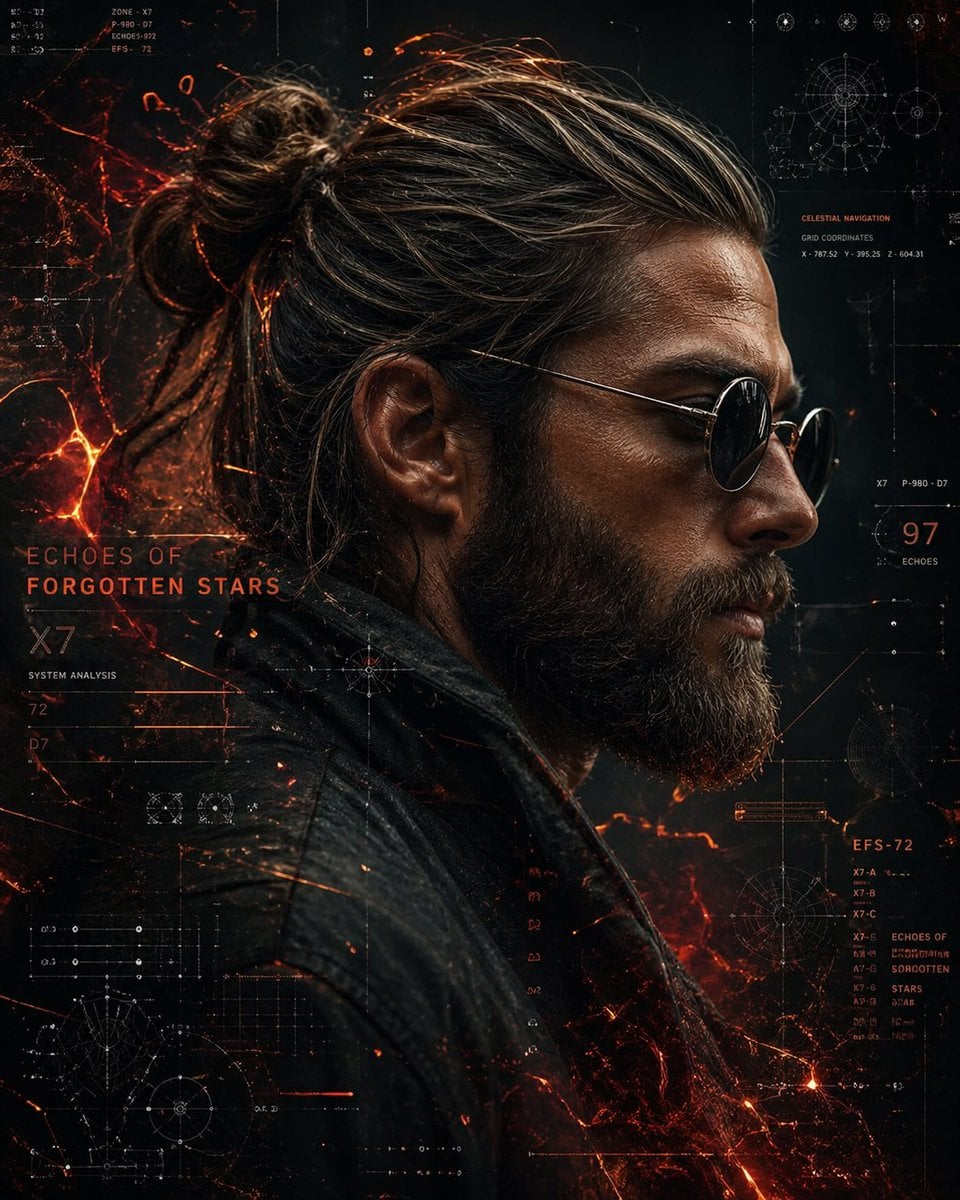
Cinematic Side Profile Cyberpunk Hero Poster

Blueprint Split Reality Archetype Prompt

Black Liquid Cyberpunk Portrait Poster

Japan Travel Brochure Poster

Obscured Cyberpunk Girl Poster
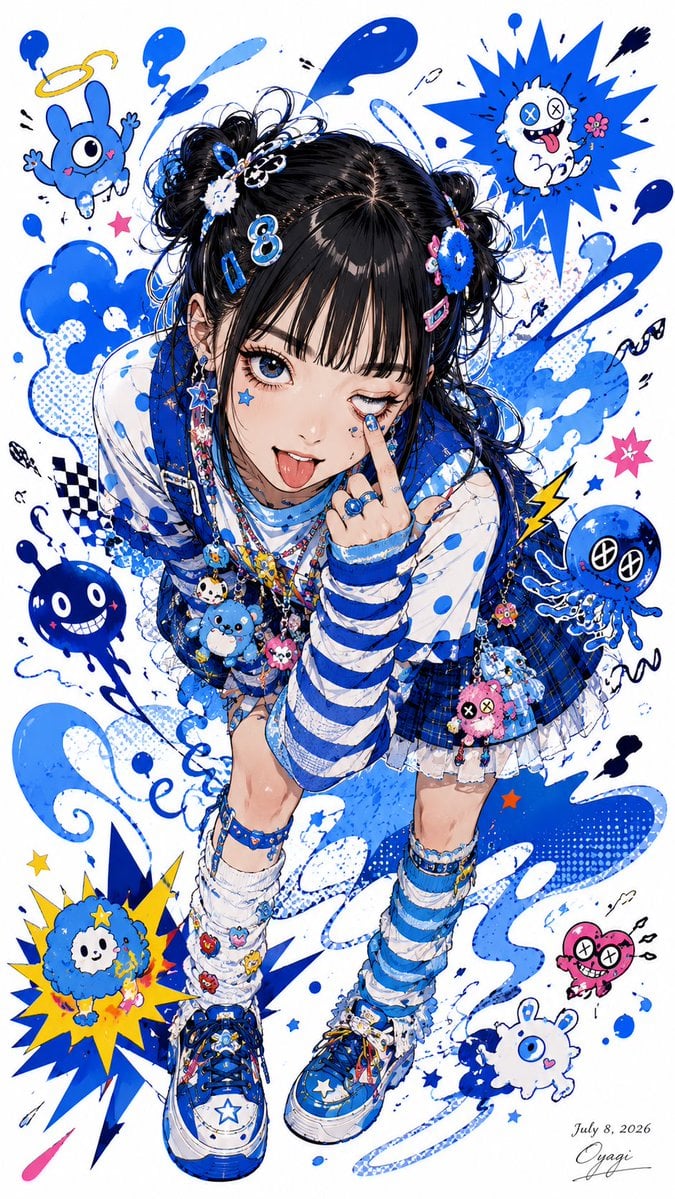
Blue Decora Anime Girl Poster
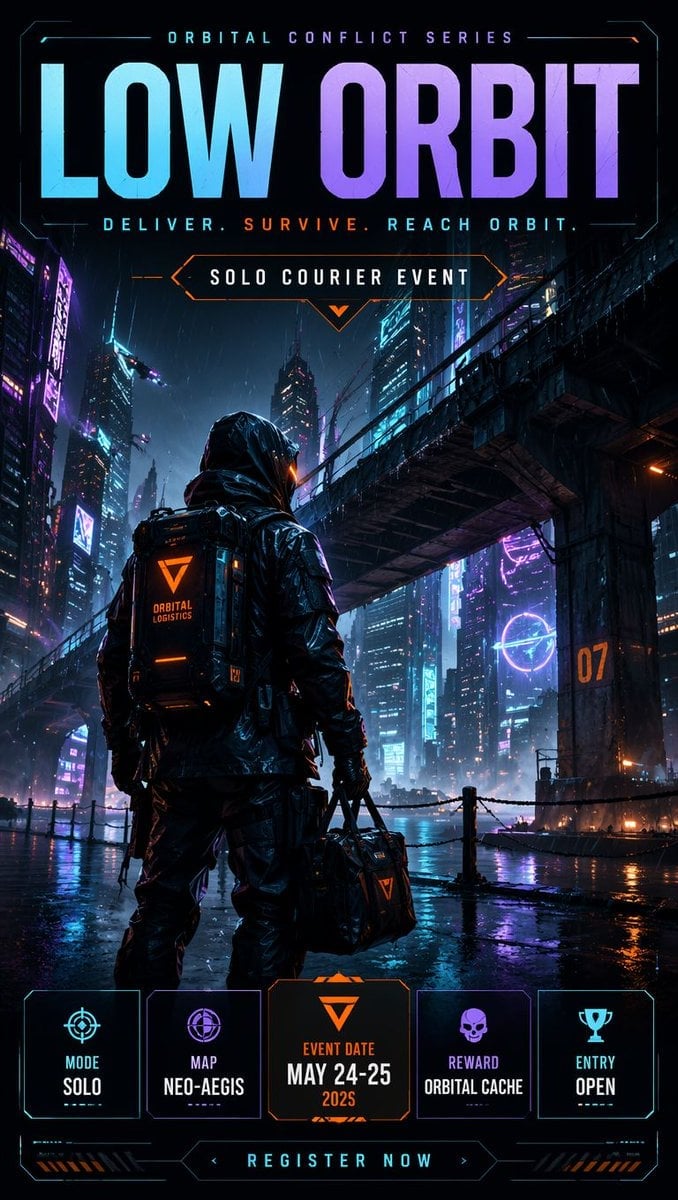
Cyberpunk Esports Courier Poster
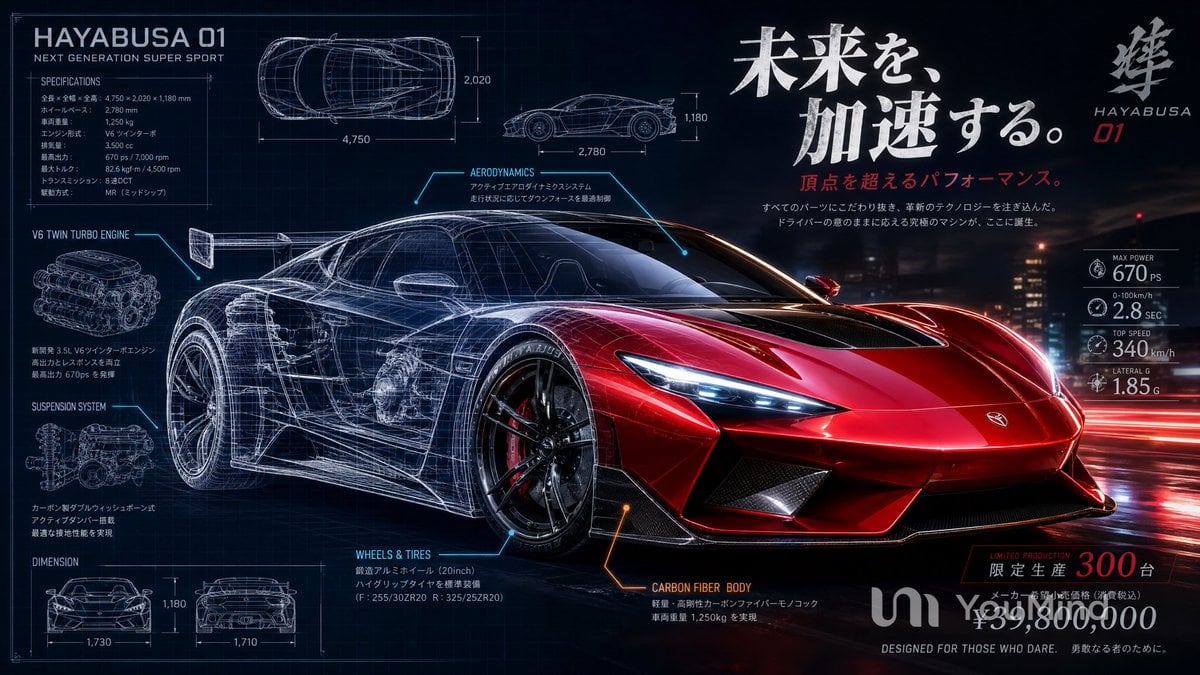
Japanese Hypercar Blueprint Poster

Seven-Panel Cyberpunk Manga Alley

Cartoon TV Show Poster Pack

Trendy Cafe Drink Promo Poster
Make it yours
Blue Cyberpunk Manga Poster works as-is. These are the safest ways to change it without losing the look.
Change one field
Copy a single group, rewrite it, and generate again so you can see what that field is doing.
Keep the frame, change the subject
Hold the composition and light of Blue Cyberpunk Manga Poster, then swap wardrobe, props or the person for a new take.
| If the result… | Why | Fix |
|---|---|---|
| The result drifts from the preview | Too many fields changed at once. | Reuse Blue Cyberpunk Manga Poster as-is first, then change one group — subject, light, or setting. |
| The model over-stylizes the scene | The prose prompt leaves finish and camera underspecified. | Add one camera or lighting sentence and stay on GPT Image 2. |
More GPT Image 2 templates
Other prompts made for GPT Image 2.

Six VTuber Japanese Logo Sheet

Realistic Portrait of Woman and Deer

The Vista Modular Condo Poster

AI Model Routing Comparison Infographic

2.5D Anime Art Board

Isometric Productivity Desk Scene

New York Double Exposure Poster

Four-Panel AI Landscape Comparison

Japanese Tatami Lifestyle Magazine Cover

NESCAFÉ Coffee Map Poster
More image prompts
Fresh picks from across the catalog.
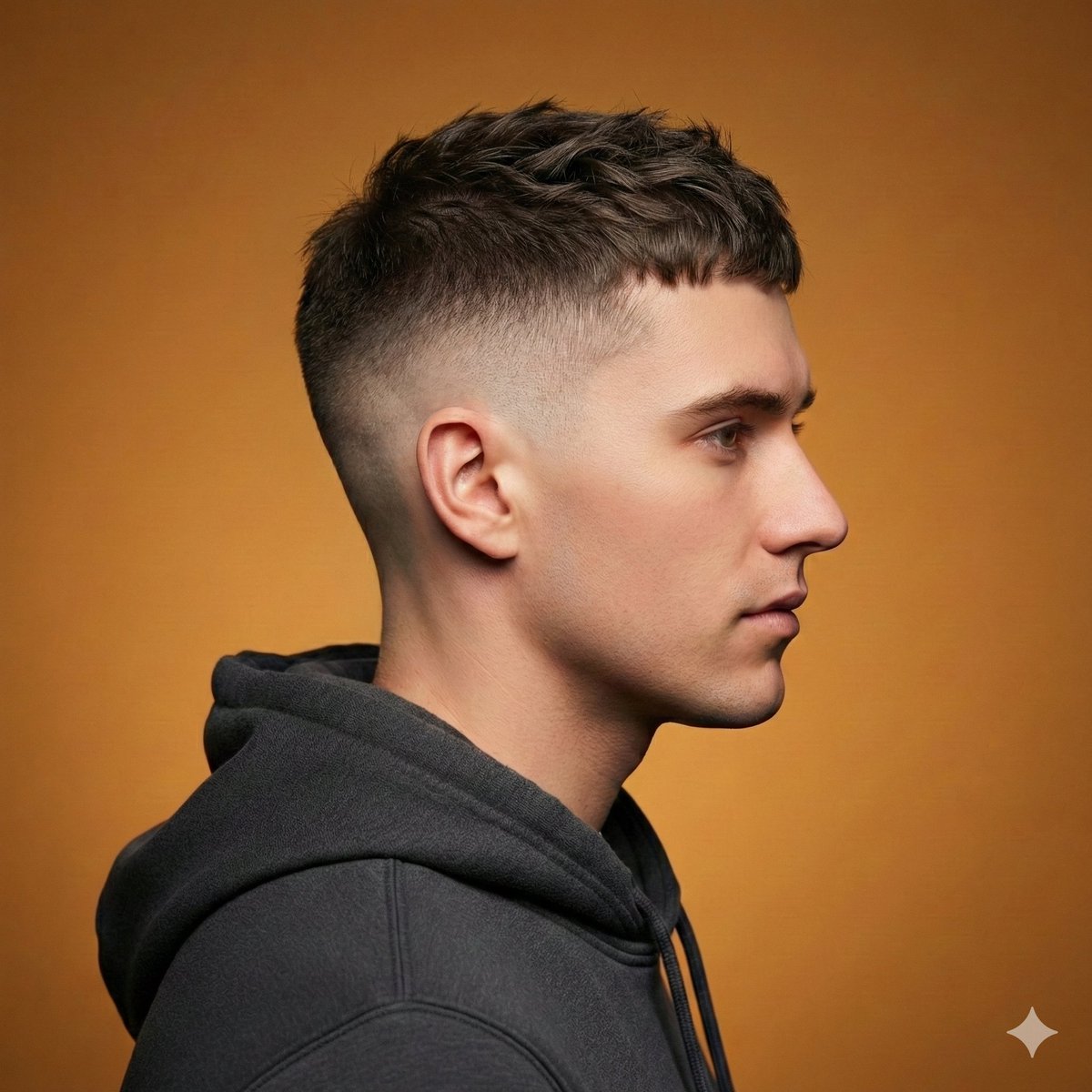
Ultra-Realistic Studio Haircut Portrait
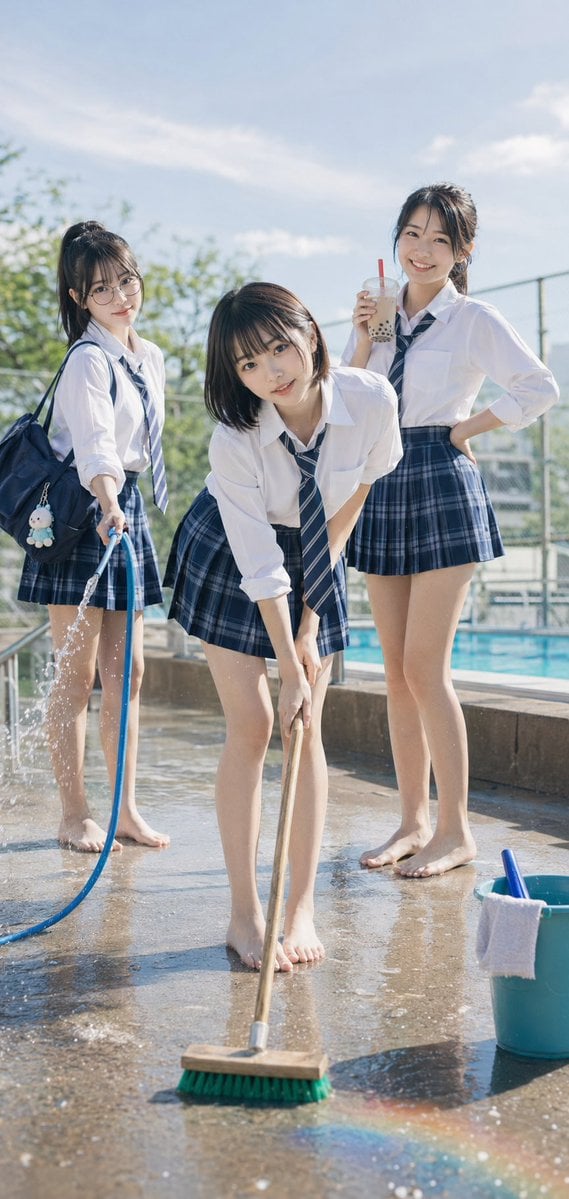
Poolside School Cleaning Scene

Stunning Photo Prompt for Gemini Nano Banana (Generic)
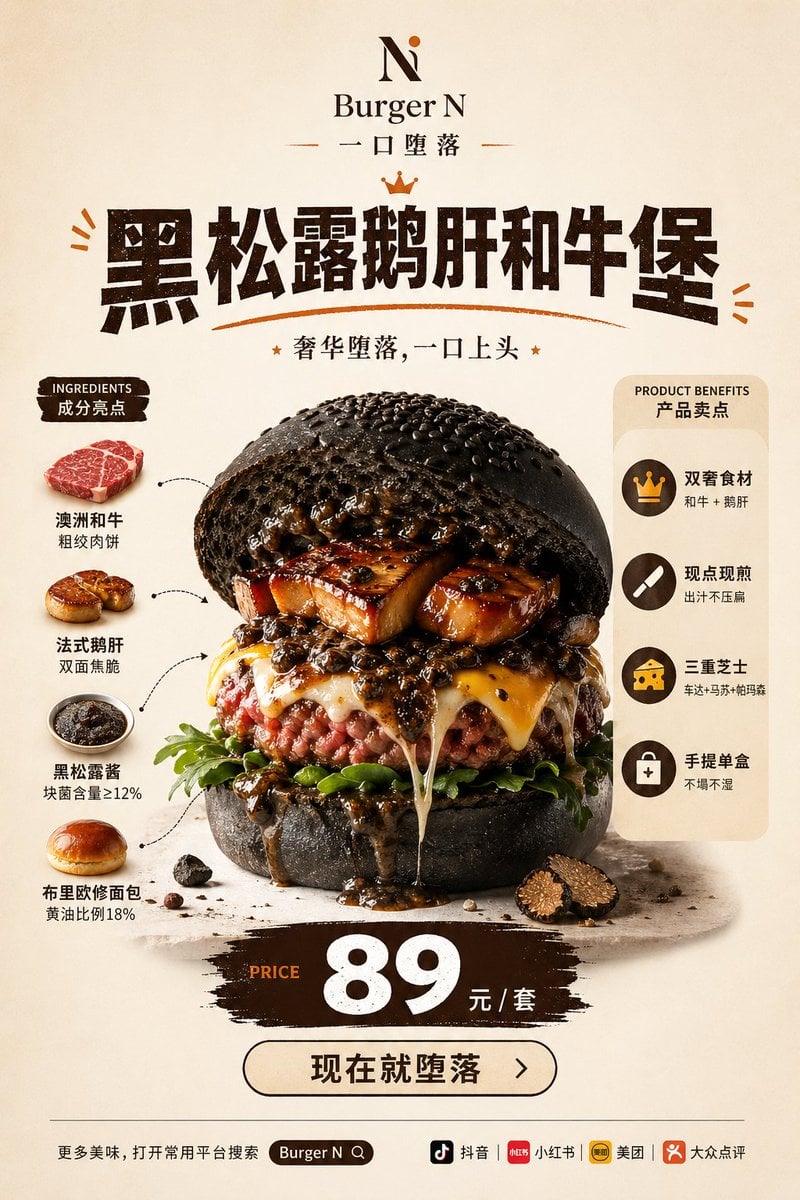
Luxury Truffle Wagyu Burger Poster

Kids Crayon Travel Journal Illustration
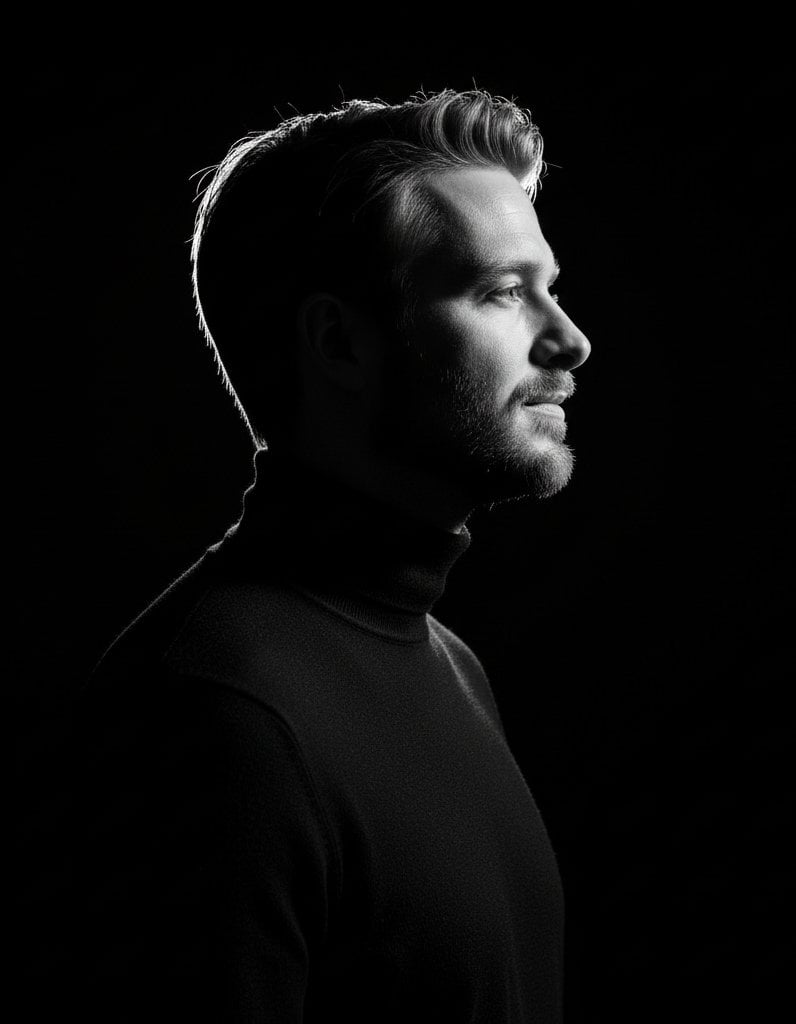
High-contrast rim-lit black and white conceptual side-profile portrait
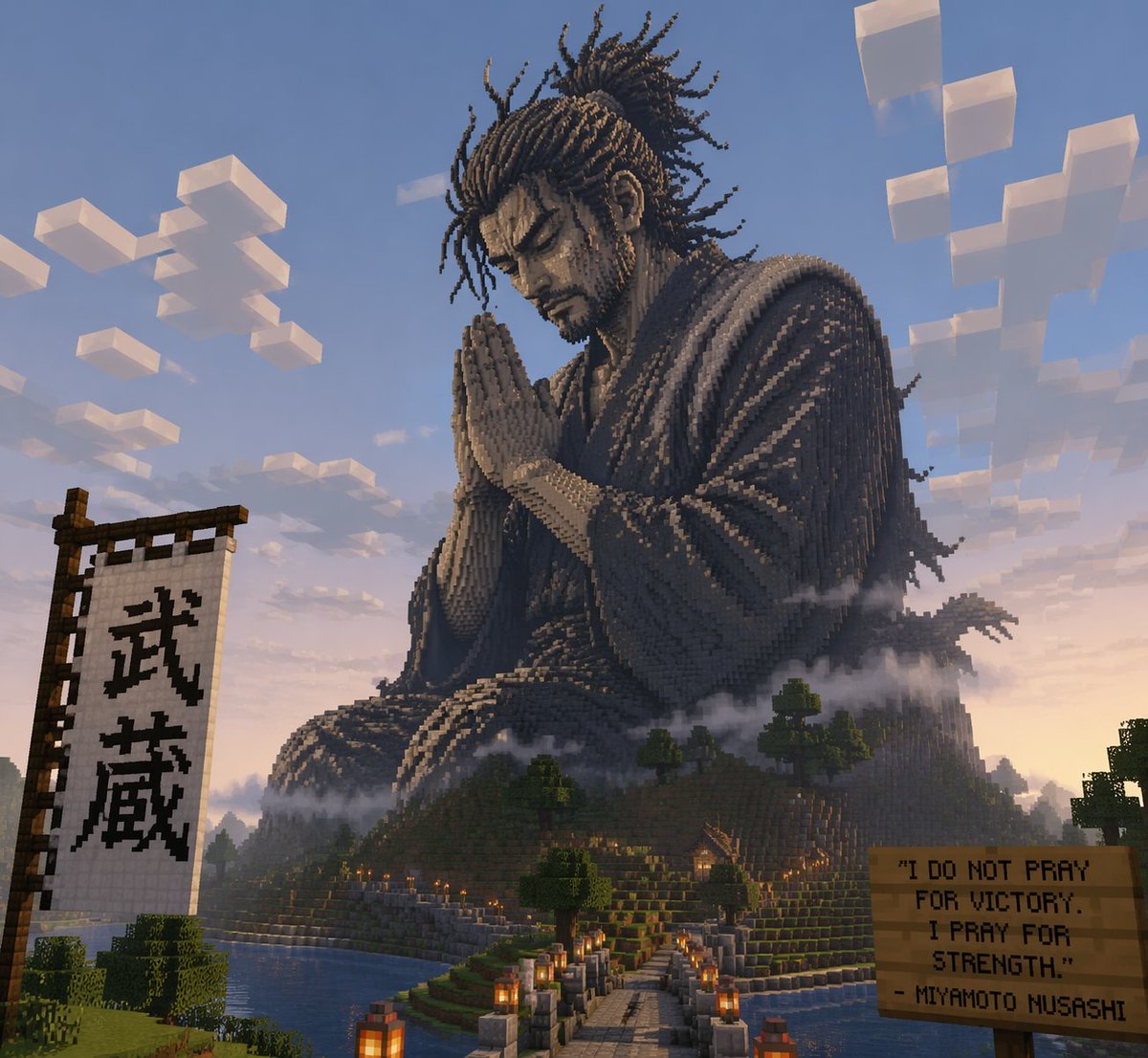
Minecraft Statue of Musashi
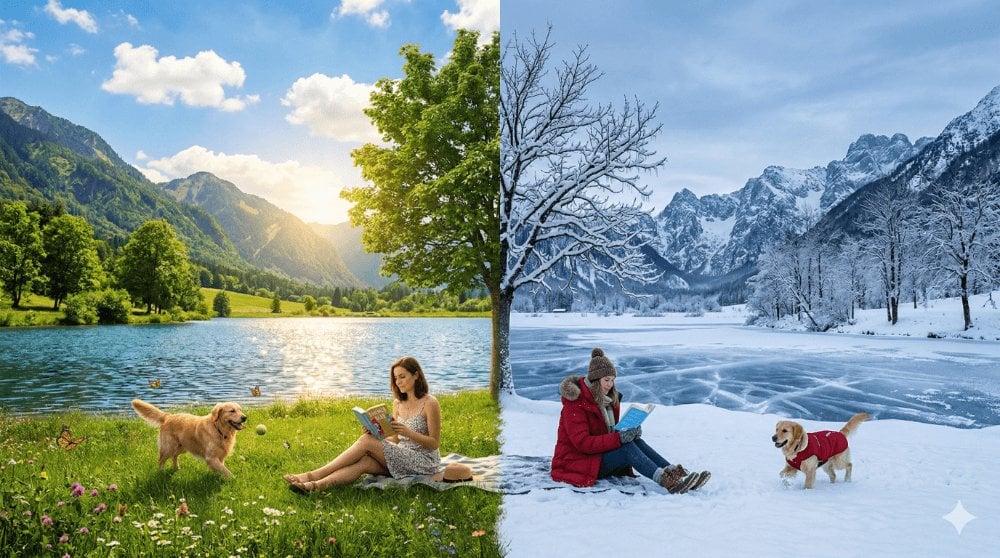
Surreal Seasonal Split Landscape
Seedance - 83 Year Old Rave (maxescu)
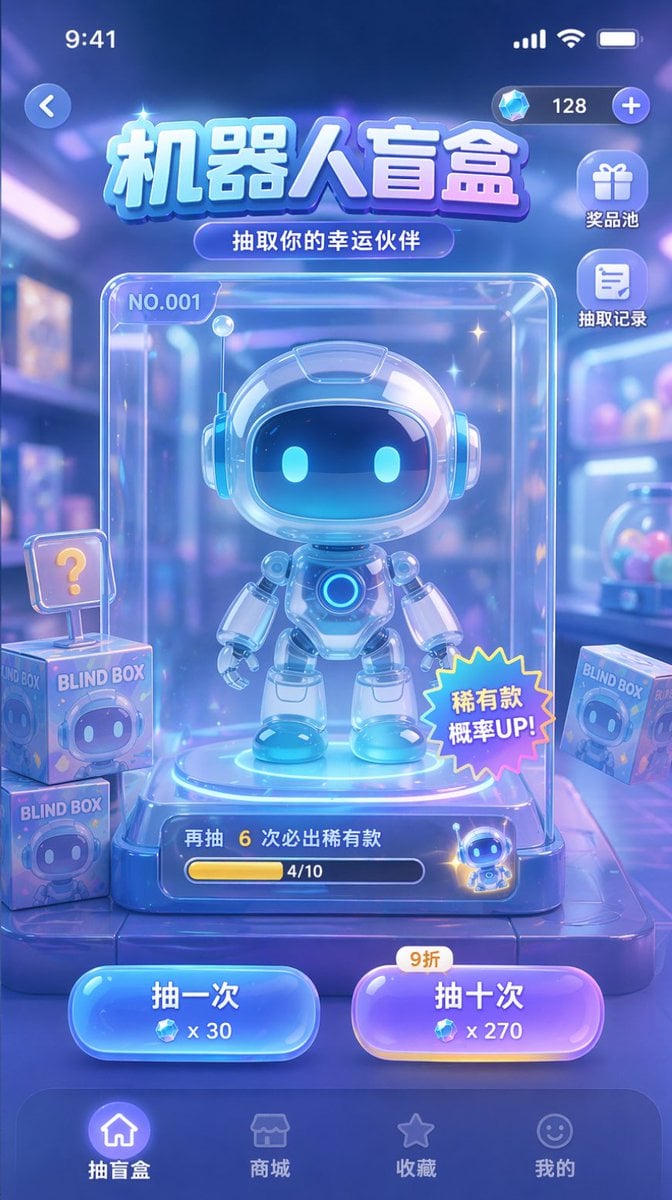
Gacha Game UI Mockup
Browse template categories
Blue Cyberpunk Manga Poster questions
How do I use the Blue Cyberpunk Manga Poster template?
Add your photo if the template asks for one, edit the prompt if you like — the template's model and format are already selected — and press Generate. Your version opens in PicX Studio.
Can I customize the Blue Cyberpunk Manga Poster template?
Yes. You can change the subject, setting, lighting, mood, format, and available model controls before creating your image.
Is the Blue Cyberpunk Manga Poster template free?
Opening and editing this template is free. Generating uses credits, shown on the Generate button when you are signed in.
Which AI model should I use?
Start with GPT Image 2, which is the model associated with this template. You can compare another compatible model for a different finish.
Looking for something else? Browse all templates.

Your photo, any look
Thousands of ready templates for every top image and video model, from one credit balance.