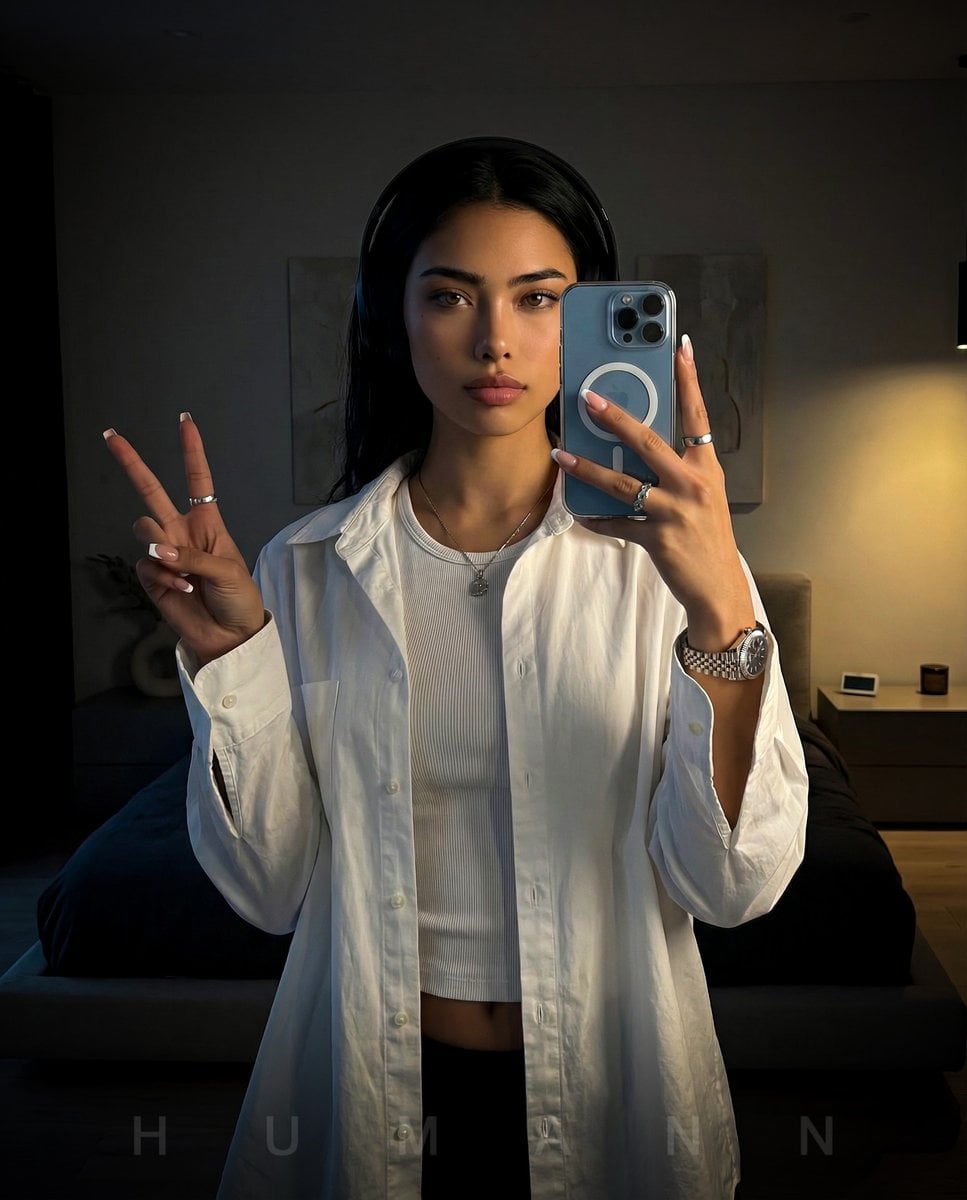
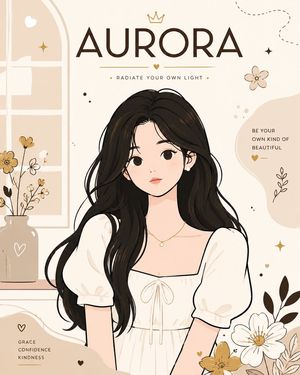
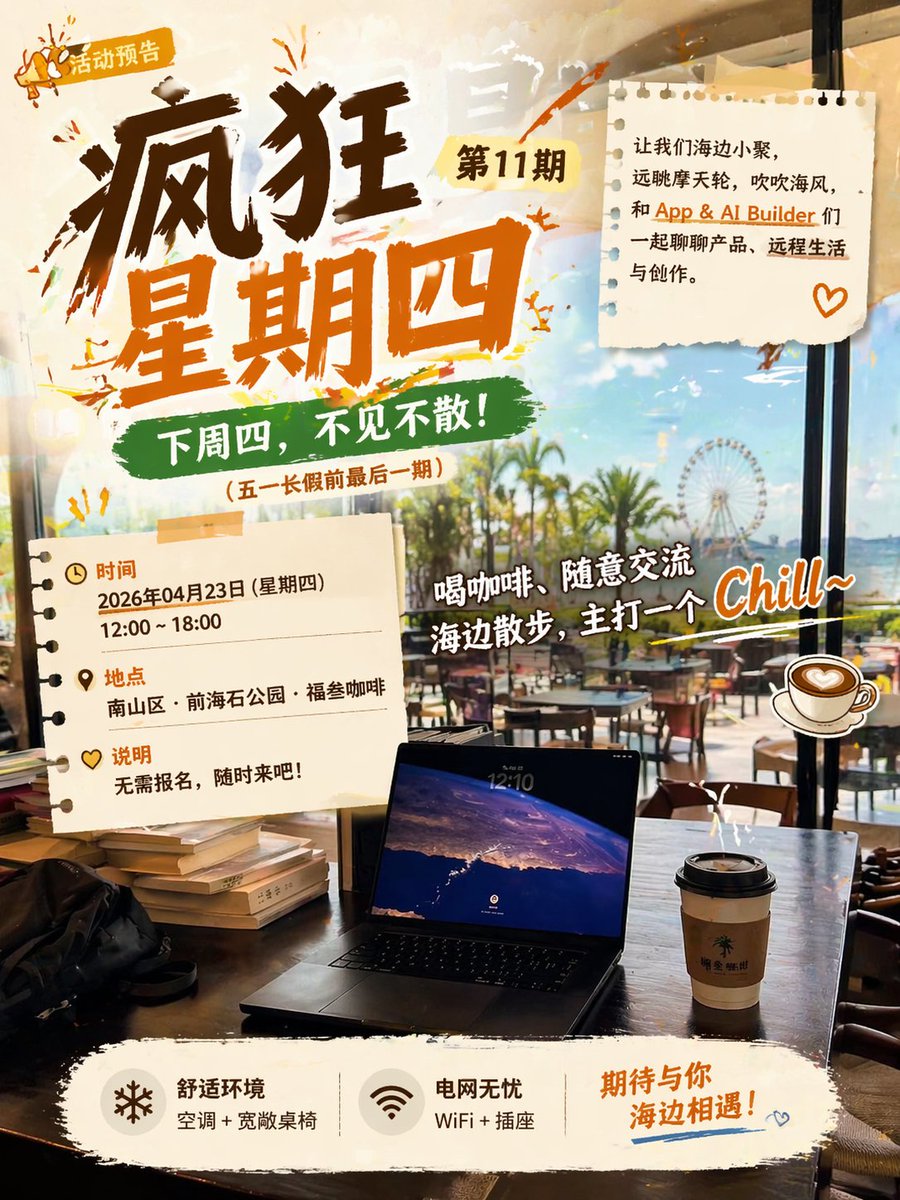
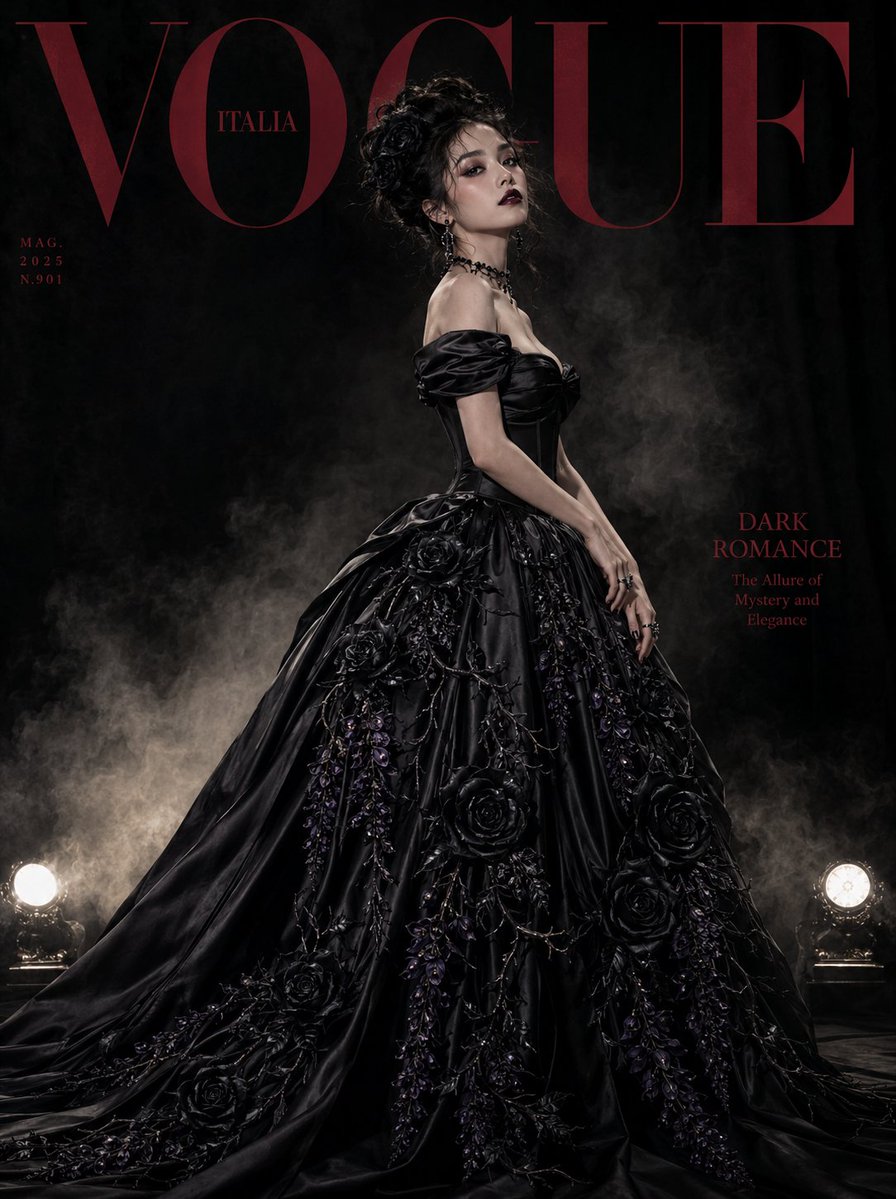
How do I use the Minimalist Editorial Bedroom Portrait template?
Choose the primary action to open PicX Studio with the available template settings. Review the model and format, personalize the creative direction, and generate when ready.
A high-fashion fashion editorial prompt for a reclining portrait with soft natural lighting and platinum blonde aesthetics. (free to use) — Free AI image template on PicX Studio.
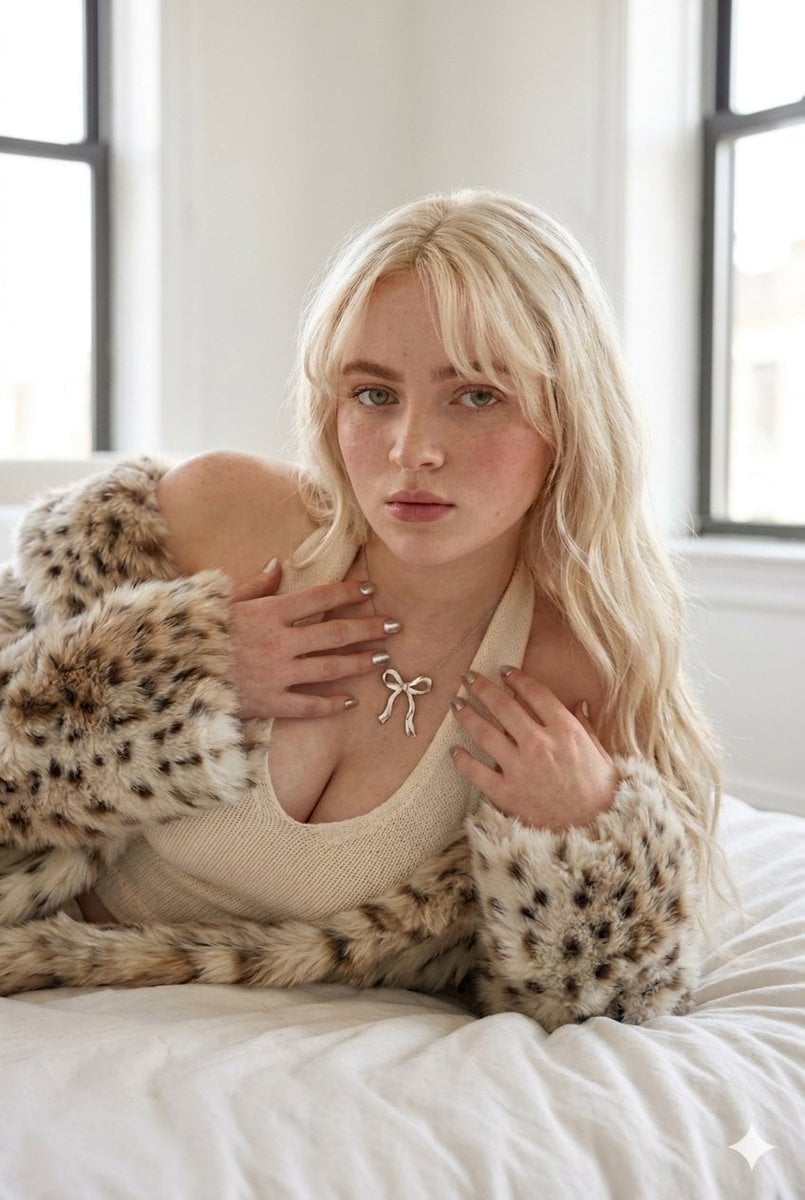
{ "prompt": "Photorealistic editorial portrait of a young woman reclining on a softly rumpled {argument name=\"bedding\" default=\"white bed\"} in a bright minimalist bedroom, soft natural daylight streaming through large windows, long wavy {argument name=\"hair color\" default=\"platinum blonde\"} hair with soft curtain bangs, fair skin with subtle freckles and rosy blush, light hazel-green eyes, soft glam natural makeup, neutral matte lips, direct gaze toward camera, wearing a {argument name=\"outfit\" default=\"cream knit halter top\"}, silver ribbon pendant necklace, draped in a luxurious spotted faux fur coat around shoulders and arms, elegant cozy high-fashion aesthetic, intimate lifestyle editorial composition, shallow depth of field, ultra-detailed skin texture, realistic hair strands, soft highlights, warm neutral tones, premium fashion photography, cinematic realism, 85mm portrait lens, soft diffused daylight, high resolution", "negative_prompt": "low quality, blurry, distorted anatomy, extra fingers, malformed hands, duplicate limbs, unrealistic skin, plastic skin, overprocessed face, cartoon, anime, CGI, noisy image, watermark, text artifacts, harsh shadows, overexposed highlights", "style": "photorealistic editorial fashion", "camera": { "lens": "85mm portrait lens", "aperture": "f/1.8", "angle": "eye-level close portrait", "lighting": "soft natural diffused daylight" }, "composition": { "aspect_ratio": "2:3", "framing": "medium close-up portrait", "depth_of_field": "shallow" }, "quality": { "resolution": "high", "detail": "ultra-detailed", "render_style": "cinematic realism" } }
Use Minimalist Editorial Bedroom Portrait to plan an AI image around nano-banana-2 generation. Match the preview's composition first, then personalize the subject, setting, and mood for your own project.
Use the primary action to load the template settings in PicX Studio.
Adjust the subject and creative details for your destination.
Create the image, compare the result with the preview, and refine one variable at a time.
A continuous mix — similar concepts first, woven with same-model prompts and fresh picks from the catalog.
Choose the primary action to open PicX Studio with the available template settings. Review the model and format, personalize the creative direction, and generate when ready.
Yes. You can change the subject, setting, lighting, mood, format, and available model controls before creating your image.
This template is free to open and customize. Generation usage is shown in PicX Studio before you create.
Start with nano-banana-2, which is the model associated with this template. You can compare another compatible model for a different finish.
A continuous mix — similar concepts first, woven with same-model prompts and fresh picks from the catalog.
Follow a topic to a crawlable collection of related PicX Studio templates.
32,032 public templates available. Verified via the PicX Studio public templates API; refreshed hourly.