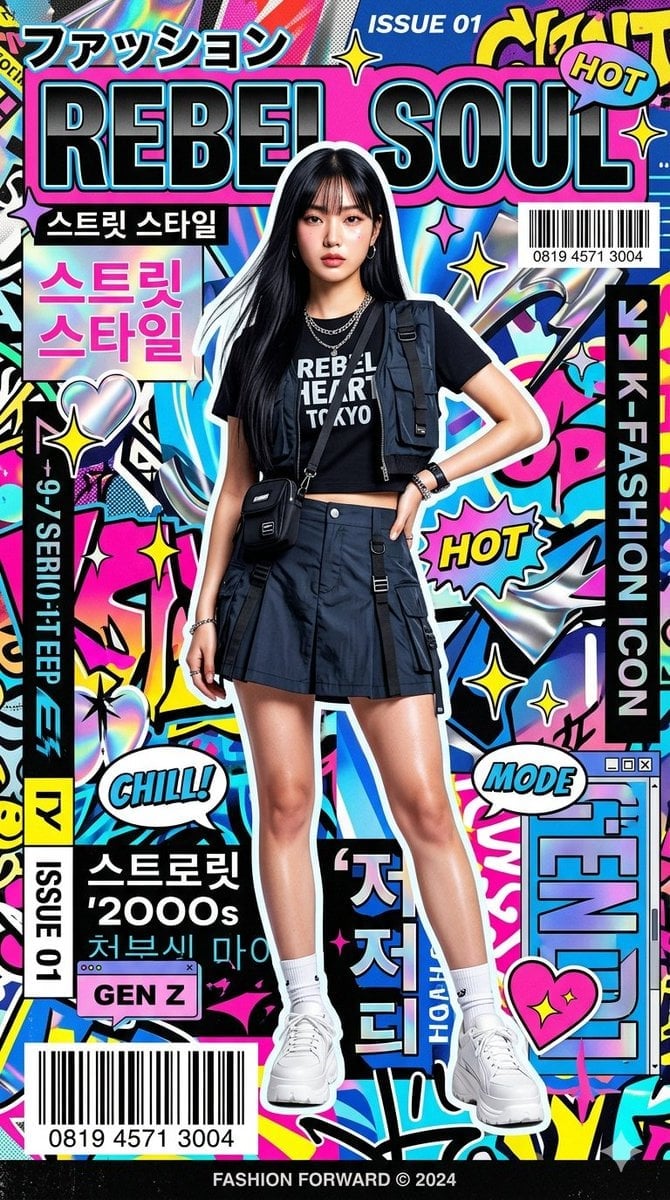
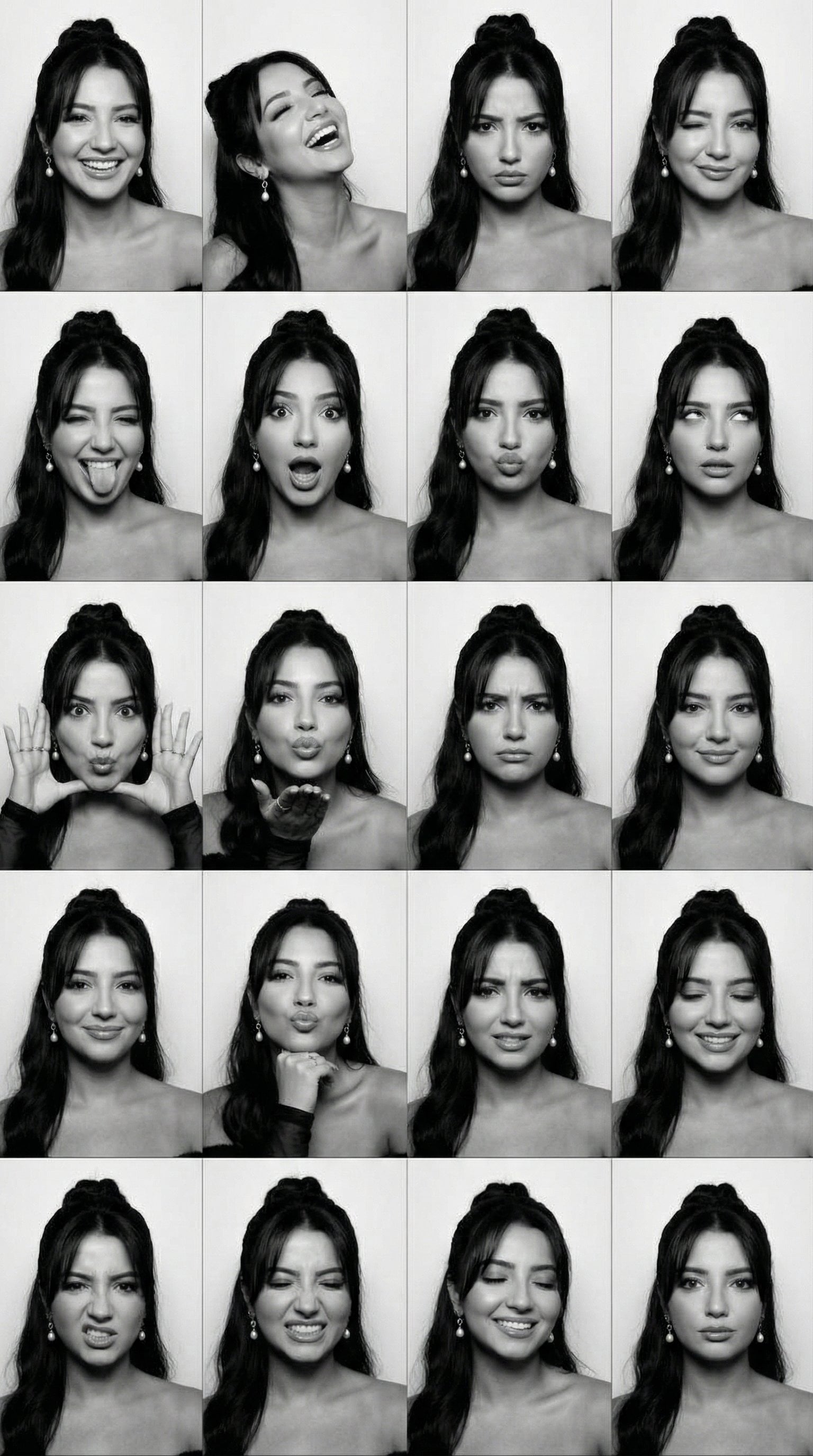
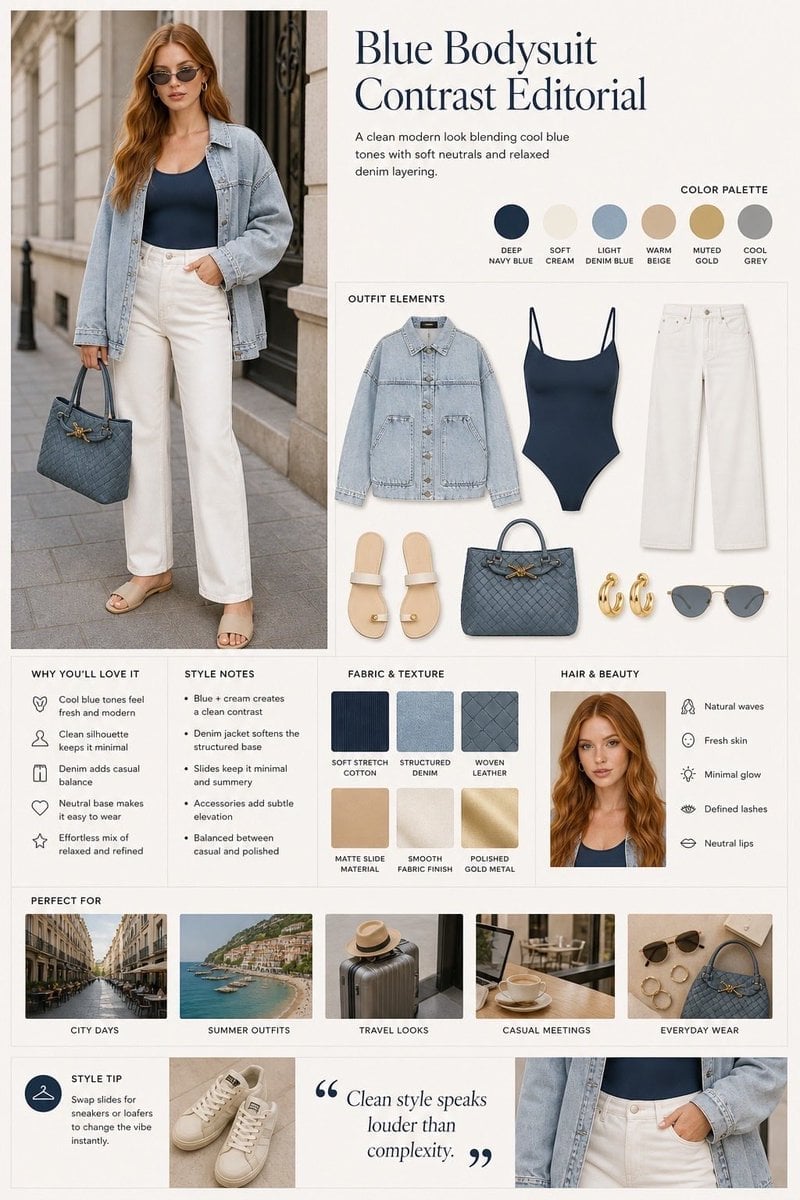
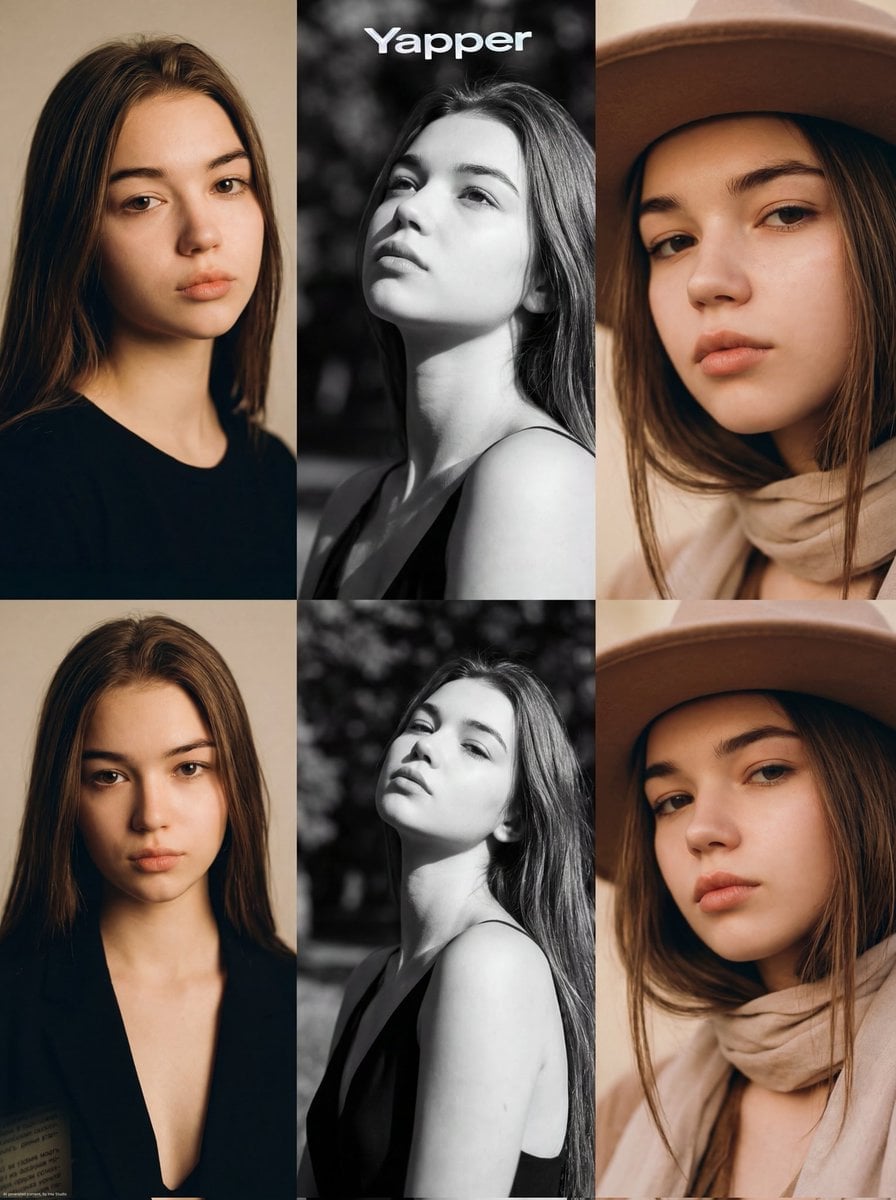
How do I use the Asian Girl Photo Booth Grid template?
Choose the primary action to open PicX Studio with the available template settings. Review the model and format, personalize the creative direction, and generate when ready.
A detailed fashion and composition prompt for creating a 2x2 Polaroid grid of a young Asian girl in a monochromatic white outfit with red shoes.
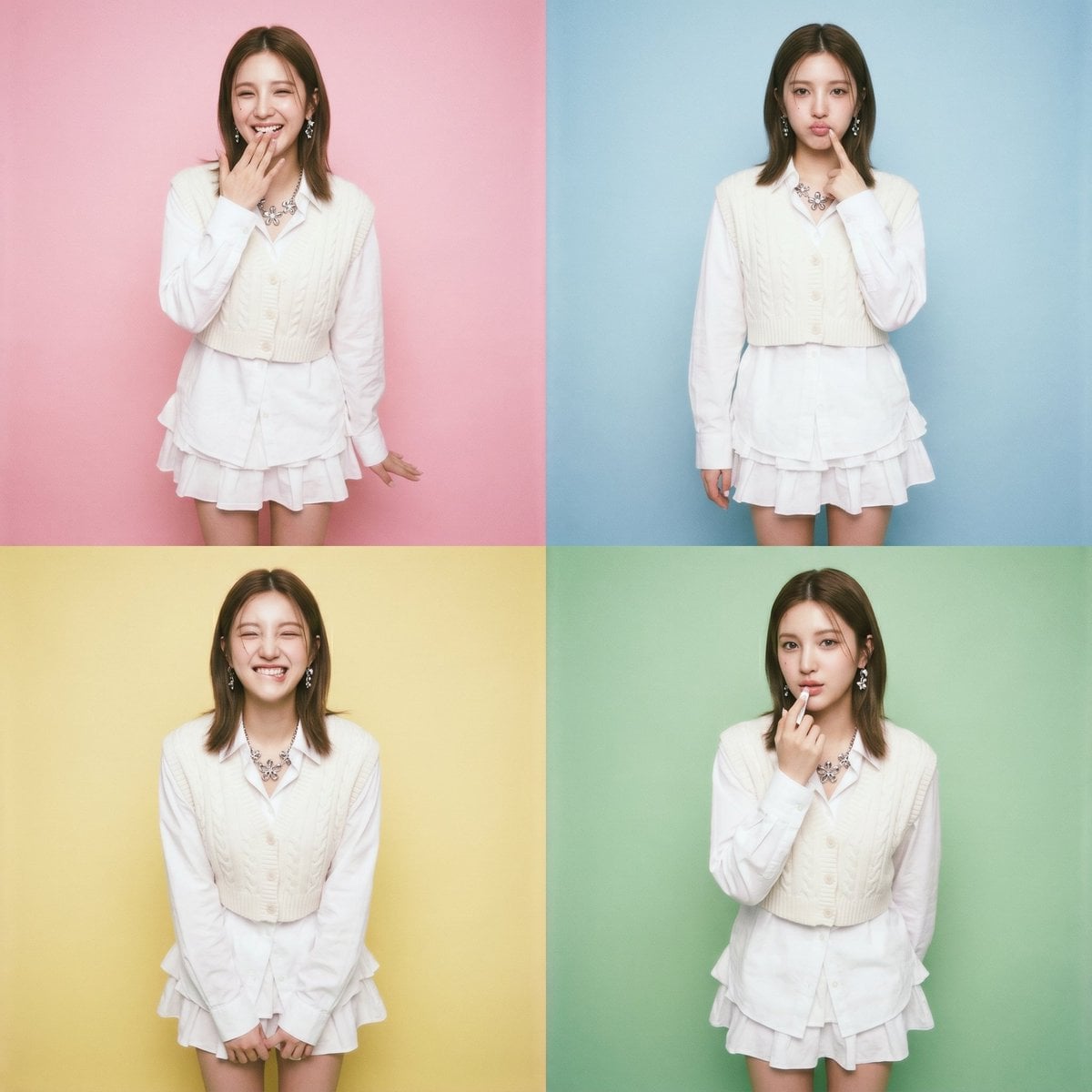
Outfit: {argument name="outfit style" default="Oversized white button-up shirt with pointed collar and long sleeves"}, worn untucked with sleeves slightly pushed up, layered under a cropped chunky-knit cable cardigan vest in white with button-front closure, paired with a white pleated mini skirt featuring a tiered ruffle hem, accessorized with a {argument name="jewelry" default="chunky silver floral statement necklace"} and dangling silver earrings, styled with thick fuzzy white slouchy leg warmers bunched at the ankles, finished with {argument name="footwear color" default="glossy red leather"} Mary Jane shoes with rounded toes and single strap, all-white monochromatic layered outfit with contrasting red footwear Create a 2x2 grid of Polaroids of standing photo booth photos of the young asian girl in <User Portrait> showing different poses with different love and affection emotions, while interacting with her lips, and no repeat. The photo should take as much height as possible. Use different pastel colours as background with Polaroid colour tone. No change of outfit. No frame for each photo in the grid.
Choose the primary action to open PicX Studio with the available template settings. Review the model and format, personalize the creative direction, and generate when ready.
Yes. You can change the subject, setting, lighting, mood, format, and available model controls before creating your image.
This template is free to open and customize. Generation usage is shown in PicX Studio before you create.
Start with Nano Banana 2, which is the model associated with this template. You can compare another compatible model for a different finish.
Follow a topic to a crawlable collection of related PicX Studio templates.