
Vintage Black and White Photo Booth Grid
A vintage-style 2x2 grid collage prompt mimicking a classic monochrome photo booth with varied candid poses.
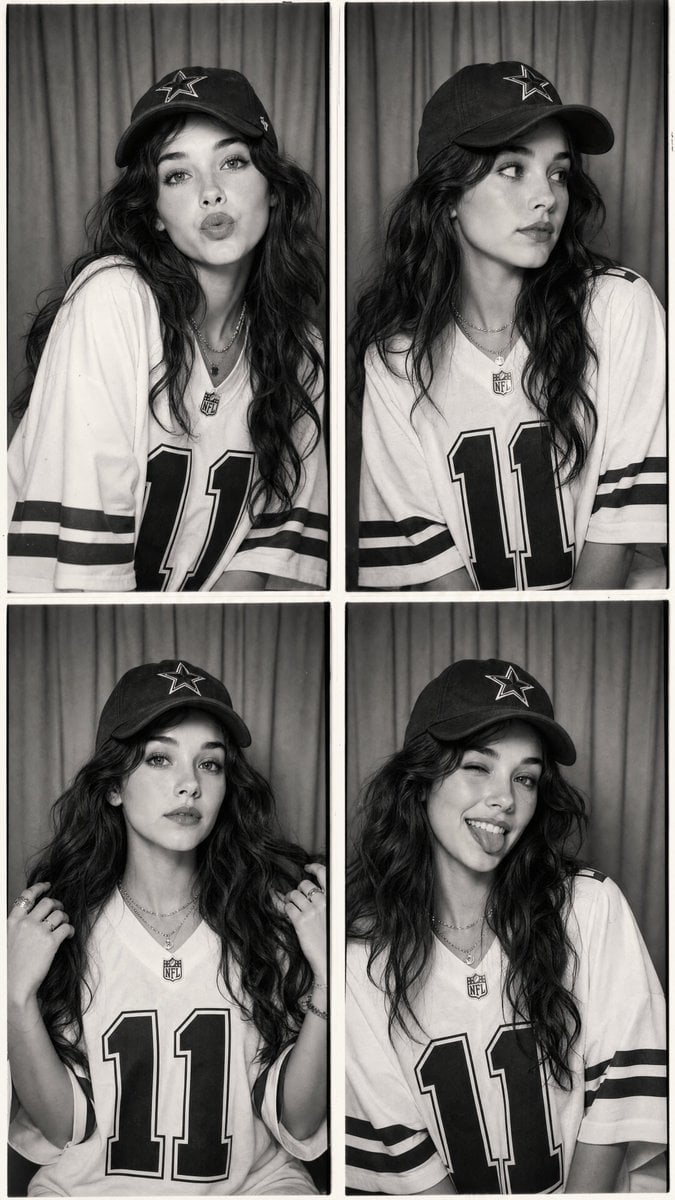
- Prompt included
- Model and format preset
- Free template
The prompt behind this image
Copy the exact prompt behind Vintage Black and White Photo Booth Grid, or open it in the studio and make it yours.
Using the provided reference image, create an ultra-realistic vintage black-and-white photo booth collage featuring the same {argument name="subject" default="young woman"} with identical facial features, long voluminous wavy dark hair, soft natural makeup, and glowing skin. The composition consists of four evenly spaced photo booth frames arranged in a clean 2×2 grid with thin white borders, photographed inside a classic photo booth with a simple curtain backdrop. She wears an oversized {argument name="attire" default="white NFL-style football jersey with bold black number 11"}, black striped sleeves, and an athletic vintage aesthetic. She also wears a black baseball cap with a white star logo, layered silver necklaces, rings, and minimal jewelry. Each frame captures a different candid pose: 1. Leaning slightly toward the camera with lips puckered in a playful kiss expression. 2. Looking sideways with a relaxed, thoughtful expression. 3. Holding strands of her hair with both hands while looking directly into the camera. 4. Smiling brightly, winking one eye, and sticking out her tongue in a playful pose. The images feature authentic film grain, soft monochrome contrast, subtle vignette, slight photo booth imperfections, gentle skin texture, realistic fabric folds, soft diffused lighting, and a nostalgic early-2000s aesthetic. Style Keywords: black and white photo booth, vintage film, NFL jersey, oversized sportswear, baseball cap, Pinterest aesthetic, Y2K, candid portraits, Kodak Tri-X, monochrome editorial, nostalgic, photorealistic, ultra detailed. Negative Prompt: low quality, blurry, anime, cartoon, CGI, plastic skin, distorted anatomy, extra fingers, duplicate face, duplicate limbs, watermark, logo, text, poor lighting, oversharpened, low resolution, artifacts, inconsistent face, different hairstyle, cropped body, bad composition.
How to use Vintage Black and White Photo Booth Grid in 3 steps
- 1Upload ImagePNG, JPG or paste
Add your photo
Upload the photo the template builds on. The prompt, model and format are already set.
- 2…a portrait of your subject in softgolden-hour light, 85mm…
Personalize
Edit the subject and creative details for your destination.
- 3Generate
Generate
Press Generate — your image is created in PicX Studio, so you can compare it with the original and refine one variable at a time.
More like this
Templates with the same subject, style or setup. Open one to see its prompt.
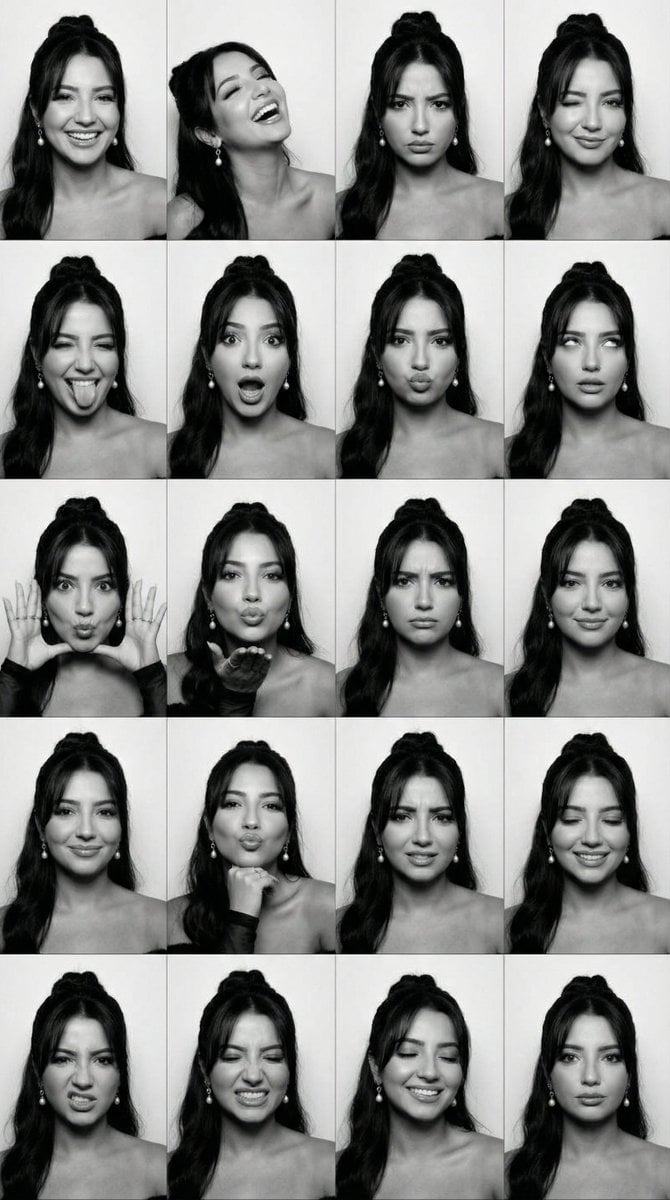
Black and White Photobooth Expression Grid (4x4)
Payphone Booth Rain Classic

Sunday Afternoon, 1988

Two Tickets, One Night

If We Met in 1985

Found Photograph: Us, 1970

One Dance Before Midnight

Before We said Goodbye

Our Song was on a Cassette

Meet Me When It Rains
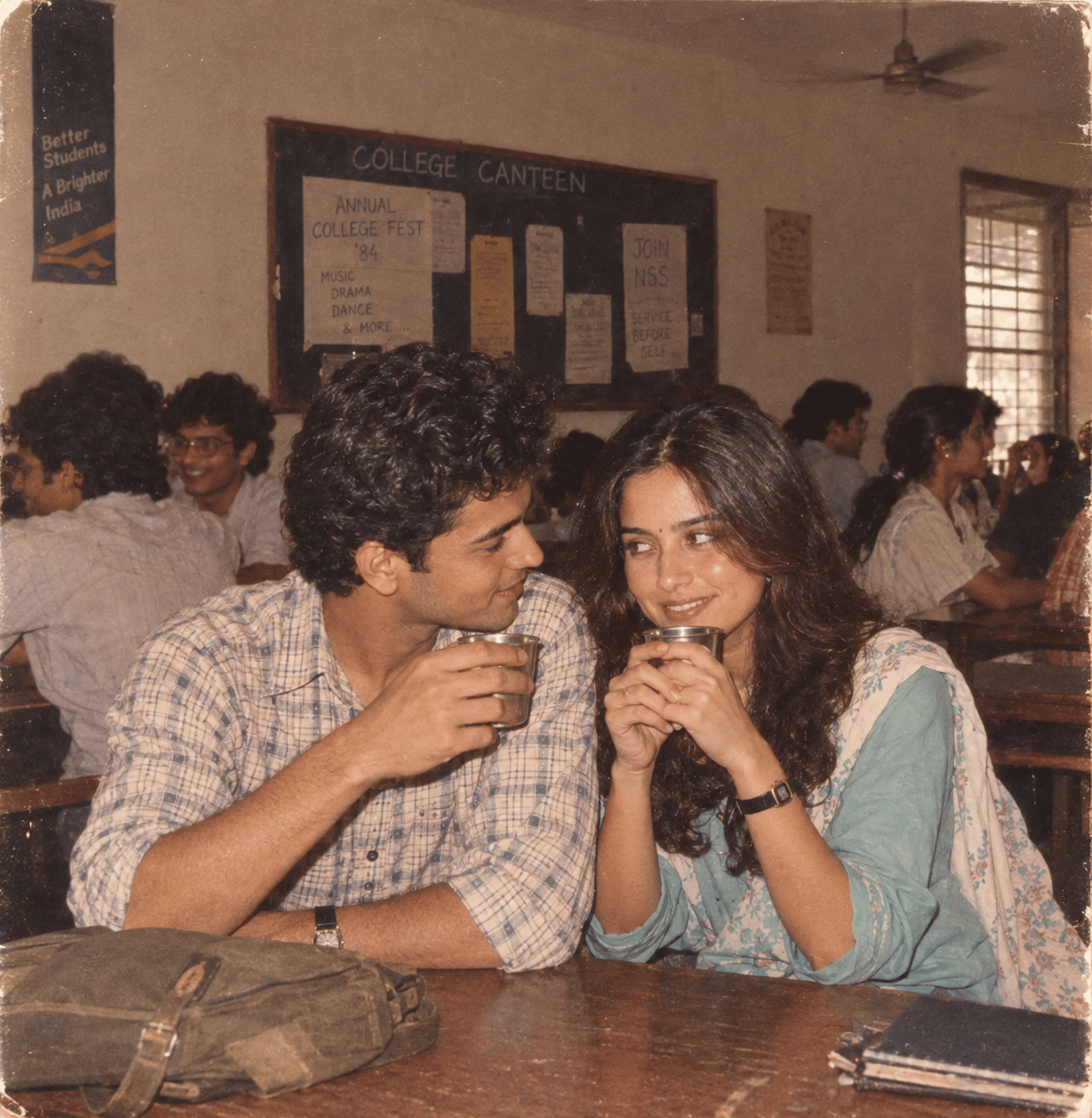
The Date After College
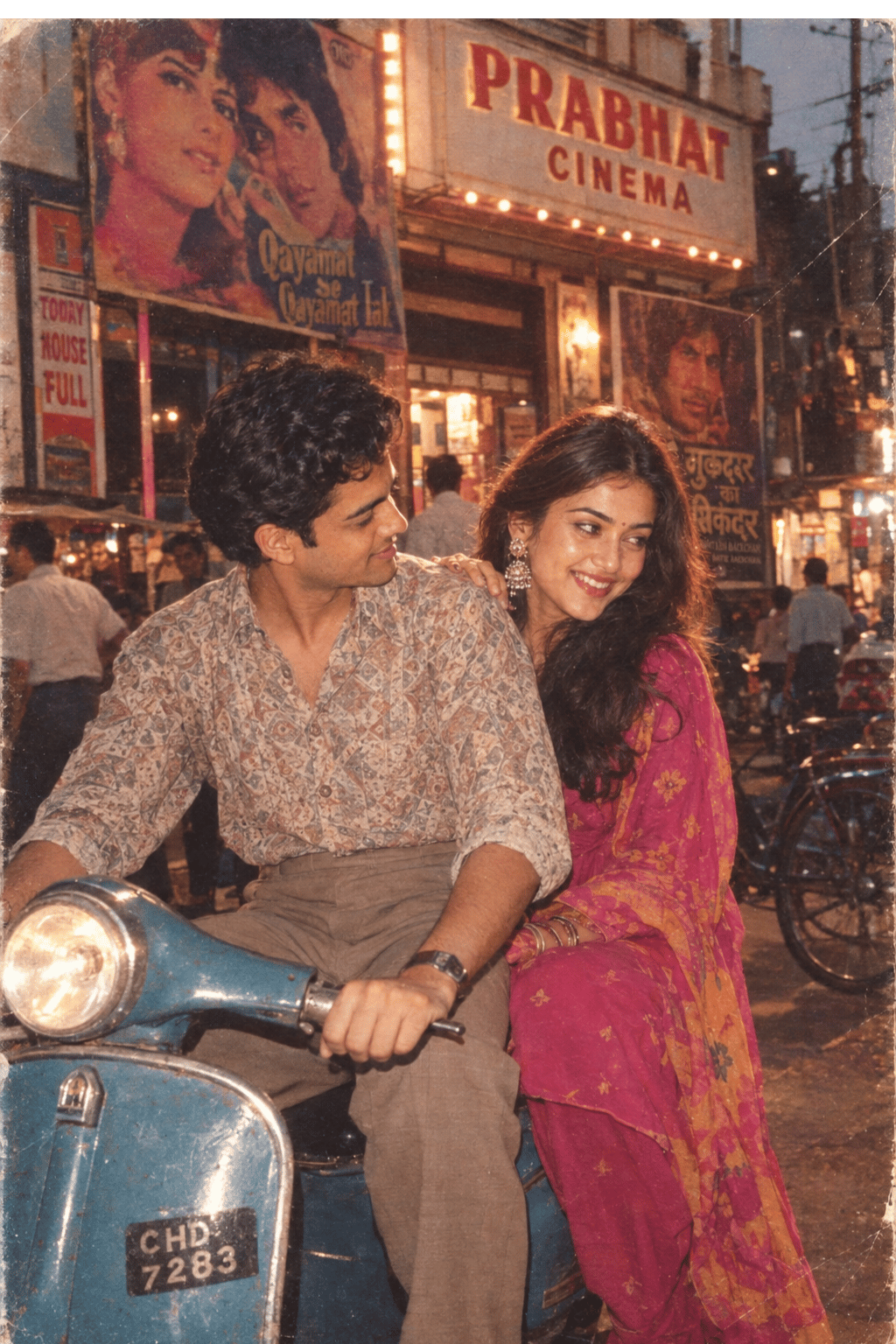
Two Hearts. One Scooter.
Make it yours
Vintage Black and White Photo Booth Grid works as-is. These are the safest ways to change it without losing the look.
Change one field
Copy a single group, rewrite it, and generate again so you can see what that field is doing.
Keep the frame, change the subject
Hold the composition and light of Vintage Black and White Photo Booth Grid, then swap wardrobe, props or the person for a new take.
| If the result… | Why | Fix |
|---|---|---|
| The result drifts from the preview | Too many fields changed at once. | Reuse Vintage Black and White Photo Booth Grid as-is first, then change one group — subject, light, or setting. |
| The model over-stylizes the scene | The prose prompt leaves finish and camera underspecified. | Add one camera or lighting sentence and stay on GPT Image 2. |
More GPT Image 2 templates
Other prompts made for GPT Image 2.

Six VTuber Japanese Logo Sheet

Realistic Portrait of Woman and Deer

The Vista Modular Condo Poster

AI Model Routing Comparison Infographic

2.5D Anime Art Board

Isometric Productivity Desk Scene

New York Double Exposure Poster

Four-Panel AI Landscape Comparison

Japanese Tatami Lifestyle Magazine Cover

NESCAFÉ Coffee Map Poster
More image prompts
Fresh picks from across the catalog.
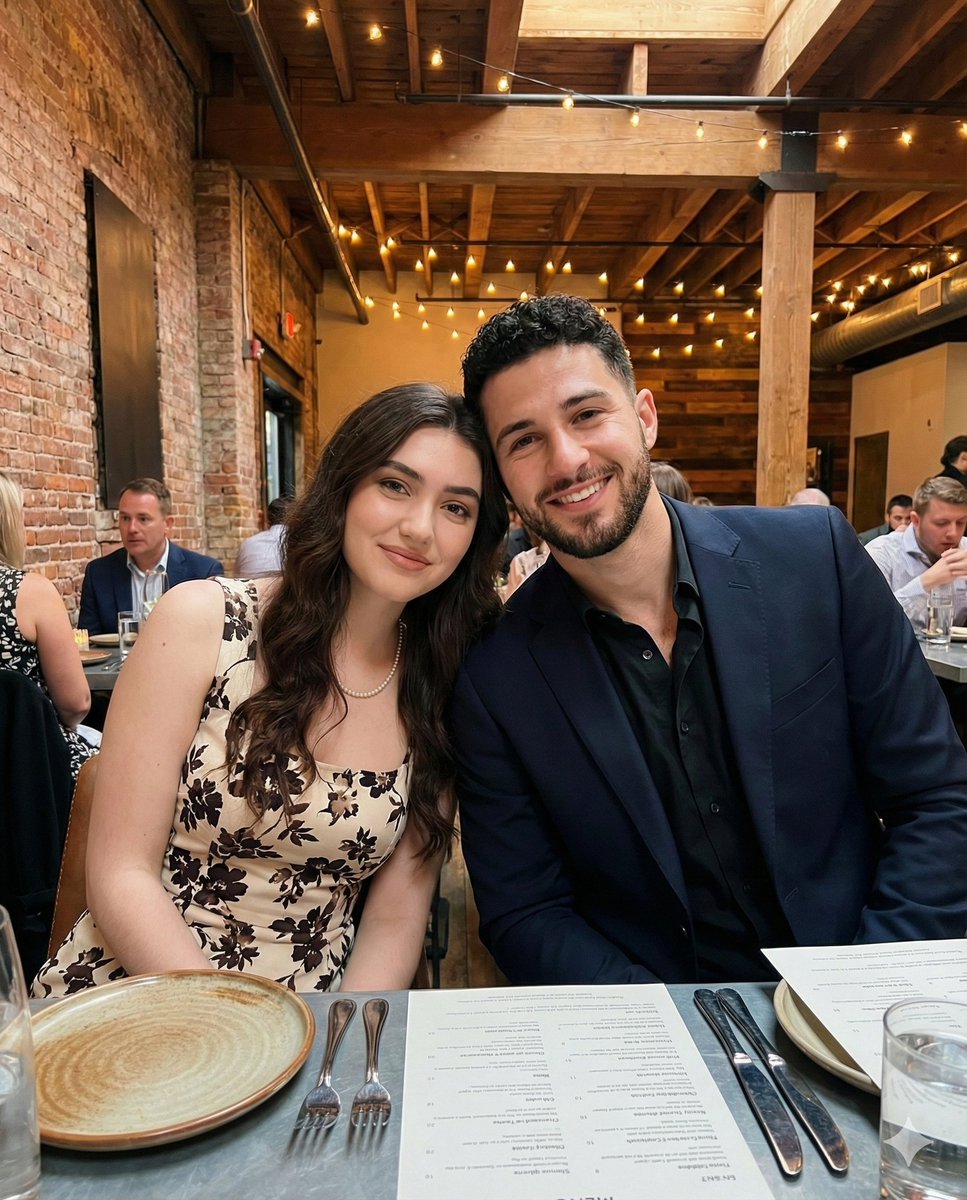
Intimate Portrait of a Couple in an Upscale Restaurant
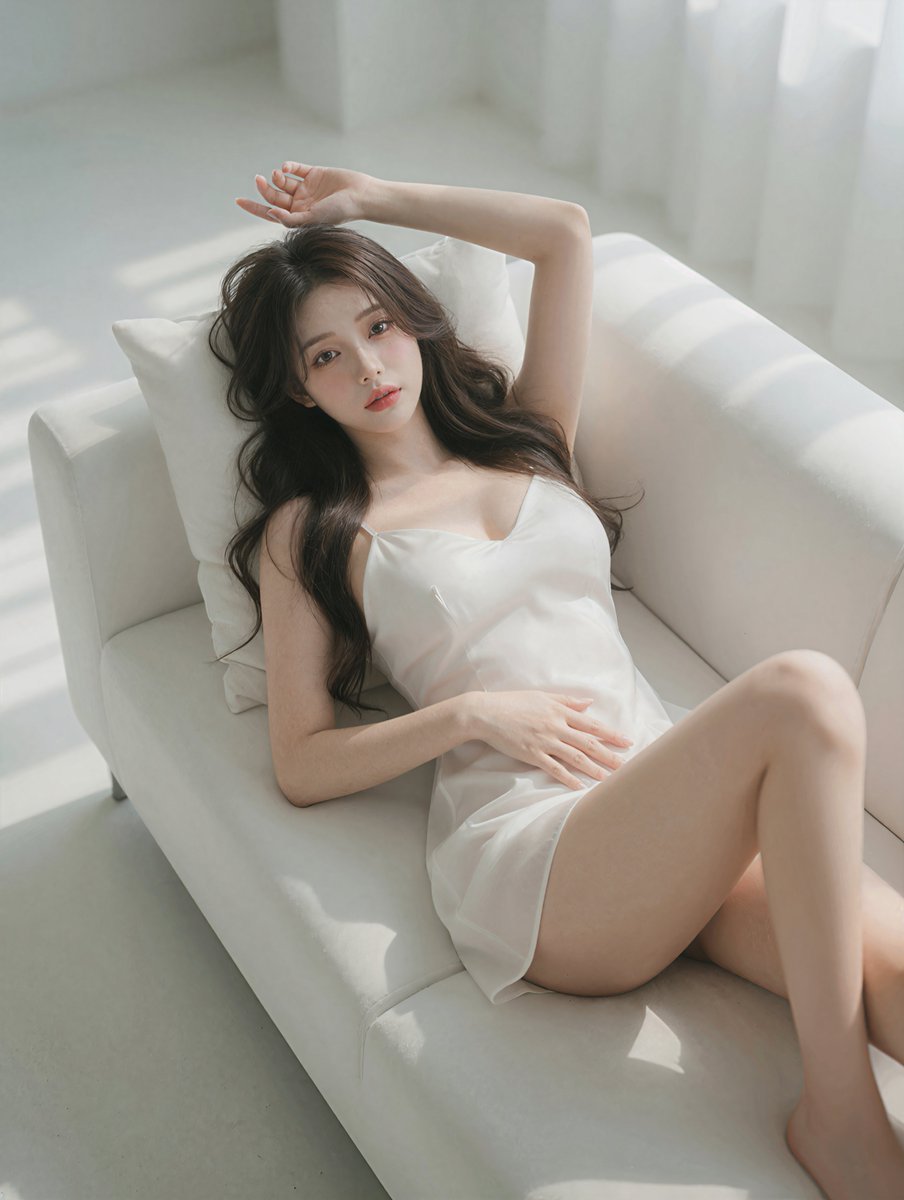
Photorealistic Reclining Portrait
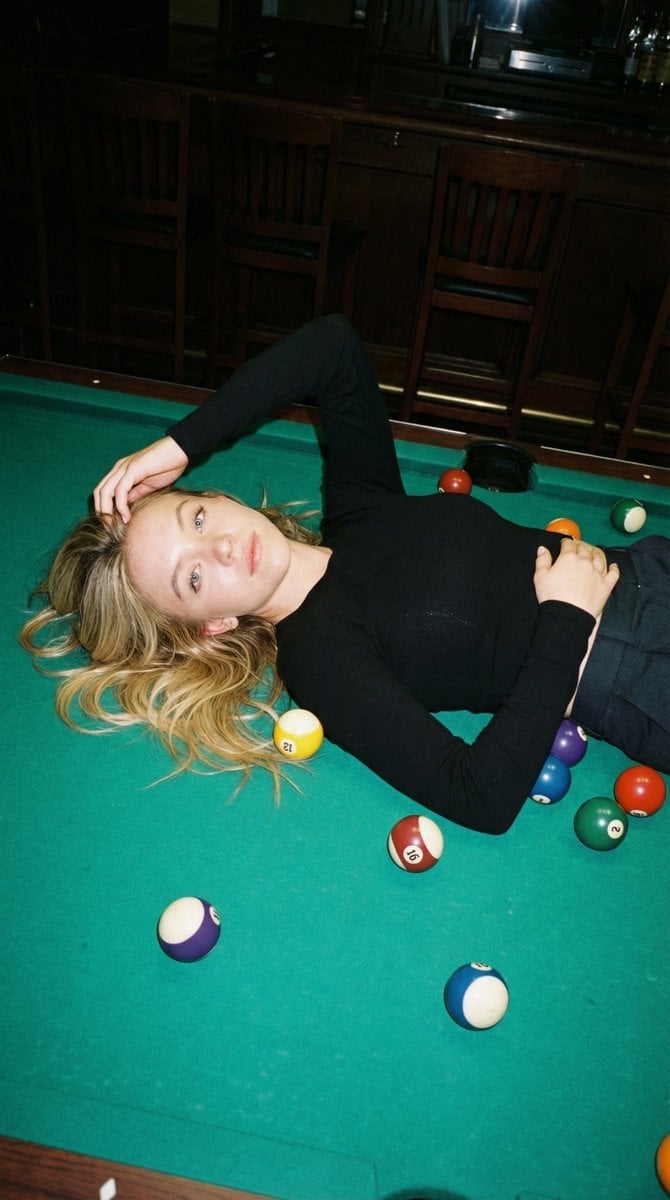
Editorial Nightlife Candid on a Billiards Table
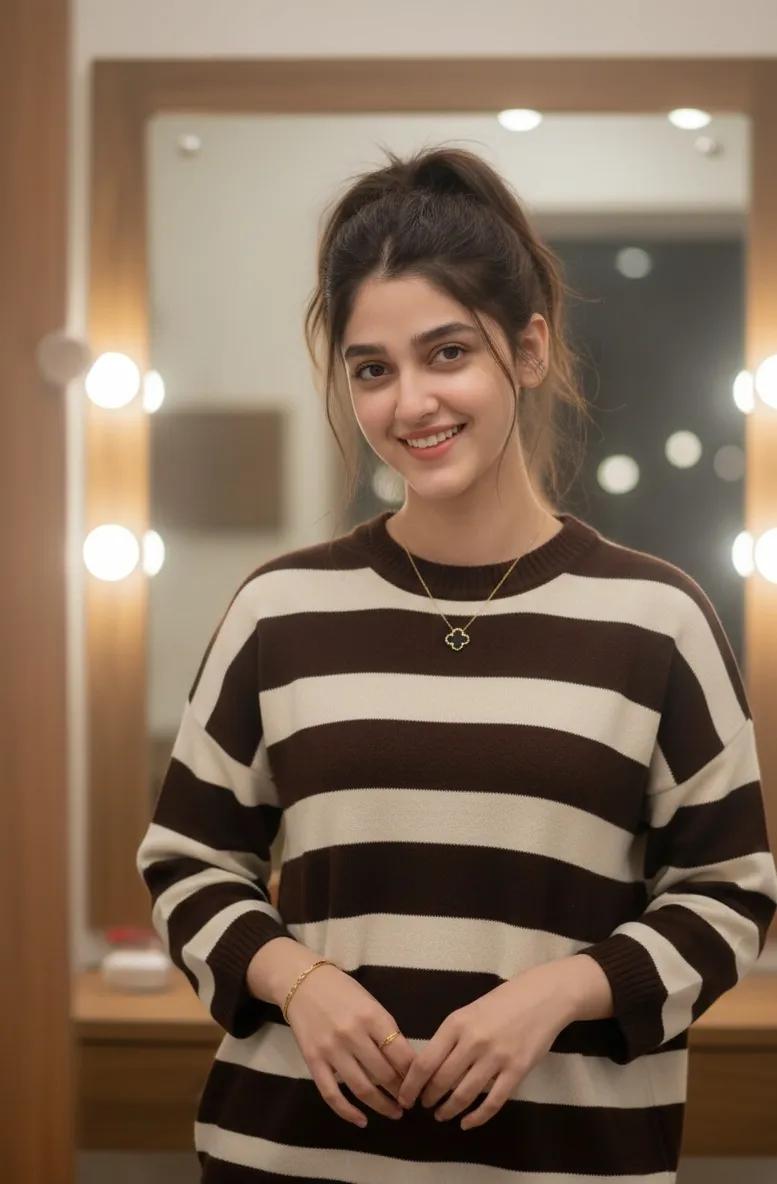
Cozy Indoor Lifestyle Portrait with Vanity Mirror

Japanese Educational Promo Banner
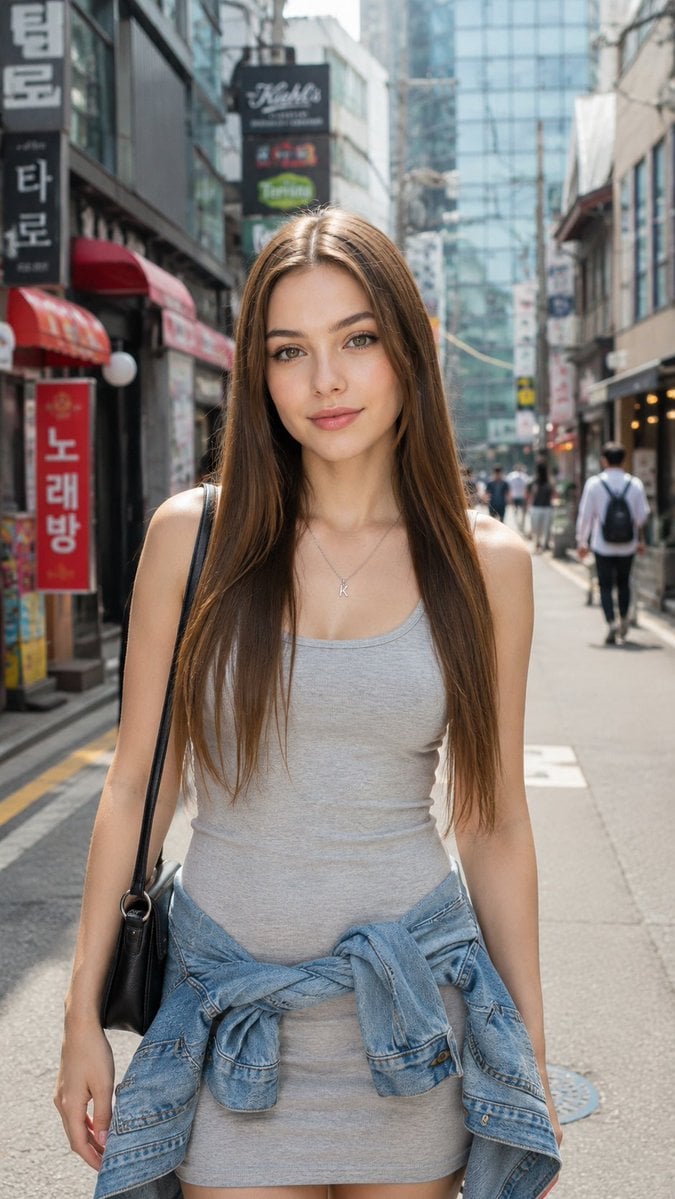
Hongdae Street Style Portrait
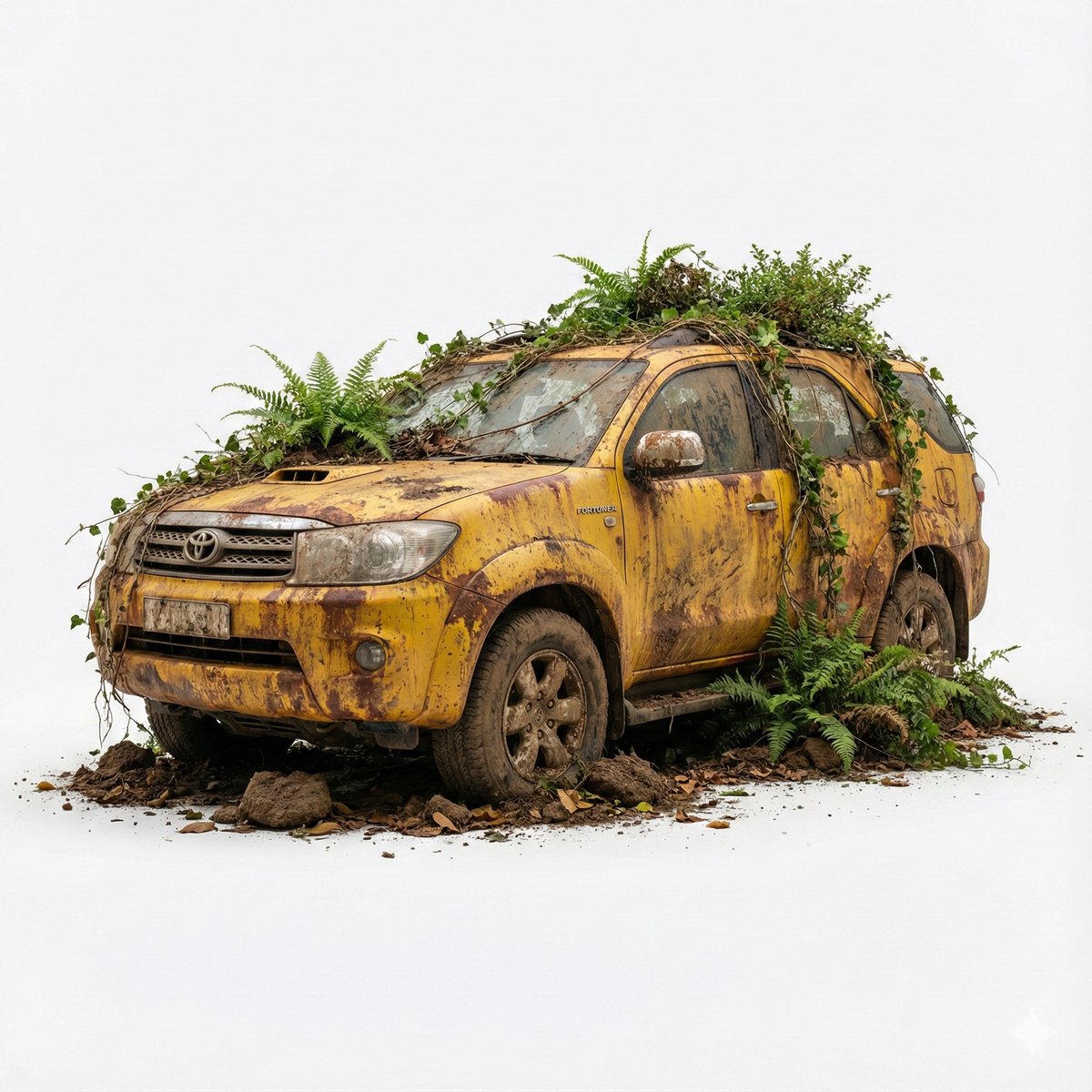
Abandoned Object Photorealistic Image Generator
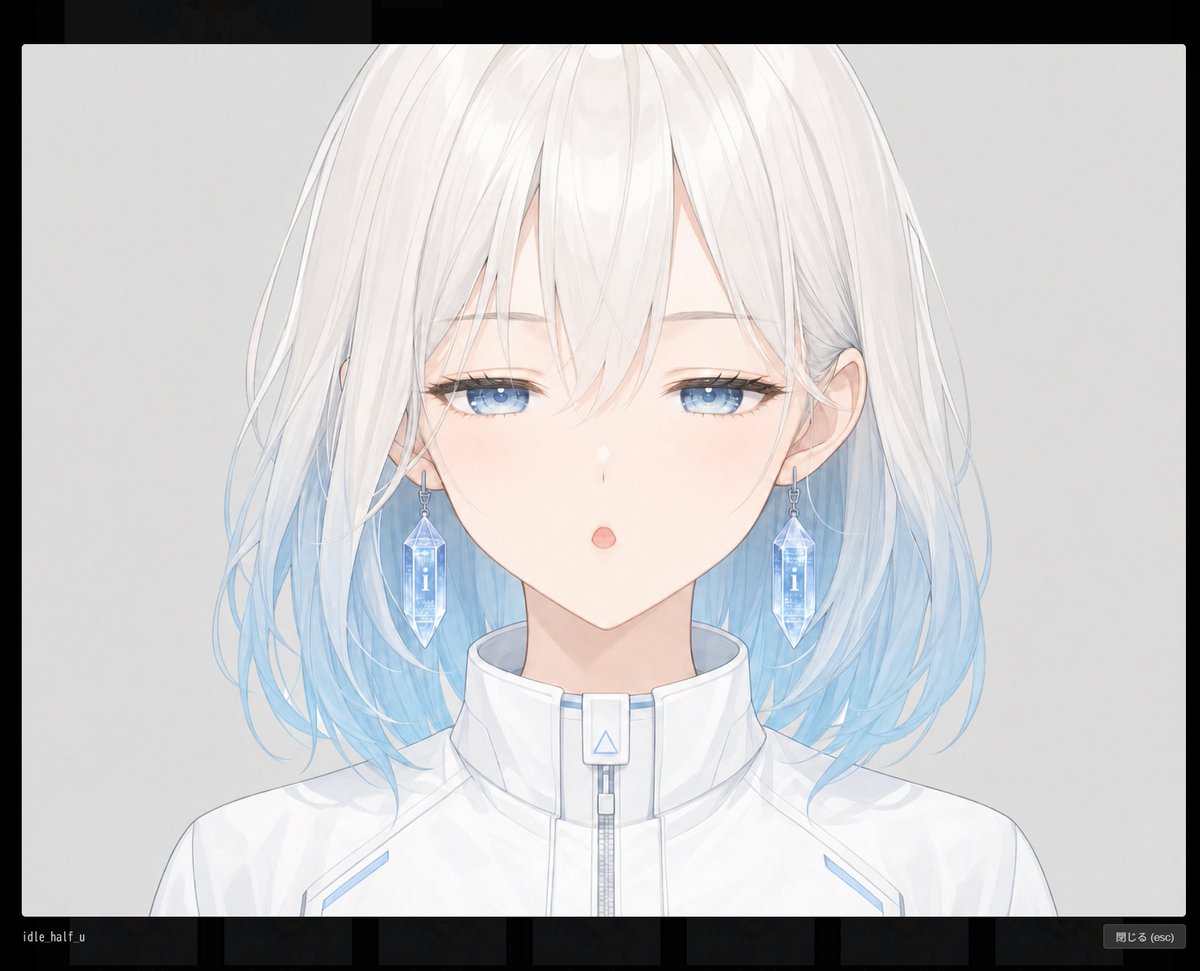
Blank Face Anime Portrait Base
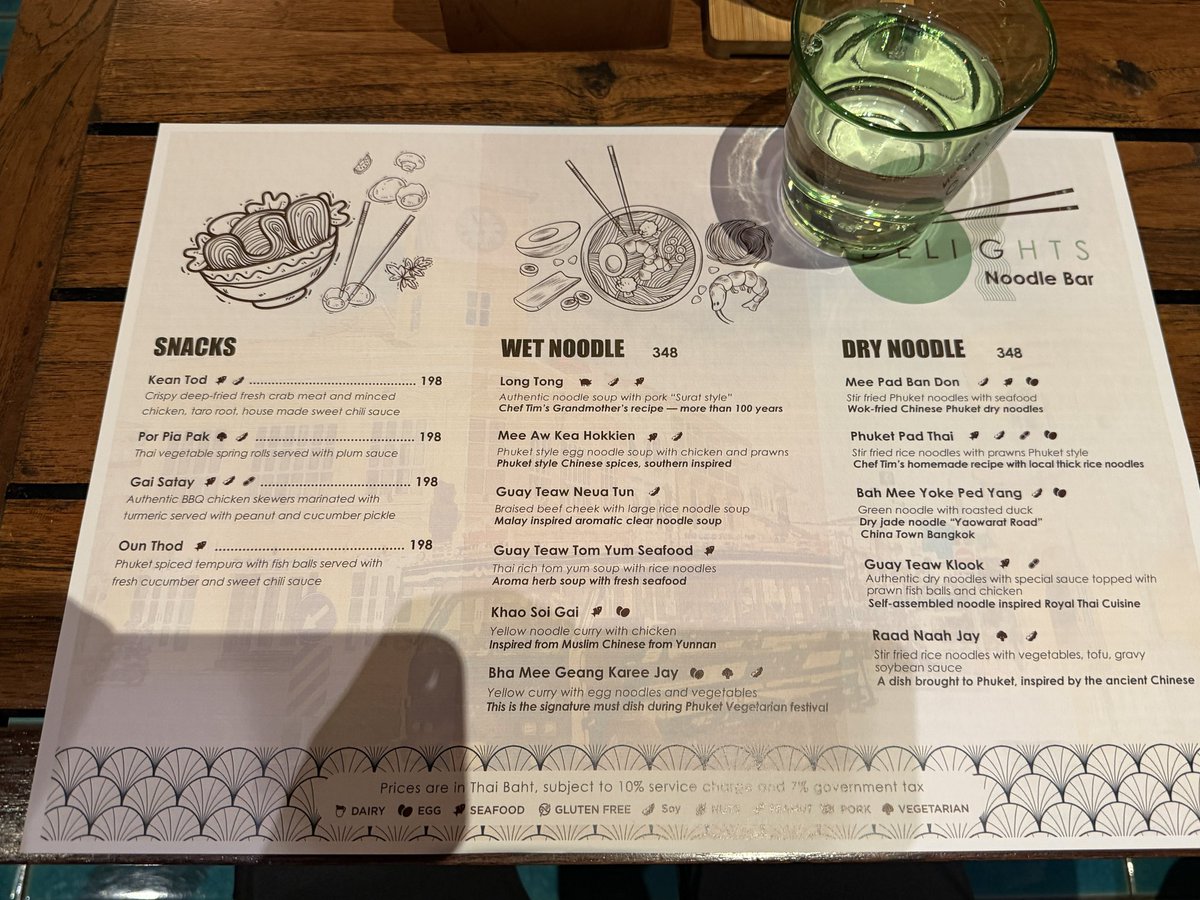
Menu Visualization Prompt

Ultra-Realistic Top-Down Flat Lay Photo of a Custom Conference Table
Browse template categories
Vintage Black and White Photo Booth Grid questions
How do I use the Vintage Black and White Photo Booth Grid template?
Add your photo if the template asks for one, edit the prompt if you like — the template's model and format are already selected — and press Generate. Your version opens in PicX Studio.
Can I customize the Vintage Black and White Photo Booth Grid template?
Yes. You can change the subject, setting, lighting, mood, format, and available model controls before creating your image.
Is the Vintage Black and White Photo Booth Grid template free?
Opening and editing this template is free. Generating uses credits, shown on the Generate button when you are signed in.
Which AI model should I use?
Start with GPT Image 2, which is the model associated with this template. You can compare another compatible model for a different finish.
Looking for something else? Browse all templates.

Your photo, any look
Thousands of ready templates for every top image and video model, from one credit balance.