How do I use the Creative Art Studio Mixed Media Collage template?
Choose the primary action to open PicX Studio with the available template settings. Review the model and format, personalize the creative direction, and generate when ready.
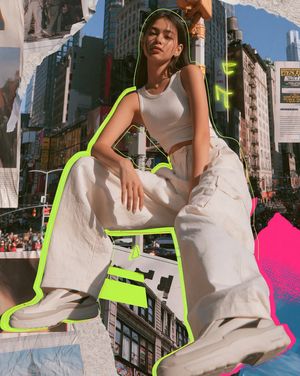
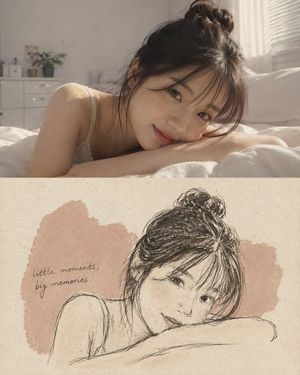
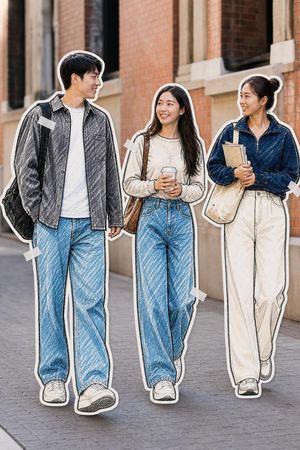
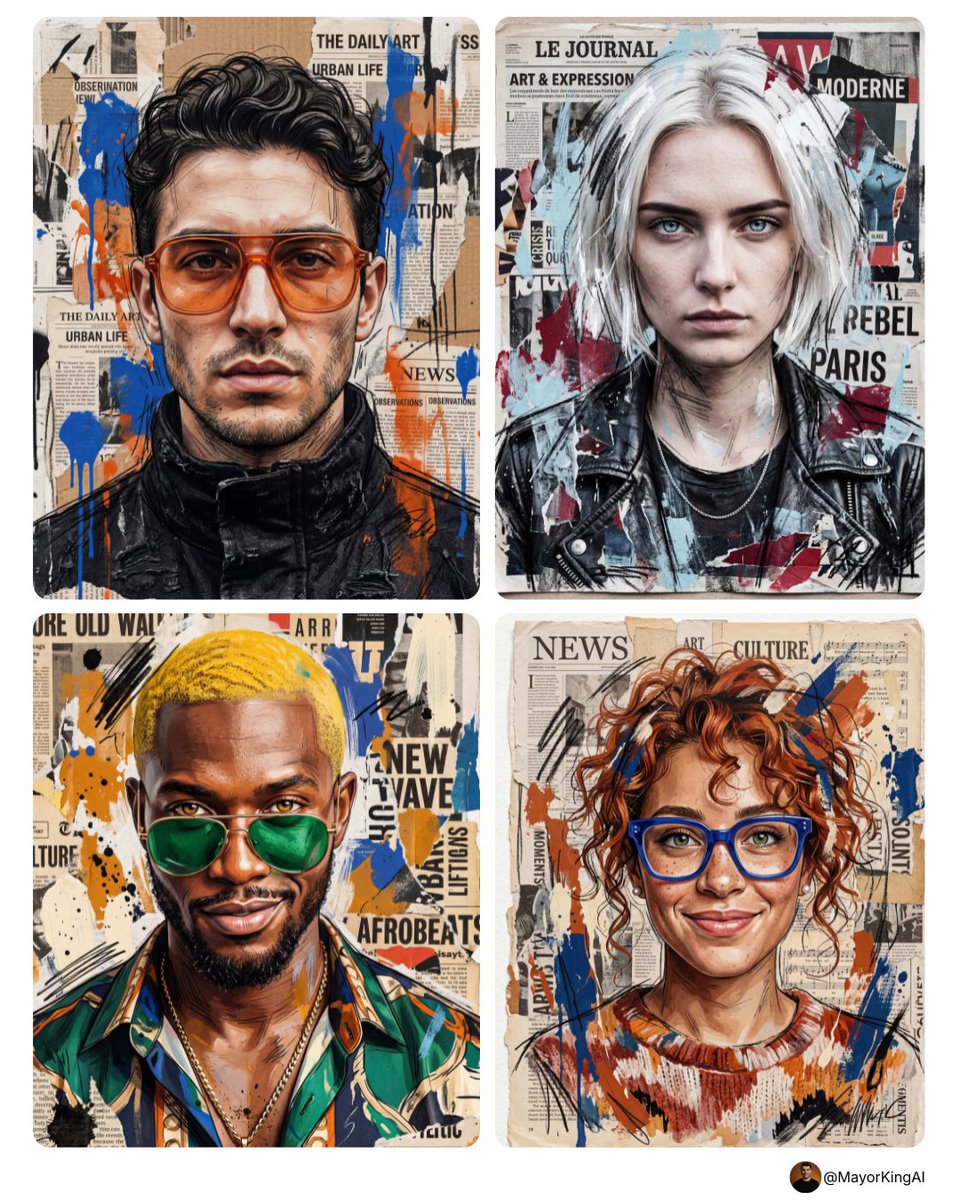
A vibrant collage prompt combining watercolors, textures, and hand-drawn elements for an inspiring journal-entry aesthetic.
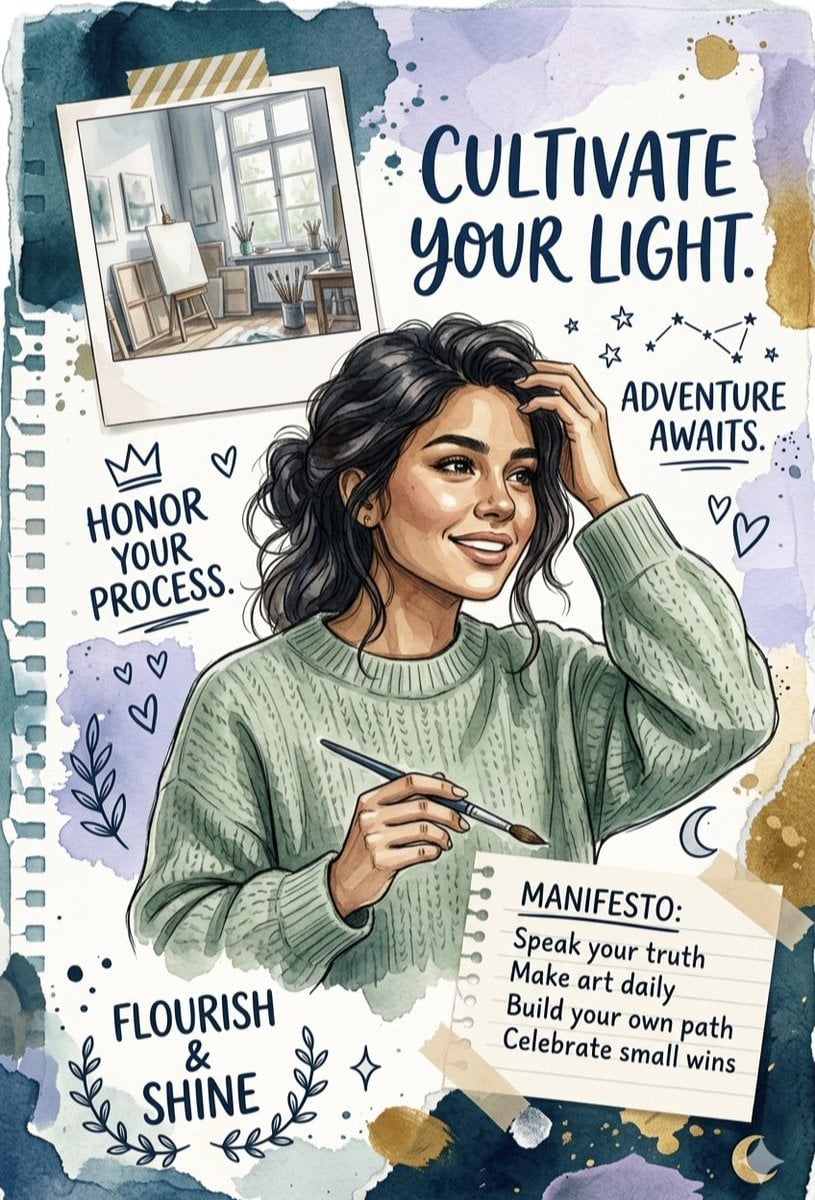
A vibrant mixed-media collage featuring a central illustration of a {argument name="subject" default="smiling woman with dark, wavy hair in a cozy green cable-knit sweater, holding a paintbrush"}. The composition includes a polaroid-style photo of a sunlit art studio, hand-drawn doodles like hearts and stars, and uplifting hand-lettered {argument name="quotes" default="quotes such as 'CULTIVATE YOUR LIGHT' and 'FLOURISH & SHINE.'"} The background consists of {argument name="colors" default="torn notebook paper textures and soft watercolor washes in shades of teal, lavender, and gold"}. A "MANIFESTO" list on a taped-on scrap of paper adds a personal, journal-entry feel to the design, creating an inspiring and creative atmosphere.
Choose the primary action to open PicX Studio with the available template settings. Review the model and format, personalize the creative direction, and generate when ready.
Yes. You can change the subject, setting, lighting, mood, format, and available model controls before creating your image.
This template is free to open and customize. Generation usage is shown in PicX Studio before you create.
Start with Nano Banana 2, which is the model associated with this template. You can compare another compatible model for a different finish.
Follow a topic to a crawlable collection of related PicX Studio templates.