How do I use the Luxury Bathroom Fashion Editorial template?
Choose the primary action to open PicX Studio with the available template settings. Review the model and format, personalize the creative direction, and generate when ready.
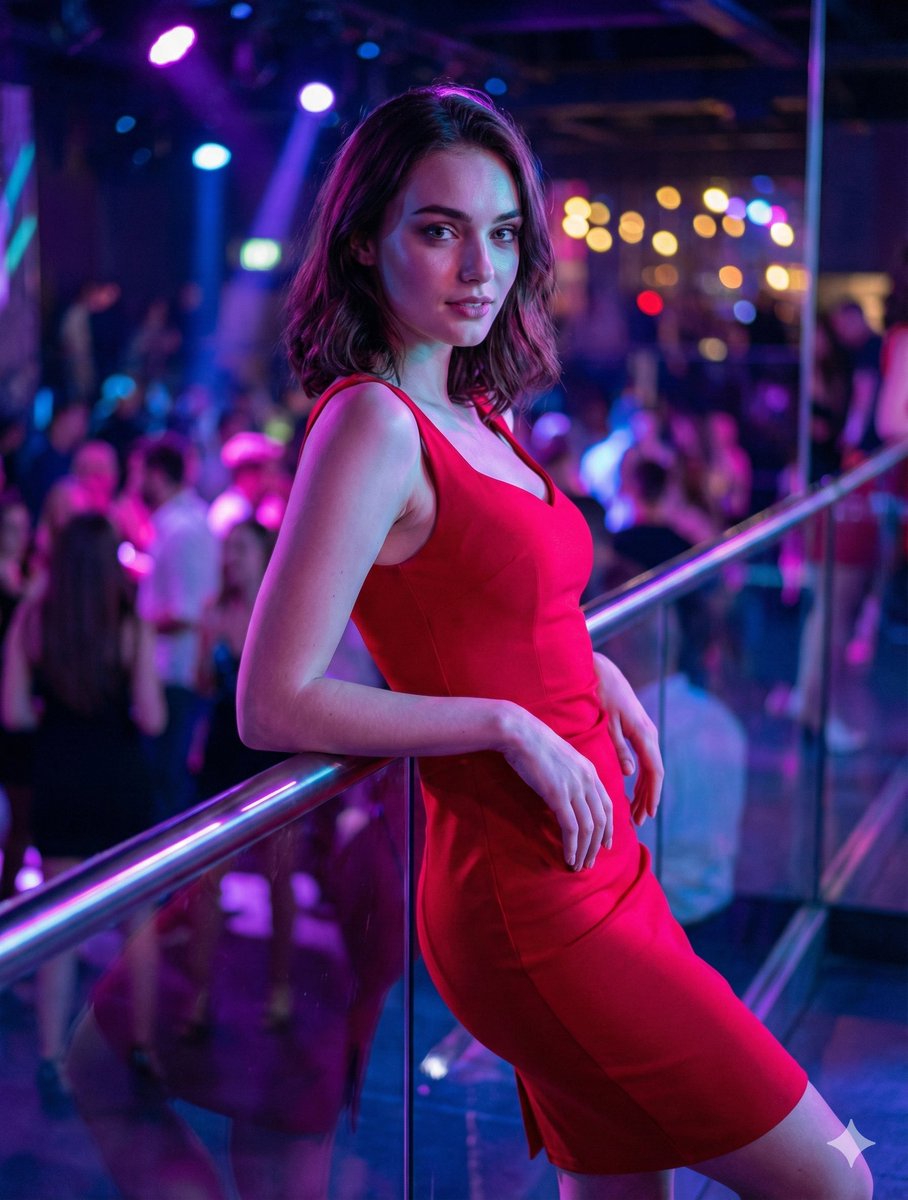
A sophisticated fashion editorial prompt for a portrait in a modern high-end hotel bathroom with stone vanities and warm lighting.
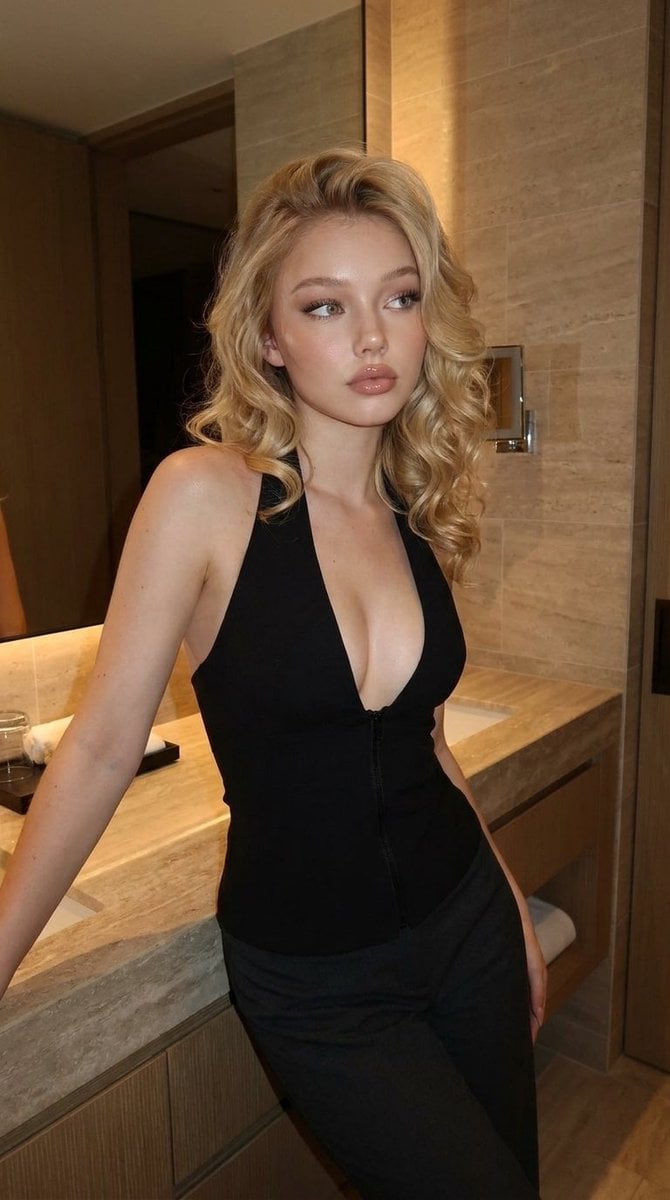
{ "prompt": "A realistic fashion editorial photo of a {argument name="subject" default="blonde-haired woman"} posing in a modern luxury bathroom, leaning against a stone vanity. She wears a {argument name="outfit" default="fitted black halter-style outfit with a front zipper and tailored pants"}. Warm wall lighting, beige stone tiles, large mirror reflections, soft cinematic shadows, high-end hotel interior, confident elegant mood, natural skin texture, shallow depth of field, vertical composition.", "style": "photorealistic, cinematic, editorial fashion", "lighting": "warm ambient bathroom lighting", "camera": "portrait orientation, medium-full shot, 35mm lens look", "quality": "high detail, realistic textures" }
Choose the primary action to open PicX Studio with the available template settings. Review the model and format, personalize the creative direction, and generate when ready.
Yes. You can change the subject, setting, lighting, mood, format, and available model controls before creating your image.
This template is free to open and customize. Generation usage is shown in PicX Studio before you create.
Start with Nano Banana 2, which is the model associated with this template. You can compare another compatible model for a different finish.
Follow a topic to a crawlable collection of related PicX Studio templates.