
Red Hair Denim Shorts Lifestyle Portrait
A vibrant photorealistic prompt of a young woman with red hair in casual summer attire, set against a modern urban background with golden-hour light.
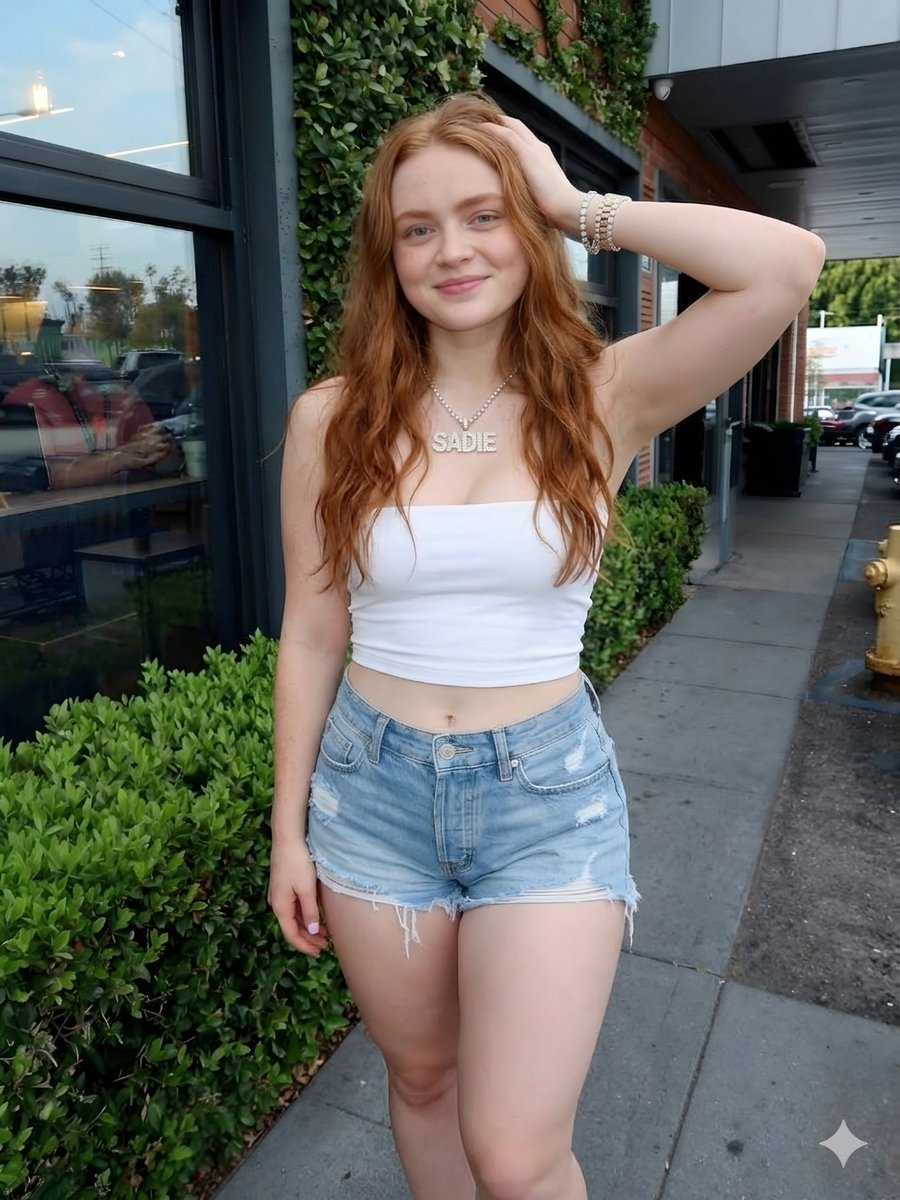
- Prompt included
- Model and format preset
- Premium template
The prompt behind this image
Copy the exact prompt behind Red Hair Denim Shorts Lifestyle Portrait, or open it in the studio and make it yours.
photorealistic portrait of a beautiful young woman in her early 20s with long, voluminous, wavy vibrant red hair cascading down her back and over her shoulders, fair smooth skin with subtle natural glow, bright blue eyes, soft friendly smile with closed lips, standing casually on a concrete sidewalk. She is posing confidently with her right arm raised and hand gently touching her hair, left arm relaxed by her side with fingers slightly curled. She wears a tight white strapless tube crop top that exposes her toned midriff and navel, paired with high-waisted light-wash blue denim shorts featuring distressed rips and frayed raw hems, showing her long smooth legs. She has a delicate silver ball-chain necklace with large bold capital letters spelling 'SADIE' centered on her chest, and multiple stacked pearl and gold beaded bracelets on her right wrist. Background shows a modern commercial building with large reflective glass windows, green ivy climbing the dark wall, lush green bushes in the foreground, a yellow fire hydrant to the right, and a parking lot with cars visible in the distance. Natural daylight, soft golden hour lighting with gentle shadows, highly detailed realistic skin texture, sharp focus, professional fashion photography style, 8k resolution, cinematic composition, vibrant colors, no text or watermarks
How to use Red Hair Denim Shorts Lifestyle Portrait in 3 steps
- 1
Open
The prompt is already in the box next to the preview, with the template's model and format selected.
- 2…a portrait of your subject in softgolden-hour light, 85mm…
Personalize
Edit the subject and creative details for your destination.
- 3Generate
Generate
Press Generate — your image is created in PicX Studio, so you can compare it with the original and refine one variable at a time.
More like this
Templates with the same subject, style or setup. Open one to see its prompt.
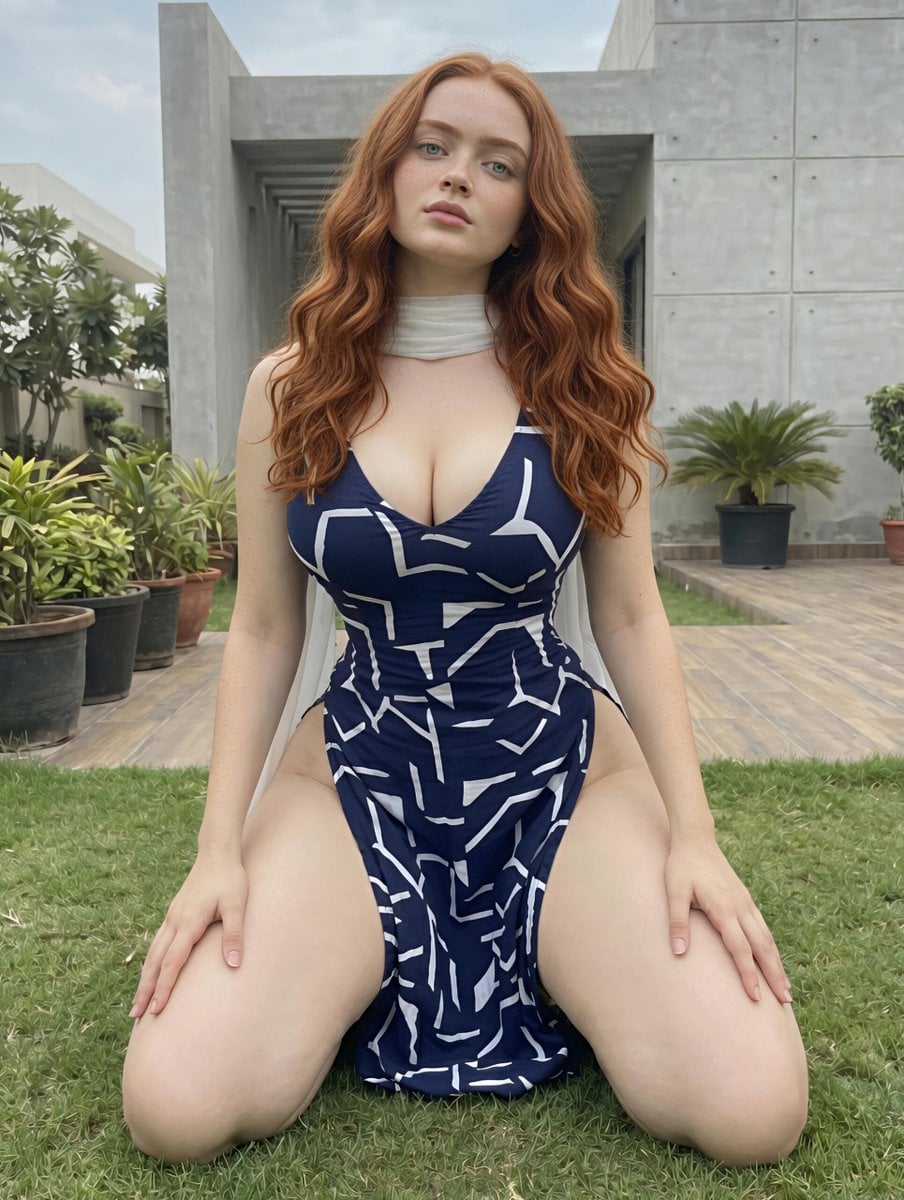
Red Hair Garden Portrait
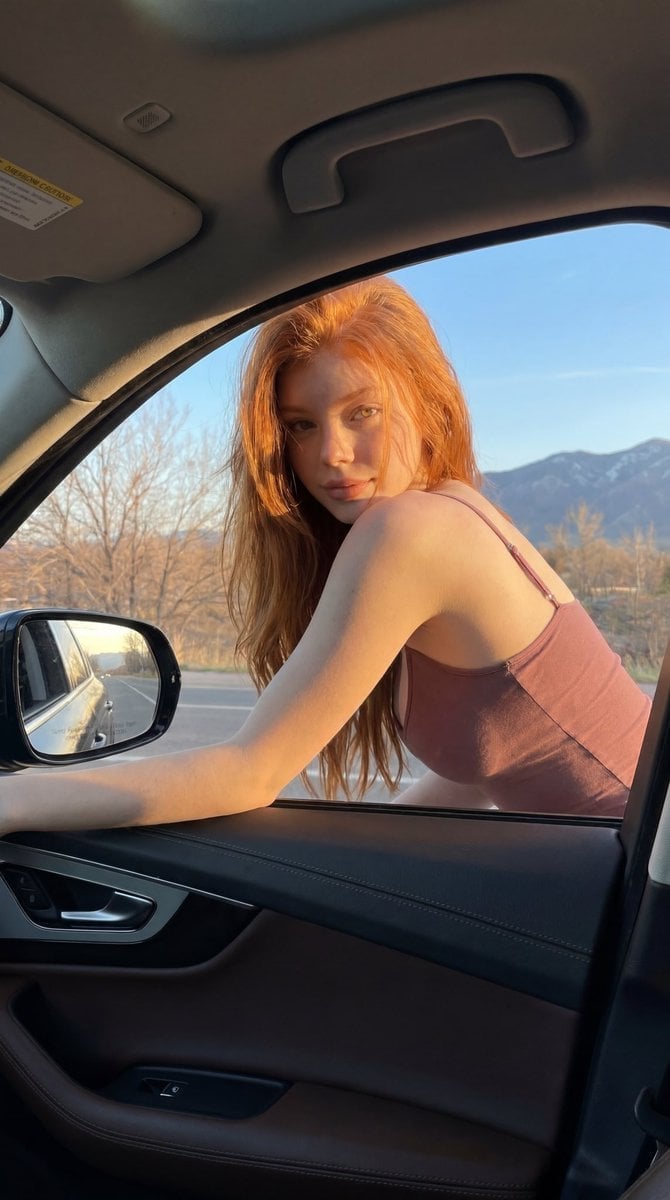
Red-Haired Woman Car Portrait
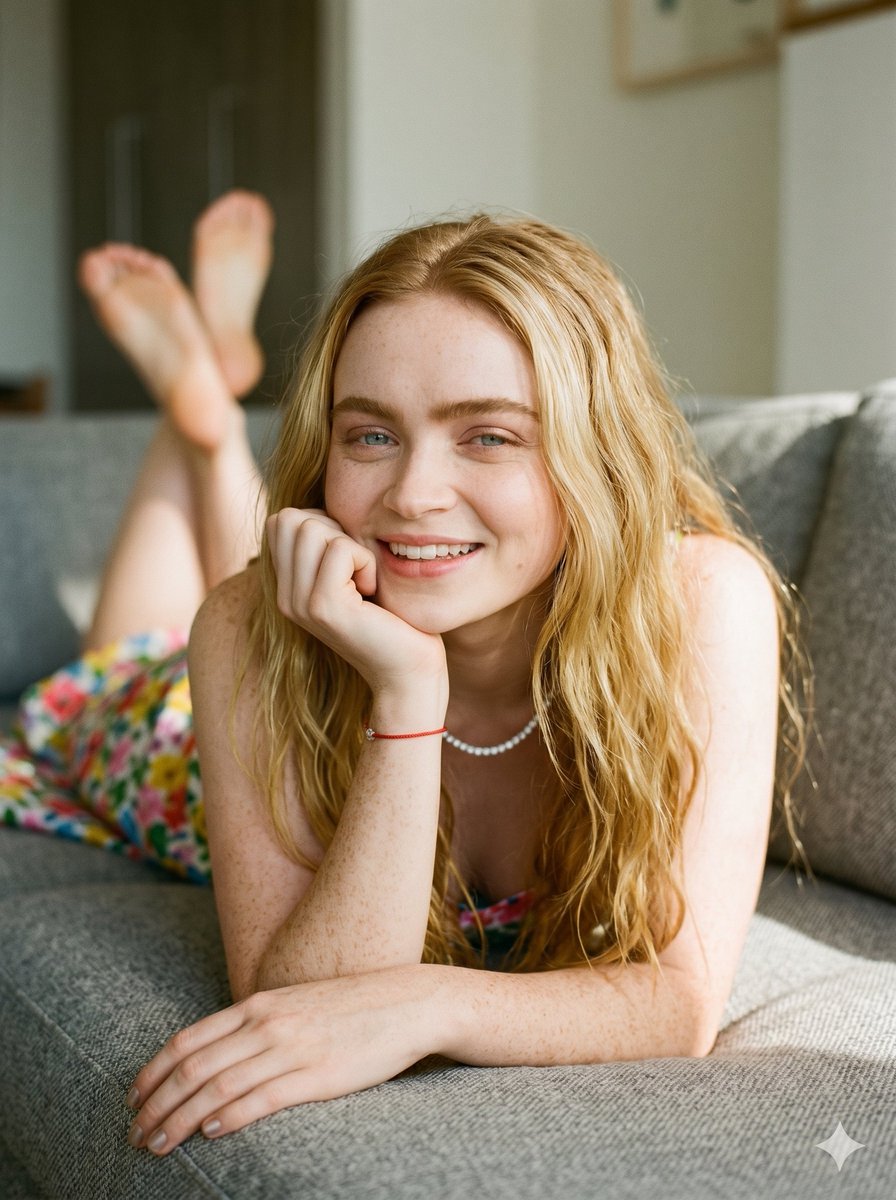
Tranquil Afternoon Red Hair Portrait
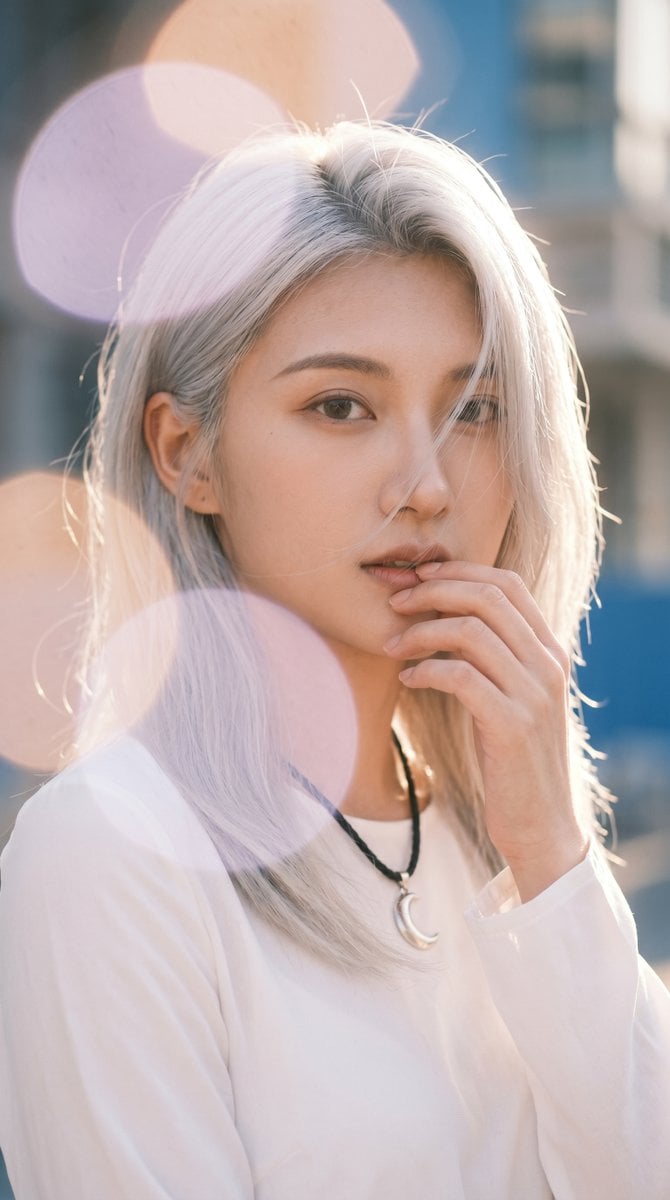
Backlit Silver-Haired Model Portrait
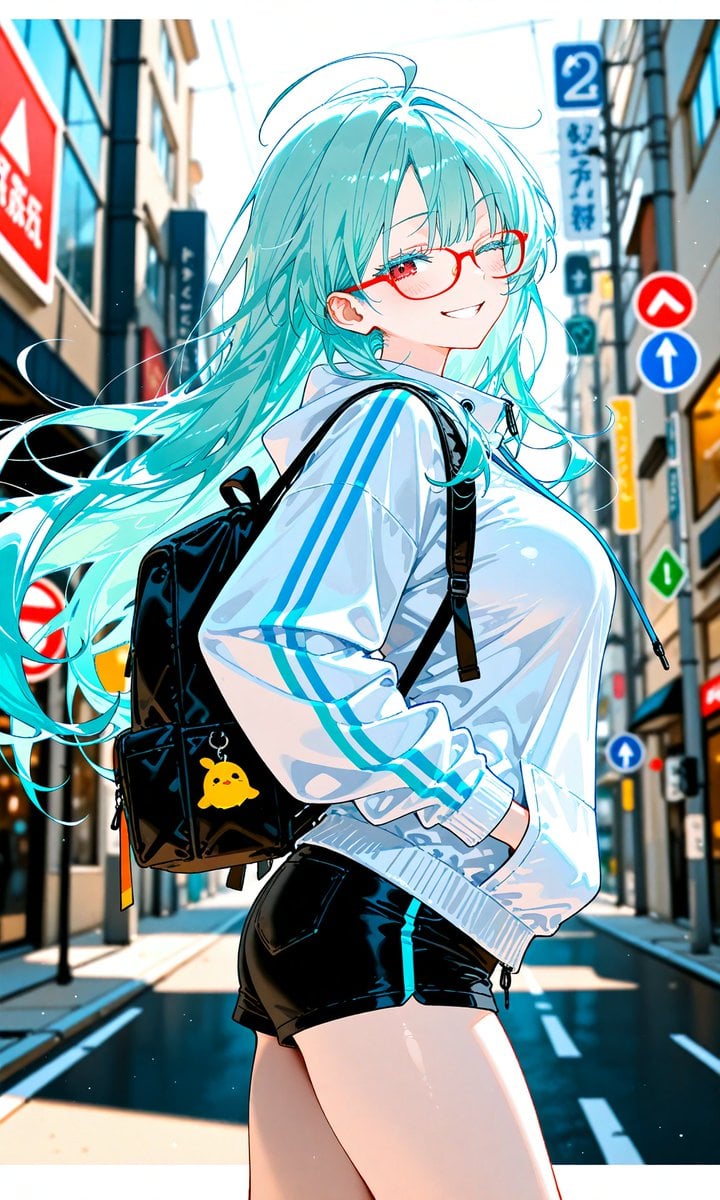
Aqua-Haired Anime Street Portrait
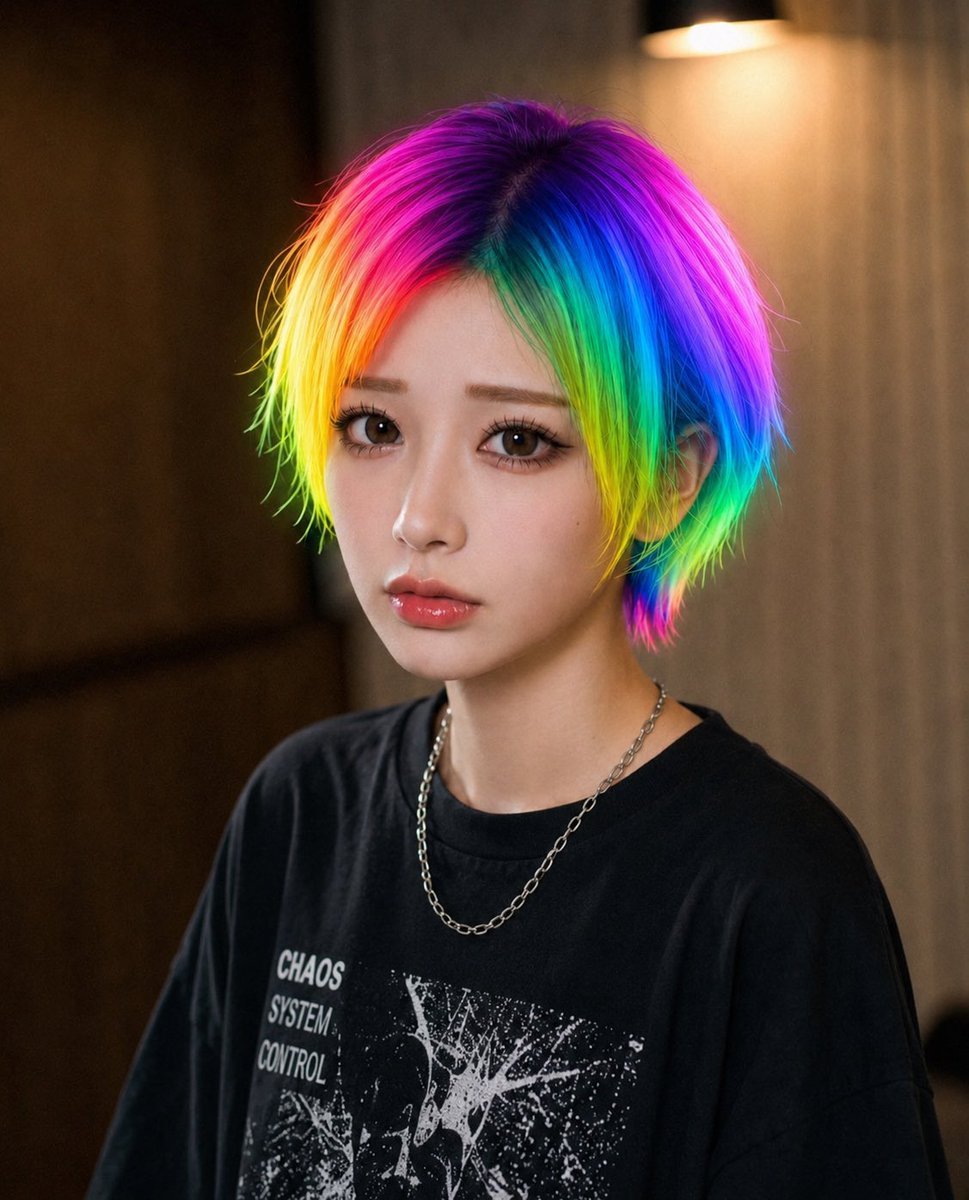
Rainbow Hair Censored Portrait

Miniature Self Portrait Collage

Found Photograph: Us, 1970

80s Couple Studio Portrait

1988 Mall Style

80s Bollywood Star

80s Golden Hour Cinema
Make it yours
Red Hair Denim Shorts Lifestyle Portrait works as-is. These are the safest ways to change it without losing the look.
Change one field
Copy a single group, rewrite it, and generate again so you can see what that field is doing.
Keep the frame, change the subject
Hold the composition and light of Red Hair Denim Shorts Lifestyle Portrait, then swap wardrobe, props or the person for a new take.
| If the result… | Why | Fix |
|---|---|---|
| The result drifts from the preview | Too many fields changed at once. | Reuse Red Hair Denim Shorts Lifestyle Portrait as-is first, then change one group — subject, light, or setting. |
| The model over-stylizes the scene | The prose prompt leaves finish and camera underspecified. | Add one camera or lighting sentence and stay on Nano Banana 2. |
More Nano Banana 2 templates
Other prompts made for Nano Banana 2.

Photorealistic Leaf Shaped Like a Dragon

K-Pop Idol Portrait Grid for Rapid Selection

Poetic Rain Forest Portrait During Golden Hour

Urban Street Portrait with Cartoon Inner Self Duo

Candid Nighttime Photo with Cat Prompt

High-Concept 3D Diorama Generation Prompt

Cinematic Futuristic Studio Portrait Template

Skincare Editorial Photography Collage Prompt

Hyper-Realistic Commercial Product Photography (Splash Effect)

Hyper-Realistic Nightclub Portrait Prompt
More image prompts
Fresh picks from across the catalog.

Dark, High-Contrast Poster Design Prompt with Amber Lenses
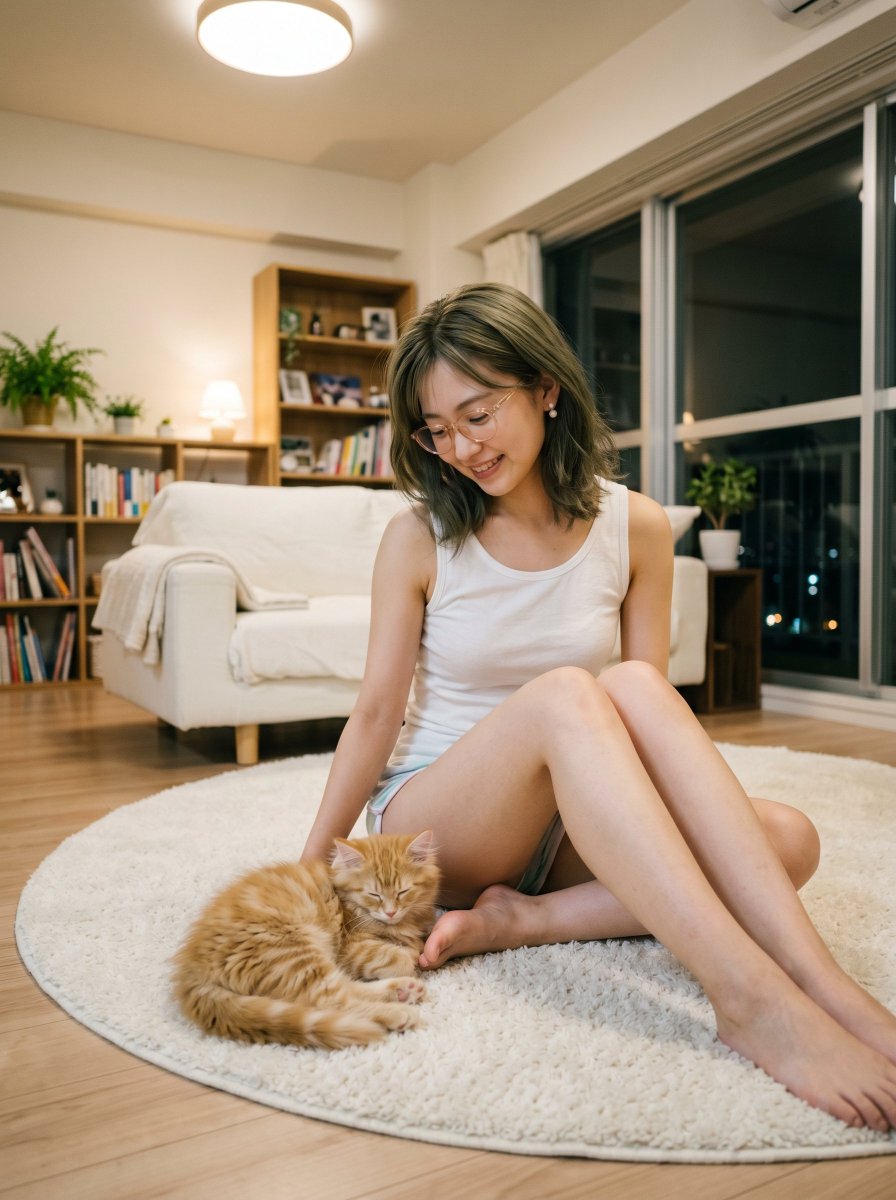
Cozy Apartment Woman With Kitten
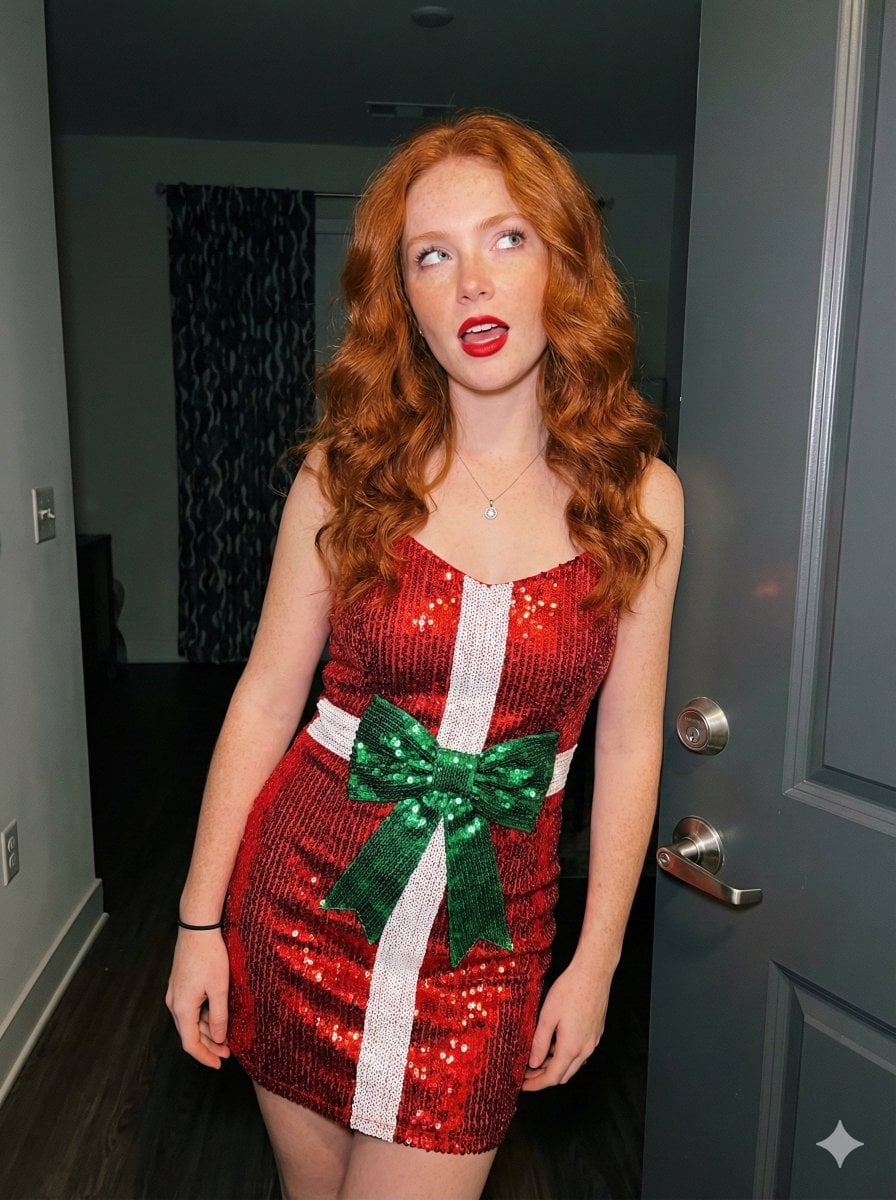
Candid Holiday Portrait with Sequin Dress and Red Hair
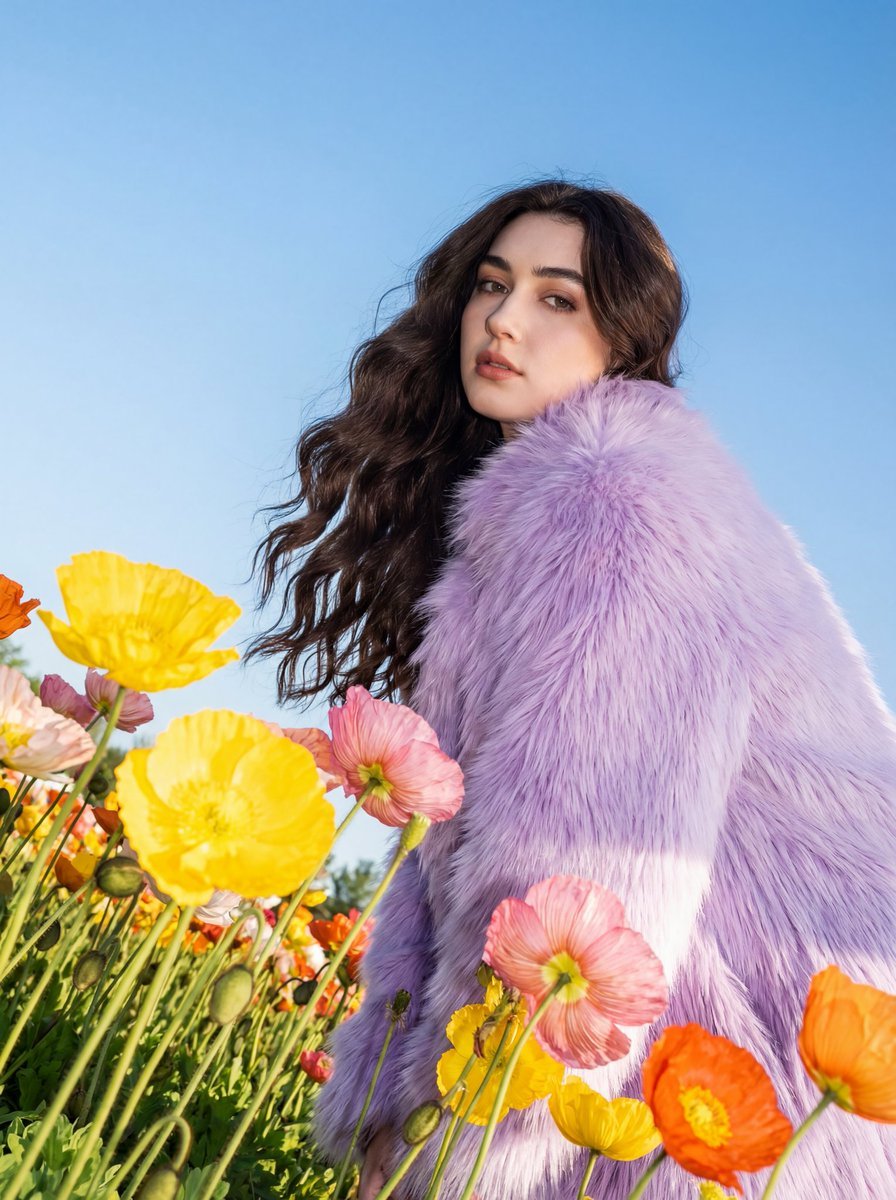
Harsh Flash Fashion Portrait in Flower Field Prompt
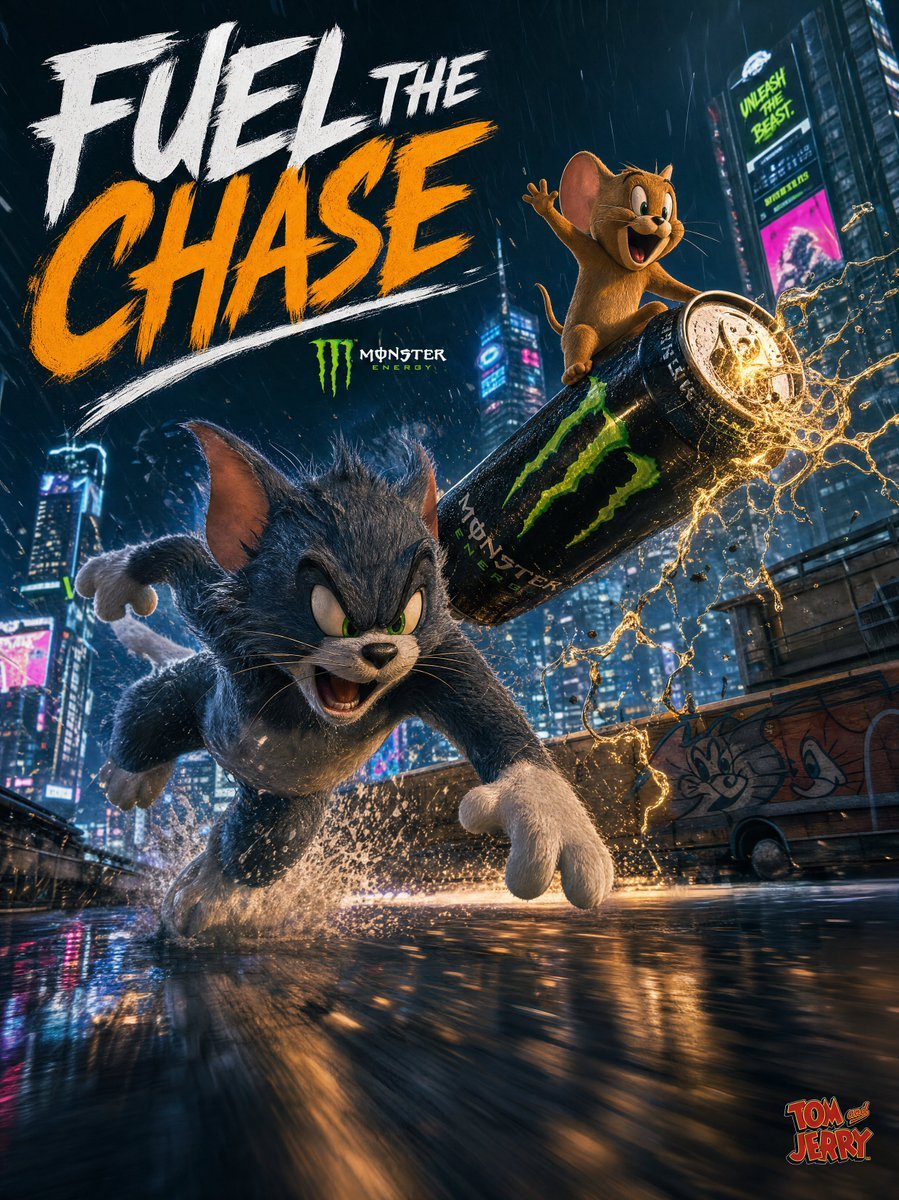
Tom and Jerry Energy Drink Ad
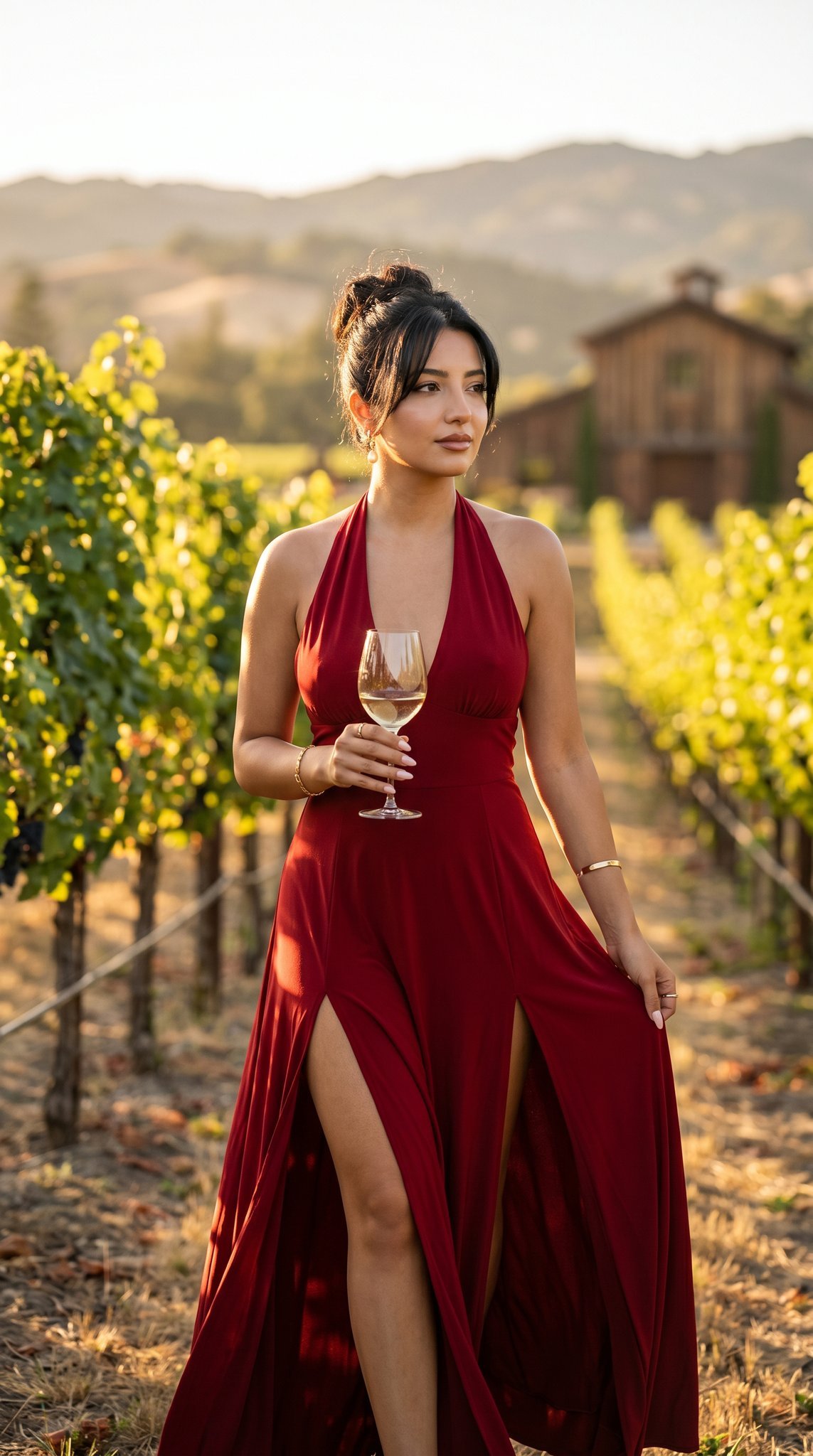
14 Napa Valley Vineyard — California Series
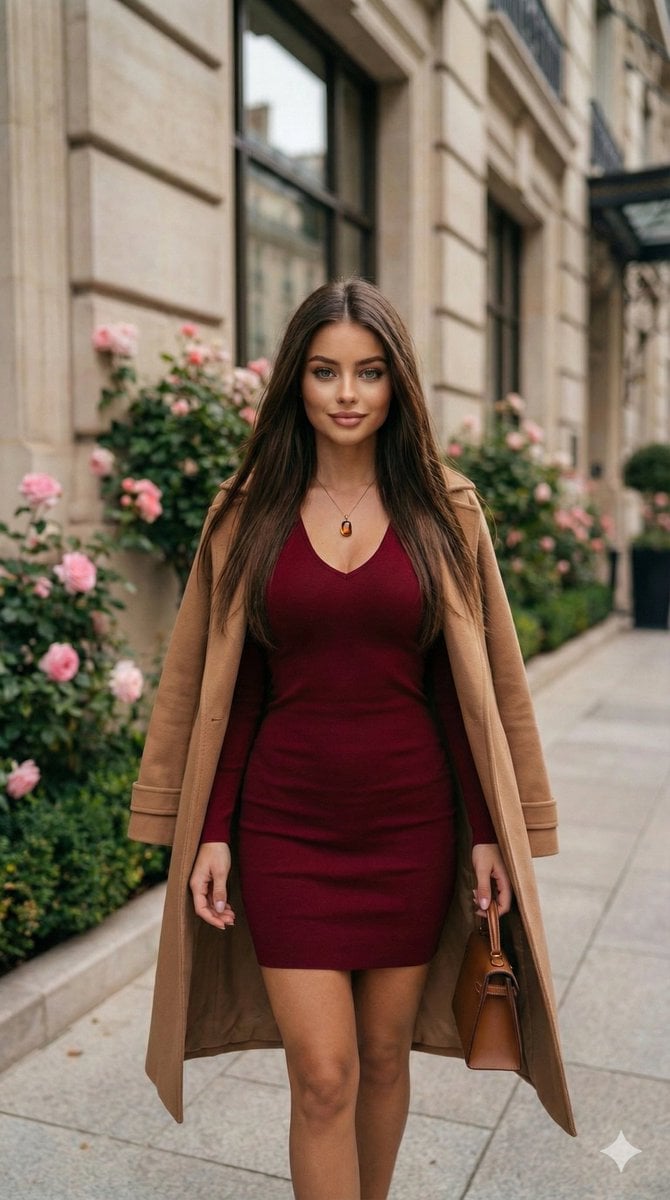
Fashion Portrait in Burgundy and Camel
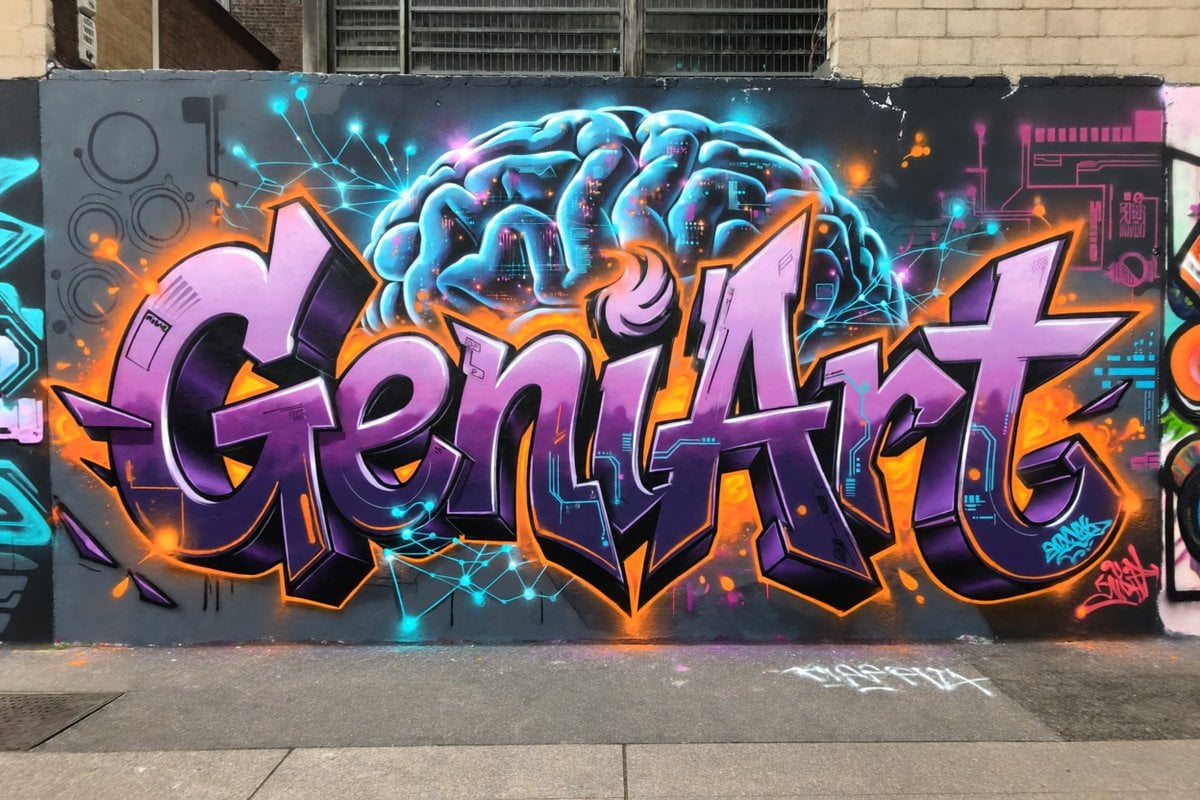
Neon Brain Graffiti Mural

Forensic Luxury Disassembly Poster
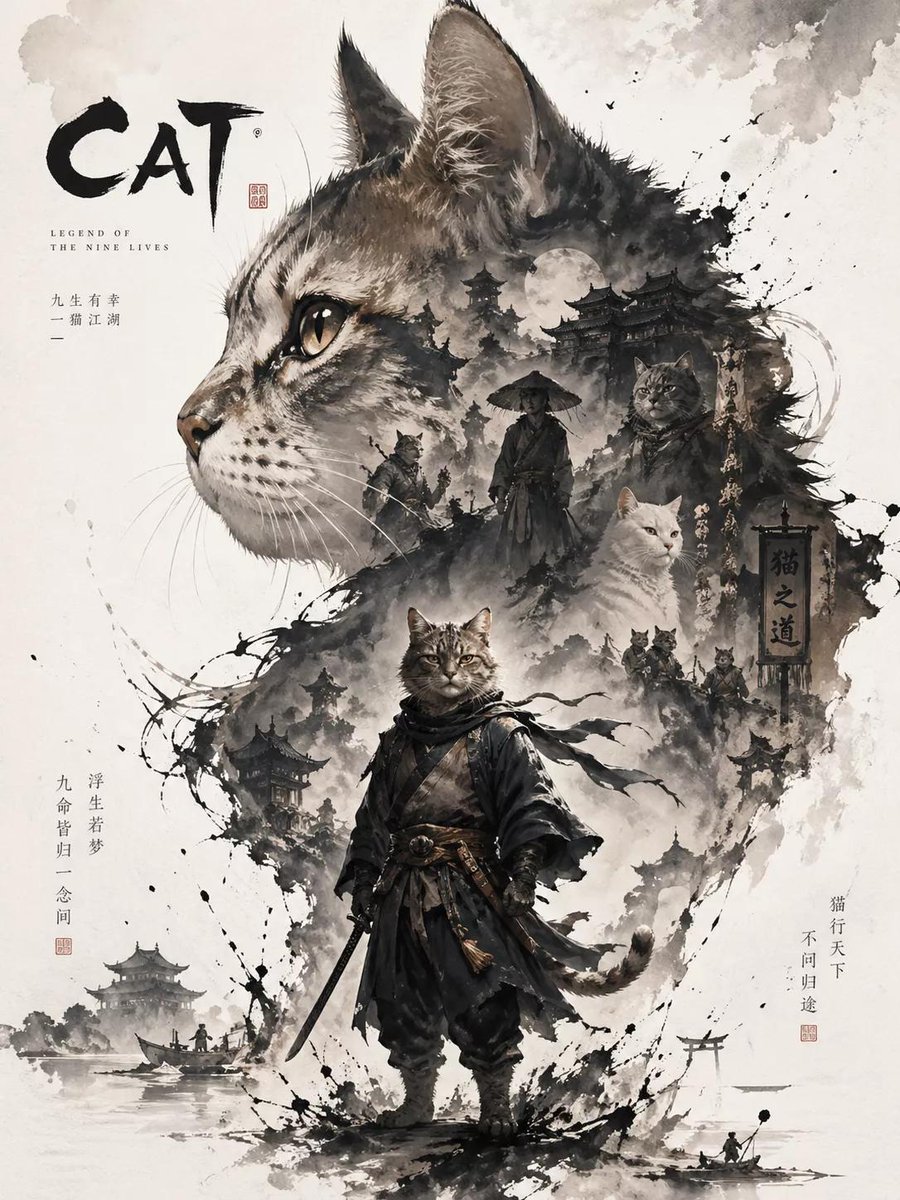
Oriental Aesthetic Poster Design
Browse template categories
Red Hair Denim Shorts Lifestyle Portrait questions
How do I use the Red Hair Denim Shorts Lifestyle Portrait template?
Add your photo if the template asks for one, edit the prompt if you like — the template's model and format are already selected — and press Generate. Your version opens in PicX Studio.
Can I customize the Red Hair Denim Shorts Lifestyle Portrait template?
Yes. You can change the subject, setting, lighting, mood, format, and available model controls before creating your image.
Is the Red Hair Denim Shorts Lifestyle Portrait template free?
Opening and editing this template is free. Generating uses credits, shown on the Generate button when you are signed in.
Which AI model should I use?
Start with Nano Banana 2, which is the model associated with this template. You can compare another compatible model for a different finish.
Looking for something else? Browse all templates.

Your photo, any look
Thousands of ready templates for every top image and video model, from one credit balance.