How do I use the Tranquil Afternoon Red Hair Portrait template?
Choose the primary action to open PicX Studio with the available template settings. Review the model and format, personalize the creative direction, and generate when ready.
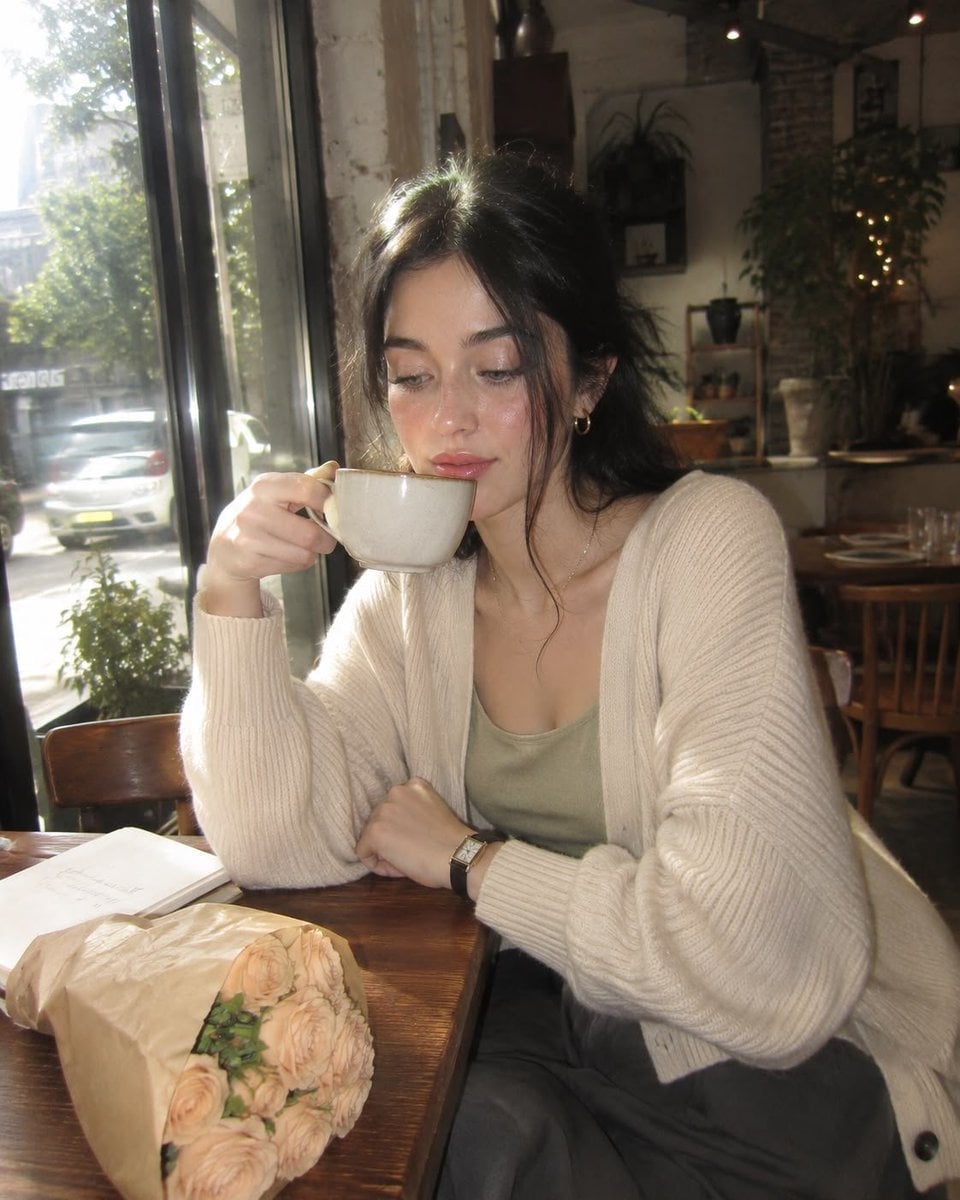
A serene portrait of a woman with red hair and freckles resting on a sofa.
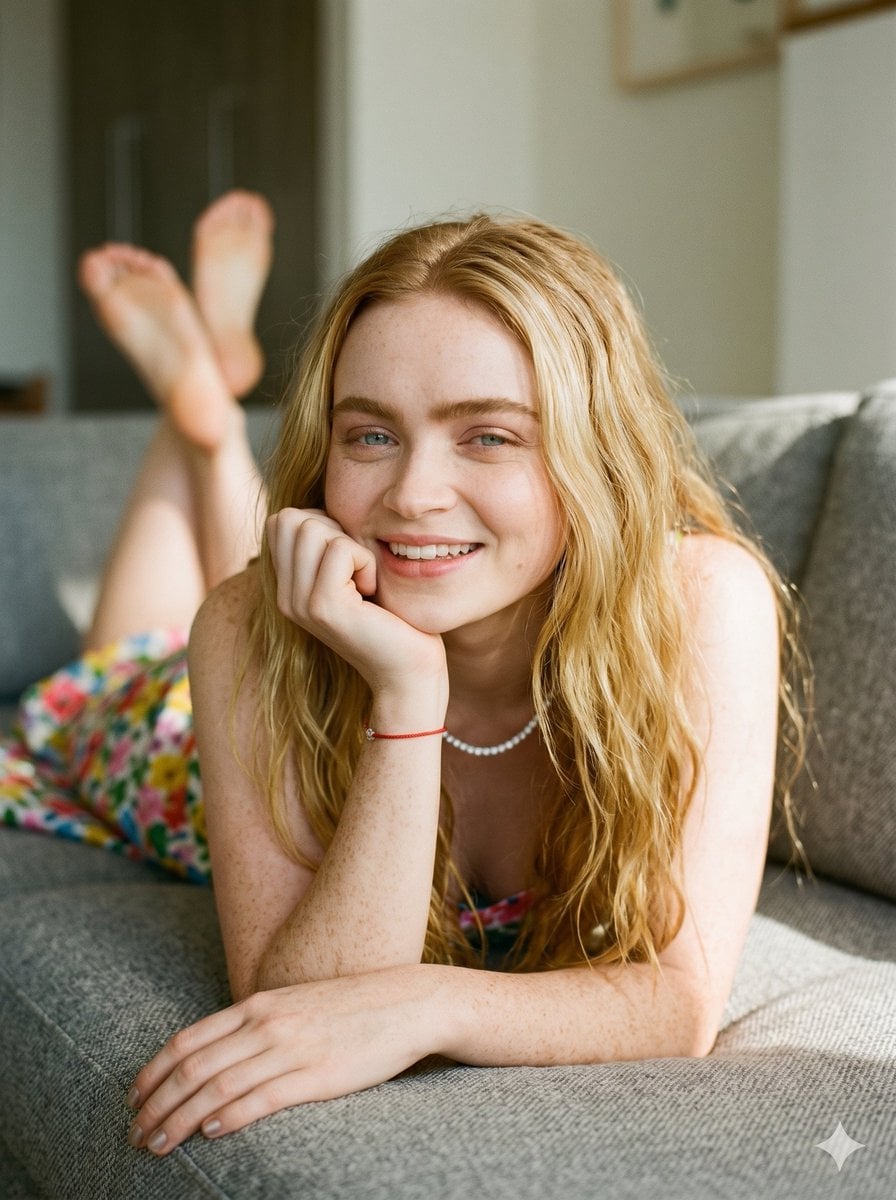
A serene portrait capturing a tranquil afternoon. The subject, featuring {argument name="hair" default="voluminous wavy red hair"} and delicate {argument name="details" default="freckles"}, gazes with a warm smile. She rests gracefully on a textured {argument name="furniture" default="grey sofa"}, draped in a vibrant floral-patterned summer garment. Her pose is effortlessly relaxed, resting her chin on one hand with bare feet playfully elevated in the softly blurred background. Natural, diffused sunlight illuminates her features with a cinematic glow, highlighting her subtle eye tones. The composition draws the viewer into an intimate moment of weekend leisure, blending organic warmth with a minimalist, airy environment.
Choose the primary action to open PicX Studio with the available template settings. Review the model and format, personalize the creative direction, and generate when ready.
Yes. You can change the subject, setting, lighting, mood, format, and available model controls before creating your image.
This template is free to open and customize. Generation usage is shown in PicX Studio before you create.
Start with Nano Banana 2, which is the model associated with this template. You can compare another compatible model for a different finish.
Follow a topic to a crawlable collection of related PicX Studio templates.