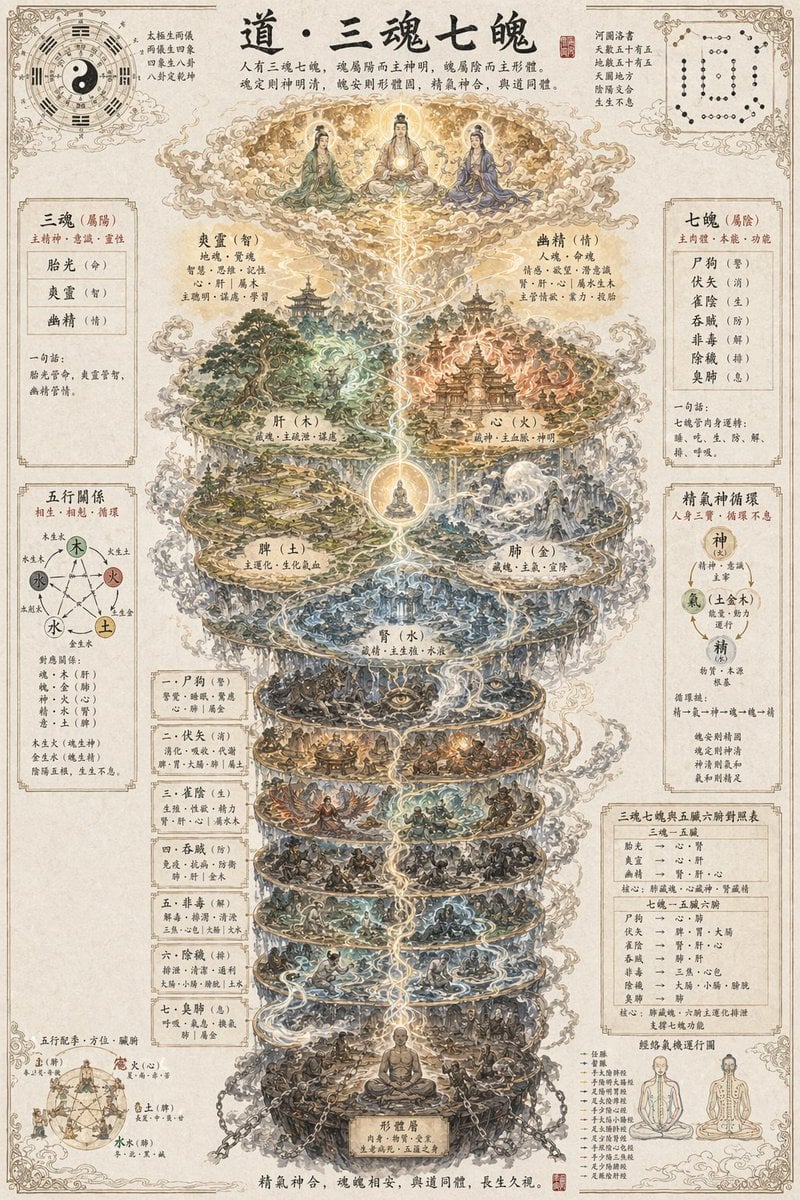
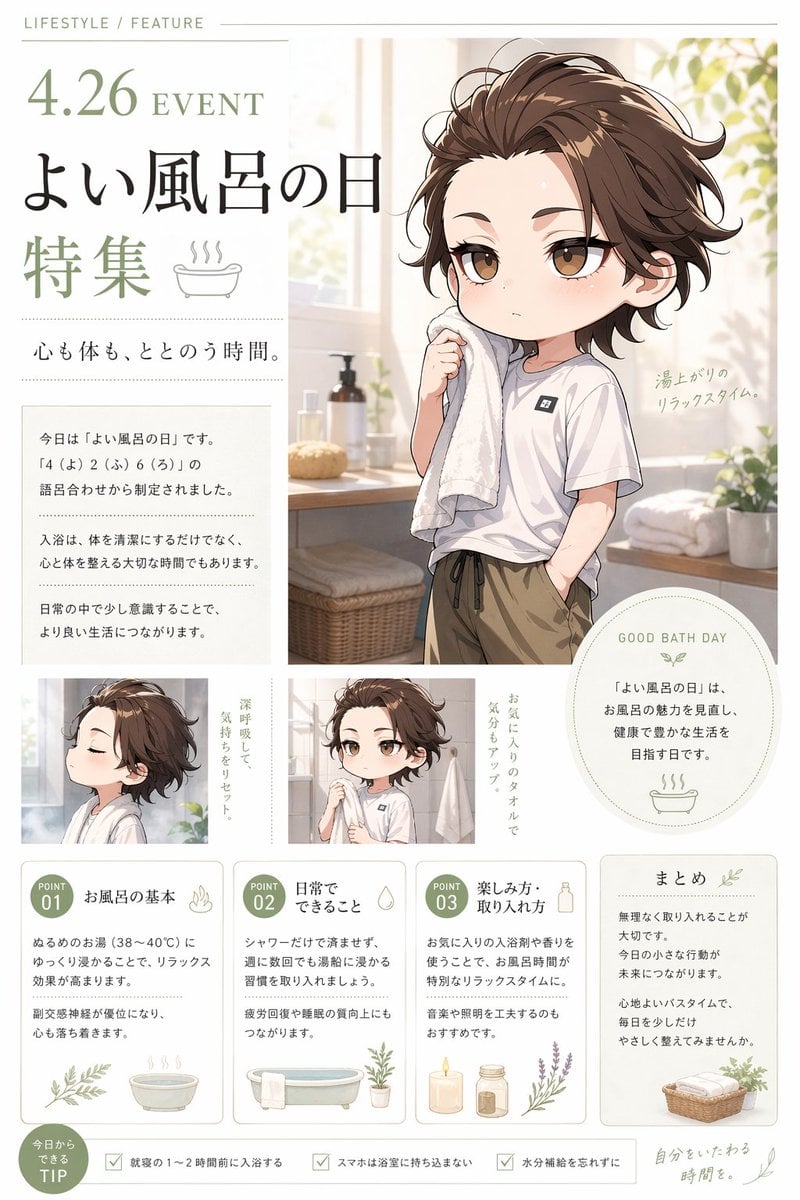
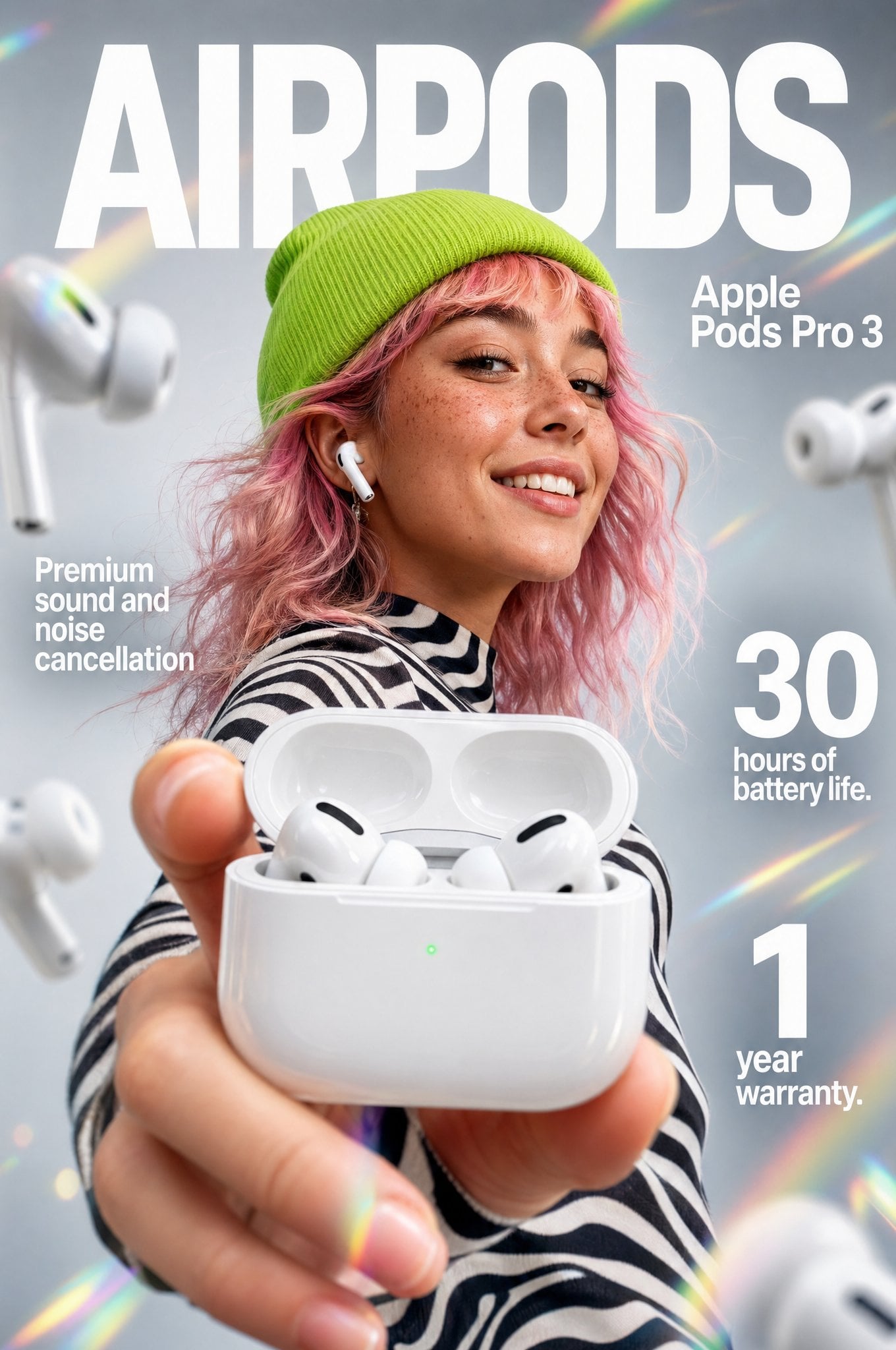
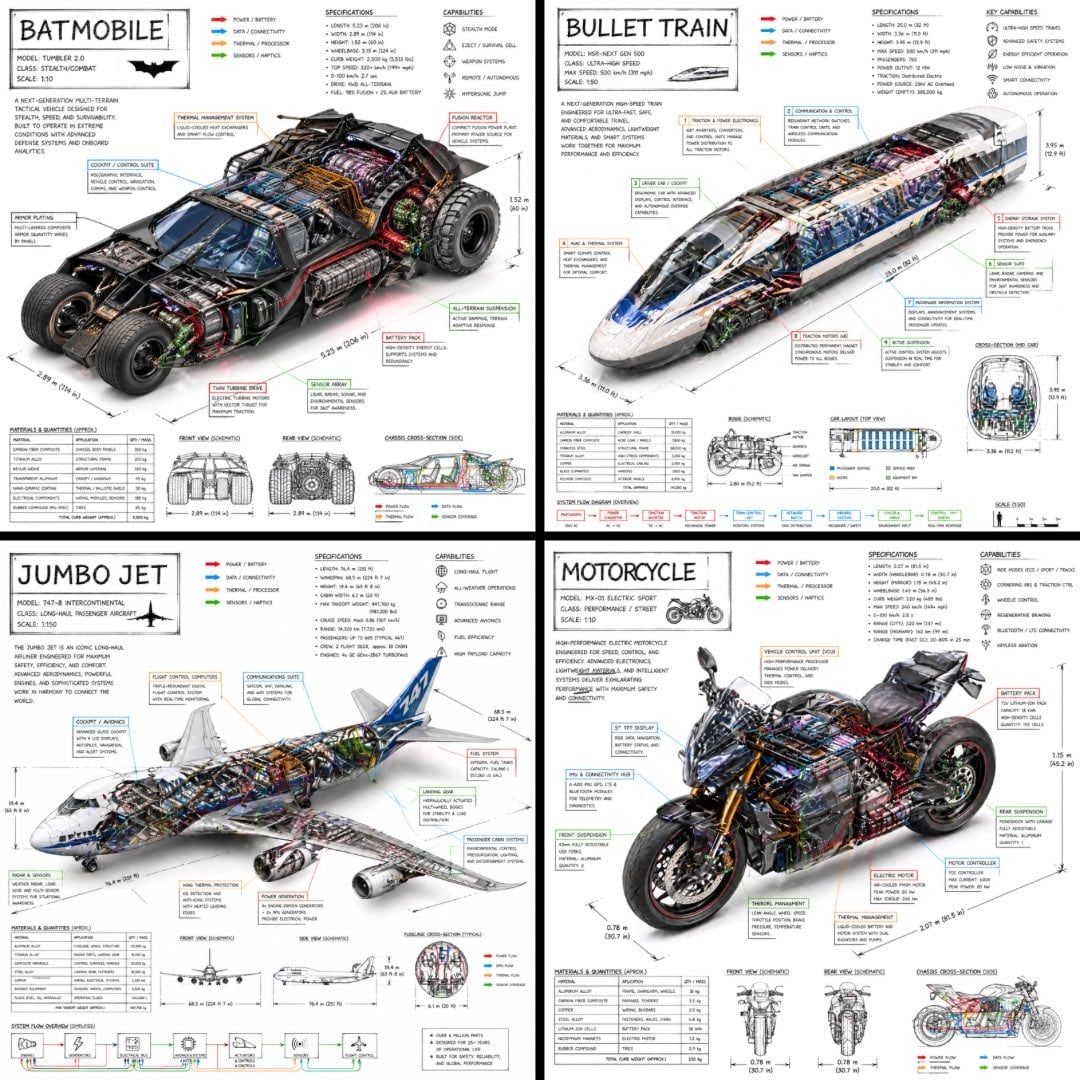
How do I use the 3D Character Design Infographic template?
Choose the primary action to open PicX Studio with the available template settings. Review the model and format, personalize the creative direction, and generate when ready.
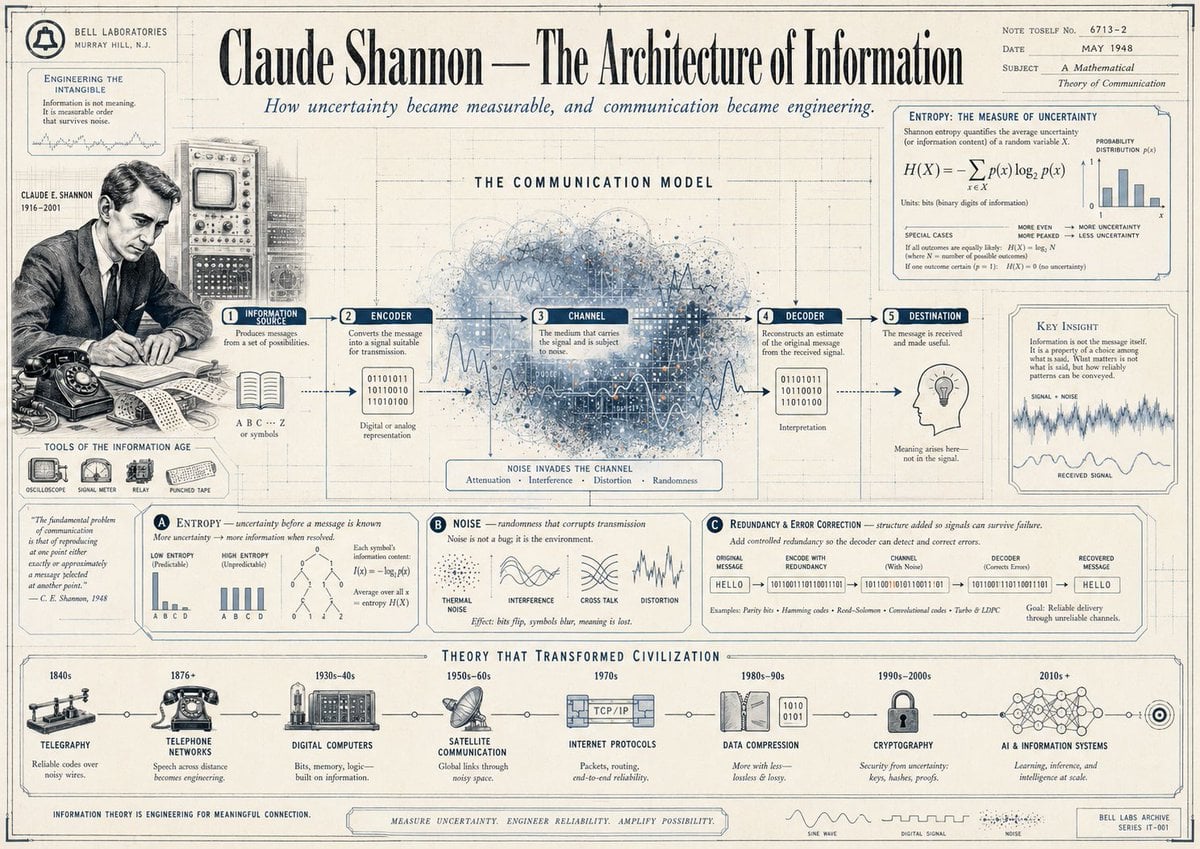
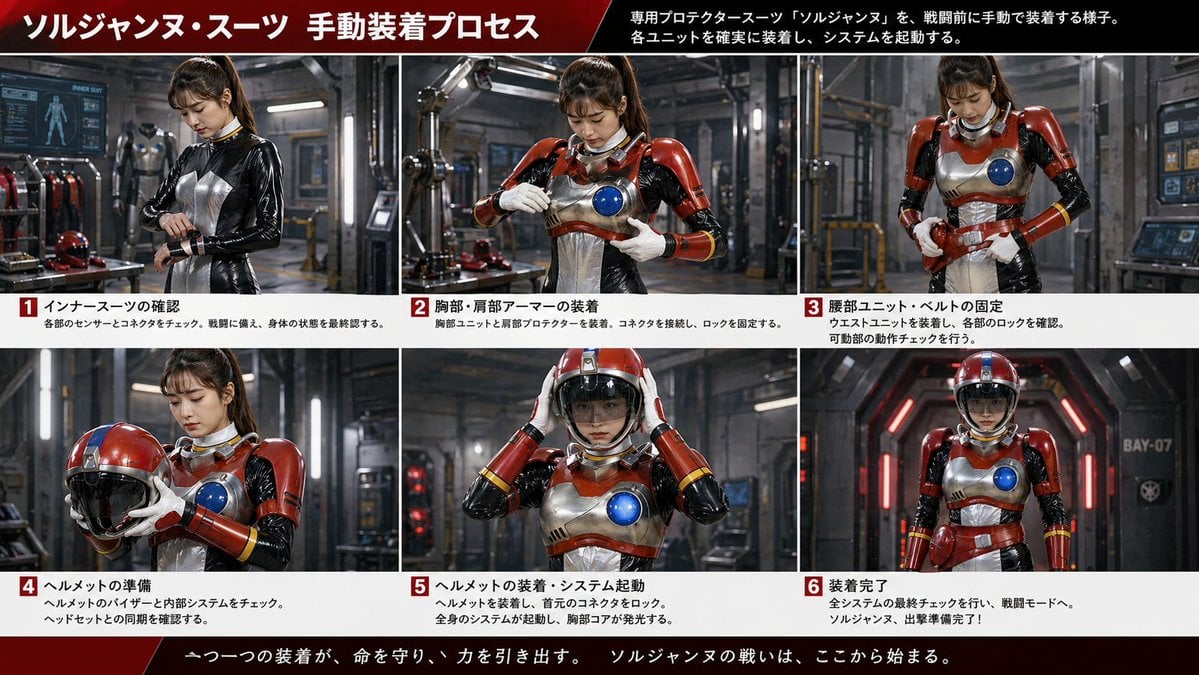
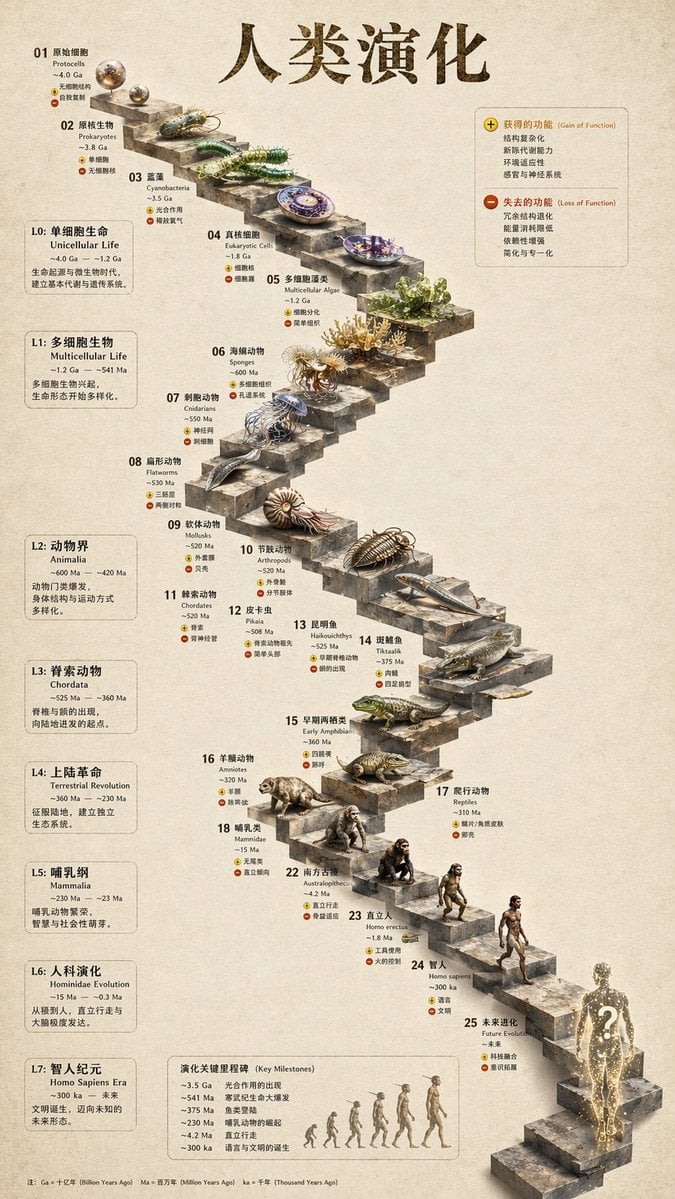
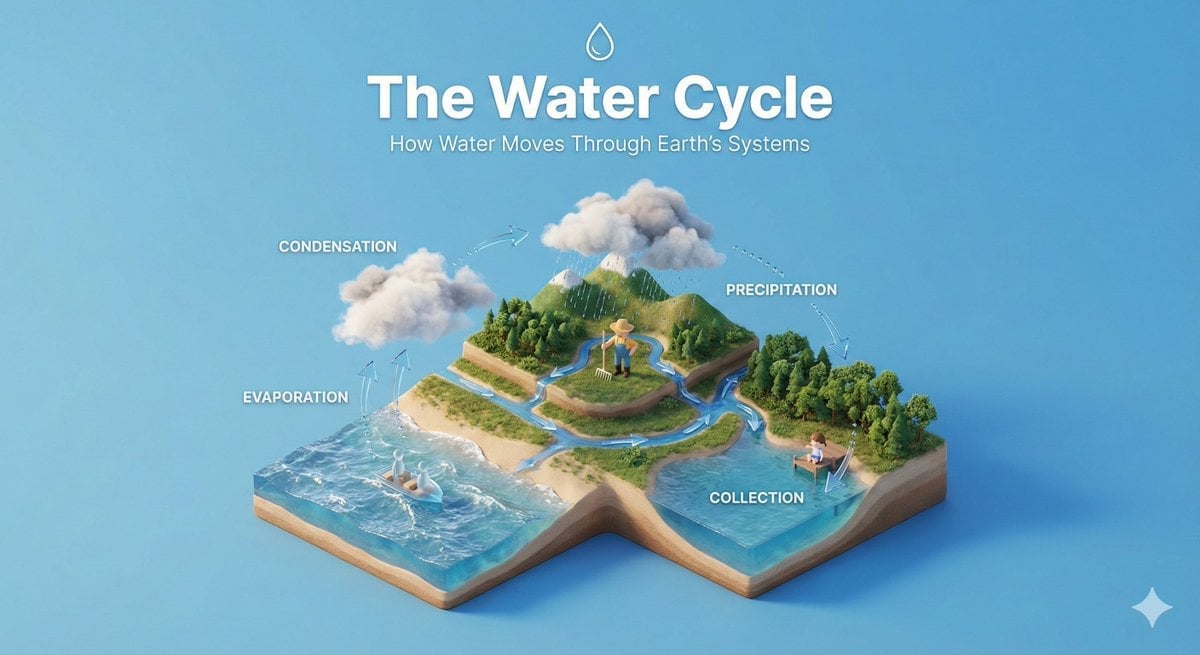
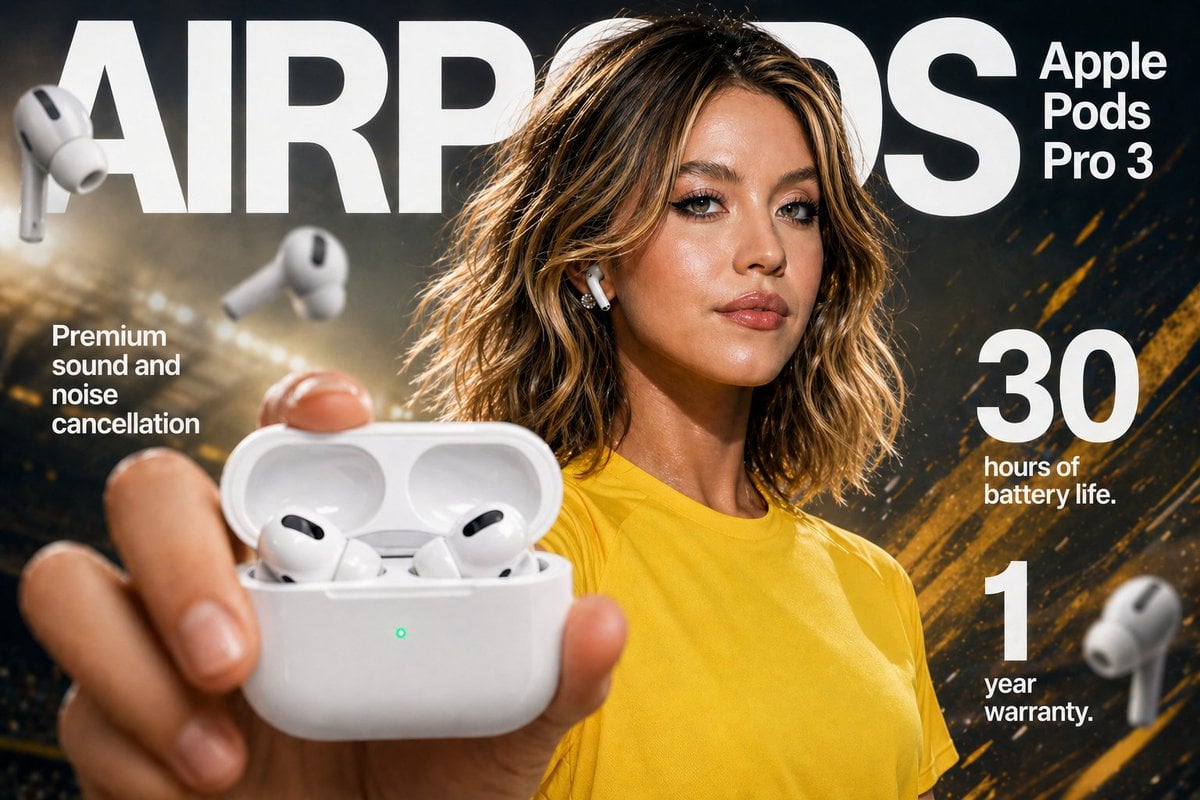
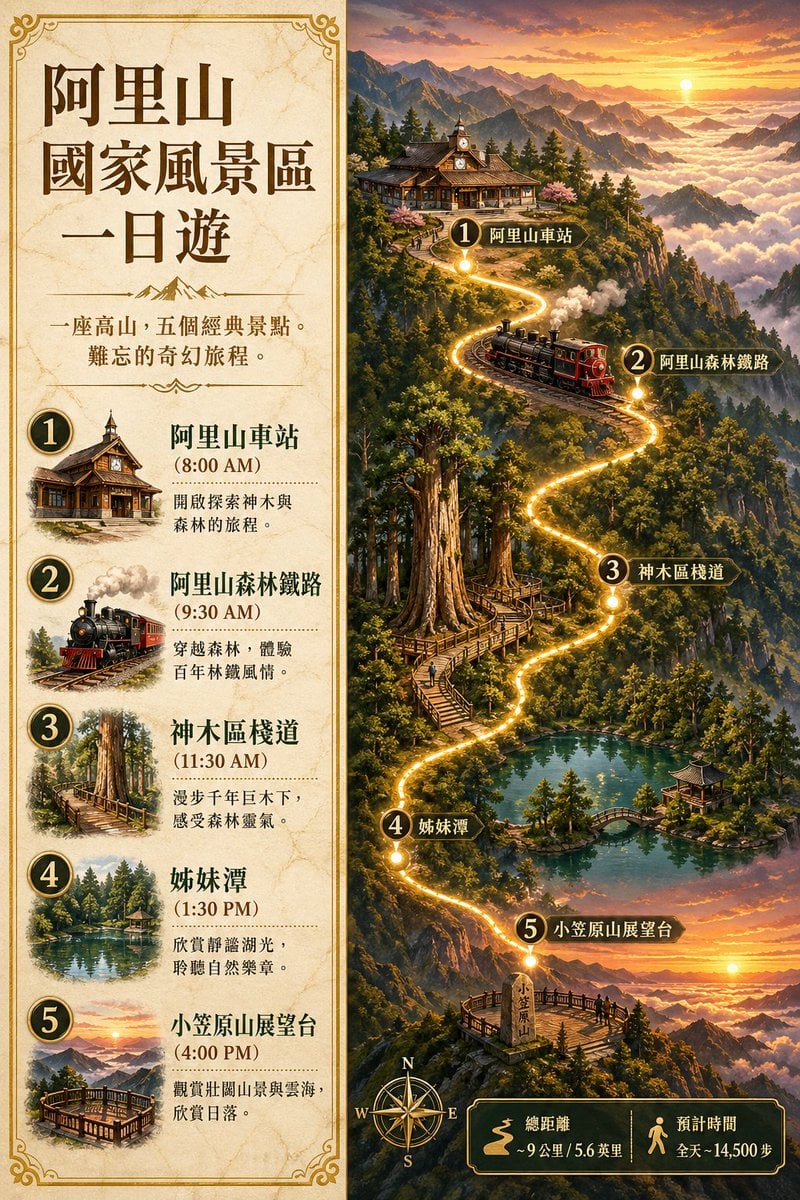
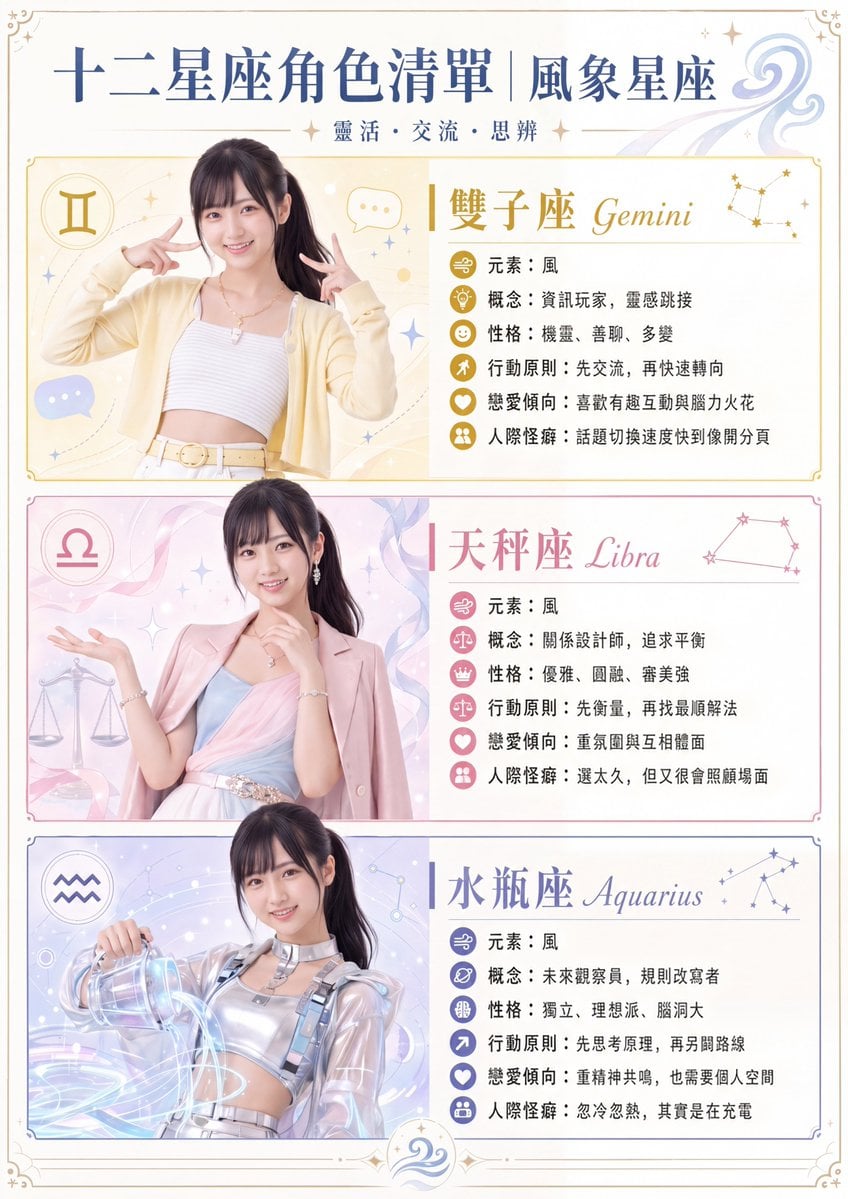
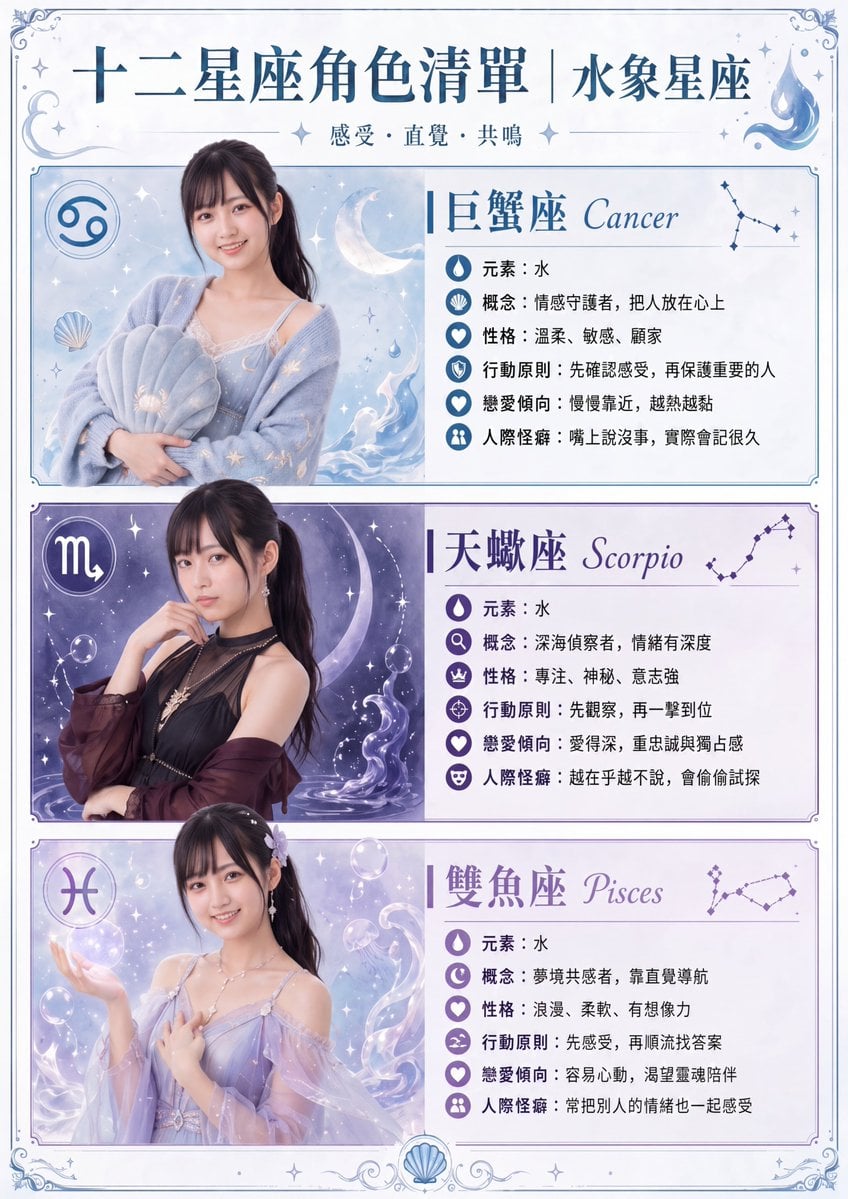
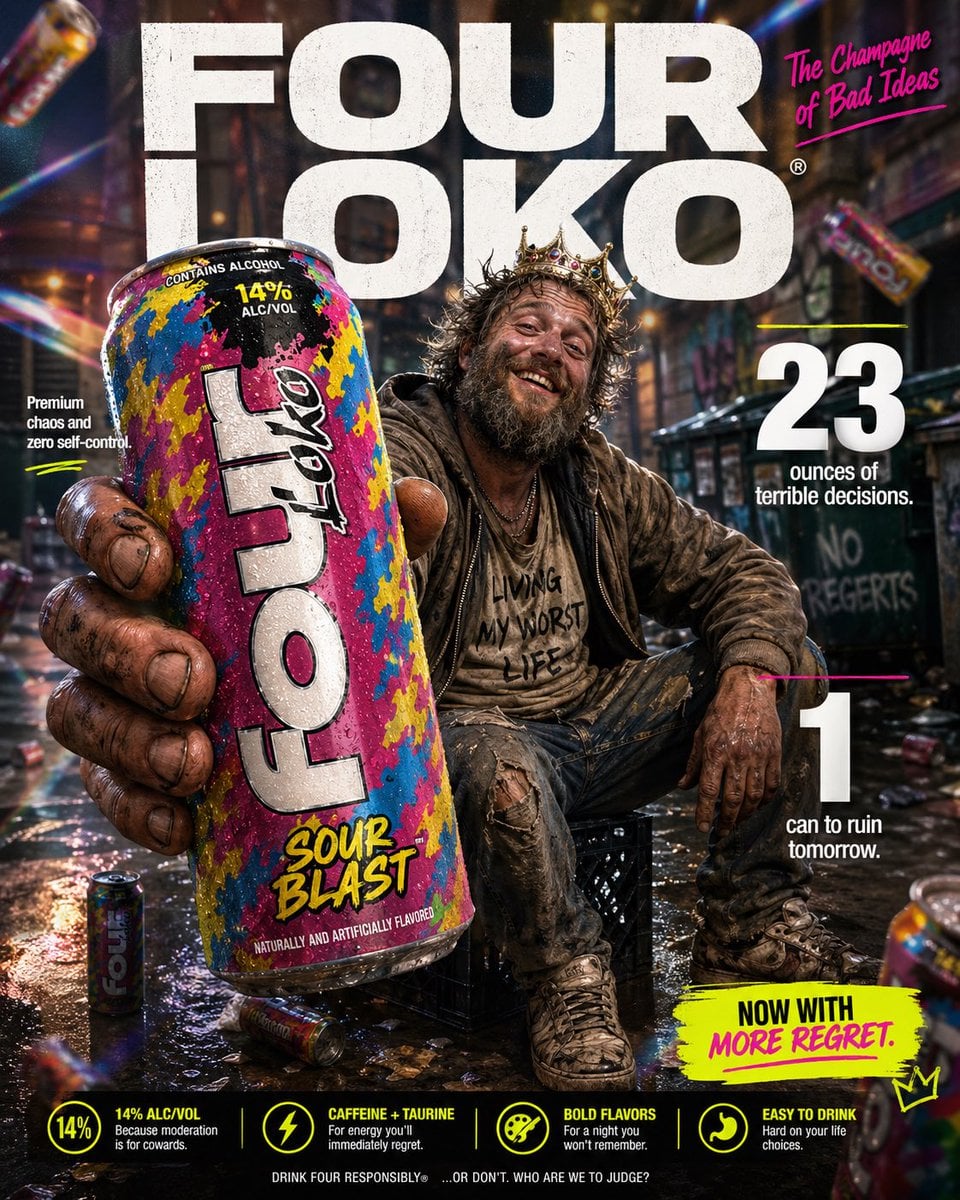
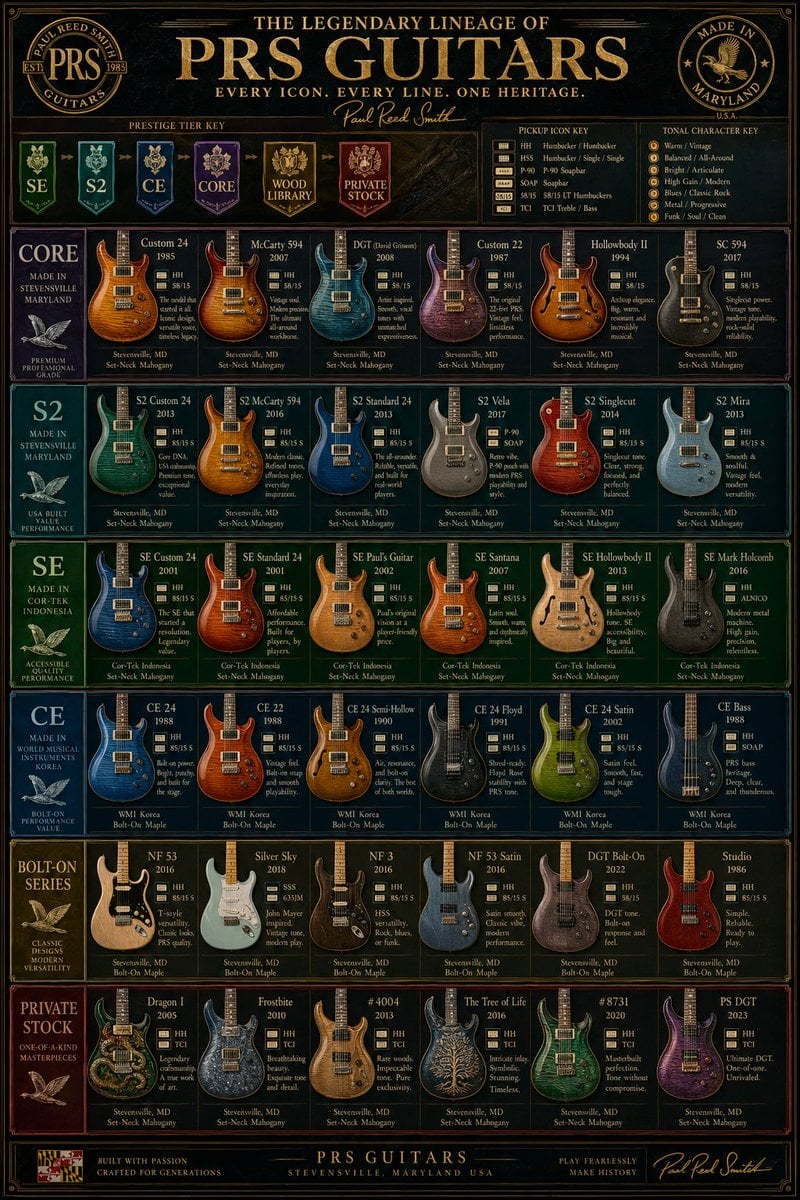
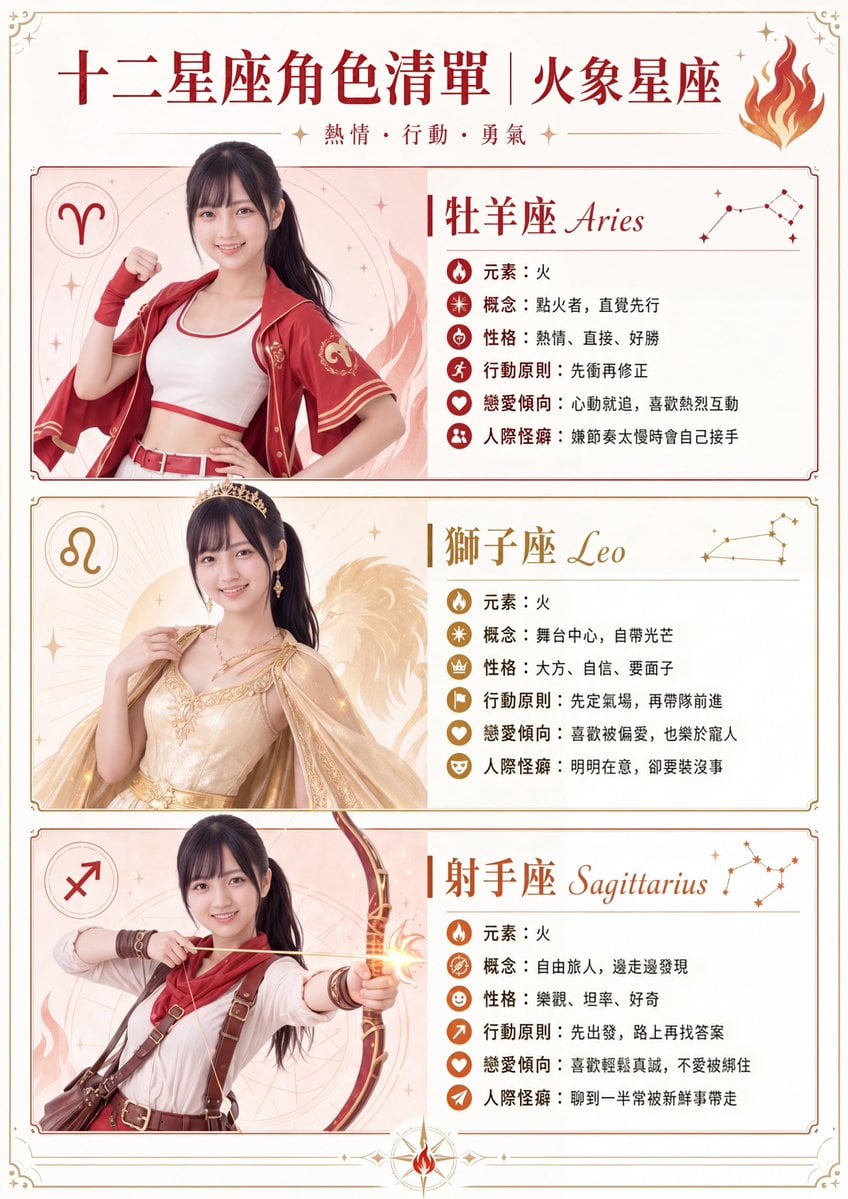
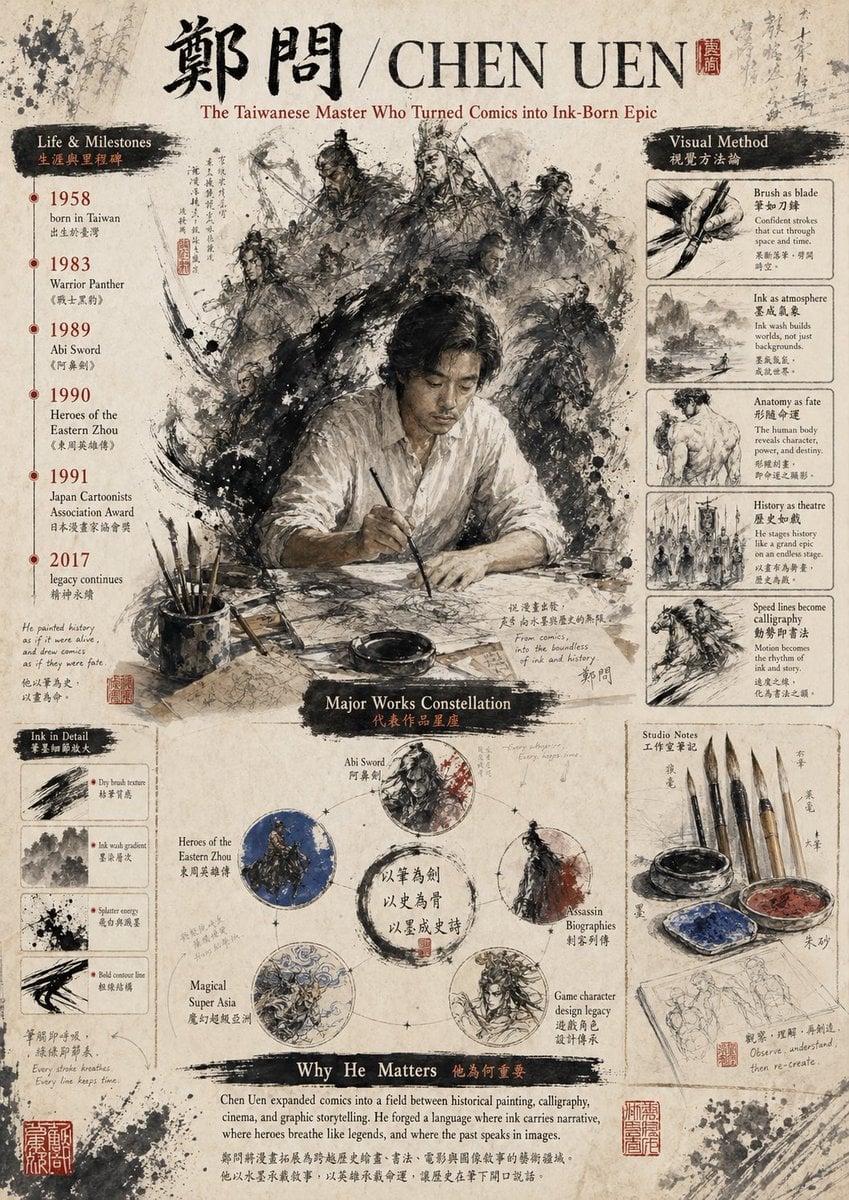
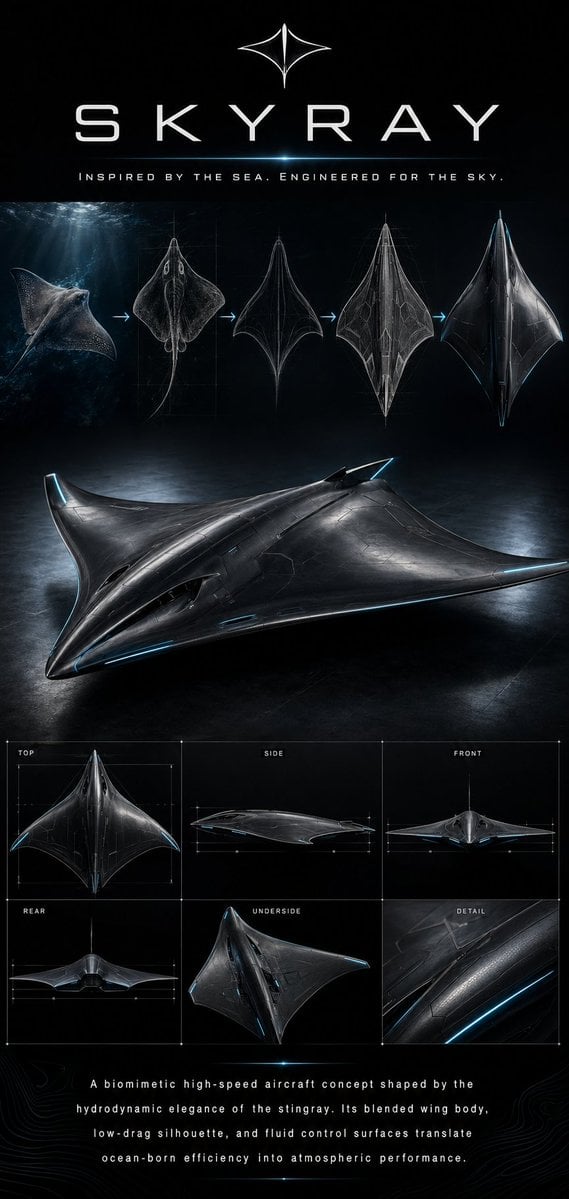
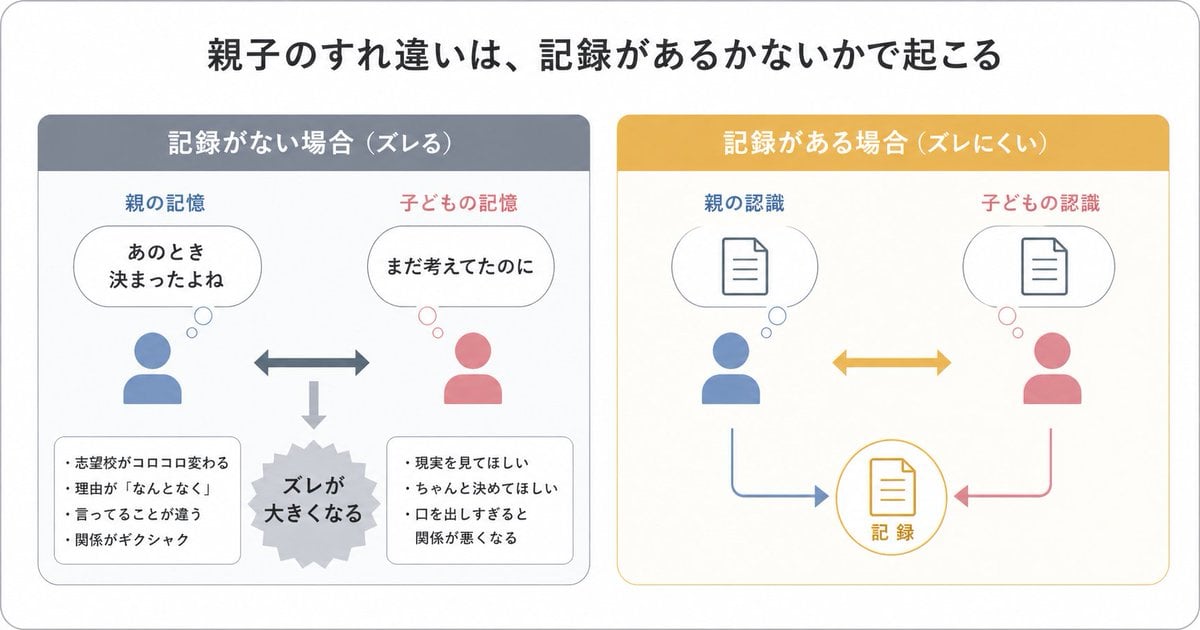
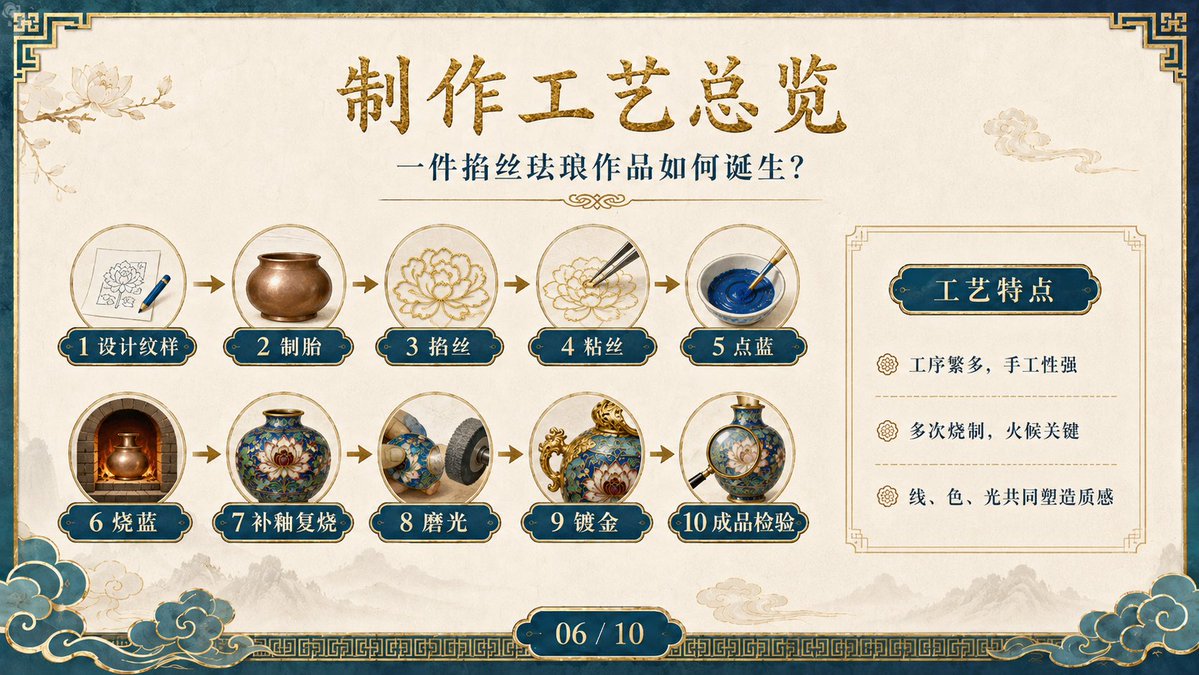
A structured prompt for creating a professional character turnaround sheet and design infographic in a high-end 3D animated film style.
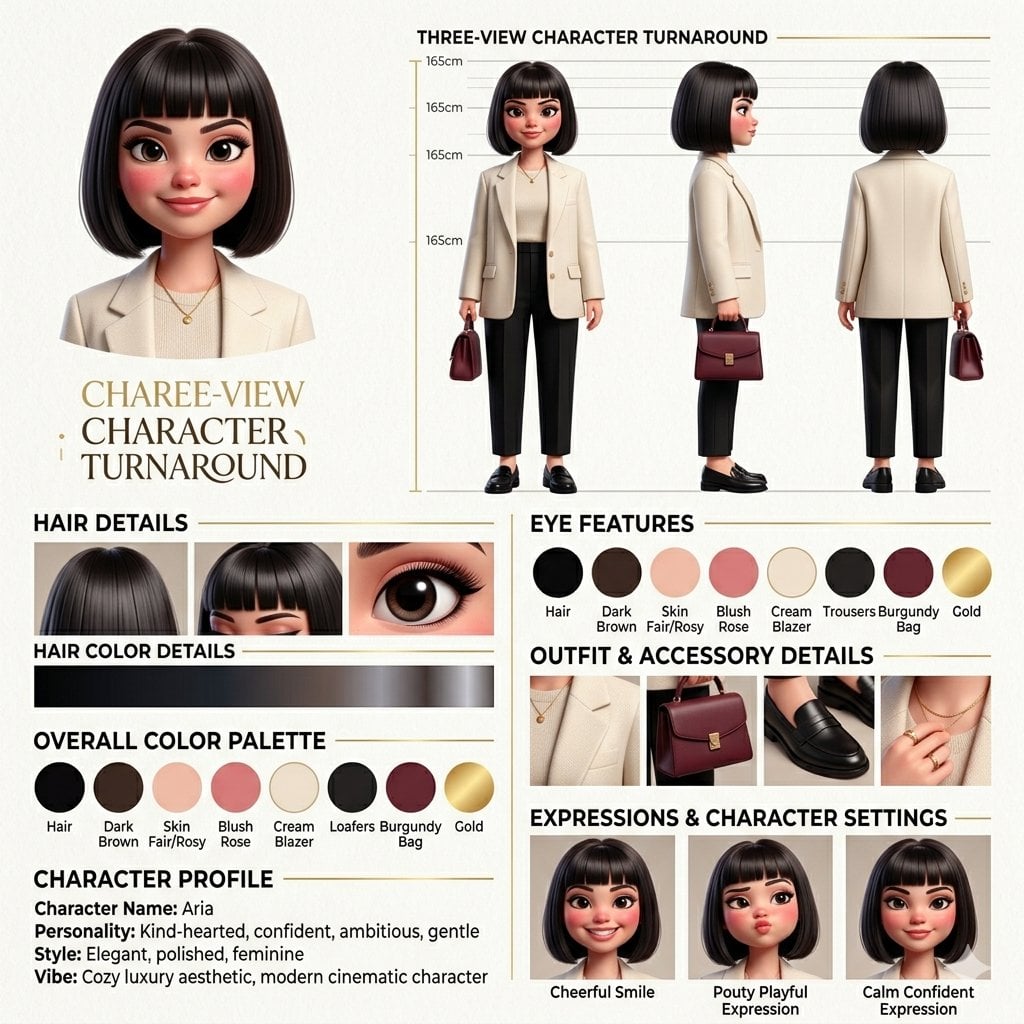
{ "project": "professional 3D female character design sheet infographic", "style": { "aesthetic": ["elegant", "cinematic", "modern", "polished", "luxury editorial"], "render": "high-end 3D animated film style", "lighting": "soft warm cinematic lighting", "textures": "smooth realistic skin, glossy hair, detailed strands", "composition": "clean infographic layout, organized, premium concept art sheet" }, "character": { "gender": "female", "features": { "hair": "{argument name="hair style" default="dark sleek bob, blunt bangs above eyes, glossy strands"}", "face": "plump soft shape, rosy cheeks, small button nose", "eyes": "very large dark expressive eyes, long lashes, glossy reflections", "skin": "fair smooth skin with warm undertones", "proportions": "soft feminine, doll-like aesthetic" } }, "sections": { "turnaround": { "title": "THREE-VIEW CHARACTER TURNAROUND", "views": ["front", "side", "back"], "extras": ["height scale", "neutral pose", "full body proportions", "studio background"] }, "palette": { "title": "OVERALL COLOR PALETTE", "colors": ["{argument name="color palette" default="cream, beige, warm brown, black, burgundy, soft gold"}"] }, "outfit": { "title": "OUTFIT & ACCESSORY DETAILS", "style": ["{argument name="outfit style" default="oversized blazer, tailored bottoms, luxury handbag, leather shoes, minimal jewelry"}"], "vibe": ["old money", "minimalist luxury", "modern professional"] } } }
Choose the primary action to open PicX Studio with the available template settings. Review the model and format, personalize the creative direction, and generate when ready.
Yes. You can change the subject, setting, lighting, mood, format, and available model controls before creating your image.
This template is free to open and customize. Generation usage is shown in PicX Studio before you create.
Start with Nano Banana 2, which is the model associated with this template. You can compare another compatible model for a different finish.
Follow a topic to a crawlable collection of related PicX Studio templates.