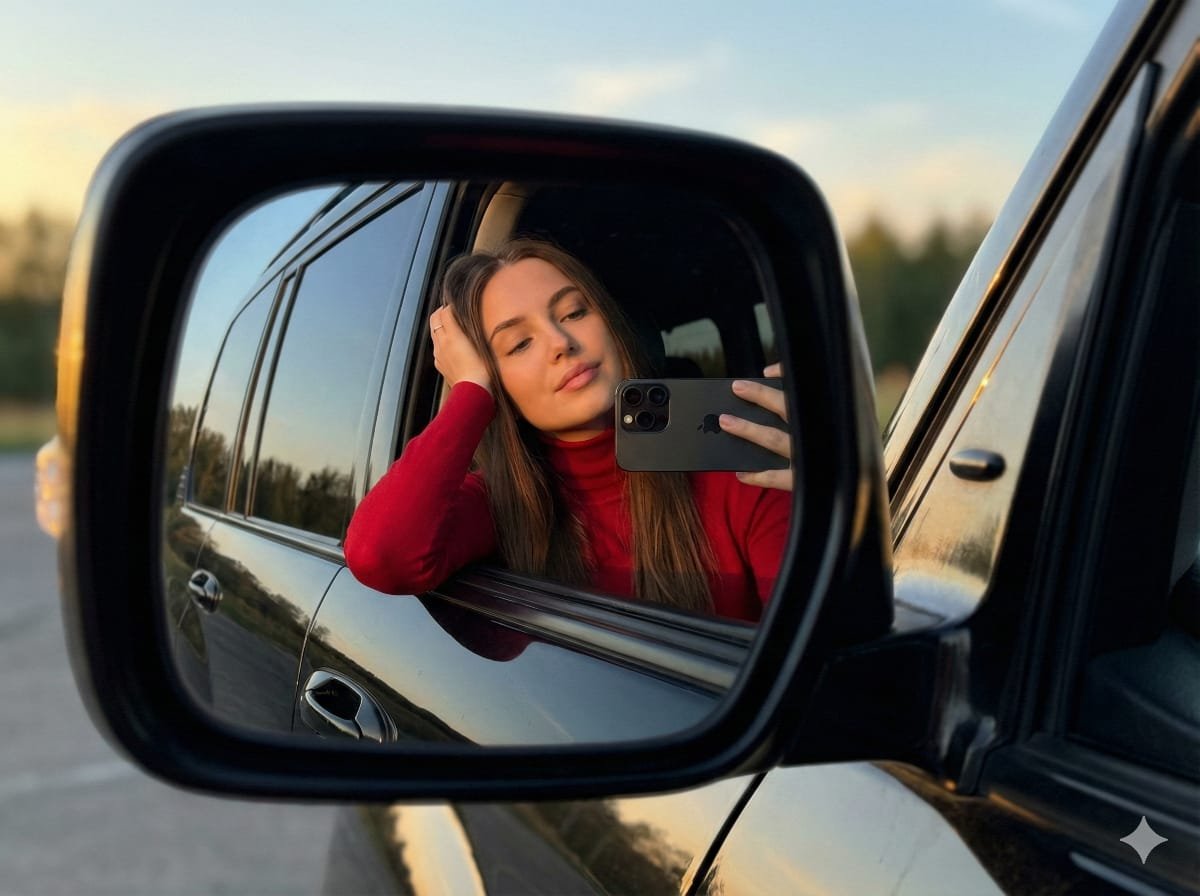
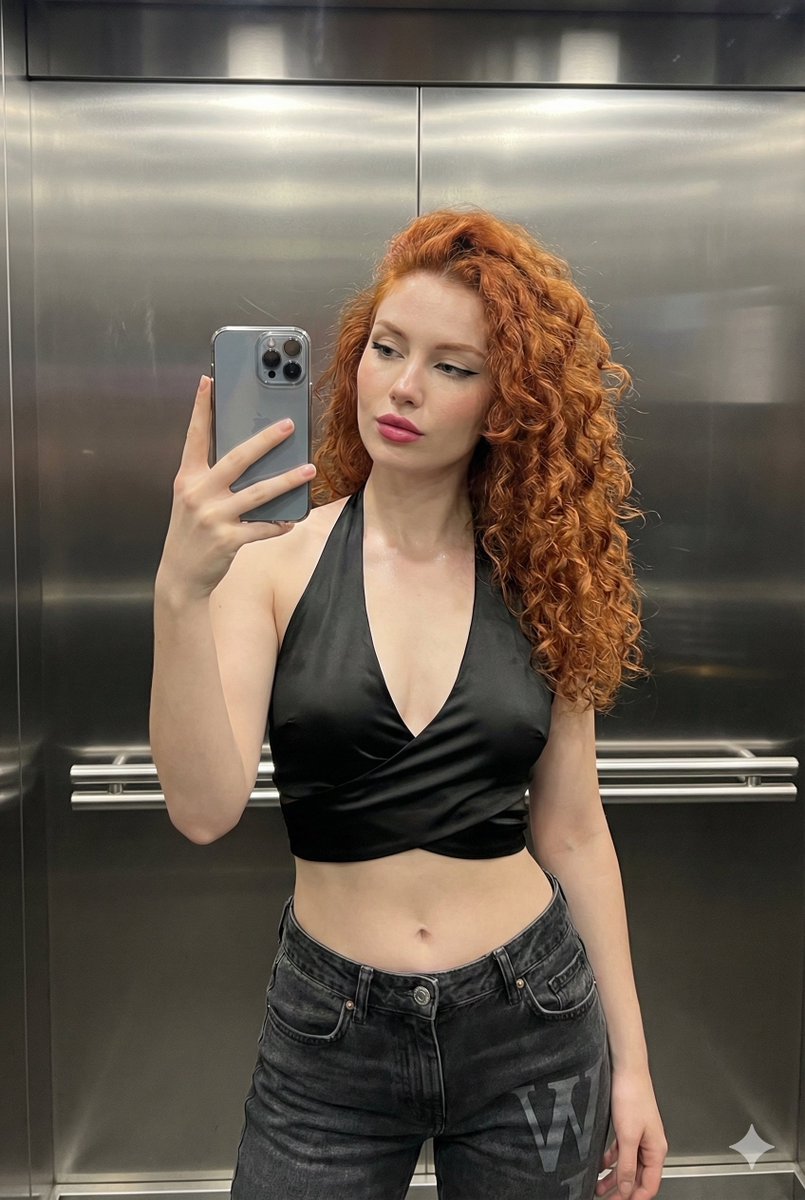
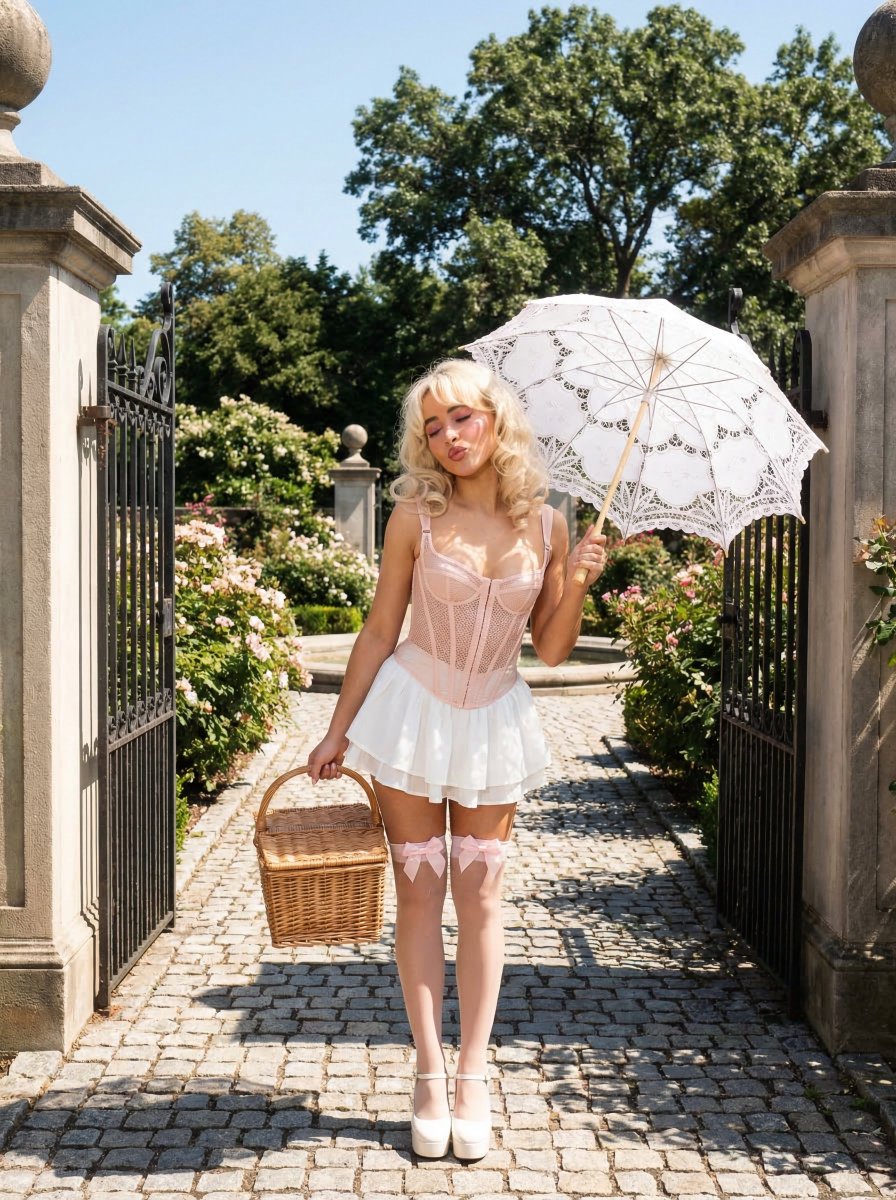
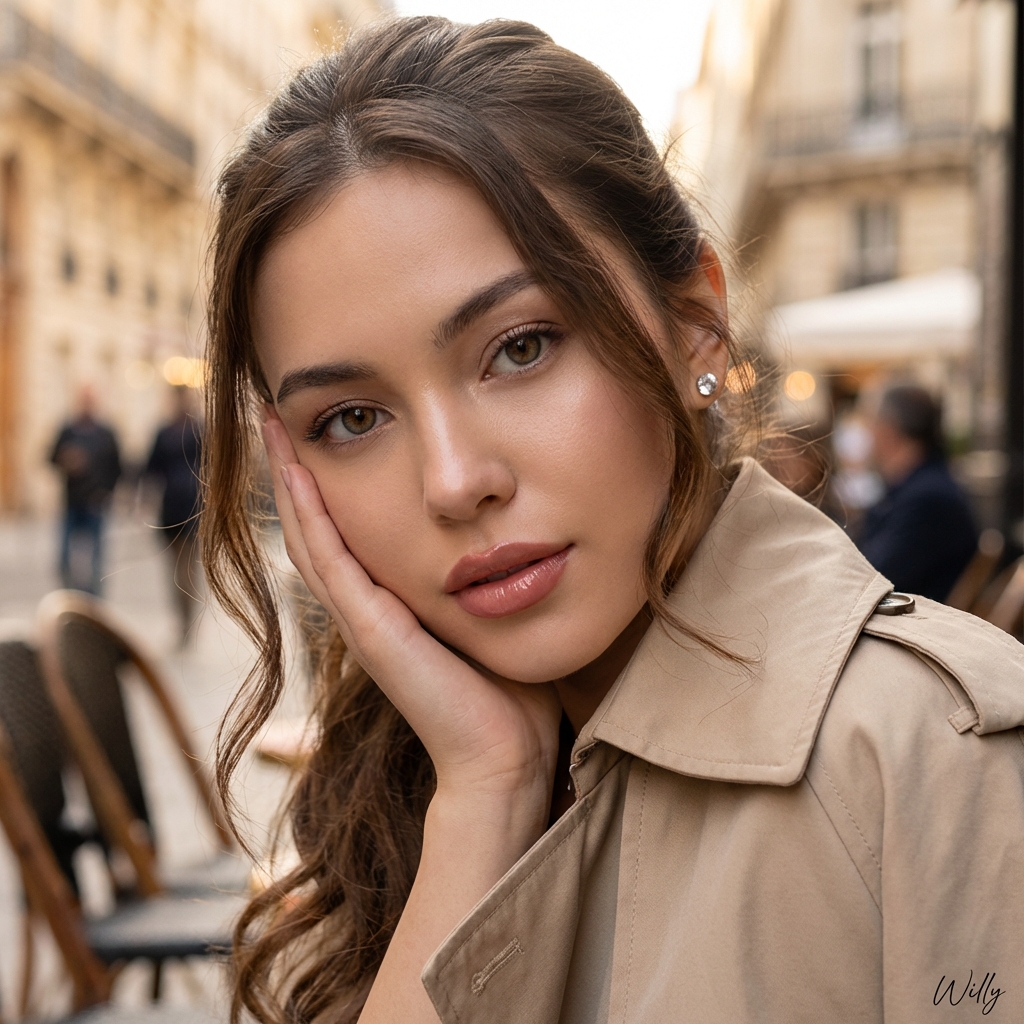
How do I use the Aesthetic Cafe Mirror Selfie Portrait template?
Choose the primary action to open PicX Studio with the available template settings. Review the model and format, personalize the creative direction, and generate when ready.
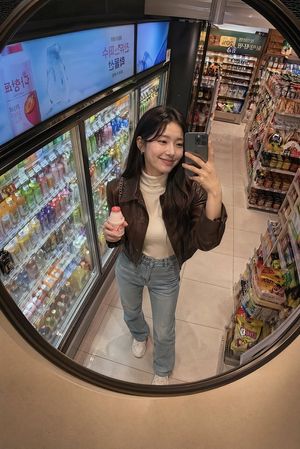
A specialized prompt for generating a vertical mirror selfie in a cafe, emphasizing Douyin-style makeup and high-end social media photography aesthetics. (free to use) — Free AI image template on PicX Studio.
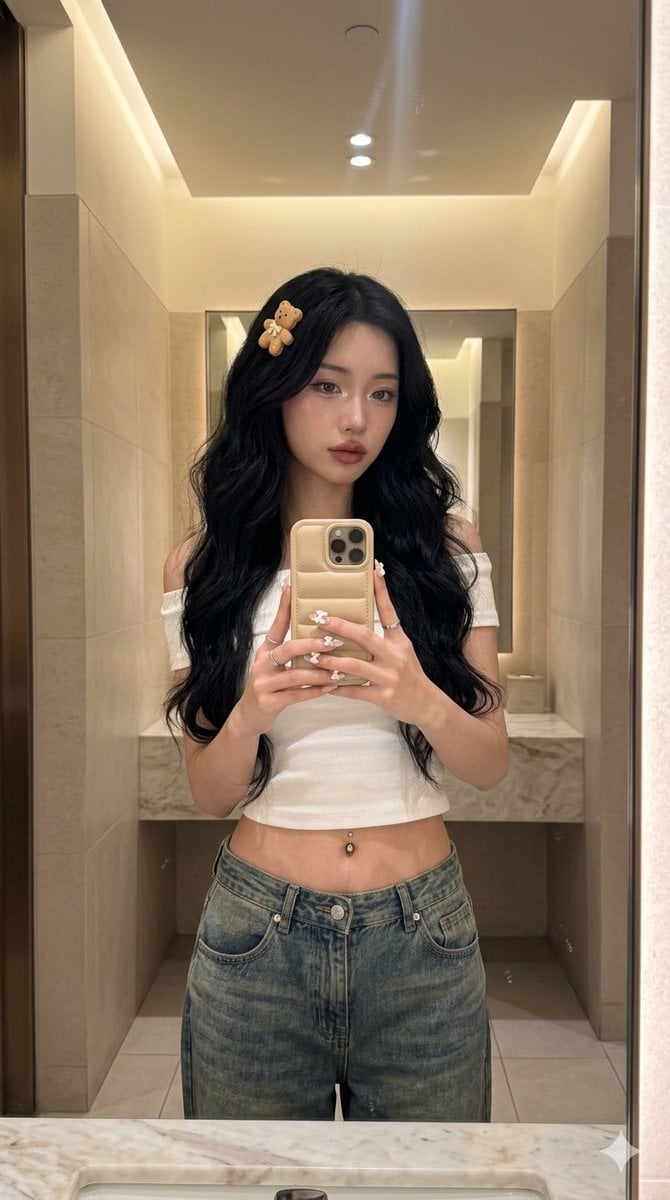
{ "prompt_metadata": { "version": "2026_aesthetic_v4", "aspect_ratio": "9:16", "style": "Hyper-realistic Social Media Photography", "camera_settings": "Shot on iPhone 17 Pro, 24mm Wide Lens, vertical orientation, f/1.8", "image_quality": "Raw photo, 8k resolution, authentic mobile sensor grain, professional color grading" }, "composition_and_pose": { "frame": "Vertical 9:16 full-height shot", "scene_layout": "A single, clean reflection captured entirely within the cafe mirror", "perspective": "The camera view is strictly the mirror reflection. No foreground elements (no hands or phone outside the mirror).", "pose": "The subject is standing tall, centered, capturing the reflection. The Desert Titanium iPhone 17 Pro Max with its puffy biscuit case is held naturally within the reflection frame.", "focal_point": "Sharp focus on the glass surface and the reflected details" }, "subject_reflection": { "ethnicity": "{argument name=\"subject\" default=\"Young, tall and skinny East Asian woman\"}", "facial_features": { "skin": "Dewy glass skin, hyper-detailed texture, visible pores", "makeup": "High-end Douyin-style: shimmering inner corners, aegyo-sal, soft blurred gradient rosewood lips", "expression": "Candid, dreamy soft gaze" }, "hair": { "style": "Extra-long voluminous loose waves, effortless flow", "color": "Deep obsidian black with healthy silk-like sheen", "accessory": "Statement 3D biscuit-shaped bear hair clip" }, "outfit": { "top": "{argument name=\"top\" default=\"Off-the-shoulder white crop top, ribbed organic cotton\"}", "bottom": "Very low-waisted baggy vintage-wash denim jeans", "details": "Visible silver navel piercing, minimalist silver rings, and long almond Douyin-art nails with 3D porcelain bows" } }, "environment": { "location": "{argument name=\"setting\" default=\"Upscale cute matcha cafe restroom\"}", "interior": "Light beige walls, warm ambient cove lighting, soft diffused glow", "texture": "Realistic micro-smudges on mirror surface, subtle lens flare from overhead lights" }, "technical_realism": { "vibe": "Authentic 'Life Lately' Instagram Story, 2026 quiet luxury, serene atmosphere", "constraints": "Single photograph only. No split-screen. No duplication of the subject." } }
Use Aesthetic Cafe Mirror Selfie Portrait to plan an AI image around nano-banana-2 generation. Match the preview's composition first, then personalize the subject, setting, and mood for your own project.
Use the primary action to load the template settings in PicX Studio.
Adjust the subject and creative details for your destination.
Create the image, compare the result with the preview, and refine one variable at a time.
A continuous mix — similar concepts first, woven with same-model prompts and fresh picks from the catalog.
Choose the primary action to open PicX Studio with the available template settings. Review the model and format, personalize the creative direction, and generate when ready.
Yes. You can change the subject, setting, lighting, mood, format, and available model controls before creating your image.
This template is free to open and customize. Generation usage is shown in PicX Studio before you create.
Start with nano-banana-2, which is the model associated with this template. You can compare another compatible model for a different finish.
A continuous mix — similar concepts first, woven with same-model prompts and fresh picks from the catalog.
Follow a topic to a crawlable collection of related PicX Studio templates.
32,032 public templates available. Verified via the PicX Studio public templates API; refreshed hourly.