
Realistic Bridal Garden Portrait
A highly detailed prompt for generating a cinematic bridal portrait in an outdoor garden at sunset, emphasizing lace textures and identity preservation.
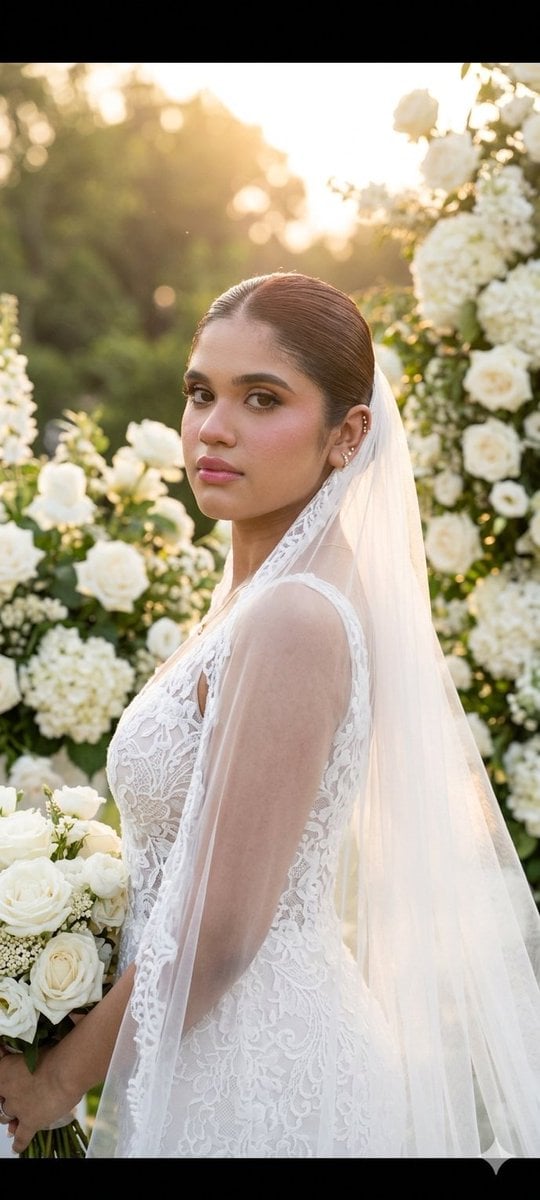
- Prompt included
- Model and format preset
- Free template
The prompt behind this image
Copy the exact prompt behind Realistic Bridal Garden Portrait, or open it in the studio and make it yours.
Create a highly realistic and cinematic bridal portrait using the exact same face from the reference image, preserving every facial detail with maximum accuracy including facial structure, skin texture, eye shape, lips, jawline, nose, and overall identity. The bride should appear elegant, graceful, and naturally beautiful while maintaining realistic proportions and lifelike detail. Her hairstyle must have no loose hair strands. Style her hair in a {argument name="bridal hairstyle" default="polished sleek low bun"} with a refined bridal finish, smooth texture, and sophisticated elegance. The hairstyle should feel luxurious, timeless, and professionally styled for a premium wedding editorial look. The bride is wearing a {argument name="dress type" default="delicate lace wedding dress"} with intricate embroidery, soft floral detailing, and elegant transparent fabric textures. The dress should appear luxurious and couture-inspired, featuring subtle beadwork, flowing layers, and a flattering silhouette. Add a long, soft veil gently flowing behind her, catching the warm sunset light naturally. Include refined bridal accessories such as pearl earrings, a subtle bracelet, and a delicate wedding ring while keeping the styling classy and minimal. She is standing gracefully among {argument name="flower type" default="blooming white roses"} and lavish floral arrangements in a romantic outdoor garden setting. Her body is slightly turned while maintaining direct eye contact with the camera, creating a calm, confident, and emotionally engaging expression. Her posture should feel natural, poised, and elegant, similar to a luxury bridal fashion campaign. Her hands should rest softly and naturally, enhancing the graceful atmosphere of the portrait. The environment should feature a dreamy sunset garden filled with white roses, soft greenery, floral arches, candles, and elegant wedding decor. The lighting should be warm and golden, creating a romantic glow across the scene. Include a soft natural background with blurred flowers, gentle sunlight filtering through trees, and subtle bokeh effects to create cinematic depth and luxury. The atmosphere should feel peaceful, emotional, and visually rich without appearing overly artificial. Use professional editorial-style composition with shallow depth of field and ultra-realistic rendering. Focus sharply on the bride’s face while maintaining soft cinematic background blur. Emphasize realistic skin tones, detailed lace textures, natural fabric movement, elegant lighting, and high-end wedding photography aesthetics. The final image should look like a premium bridal magazine cover or luxury wedding campaign, combining timeless romance, sophistication, realism, and emotional warmth in a breathtaking cinematic scene.
How to use Realistic Bridal Garden Portrait in 3 steps
- 1Upload ImagePNG, JPG or paste
Add your photo
Upload the photo the template builds on. The prompt, model and format are already set.
- 2…a portrait of your subject in softgolden-hour light, 85mm…
Personalize
Edit the subject and creative details for your destination.
- 3Generate
Generate
Press Generate — your image is created in PicX Studio, so you can compare it with the original and refine one variable at a time.
More like this
Templates with the same subject, style or setup. Open one to see its prompt.

Found Photograph: Us, 1970

80s Couple Studio Portrait

80s Bollywood Star

80s Golden Hour Cinema

Me in 1985

1985 Studio Portrait

Hyper-Realistic Minecraft POV Portrait

Rooftop Fisheye — Cat-Ear Balaclava at Golden Hour

Rainy Café Window Moody Portrait

untitled

2025 Aesthetic Photography

Nano Banana Is So Addictive
Make it yours
Realistic Bridal Garden Portrait works as-is. These are the safest ways to change it without losing the look.
Change one field
Copy a single group, rewrite it, and generate again so you can see what that field is doing.
Keep the frame, change the subject
Hold the composition and light of Realistic Bridal Garden Portrait, then swap wardrobe, props or the person for a new take.
| If the result… | Why | Fix |
|---|---|---|
| The result drifts from the preview | Too many fields changed at once. | Reuse Realistic Bridal Garden Portrait as-is first, then change one group — subject, light, or setting. |
| The model over-stylizes the scene | The prose prompt leaves finish and camera underspecified. | Add one camera or lighting sentence and stay on Nano Banana 2. |
More Nano Banana 2 templates
Other prompts made for Nano Banana 2.

Photorealistic Leaf Shaped Like a Dragon

K-Pop Idol Portrait Grid for Rapid Selection

Poetic Rain Forest Portrait During Golden Hour

Urban Street Portrait with Cartoon Inner Self Duo

Candid Nighttime Photo with Cat Prompt

High-Concept 3D Diorama Generation Prompt

Cinematic Futuristic Studio Portrait Template

Skincare Editorial Photography Collage Prompt

Hyper-Realistic Commercial Product Photography (Splash Effect)

Hyper-Realistic Nightclub Portrait Prompt
More image prompts
Fresh picks from across the catalog.
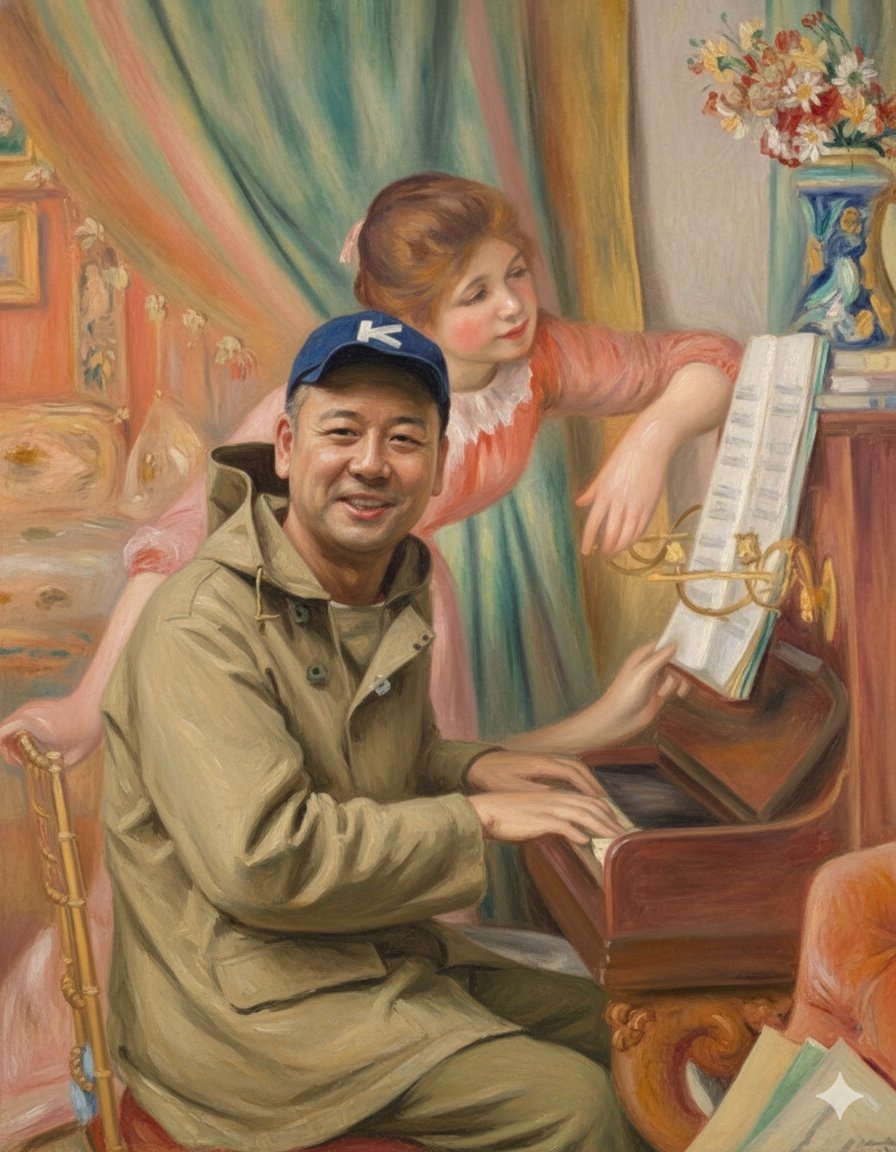
Style Transfer: Renoir's Piano Playing Girls
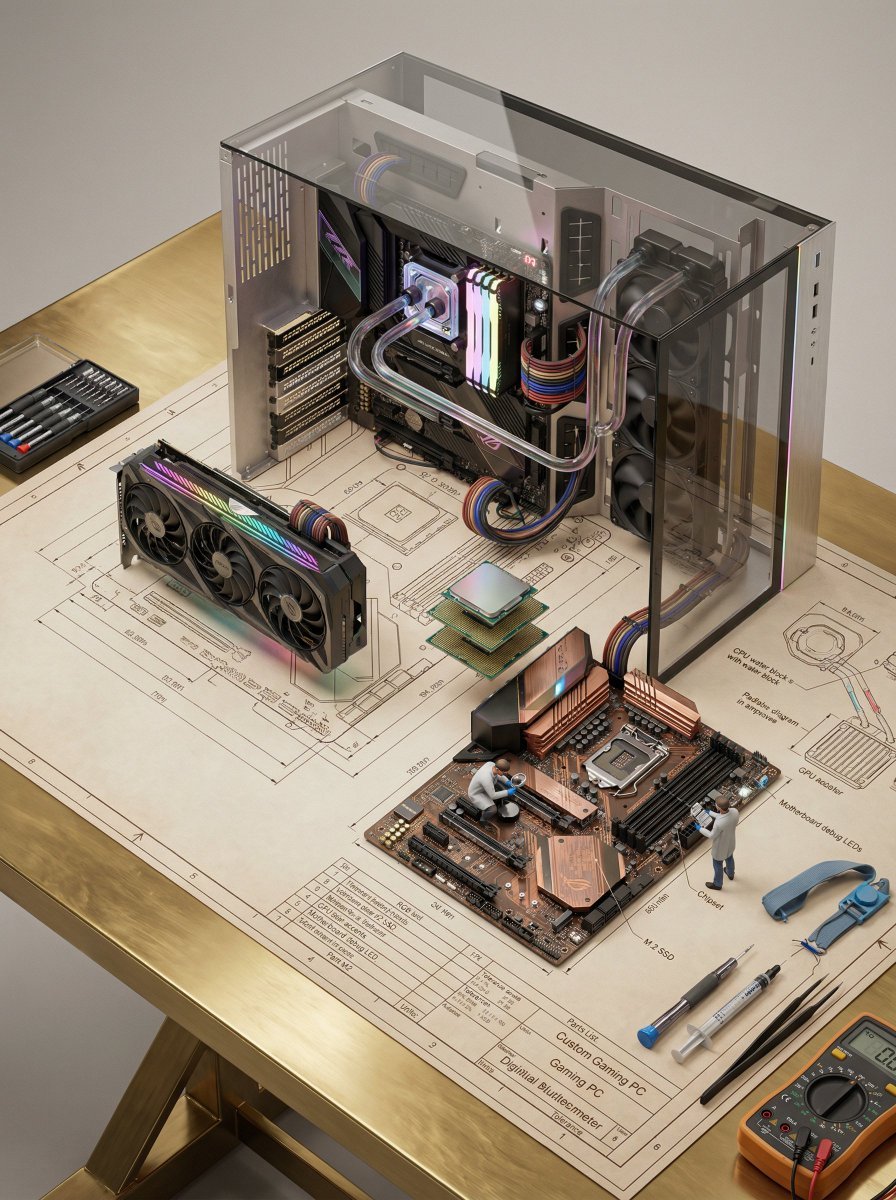
Technical Blueprint of an AI GPU Cluster

High-End Studio Fashion Portrait Prompt for Nano Banana 2

Deep-Sea Diver Artifact Close-Up
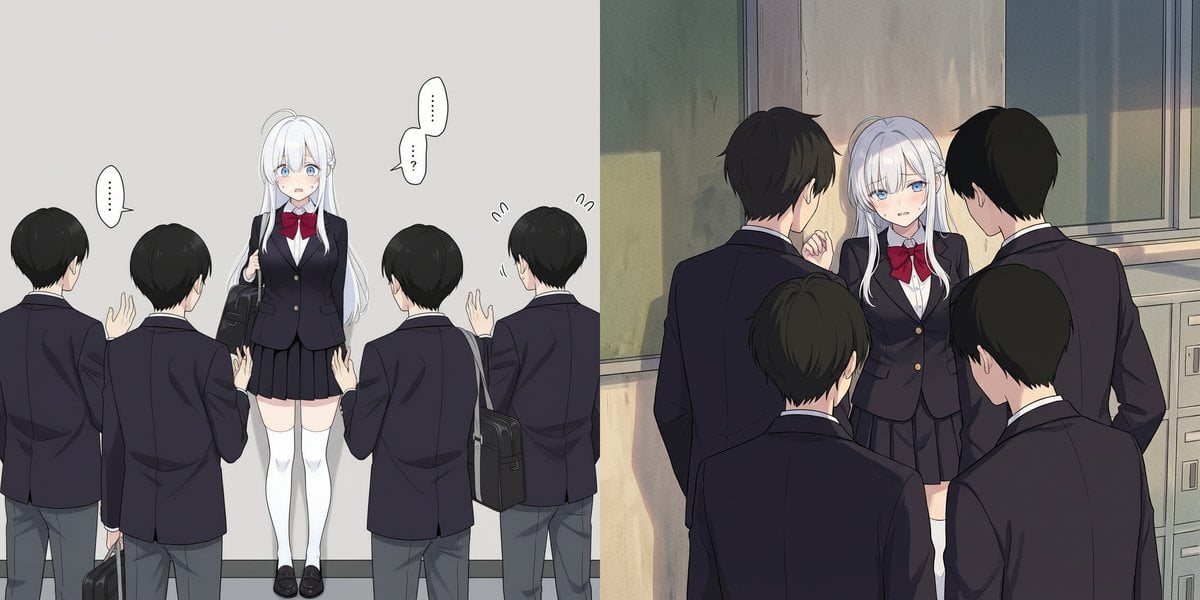
Girl cornered by three male students

Hyper-Realistic Commercial Beverage Photography

Cinematic Tennis Sports Poster
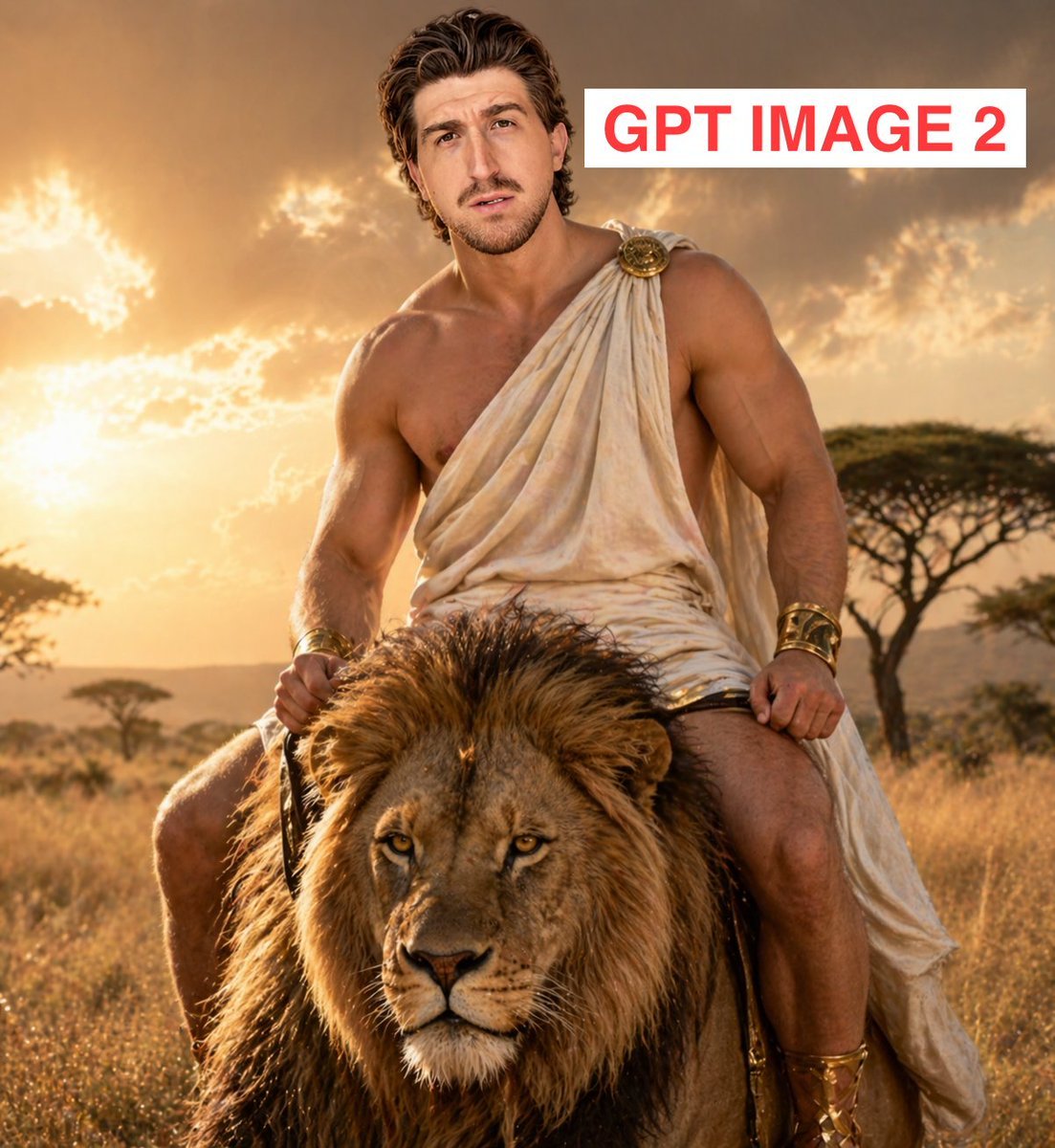
Greek God Riding a Lion
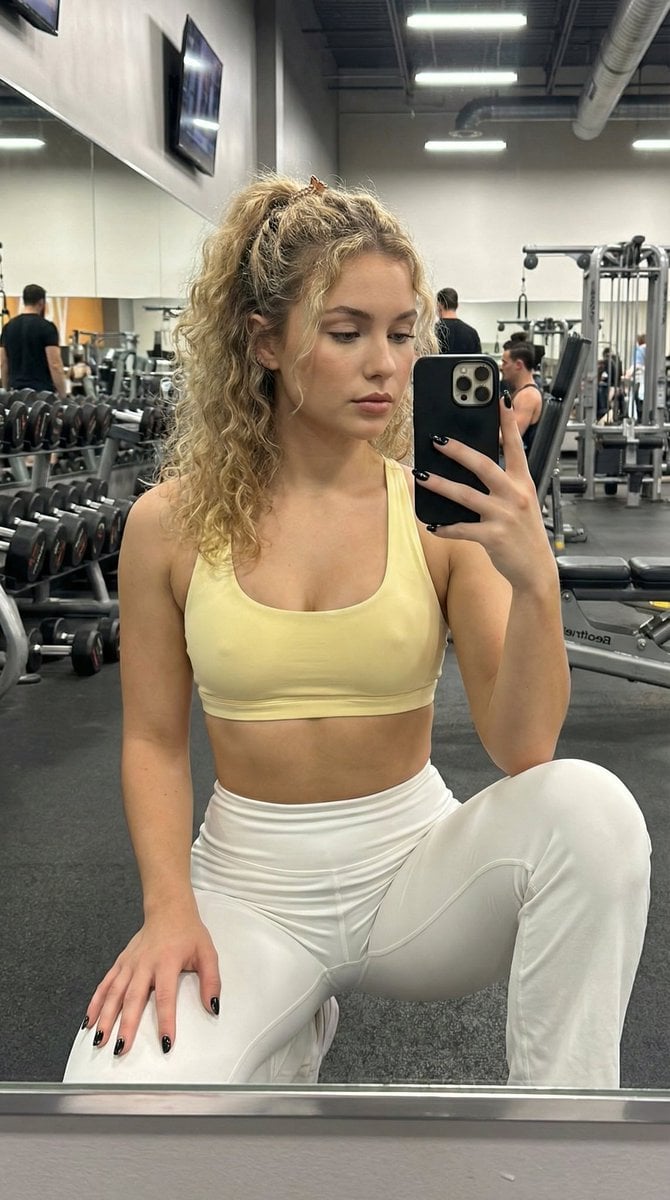
Granular Gym Mirror Selfie Prompt
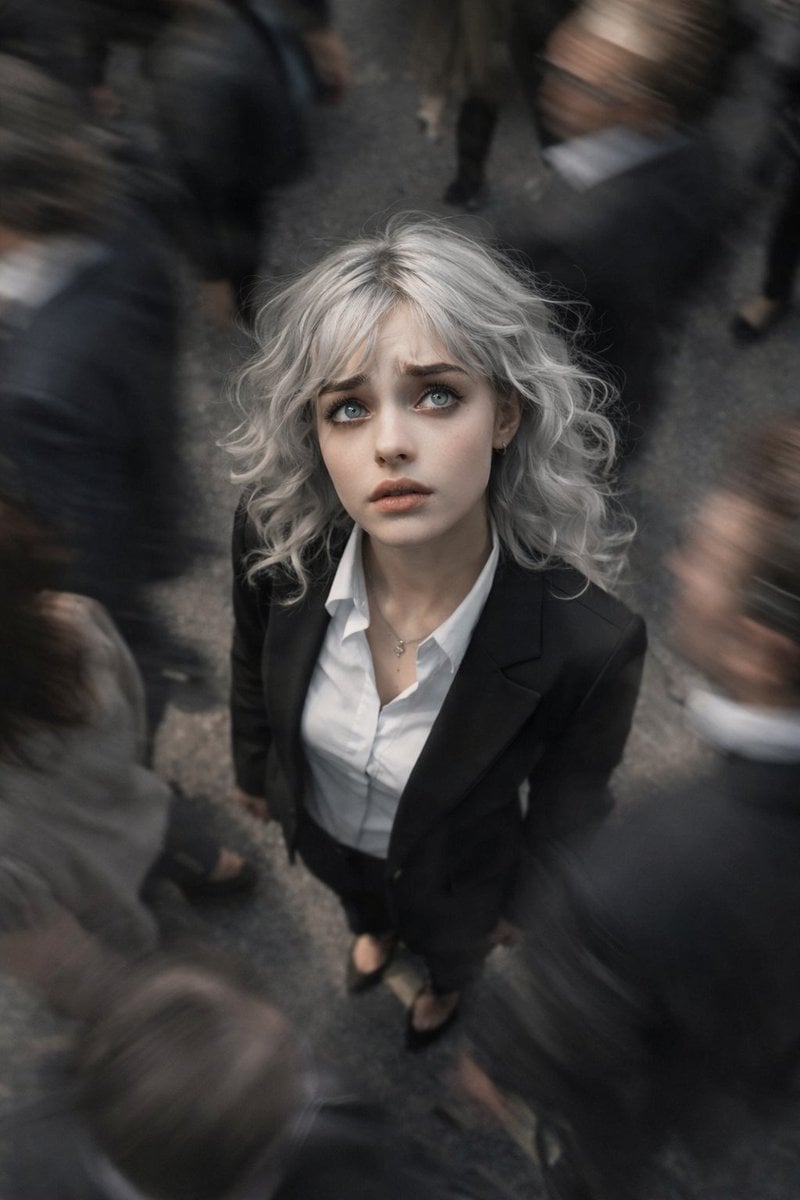
Top-View Street Scene with Motion Blur
Browse template categories
Realistic Bridal Garden Portrait questions
How do I use the Realistic Bridal Garden Portrait template?
Add your photo if the template asks for one, edit the prompt if you like — the template's model and format are already selected — and press Generate. Your version opens in PicX Studio.
Can I customize the Realistic Bridal Garden Portrait template?
Yes. You can change the subject, setting, lighting, mood, format, and available model controls before creating your image.
Is the Realistic Bridal Garden Portrait template free?
Opening and editing this template is free. Generating uses credits, shown on the Generate button when you are signed in.
Which AI model should I use?
Start with Nano Banana 2, which is the model associated with this template. You can compare another compatible model for a different finish.
Looking for something else? Browse all templates.

Your photo, any look
Thousands of ready templates for every top image and video model, from one credit balance.