How do I use the Parisian Evening Gown Edit template?
Choose the primary action to open PicX Studio with the available template settings. Review the model and format, personalize the creative direction, and generate when ready.
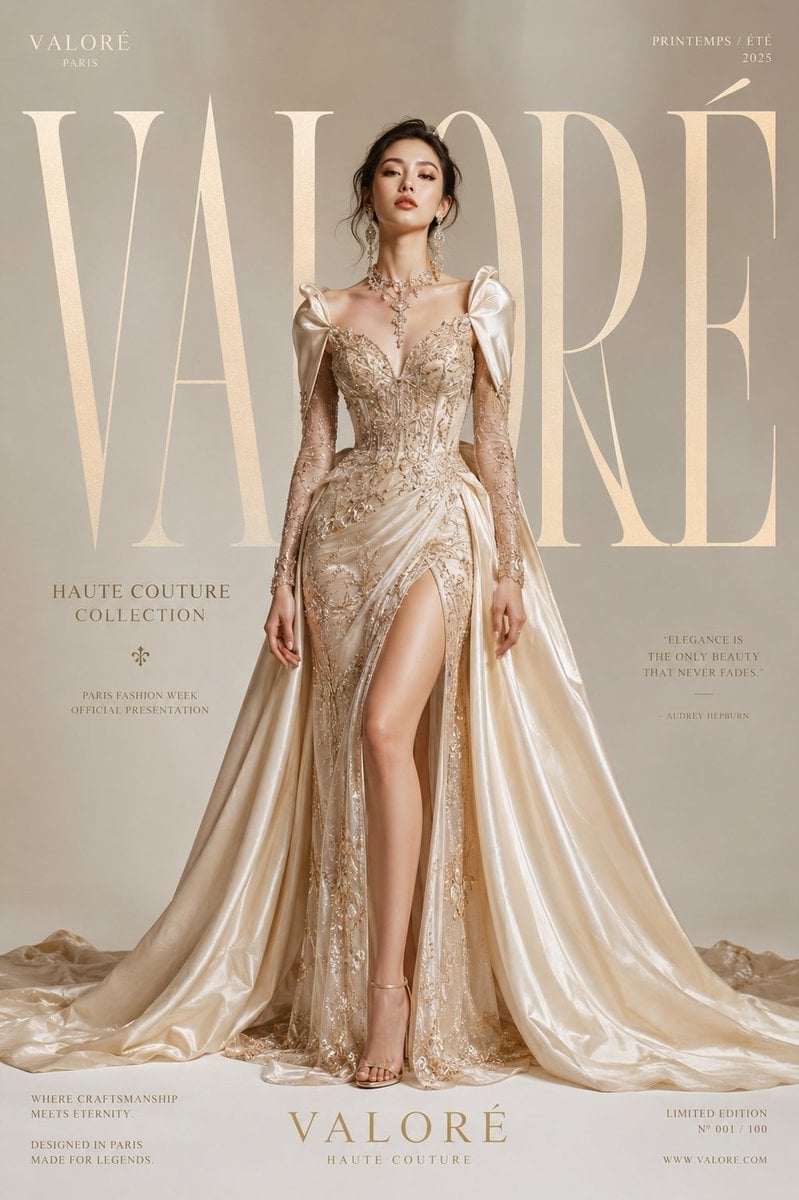
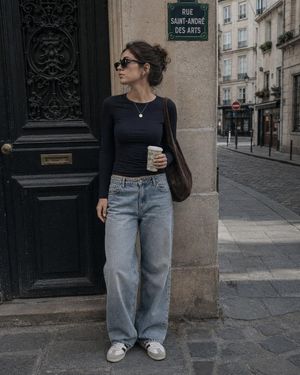
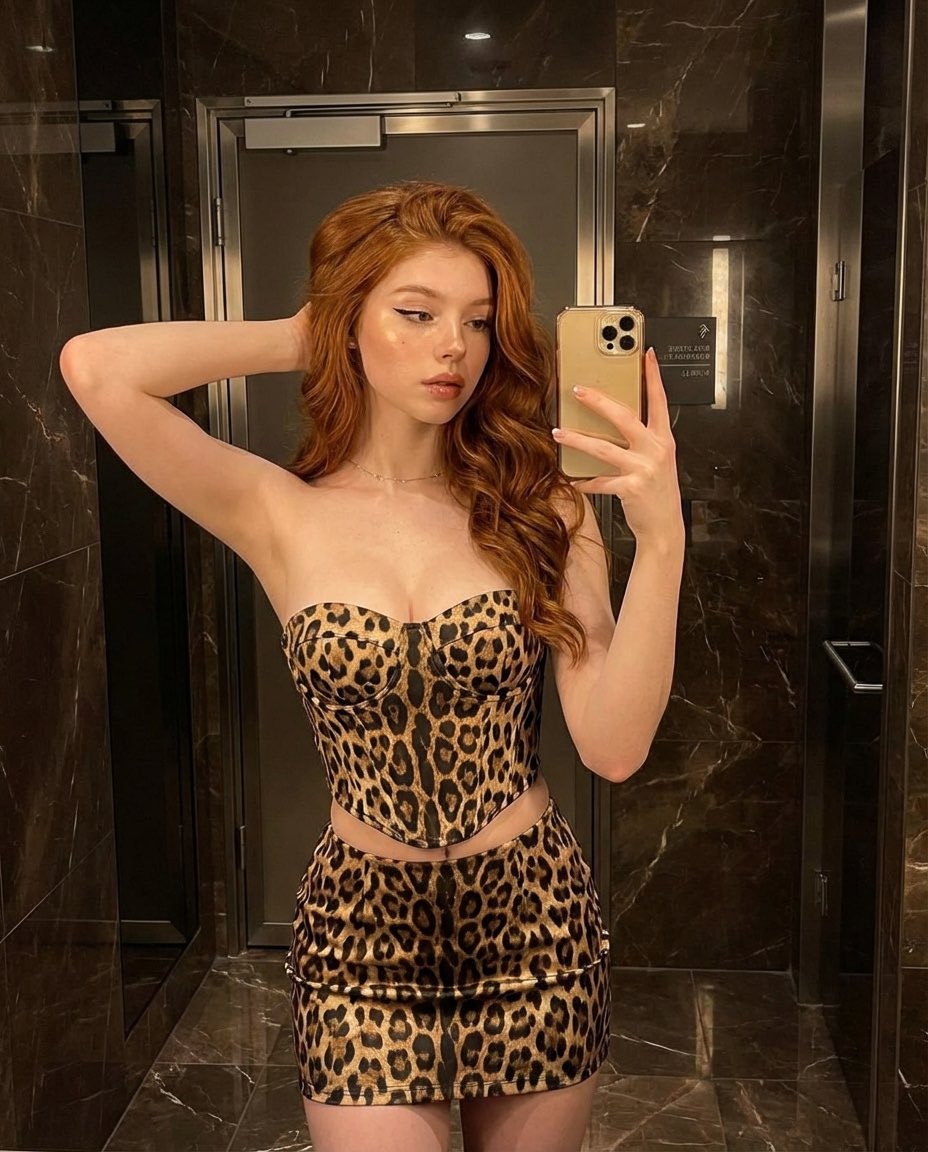
A prompt for modifying an existing image to place the subject in a Parisian high-fashion setting at night with an elegant gown.
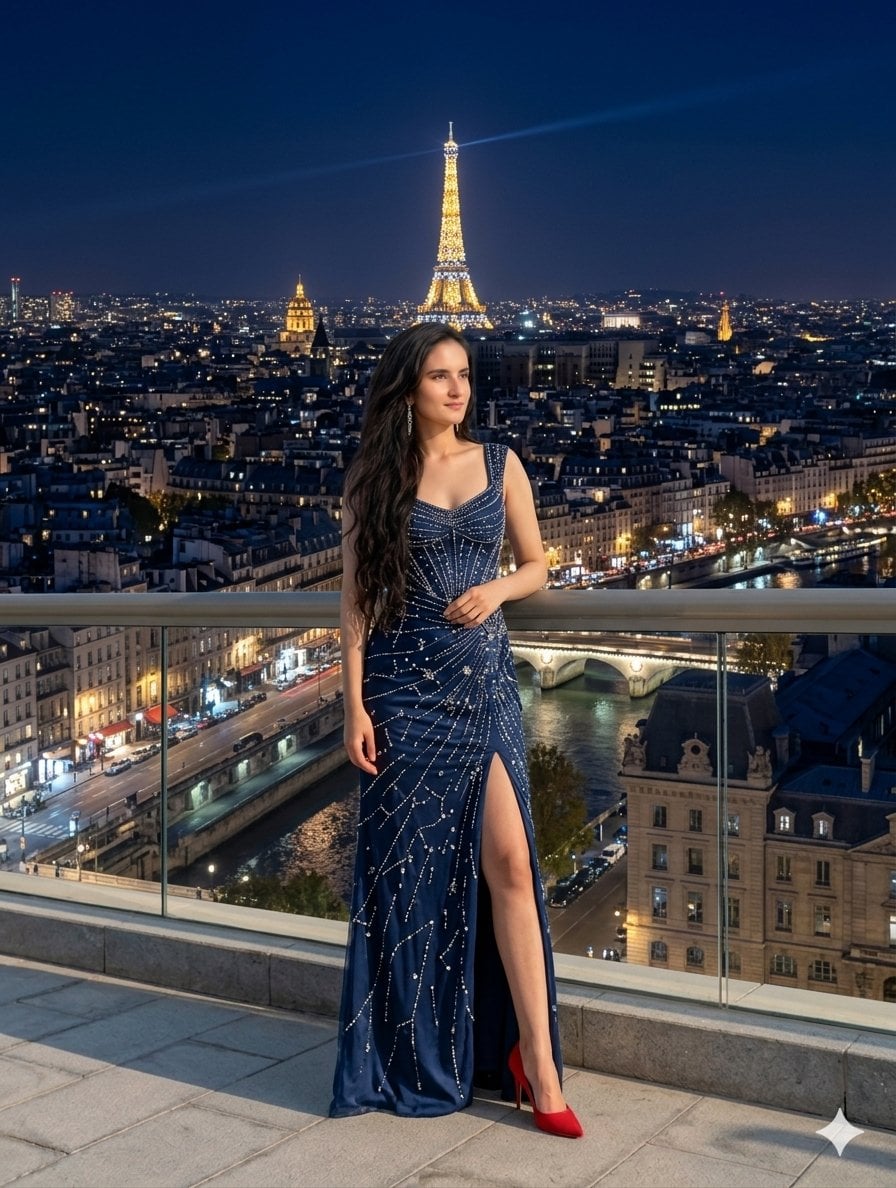
{ "image_editing_request": { "source_subject": "Woman from provided image (long dark hair, specific facial features)", "action": "replace_clothing_and_background", "modifications": { "outfit": { "style": "Parisian high-fashion evening gown", "details": "Midnight blue velvet or silk, floor-length, high thigh slit, intricate silver sequin starburst patterns", "footwear": "Keep or refine red high heels" }, "background": { "location": "{argument name="location" default="Paris, France"}", "time_of_day": "Night / Blue Hour", "elements": [ "Illuminated Eiffel Tower in center background", "Parisian city lights and architecture", "River Seine visible below", "Modern balcony with glass railing" ] } }, "technical_specs": { "resolution": "8k UHD", "lighting": "Cinematic, soft rim lighting on subject, bokeh city lights", "style": "Photorealistic, high-fidelity", "aspect_ratio": "3:4" } } }
Choose the primary action to open PicX Studio with the available template settings. Review the model and format, personalize the creative direction, and generate when ready.
Yes. You can change the subject, setting, lighting, mood, format, and available model controls before creating your image.
This template is free to open and customize. Generation usage is shown in PicX Studio before you create.
Start with Nano Banana 2, which is the model associated with this template. You can compare another compatible model for a different finish.
Follow a topic to a crawlable collection of related PicX Studio templates.