How do I use the Cinematic Night Café Subject template?
Choose the primary action to open PicX Studio with the available template settings. Review the model and format, personalize the creative direction, and generate when ready.
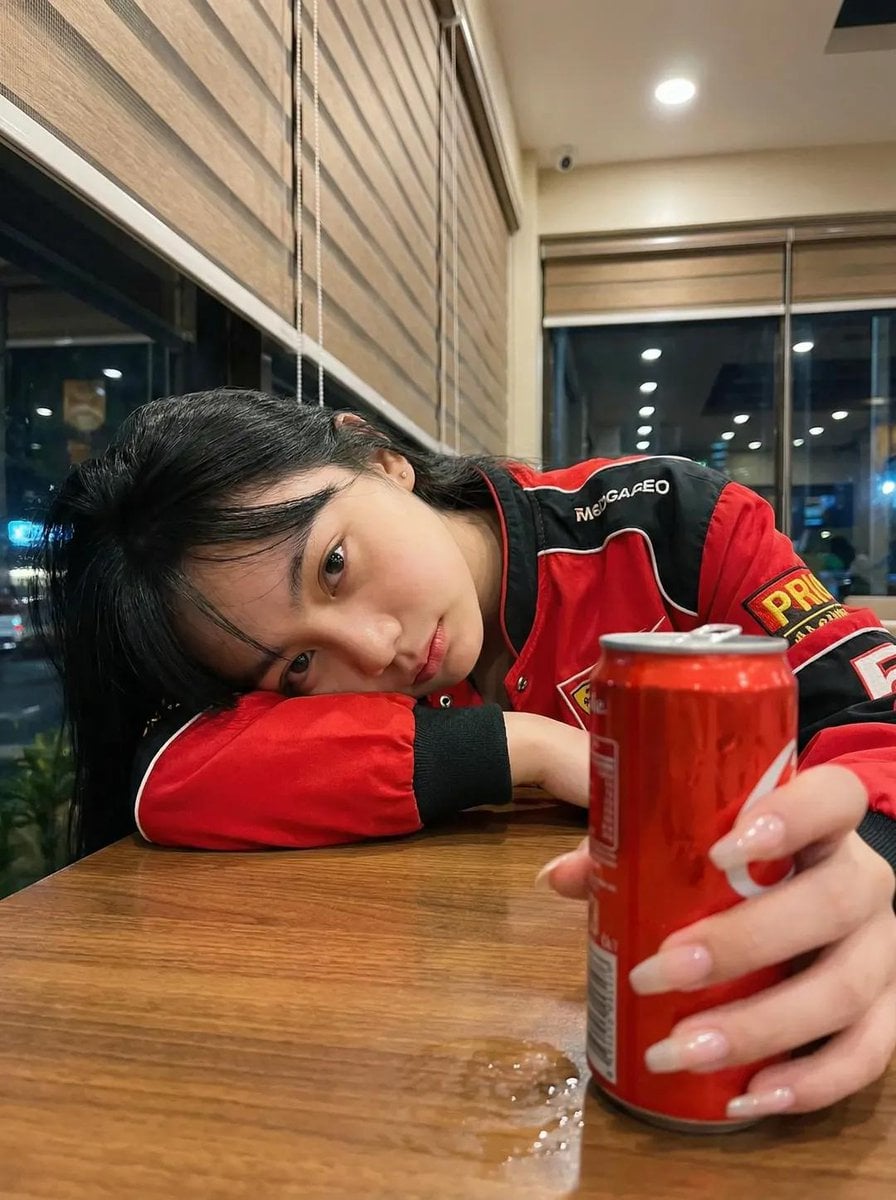
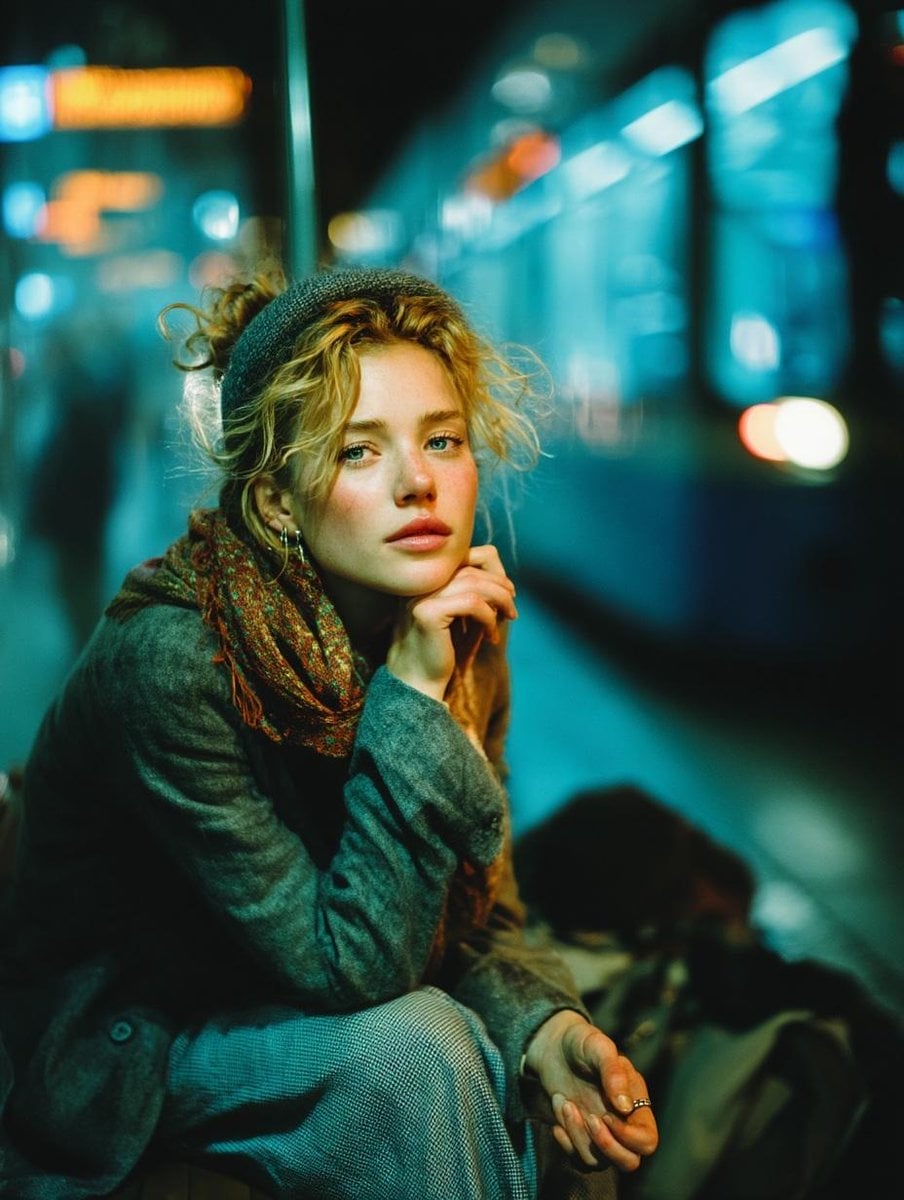
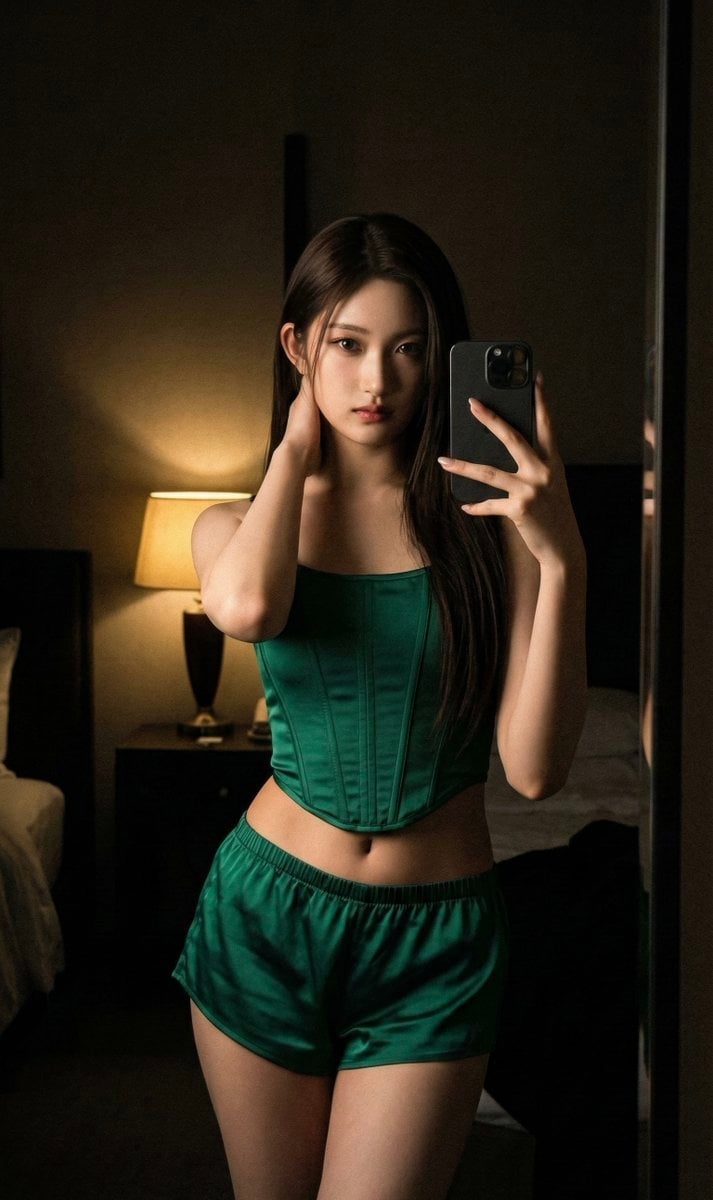
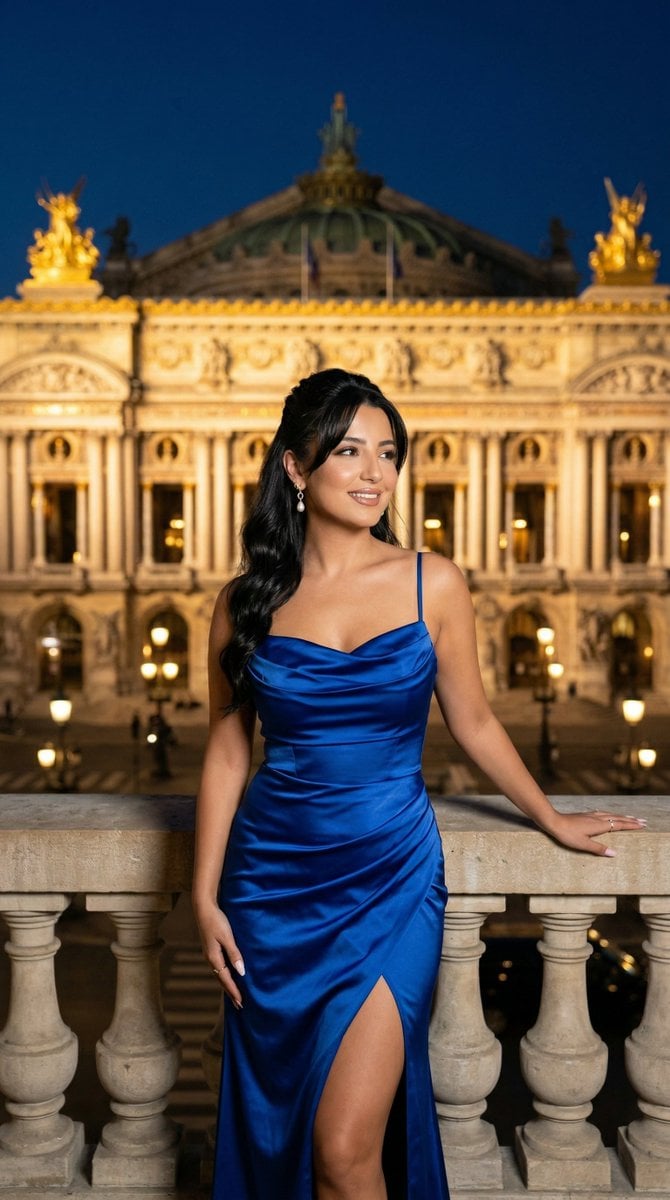
A moody, low-key cinematic lighting prompt featuring a subject inside a warm night café with foreground motion blur.
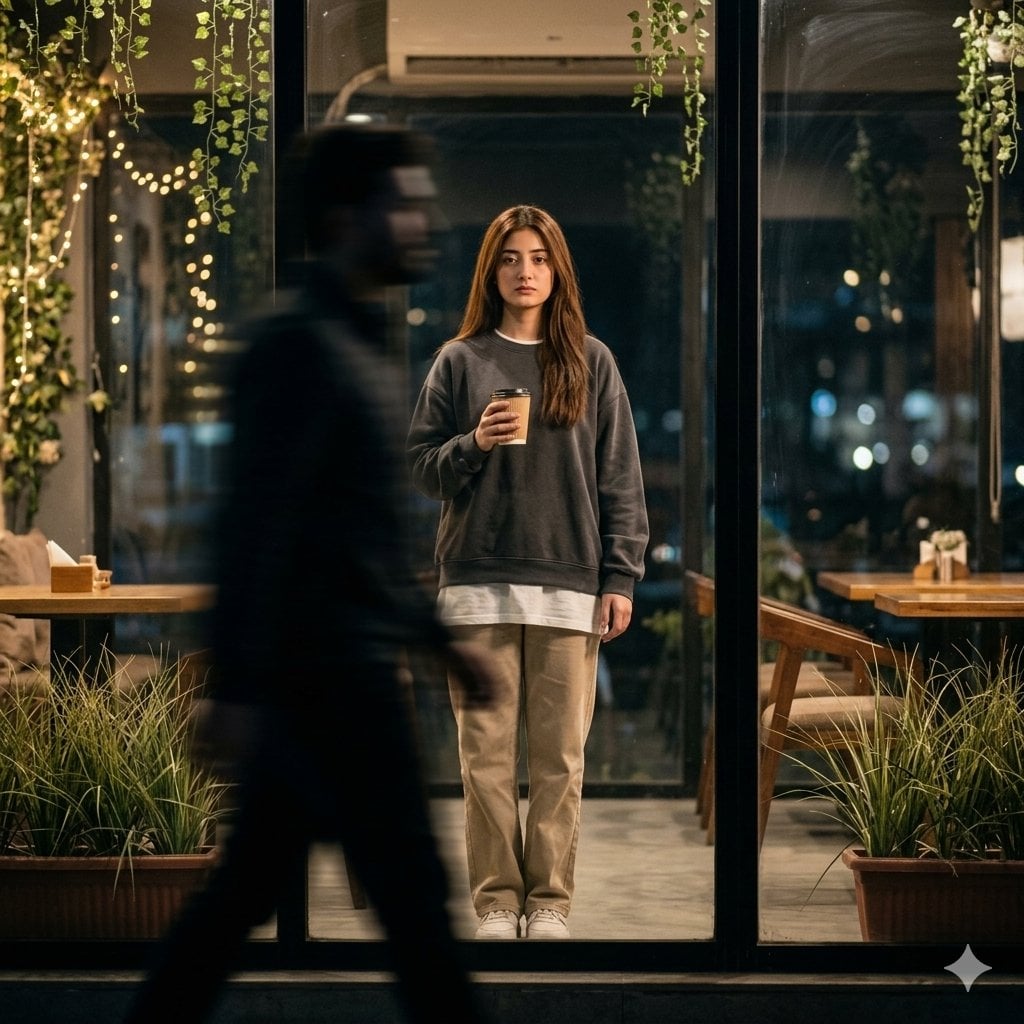
Preserve exactly: Facial structure & bone anatomy Jawline, cheekbones, chin Eye shape, spacing, gaze Nose, lips, brow shape Skin tone & natural texture Hairline, hairstyle, density ❌ No beautification ❌ No stylization ❌ No face reshaping ❌ No identity drift Scene & Composition Shot from outside a {argument name="setting" default="glass café at night"}. The main subject is centered inside the café, standing still and facing the camera. In the foreground, a dark shadowy person walks past, rendered with strong horizontal motion blur, partially blocking the frame and creating depth. Only a narrow clear area reveals the subject sharply. Subject Young adult. Expression: {argument name="expression" default="natural, calm, slightly sad (not forced)"}. Right hand holding a disposable coffee cup at chest height, left hand relaxed. Outfit {argument name="clothing" default="Oversized dark sweatshirt"} Long white T-shirt underneath Loose beige trousers White sneakers Environment A warm night café with plants: hanging vines, tall grass-like plants, wooden tables, soft fairy lights, gentle reflections on the glass. Outside remains dark with soft city bokeh. Lighting & Mood Low-key cinematic lighting. Most of the scene is dark, with a soft warm glow around the subject only. Subtle contrast, film-style color grading, realistic shadows. Camera Style Eye-level, full-body framing, shallow depth of field. Foreground motion blur, subject in sharp focus. Natural film grain, 4K realism.
Choose the primary action to open PicX Studio with the available template settings. Review the model and format, personalize the creative direction, and generate when ready.
Yes. You can change the subject, setting, lighting, mood, format, and available model controls before creating your image.
This template is free to open and customize. Generation usage is shown in PicX Studio before you create.
Start with Nano Banana 2, which is the model associated with this template. You can compare another compatible model for a different finish.
Follow a topic to a crawlable collection of related PicX Studio templates.