How do I use the Kawaii Chibi Mirror Selfie template?
Choose the primary action to open PicX Studio with the available template settings. Review the model and format, personalize the creative direction, and generate when ready.
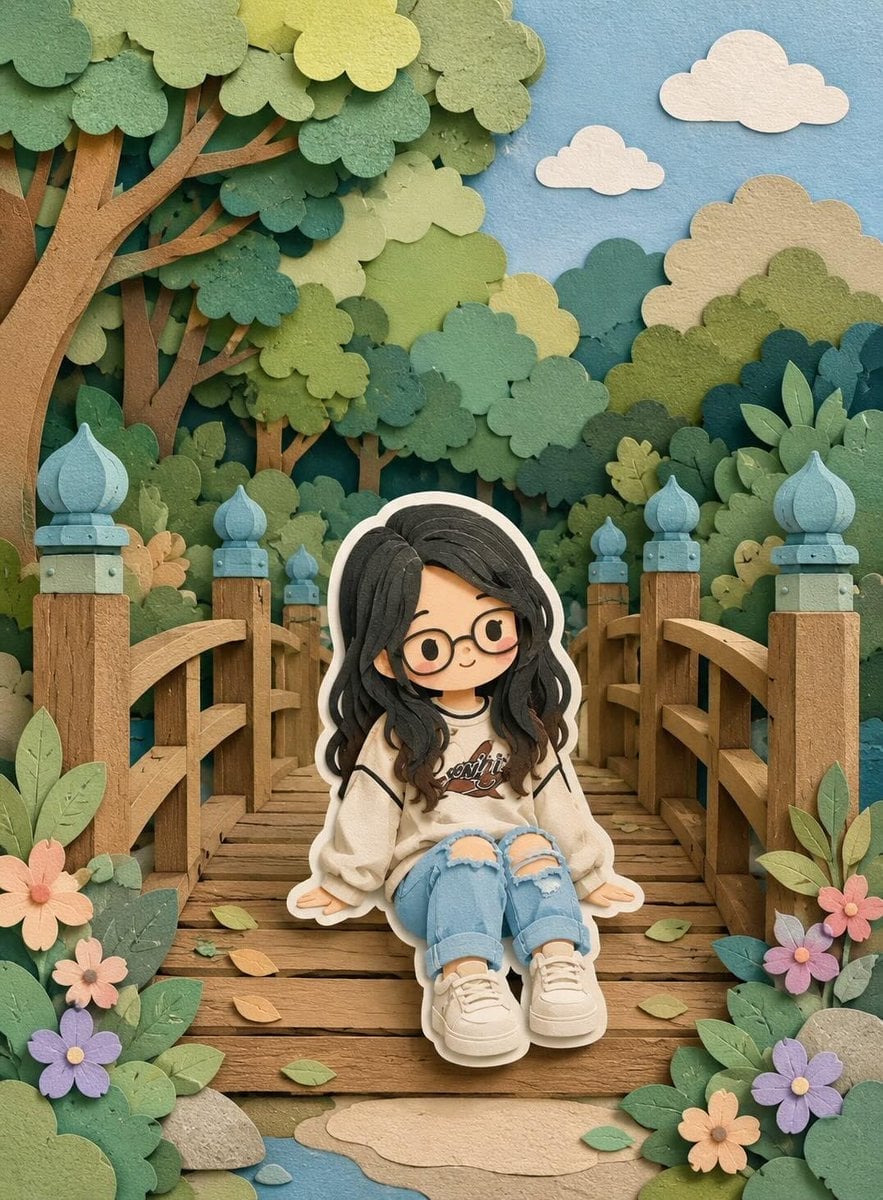
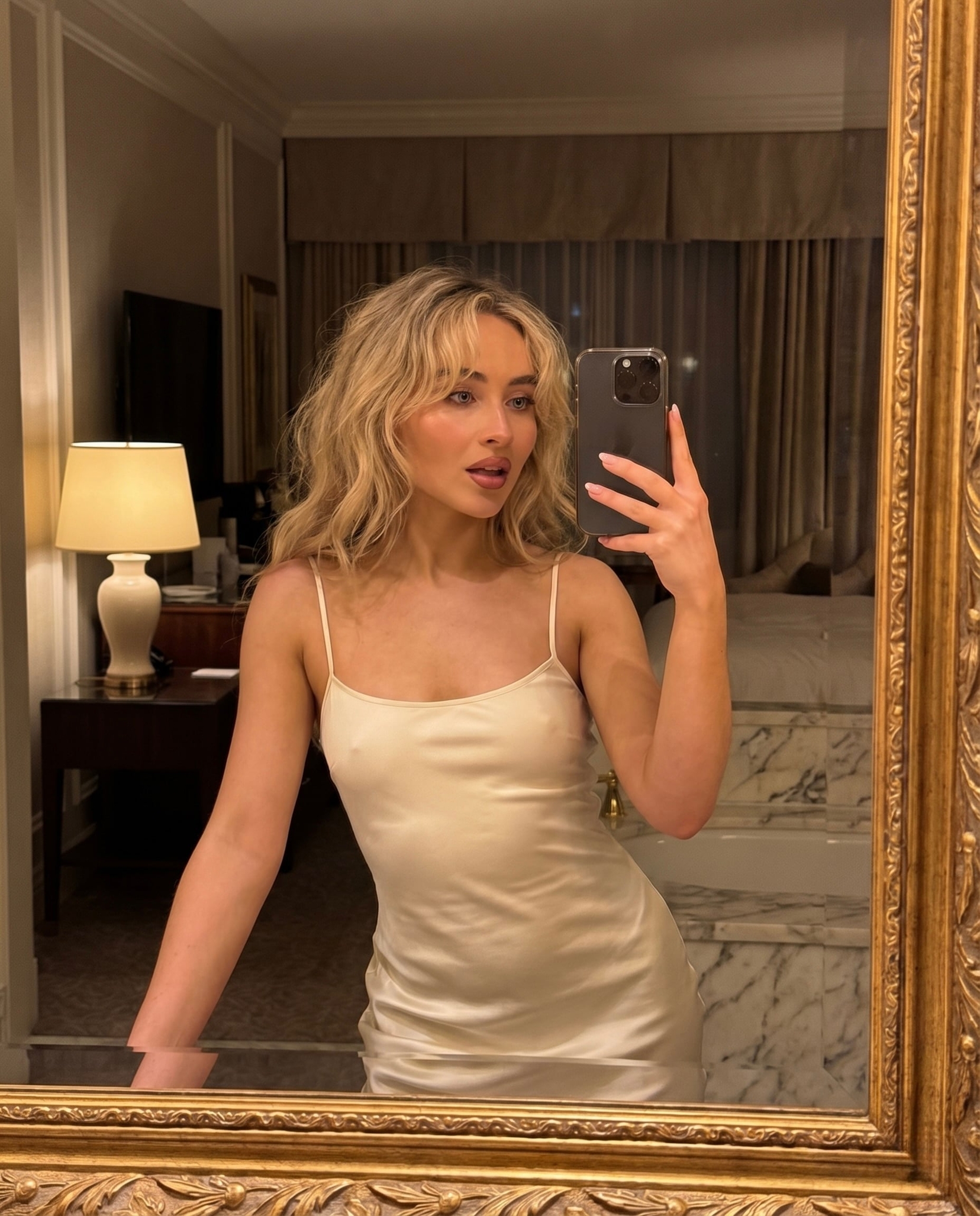
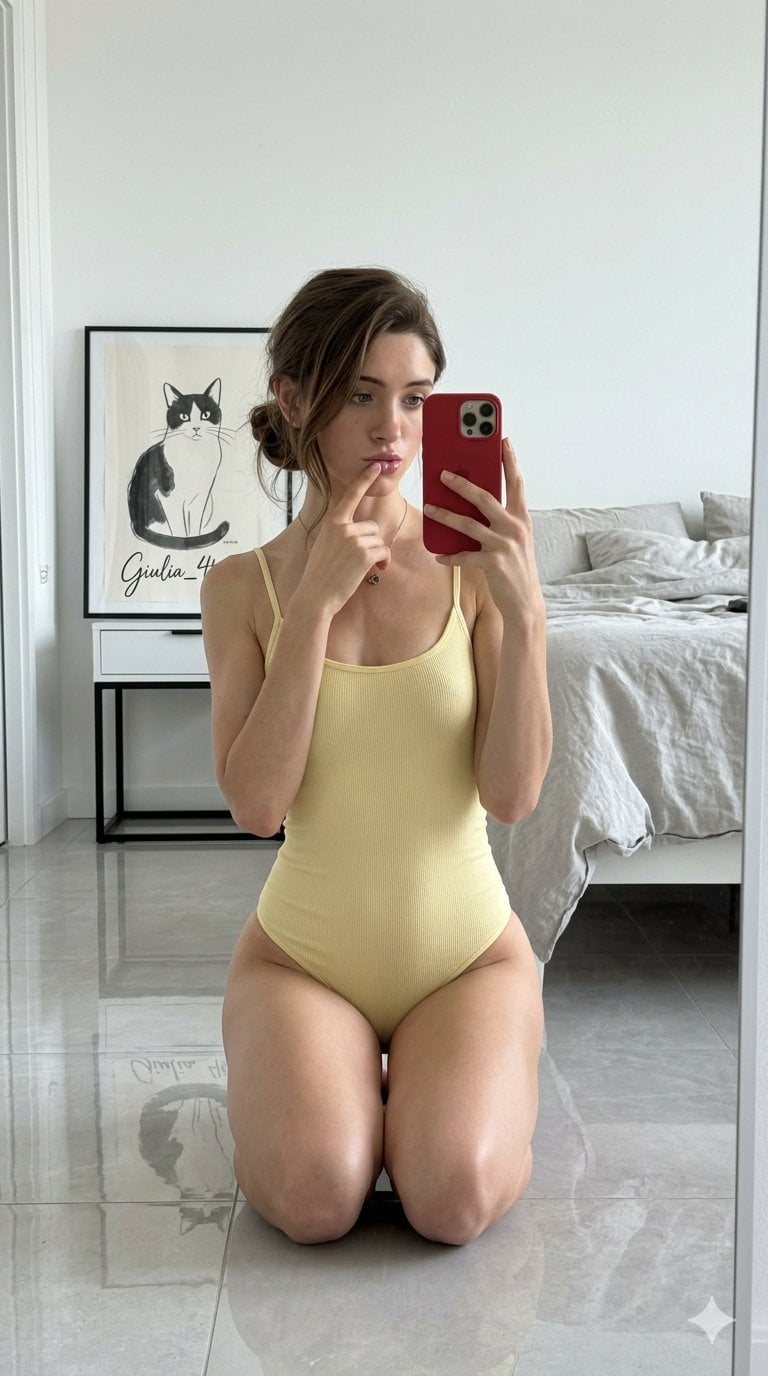
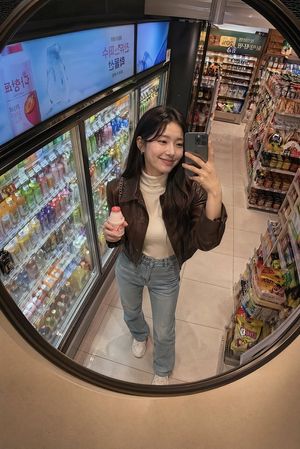
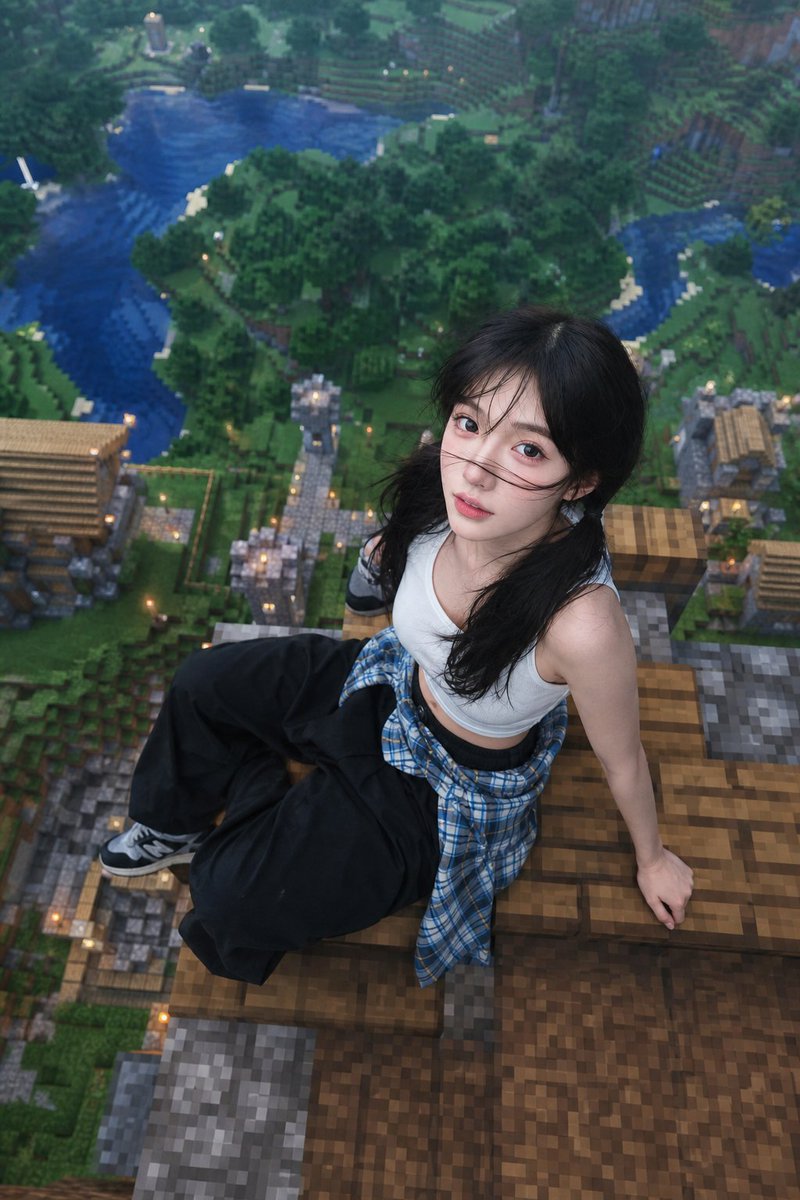
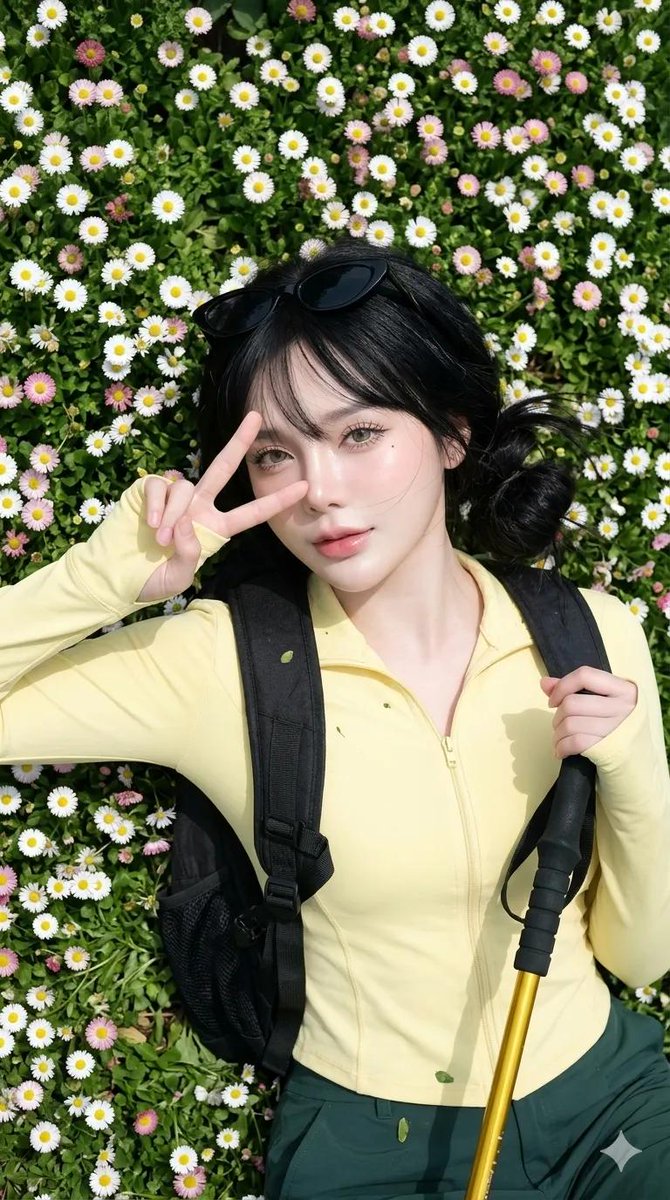
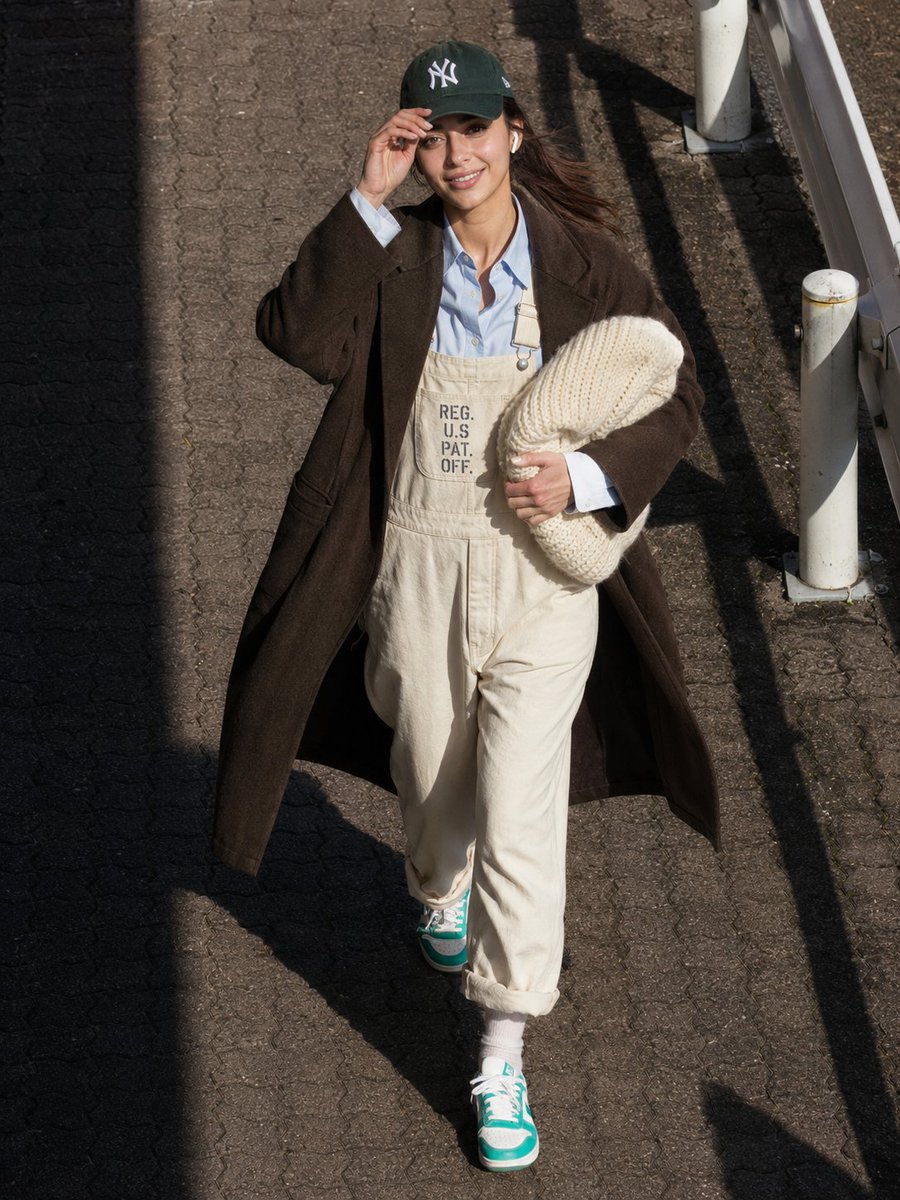
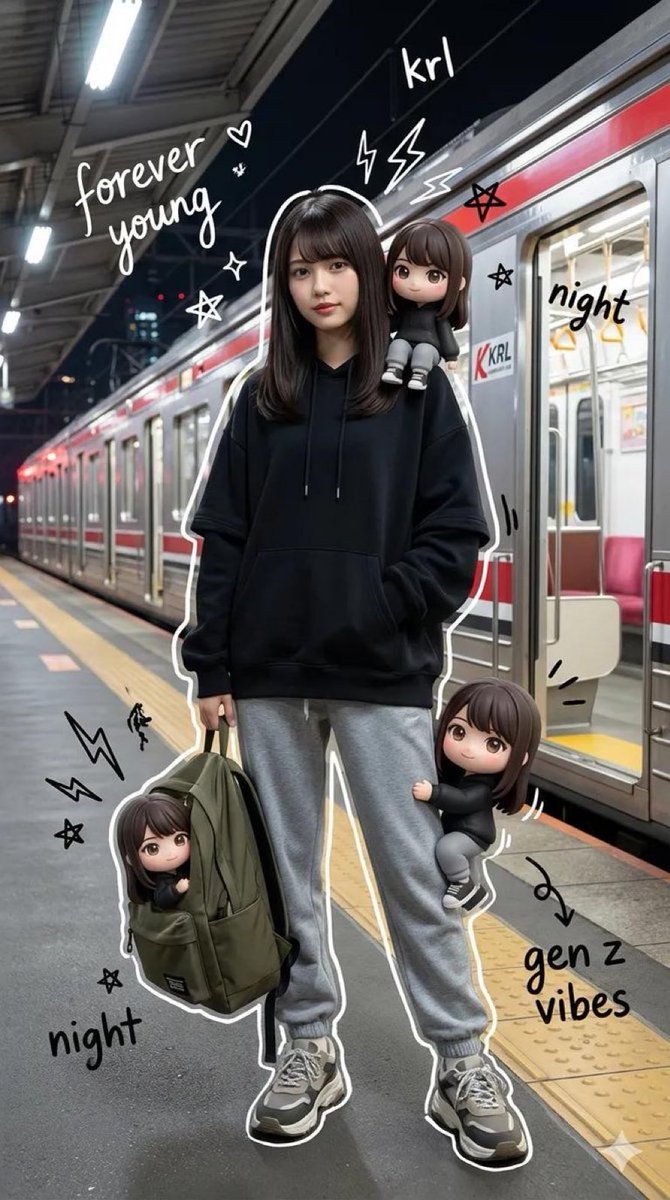
A creative prompt set that blends realistic mirror selfies with cute 3D chibi-style mini versions of the subject in various poses.
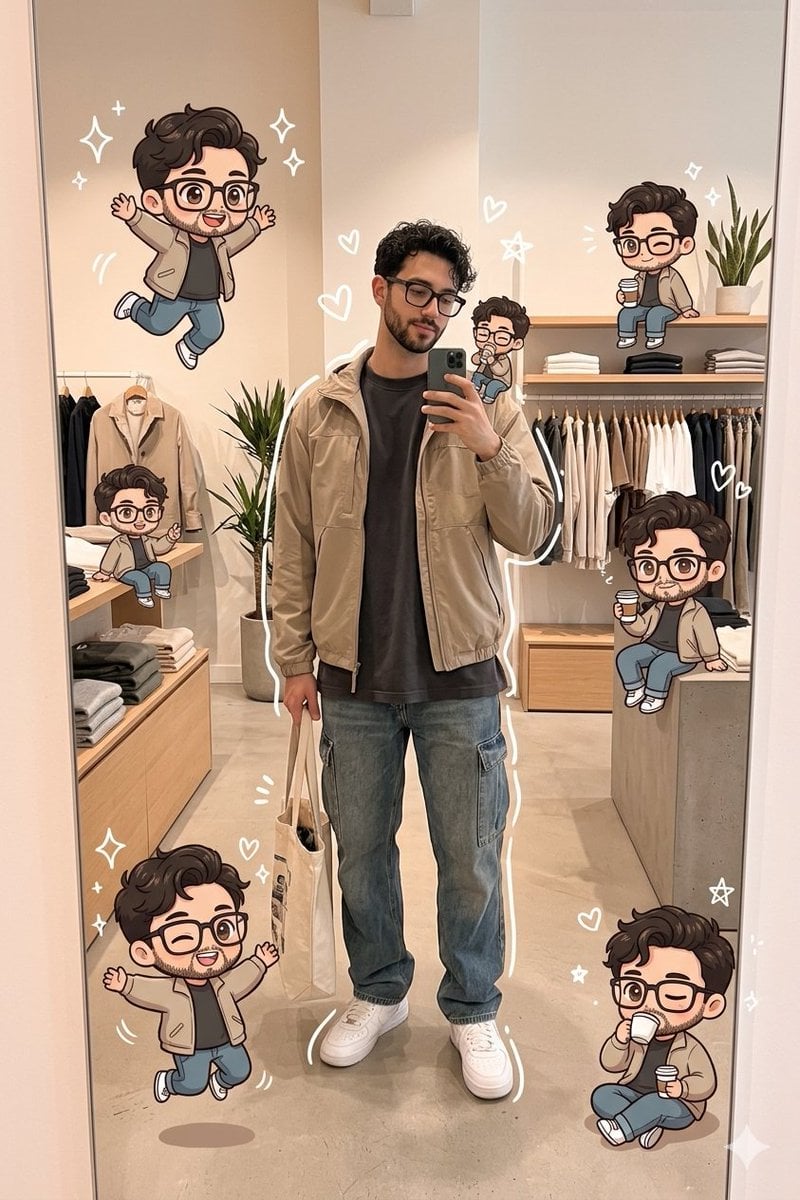
{ "prompts": [ { "id": 1, "title": "store_boy", "prompt": "A stylish young man taking a mirror selfie inside a modern clothing store, wearing a casual chic outfit ({argument name="outfit 1" default="oversized tee or shirt, light jacket, relaxed jeans, sneakers, crossbody bag"}), holding a tote bag. Around him are multiple cute chibi-style mini versions of himself with big eyes and playful expressions (jumping, sitting, winking, drinking coffee). Soft warm lighting, minimal aesthetic store interior, doodle-style white sparkles and hearts, clean composition, high detail, pastel tones, kawaii illustration blended with realistic photography" }, { "id": 2, "title": "home_boy", "prompt": "A young man taking a mirror selfie in a minimal modern home, wearing an {argument name="outfit 2" default="all-black casual outfit"} with a crossbody bag and sunglasses on his head. Surrounding him are adorable chibi mini versions of himself in different playful poses (jumping, sitting, peace sign, drinking bubble tea), with big glossy eyes and soft cartoon style. Background includes a {argument name="background elements" default="potted plant, wooden table, neutral decor, and framed art"}. Soft natural lighting, cozy aesthetic, white doodle sparkles and hearts, blend of realism and cute 3D cartoon style, high detail" } ] }
Choose the primary action to open PicX Studio with the available template settings. Review the model and format, personalize the creative direction, and generate when ready.
Yes. You can change the subject, setting, lighting, mood, format, and available model controls before creating your image.
This template is free to open and customize. Generation usage is shown in PicX Studio before you create.
Start with Nano Banana 2, which is the model associated with this template. You can compare another compatible model for a different finish.
Follow a topic to a crawlable collection of related PicX Studio templates.